
Kapwing User Guide 2025: How can beginners quickly and efficiently edit videos?
KapwingAs the most popular in 2025AI online video editing platformWith itsIntelligent editing, cloud collaboration, and easy to use even for beginners.With its advantages, Kapwing has become the preferred tool for novice content creators. This article will introduce you to Kapwing.Latest features and efficient creation techniquesIt helps you quickly create high-quality short videos and easily achieve multi-platform publishing and team collaboration!
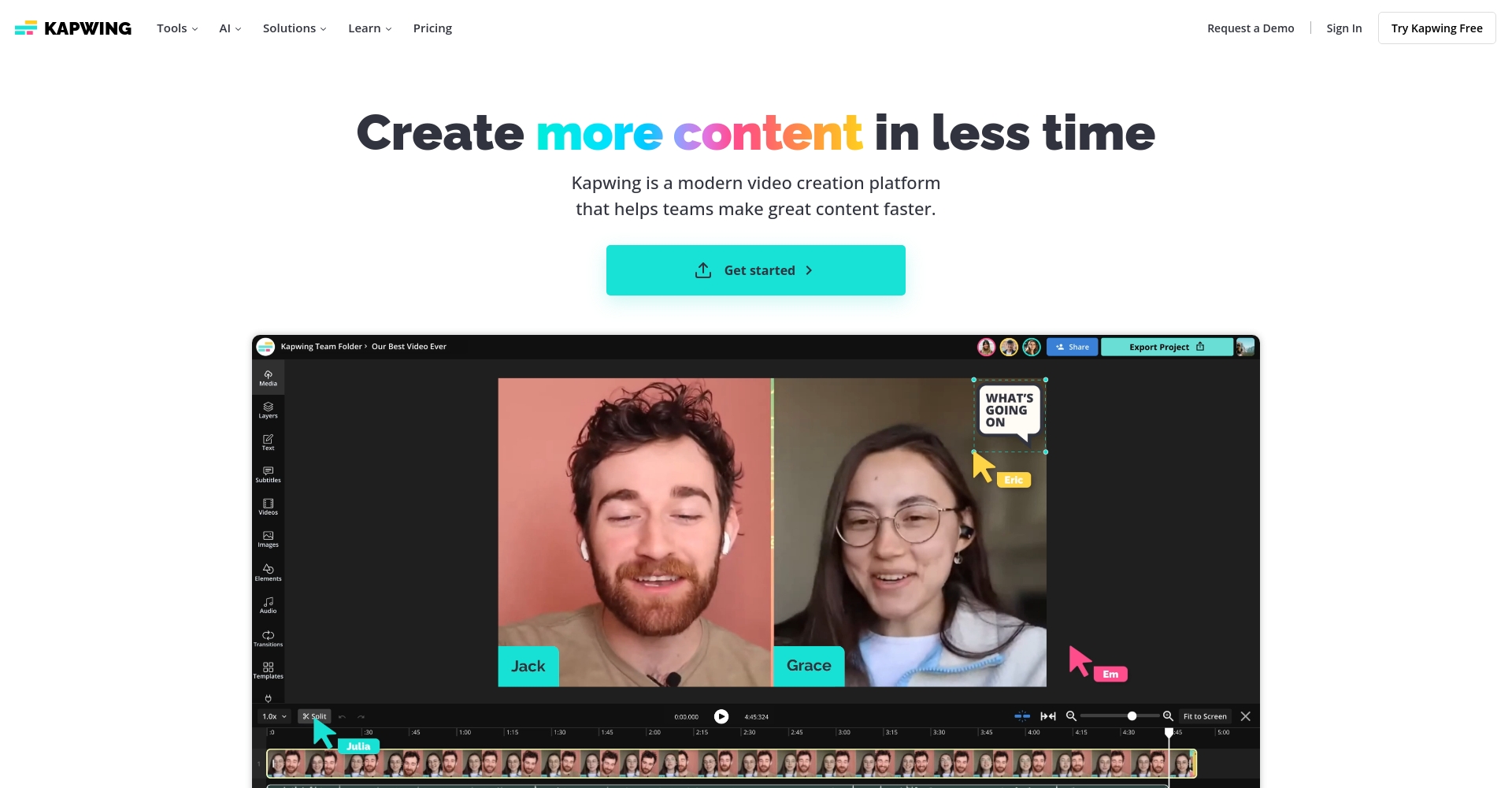
认识Kapwing:2025年最强AI视频编辑平台
Kapwing Introduction and Product Positioning
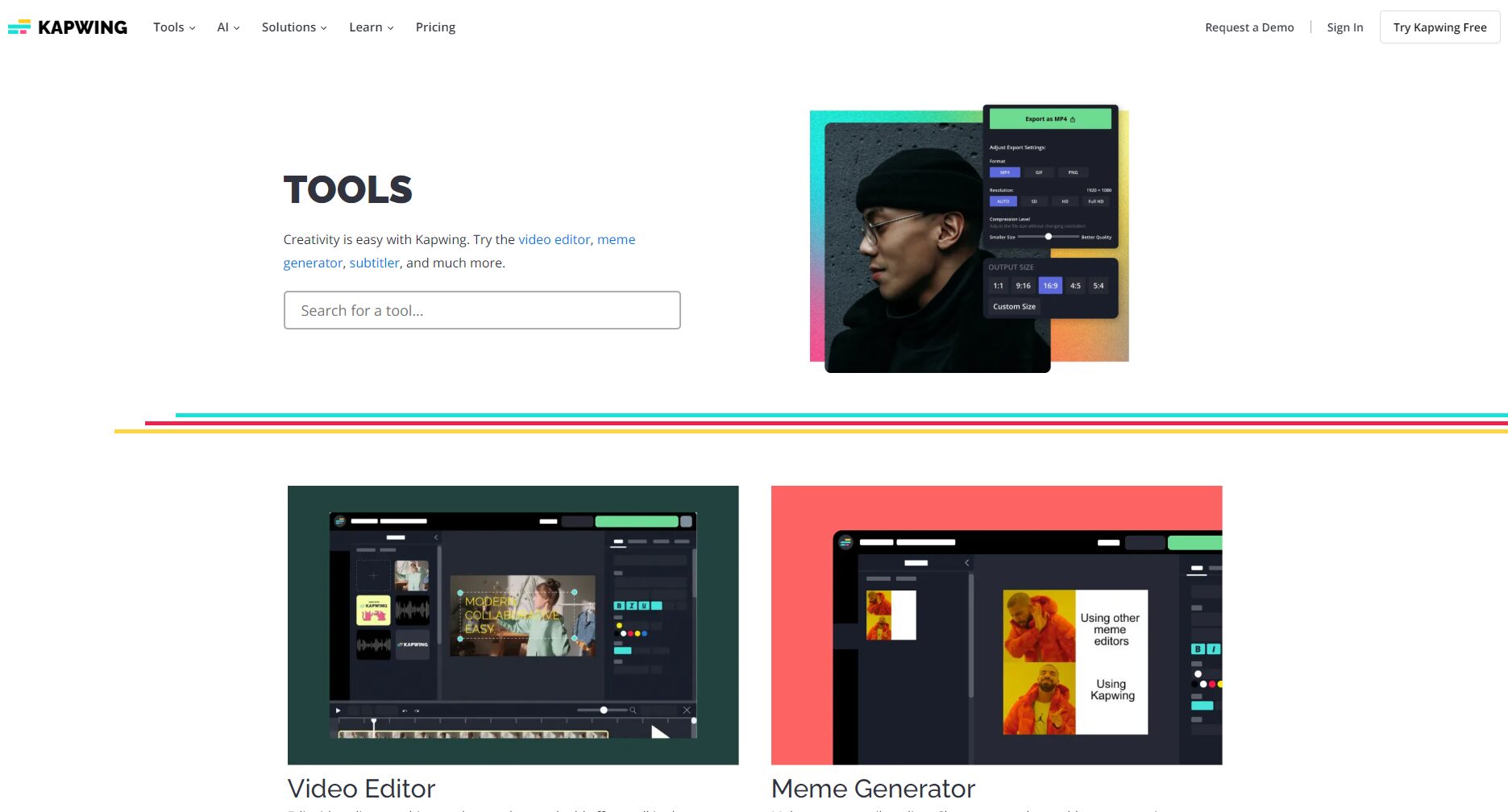
KapwingIt's a powerful online AI video editing and design platform, available for Windows, Mac, Chromebook, and tablets. No software installation is required; simply open...Kapwing Official WebsiteYou can start editing online immediately, supporting various content types such as video, audio, GIF, and images.
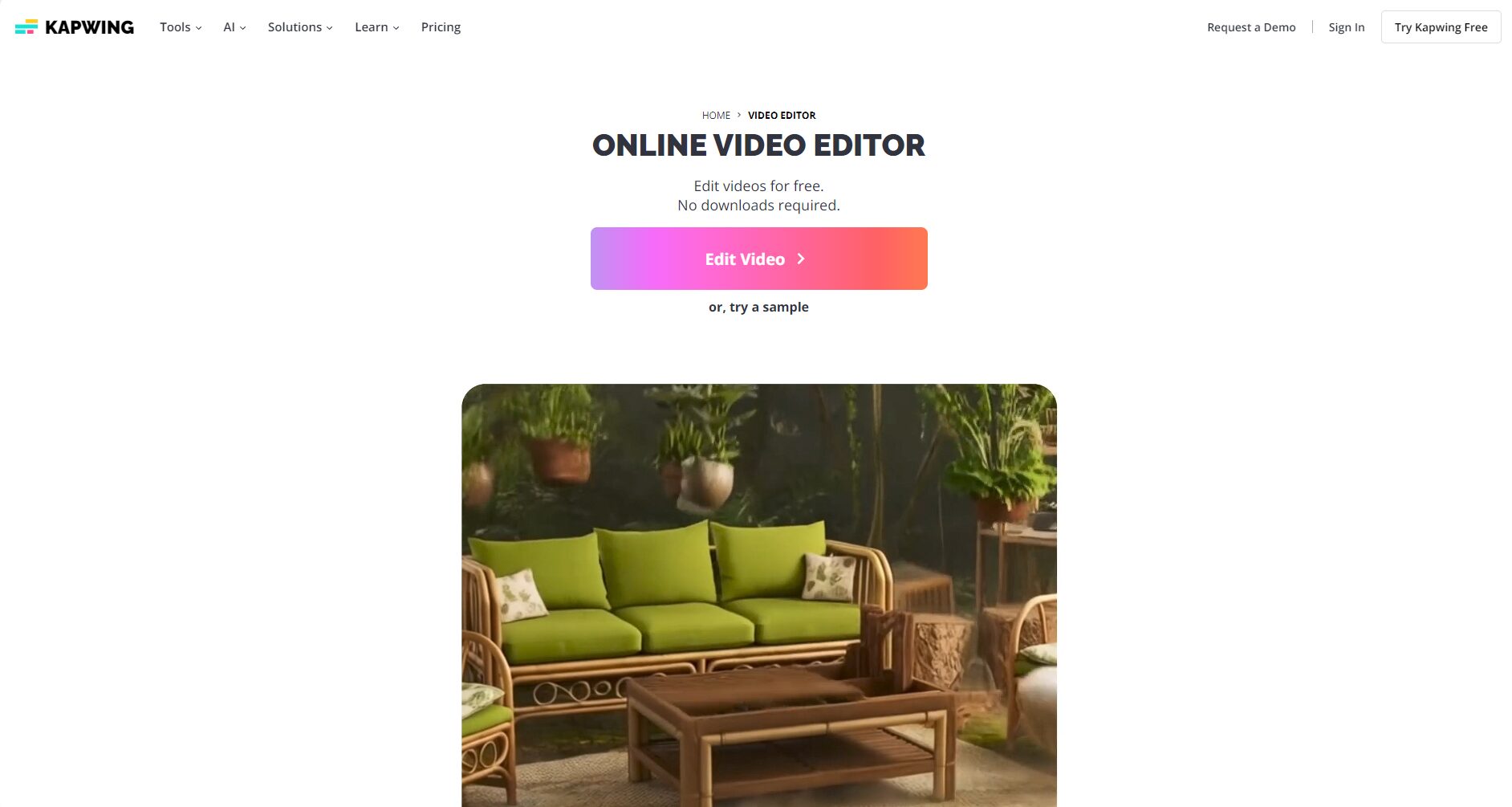
| Key features | Detailed description |
|---|---|
| No download required | Direct browser operation, cloud editing anytime, anywhere |
| AI-automated editing | It includes everything from editing and muting to subtitle generation and aspect ratio adjustment. |
| Multi-platform collaboration | Supports cloud collaboration for individuals and teams, suitable for remote collaboration. |
| Diverse content | Supports all types of media including videos, audio, GIFs, and images. |
| Free + Paid Combination | Basic features are free to try; advanced features can be upgraded for a fee. |

Kapwing's AI Feature Highlights
- AI-powered intelligent editing (Smart Cut)Automatically identifies and cuts out awkward scenes, significantly improving editing efficiency.
- AI-generated subtitles/translationSupports automatic generation and simultaneous translation of multilingual subtitles, facilitating content localization.
- AI voice copying/narrationEnter text to generate realistic voice narration.
- AI Content RestructuringIt can split long videos into multiple short clips with one click, adapting to the needs of different platforms.
- AI image/GIF/meme generationSupports custom themes and AI design, quickly enriching your portfolio.
Kapwing Platform Interface and Operation Process
Kapwing has an intuitive interface and offers...Timeline editing, ribbon toolbar and live preview windowIt supports multi-track layering and multimedia file import, making it suitable for beginners to get started directly.
Beginner's Guide: Five Practical Steps to Quickly Get Started with Kapwing
Step 1: Registration, Login, and Project Creation
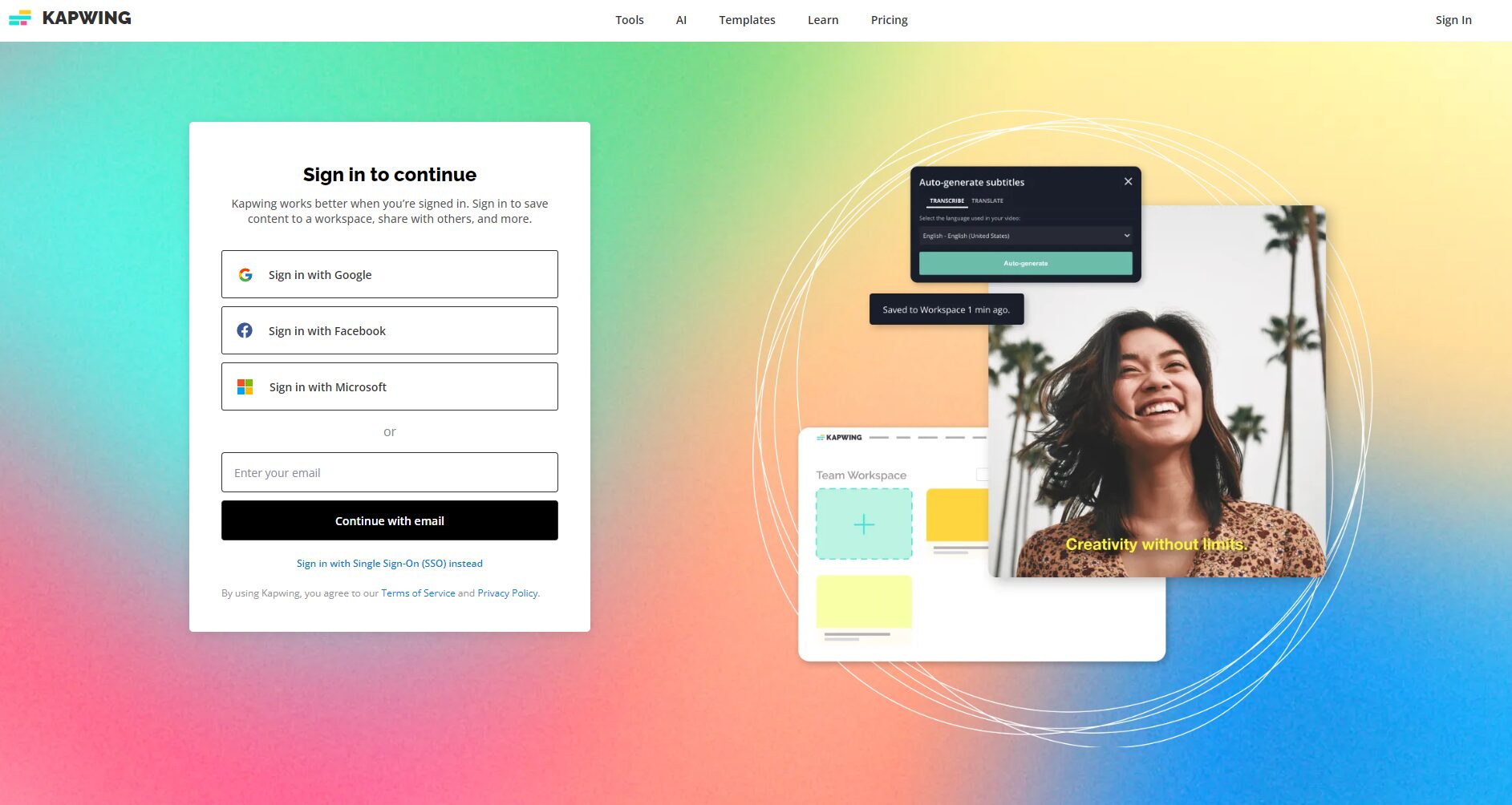
- accessKapwing Official WebsiteClick "Start Editing" to begin editing.
- You can quickly register with your Google account or email address and select "New Project" to create a new project.
Step 2: Import media files
- You can drag and drop to upload local files (videos/audio/images) or paste external links (such as YouTube URLs), or import from cloud storage.
Step 3: Smart Quick Editing
- EnableSmart CutThe platform automatically cuts out silent/awkward segments.
- It supports dragging and dropping the timeline, manual splitting/deletion, and flexible editing.
Step 4: Add subtitles and music for enhancement
- AI-powered automatic subtitles are recognized and transcribed in seconds.
- Import background music and adjust the volume; you can also use the platform's resource library.
Step 5: One-click export and sharing across multiple platforms
- Export in multiple formats (MP4, GIF, MP3) and 4K support;
- Share to mainstream platforms such as TikTok and YouTube with one click.
| step | Function Description | Tips |
|---|---|---|
| Register/Login | One-click launch of software without installation | Register instantly with your Google account |
| Import Media | Import content through multiple channels | Supports YouTube/Google Cloud |
| AI editing | Intelligent way to break the ice | Turn on "Smart Cut" to save time and effort |
| Subtitle Music | AI-generated subtitles and translation | Use AI voice to provide personalized narration. |
| Export and share | 4K multi-format export, watermark-free | Upgrade to Pro to unlock watermark-free |
Advanced Features and AI-Assisted Creativity: From Basic to Professional
AI-powered content reshaping: Shorten long videos with a single click
Simply select the long video.Kapwing AIIt can automatically split into short videos, adapt to different platform ratios (16:9, 9:16, 1:1), and automatically generate matching subtitles.
AI-powered multilingual subtitle generation and cross-border translation
It supports automatic recognition and translation of more than 20 languages, generates localized videos with one click, and AI can imitate the user's voice to achieve multilingual dubbing.
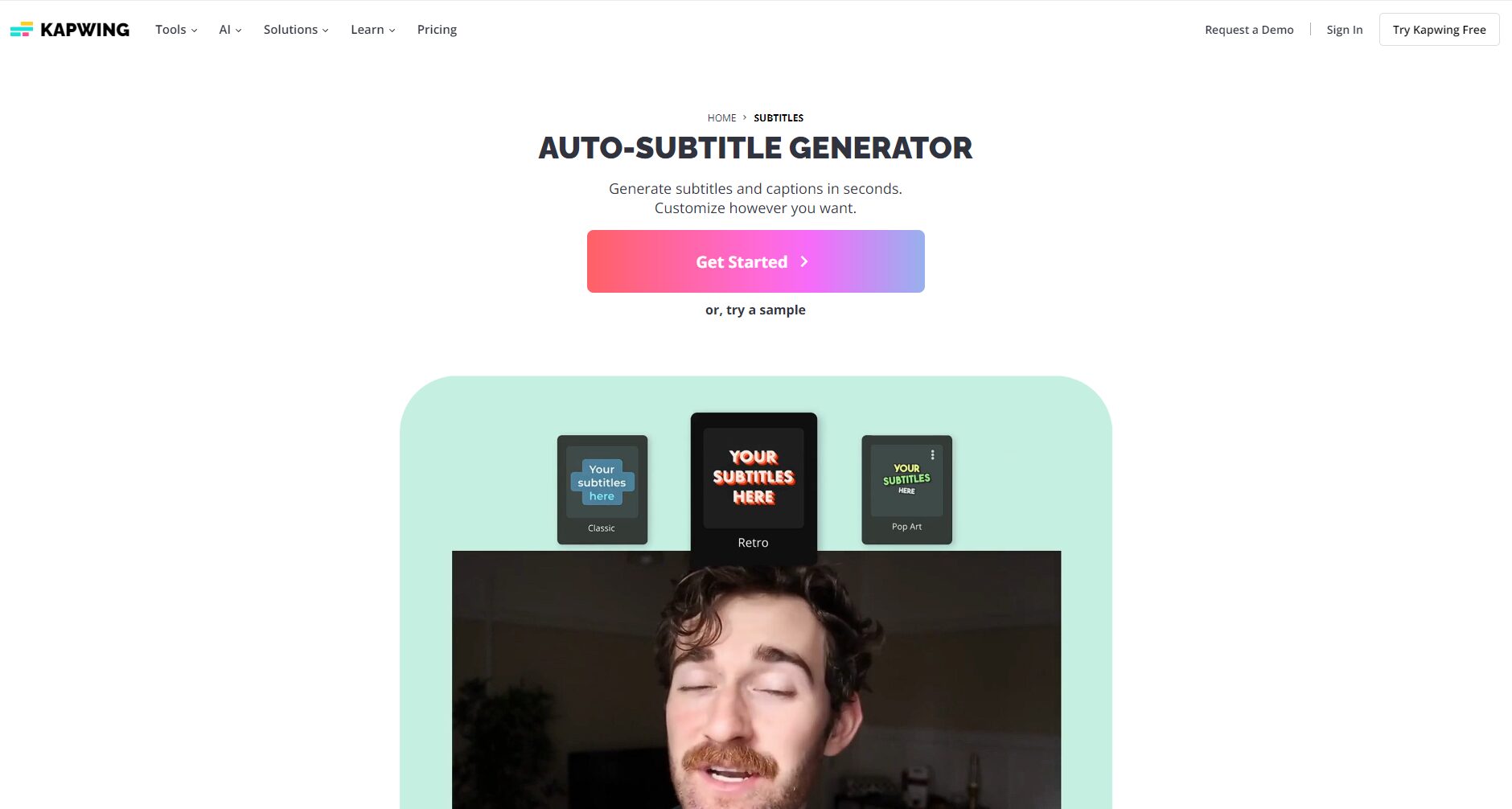
AI-powered image and meme creation, quick GIF generation
Enter keywords and AI will generate illustrations, GIFs, and memes to easily enrich your creations. It also supports direct embedding into video tracks for added fun.
Team cloud collaboration and version control
Multiple users can edit the same project, with real-time comments, tags, and version rollback, making team collaboration smoother and remote review seamless. (Suitable for self-media, brands, and enterprises)
| Function Name | Main application scenarios | Kapwing Highlights |
|---|---|---|
| AI-powered one-click teardown | Long content automatically converted into multiple short videos | Multi-platform proportional adaptive |
| Multilingual subtitle translation | International video, multilingual marketing | AI mimics original voices for multi-platform dubbing. |
| AI images/GIFs/memes | Social content, brand embellishment | One-click theme matching for various content |
| Cloud-based team collaboration | Self-media, multiple departments of enterprises | Real-time comments and version history management |
Kapwing Subscription Comparison and Selection Advice for Beginners
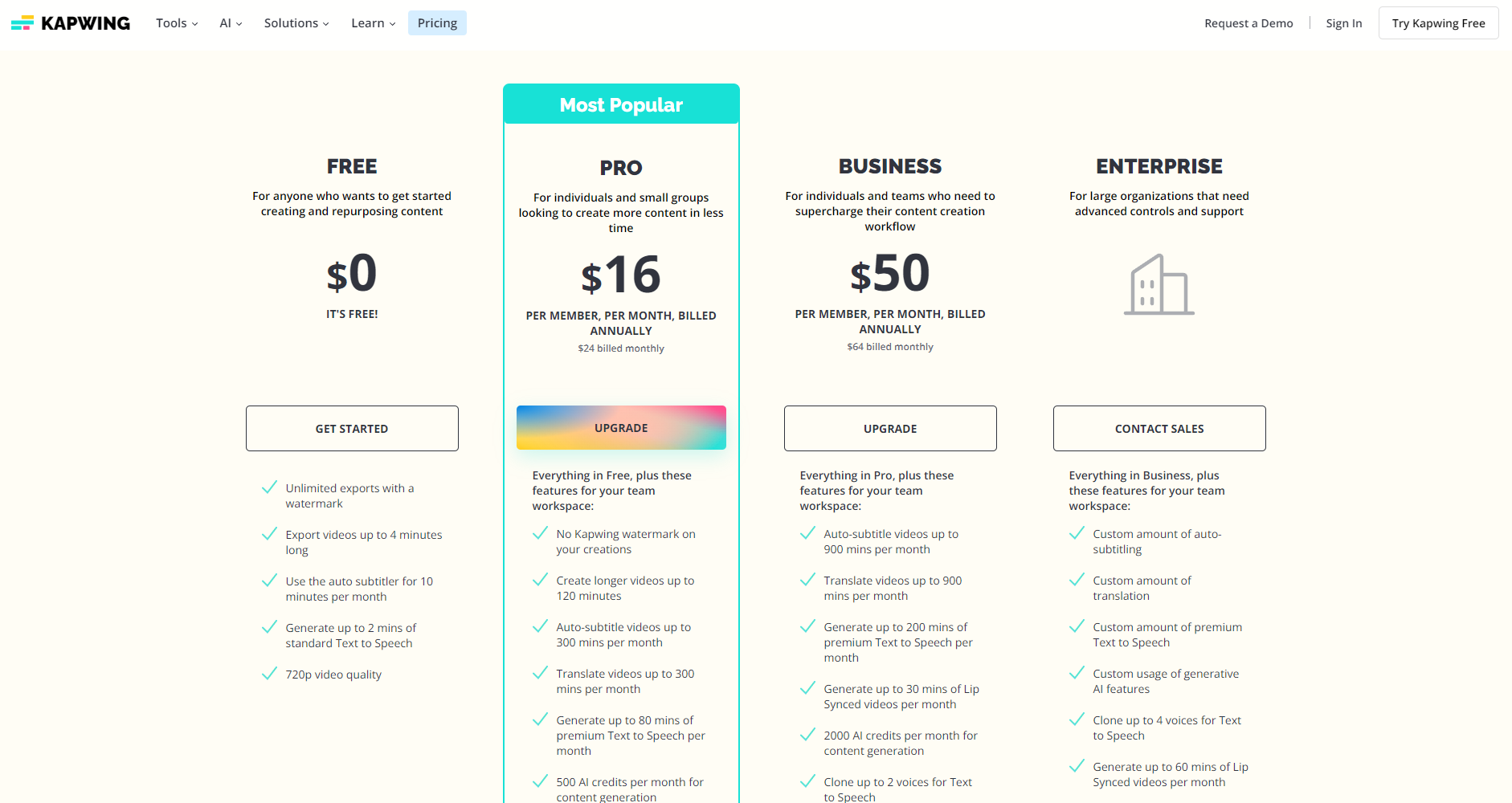
| Scheme type | Price (2025) | Main limitations | Suitable for | Special features |
|---|---|---|---|---|
| Free version | 0 yuan | Single video 4 minutes / 720P / with watermark | Beginner, Short Video Test | Basic AI Editing |
| Professional version | $24/month | Up to 1 hour / 4K / No watermark / Fast export | Self-media/Professional Editor | Advanced AI features + Batch processing |
| Team Edition | $50/month | Multi-user collaboration/More API quotas | Company/team creation | Multiple people editing/team accounts |
| Enterprise Edition | discuss | Unlimited resources/Dedicated engineers | Large brands, MCN | Customized services + API integration |
New users are advised to try the free version first and upgrade to a premium account after mastering basic editing skills!
Kapwing Practical Editing Tips & Common Mistakes to Avoid
Combining creativity with AI to enhance video appeal
- Manual review is required after AI-powered editing to avoid accidentally deleting crucial segments.
- Set the aspect ratio in advance before distributing to multiple platforms to prevent abnormal image cropping.
- Subtitles can be combined with AI-powered automatic translation and voice copying to expand the reach to a wider audience.
- When editing GIFs/meme illustrations, make good use of layers to prevent materials from obscuring the main image.
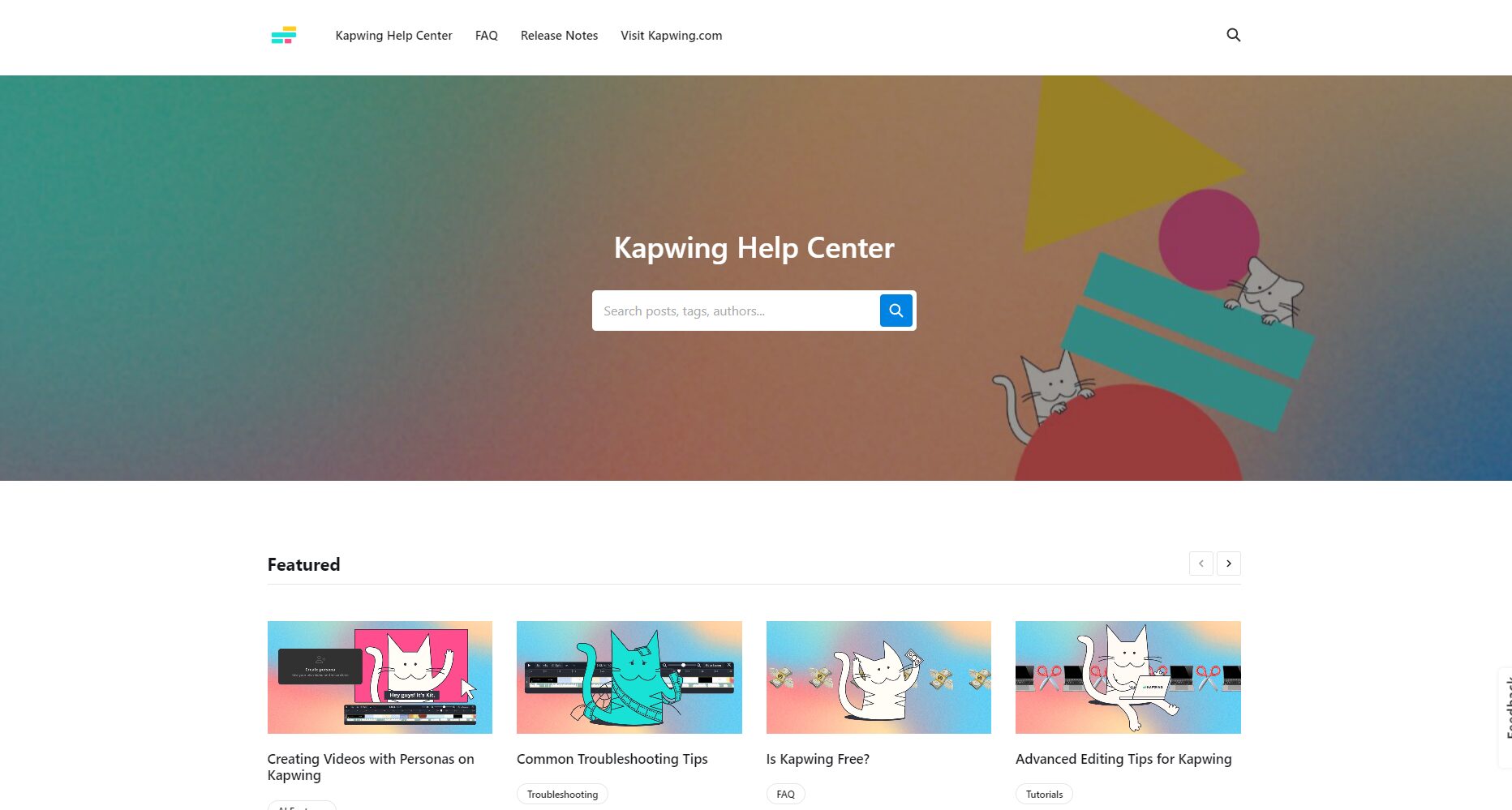
Common problems and solutions
| Problem Type | Solution suggestions |
|---|---|
| Export with watermark | Upgrade to the Pro version to unlock the watermark-free feature. |
| Upload lag | Check your network connection; using Google Chrome can improve your experience. |
| AI subtitle error | Manually proofread the synchronization segments and correct typos. |
| Team operations were chaotic | Make full use of the platform's comment section and task tags |
Import More Creative Inspiration: A Comparison of AI Video Editing Tools
| Tool Name | Key selling points | Target audience |
|---|---|---|
| Descript | AI-generated speech-to-text translation + text editing | Podcast/Self-media |
| RunwayML | AI effects and video generation | Professional Director/Creative Designer |
| Veed.io | Operation is similar to Kapwing+ multi-project collaboration | Short video production team |
For beginners, Kapwing is still the best choice. It's the easiest to learn, has abundant tutorials, and its AI tools are convenient and efficient!
along withAI editing and multi-platform content publishing are becoming trends in content creation.Kapwing, with its ease of use and powerful AI capabilities, helps even inexperienced users experience efficient video creation.
Visit nowKapwing Official WebsiteStart your AI video creation journey! For more questions about AI editing, feel free to leave a comment below!
© Copyright notes
The copyright of the article belongs to the author, please do not reprint without permission.
Related posts

No comments...
