
The Most Comprehensive AI Watermark Removal Tool Recommendations for 2025: In-depth Analysis of the Advantages and Disadvantages of 8 Popular Platforms (Including Free Options)
AI watermark removal toolIt is becoming the new standard for digital editing.Whether it's design, social media marketing, or video editing, this article uses the latest perspectives from 2025.In-depth analysis of the advantages and disadvantages of 8 popular AI watermark removal toolsIt covers various applications including images, videos, free, batch processing, and high-definition, helping you quickly select the right one for your needs and create a highly efficient and compliant image workflow.
Top 8 AI Watermark Removal Tools Overview
| Name/Link | Supported formats | Price | Main advantages | Main disadvantages | Recommended for use |
|---|---|---|---|---|---|
| HitPaw Watermark Remover | Images/Videos | Paid + Free Trial | AI algorithm automatically repairs | The free version has watermark output/limited functionality. | High-quality commercial or video creation |
| Cleanup.Pictures | Image | Free/Paid | Completely free online tools | Only images/large files are supported and require payment. | Quick and easy way to remove small watermarks from photos |
| Magic Eraser | Image | Free/Paid | Supports AI-powered one-stroke erasure. | Login required / Free high resolution limited | Social media photos, photography enthusiasts |
| Inpaint | Image | Free/Paid | Fine brushes can restore details. | The website interface is outdated/videos are available for separate purchase. | Old photo restoration and image fine-tuning |
| Apowersoft Watermark Remover | Images/Videos | Free/Paid | Supports multiple formats and is intuitive | Batch high-definition removal requires payment. | Beginners and those without skills |
| iMyFone MarkGo | Images/Videos | Paid + Free Trial | Multi-template AI mode default | Free/High-quality requires payment | Video editing/video logo processing |
| Aiseesoft Free Watermark Remover | Image | Completely free | No registration required, high-definition export. | Simple functionality/only supports images | A small number of photos urgently needed. |
| WatermarkRemover.io | Image | Completely free | AI automatically identifies and removes | Uneditable, single file | Quickly remove logos or images without any brainpower |
AI Watermark Removal Tools Recommendations (In-depth Analysis of 8 Hottest Tools in 2025)
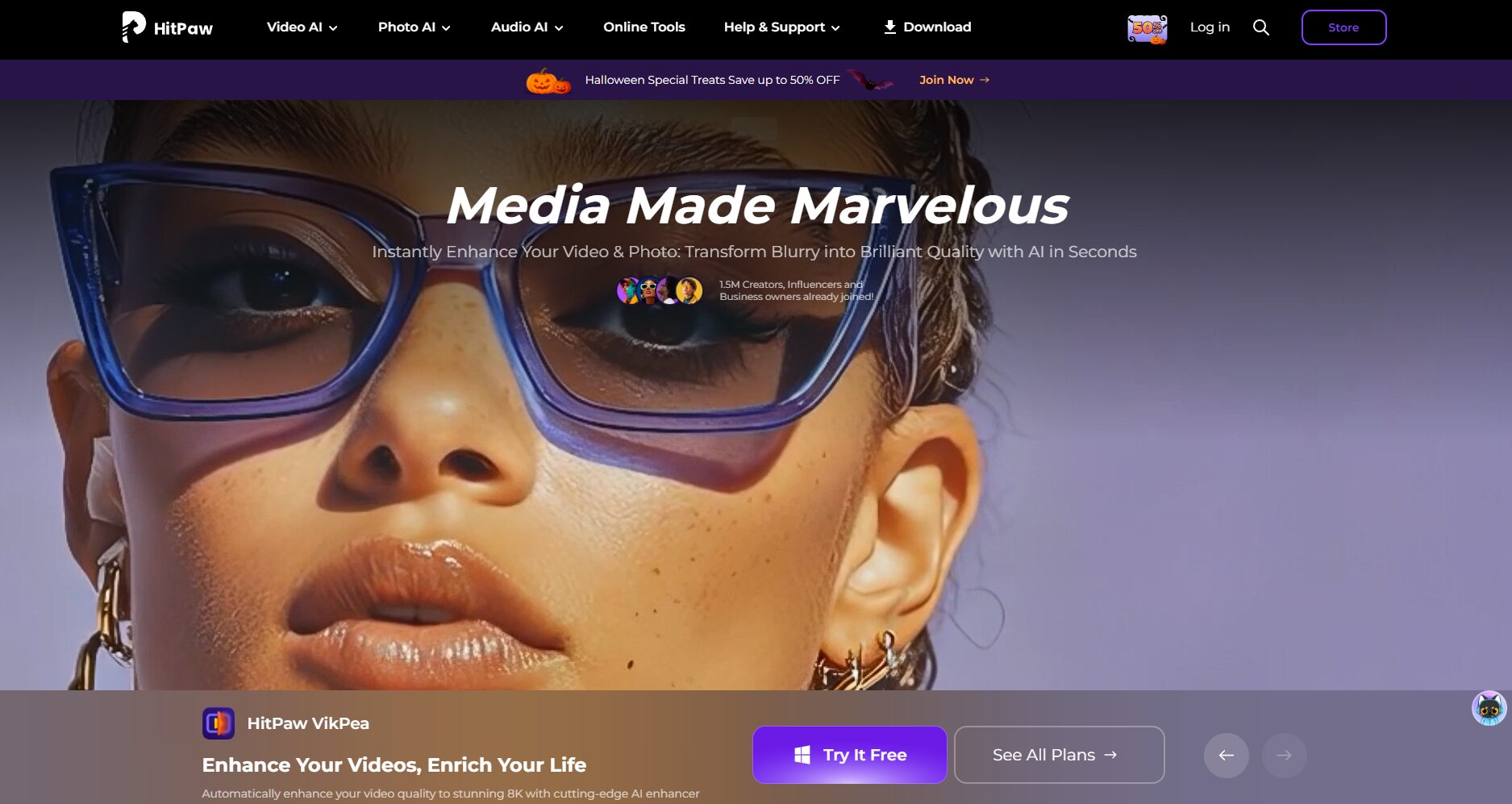
HitPaw Watermark Remover
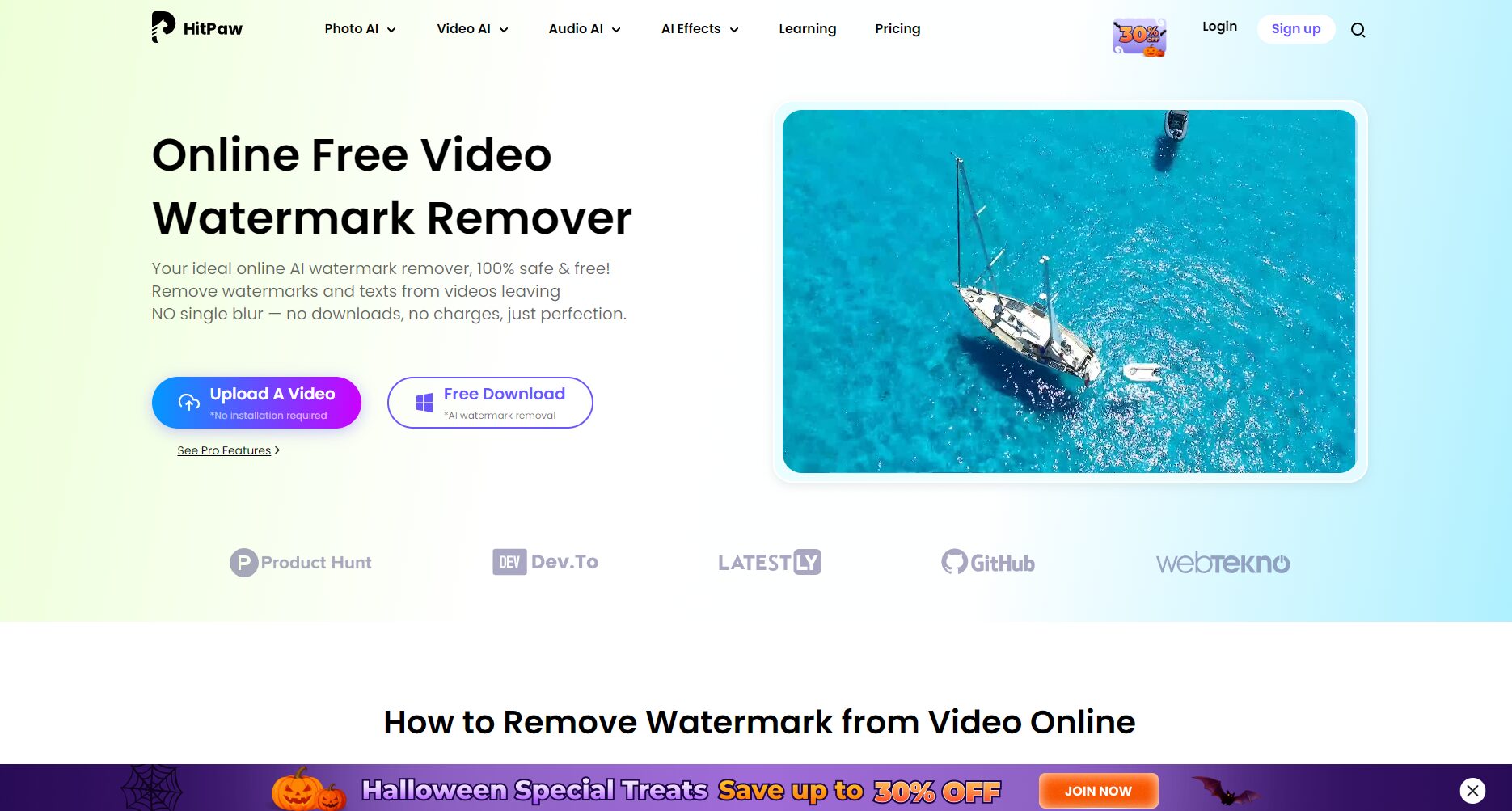

Function Overview:
HitPaw has consistently ranked first in AI watermark removal for many years, supporting...Image和FilmDual format, main featureAdvanced AI algorithmsChoose the best repair solution based on the watermark type; the operation only requires selecting the area to remove the watermark with one click.
- advantage:
- Supports Traditional/Simplified Chinese interfaces.Beginner-friendly
- Batch watermark removal, multi-platform support
- AI-powered restoration is detailed and natural.
- Free version available for preview
- shortcoming:
- Exporting the full version requires payment.
- High-difficulty backgrounds require some manual modification.
Suitable for: Photographers, short video editors, and commercial content creators.
Cleanup.Pictures
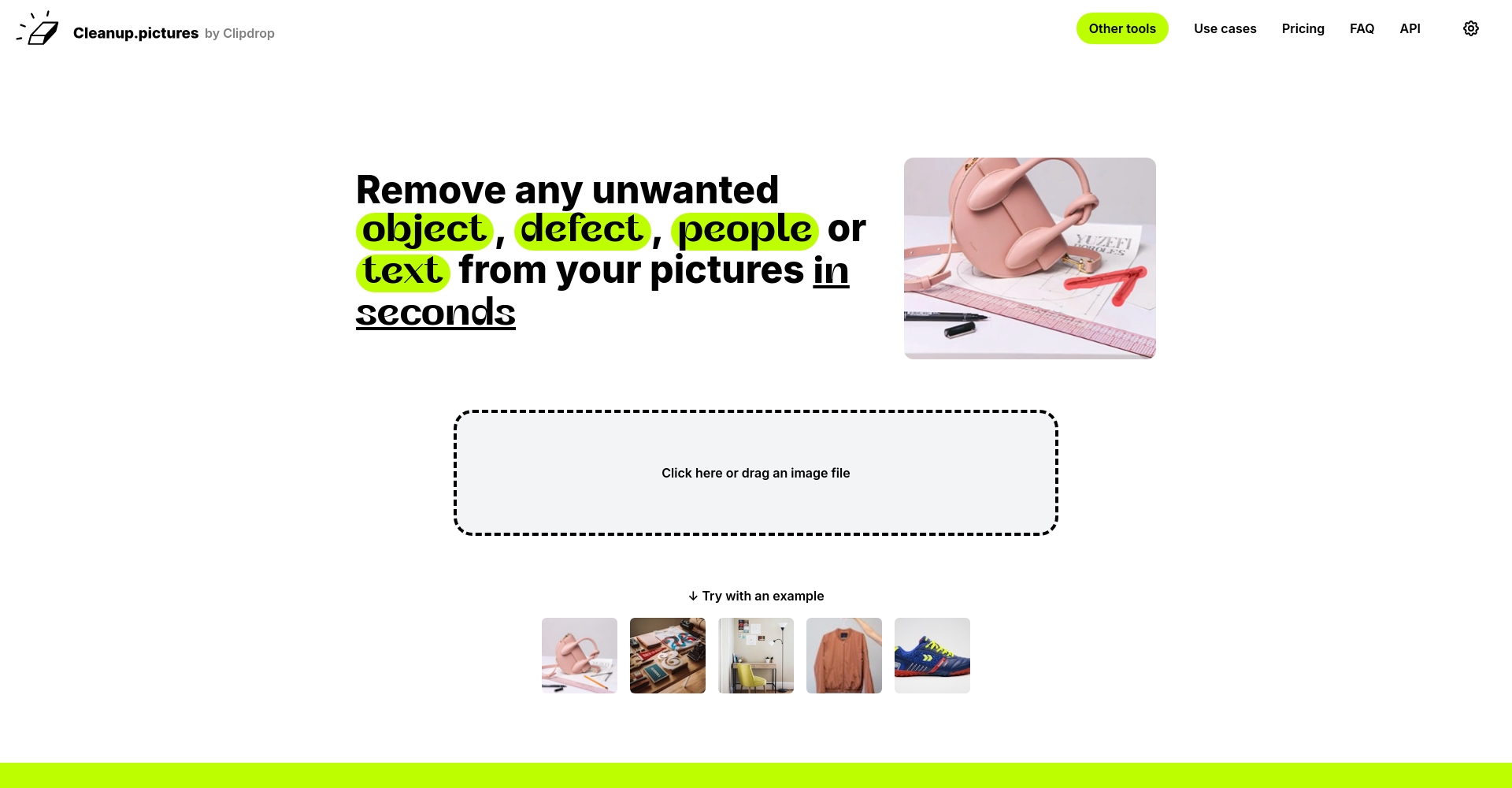
Function Overview:
EmphasisCompletely online and registration-freeWith a simple brush stroke, AI can automatically fill in the holes, making it perfect for quickly removing watermarks, blemishes, and debris from photos.
- advantage:
- Ready to use right out of the webpage, quick process
- Free, no registration required
- Supports mainstream formats such as JPEG and PNG
- shortcoming:
- Image only
- High-definition downloads require a Pro subscription.
- Limited restoration of complex backgrounds
Suitable for: blogs, social media posts, and temporary editing.
Magic Eraser

Function Overview:
After uploading a picture, use the brush to cover the area you want to remove and the AI will automatically add it, which is especially suitable for social media users and mobile phone photography.
- advantage:
- Modern visuals, supports dragging
- Support batch processing
- AI-enhanced features and automatic background processing functionality.
- shortcoming:
- High-resolution preview requires registration.
- Free users have resolution limitations.
Suitable for: Photographers, social media users, and photo editing professionals
Function & Positioning Comparison Table
| Tool Name | AI automatically fills the gaps | Remove watermark from video | Batch operations | Free high-definition export | Login requirements |
|---|---|---|---|---|---|
| HitPaw | ✔️ | ✔️ | ✔️ | ❌ | ❌ |
| Cleanup.Pictures | ✔️ | ❌ | ✔️ | ❌ | ❌ |
| Magic Eraser | ✔️ | ❌ | ✔️ | ❌ | ✔️ |
Inpaint
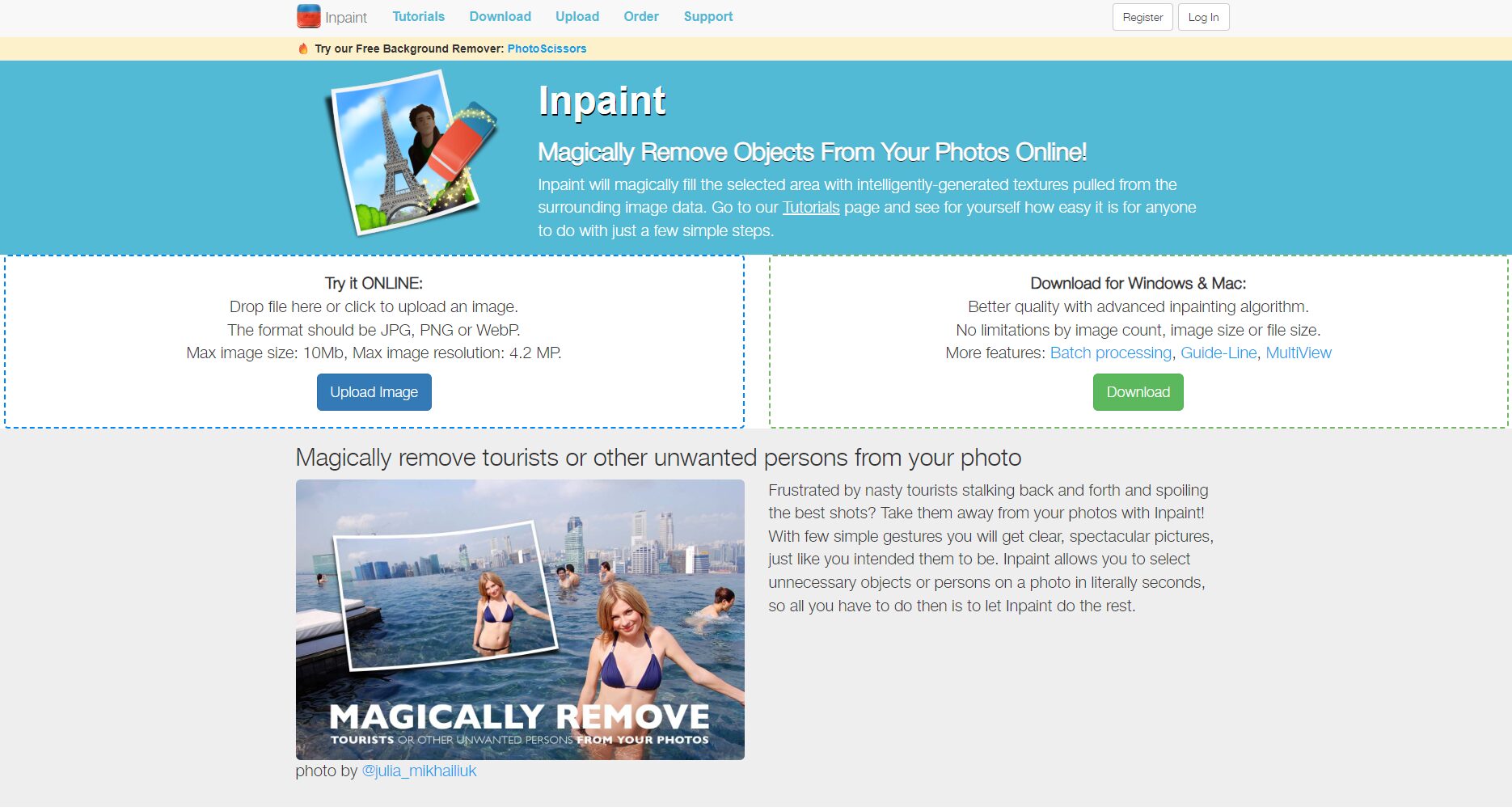
Function Overview:
Classic watermark removal toolsStrengthen AI code point patchingSuitable for fine-tuning and restoring old photos.
- advantage: Refined brushes, multi-zone marking capability, and multi-platform support.
- shortcoming: The interface is outdated, and complex scenes require repeated operations.
Apowersoft Watermark Remover
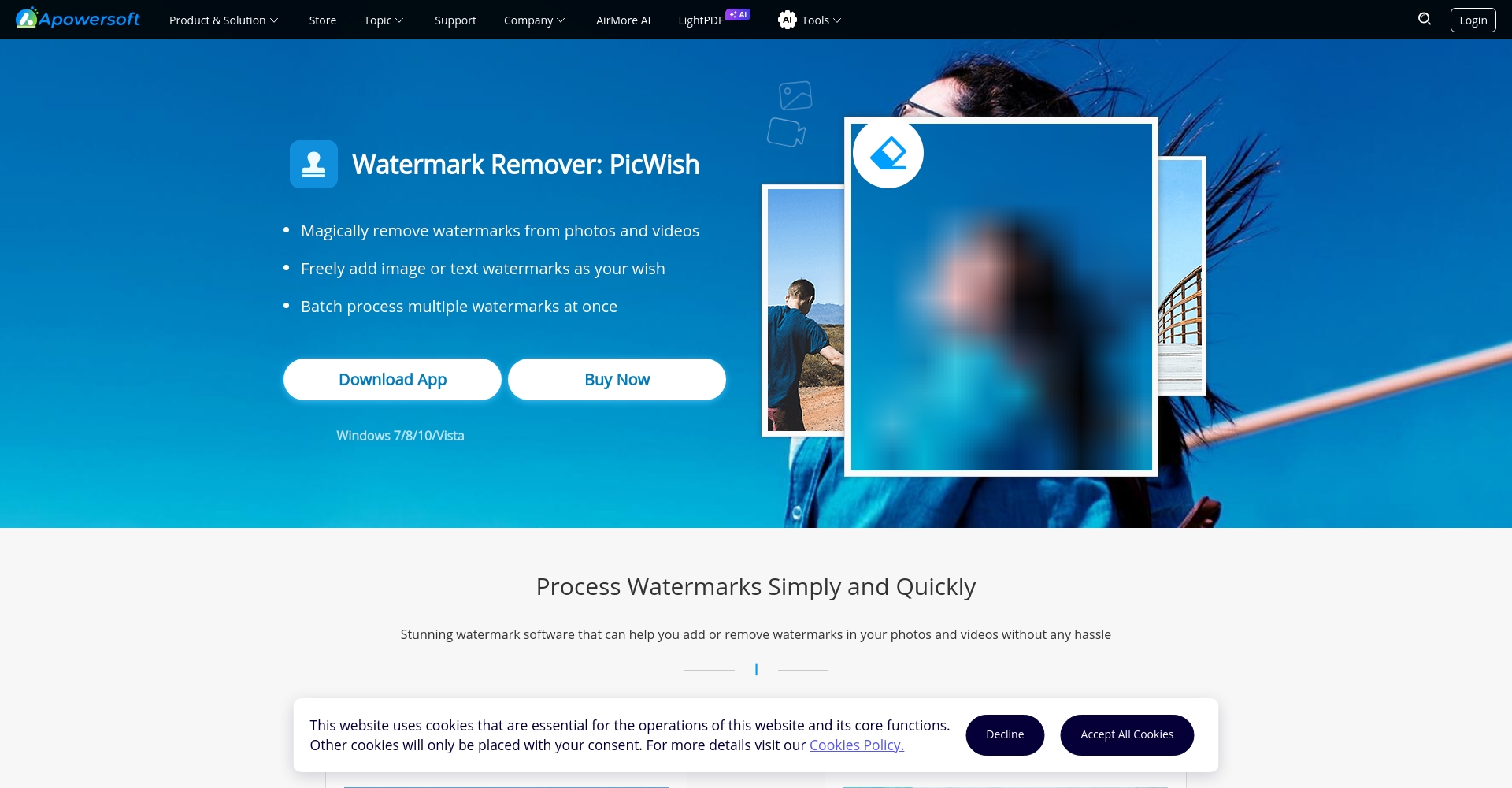
Function Overview:
Both Chinese and English interfaces are available.Image/Video Dual SupportSelect the area and let AI automatically identify and restore the background.
- advantage: Batch processing, online + desktop dual-use
- shortcoming: High-definition batches require payment.Free version has limited number of uses
iMyFone MarkGo
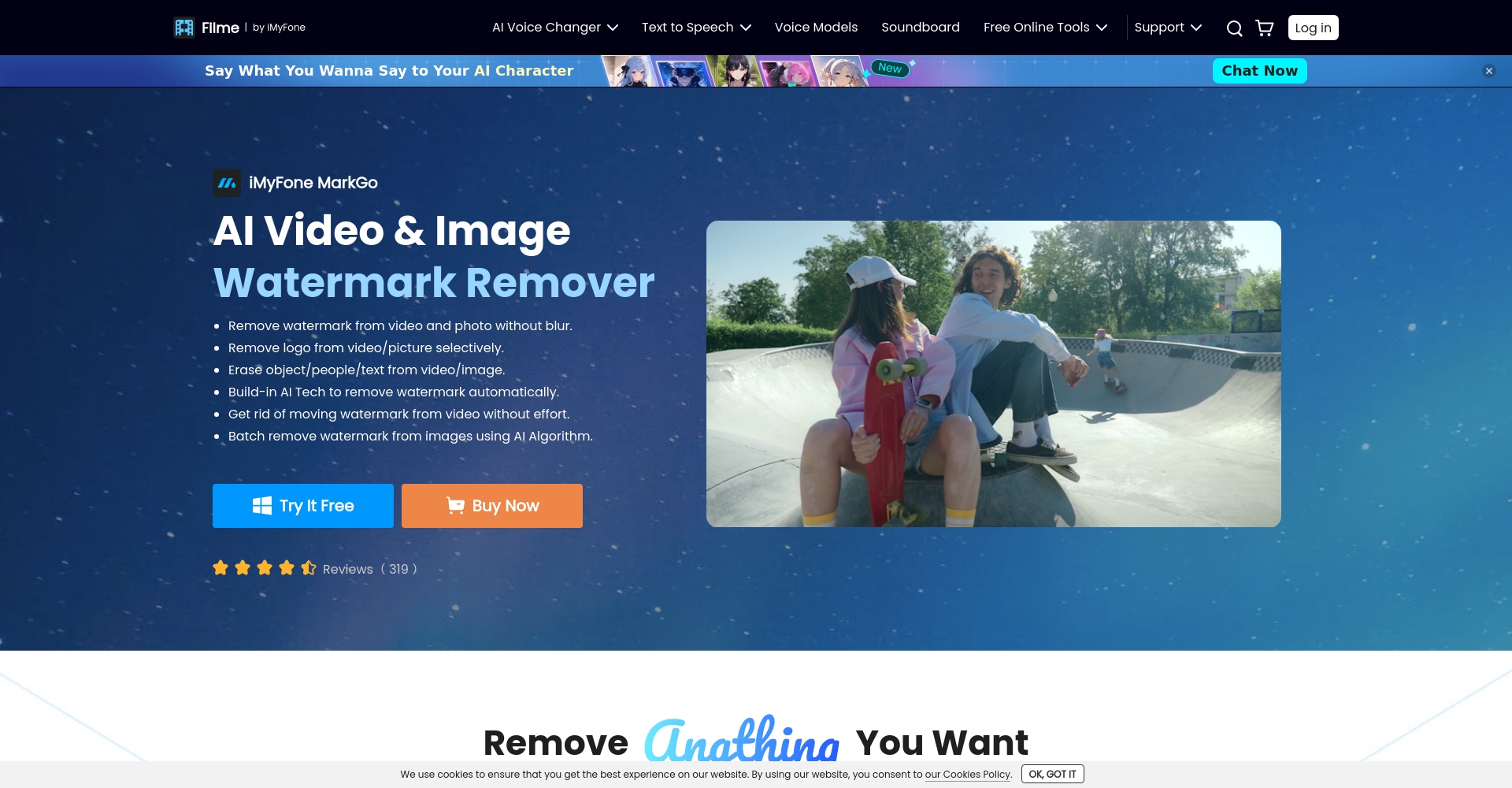
Function Overview:
Specifically designed for complex scenarios in corporate and video logos, featuring a multi-template AI self-selection repair algorithm and high-definition support.
- advantage: Advanced repair, batch processing, one-click operation
- shortcoming: Desktop version; advanced features require payment.
Video watermark removal tool section table
| Tool Name | Video support | AI automatically fills the gaps | Free trial | Watermark Removal Precision | Equipment support |
|---|---|---|---|---|---|
| HitPaw | ✔️ | ✔️ | ✔️ | 高 | PC/MAC |
| Apowersoft | ✔️ | ✔️ | ✔️ | 中 | PC/MAC/Online |
| iMyFone MarkGo | ✔️ | ✔️ | ✔️ | 高 | PC/MAC |
Aiseesoft Free Watermark Remover
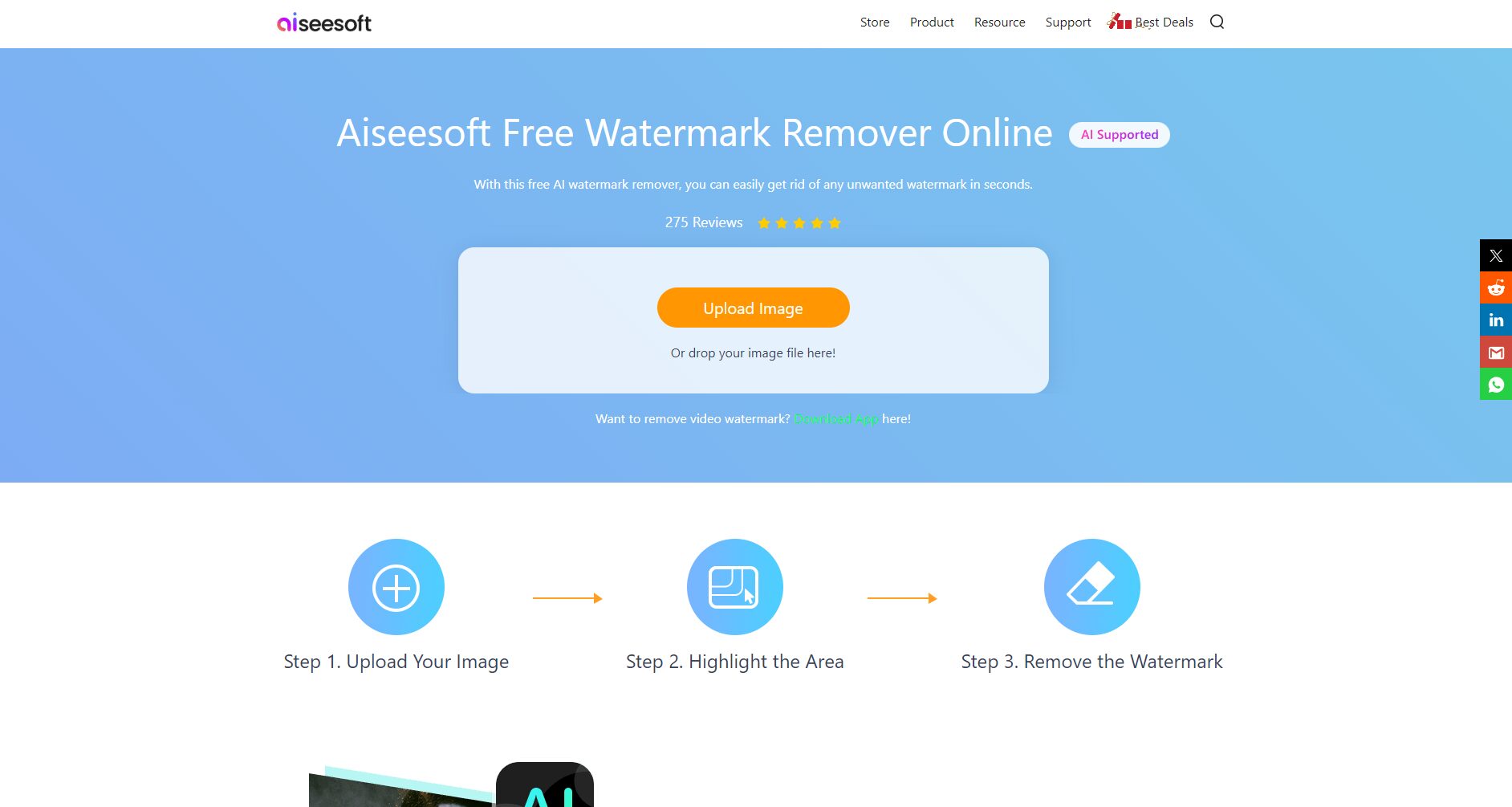
Function Overview:
Completely free + high-definitionCompletely registration-freeIt is quick to operate and suitable for temporary needs.
- advantage: No threshold, supports multiple image formats, AI stable
- shortcoming: Only images are supported, not videos.
WatermarkRemover.io

Function Overview:
It features one-click automatic recognition.No registration, no adsPerfect for quick photo snapshots and temporary logo removal for e-commerce.
- advantage:Free, mobile compatible, super fast operation
- shortcoming: Only supports single image files, not videos.
Tool Selection Recommendations and Industry Applications
- High-quality video restoration, commercial use: HitPaw, iMyFone MarkGo
- Bloggers/Photographers/Social Media Photos: Cleanup.Pictures, Magic Eraser, WatermarkRemover.io
- Team/Batch Operations: Apowersoft, Inpaint
- Temporary free use: Aiseesoft Free Watermark Remover
Evolution and Security Reminders of AI Watermark Removal Technology
In recent years, AI has evolved from simple masking to...Content-aware automatic repairThe patch will form naturally without leaving a trace. However,When using it, you must pay attention to authorization and compliance.Unauthorized removal of the original watermark from the work for commercial use is prohibited.
Conclusion
With the booming development of video and short video in 2025, "AI watermark removal" will become the mainstream editing method.Flexibly combine 8 tools according to your own needsImprove efficiency and enhance visual expertise, while emphasizing legal use, and create the most suitable video workflow for individuals and teams!
© Copyright notes
The copyright of the article belongs to the author, please do not reprint without permission.
Related posts




No comments...
