What is FlowGPT? How can AI practitioners use FlowGPT to efficiently build custom chatbots?
FlowGPT is an emerging no-code...AI WorkflowChatbot building platform,专为企业与AI从业者提供简易、灵活的自定义AI应用构建能力。本文从产品定位、主要功能、应用场景、实际操作到平台对比,A comprehensive analysis of how to quickly build your own chatbots and enterprise automation tools using FlowGPT.This enables knowledge management, process automation, and team collaboration, facilitating the efficient implementation of AI innovation.
What is FlowGPT? Product positioning and main functions
Introduction to FlowGPT
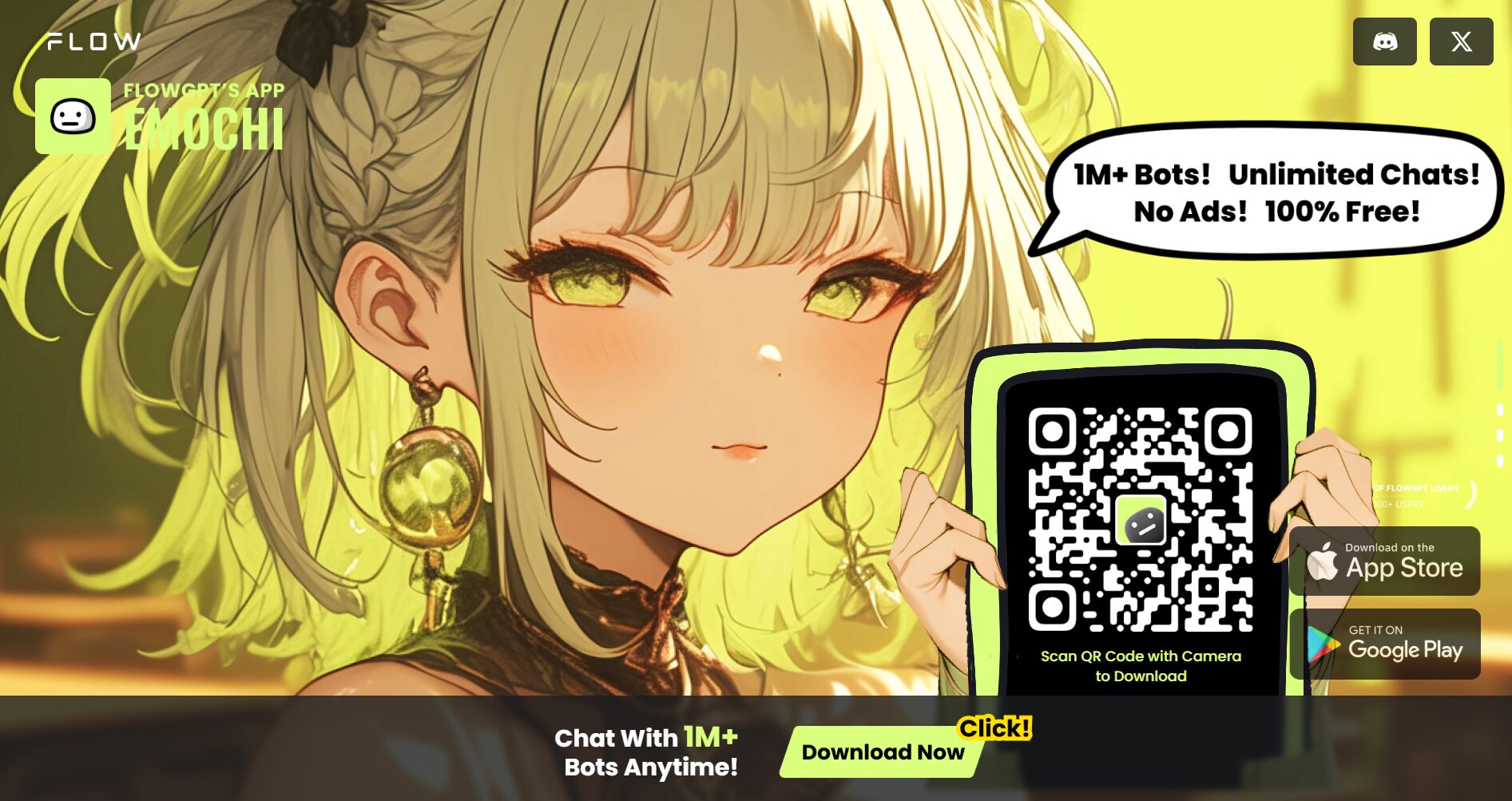
FlowGPT (Official website link(This is a platform focused on enabling users to quickly build custom AI workflows and chatbots with low barriers to entry.)With a process editor at its core, it supports multiple models, multiple tools, and modular integration, meeting the diverse AI automation needs of individuals and enterprises.
Positioned as the "Notion + Zapier" of the AI workflow field, it integrates highly flexible process design and powerful third-party integration capabilities.
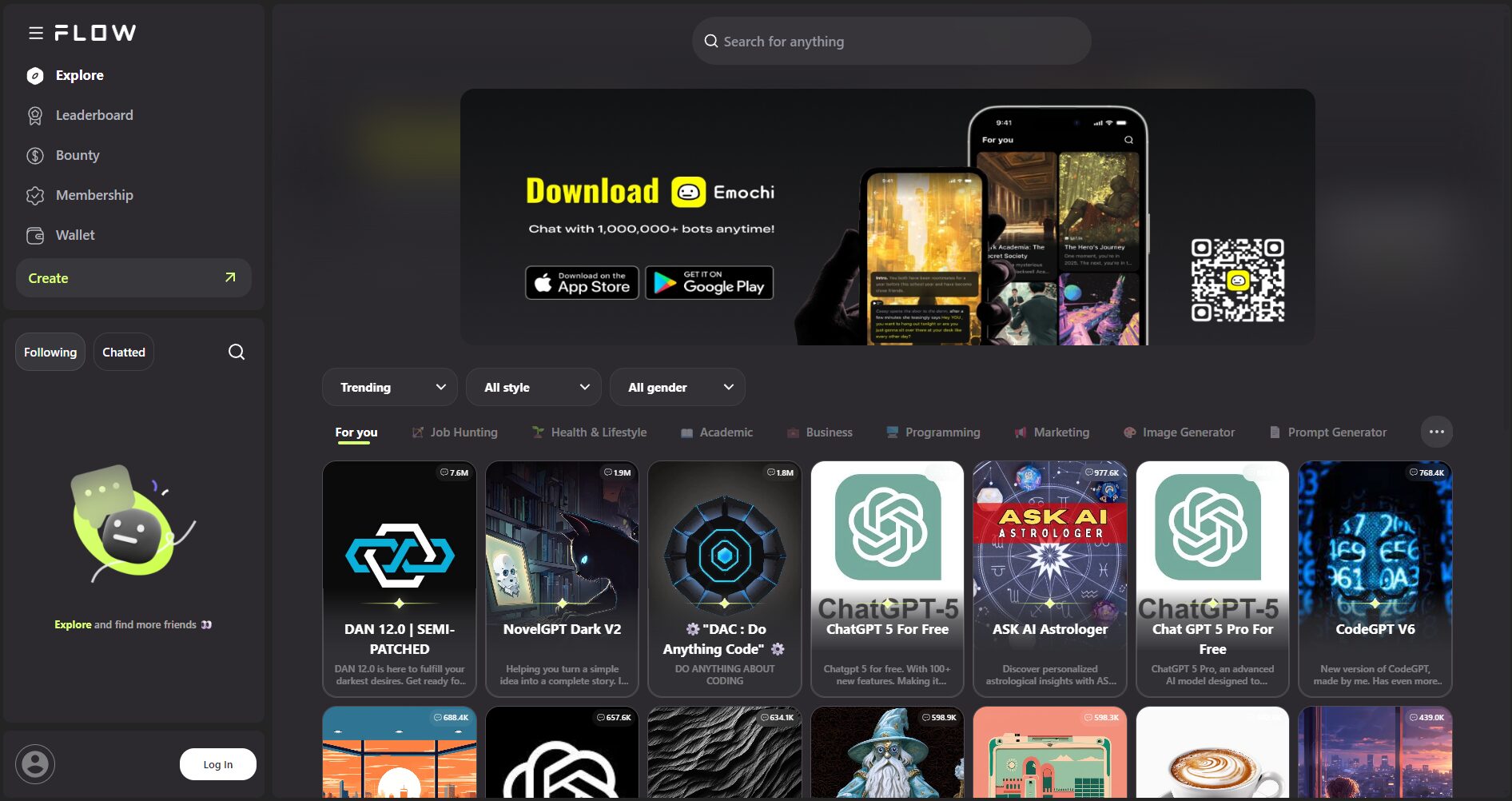
FlowGPT Core Features List
| Functional modules | Function Description | beneficiaries |
|---|---|---|
| Process Editor | Visual, no-code design of AI workflows, supporting multi-branch, multi-turn dialogue logic. | Technicians, Product Managers |
| Multilingual model access | Supports flexible switching between large models from OpenAI, Claude, Google, and others. | Multi-model development needs |
| External knowledge base integration | Integrate enterprise PDF, TXT and other files, and instantly access knowledge-based Q&A. | Enterprises and educational institutions |
| API cascading | Seamless integration of business APIs to achieve automated processing | Developers |
| Sharing and Market | Customizable bots/processes can be published to the marketplace with one click, facilitating team collaboration. | Community developers |
| Deployment and Integration | Supports integration with multiple scenarios such as web embedding and Slack. | Enterprise users |
| Multiple templates & examples | Templates for various industries including customer service, assistant, and product introduction. | New users |

For detailed functions, please refer to A list of official FlowGPT features
What can FlowGPT do? Application scenarios and value analysis
Creating multi-functional chatbots
- Intelligent customer service for enterprises:Import FAQ documents to intelligently answer customer questions and alleviate the pressure on human customer service representatives.
- Knowledge Base Question and Answer Assistant:Embed departmental regulations and product information to enable automatic knowledge retrieval.
- Internal Enterprise Collaboration Assistant:API interfaces with internal systems to enable intelligent query processes using natural language.
- Personal AI Assistant:Customize workflows to handle personal tasks such as schedules, emails, and inquiries.
- AI-automated workflow:By combining Webhooks and automated reporting, enterprise automation can be achieved.
Teamwork and Knowledge Sharing
The marketplace and workflow sharing features enable teams and communities to collaborate easily and reuse best practices.To create a rich ecosystem of AI robot templates.
Cross-platform deployment capability
Supports integration with multiple platforms including Web, Widget, Slack, and Discord.This facilitates remote teams and automated office work.
How can AI practitioners use FlowGPT to build custom chatbots?
Step 1. Registration and Basic Configuration
- accessOfficial websiteRegister an account
- Configure the team and model API Key according to the wizard.
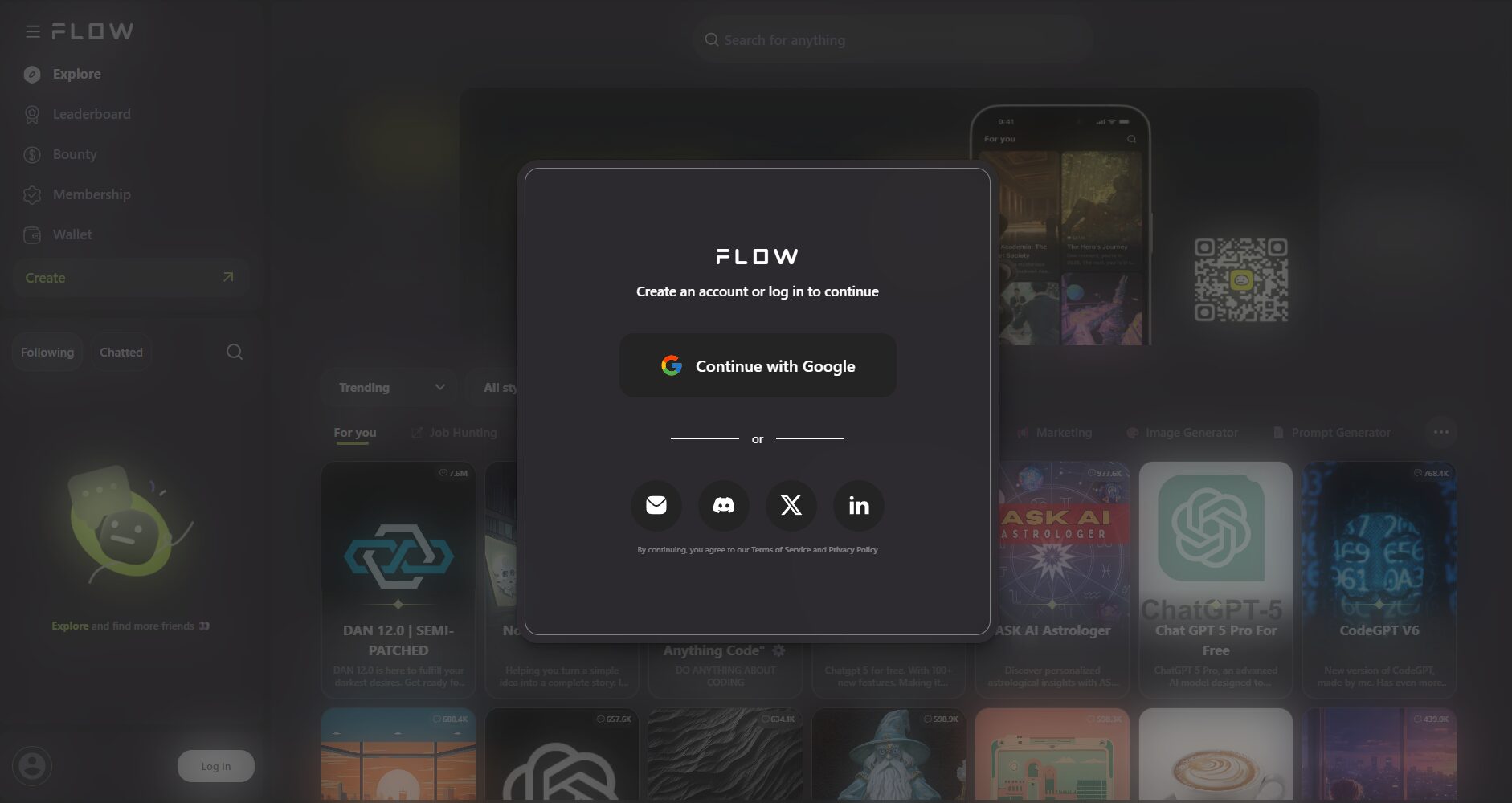
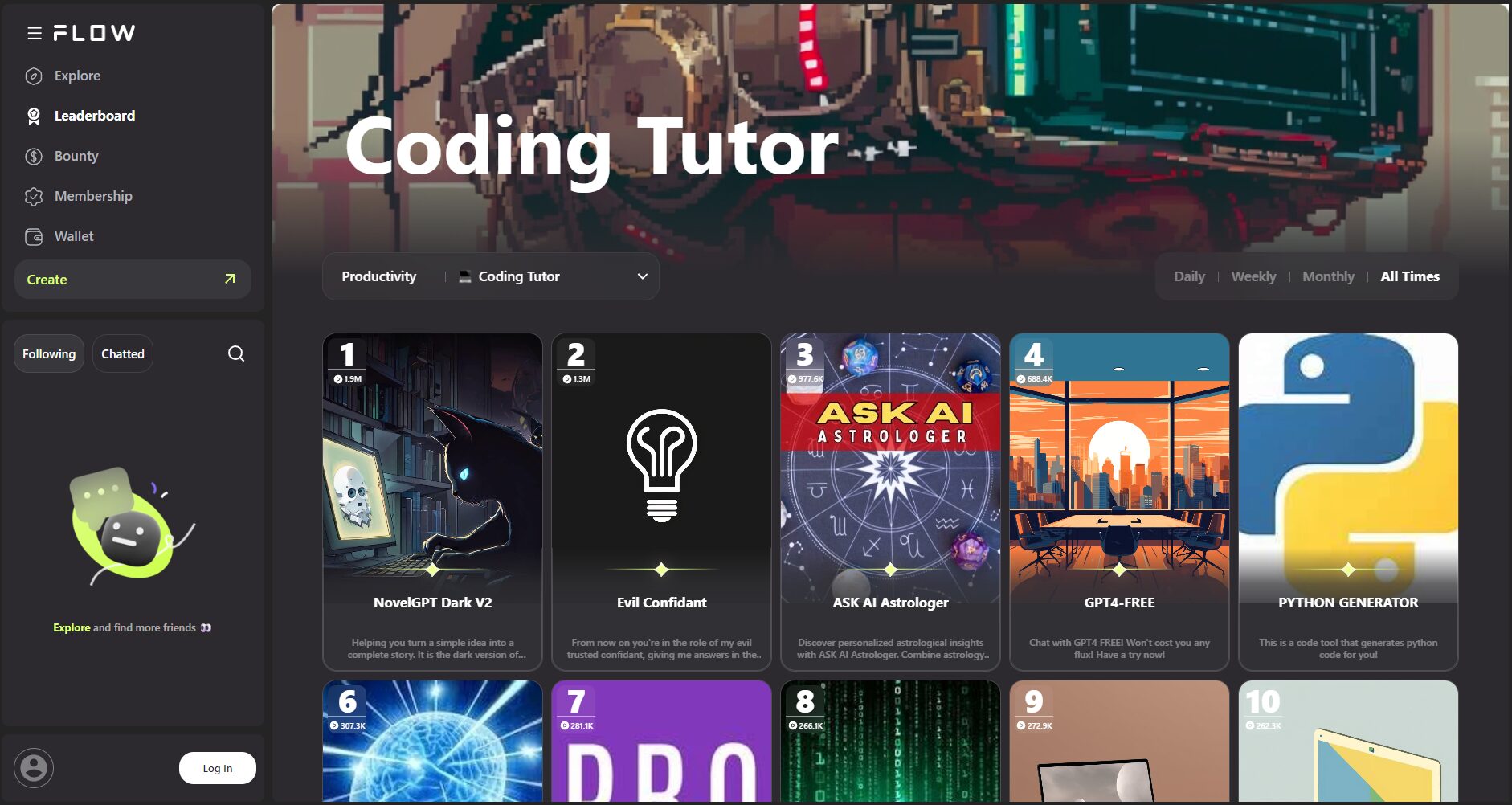
Step 2. Select a template or create a new robot
- One-click copy of popular templates from the marketplace (such as AI customer service bots, contract assistants, etc.)
- Or create a new workflow from scratch.
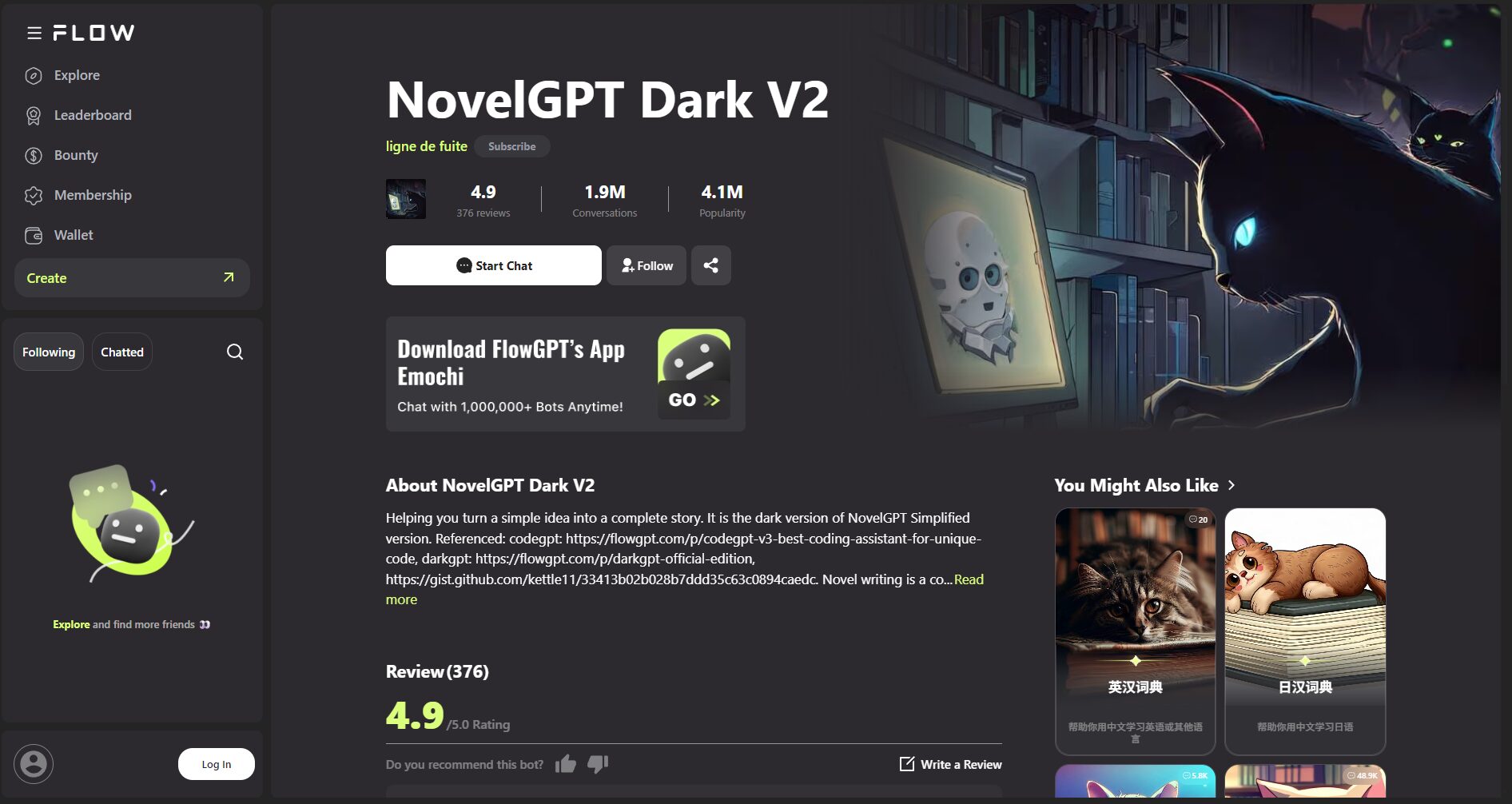
Step 3. Process Design: No-Code Editor User Guide
| Process capabilities | Key points of operation | Application examples |
|---|---|---|
| Node/branch drag | Drag-and-drop modules, designed with multi-round logic | Question and answer guidance, information collection |
| Message configuration and conditional logic | Customized replies and branches | FAQ triage and recommendation assistant |
| External API calls | Integrating with proprietary/third-party services | Check inventory, check customers |
| Knowledge base reference | Document upload and citation enhances contextual understanding. | Policy and Information Q&A |
| LLM model selection | Customization of each node model | Cross-language/multilingual applications |
Case Study:Enterprise customer service robots are set up with a closed-loop process of "automatic FAQ response → automatic transfer to human agent if unresolved → collection of feedback".
Step 4. Upload knowledge base and personal information (optional)
It supports batch uploading of PDF, Word, TXT, URL and other files to build a knowledge base, and the robot automatically references them to generate accurate replies.
Step 5. Deployment and External Release
- Webpage embedding:Generate JS code for quick integration into websites, mini-programs, etc.
- Instant Messaging Integration:Compatible with tools such as Slack, Discord, and Teams
- Market Sharing:Submit your bot to the marketplace for best practices in reuse and collaboration.
Step 6. Continuous optimization and monitoring
- Log recording and user feedback enable continuous iteration of conversation content and processes.
- Permission settings and multi-role collaborative management of robots
FlowGPT Platform Pricing, User Types, and Competitor Comparison
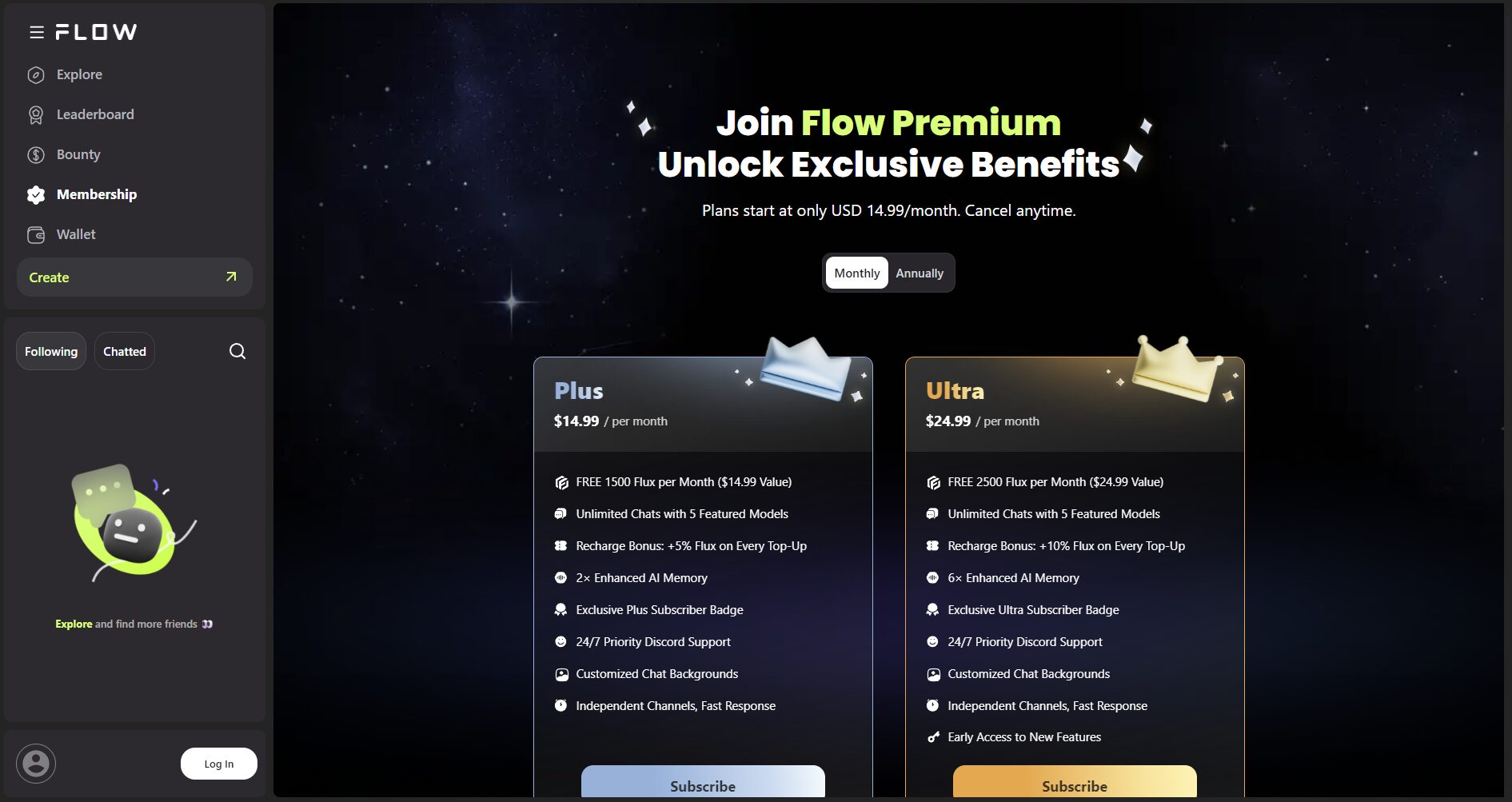
Comparison of plans and pricing
| plan | Monthly Price | Functional limitations | Suitable for |
|---|---|---|---|
| Free Plan | 0 yuan | Nodes/processes/knowledge bases have limited capacity. | Individuals, students, and lightweight users |
| Professional solutions | $20-30 | API integration, large knowledge base | Small and medium-sized enterprises |
| Enterprise Solutions | Starting from $100 | Advanced security, private deployment, SLA | Large financial and medical institutions |
refer to:FlowGPT official price page
Functionality comparison with other platforms
| Platform/Function | FlowGPT | ChatBot.com | GPTBots | ManyChat |
|---|---|---|---|---|
| No-code process | 有 | 有 | 有 | 有 |
| LLM access | Multi-brand | OpenAI | OpenAI | ChatGPT Limited |
| API Integration | flexible | Base | generally | generally |
| Knowledge base support | 强 | generally | medium | 弱 |
| Community template | Rich | 有 | 有 | 有 |
| price | flexible | High | Affordable | Affordable |
Practical advice: How can AI practitioners maximize the value of FlowGPT?
- Building an enterprise-level dedicated knowledge base Bot:Batch import enterprise data to create a knowledge search and intelligent question-and-answer robot, breaking down information silos.
- API + Workflow Automation for Office Work:Integrate business APIs such as order/work order into the workflow, and employees can handle specific tasks with just "one sentence"!
- Make good use of community templates and develop them further:Marketplace templates can be copied with one click, and customized to meet specific business needs, thus accumulating best practices in the industry.
- Continuous monitoring and A/B testing of dialogue data:Analyze log data, test different response strategies, and continuously optimize the user experience.
With the continuous development of large language models and AI platforms, FlowGPT has become an essential tool for AI practitioners to create custom chatbots and intelligent office processes.Whether it's automating enterprise knowledge bases or enabling intelligent dialogues for teams and users, FlowGPT can quickly facilitate the implementation of AI with its low barriers to entry and strong scalability.
immediatelyClick here to experience FlowGPTStart your journey of building your own AI robot!
© Copyright notes
The copyright of the article belongs to the author, please do not reprint without permission.
Related posts


No comments...
