
LosslessCut User Guide: How to edit videos quickly and losslessly and improve work efficiency?
LosslessCutIt is a high-efficiency and lossless...Video editing toolsIt boasts two main features: "ultimate efficiency" and "no loss of image quality," solving problems such as cumbersome operation and reduced image quality due to output compression in traditional editing software. Whether you are a short video creator or an office worker,LosslessCut offers ultra-fast editing, multi-format compatibility, and ease of use.Both can greatly improve video processing efficiency, making content creation easier and faster.
What is LosslessCut? Why is it so highly praised?
What is LosslessCut?
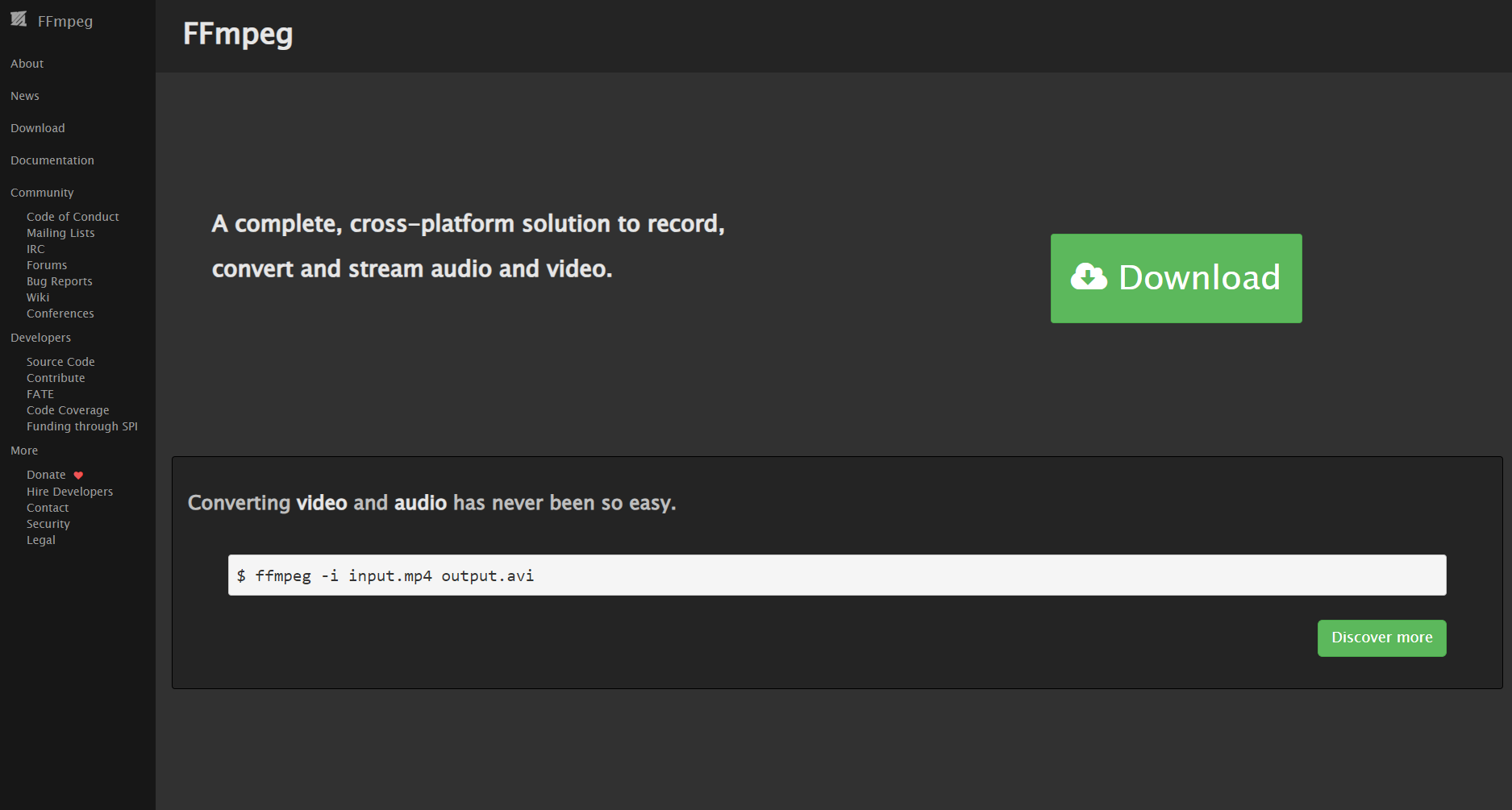
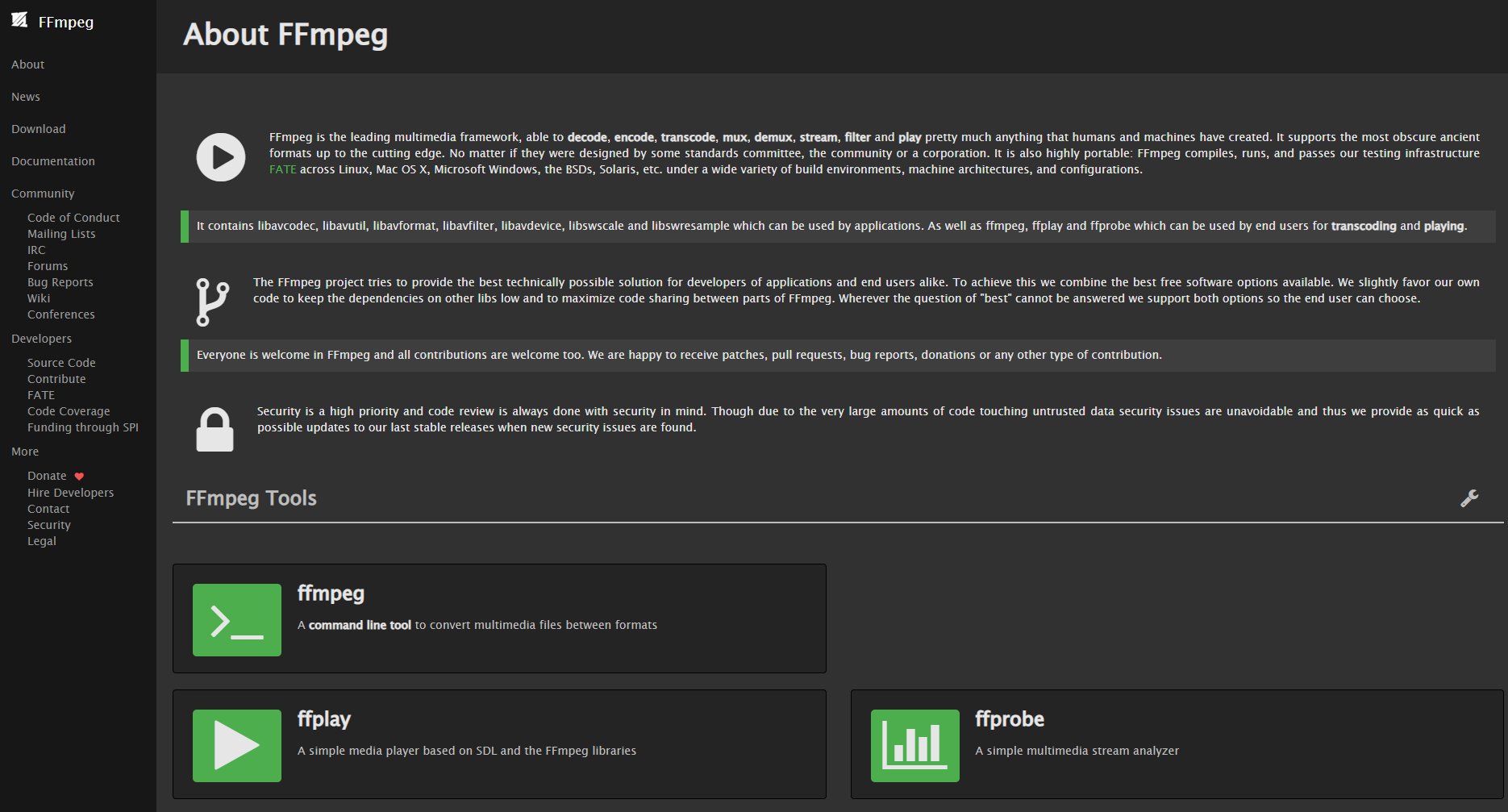
LosslessCutIt is based on an open source projectFFmpegA free, cross-platform (supports Windows, macOS, and Linux) lossless video editing tool. Its biggest highlight is:It can quickly and accurately cut video or audio into the desired segments without re-encoding, outputting image quality without any loss and with extremely high processing efficiency.The interface is simple and intuitive, requiring zero learning curve, and is suitable for various scenarios such as short videos, vlogs, surveillance recordings, and course recordings.
Key features:
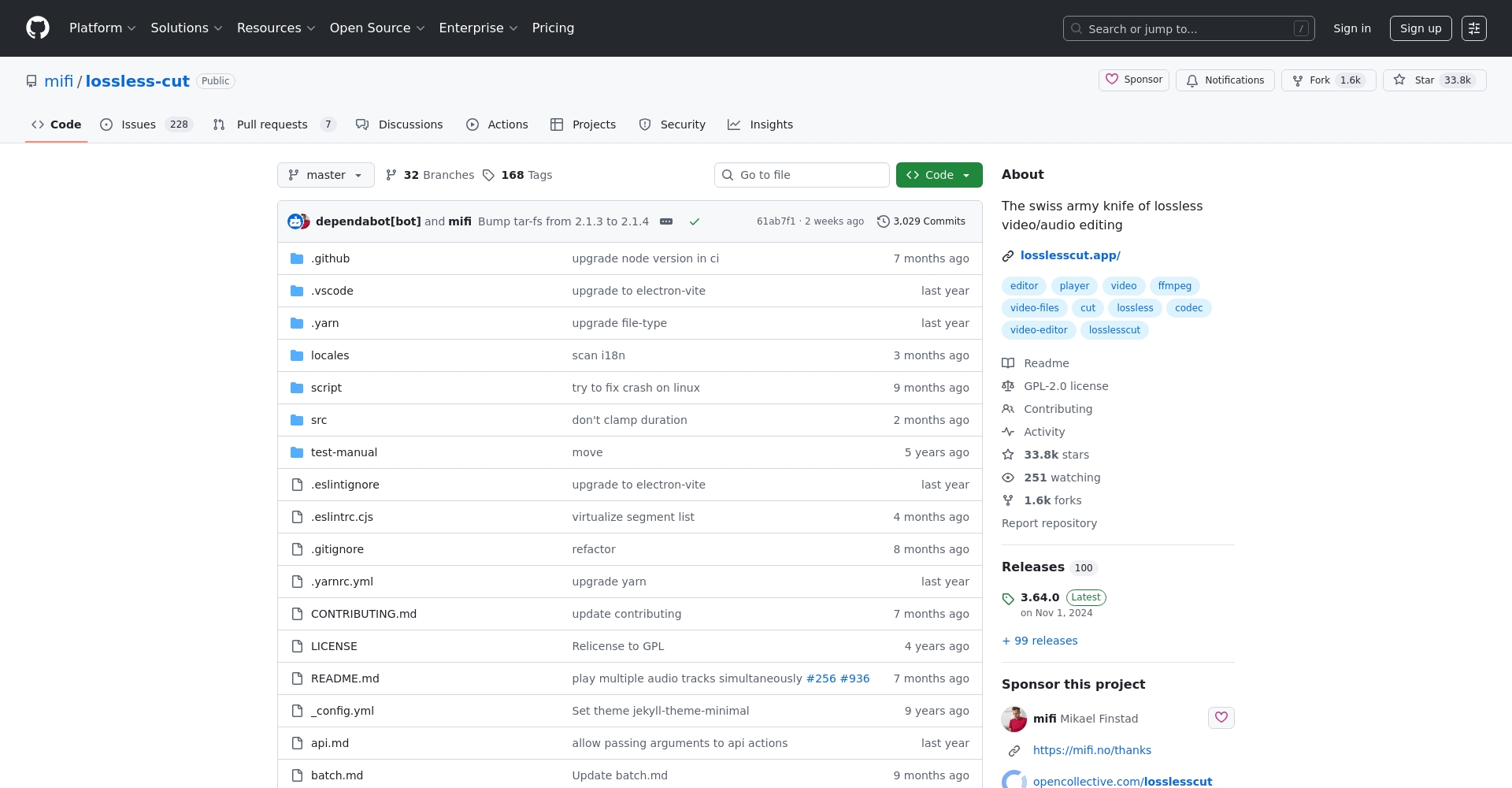
| Features | Details |
|---|---|
| Non-destructive cutting | No re-encoding, fast output, and original picture and sound quality. |
| Multi-format support | MP4, MOV, MKV, WebM, OGG, MP3, WAV, AAC, etc. |
| Multitrack editing | Supports adding, deleting, and replacing audio tracks and subtitles. |
| Multi-platform compatibility | Fully compatible with Windows, macOS, and Linux. |
| Free and open source | No ads, free and continuous maintenance |
| Batch processing | Supports efficient editing of multiple files and clips. |

Why choose LosslessCut? In-depth analysis of product selling points.
Ultimate lossless, high-efficiency output
Unlike traditional editing software (such as Premiere and Vegas).LosslessCut directly cuts fragments from local files without transcoding or compression, resulting in no loss of image quality and extremely fast speed.This completely avoids blurry images and abnormal subtitles.
Strong format compatibility
LosslessCut is compatible with most mainstream video/audio formats on the market.It supports MP4, MOV, MKV, WebM, WAV, AAC, etc., to meet the needs of various devices such as mobile phones, cameras, and action cameras.
User-friendly operation, suitable for everyone.
The user interface is intuitive.Simply drag and drop the file, mark the start and end points, and click the scissors to export.No professional skills are required; even beginners can easily and accurately edit.

Multitrack synthesis function
Flexible audio track and subtitle management, lossless replacement and synthesisIt is suitable for scenarios that require combining multiple materials, such as Vlogs and course videos.
Extremely low system resource consumption
No high-spec computer needed; even a regular office machine can output data in seconds.This will improve overall work efficiency.
LosslessCut Download, Installation, and Basic Operations: A Complete Guide for Beginners
Software download and installation
| operating system | Installation package format | How to obtain |
|---|---|---|
| Windows | .exe / .7z | Official download |
| macOS | .dmg | Same as above |
| Linux | .AppImage/.deb, etc. | Same as above |
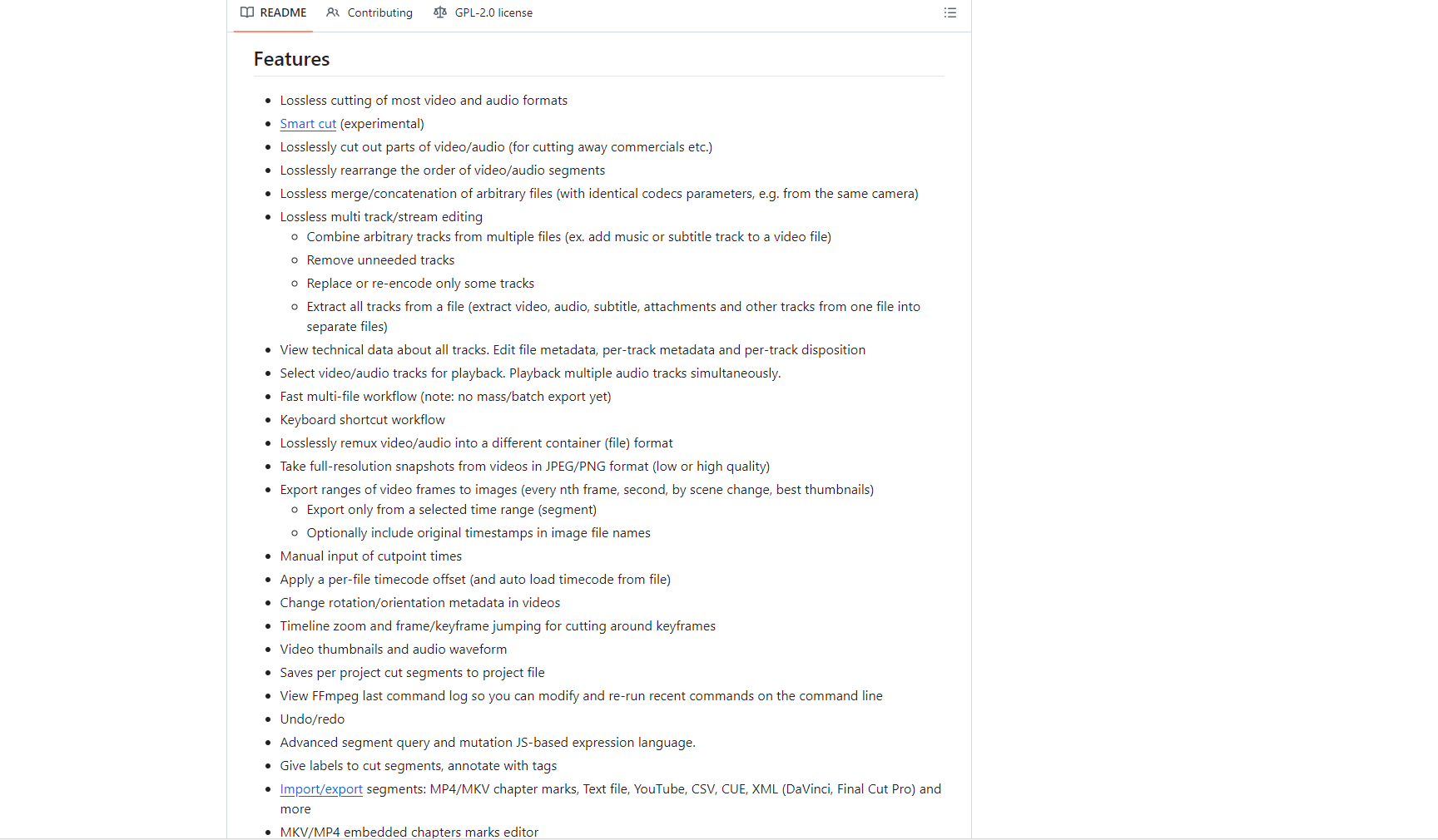
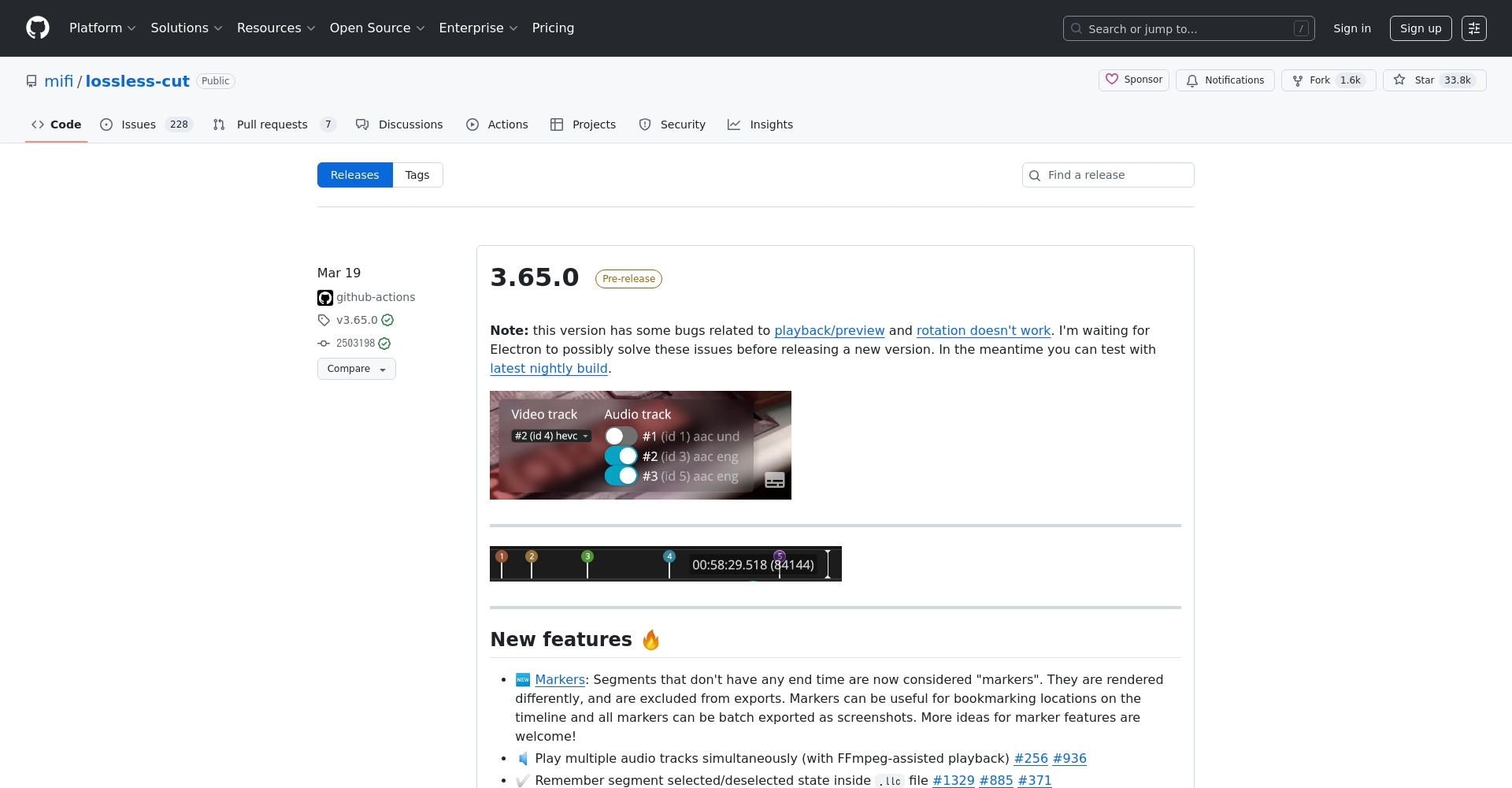
- Go toreleases pageDownload the appropriate version
- For Windows, we recommend the compressed, direct-launch version, which requires no installation. For macOS, drag it to Applications.
- The main interface appears immediately upon opening.
Detailed Explanation of Interface and Basic Operation Process
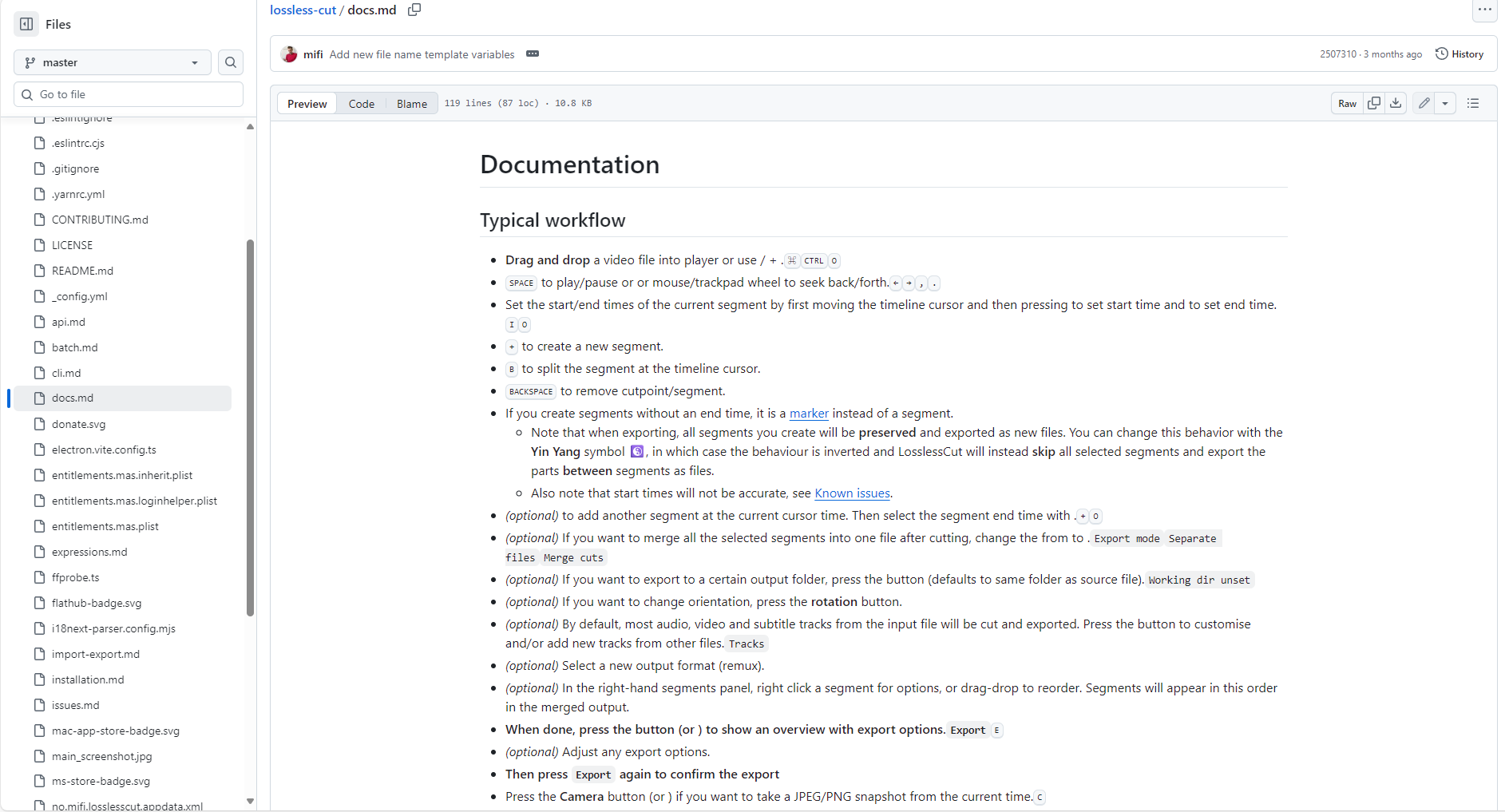
- Import files:Drag and drop the video/audio file into the window or click Open to select.
- Location segment:Use the timeline and pause function to determine the start and end of a segment.
- Marking intervals:The point [and] precisely defines the start and end points.
- Perform cropping:Click the scissors (Split) button to quickly export the cropped content to the original path.
- Multi-segment processing:Multiple fragments can be exported in batches.
Tip: Keyboard shortcuts are efficient, such as [ and ] for marking sections, S for cut, and space for play/pause.
Batch cutting and multitrack editing usage
- Batch processing:Exporting multiple files and sections simultaneously improves the efficiency of processing long media.
- Audio track/subtitle management:Tracks manage audio tracks and subtitles, supporting compositing/replacement.
- Lossless merging:A powerful tool for merging and outputting multiple clips and organizing fragmented materials.
Application Scenarios and Work Efficiency Improvement Guide
Short video creation and social media operation
Quickly capture exciting content clips with one click; ideal for short video platforms such as Douyin, Kuaishou, and Bilibili.This will improve the speed and quality of content updates.
Online video course/conference material organization
Teachers or company employees can borrow itLosslessCut accurately extracts key segments from meetings and courses, eliminating the need for length-based transcoding and enabling rapid archiving.。
Surveillance video/evidence processing
Industries such as security and legal services can efficiently and in batches extract effective segments from long recording sessions.This will improve work efficiency and accuracy.
Daily video editing and material organization
Vlog and home video availableLosslessCut batches cuts out unnecessary parts, freeing up disk space and improving editability.。
LosslessCut Practical Tips & FAQ
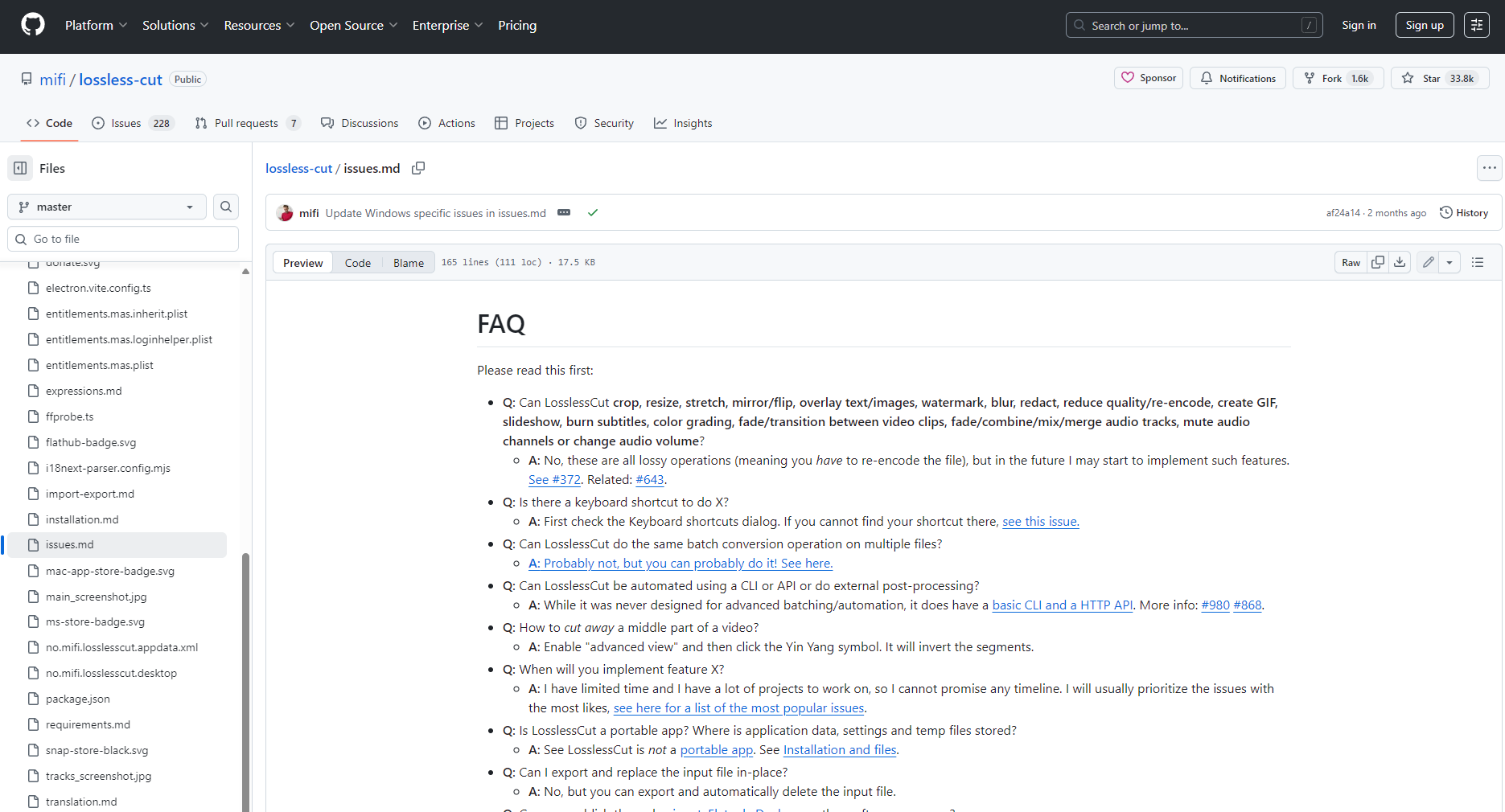
- How to avoid audio-visual desynchronization? It is recommended to first repair the source file using a standard encoding format or ffmpeg.
- What if the file is not supported? It is recommended to first convert the file to MP4 using software such as "Format Factory" for lossless editing.
- Lossless audio track replacement/merging? Use the Tracks Manager to import audio tracks for lossless replacement or multi-track synthesis.
Related Tools and FAQs
| scene | Recommended tools | illustrate |
|---|---|---|
| Video format conversion | Format Factory | Preprocess special source files |
| Audio/Subtitle Editing | Audacity / Aegisub | Editing and fine-tuning multiple audio tracks |
| Batch compression/transcoding | Handbrake | Batch file transcoding and compression |
| Lossless editing alternatives | Bandicut | More hardware acceleration support |
| Advanced command-line processing options | ffmpeg | Exclusive to advanced command-type users |
Whether you're a novice creator or a seasoned editor, LosslessCut, with its "extremely fast and zero-loss" features, can greatly improve the efficiency of video footage organization and content creation.Visit nowLosslessCut official websiteDownload and experience it now, making every video editing session efficient and worry-free!
© Copyright notes
The copyright of the article belongs to the author, please do not reprint without permission.
Related posts




No comments...
