
LightPDF Complete Guide: One-Stop PDF Editing, Conversion, and AI Function Explained
LightPDF 作为一款集编辑、转换与 AI 处理于一体的All-in-one PDF toolIt supports multiple platforms including online, desktop, and mobile, and meets the needs of office, education, and professional scenarios with its efficient cloud and AI functions. This article provides a comprehensive interpretation of its core technologies and practical skills, focusing on highlights such as PDF editing, format conversion, AI summarization, and intelligent question answering. It also explains its secure collaboration, industry applications, and pricing plans, making it the best choice for improving work efficiency in the digital age.
Product Overview
The Birth and Positioning of LightPDF
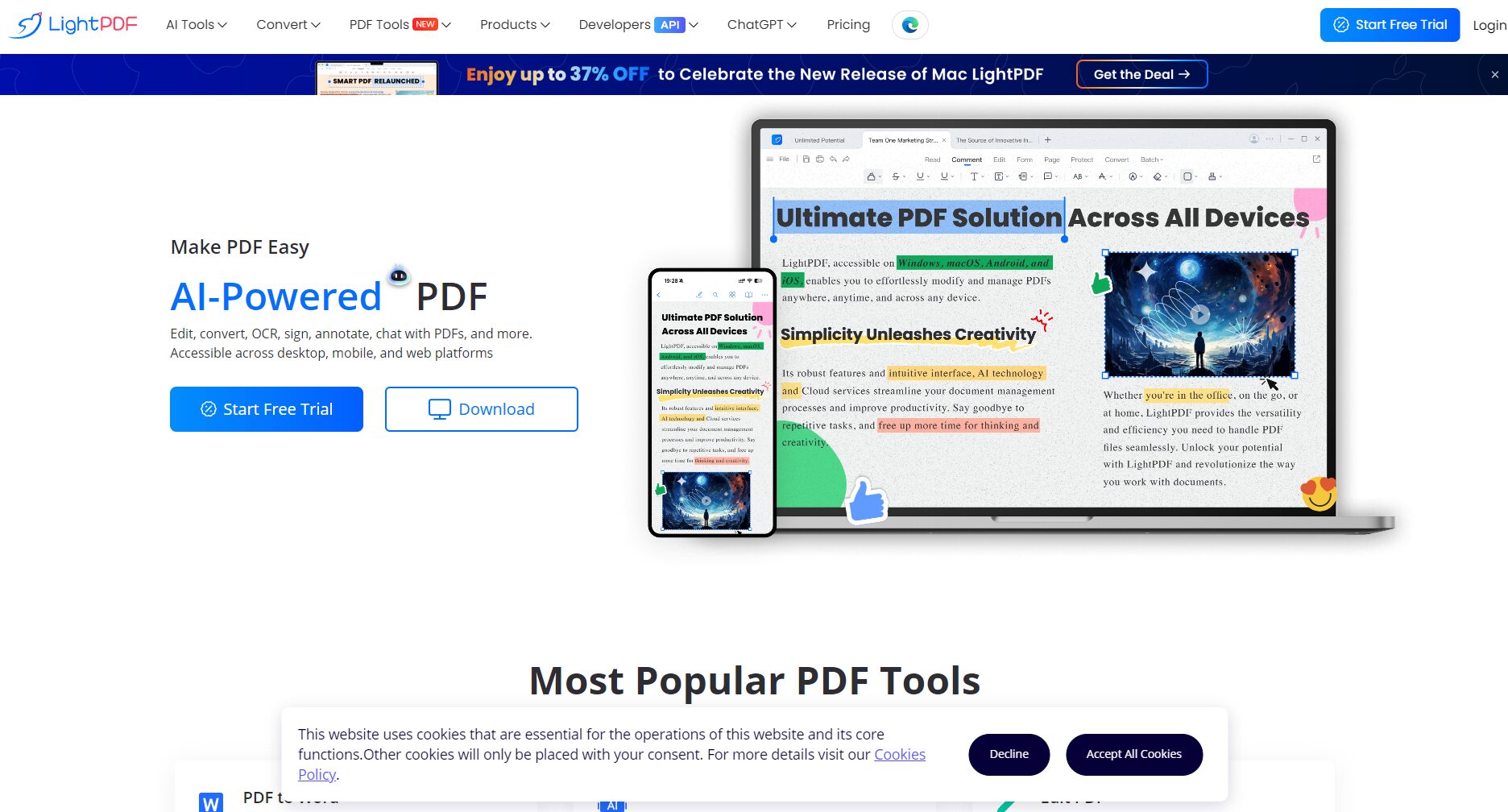
LightPDF, developed by Hong Kong-based Netsun Technology, is a software focused on...Lightweight, cross-platform, and easy to useThis PDF tool is available on Windows, macOS, iOS, Android, and a web version. Basic functions can be used without registration, and it offers comprehensive editing, conversion, merging, protection, OCR, AI summarization, and intelligent question answering services, making it suitable for individual users, educational institutions, and businesses.
Supported Platforms and Acquisition Methods
| Supported Platforms | Main features | How to obtain |
|---|---|---|
| Cloud-based online version | No installation required, ready to use immediately, and features updated in real time. | Official website usage |
| Windows Desktop | Deep editing, batch processing, and plugin support | Download and install |
| macOS desktop version | Apple ecosystem optimization and interface localization | Download and install |
| iOS / Android | Photo to PDF, mobile editing, cloud sync | Search "LightPDF" on the App Store or Google Play.“ |
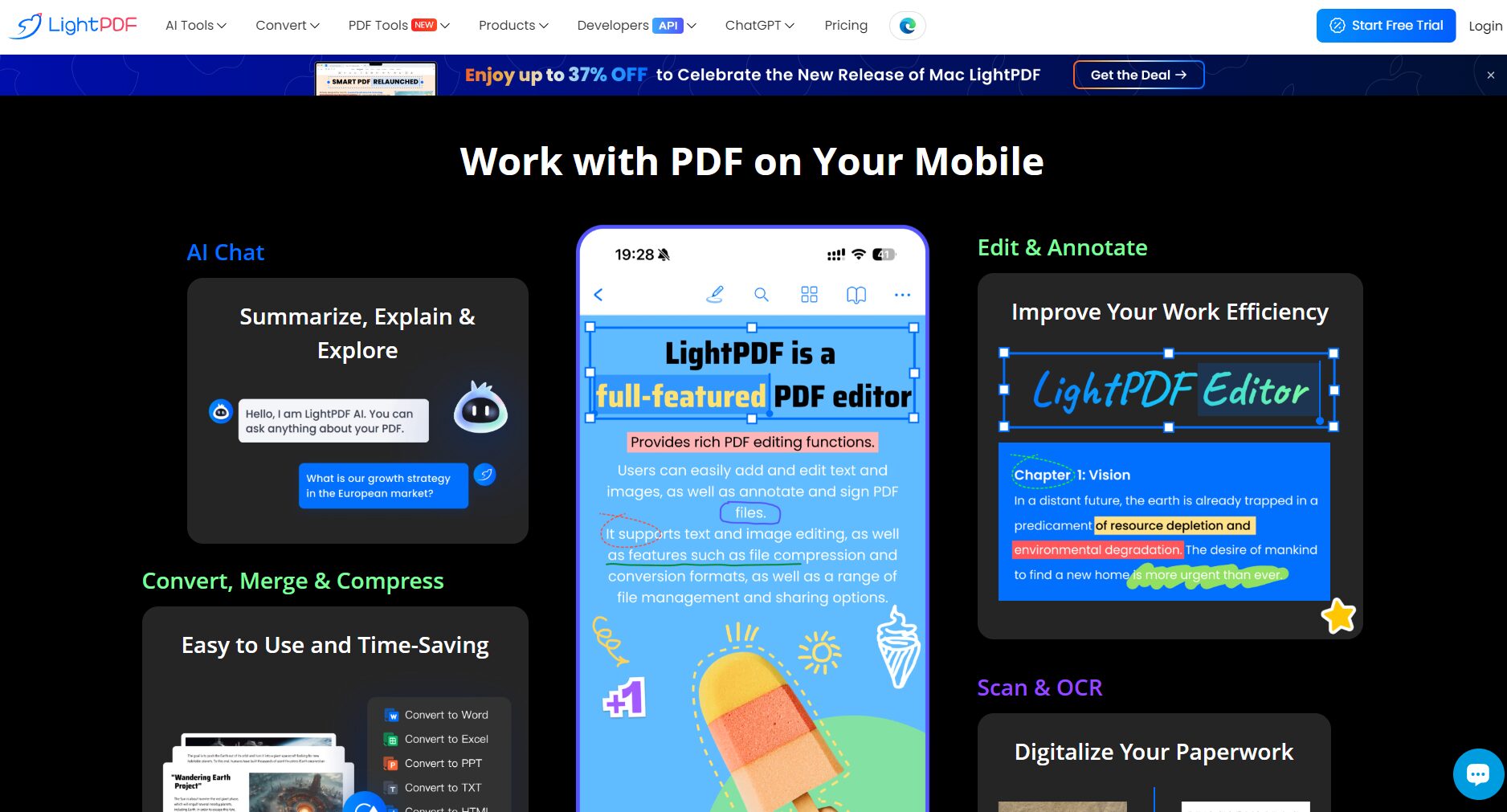

VIP accounts can synchronize advanced features across multiple platforms and enjoy full AI value-added services and batch acceleration.
Core Functions Explained
1. PDF Content Editing
- Supports direct editing of text and images (adding, deleting/modifying text, inserting images, and adjusting paragraph styles).
- Page operations (cropping, rotating, dragging and sorting, page deletion/insertion).
- Advanced batch editing support (batch replacement, batch addition of headers and footers, unified export of comments).
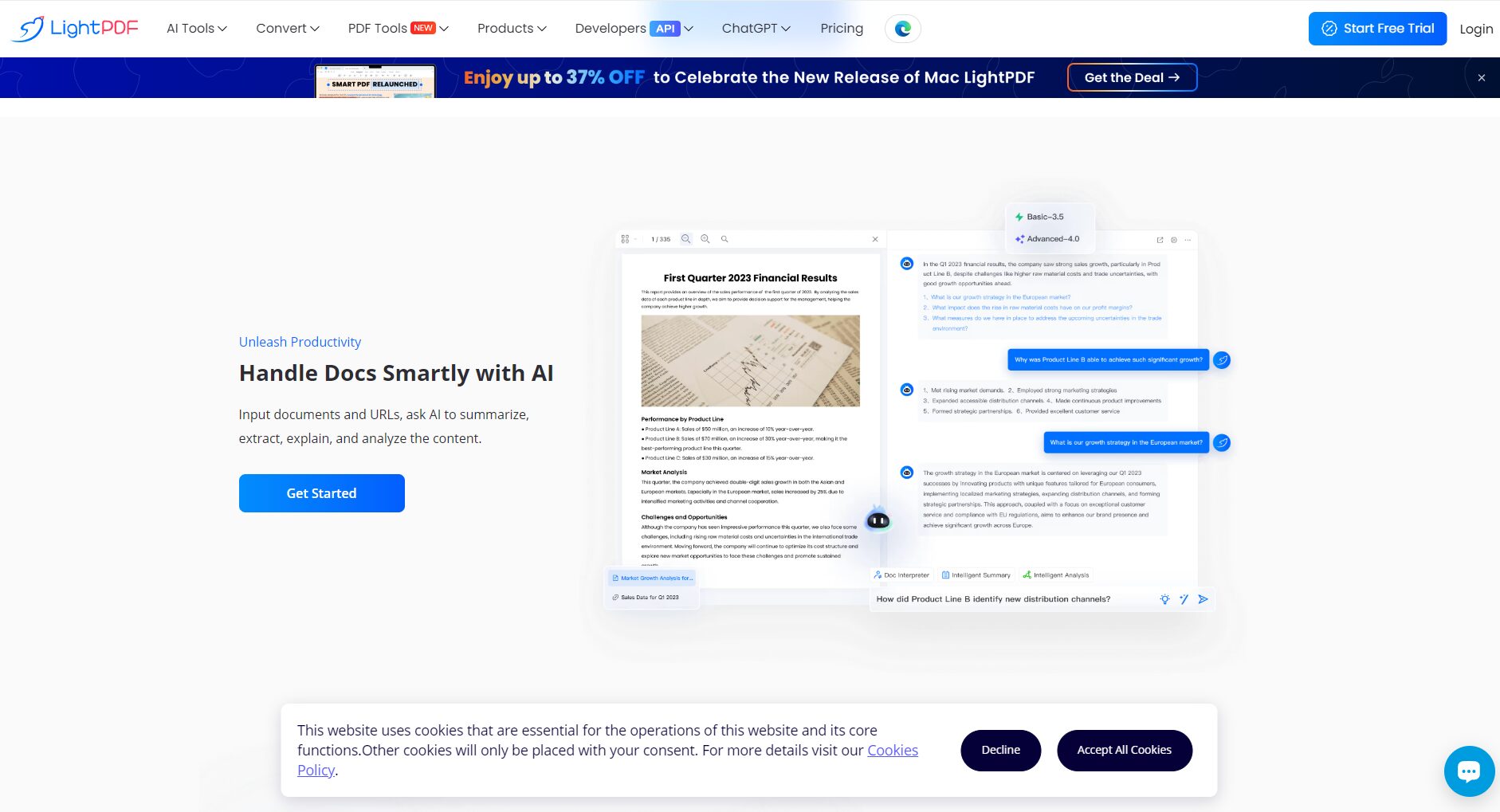
Usage tips: After clicking "Edit" mode, double-clicking the text area allows for real-time editing; after inserting an image, you can customize its size and layer order.
2. Multi-format bidirectional conversion
LightPDF supports bidirectional conversion between PDF and common office/image formats. During conversion, the AI algorithm tries its best to maintain the original layout and style.
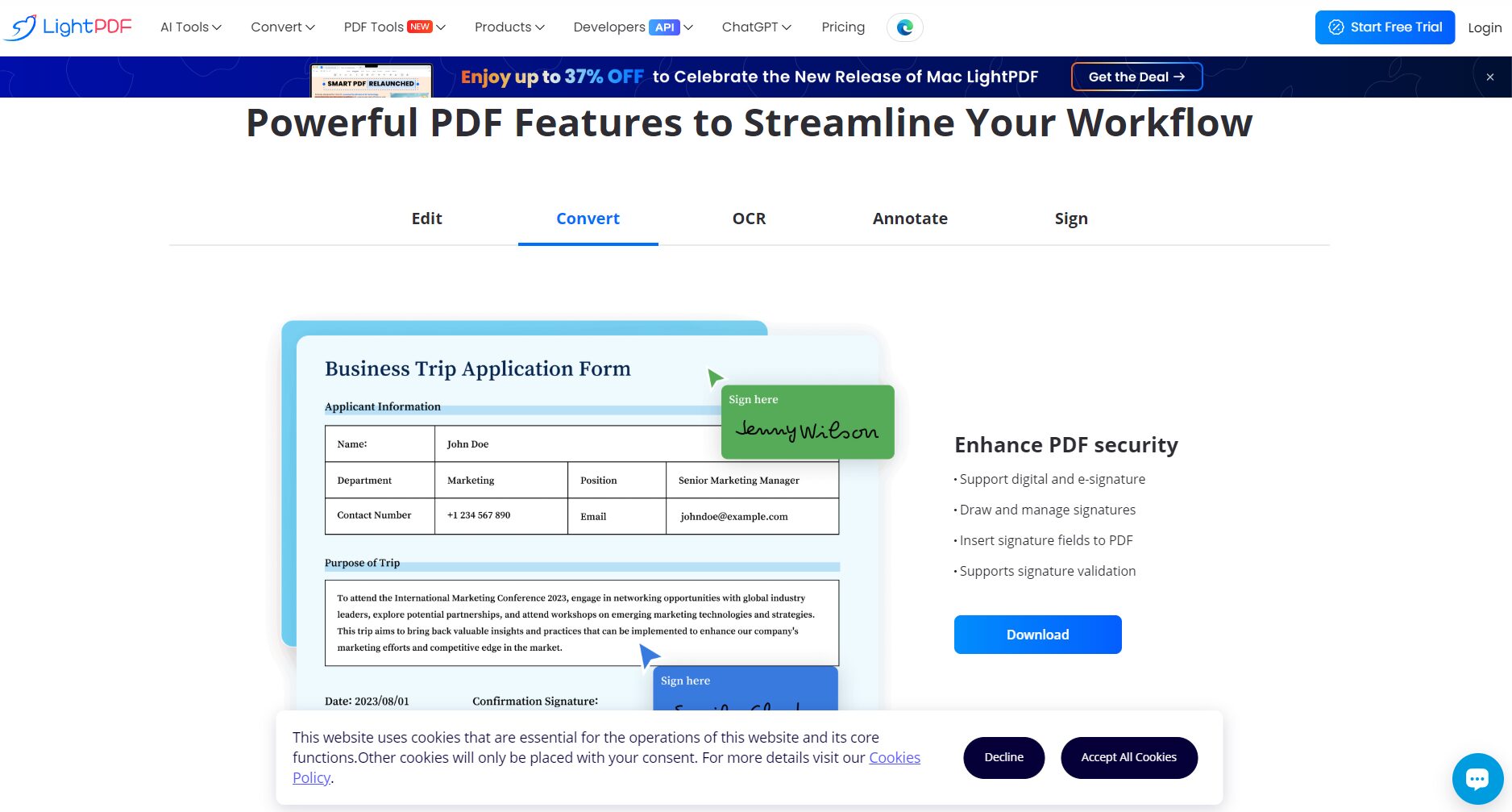
| Source format | Supported export formats | Batch processing |
|---|---|---|
| Word, Excel, PPT, JPG, PNG, TXT, CAD | Support (VIP for enhanced performance) | |
| Word/PPT/Excel/JPG/PNG/TXT/CAD | Support (style retention) |
Example scenario: Batch convert contracts to Word for line-by-line verification; scan lecture notes using OCR to Word for taking class notes.
3. File optimization and batch processing
- PDF compressionMulti-mode compression (fidelity/equalized/extreme) is available to meet the needs of different scenarios.
- OCR recognitionConvert scanned images or image PDFs into editable, searchable text, supporting multiple languages.
- Batch processingFeatures include: splitting, merging, inserting cover pages, batch renaming, batch adding watermarks, etc.
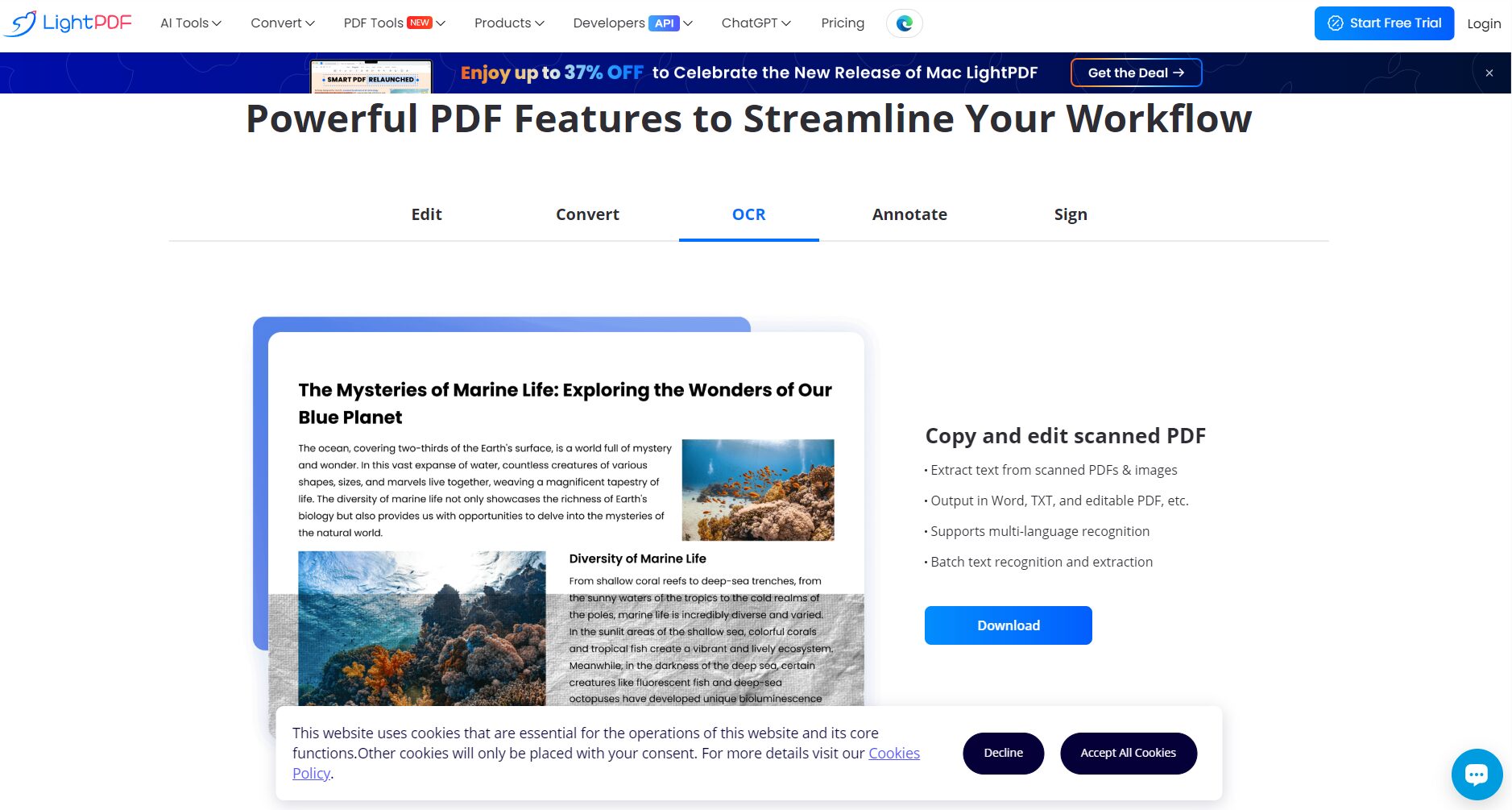
Skill: Before performing batch OCR, it is recommended to split the scanned documents into multiple pages to improve recognition stability.
Smart AI Service Highlights
AI PDF Content Summary
- Extract key points, keywords, and paragraph summaries from documents with a single click, greatly improving reading efficiency.
- Suitable for meeting minutes, research papers, contracts, and long reports.
- Supports Chinese, English and multilingual input.
Intelligent PDF Q&A and Content Search
- After uploading a PDF, you can chat with the AI assistant to precisely search for questions such as "Where is the payment date?" or "On which page are the key terms?".
- It supports complex semantic search, reducing page-turning search time.
PDF format intelligent optimization
- Automatically repairs table distortion, batch calibrates scan skew, intelligently identifies and reconstructs table structure, and exports to high-quality Word/Excel.
- Form repair is particularly useful when digitizing financial forms, statistical reports, and paper contracts.
A quick overview of AI function application scenarios
| Function | Applicable Scenarios | Difficulty | suggestion |
|---|---|---|---|
| AI Summary | Papers, reports, contracts | ★ | One-click document upload processing |
| AI Q&A | Technical drawings, legal documents | ★★ | Using standard questions works better. |
| Table Repair | Scanned forms, application documents | ★★★ | Multiple pages can be split and processed first. |
Safety and Collaboration
File security protection
- Supports PDF encryption, password protection, and permission settings (viewing/printing/copying restrictions).
- Batch digital signature and watermarking functions are suitable for contract/legal/financial scenarios.
Multi-person team collaboration
- It supports collaborative comments, version tracking, and granular permissions (view/edit/approval).
- Enabling remote approval across teams is facilitated by sharing encrypted links and setting access permissions.
Safety Highlights List
| Function | illustrate |
|---|---|
| File encryption | Limited viewing/printing/copying permissions |
| Password Management | Supports setting/removing passwords |
| Digital Signature | Batch Custom Signature Images |
| Collaboration tools | Share comments, annotations, and progress tracking |
Different user scenario cases
Academic and Education
- useThe functions include: reading papers, extracting key points, organizing electronic lecture notes, and batch management of classroom materials.
- AI assistanceAI abstracts summarize key points of literature; OCR transcription provides teachers' handwritten notes.
Office Automation
- useAutomatic archiving of meeting minutes, batch contract comparison, and generation of daily/weekly reports.
- AI assistanceQuickly generate conference abstracts and keywords, and automatically categorize and name the files.
Legal and Financial
- useContract batch comparison, sensitive information protection, and audit data processing.
- AI assistanceIntelligent Q&A quickly locates terms and conditions, while batch watermarking and encryption reduce the risk of leakage.
Fees and Service Plans
| plan | Applicable to | Main limitations | Price (New Taiwan Dollars) |
|---|---|---|---|
| Free version | Light users/temporary needs | Single file size 5MB, limited conversion pages, output watermark | 0 yuan |
| Personal Monthly VIP | High-demand users | Fully functional and watermark-free | 690 / month |
| Annual Plan | Long-term/Professional users | Includes permanent updates | 1,490 / year |
| Team/Enterprise Edition | Company, Team | More accounts, customized permissions | 1,990–2,990 / year |
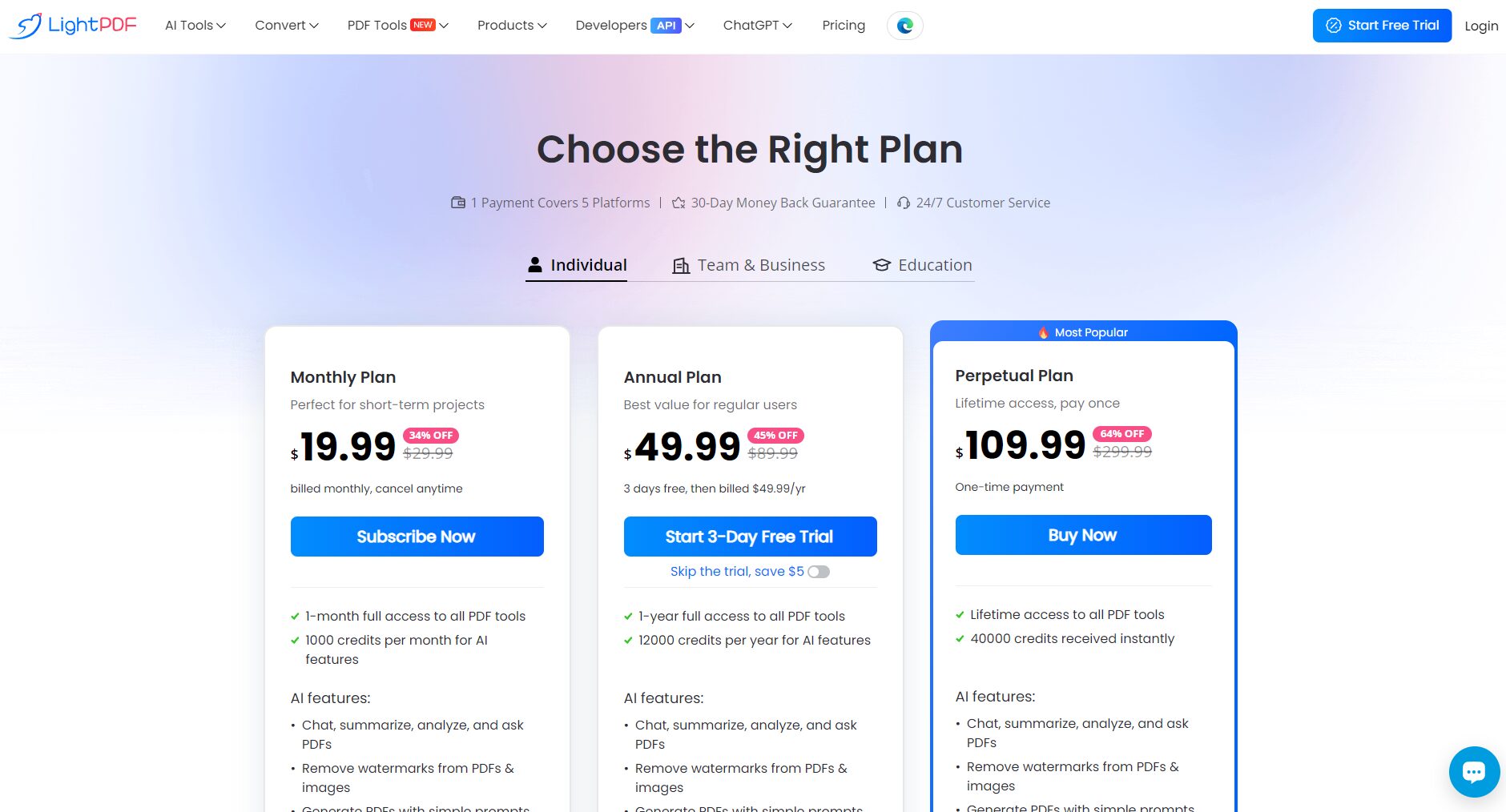
Note: Actual prices and promotions may be adjusted according to official policies. Please refer to the official price page for the most accurate information.
Getting Started Guide and Frequently Asked Questions
Quick Start Guide
- Access the online version or download and install the desktop client.
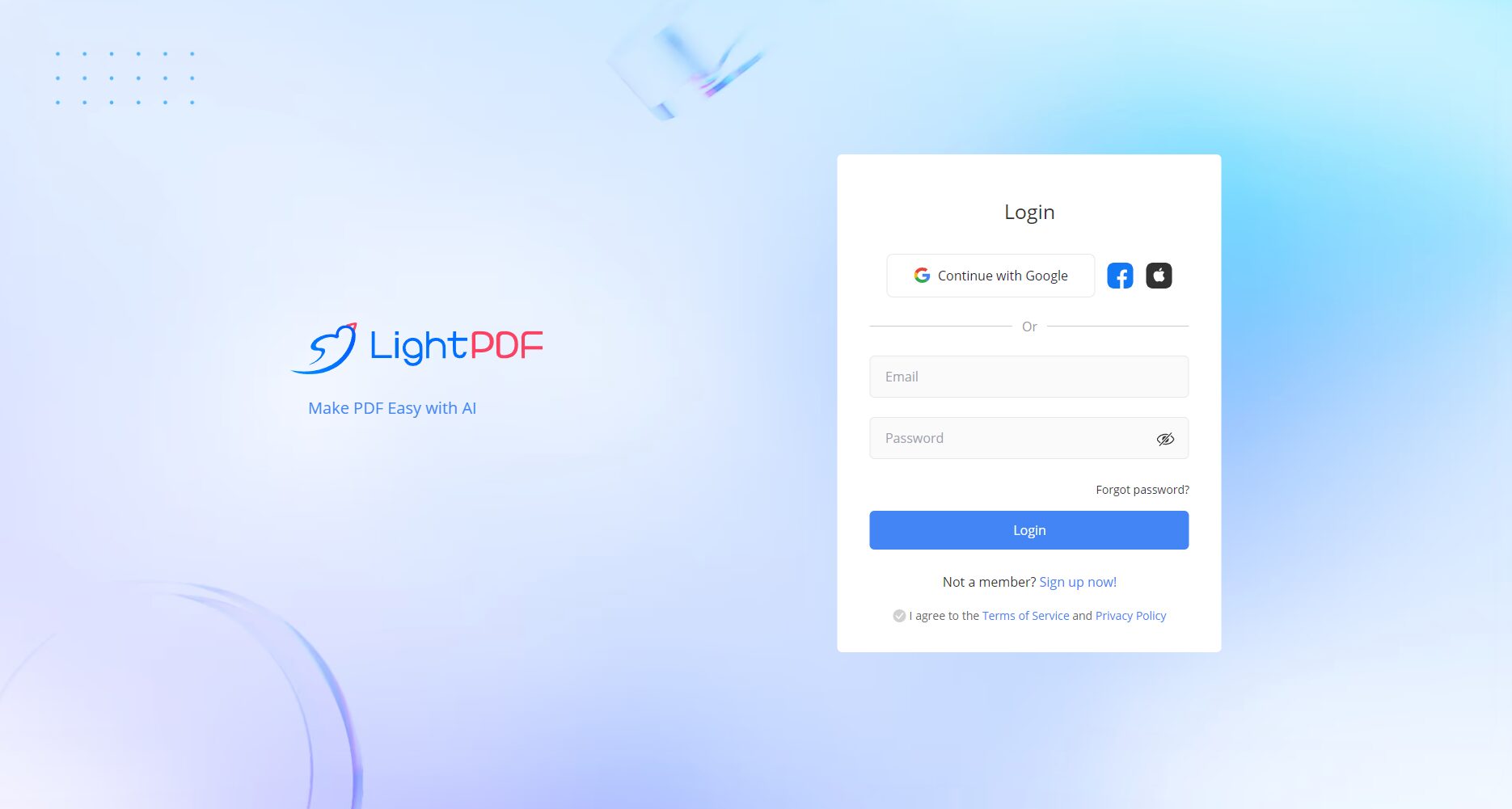
- Log in (optional; free features do not require login).
- Choose a tool (editing, conversion, OCR, AI summarization, etc.).
- Upload or open the PDF, follow the prompts, and download the results.
Frequently Asked Questions (Excerpt)
- How to remove watermarks?
After becoming a VIP member, downloaded files will be watermark-free. - How can batch operations be performed?
Both the desktop and VIP versions support simultaneous conversion/processing of multiple files. - Does AI summarization/question answering require an internet connection?
All AI services are cloud-based and require an internet connection.
Beginner's Guide (Quick Demonstration)
Example: Use LightPDF to convert a scanned contract into an editable Word document and extract key points.
- Open LightPDF → Select OCR or "Scan to Word".
- Upload scanned PDFs (each file is recommended to be ≤ 50MB).
- Choose the language and recognition accuracy (e.g., "High-precision table repair").
- Perform OCR → Export to Word.
- Upload the exported Word document to the AI summary function → automatically generate a list of contract key points and terms.
- If you need to share the document, set document permissions and send an encrypted link to team members.
Conclusion
In today's increasingly digital office and remote collaboration environment, a comprehensive PDF tool that supports AI capabilities and cross-platform collaboration can greatly improve work efficiency.LightPDF With its comprehensive platform coverage, practical AI features, flexible subscription options, and secure collaboration capabilities, it has become a reliable choice for individuals, educational institutions, and enterprises to achieve streamlined PDF digitization workflow management. Get started now and experience one-stop document workflow optimization from "find → edit → extract → share".
© Copyright notes
The copyright of the article belongs to the author, please do not reprint without permission.
Related posts


No comments...
