
ChatGPT Excel Integration Tutorial: How to enable AI to automatically handle data analysis and repetitive spreadsheet tasks?
ChatGPT Excel integration is becoming a new trend in the digital workplace! This article teaches you in detail how to...ChatGPT AI技術與ExcelPerfect combinationWhether it's data analysis, automatic reporting, repetitive table organization, or formula generation, learn the latest 2024 version of the plug-in installation process and practical tool recommendations in one go.Whether you are a business manager, accountant, salesperson, or marketing professional, you can implement automation to improve efficiency and free up repetitive labor!
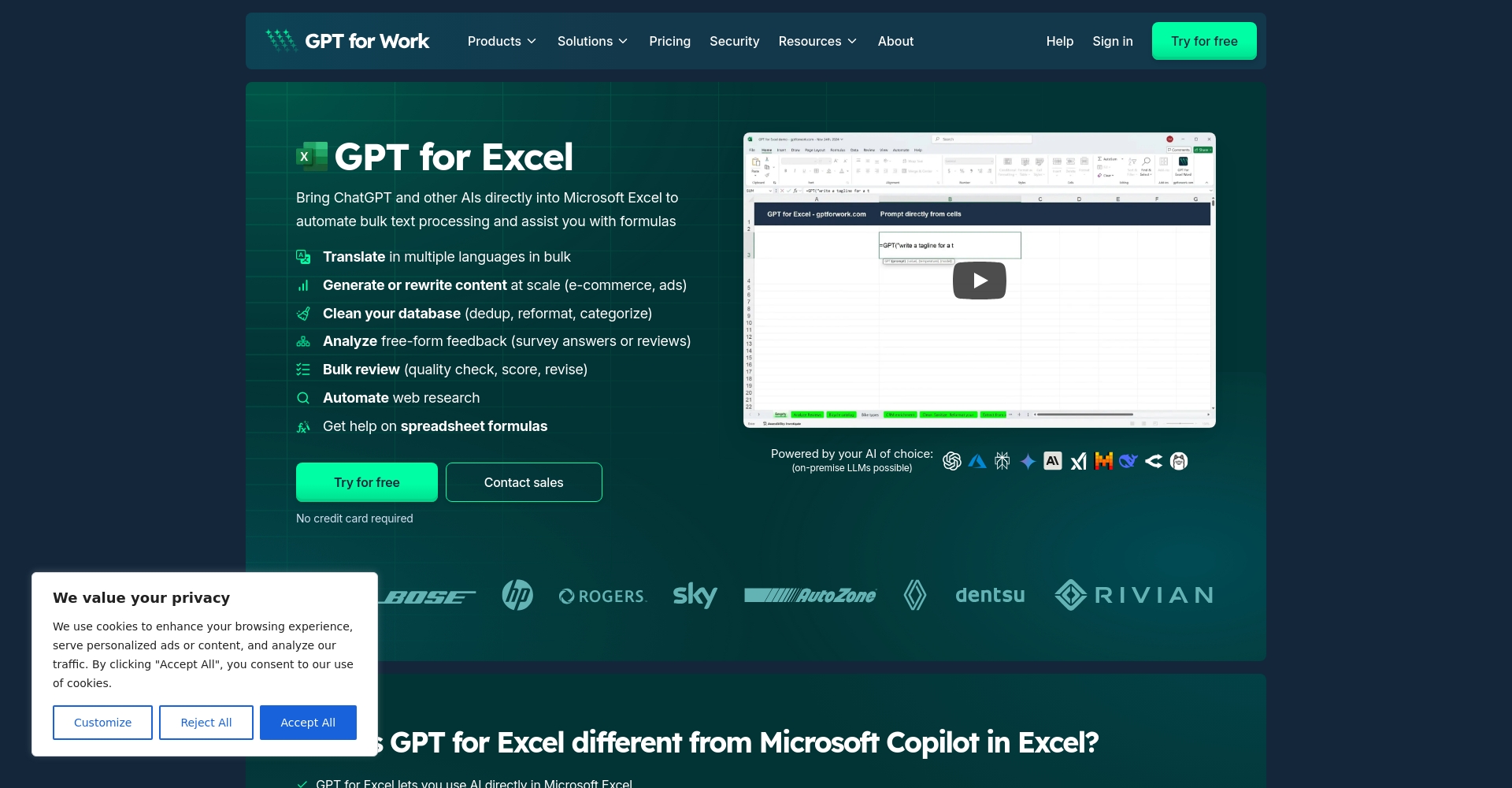
The integration of ChatGPT and Excel: New momentum for digital transformation
WithEnterprise digital transformationwave,The integration of AI with office software has become the new norm.As the world's most popular spreadsheet analysis tool,Microsoft Excel has fully opened up integration with generative AI plugins such as ChatGPT.In 2024, with just a few installation steps, ChatGPT can become your office automation assistant, achieving...Maximum efficiency of human-machine collaboration!
讓Delegate repetitive, tedious, and judgment-based Excel tasks to AI.It is no longer a patent of large enterprises.Small and medium-sized enterprises and individual users can also easily get started.This article focuses onLatest ChatGPT Excel integrated tutorial and tool comparisonInstantly usher you into a new era of smart offices!
How to automate ChatGPT's data analysis and duplicate table processing tasks?
What is "ChatGPT Excel"?
ChatGPT ExcelGenerally refers to any integration using OpenAI ChatGPT technology.Solution for automation in Excel using plugins, tools, or API integration.Available through:
- Install the plugin to directly import ChatGPT
- Enable Copilot native AI in the latest version of Excel (depending on regional availability).
- Use API to connect custom automation scripts
- Paste Excel data/tables directly into ChatGPT webpage for analysis
Install the ChatGPT plugin and Excel will instantly become an AI assistant.
- Open Excel, click "Insert" → "Add-ins"
- Search for "GPT", "ChatGPT for Excel", and "Workbook GPT".
- Choose as GPT for Excel & SheetsClick "Add".
- Authorize according to the instructions and enter the API Key (Get the tutorial for free)
- After installation, a new "ChatGPT" function bar will appear in Excel.


AI functions such as automatic data summarization, data cleaning, format conversion, and batch content generation can be enabled immediately.。
A friendly reminder:
– Some plugins only support the latest Excel 365 version;
Please keep your API Key safe and take precautions to ensure data security!
Four Real-World Examples of Workplace Applications
- One-click data summary & trend analysis: Select a data block, and AI will quickly output a summary, average, anomaly detection, and trend statement report.
- Automatic removal of duplicates and content standardization: AI batch deletes duplicate emails, standardizes phone format, and reorders them—a standard operation completed with a single click!
- Automatic generation of advanced formulas in Excel: If you don't know how to write formulas, simply ask a question such as "Please generate a weighted average formula based on product type," and the AI will help you set up the formula and reference fields.
- Batch generation of developer email/report content: Submit customer or brand forms to AI to quickly generate personalized emails, monthly report TXT files, marketing summaries, and more.
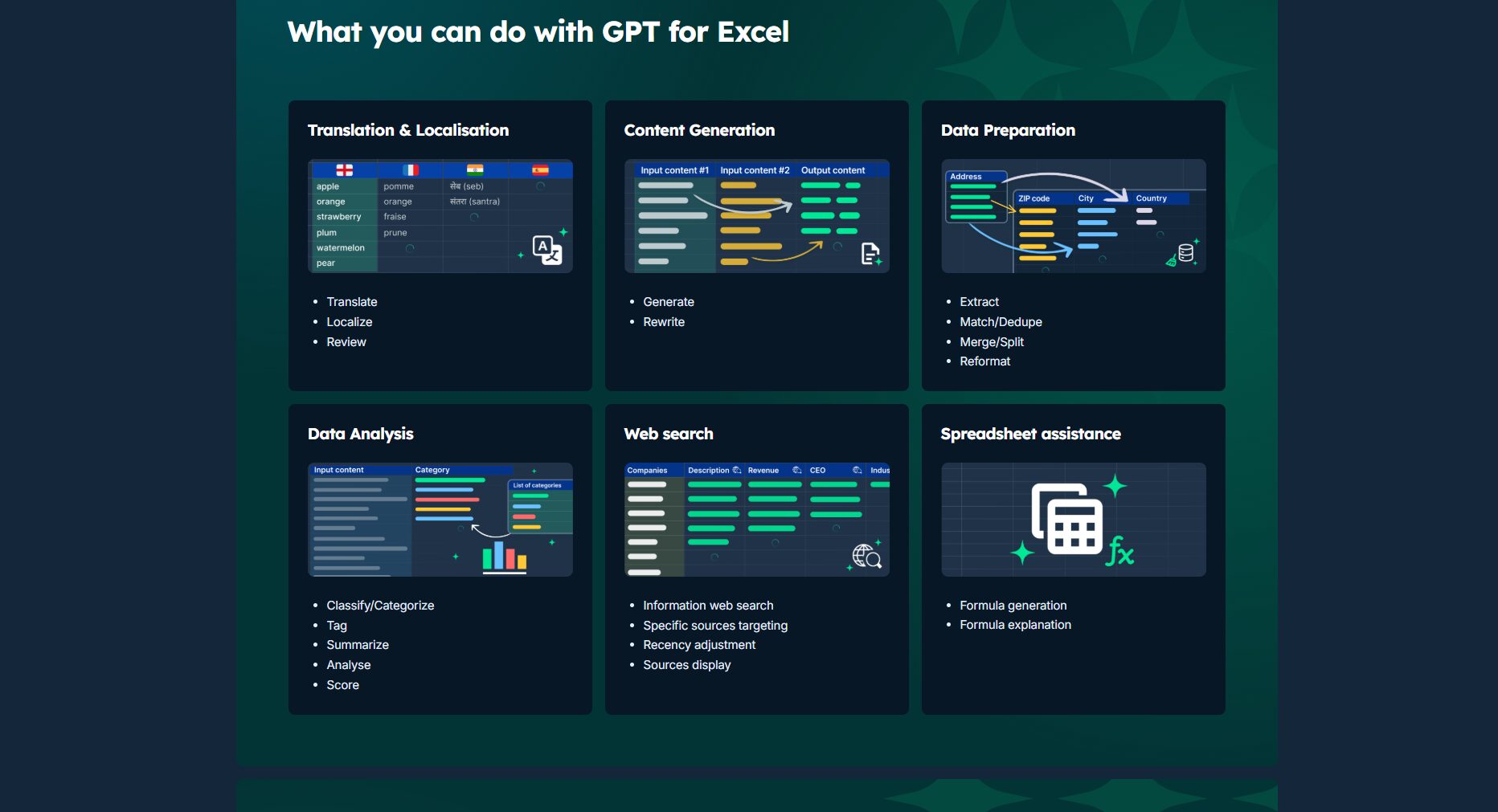
Introduction to Excel + AI extension plugins/applications
Comparison of mainstream tools
| Tools/Plugins | Special features | Payment method | Official Page |
|---|---|---|---|
| GPT for Excel & Sheets | OpenAI API support, AI formula assistant | Basic version is free | GPT for Excel & Sheets |
| OpenAI Copilot for Excel | Microsoft natively and deeply integrates AI | Subscription required | Copilot Info |
| ChatGPT Official Web Panel | Directly paste the table for analysis, no plugins required. | Free/Pro | ChatGPT Official Website |
| Bardeen AI | Automated scripts, cloud platform integration | Free/Paid | Bardeen AI |
Selection Tips:
Tools like GPT for Excel focus on AI-powered Excel optimization; Copilot is a native solution from the manufacturer; and Bardeen is suitable for cross-platform automatic batch processing.
Other recommended AI plugins
- EasyGPT for Office: An easy-to-use plugin
- Excel Formula Bot: Specializing in AI Formula Tools
- Taiwan-developed GPT scripts week: Follow social media/forum updates.

FAQ and Helpful Resources Links
Frequently Asked Questions
- Q: How do I connect Excel to ChatGPT?
A: You can install GPT for Excel gain set and use the API Key to call AI; or paste the Excel spreadsheet into the ChatGPT webpage for analysis; or use Python + API for advanced automation. - Q: What are some free AI Excel plugins?
A: I recommend GPT for Excel, Excel Formula Bot, etc., both of which offer free plans. - Q: How do I paste a table into ChatGPT for analysis?
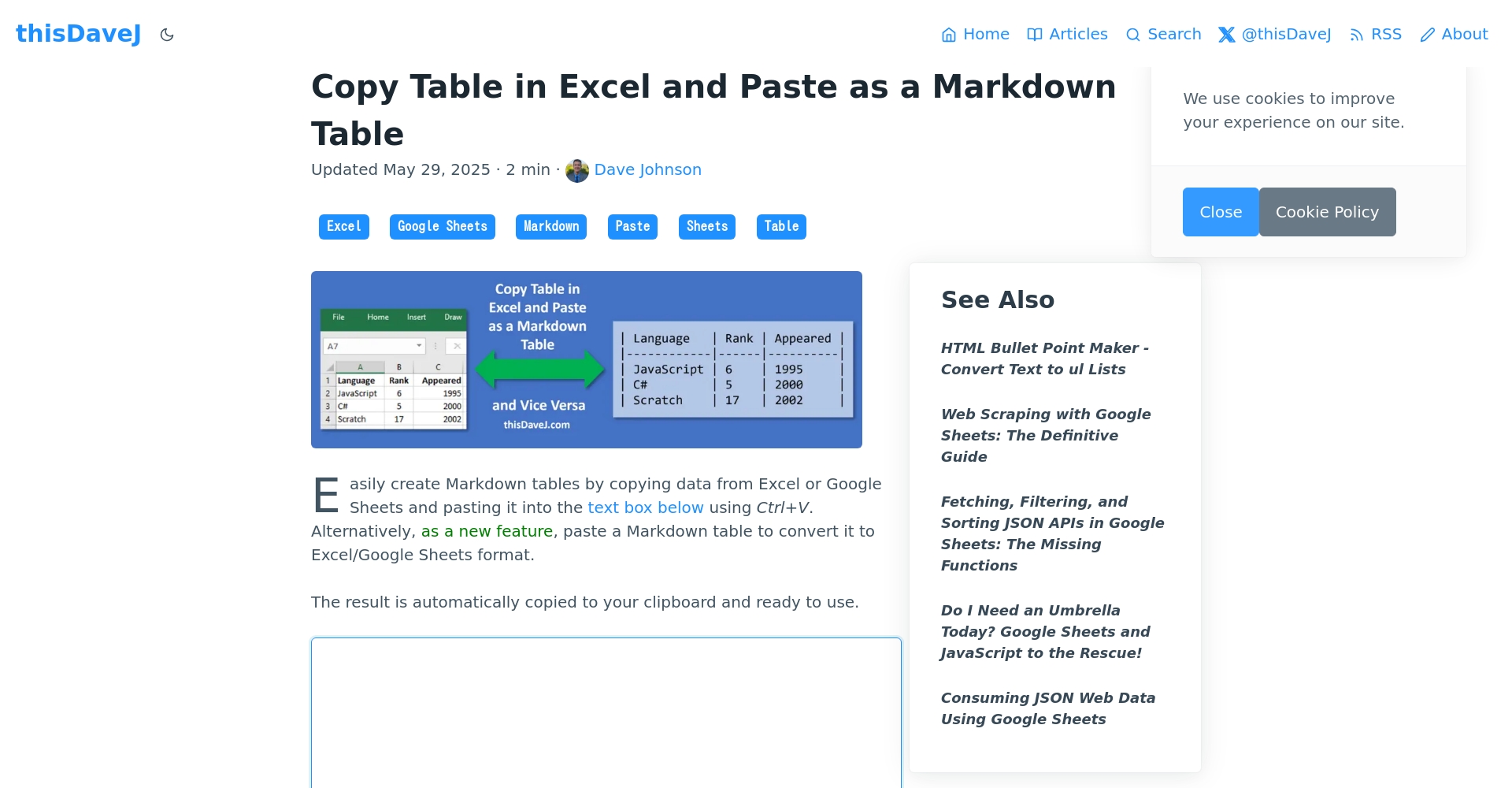
A: UseMarkdown conversion toolFormat it, then paste it.ChatGPT official websiteAnalysis, finally usedInverse conversionQuickly return to Excel. - Q: What should we pay attention to regarding cybersecurity and risks?
A: Do not upload sensitive/confidential data to unknown AI platforms; medium and large enterprises are advised to use dedicated APIs and strengthen access control.
Extended learning resources
- Complete installation and setup tutorial for GPT plugin
- Table and Markdown conversion tool
- Bardeen's Automated Excel Workflow Tutorial
- ChatGPT Excel Case Studies
- Copilot official documentation
AI automation tools will become increasingly widespread."ChatGPT Excel integration" is an essential skill for the modern office.Delegate tedious tasks to AI, allowing you to focus on decision-making and innovation – this is the most worthwhile digital capability to invest in in 2024.
© Copyright notes
The copyright of the article belongs to the author, please do not reprint without permission.
Related posts




No comments...
