
Best PowerShell Commands of 2025: 10 Practical Tips for Efficiently Enhancing IT Operations Automation
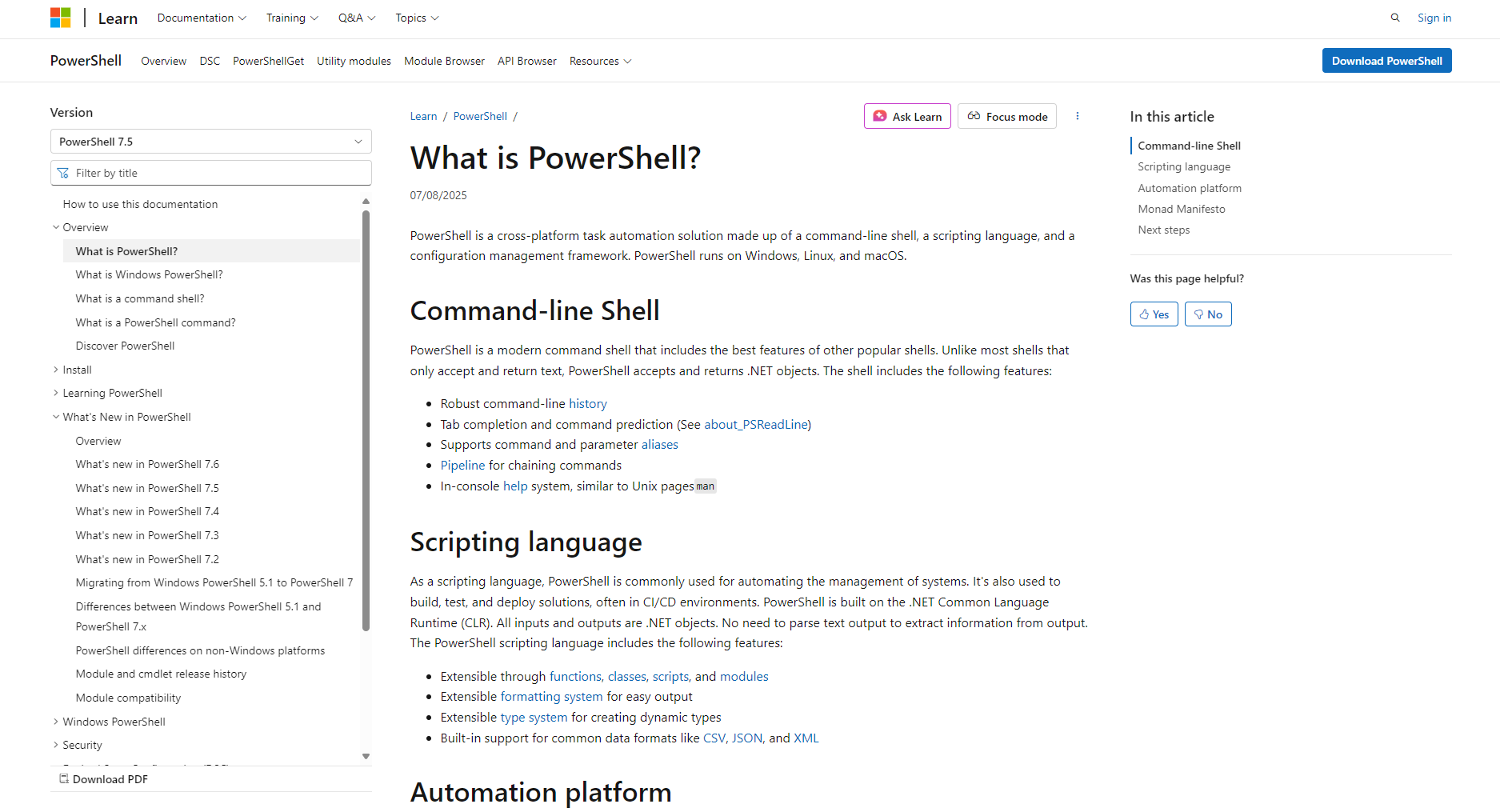
By 2025, IT operations automation will have become a core driving force for enterprise digital transformation.This articleTop 10 most efficient and practical PowerShell toolsInstructions and TechniquesCovering processes, services, data, networks, andAIPlatform integration and other scenarios are covered, supplemented by quick table overviews and case studies.Helping IT professionals comprehensively improve their automation and intelligent operation and maintenance capabilitiesBased on this comprehensive tool, operations and maintenance teams can achieve secure and efficient batch management, log analysis, and AI-powered intelligent automated operations and maintenance, seizing the opportunities presented by the digital economy!
Best PowerShell Commands of 2025: 10 Practical Tips for Efficiently Enhancing IT Operations Automation
In 2025,IT operations automationPowerShell, as the most powerful command-line and scripting tool on the Windows platform, has become one of the core drivers of enterprise digital transformation and is undoubtedly a powerful assistant for many operations and maintenance professionals. This article focuses on "“Best PowerShell Commands of 2025”This book selects 10 highly efficient and practical tips, along with scenario explanations and quick reference tables, to help IT personnel comprehensively improve the efficiency of automated operation and maintenance.
A table summarizing the top ten PowerShell automation techniques
| Serial Number | instruction | Main functions | Typical application scenarios |
|---|---|---|---|
| 1 | Get-Help | Get help documentation | Learn/Query command usage |
| 2 | Get-Process | System process management | View/Monitor/Kill Processes |
| 3 | Get-Service | Service status management | Check/Start/Stop/Restart the service |
| 4 | Get-ChildItem | File directory operations | Batch file management and automatic backup |
| 5 | Set-Location | Switch Path | Batch processing/automation scripts |
| 6 | Stop-Service | Service discontinued | Automatic shutdown/maintenance window |
| 7 | Invoke-WebRequest | Network Request | Download, API integration, automatic monitoring |
| 8 | Import-Csv/Export-Csv | Batch data processing | Batch import/export configuration or asset data |
| 9 | Select-String | High-efficiency log retrieval | Log error search and keyword analysis |
| 10 | Measure-Command | Performance testing | Operation and maintenance optimization, automatic task evaluation |

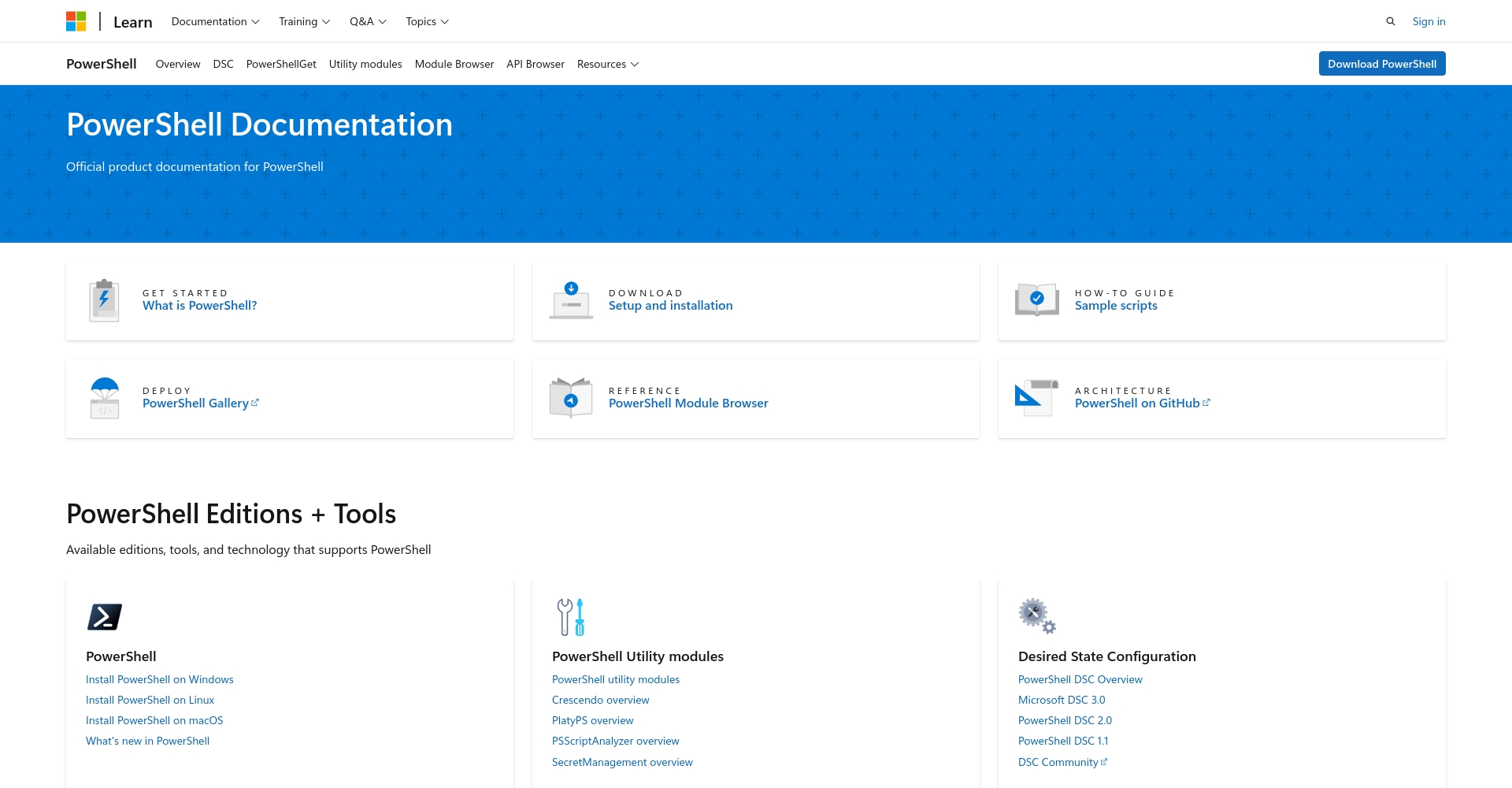
Getting Started with PowerShell for Automating Operations and Maintenance
With the popularization of AIOps and DevOps conceptsPowerShell commandsIt has become a standard tool in Windows and cloud-native hybrid operations and maintenance scenarios. Officially released by Microsoft.PowerShell AI AssistantAnd ChatGPT-based plugins make script development more intelligent.
- Deep AutomationBatch operations, unattended operation, continuous optimization
- Security AuditReal-time logs/service/account access control
- Connecting with AI platforms: Automatically generate command scripts by combining with AI tools such as Copilot
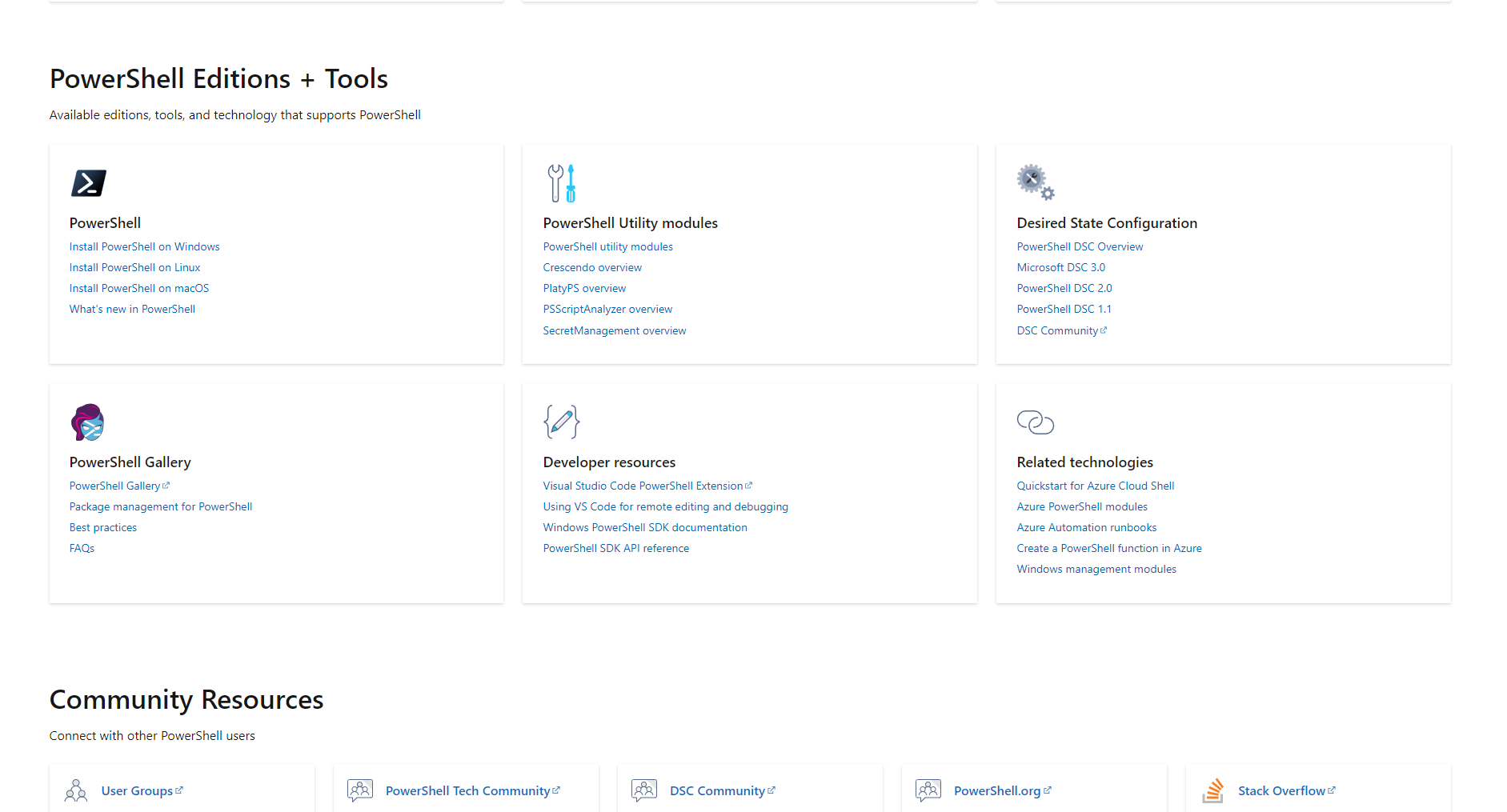
10 Practical PowerShell Tips for Boosting IT Operations Automation
1. Get-Help — Learning to help yourself is the best approach.
Key UsesThis tool provides information on command usage, parameters, and example code, making it a valuable tool for every PowerShell administrator.
Get-Help Get-Service Get-Help Get-Process -ExamplesTip: It is recommended to update the help database. Update-Help。
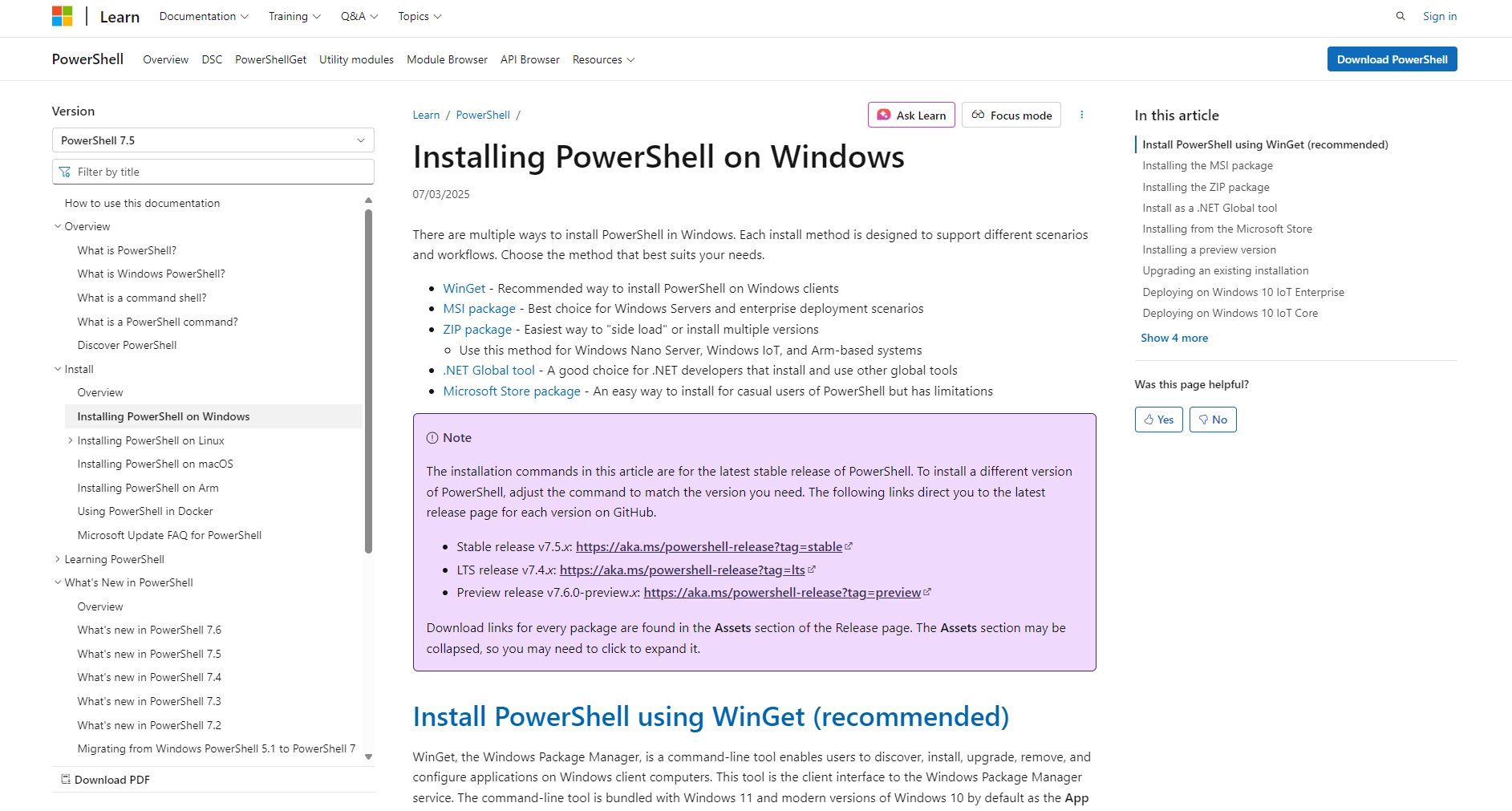
AvailablePowerShell AI CopilotThe plugin allows you to input natural language and have AI automatically convert it into a command script.
2. Get-Process — Real-time process monitoring and management
HighlightsSupports filtering, pipeline output, and batch process control, suitable for automated monitoring or recycling.
# queries all processes (Get-Process). # kills processes using more than 80% CPU (%). Get-Process | Where-Object {$_.CPU -gt 80} | Stop-Process| Order | illustrate |
|---|---|
| Get-Process | List detailed process |
| Stop-Process -Name xxx | Terminate the specified process |
3. Get-Service/Stop-Service/Start-Service — Ensuring High Availability of Services
Supports automated management of the entire service lifecycle.
# Query all service statuses (Get-Service) # Start/Stop Spooler (Start-Service -Name 'Spooler') Stop-Service -Name 'wuauserv''Suitable for batch service restarts at night or scheduled health checks.
4. Get-ChildItem + Set-Location — Batch file/directory management
Preferred alternative to traditional dir Order.
# Lists files in the current directory: `Get-ChildItem` # Change directory: `Set-Location 'C:\logs'` # Recursively retrieve all .log files: `Get-ChildItem -Path 'C:\Users' -Recurse -Filter *.log`5. Invoke-WebRequest – A Pioneer in Network Operations and API Integration
PowerShell enables quick execution of web requests and supports downloads and API integration.
# downloads a file using `Invoke-WebRequest -Uri "https://example.com/file.zip" -OutFile "file.zip"`. # queries the API for returns using `Invoke-WebRequest -Uri "https://api.github.com/repos/powershell/powershell/releases/latest"`."It can be used with the AI HTTP API to enable scripted dialogue and automated work order processing.
6. Import-Csv/Export-Csv — Automatic batch processing of data and assets
# Import CSV: `$users = Import-Csv -Path 'users.csv'` # Batch Account Creation: `foreach ($user in $users) { New-ADUser -Name $user.Name -AccountPassword (ConvertTo-SecureString $user.Password -AsPlainText -Force) -Enabled $true }` # Export Process List: `Get-Process | Select-Object Name,Id | Export-Csv -Path 'proclist.csv' -NoTypeInformation`| instruction | effect |
|---|---|
| Import-Csv | CSV to Object |
| Export-Csv | Object to CSV |
7. Select-String — Intelligent search for logs and text.
PowerShell version of grep, specializing in large logs and batch file text search.
# Search logs for error lines: `Select-String -Path 'C:\logs\*.log' -Pattern 'error'` # Combined Batch `Get-ChildItem C:\logs\*.log | Select-String -Pattern 'keyword'`'It can be used in conjunction with scheduled tasks for automatic screening and alarms.
8. Measure-Command — A powerful tool for performance analysis and script evaluation
Accurately measuring execution time is an essential tool for automated operation and maintenance optimization.
The # test measures the service restart time using the following command: Measure-Command { Get-Service | Where-Object { $_.Status -eq 'Stopped' } | Start-Service }| Function | illustrate |
|---|---|
| Measure-Command | Output time (milliseconds/seconds/minutes) |
9. Pipeline and Process Control – The Core of Automation Scripts
Pipe symbol|Assemble complex automated operation and maintenance tasks.
# filters high-CPU processes: Get-Process | Where-Object {$_.CPU -gt 10} | Select-Object Name,CPUIt is recommended to use tools such as GitHub Actions to integrate continuous delivery automation scripts.
10. Cross-platform enhancements and AI tool expansion
PowerShell has been deeply integrated with Linux and AI platforms, and can be directly invoked by Azure AI, ChatOps, and other intelligent upgrades.
| Application Platform | Command support | Typical scenarios |
|---|---|---|
| Windows | Full support | Asset Management/Security Compliance |
| Linux/MacOS | Core support | Hybrid cloud/cross-platform operation and maintenance |
| Cloud services such as Azure and AWS | Partial support | Cloud infrastructure automation |
| AI Platform | API support | Intelligent analysis/automatic alarm |
Intelligentization Trends and Future Prospects
By 2025, PowerShell operations automation will be deeply integrated with AI tools. Enterprises can combine...AI Copilot, Customized ChatGPT Command Expert ScriptImprove efficiency with unprecedentedly high efficiency and intelligence in daily maintenance, automated batch management, and security hardening.Security and compliance, data asset automation, log alertsAdvanced scenarios like these rely heavily on the powerful PowerShell ecosystem.
Special reminderBe sure to keep up with best practices from Microsoft's official channels and mainstream communities, and embrace the new era of AIOps and automation!
By utilizing these ten PowerShell commands and techniques, both small and medium-sized enterprises and large data centers can easily embark on a path of high-efficiency automation.Fierce competition in the IT arenaGain a head start in intelligent operation and maintenance.
© Copyright notes
The copyright of the article belongs to the author, please do not reprint without permission.
Related posts



No comments...
