![Chatsonic Complete Guide: How to Effectively Enhance the AI Conversation Experience? [A Must-Read for Beginners]](https://aicats.wiki/wp-content/uploads/2025/09/image-67.png)
2025 Video Subtitle Generator Recommendations: A Roundup of 10 Highly Efficient Automatic Subtitle Tools (Free & Paid Analysis)
Video subtitle generatorIt can significantly improve video production efficiency and is an indispensable tool in fields such as self-media, short videos, and corporate training. This article selects the top ten automatic captioning tools of 2025, comparing features, platforms, and applicable scenarios in detail, from free to paid, to help creators choose the most suitable solution.It offers comprehensive coverage across multiple platforms including desktop, online, and mobile, and provides practical Q&A guidance.
Overview of 10 Highly Efficient Automatic Subtitle Tools
The table below summarizes the core information of the 10 video subtitle generators recommended in this article, helping readers quickly compare their features:
| Tool Name | Applicable Platforms | Free plan | Supported languages | SRT export | Subtitles in the video | AI recognition accuracy | Product Link |
|---|---|---|---|---|---|---|---|
| Filmora | Win/Mac/iOS/Android | Available/Limited Functionality | 20+ | ✔ | ✔ | ★★★★☆ | Official website |
| PowerDirector | Win/Mac/iOS/Android | Available/Limited Functionality | 10+ | ✔ | ✔ | ★★★★★ | Official website |
| Adobe Premiere Pro | Win/Mac | 無 | 15+ | ✔ | ✔ | ★★★★☆ | Official website |
| Whisper Desktop | Win/Mac/Linux | Completely free | 90+ | ✔ | × | ★★★★☆ | GitHub |
| VEED.IO | webpage | Available/Limited Functionality | 50+ | ✔ | ✔ | ★★★★☆ | Official website |
| Media.io | webpage | Available/Limited Functionality | 30+ | ✔ | ✔ | ★★★★☆ | Official website |
| cSubtitle | webpage | Limited-time trial available | 5+ | ✔ | × | ★★★★ | Official website |
| Otter.ai | Web/iOS/Android | 有 | 20+ | ✔ | × | ★★★★ | Official website |
| Kapwing | webpage | Available/Limited Functionality | 10+ | ✔ | ✔ | ★★★★ | Official website |
| YouTube automatic captions | webpage | Completely free | 10+ | ✔ | × | ★★★★ | Official website |
I. Recommended High-Efficiency Automatic Subtitle Tools for Desktop
1. Filmora (Wondershare)
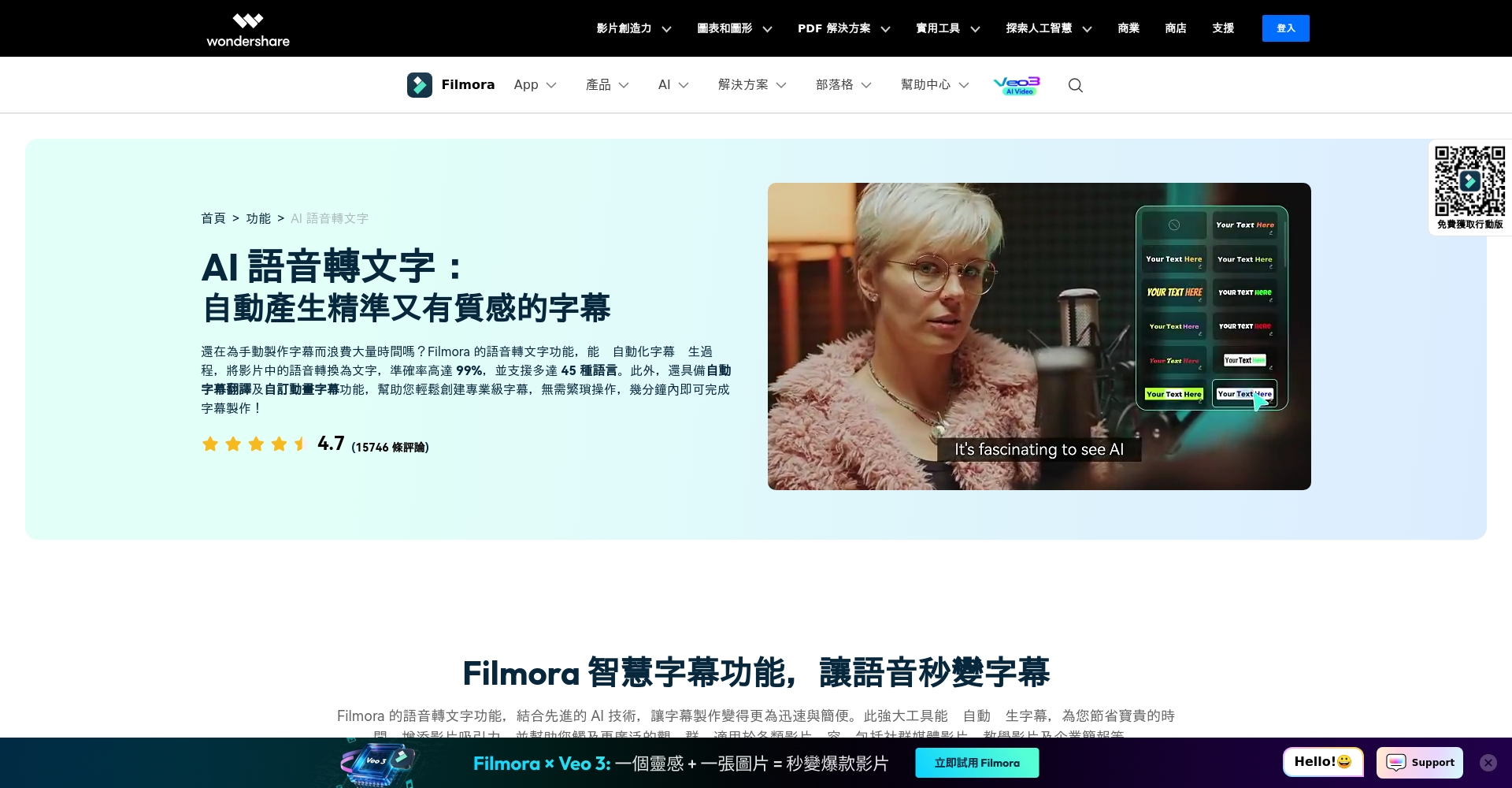
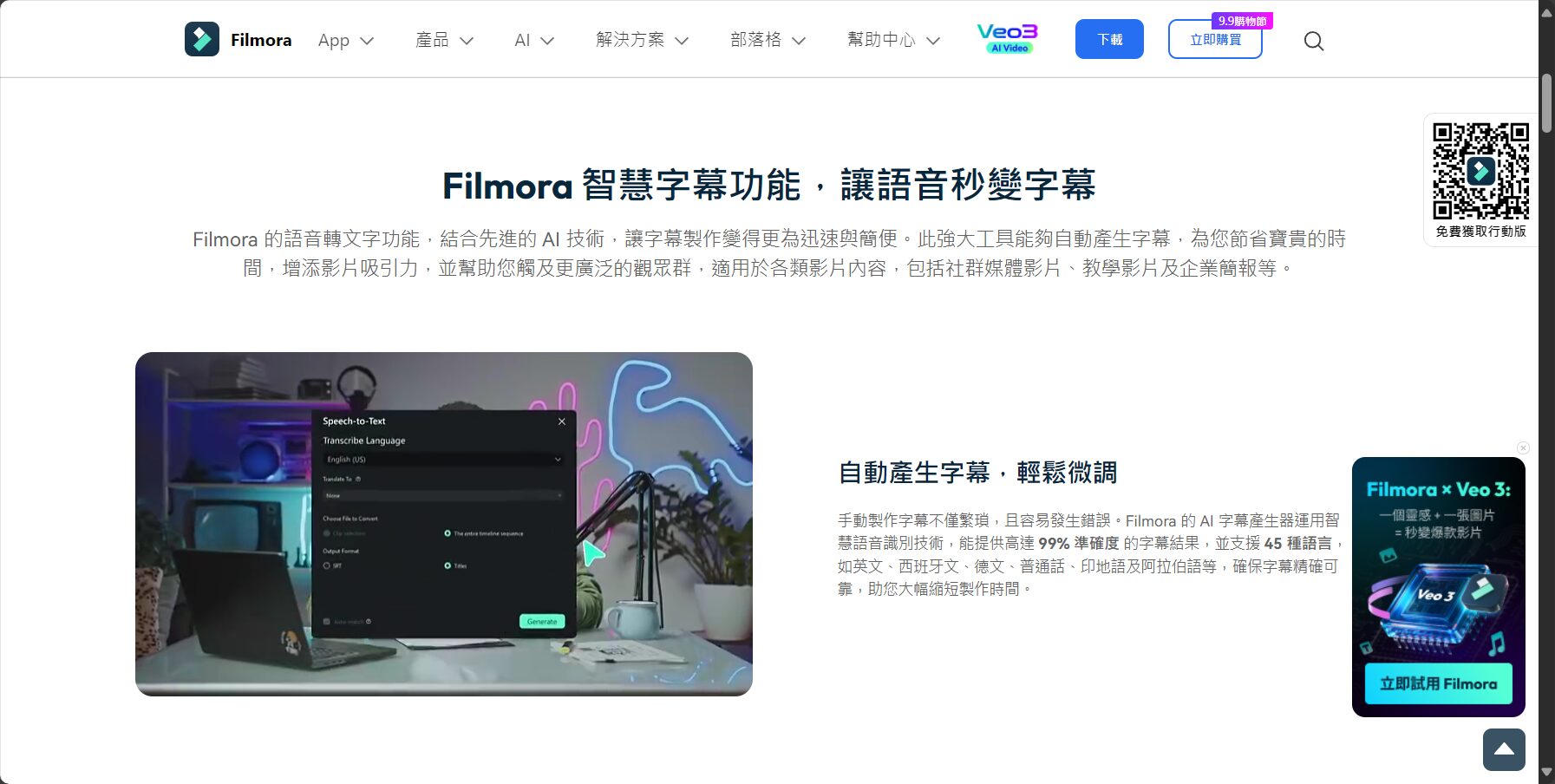
Filmora It offers the latest AI speech-to-text function, automatically recognizing video audio and adding subtitles with high accuracy. The style and position of the subtitles can be customized, making it suitable for users on multiple platforms.
advantage:High accuracy, simple operation, and rich templatesShortcomings: Limited free version, watermark
Official introduction

2. PowerDirector
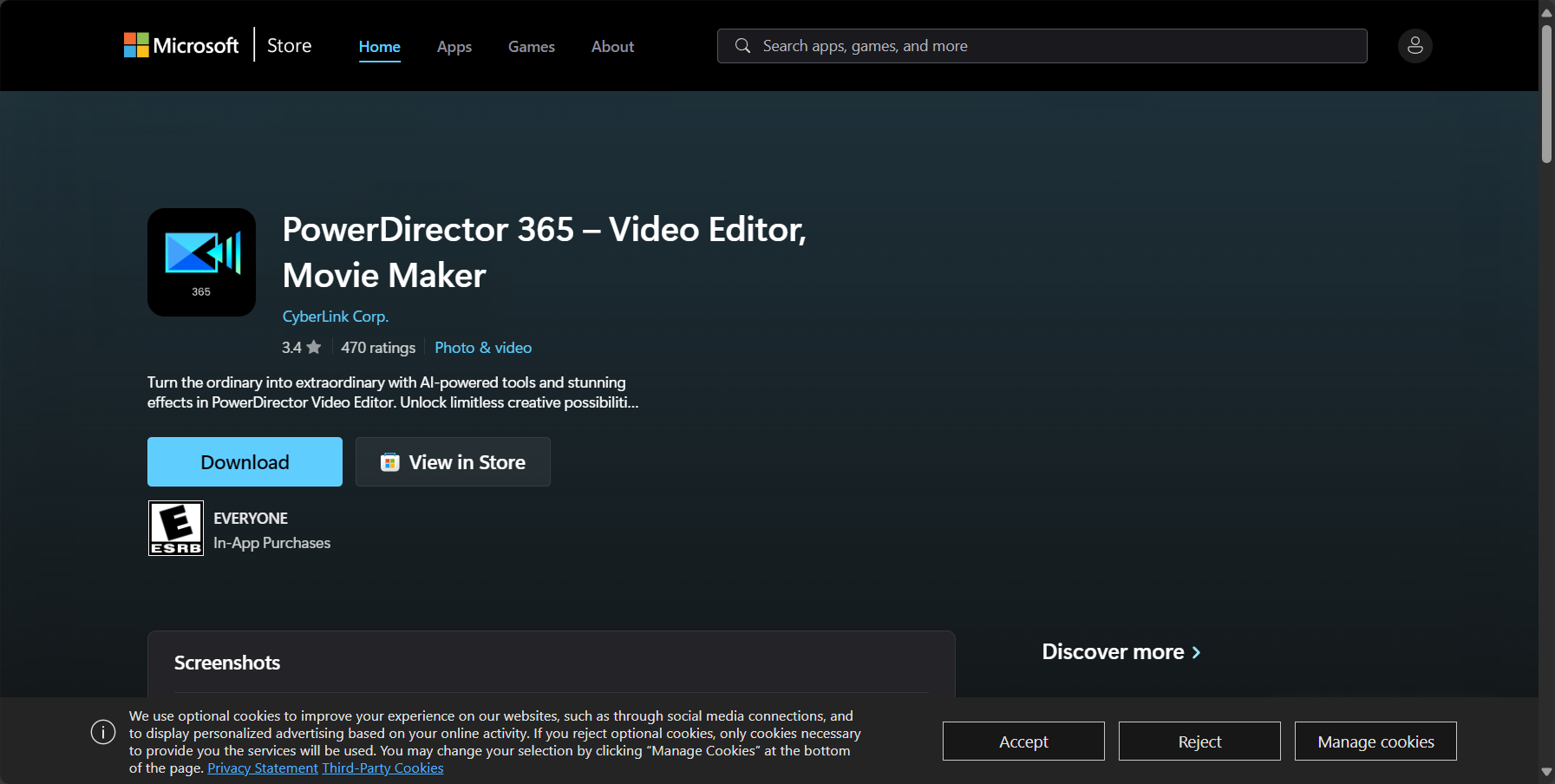
Professional-grade editing + AI speech recognitionMultilingual supportSRT/TXT format can be freely imported and exported.Suitable for desktop and mobile devices.
Advantages: Accurate character recognition, one-stop editing and subtitling; Disadvantages: Full version requires subscription.
Download and try it out
| Tool Name | Language Number | Ease of operation | Highest highlight |
|---|---|---|---|
| Filmora | 20+ | Easy to use | Subtitle editing and templates are plentiful. |
| Director Power | 10+ | Easy to use | AI speech recognition and synchronized subtitles |
| Premiere | 15+ | Advanced | Professional editing and meticulous subtitle crafting |
| Whisper | 90+ | medium | Free, open source, and multilingual support |
3. Adobe Premiere Pro
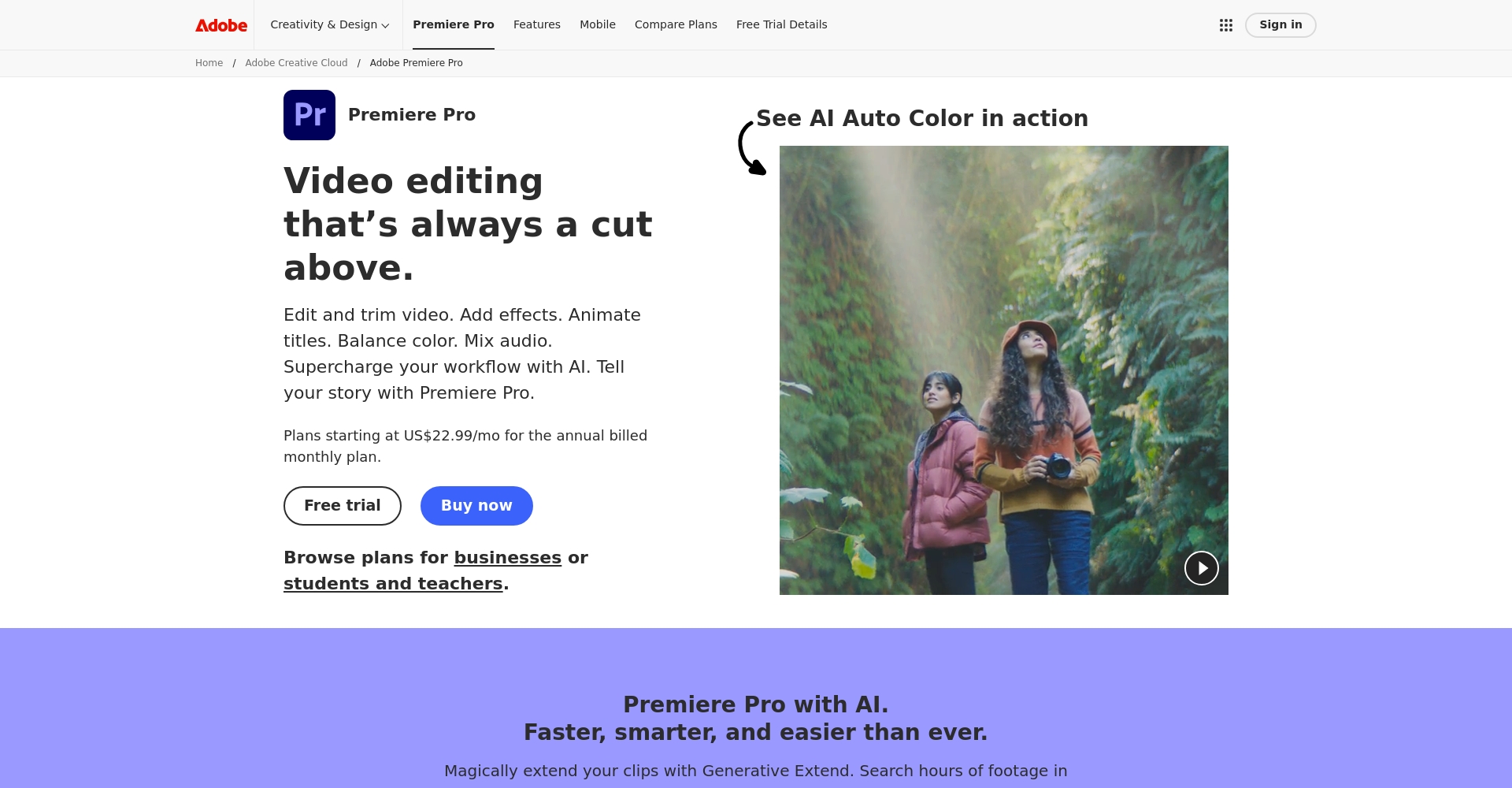
Professionals' first choiceIt automatically generates subtitles from audio and allows for fine-tuning of details, supporting a vast library of external subtitle files.
Advantages: Comprehensive and professional program; Disadvantages: High price, time-consuming learning.
Official introduction
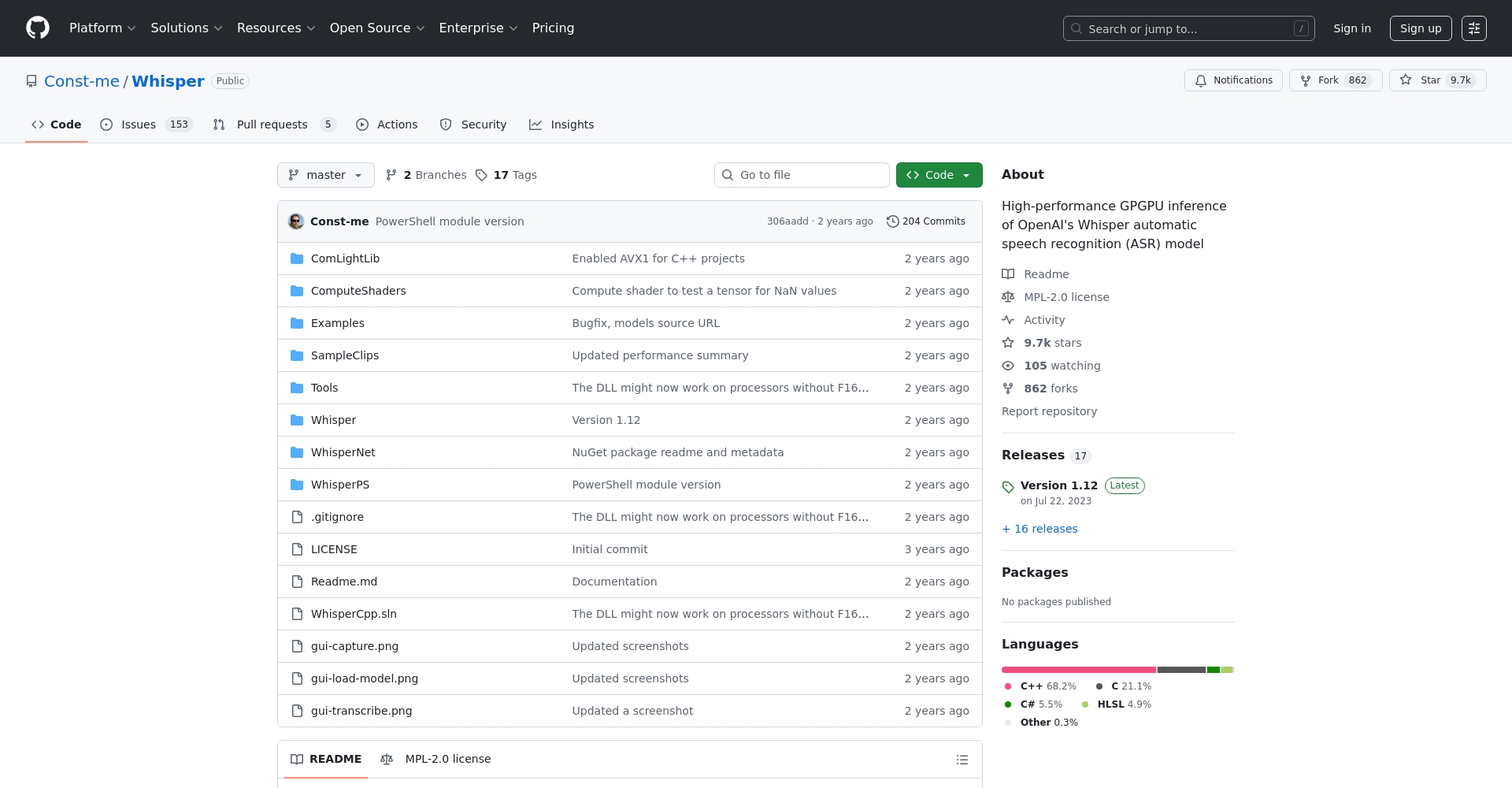
4. Whisper Desktop
Open source and free, supports 90+ languagesThe subtitles are highly accurate and comprehensive, making them suitable for advanced users.
Advantages: Free, powerful language library; Disadvantages: Requires technical skills, no in-video editing.
GitHub Open Source
II. Recommended Online Automatic Subtitle Generation Tools
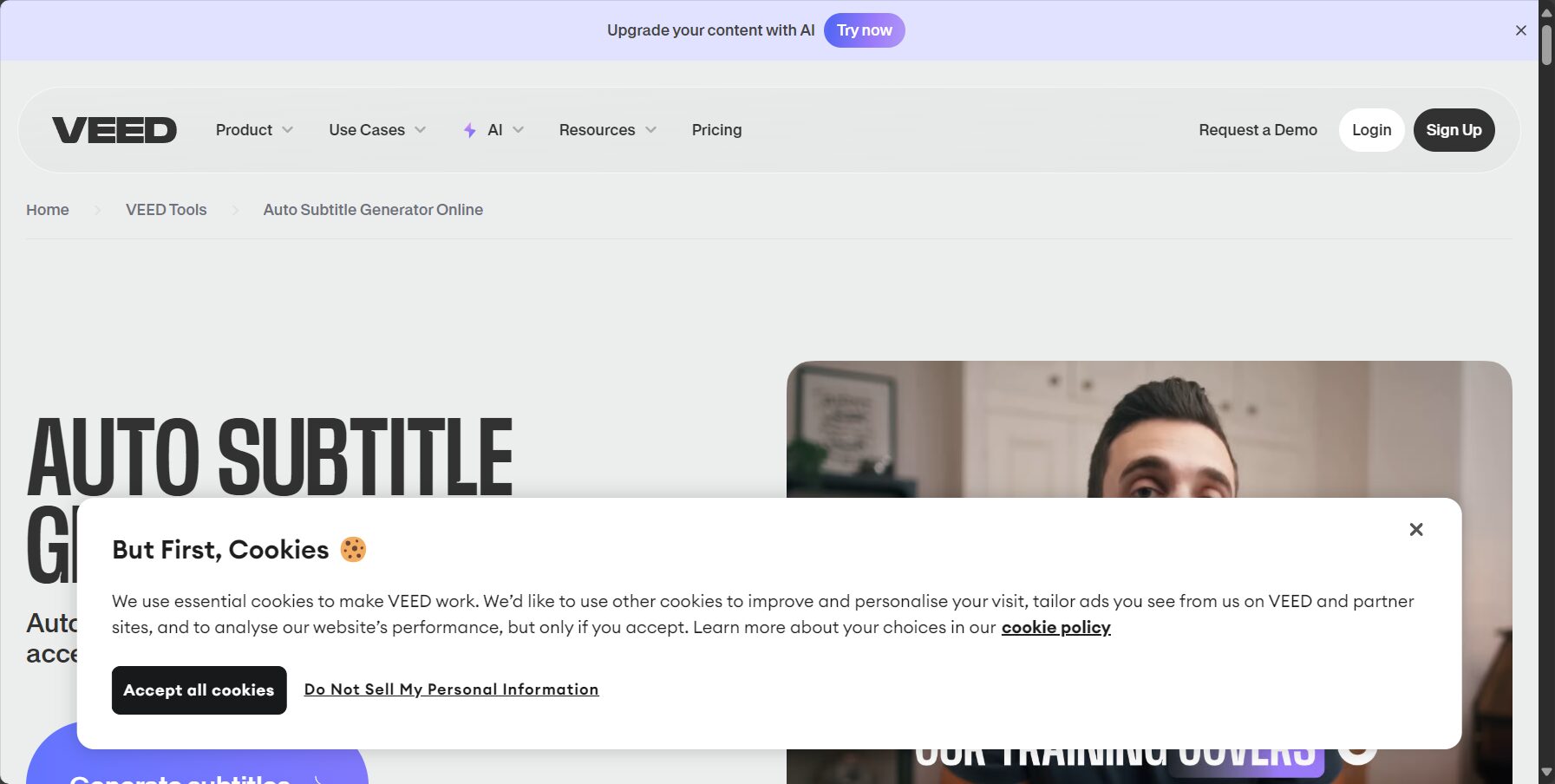
1. VEED.IO
International AI-powered automatic subtitlesMultilingual support, export subtitles or directly burn into video, stylish and diverse editing templates, suitable for short films and marketing.
Disadvantages: Size and watermark limitations
View more
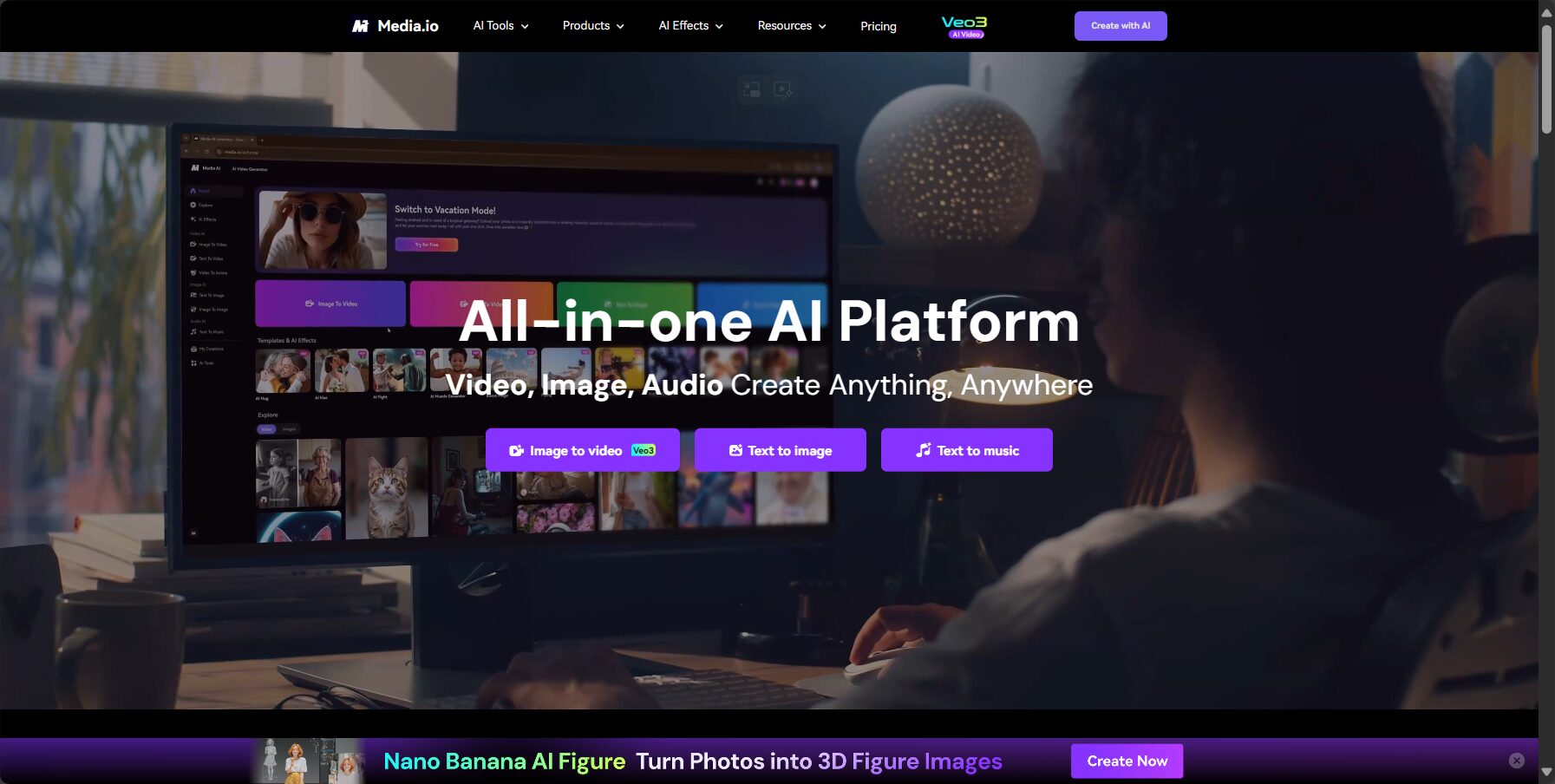
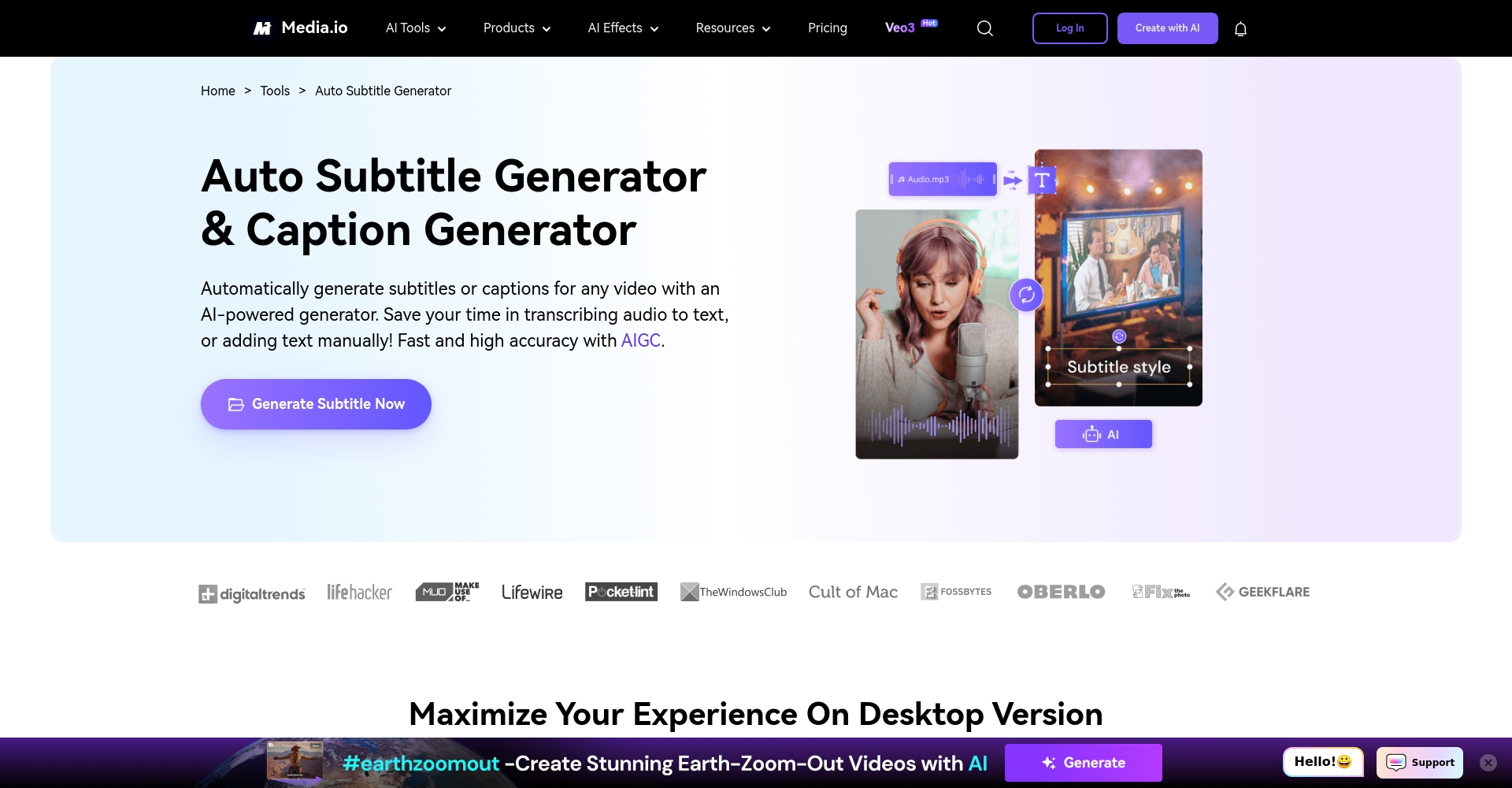
2. Media.io
Supports common subtitle formats, with both free and paid options.Easy to useIt has simple functions and is suitable for beginners and instructional videos.
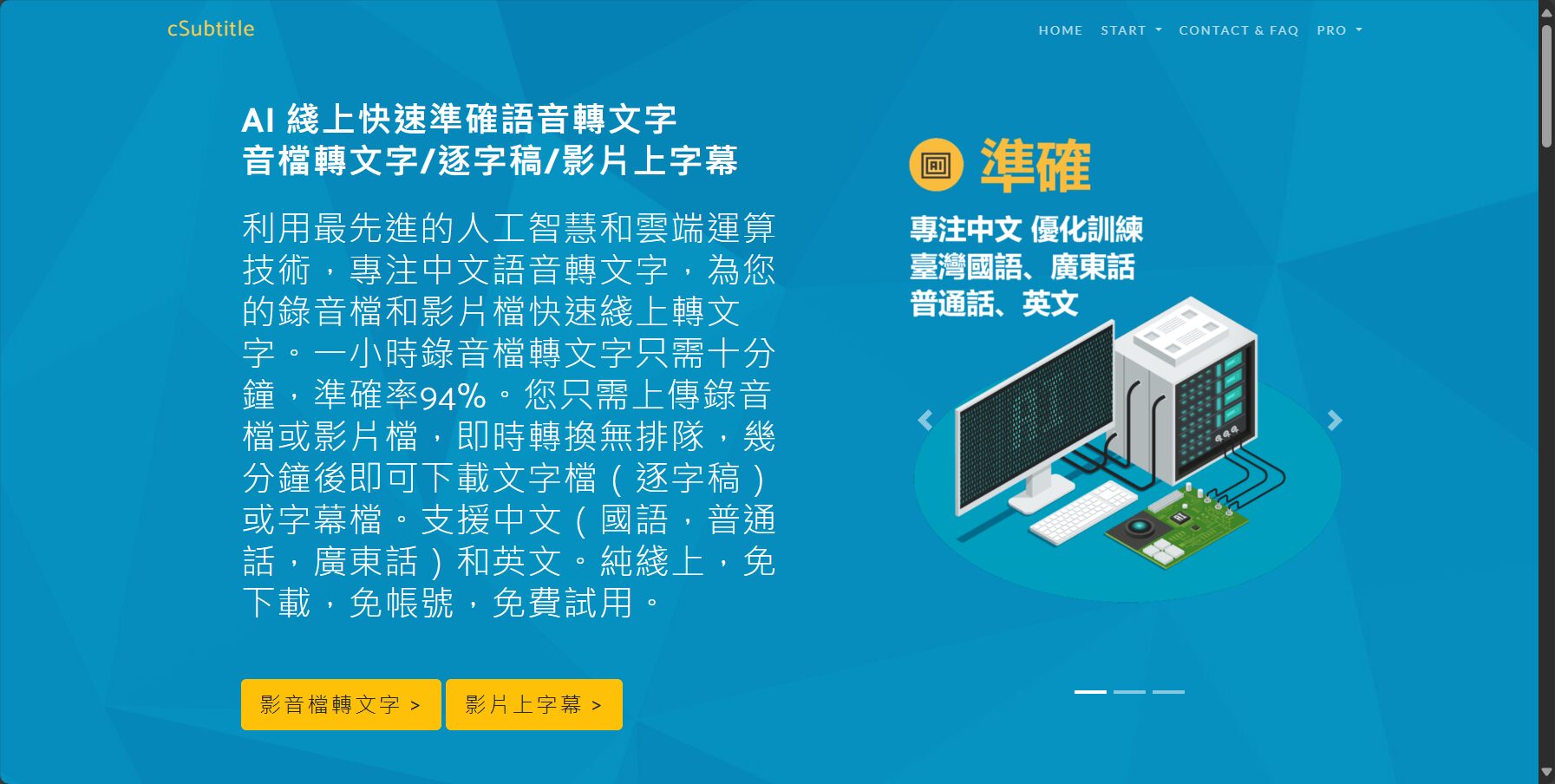
3. cSubtitle
Exclusive to the Chinese-speaking worldIt supports Mandarin and Cantonese, has a simple process, and is suitable for users who need both traditional and simplified Chinese.
Disadvantages: Free version is only three minutes long, no embedded video.
Click here to test
| Online tools | Chinese support | Free Level Limit |
|---|---|---|
| VEED.IO | 有 | 5 minutes / with watermark |
| Media.io | 有 | 10 minutes / Basic |
| cSubtitle | Available in both Traditional and Simplified Chinese. | 3 minutes free |
| Otter.ai | 有 | 600 minutes per month |
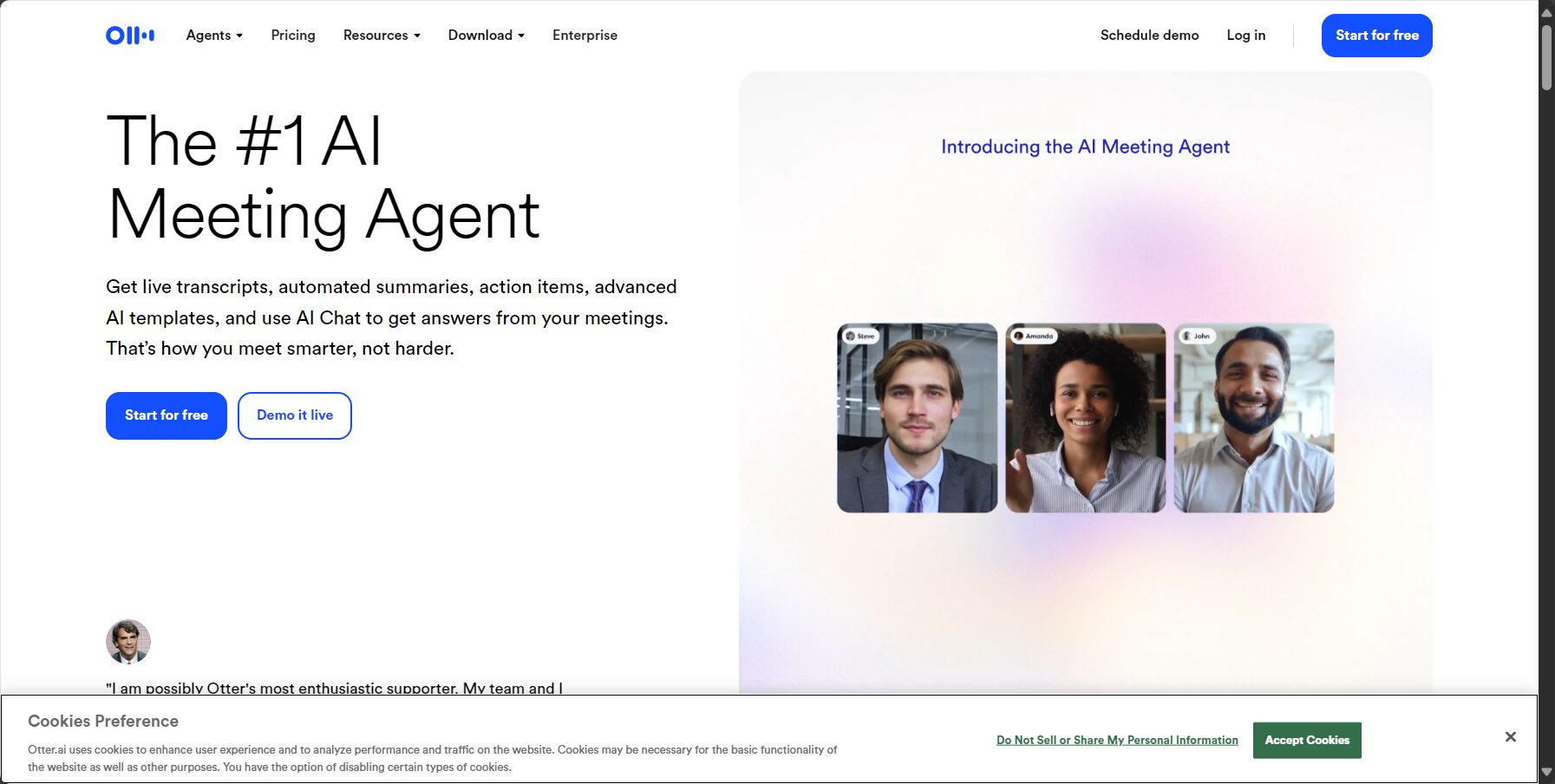
4. Otter.ai
A renowned AI verbatim transcript generator that can automatically subtitle videos, supporting real-time voice recognition and character segmentation.
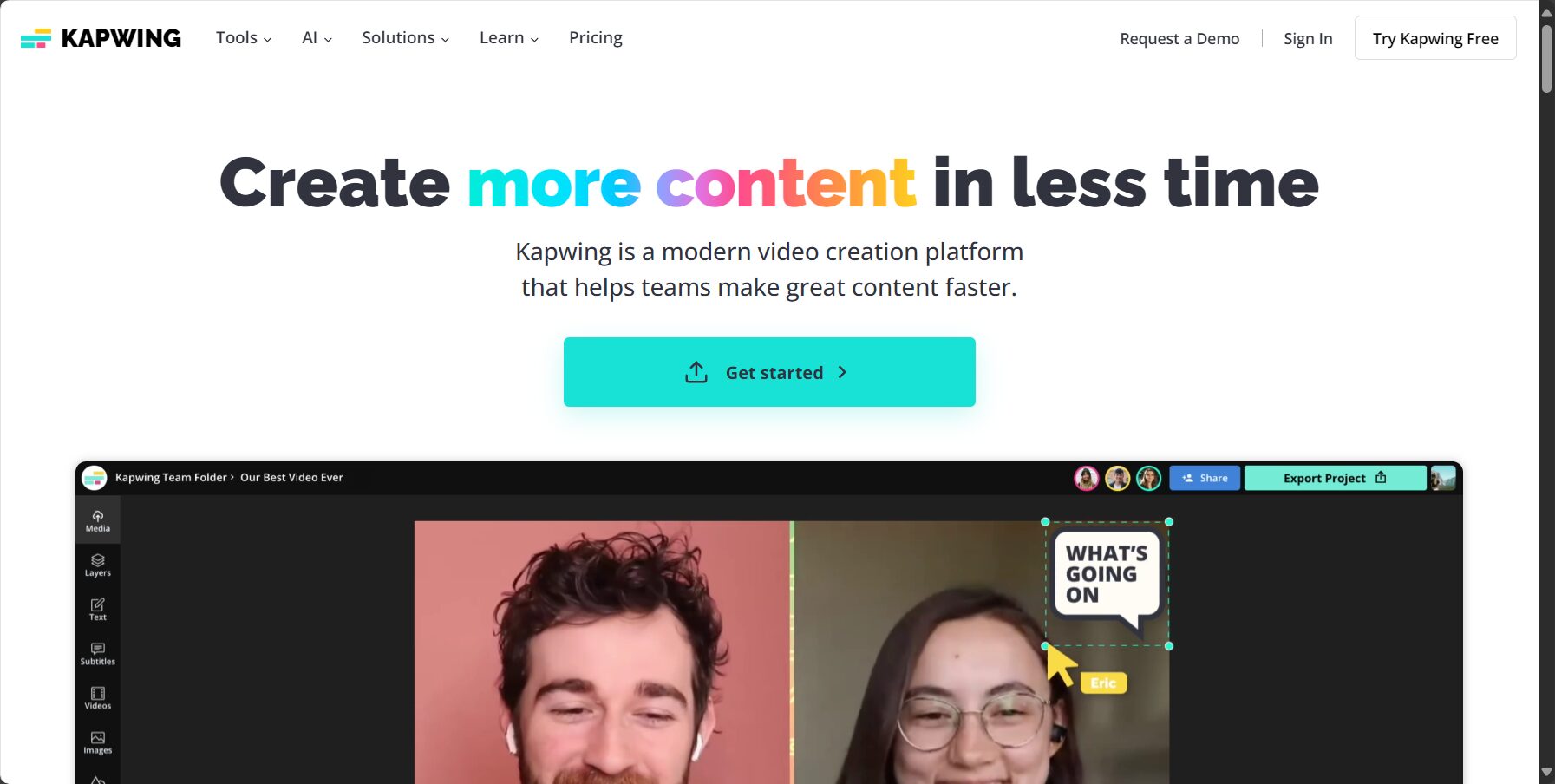
5. Kapwing
Cloud-based video editing, subtitle import and export, quick correction, easy to use but with watermark time limit.
6. YouTube automatic captions
Completely free, automatically generates subtitles upon video upload, supports multiple languages, and can be exported, but the accuracy of Chinese subtitles needs optimization.
III. Recommendations for Automatic Captioning Tools on Mobile Apps
| Tool Name | iOS/Android | Free plan | Supported languages | Subtitles output | Highlights |
|---|---|---|---|---|---|
| Filmora Go | iOS/Android | 有 | 20+ | ✔ | Rich templates |
| PowerDirector | iOS/Android | 有 | 10+ | ✔ | Editing + AI subtitles |
| Otter.ai | iOS/Android | 有 | 20+ | ✔ | Role-playing, word-by-word script |
| InShot | iOS/Android | Yes (manual) | 無 | × | Multi-cut |
Filmora Go, PowerDirector mobile versionMobile video editing with AI-generated subtitles and real-time preview, suitable for short videos and outdoor shooting.
Otter.ai AppQuickly convert meeting interviews to subtitles and export SRT.
IV. Professional/Open Source Video Subtitle Generator
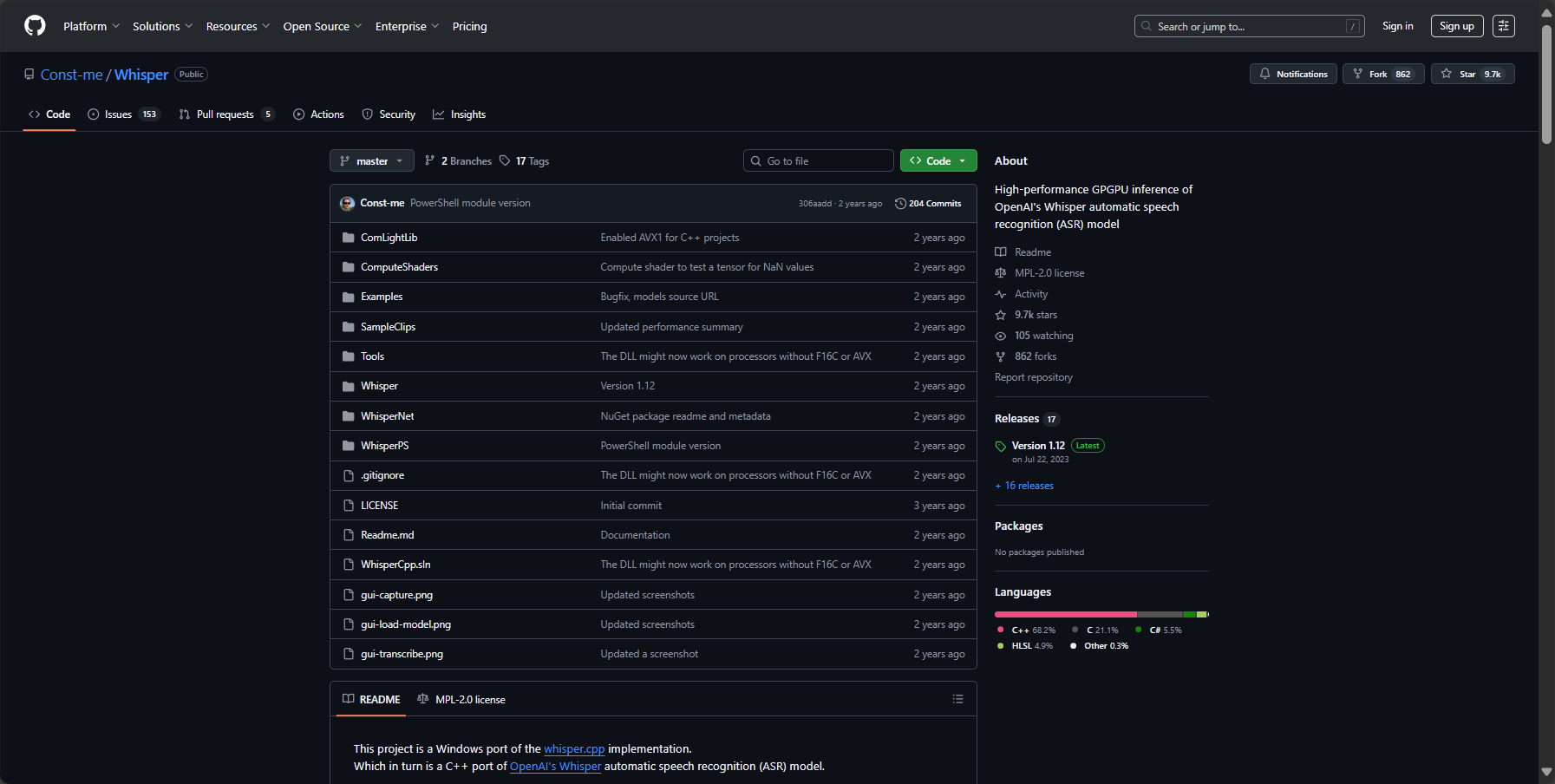
1. Whisper Desktop (AI Open Source)
Multilingual, Free, High PrecisionSubtitle recognition and formatting output, suitable for research or advanced editing.
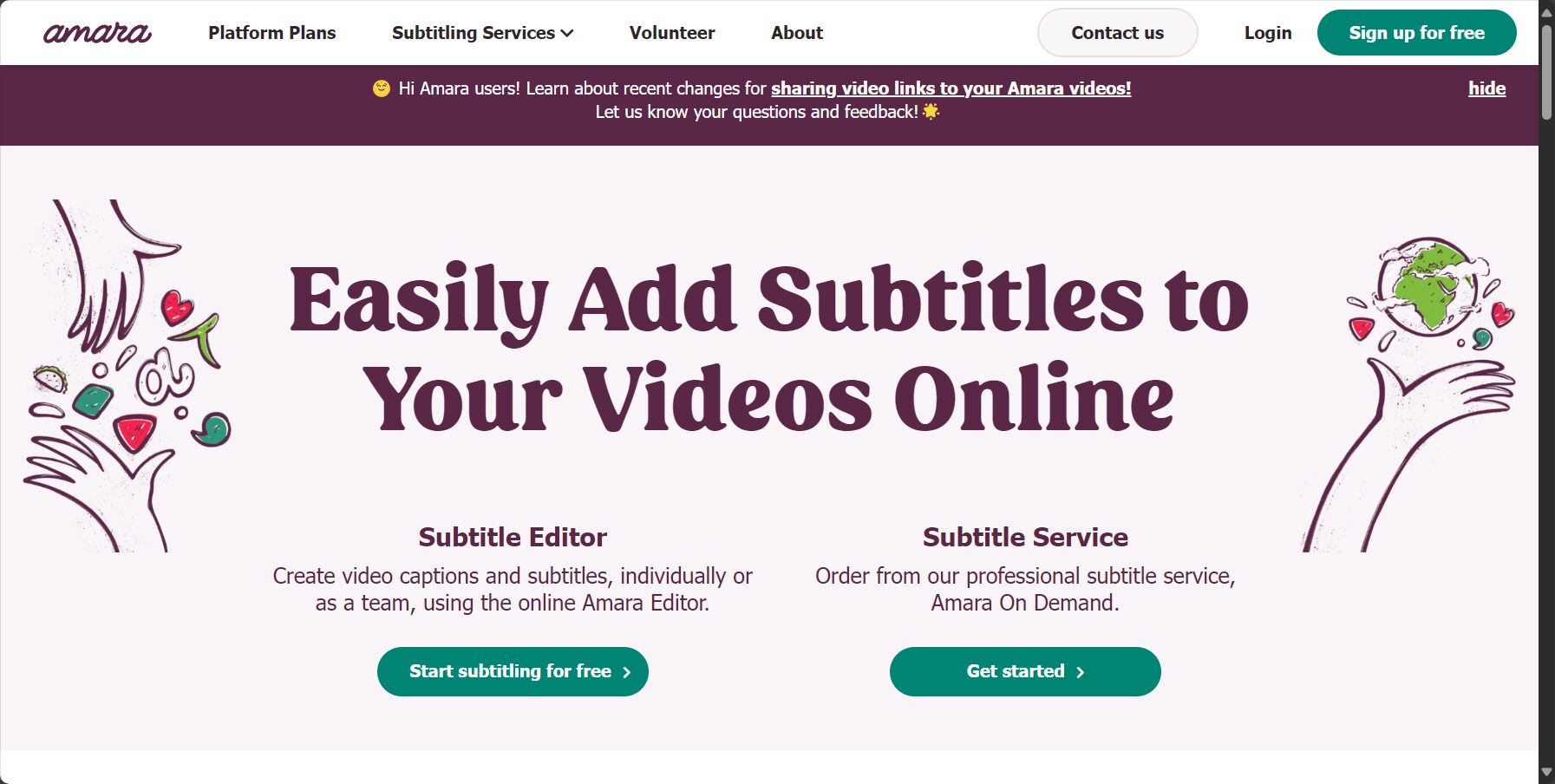
2. Amara
A collaborative multilingual subtitle platform, without AI-powered automatic voice recording, but suitable for translation and academic/corporate collaboration needs.
V. Frequently Asked Questions
- Do all video subtitle generators need to be proofread?
Yes, it is still recommended to check names, technical terms, and foreign language processing. - What is an SRT file?
SRT is a standard subtitle format that is compatible with most mainstream platforms. - Are there any free AI subtitle apps for mobile phones?
recommend PowerDirector App 或 Filmora Go。
Conclusion
With the popularization of audio-visual content, high efficiencyVideo subtitle generatorIt can significantly simplify the creation process and improve content visibility. Whether you're a self-media creator, educator, or marketer, choosing the right subtitle tool ensures that good content is not only seen but also understood. Try the recommendations above to make your video subtitles convenient and professional!
© Copyright notes
The copyright of the article belongs to the author, please do not reprint without permission.
Related posts

No comments...
