islide: A User Guide to a Tool That Boosts Your PPT Design Efficiency by 3 Times
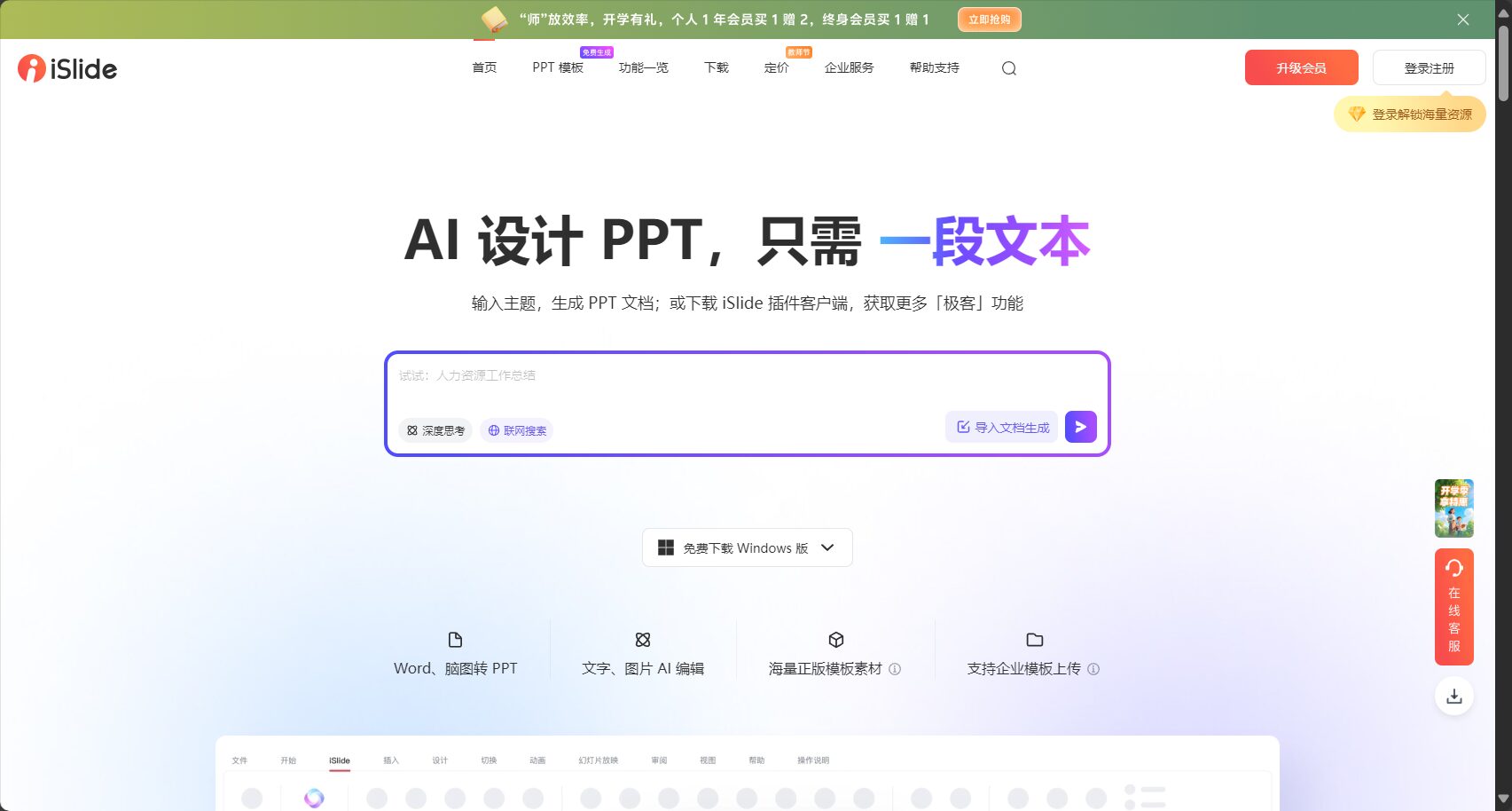
islide is a product designed forOne-stop PPT plugin for PowerPoint designIt integratesOne-click beautification, intelligent charts, rich template materials, PPT diagnostics and optimization, AI automatic generation and other efficient toolsIt greatly improves the efficiency of PPT design and layout.Enables users with no design background to quickly create professional and high-end presentations.islide is compatible with Windows and Mac systems, and is powered by a rich library of genuine resources and powerful AI features, making it an essential tool for the workplace, business, and education.
What is islide?
islideIt is a smart plugin for Microsoft PowerPoint.Provides users with efficient and professional one-stop solutions for PPT enhancement and design.It integrates many practical functions such as automated design, massive template resources, AI content outline generation, and rapid typesetting, making it the preferred tool for many professionals, business speakers, and educators.
iSlide Core Features Overview
| Functional modules | Main uses | Is a membership required? |
|---|---|---|
| One-click beautification | Automatic layout/color matching/beautification | Partially free |
| Smart charts and graphs | Batch generation & optimization of professional charts | Partially free |
| Rich resource library | Templates/Images/Illustrations/Icons | Partially free |
| Layout design tools | Alignment/Distribution/Matrix/Reference Line | Some require membership |
| PPT Diagnosis & Slimming | Optimize files and improve compatibility | free |
| AI-generated PPT | Content outline and presentation automatically generated | Member Exclusive |
| One-click skin change | Theme color style replacement | Partially free |
iSlide Main Functions Explained
One-click beautification and intelligent skin replacement
islide's one-click beautification functionIt allows users with no prior experience to quickly apply professional-grade layouts, color schemes, and fonts. Combined with one-click skinning, the overall style can be changed according to the brand and the occasion.
Operating procedures:
- Select slide page
- Click "One-Click Enhancement" or "Skin Change" in the Islide menu bar.“
- After selecting a style/theme, apply automatically.
Highlights:Fully automated design, no need for manual color adjustment and layout, high-efficiency output.
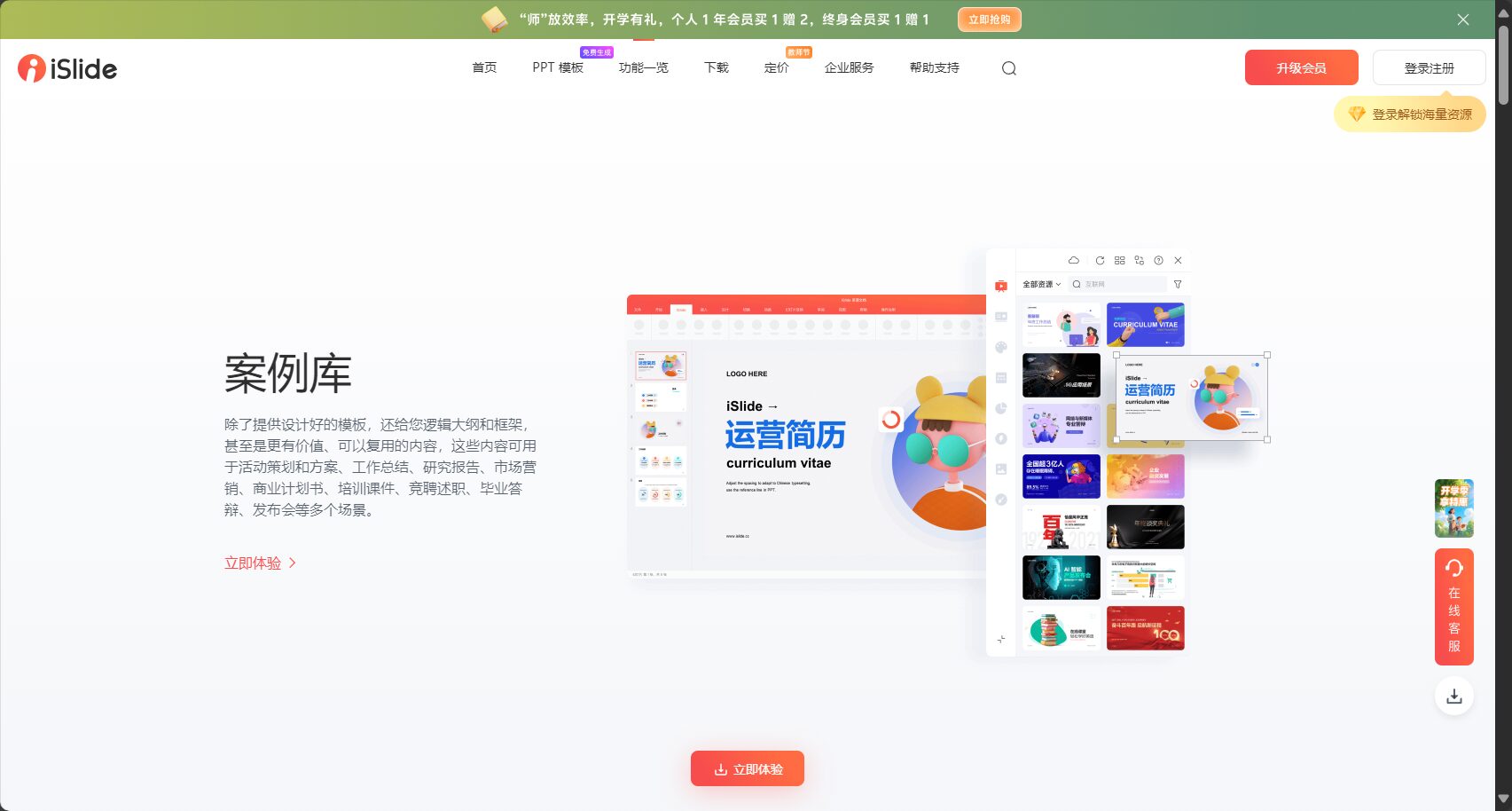

Smart charts and professional illustrations
islide has a huge library of built-in editable vector chart templates.It supports the automatic generation of bar charts, pie charts, flowcharts, relationship diagrams, etc., and allows for one-click changes to color schemes and animations, avoiding the tedious process of creating your own.
Key points of operation:
- Enter the "Chart Library" to filter by requirement type
- After insertion, data can be adjusted directly without complex plotting.
Highlights:Supports animation and quick editing, making business data clear and aesthetically pleasing.
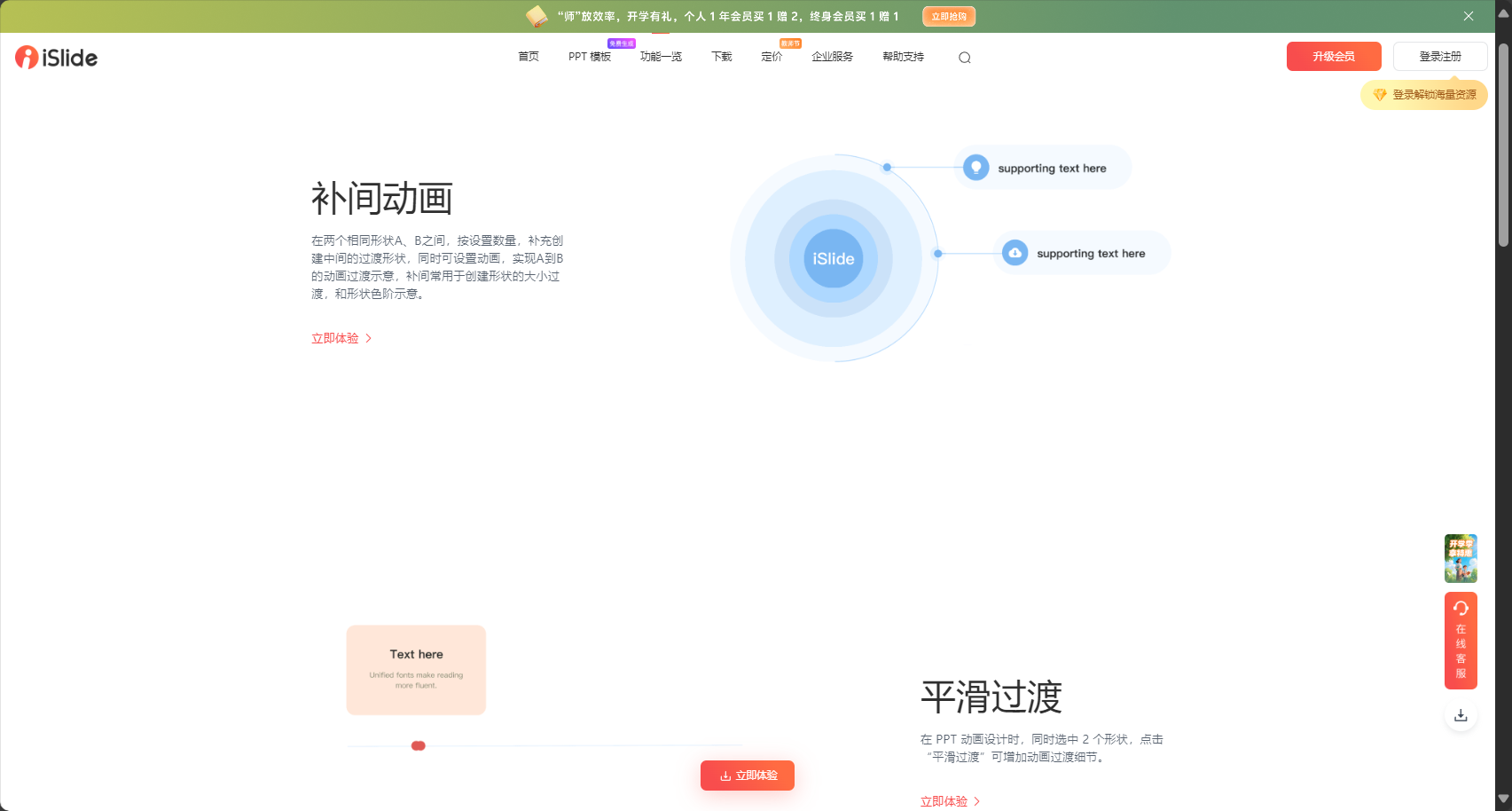
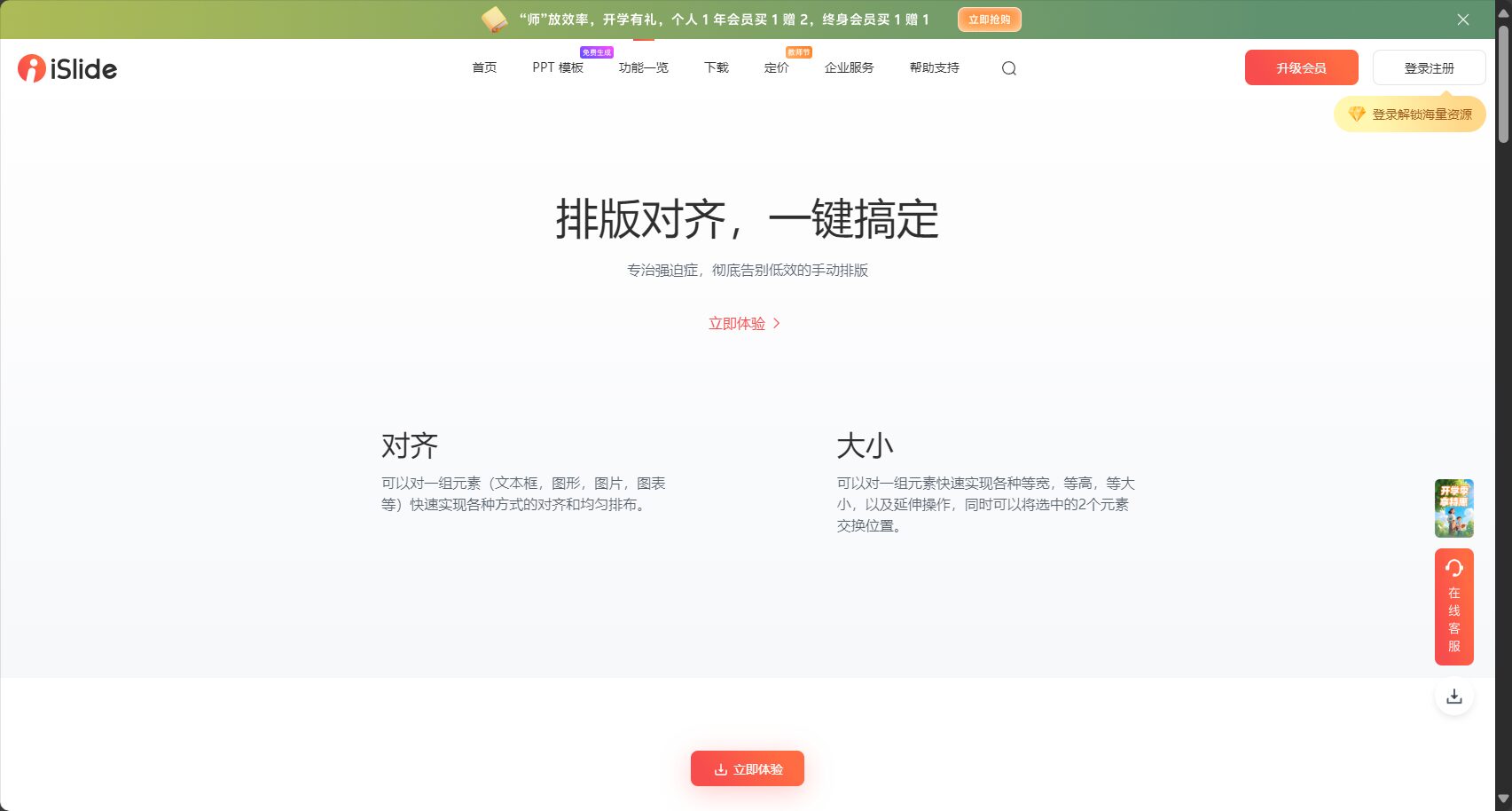
PPT design tools: powerful tools for alignment, distribution, matrix, etc.
islide integrates a variety of efficient layout tools in the sidebar.:
- One-click alignment/distribution:Make the elements neat and orderly
- Reference line layout and snap-in function:Precisely adjust the structure
- Matrix and hierarchical management:One-click batch copying, clear hierarchy
- Text formatting assistance:Quickly adjust overflow and margin
For heavy PPT usersThese tools greatly reduce adjustment and typesetting time.To ensure the layout is aesthetically pleasing and standardized.
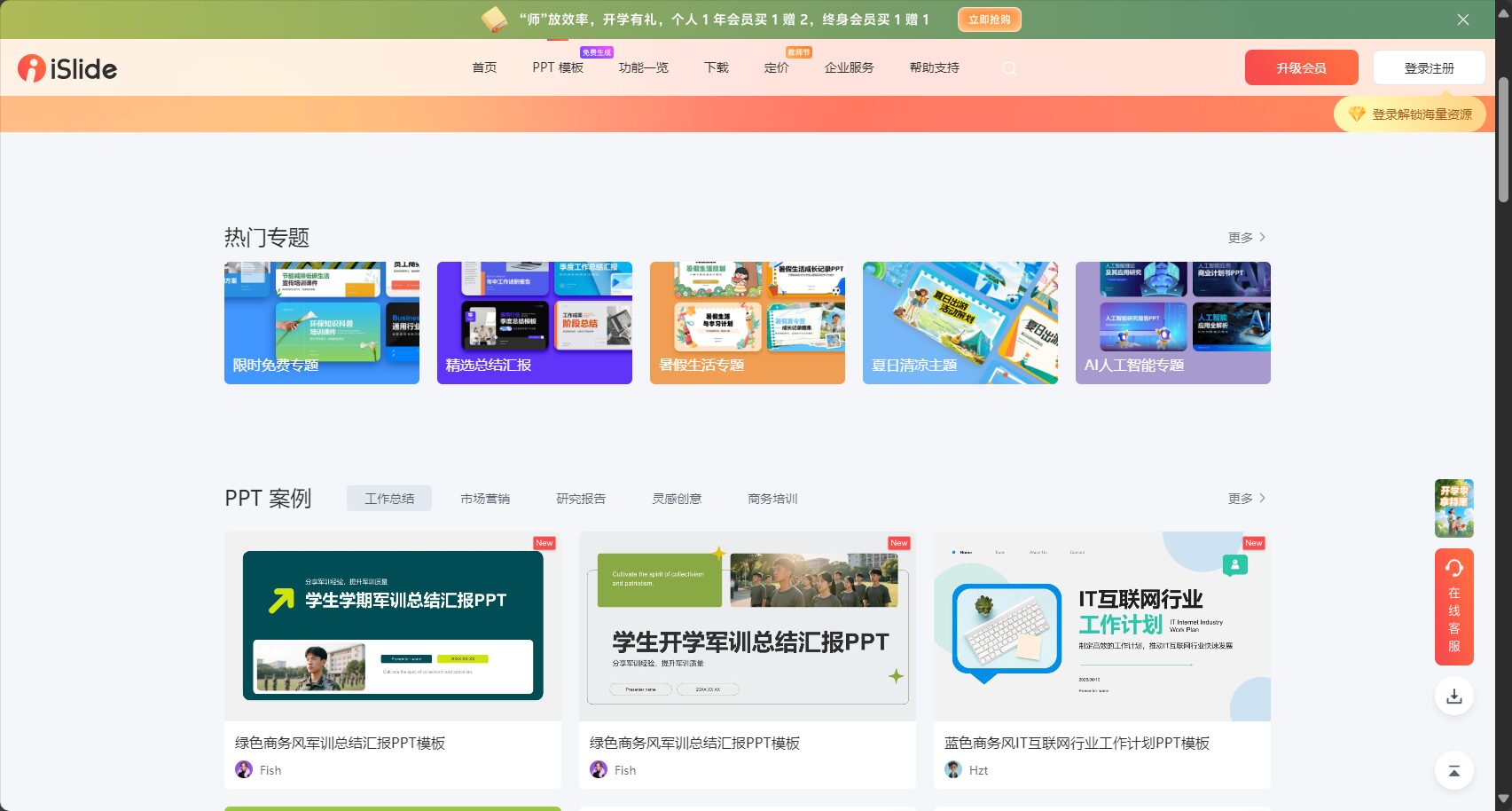
A rich online resource library
islide offers a vast library of genuine templates, images, illustrations, icons, and theme color schemes.Furthermore, all materials support main color modification, industry search, and one-click insertion, eliminating the need for cross-cutting software or format conversion. Auxiliary files can be directly imported to improve efficiency.
- Template library: Adaptable to various industries, commercially usable.
- Theme color schemes: Rich and diverse, automatically matching styles.
- Icons and illustrations: The main color scheme can be switched to match the style of the PPT.
- Image library: royalty-free, suitable for academic and business presentations.
islide's AI capabilities: Intelligent assistance to help you go from 0 to 1
islide launched its AI PPT module in 2023.Supports one-sentence function outline generation, AI enhancement, and copywriting polishing.This will comprehensively improve the quality of content and visual standards.
- AI generates structured outlines, paragraphs, and topic content.
- Automatic color matching and image/layout suggestions
- Multilingual copywriting polishing enhances expression and professionalism.
Suitable for teams with tight deadlines, no design background, or those requiring standardization, as well as individuals who need high-quality, rapid output.。
A quick and easy guide to getting started with islide
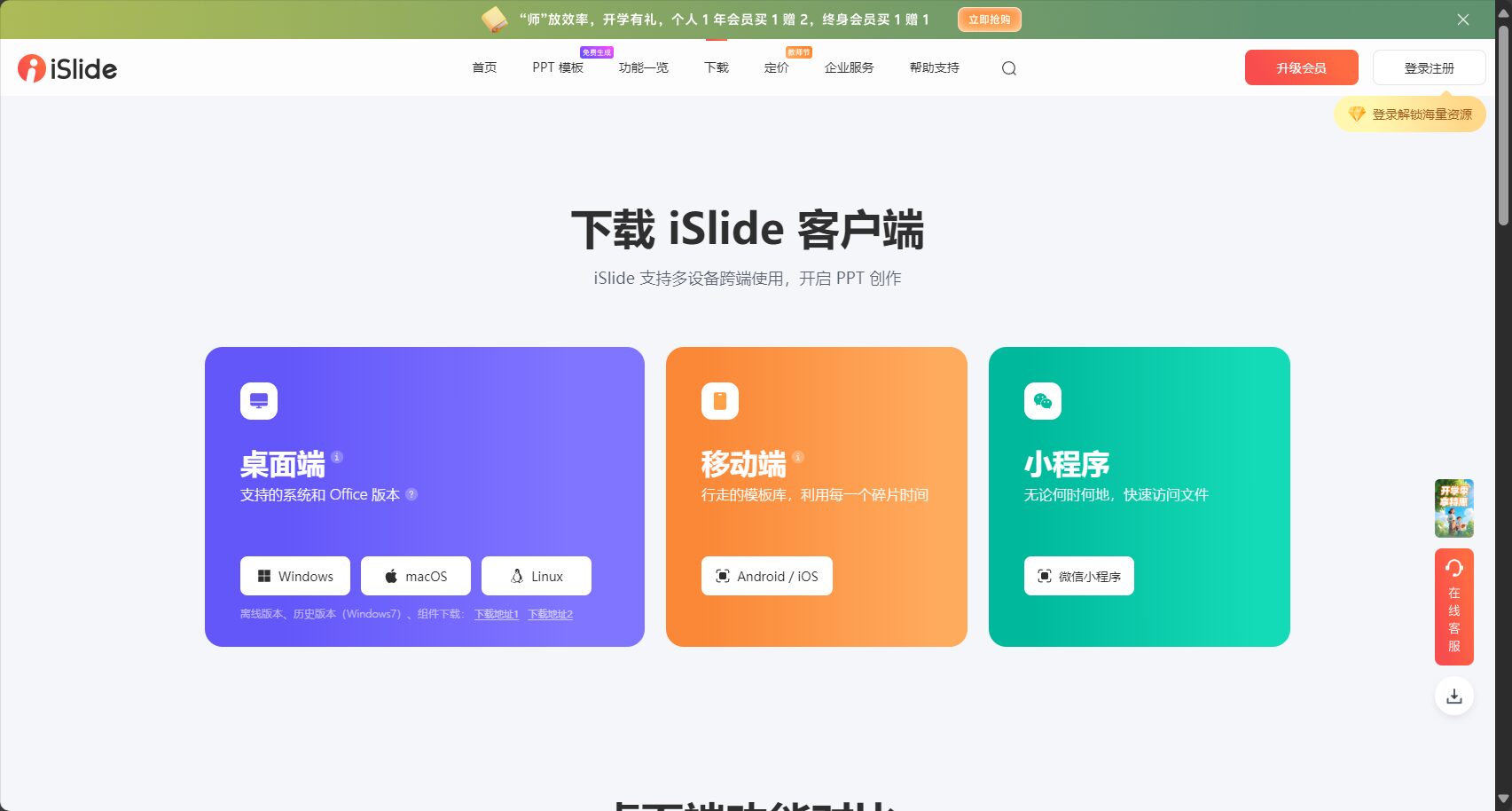
1. Download from official website: https://www.islide.cc/Download the Windows/Mac version
2. One-click installation: After completing the installation as instructed, you can find the islide entry point in PowerPoint.
3. Membership benefits: Basic features are available for free to try; VIP premium materials and AI features require a membership, making it suitable for users and businesses with high demands.
iSlide vs. Traditional PowerPoint Plugins
| Comparison factors | islide | Traditional handcraft/instrument |
|---|---|---|
| Function integration | End-to-end integration | Multiple plugins need to be manually switched. |
| Easy to operate | One-click smart | The entire process is manual and tedious. |
| Abundant resources | Large-scale genuine library | Mostly low quality/pirated |
| Design Experience | AI and professional team maintenance | Quality varies |
| compatibility | Supports the entire Office suite and multiple operating systems | Limited compatibility |
| Commercial security | Genuine Product Guarantee | Risk exists |
Islide plugin FAQ
- Does Islide support Mac?
Yes, both Windows and Mac versions are compatible. - Can AI features be tried for free?
The AI experience is only occasionally available; more features require a membership. - Is the resource commercially viable?
Most legitimate resources support commercial use; please see the official website for authorization details. - Will the software slow down PowerPoint?
Extremely lightweight, smooth operation, and ultra-fast access to a mix of cloud and local resources.
Conclusion
iSlide is a powerful tool for enhancing the aesthetics and efficiency of PowerPoint presentations.It provides a one-stop solution for all your needs, including templates, materials, intelligent layout, and AI creation. It helps white-collar workers, business teams, and teachers save a significant amount of time on layout and design, allowing ordinary users to continuously produce professional-grade PPTs.Quick accessislide official websiteExperience a new era of convenient slide creation!
© Copyright notes
The copyright of the article belongs to the author, please do not reprint without permission.
Related posts



No comments...
