How to use AI to generate photos? 5 practical tips for beginners to quickly get started (with detailed operation steps)
AI-generated photosIt has become an important tool for digital content creation.It is extremely practical in social media, design, and daily life.This article summarizes in detail 5 practical tips for beginners to quickly get started, as well as mainstream...AIFeatured Drawing PlatformsThis document outlines the operation process for DALL·E 3. Mastering the key steps, such as prompt writing, parameter setting, and secondary editing, is sufficient.Everyone can easily create high-quality AI photos to meet diverse needs.It also includes tips to avoid common pitfalls and answers to frequently asked questions, making your AI image creation journey efficient and safe!
A Beginner's Guide to Quickly Getting Started with AI-Generated Photos: Application Scenarios and Tools
In recent years,AI-generated photosThe tool has a wide range of applications. From social media images, advertising creatives, and academic paper illustrations to e-commerce main images and custom avatars, both professional designers and ordinary people can use AI to create personalized images with a single click.
A list of mainstream AI image creation products
| Tool Name | Product Features | Official website | Suitable for |
|---|---|---|---|
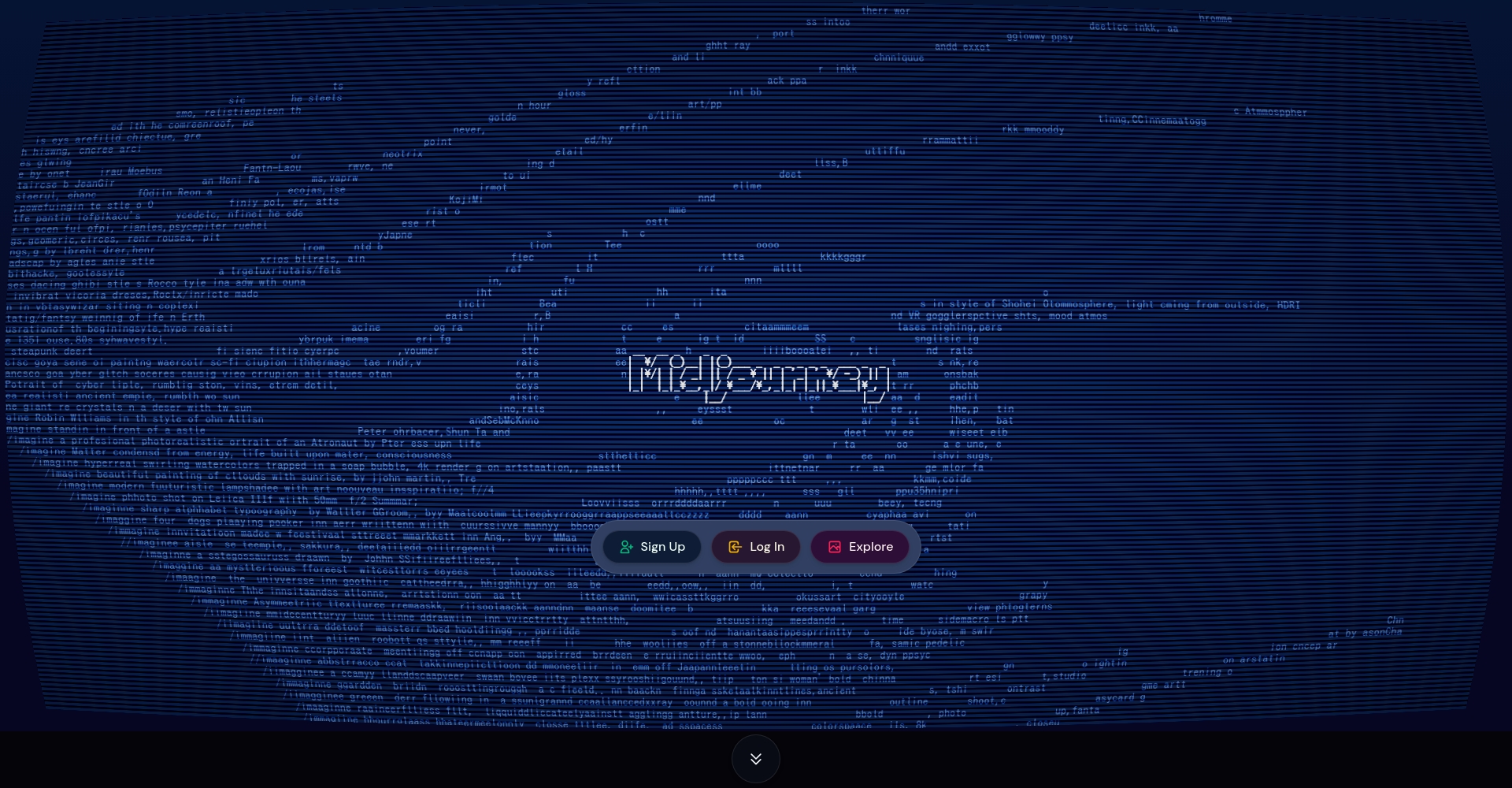
| Midjourney | Diverse art style, realistic details, and an active community | Midjourney | Designers/Creators |
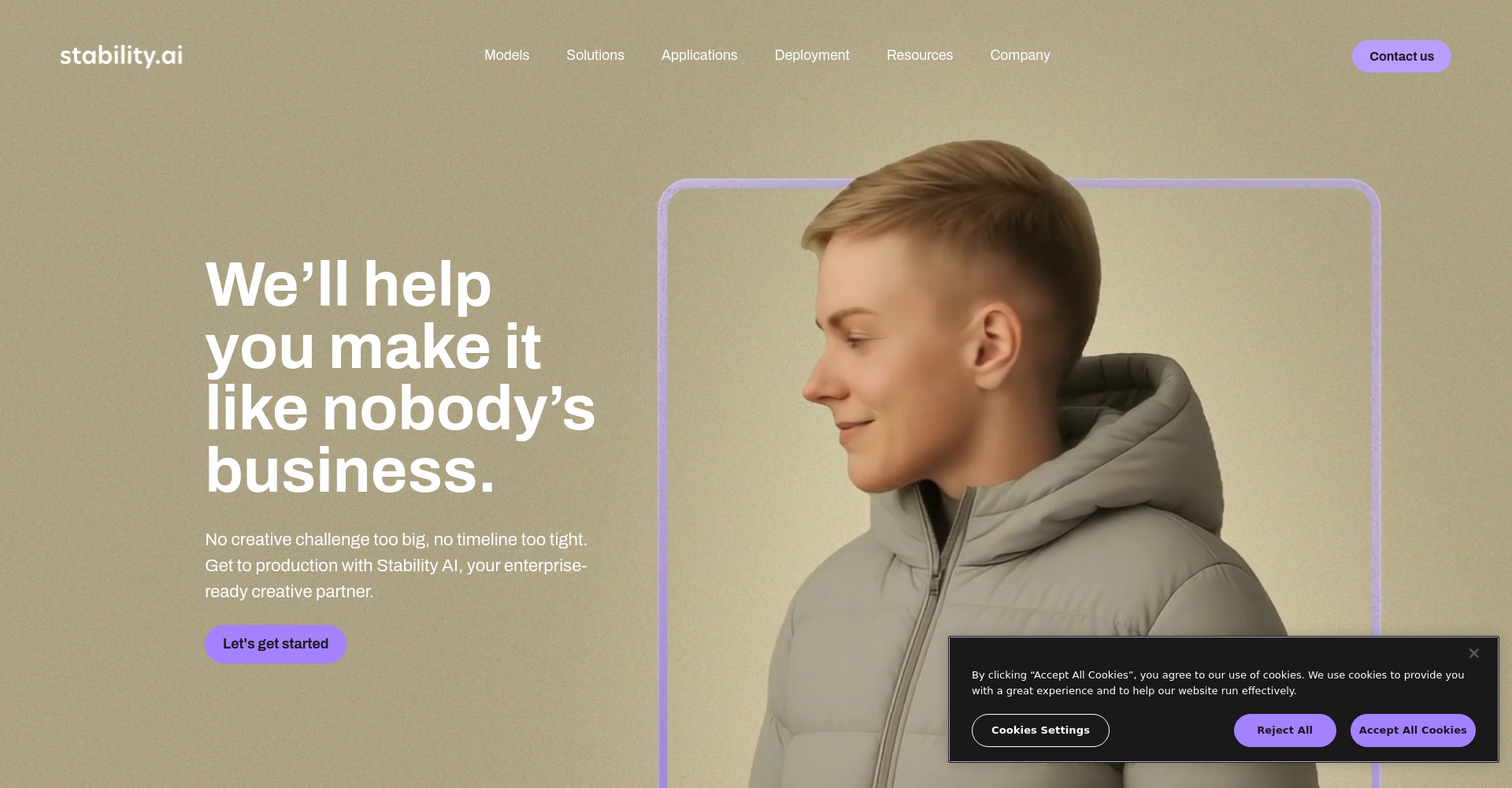
| Stable Diffusion | Fully open source, self-trained, and rich in plugins | Stable Diffusion | Tech Players |
| DALL·E 3 | Wensheng's graphs are accurate, easy to use, and integrated with ChatGPT. | DALL·E | Beginners/General Audience |
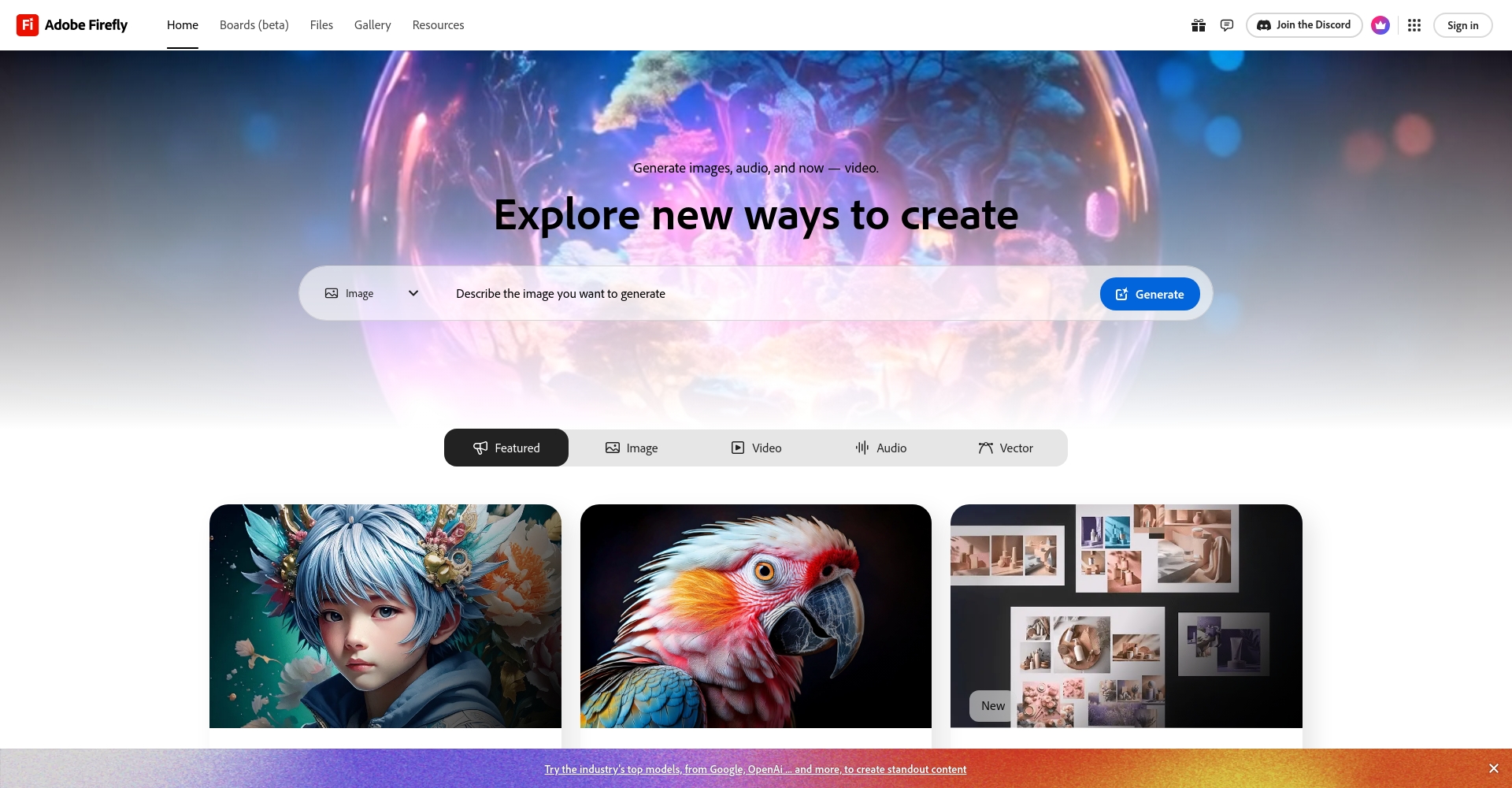
| Firefly (Adobe) | Integrated with PS/Ai, copyrighted and commercially usable | Adobe Firefly | Designer/Enterprise |
| Tencent's "AI Painter"“ | Supports Chinese descriptions, offers diverse layout options, and allows direct sharing to social media. | Tencent AI Painter | Domestic users |
Detailed steps for generating photos using AI (taking DALL·E 3 as an example)
- Register and log in to your AI drawing platform account:
accessDALL·E 3 Official WebsiteClick "Sign Up/Register" to register your email address and follow the activation process. Service expediting may be required in some areas.
Photo/Midjourney official website - Select the "Text to Image" mode:
After logging in, click "Create with text" or "Generate Image" to generate an image using a text prompt description. - Enter a detailed text description (Prompt tip):
The more detailed the description, the more predictable the effect. The recommended structure is "“Subject + Background Environment + Style + Color + Details”。
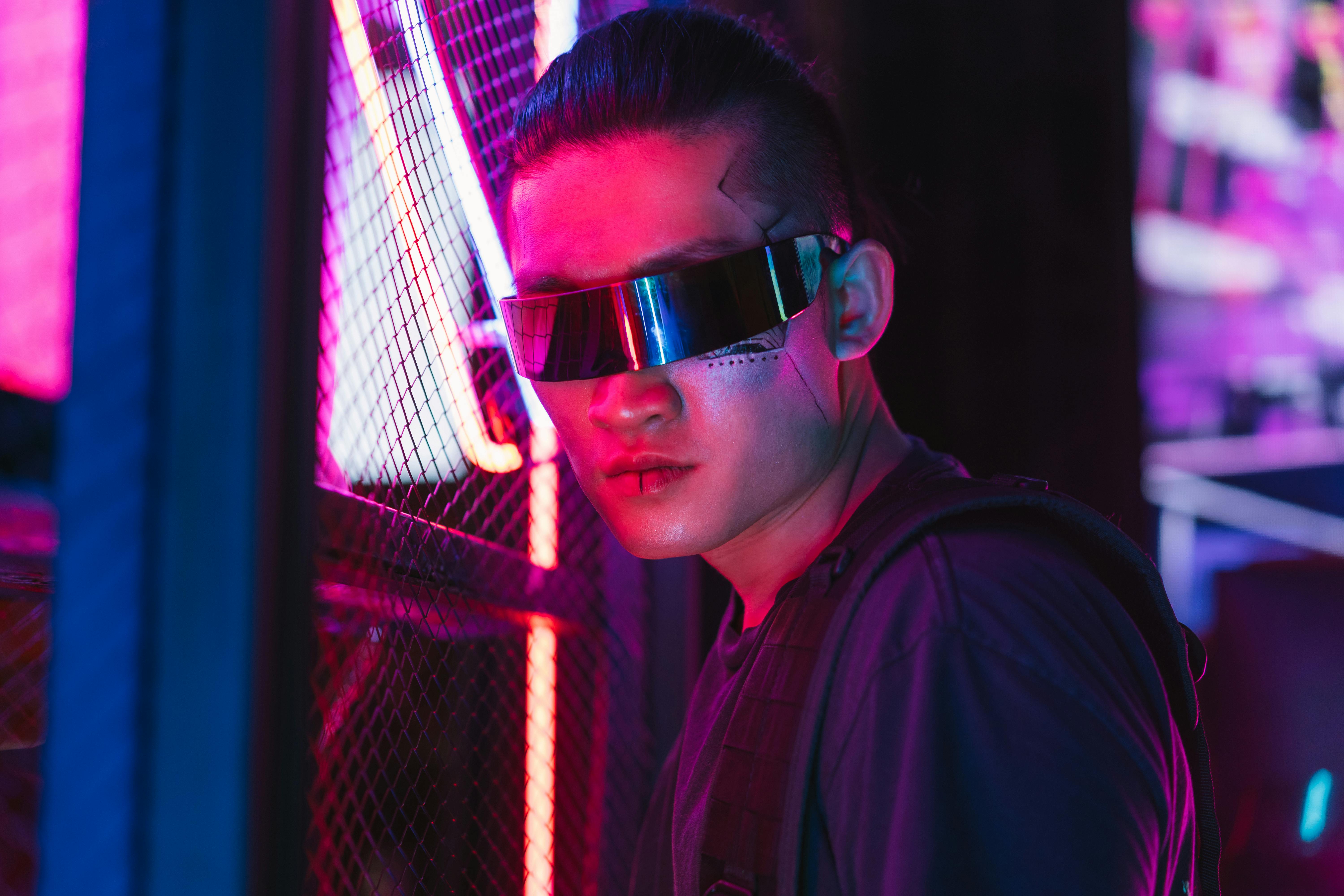
Example: Cyberpunk city night scene, light reflection after rain, futuristic clothing for characters, main color blue-purple, with close-up details of neon lights.Photo/Stable Diffusion Official Website - Optimize and adjust parameters and generate multiple sets of photos:
Set image size, resolution, style intensity, etc., to generate multiple sets of images for comparison. Be mindful of copyright usage; experiment with variations as needed. - Download, save, and apply images:
Once satisfied, click "Download" to download the image, or share it to platforms such as WeChat and Weibo with one click. The image can be further edited, such as using Photoshop for optimization or adding text using Canva.Photo/Adobe Firefly Official Website
5 Essential AI Photo Generation Techniques for Beginners
- The text prompts should be as specific and detailed as possible.AI only understands specific content; it works best when the subject, color, atmosphere, and details are clearly described.
- Reasonable control of image style and sizePlan your intended use in advance and choose the right aspect ratio/resolution. For landscape printing, use AR 16:9; for office use, choose A4 or 1080P.
- Use sample Prompts as templates.Modified based on popular descriptions from the community, it comes with its own ideas and greatly increases efficiency.
- Generate multiple sets of images for comparison and filtering.AI usually provides 4-8 different styles; it's best to select multiple styles at once.
- AI-powered image re-creation enhances commercial value.Importing text watermarks and logos into Photoshop/Canva and other similar software allows for the creation of brand or commercial scenes, enhancing their reach and impact.
Image/Cyberpunk City
Common AI Image Generation Issues and Tips for Avoiding Pitfalls
| Problem Type | Reasons and suggestions |
|---|---|
| Image generation failed. | Check network/redescribe Prompt |
| The Chinese description is inaccurate. | Attempt to simplify into core English/Chinese words |
| Differences between style and content and expectations | Add details, try different parameters, and experiment repeatedly. |
| Commercial risks | Prioritize using commercially supported platforms such as Adobe Firefly. |
| Fee restrictions | Use the free credit first, and plan your package spending accordingly. |

Safety Reminder:Clearly understand the platform's commercial use and copyright terms, refrain from uploading illegal content, and ensure account security.
Conclusion
AI-generated photos have become a new engine for digital content, with an extremely low barrier to entry.With just 5 key techniques and processes, you can become an image master, whether for beautifying your life, marketing promotions, or personal creations. AI-powered image drawing is destined to become mainstream; start your AI image creation journey now!
© Copyright notes
The copyright of the article belongs to the author, please do not reprint without permission.
Related posts

No comments...
