What are the practical functions of Photoshop (Photoshop) and Illustrator (AI)? Here are 5 essential AI tools for designers (including usage tips).
ps ai etc.AI toolsIt's profoundly reshaping the designer workflow!This news report details the core functions of Photoshop Illustrator.Generative color filling, intelligent background removal, one-click repairIt also introduces four other essential AI tools (Illustrator AI, Adobe Express, Canva Magic Studio, and Runway ML), and provides tips and application scenarios for getting started.High efficiency, intelligent, and labor-savingThis will help you stand out in the new wave of AI.
Overview of AI Tools and Functions
| Tool Name | Main Function Description | Suitable scenarios | Official website link |
|---|---|---|---|
| Adobe Photoshop AI (Firefly, generative color fill) | Intelligent image cutout, color filling generation, repair, and object removal. | Graphic design, commercial visual embellishment | Click to enter |
| Adobe Illustrator AI | AI-powered intelligent vector generation and recoloring | Logo, illustrations, brand identity | Click to enter |
| Adobe Express (formerly Spark) | Image editing, intelligent templates, AI enhancement, batch production | Community posters, briefings, brand promotions | Click to enter |
| Canva Magic Studio | One-click visual generation, AI background removal/cutout | Social media image sharing and quick formatting | Click to enter |
| Runway ML | Text-to-image generation, AI video post-production, object removal | Creative short films, content creation, brand campaigns | Click to enter |
A list of useful functions in Photoshop AI
Generative Fill – A New Tool for Expanding Creativity
One of the most acclaimed new features of Photoshop AI is "Generative Fill," which uses AI to intelligently recognize the content of an image and, based on simple text instructions, directly add, remove, or replace content within a specified selection area of the image.
- Automatically identify content boundariesIt fills in blanks and removes blemishes without leaving a trace.
- Supports both Chinese and English promptsYou can generate high-quality results by entering "add a puppy" or "remove shadow".
- Suitable for commercial photo retouchingFor example, batch removal of logos and background replacement of e-commerce product images can save a lot of manpower.
Usage tips:
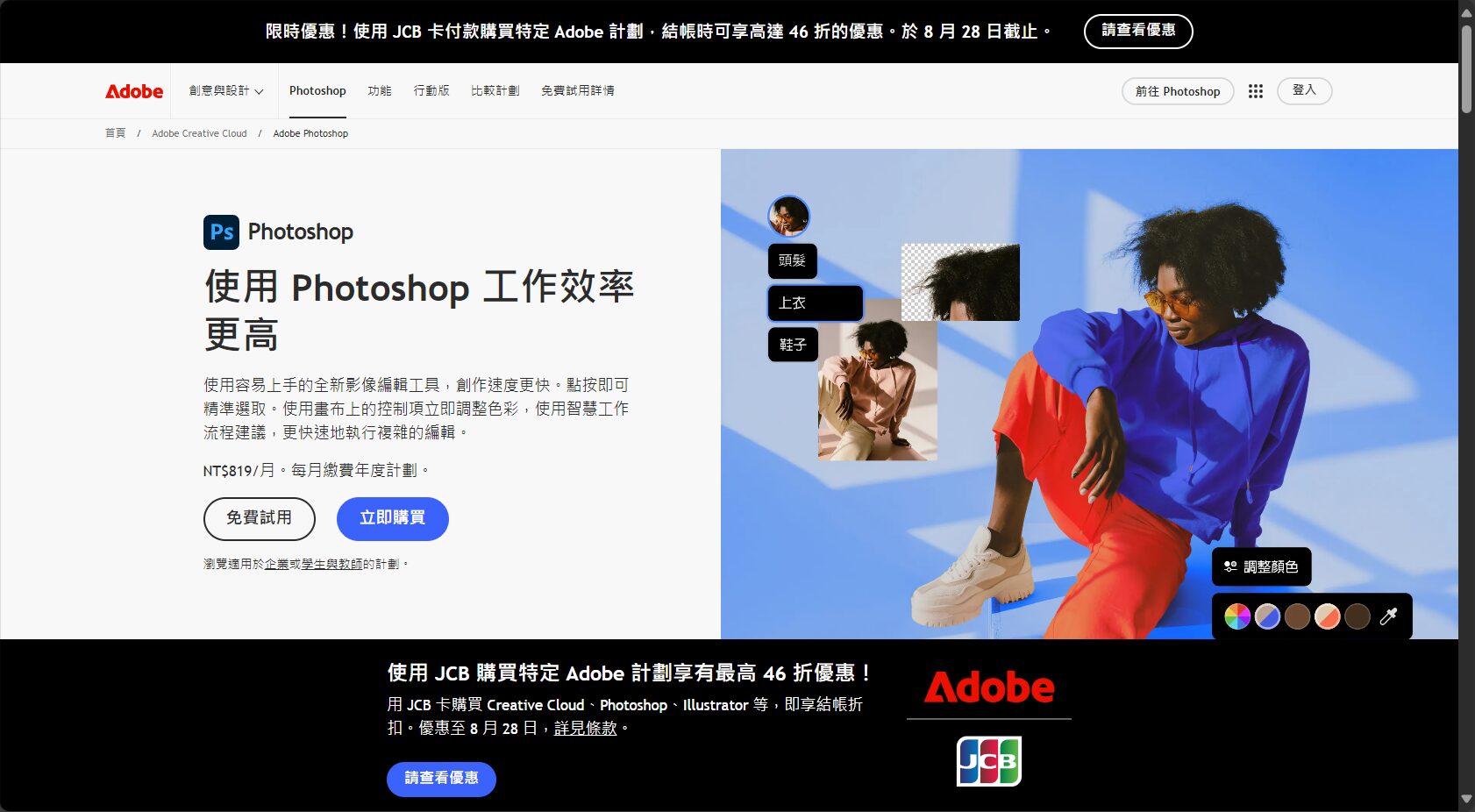

- Select the area of the image you want to modify → right-click and select "Generative Fill".
- Enter a description and wait for AI to automatically fill in or remove the content; no manual editing is required.
- Once completed, further fine-tuning can be done to ensure a natural look.
Recommended reading:Detailed introduction to Photoshop AI's new feature (Generative Fill)
Intelligent background removal and cutout
With Photoshop AI's "Select Subject" and "One-Click Cutout" tools, designers can easily perform non-destructive cutout of subjects such as people, animals, and objects in complex images.
- AI can automatically identify the foreground subject, greatly saving time spent on manual outlining.。
- The new version supports "intelligent background removal for hair, skin, and sky," with extremely fine automatic edge optimization.。
Practical applications: E-commerce main images, poster creation in the beauty industry, and rapid image and text processing for social media groups.
One-click intelligent repair and object removal
“The "Photoshop AI" repair/object removal tool is comparable to a professional photo retoucher. It can automatically analyze the texture and lighting of the image and remove blemishes, passersby, and other debris without leaving a trace.
- It's easy to use; simply use the brush to select the unwanted content, and AI will automatically reconstruct the background.。
- For batch image processing, it significantly improves image editing efficiency.
Tips:By combining "content-aware fill" and "generative color fill," you can first use AI for rough editing and then manually fine-tune the image to achieve industry-class image quality.
Four other essential AI tools for designers
Adobe Illustrator AI – Vector Intelligence Transformation
In recent years, Adobe Illustrator (AI) has also been deeply integrated with Adobe Firefly, enabling the automatic generation of logos, cartoon illustrations, and even color schemes through AI.
- “The "Generative Recolor" tool allows users to upload images, which are then automatically transformed into editable vector graphics by AI.
- “The "AI Sketch" feature can instantly upgrade simple hand-drawn sketches into complete works, making it suitable for brand logos and packaging designs.
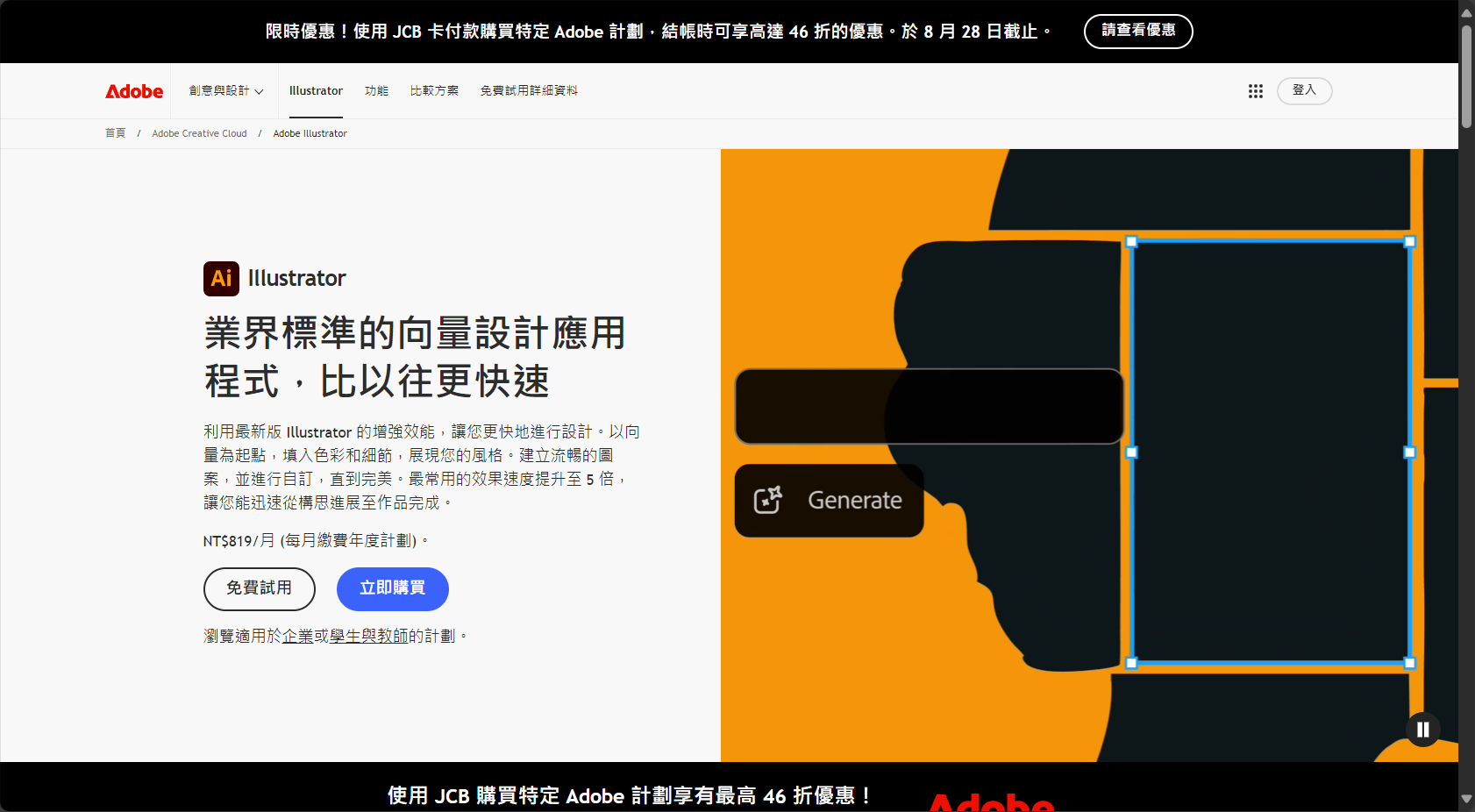
Practical tips:Use "ai prompt" to input style requirements (such as "minimalist style" or "futuristic style") and test different effect iterations.
Official website:Click to go
Adobe Express – A powerful tool for improving visual productivity in social media.
Adobe Express integrates the Adobe Firefly AI generation engine, bringing intelligent one-click template generation, text-to-image generation, and intelligent background removal to social media marketing and self-media users.
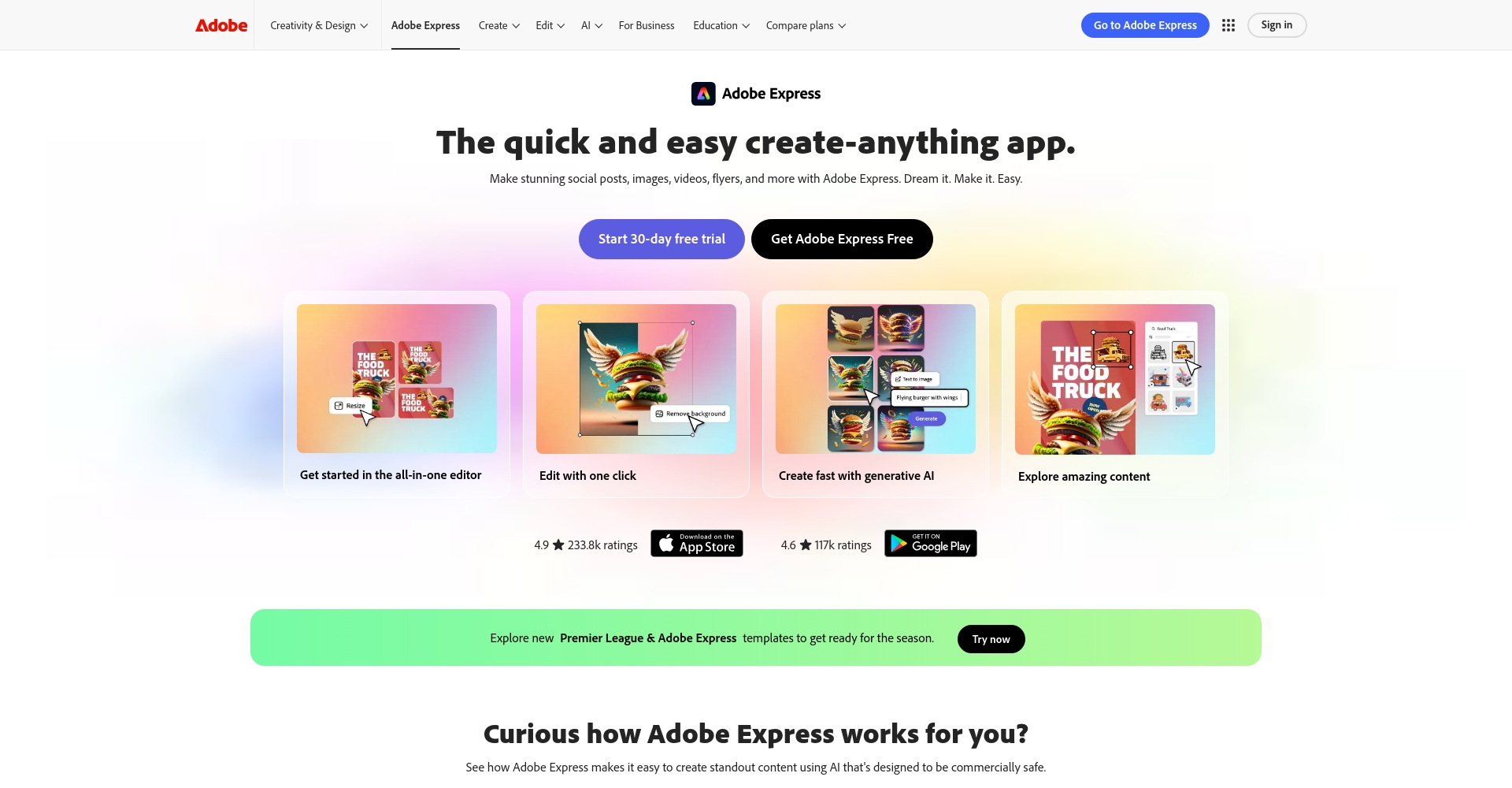
- AI-powered batch output of community main visuals, automatically adapting to different platform sizes such as Instagram, Facebook, TikTok, and Twitter.
- Generative AI photo retouching, blemish removal, and object insertionAll of these can be operated directly through the web page.
Beginner's advice:Explore "Quick Action" and "AI Design Suggestions" to quickly create content that aligns with your brand presentation.
Official website:Click to go
Canva Magic Studio – A Leader in Democratizing AI Design
In recent years, Canva has completely changed the logic of visual content production, with its new AI feature "Magic Studio" at its core.
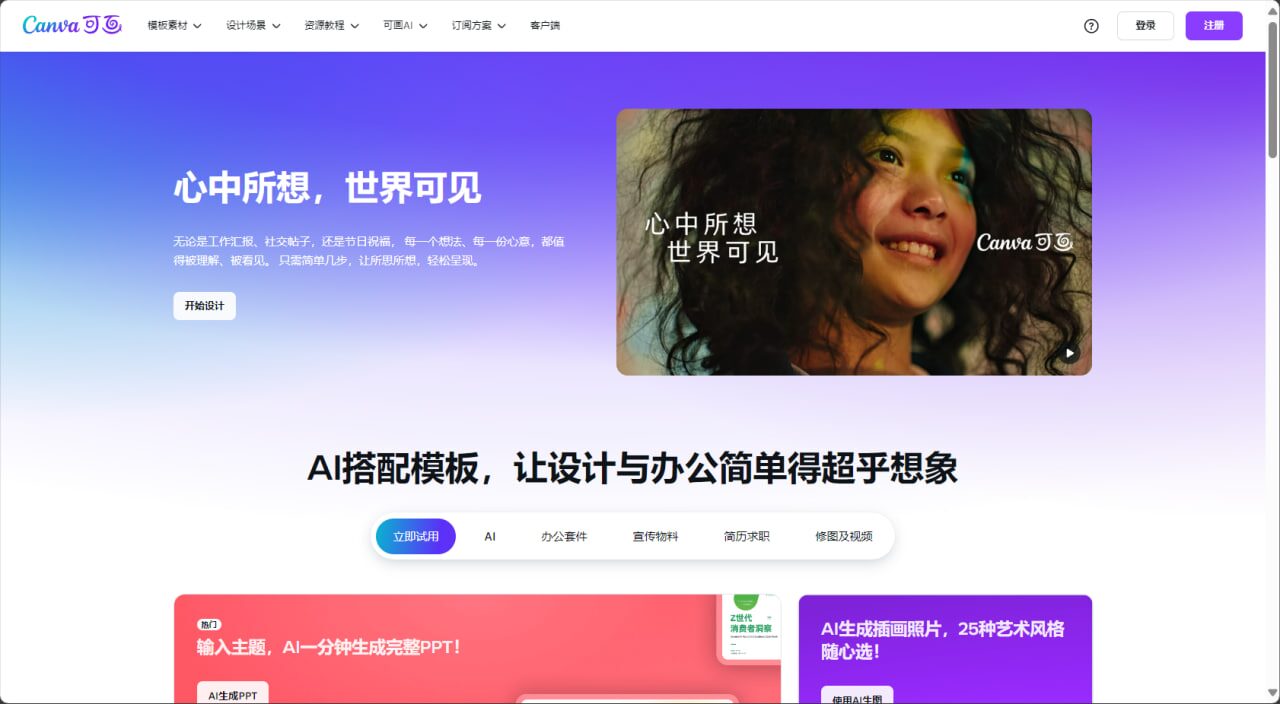
- “"Magic Media" supports text-to-image and text-to-video processing, uses a stable diffusion algorithm and a Runway ML backend, and achieves results close to the industry's cutting edge.
- “"Magic Write" features built-in AI copywriting generation, making it suitable for users with no experience to create banners and briefings in batches.
Operating Tips:It can be tried for free, and paid features such as batch output and advanced animations can be unlocked.
Official website:Click to go
Runway ML – A Pioneer in AI-Powered Imaging and Video Content
Runway ML provides content creators and designers with powerful features such as AI-powered automatic image editing, text-to-video conversion, and background removal.
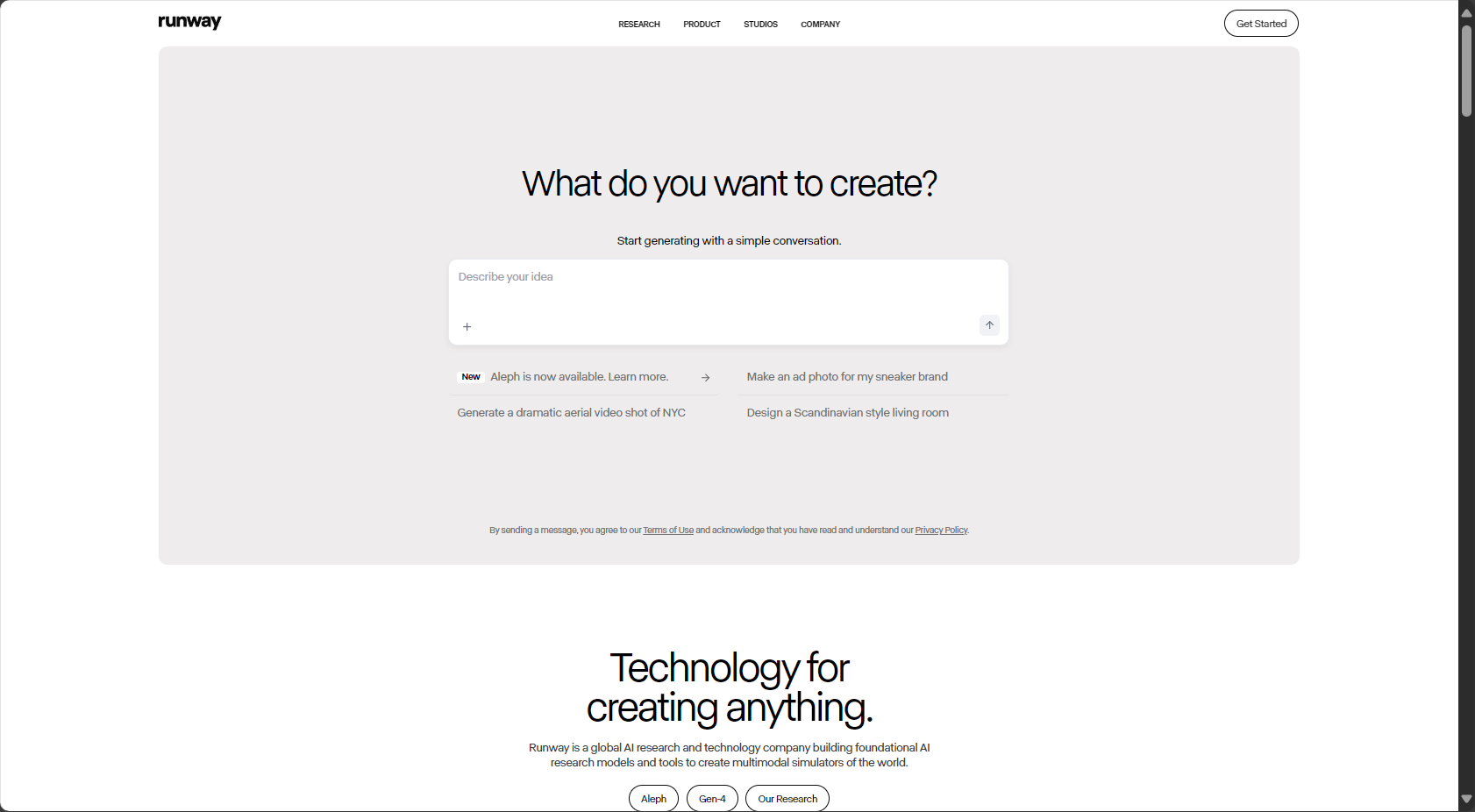
- “The ”Gen-2” model can achieve high-quality text-to-video conversion, significantly reducing the barrier to entry for short film production.
- “"AI Image to Video" allows static designs to be transformed into animations with a single click, making it ideal for brands and new media.
Application scenarios:Brand campaigns, short video marketing, and automated batch creation of materials for e-commerce.
Official website:Click to go
Practical Tips and New Trends in AI Design
With the empowerment of AI,Photoshop and related AI tools can greatly simplify the design process and unleash creative potential.Visual designers, social media editors, content marketers, and others can all benefit from effectively using AI tools.Effectively shorten the creative delivery cycleMore and more companies are deploying AI collaboration, making Photoshop AI the creative hub, and linking it with tools such as Canva and Runway to achieve cross-platform output.
Future trends:
- Prompt Precision Optimization (Note: Engineering has become a new profession)
- Multi-tool interconnected automation (e.g., Figma × Canva × Adobe interoperability)
- AI copyright and compliance requirements are gradually increasing (Adobe and Canva have both launched copyright guarantee mechanisms).
Conclusion:
AI is transforming the design industry at an unprecedented pace. From Photoshop AI to Canva and Runway, every designer should proactively embrace the AI wave. Whether you're a beginner or a professional designer, experience these tools now and let AI become an accelerator of creativity, together ushering in a new era of design!
© Copyright notes
The copyright of the article belongs to the author, please do not reprint without permission.
Related posts


No comments...
