A Comprehensive Analysis of Microsoft 365 Copilot: 5 Key Advantages and Practical Tips for Boosting Workplace Efficiency
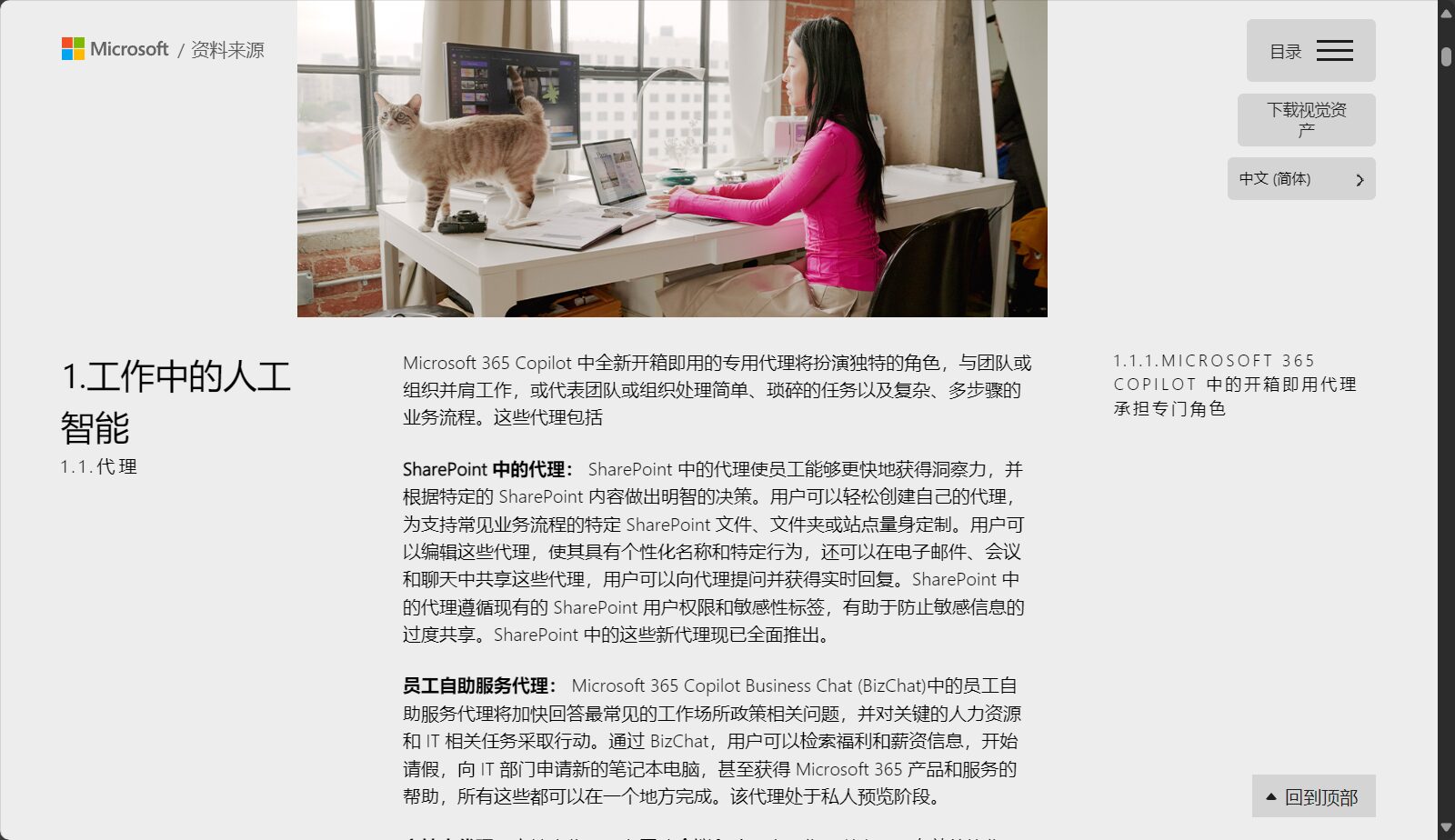
AI-Driven Revolution in Office Efficiency – An In-Depth AnalysisMicrosoft 365 copilotThe five key workplace advantages include a leap in productivity, seamless integration, skills empowerment, creativity enhancement, and decision-making power.Combining real-world application scenarios with practical operational skills, this course will guide you through the new era of smart office, enhancing the work efficiency of both businesses and individuals, and leading you towards a highly efficient and innovative workplace ecosystem.

m365 copilot: Creating a New Smart Office Ecosystem
According to information from Microsoft's official 2023/2024 press conference,m365 copilot is a one-stop AI assistant integrated into Microsoft 365 applications (Word, Excel, PowerPoint, Outlook, Teams, etc.).It combines the data foundation of Microsoft cloud services with OpenAI generative models (GPT-4 and Copilot engine) to help individuals and teams collaborate efficiently in a secure and compliant manner.
Overview of the five key advantages
| Advantages | describe | Application scenarios |
|---|---|---|
| Leap in productivity | Automatic drafting, summarizing, and data processing saves time on document writing and analysis. | Report preparation, email replies, and meeting summaries |
| Seamless integration | Cross-Word/Excel/Team collaboration, reducing tool switching | Project collaboration, process automation |
| Skills Empowerment | Intelligent suggestions and immediate application | New features import and process optimization |
| Inspire creativity | Intelligent generation of text, presentations, and charts | Marketing planning and speech preparation |
| Enhanced decision-making capabilities | Precise analysis and insight generation | Business decision-making and market analysis |

Productivity Leap: Automation-Driven Efficient Office Work
- Generate documents, summaries, and drafts with one clickDescribe the purpose and it will automatically generate a high-quality draft, suitable for meeting minutes, emails or reports.
- Automatic summary and tracking of meeting contentTeams meetings can directly generate meeting highlights and action items and synchronize them to to-do tasks.
- Rapid data processing and analysisIn Excel, natural language commands can be used to perform data pivoting, analysis, and quick chart creation.
Seamless integration: Unified collaboration experience
m365 copilot runs through core Microsoft 365 applications.This reduces tool switching and improves collaboration efficiency. For example:
- Emails are automatically generated and synced to Teams and Outlook.
- Word content can be converted into PPT with a single click, along with a text presentation script.
| Scenario Example | Usage effect |
|---|---|
| Email sync calendar | Outlook automatically extracts content, creates Teams meetings, and schedules them. |
| PPT draft output | Word document content is automatically organized into a presentation and a script is generated. |
Skills empowerment: Learn by doing, accelerate growth
- Context-sensitive suggestionsAutomatically provides instructional guidance, including process flow, formulas, or templates.
- AI Coach ModeNew users can learn by doing in Word and Excel, significantly lowering the barrier to entry.
Unleashing Creativity: Intelligent Content Generation
- Cross-media generationShort commands can generate text, presentations, and charts in various styles. "Generate a PPT on smart office trends" automatically organizes and adds images.
- Copywriting Comparison & OptimizationIt automatically generates multiple versions of copy for marketing and design positions, and allows for one-click polishing and filtering.
| Application scenarios | Copilot performance |
|---|---|
| Marketing copywriting | Generate multiple styles and lengths of copy and social media headlines in seconds. |
| Visual chart generation | Automatically generates various charts to facilitate data communication and reporting. |
Enhancing Decision-Making Capabilities: A Powerful Tool for Scientific Decision-Making

- Real-time reporting insightsBased on historical and real-time data, it automatically outputs decision-making references such as trends and risks.
- Optimization suggestionsFor example, "increase profits" or "reduce churn," and provide specific implementation suggestions based on the objectives.
See detailsMicrosoft China Official WebsiteLearn about the official app and subscription.
Practical Tips Collection
- explicit instructions—Make good use of detailed natural language to improve the accuracy of AI responses.
- Cross-application operation—For example, Word documents can be directly generated into PPT presentations, and meetings can be scheduled through Teams to achieve automated office work.
- Set security boundariesIT administrators should configure permissions and data security policies in a timely manner.
- Pay attention to official trainingMicrosoft continuously introduces new features and courses to maintain the team's learning ability.
accessMicrosoft official training resourcesGet the latest information.
As AI is rapidly integrated into the office environment, m365 copilot has become a new productivity tool for modern enterprises and individuals to innovate efficiently.It helps us relieve workload and brings about a new, efficient, and intelligent way of working. The future workplace is a new competition of "human-AI collaboration capabilities"! Experience the transformative power of AI-enabled office work now!
© Copyright notes
The copyright of the article belongs to the author, please do not reprint without permission.
Related posts



No comments...
