What is ChatGPT Agent? How can you use it to automate your workflows, improve efficiency, and avoid pitfalls?
OpenAI launched its "In June 2024"ChatGPT Agent", becoming an AI super assistant for multi-step automated tasks and cross-platform collaboration."This article provides an in-depth analysis of its positioning, capabilities, application scenarios, user guidelines, and a horizontal comparison with mainstream competitors.Helping you get started efficiently and avoid common pitfalls in automated office work.
What is a ChatGPT Agent?
Background and Positioning
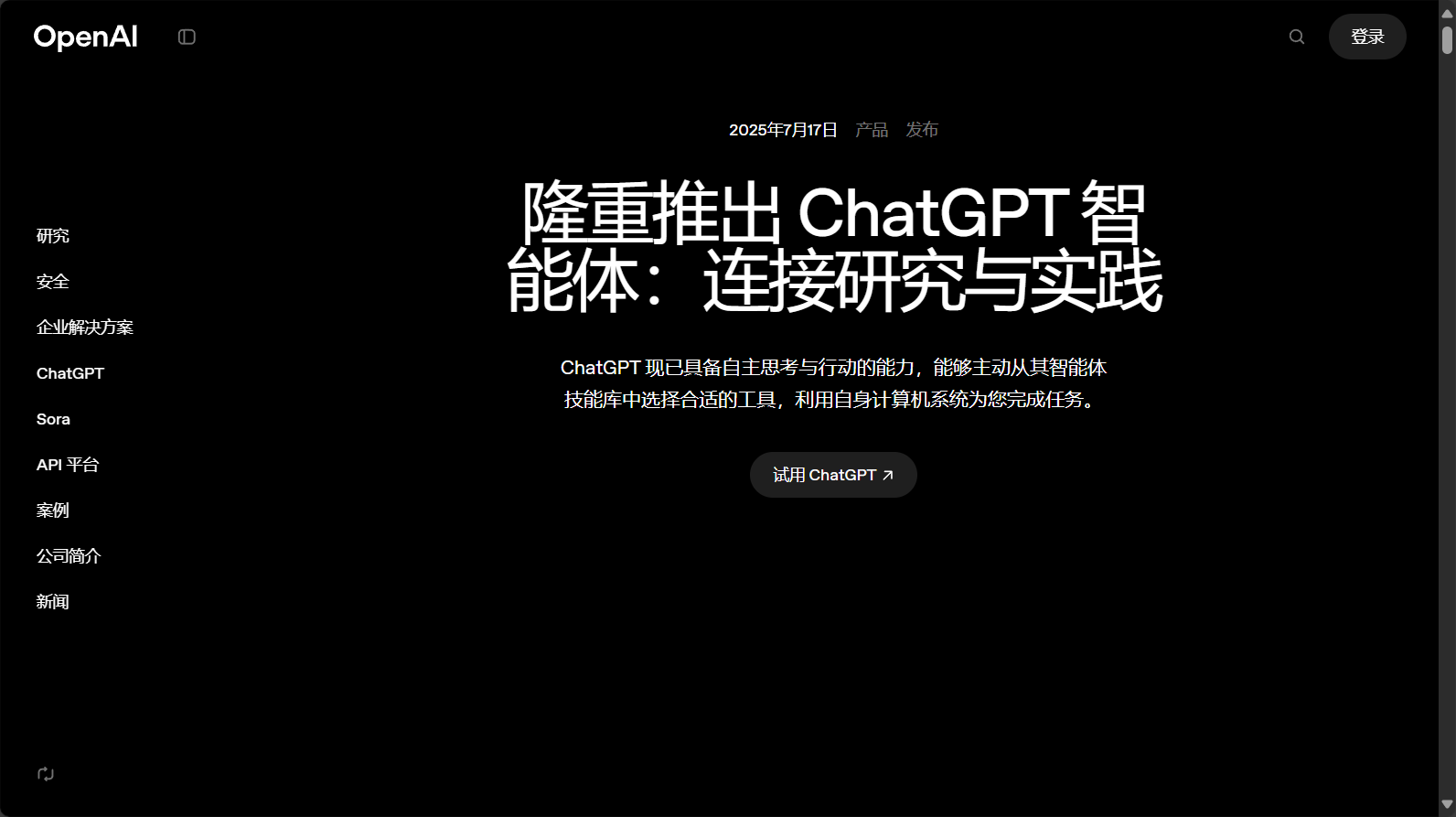
ChatGPT Agent is a newly launched "autonomous task-oriented AI" by OpenAI for the ChatGPT platform, which focuses on multi-step automatic execution and intelligent decision-making. Unlike traditional chatbots that can only answer questions, it is more like a "digital assistant" or "virtual employee," capable of understanding complex instructions, executing processes, and automatically calling external tools.
Core positioning:
Multi-step task processing
Automated tool collaboration
Scalable AI Assistant
For example, you can let ChatGPT Agent help you find information, generate PPTs, analyze reports and send emails all at once, all in one stop, without the need for multiple manual interventions.
Capabilities Overview
- Automated web scrapingIntelligent extraction and export of web page data.
- Data collection and structuringEfficiently collect content from tables, databases, text, etc.
- Document writing and summarizingAutomatically generate reports, PPTs, emails, etc.
- External application collaborationSupports mainstream connectors such as Gmail and GitHub.
- Automated process controlCustomize multi-step tasks to complete the entire office workflow in a chain.
Visit the official OpenAI ChatGPT Agent pageTo gain a deeper understanding.
What can ChatGPT Agent do? Automation Scenarios and Practical Applications
Scenario List
| Task Scenario | Traditional practice | ChatGPT Agent Advantages | Availability |
|---|---|---|---|
| Data collection & archiving | Manual collection Exporting from Excel | One-click browsing and extraction, automatically organized into a structured table. | 高 |
| PPT creation | Copy and paste content to edit | Automatic structure organization to generate preliminary PPT drafts | (Testing phase) |
| Schedule/Email Management | Manually check schedules and send emails. | Automatically connects to calendar emails for batch operations. | 高 |
| Data Analysis & Reporting | Manual Analysis in Excel | Intelligent analysis, no complex functions required | 高 |
| Cross-application integration | Switching between multiple apps for copy and paste | A single chain automatically connects multiple tasks | Medium-high |
“"One-click office" is the most prominent feature of ChatGPT Agent.


Detailed Explanation of Specific Application Cases
- Automatic information organization/summarizationIt allows users to initiate internet-based topic searches and information categorization with a single click, making it ideal for industry research.
- Intelligent PPT GenerationEnter a topic, and it will automatically summarize the key points and generate a PPT draft (currently in Beta).
- Bulk Email & Calendar ManagementIt integrates with mainstream email calendars, supporting bulk emails and automatic meeting scheduling.
- Data Reports & Financial AnalysisBy combining APIs and web scraping, it can automatically generate financial analysis reports for specified companies.
- Multi-tool collaborative operationFor example, integrating Google Sheets/GitHub can automate the entire process from information collection and analysis to publication.
How to get started with ChatGPT Agent: Entry, Setup, and Operation Guide
Activation and Entry Instructions
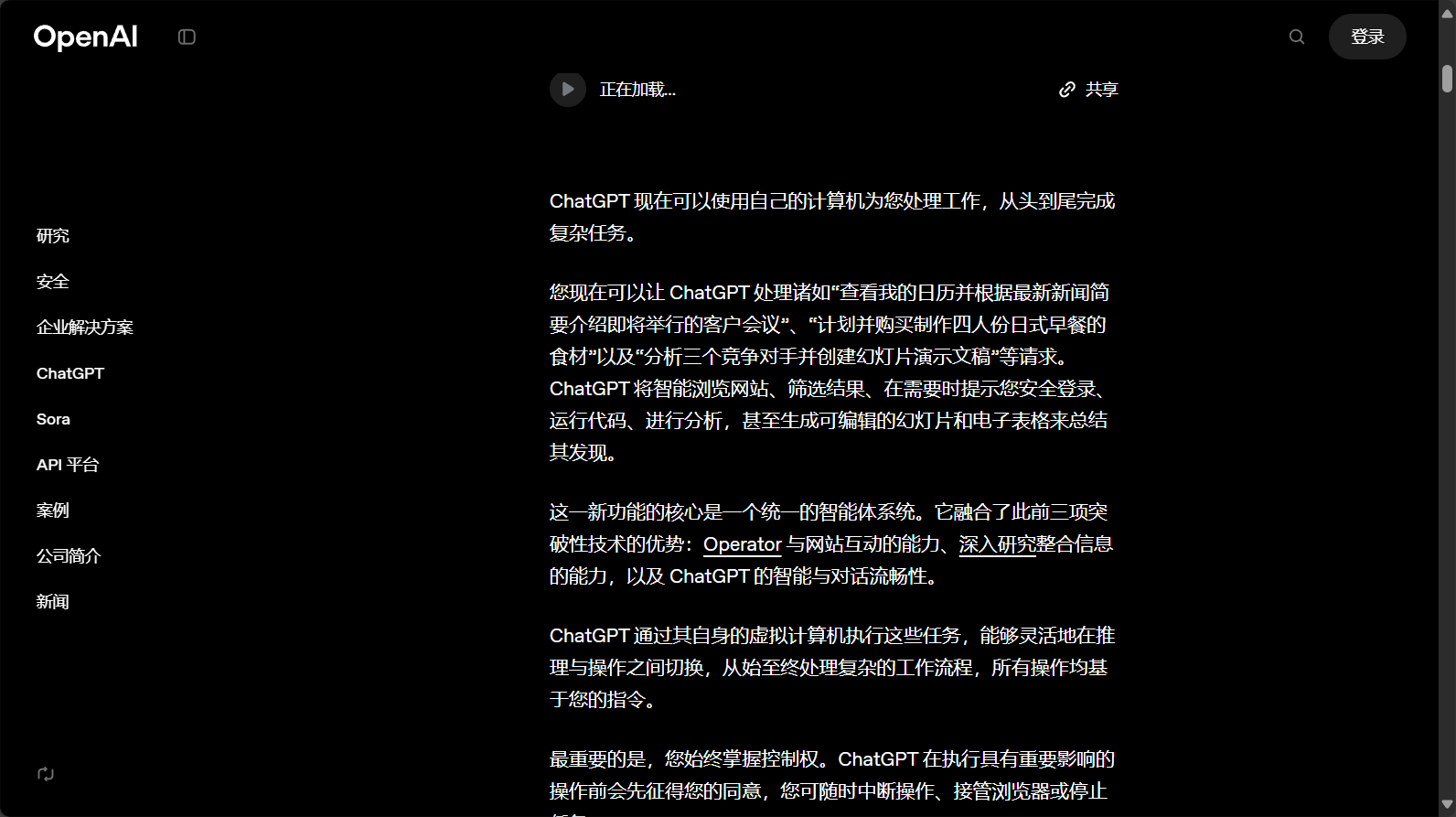
Currently, ChatGPT Agent is available to Plus, Team, and Pro subscribers in limited quantities, with enterprise and education versions to be rolled out gradually.
Activation process:
- EnterChatGPT Official Website
- Switch to Plus/Team/Pro account
- Go to "Tools" → "Agent" or enter...
/agentinstruction - Fill in multi-step instructions or upload task forms
⚠️If it is not open yet, please wait patiently for official support!
User Guide Overview
| Operational steps | User Operations | Agent behavior |
|---|---|---|
| Task Description | Input requirements | Intelligent disassembly target |
| Tool matching | Specify tools | Matching the optimal processing method |
| Automatic processing | Waiting for the result | Search-Collect-Generate-Integrate Process |
| Supervision/Adjustment | Modifications can be suspended at any time. | Retain the autonomy of human intervention |
| Output Results | Check export | Automatically organize text/PPT/spreadsheets, etc. |

Best practices and efficiency improvement techniques
- Clearly describe multi-step requirementsFor example, "Check 5 years of financial reports + generate analysis PPT".
- Preferred processing toolsIf you need to bind a specific account/data source.
- Phased feedback/debuggingLarge tasks are broken down into structured smaller tasks, which facilitates real-time correction.

Pitfall Avoidance Guide: Current Limitations and Precautions of ChatGPT Agent
Functional limitations
| Limitation points | illustrate | suggestion |
|---|---|---|
| Data security | Agent operations occur within the OpenAI virtual environment, which does not support local read/write operations. | Do not upload sensitive data; pay attention to data compliance. |
| Tool compatibility | Only some connectors are supported; not all apps are supported. | Follow official updates |
| Batch efficiency | Large-scale tasks have a probability of slowdown/interruption. | It is recommended to implement phased and monitored measures. |
| Accuracy of Results | There are errors in the PPT/report output. | Manual review and adjustment |
| Task granularity | Limited fluency in large-scale, multi-ring, and ultra-complex tasks | It is recommended to break down the task into smaller, manageable steps. |
Common pitfalls and solutions
- It can only capture static pages and cannot automatically fill in complex forms, requiring manual intervention.
- The automatic email sending failed because the schedule management did not have a time zone or permissions set.
- Output fails when there are too many pages or images in a very large PPT task.
suggestion: Clearly define the main task instructions, manually check the task process, and pay attention to the official community to discover new problems and solutions.

ChatGPT Agent vs. Similar Products
| Product/Features | Tool type | Multi-step automation | API support | Image/PPT output | 本地可用 | Chinese support | Applicable Scenarios |
|---|---|---|---|---|---|---|---|
| ChatGPT Agent | Web/云 | 是 | 是(有限) | 是(基础) | 否 | 是 | 自动化办公 |
| Genspark | 云 | 是 | 是 | 是 | 否 | 是 | PPT/论文/研究 |
| Manus AI | 云 | 是 | 是 | 是 | 是 | part | 数据/幻灯片 |
| Microsoft Copilot | 桌面/云 | part | 是 | 否 | 是 | 是 | Office文档 |
| Claude Code | 本地/云 | 否 | 强 | 否 | 是 | 否 | 研发数据分析 |

AI自动化工具选用建议
- 优选ChatGPT Agent: 适合需要多步骤自动化、可控过程与强AI能力的办公流程;小型企业、团队、自由职业者办公自动化首选。
- 考虑其他方案: 研发需要深度本地集成/私有化部署,或追求高质量展示型PPT/学术论文/多模态交互时,可选Claude Code/Genspark/Manus AI等。
in conclusion:OpenAI ChatGPT Agent让AI办公进入全新阶段,自动化、智能决策、应用集成下显著提升实战办公效率。虽然目前还有数据隔离、任务粒度等瓶颈,但作为高效“超级助理”工具,未来极具前景。有办公自动化需求,不妨尝鲜;但切记重要结果人工审核、灵活工具组合,才能真正高效不踩坑!
© Copyright notes
The copyright of the article belongs to the author, please do not reprint without permission.
Related posts



No comments...
