
How to use the Xiaohongshu web version? A complete guide for beginners on registration, browsing, and posting (including answers to frequently asked questions).
Xiaohongshu Web VersionAs a mainstream upgrade portal for content communities in recent years, it has为Office workers, content creators and enterprise accountsDelivers an efficient operating experience。This guide is presented from a news perspective.Detailed explanation (web version)Registration, browsing, posting, and solutions to frequently asked questionsHelping you seamlessly access the web-based benefits channel!

Basic Introduction to Xiaohongshu Web Version
Xiaohongshu Web Version(Visit the official website:)https://www.xiaohongshu.comThis is the PC desktop experience portal launched by "Xiaohongshu". Users can achieve...Registration, content browsing, interaction, posting, account managementCore functions, suitableOffice workers, content creators, heavy browser users, businesses and KOLsEfficient use in multiple scenarios.
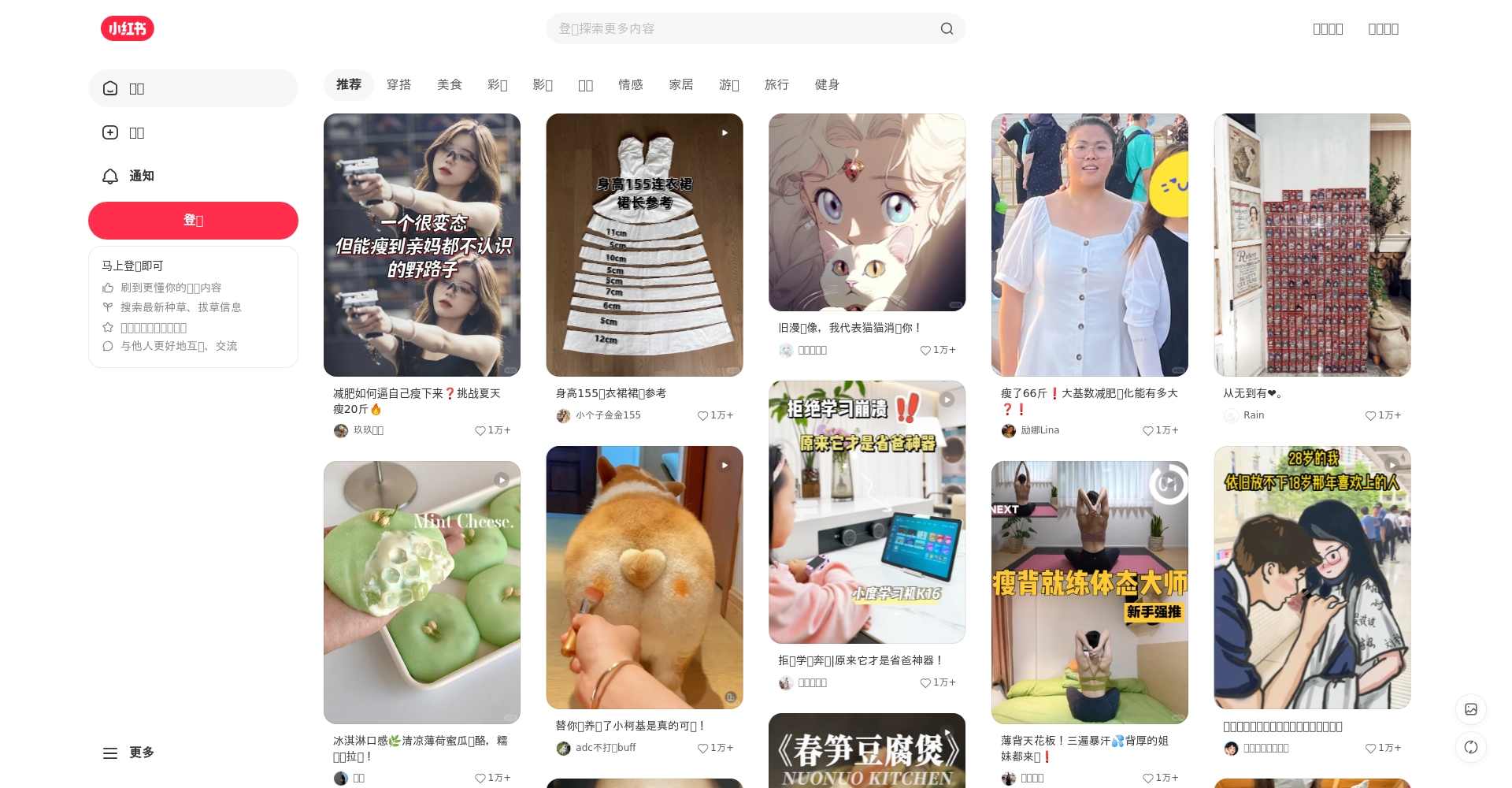
Differences between web version and mobile version
| Function | Xiaohongshu Web Version | Xiaohongshu APP |
|---|---|---|
| Register/Login | Authorization via mobile phone number, WeChat, or QQ | Support as above |
| Content browsing | Multiple tags, multiple channel switching | Single window, focusing on immersion |
| Publish notes | Support, but with stricter requirements. | User-friendly interface, draft available |
| Private message interaction | Basic interaction, some parts are incomplete. | Full private messaging function |
| Data Management/Statistics | Suitable for content creators and businesses | Content-based for easy viewing |
| Applicable to | Creators, office users, etc. | Primary use by ordinary users |

Full process of registering for Xiaohongshu (Little Red Book) web version for new users
1. Open the official website and access the portal.
Enter in your computer browser https://www.xiaohongshu.comEnter the web version homepage.It is recommended to use the official domain name first.Protect your account security.
2. Account Registration/Login Steps
Method 1: Register with mobile phone number
- Click "Register" in the upper right corner.“
- Enter your mobile phone number and verification code, then set a password.
- Set your nickname and profile picture, then go to the homepage.
Method 2: Third-party authorization
- supportWeChat/QQQuick login, synchronize your main account after logging in.
Common registration issues:
| Problem Description | Solution |
|---|---|
| Unable to receive verification code | Check your spam messages/network, or change your phone number. |
| Nickname already taken | Add numbers/Change spelling |
| Verification code expired | Re-acquire, limited to 2 minutes |
| WeChat/QQ authorization error | Try closing your browser plugin or refreshing the page. |

3. Improve data and security recommendations
- Upload a clear profile picture and signature
- Link your email address to improve security.
- Set up two-step verification to prevent account theft.
Experience Xiaohongshu web version content browsing
1. Homepage and Content Discovery
Home FeedThe app pushes curated content covering beauty, fashion, fitness, home decor, travel, and more. Users can easily switch channels or customize their "following" list via the navigation to enhance their personalized experience.
| Recommended type | illustrate | Advantages |
|---|---|---|
| Attention Stream | Showing user notes that you have followed | Highly interactive |
| Discovery Stream | Interest Recommendations/Popular Content | Discovering new trends |
| Topic Stream | Popular events or challenges are presented in a concentrated manner. | High tracking efficiency |
Browsing Tips:
- Use filters and tags to locate content.
- Multi-tag simultaneous viewing, note-taking
- Hover your mouse over the homepage to quickly access the expert's page.
2. Detailed Explanation of the Search Function
The top search box supports comprehensive searching by keyword, user, and topic. Entering "European travel" or "beauty and skincare" will provide precise results. Search results can be toggled.“up to date”“hottest”“Expert Recommendation”Sort.
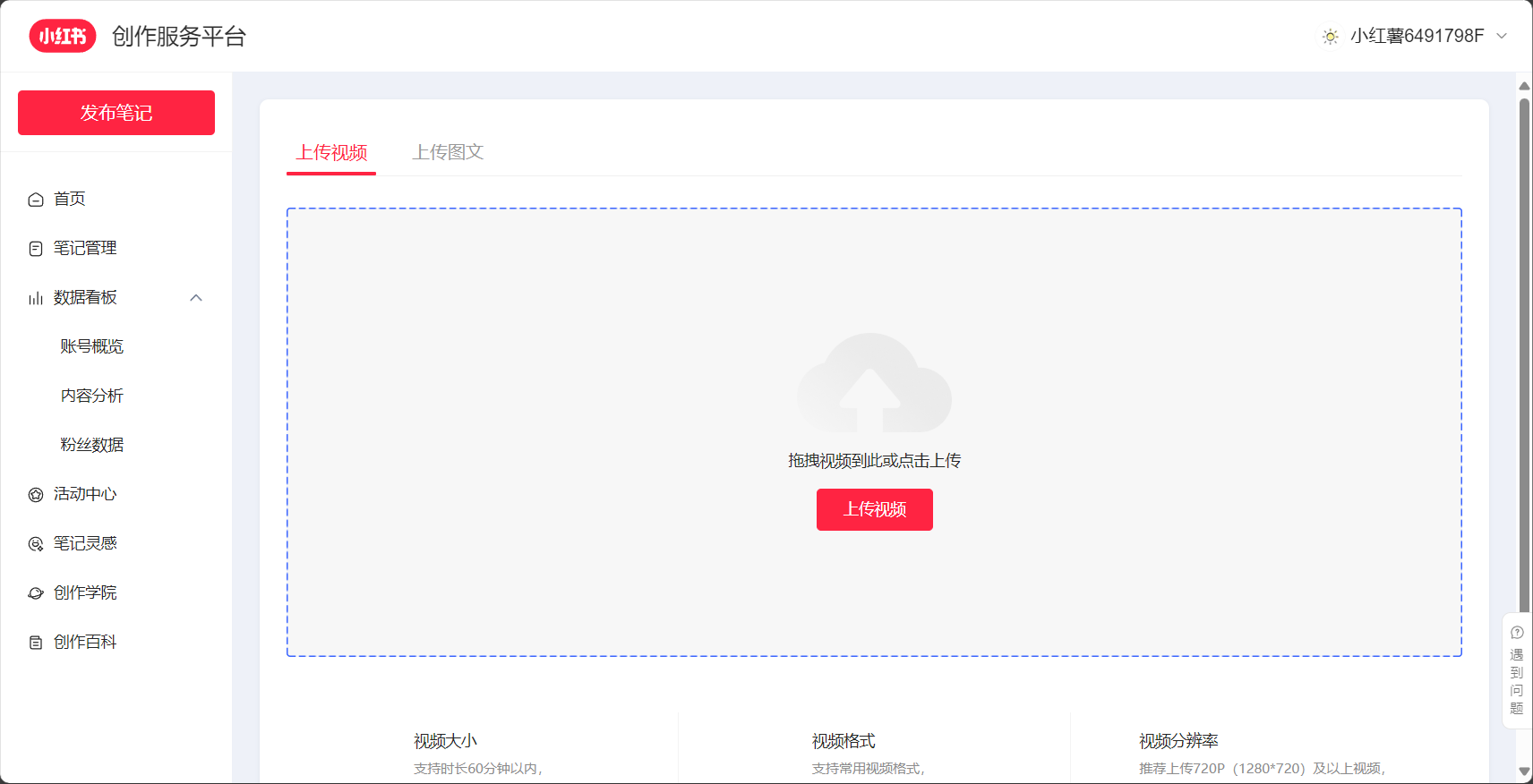
Internal link example: Search/BrowseAI tools related content。
3. Interaction: Likes, comments, and favorites
- LikeClick the heart
- CommentDirectly participate in the dialogue
- collectFacilitates classification and management
| operate | Entrance | Sync App | Applicable Scenarios |
|---|---|---|---|
| Like | Below the notes | 是 | Support creation |
| Comment | Notes Comments Section | 是 | Community Interaction |
| collect | Add the "Favorite" button in the bottom right corner of the notes.“ | 是 | Accumulate practical knowledge |
How to publish high-quality notes on the Xiaohongshu web version
1. Explanation of the publishing entry point
Click the "+Publish" button at the top to enter the editor (login/registration is required).
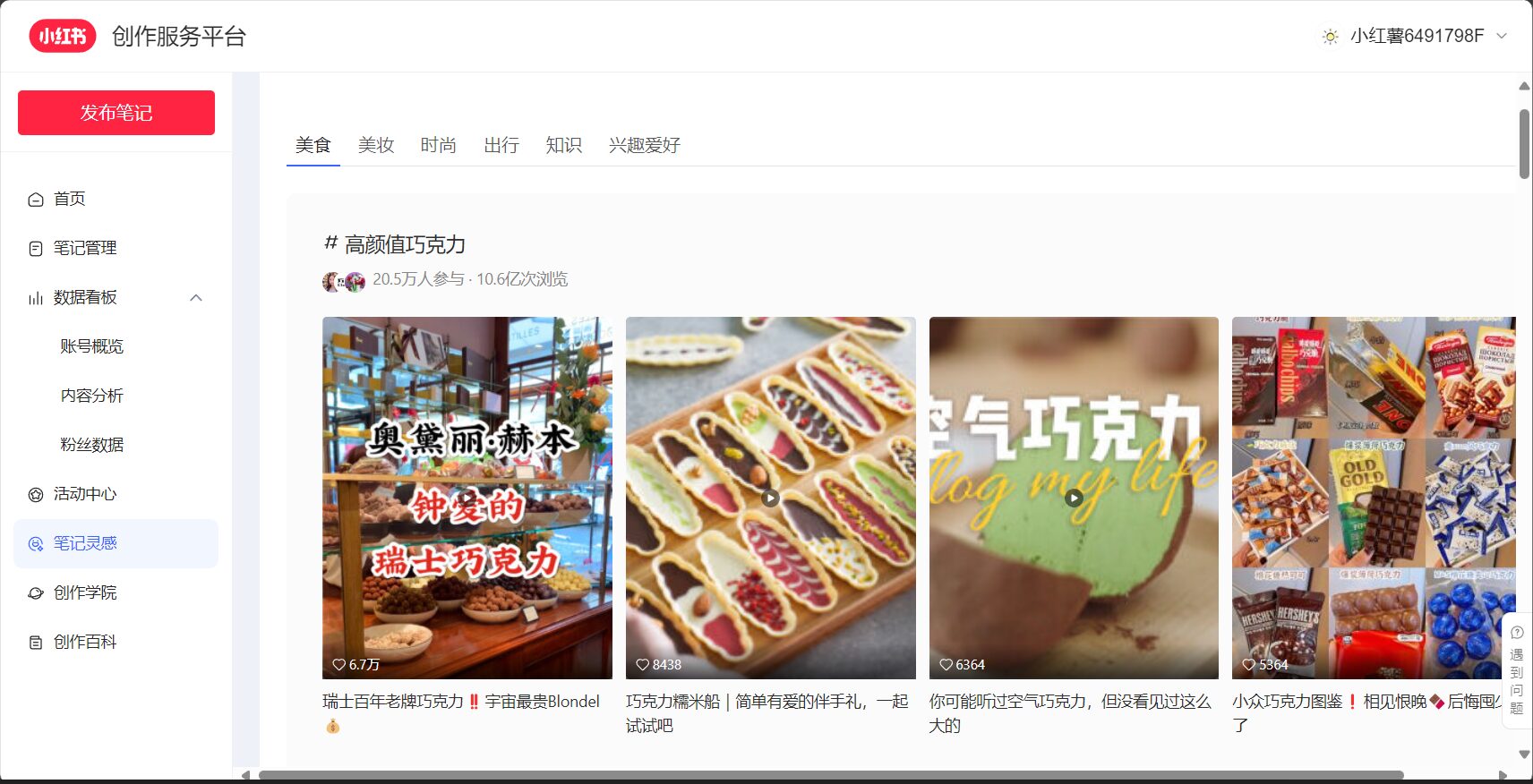
2. Detailed Explanation of Editor Functions
- supportImage/Multiple Images/Video Upload
- Insert text descriptionSection headings
- join inTopic Tags(e.g., # food review tool #AI)
- Draft/Preview Function Optimization
3. Issue guidelines and optimization suggestions
- Recommended image specificationsHigh definition, 3:4 aspect ratio, maximum 9 images uploaded.
- Video suggestions15-60 seconds MP4
- Word100-200 words easy to recommend
- Avoid violationsDo not post advertisements or malicious messages. See details.See community guidelines
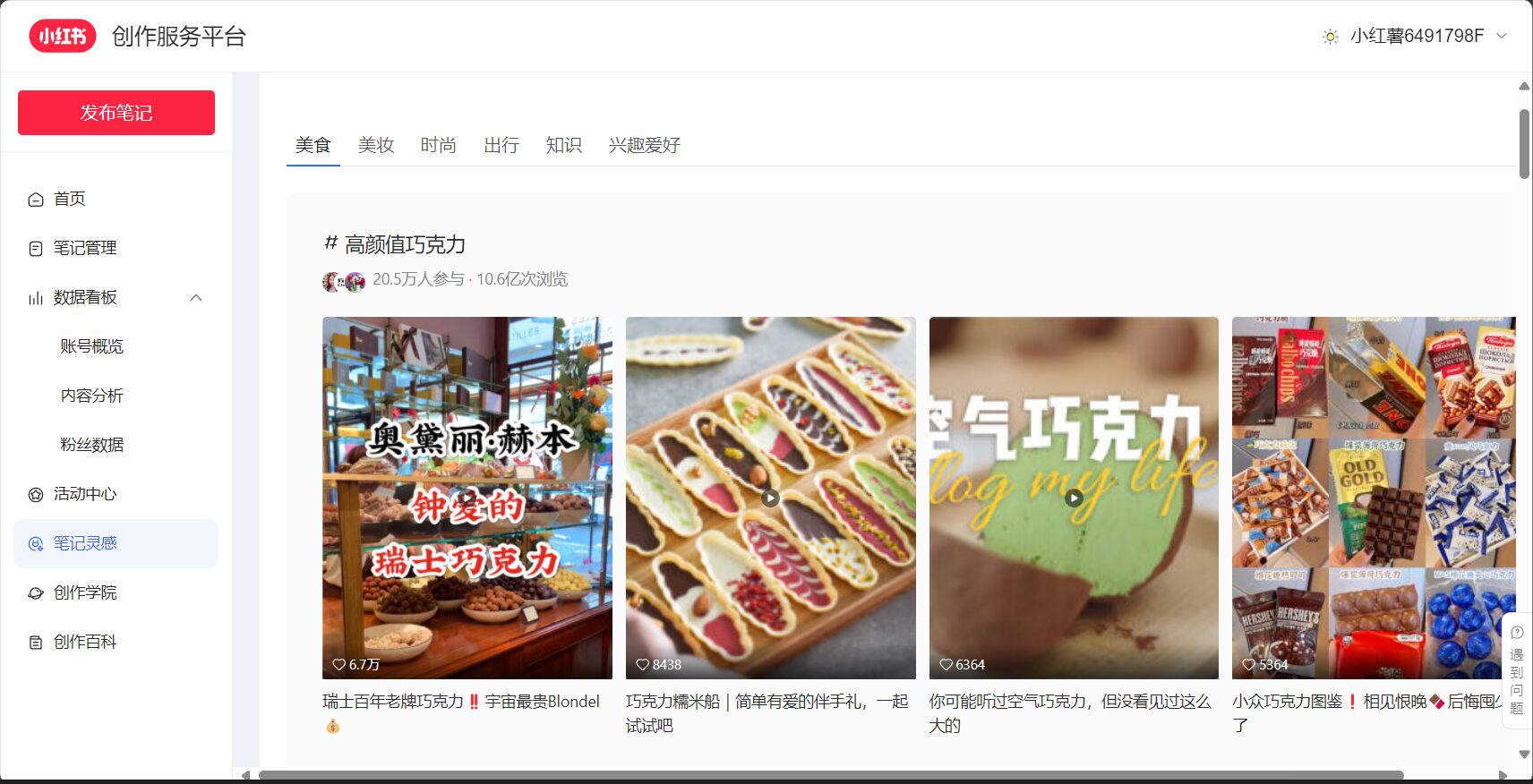
4. Post-launch operational tips
- Timely interaction and comments increase popularity
- Focus on data-driven topic selection
- Participating in trending topics increases exposure
Xiaohongshu Web Version Frequently Asked Questions
| Frequently Asked Questions | Detailed interpretation |
|---|---|
| Unable to upload large videos | Please compress the file to under 100MB. |
| Blank page or slow loading | Clear cache/switch browsers, disable ad blocking |
| Private messaging function is limited | It is recommended to use the APP to supplement. |
| Unable to bind multiple email addresses and phone numbers | One account can only be bound to the main account. |
| Is an enterprise account suitable? | It's usable, but for advanced management, a desktop backend is recommended. |
| Does the web version support AI tools? | Supported; you can browse and post. See below.AI Tools Collection |
Special reminder: Optimized web version experience
- focus onOfficial Help Center (Web Version)
- Large screen/multi-tab operation is efficient
- Make good use ofOfficial AI toolsAssisted writing
- Pay attention to security announcements to prevent fraud.

along withXiaohongshu Web VersionWith continuous feature upgrades, it's becoming a crucial entry point for content creators to promote products and for users to browse and share. Whether you're a beginner, an expert, or a business operator, making good use of the web version can definitely open up a new era for content creation and exploration!
For more firsthand information on the Xiaohongshu web version, please continue to follow this column for in-depth reports!
© Copyright notes
The copyright of the article belongs to the author, please do not reprint without permission.
Related posts



No comments...
