
What is Pictory? A beginner's guide to easily turning text content into high-quality videos using AI.
Pictory It is a cloud-based AI text-to-video tool,accomplish“"No prior knowledge"”Creation. It can automatically break down scripts, articles, meeting minutes, and other content into scenes, intelligently combining videos, voiceovers, and subtitles to create efficient video generation solutions tailored for self-media, education, and enterprises.Low barrier to entry, high efficiency, genuine materials, and multilingual support.It serves as a new content productivity gateway that combines digital content with AI. Even beginners can quickly master it, enabling them to output high-quality videos in batches, facilitating content monetization and business expansion.
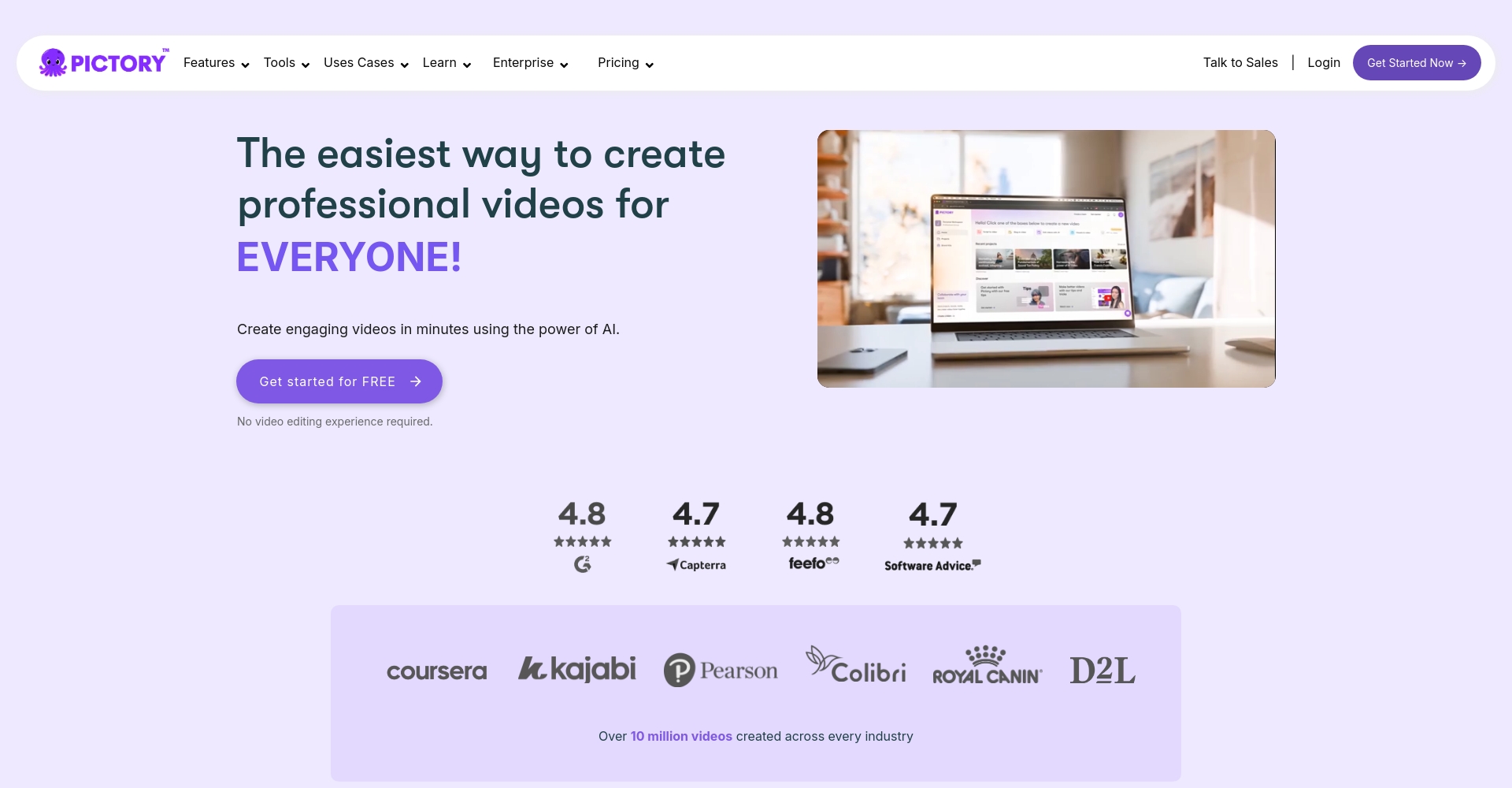
About Pictory – Making video creation accessible to everyone, even those with no prior experience.“
Pictory(Official website) is aNo professional editing experience requiredThis is an AI-powered cloud-based video creation tool. Users simply upload scripts, articles, or meeting minutes, and the AI intelligently analyzes and breaks down the footage, automatically generating high-quality videos using millions of licensed source materials. It supports multilingual voiceovers and brand customization, significantly lowering the barrier to video production.
Product positioning and key features
- Suitable for various scenarios such as self-media, education, corporate marketing, and podcasts.
- emphasizeBatch automatic content generation和Smart Editing
- Core mission:Reduce learning costs and shorten content production time
| Features Classification | Pictory's main performance | Applicable Scenarios |
|---|---|---|
| Operational difficulty | No video knowledge required, intuitive interface | All new and content creators |
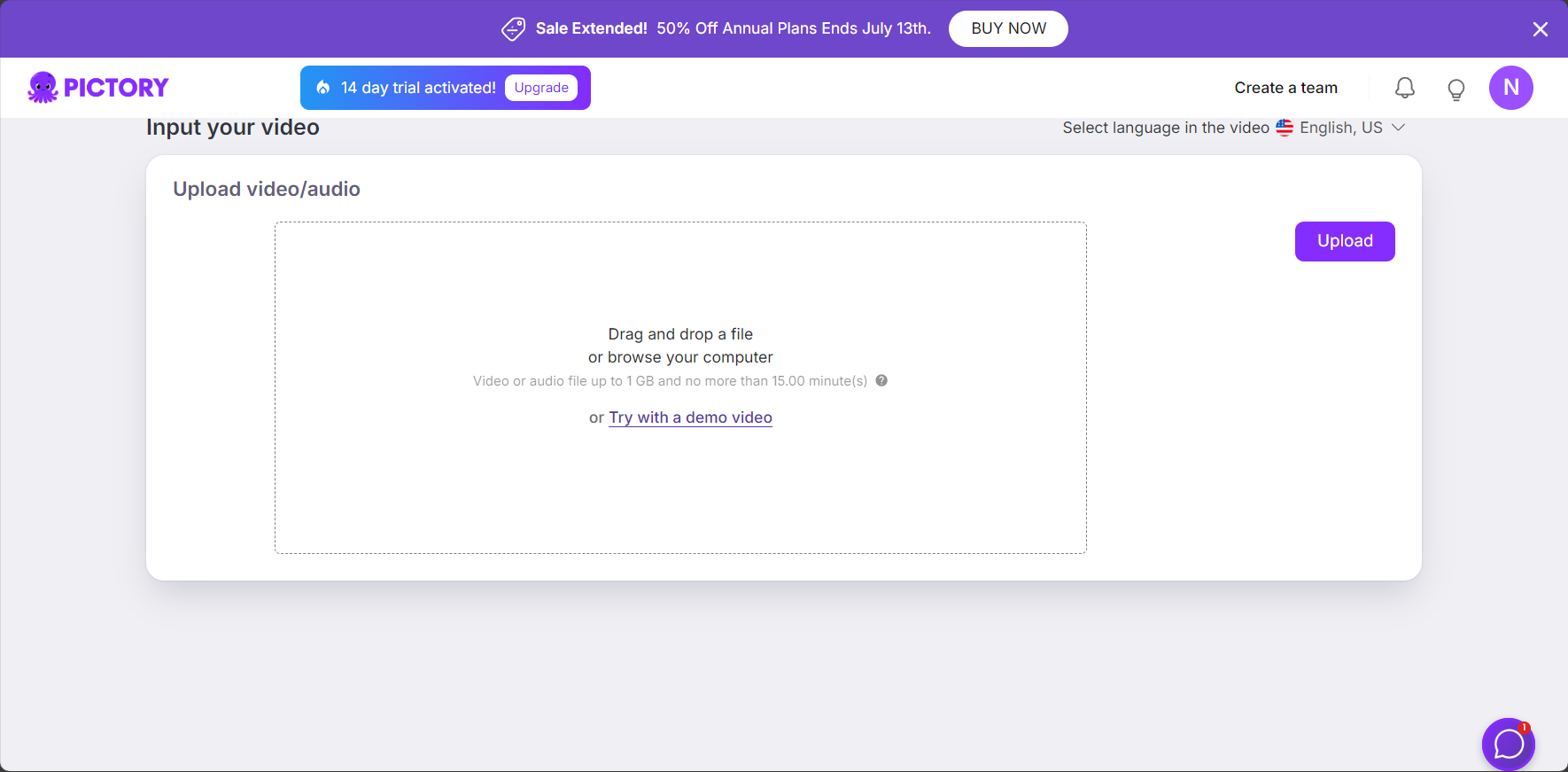
| Input type | Text, video, blog URL, audio transcript | Short videos/narrations/micro-lessons |
| Output style | Customizable brand and logo, automatic subtitles, and multi-resolution support. | Major social media platforms, educational resources, and official websites |
| Special features | AI-powered automatic scene editing, dubbing, music composition, and subtitles. | Mass production and rapid reuse of content |

Pictory's Core Functionality Explained
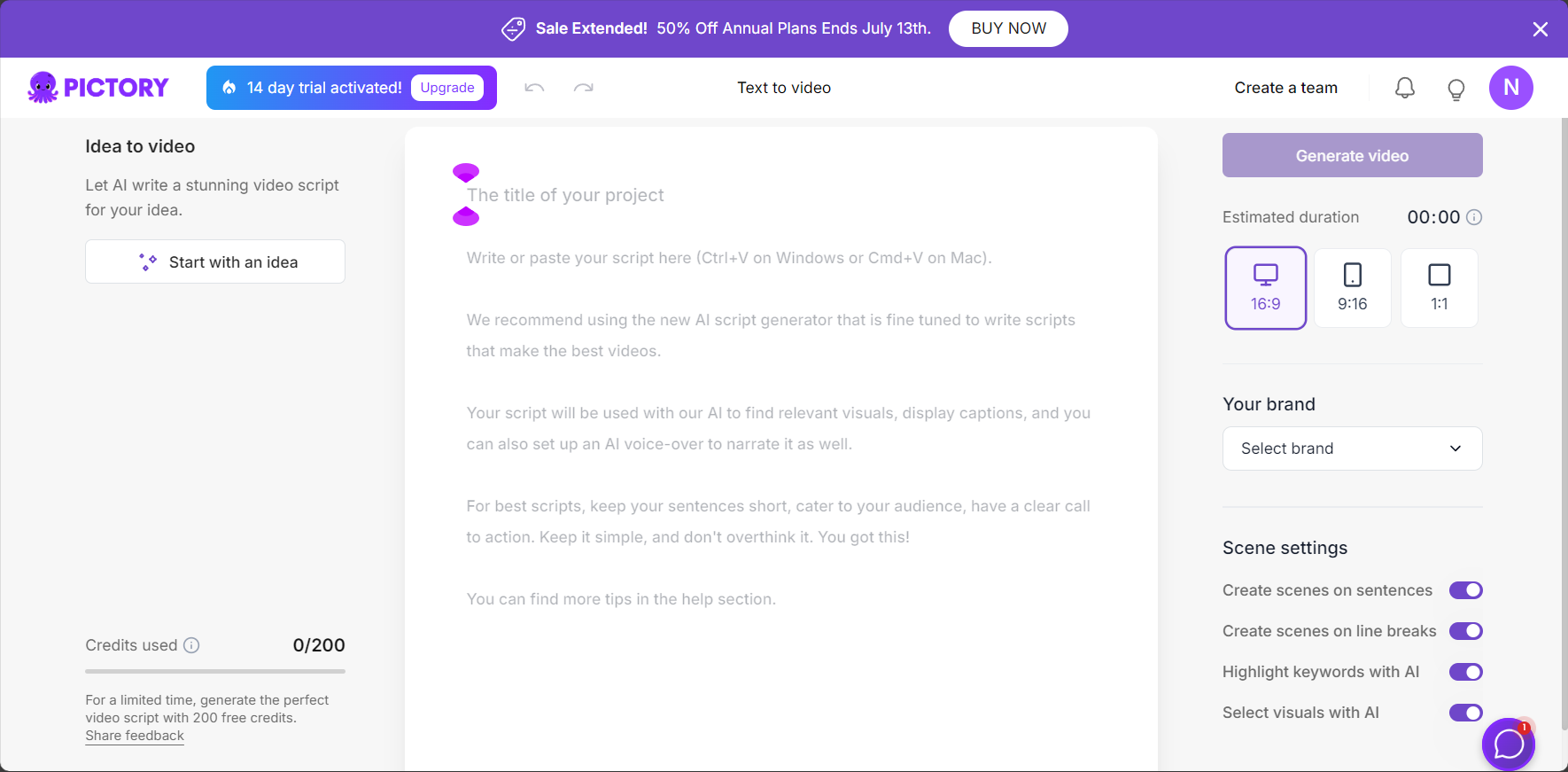
1. One-click text-to-video conversion (Script to Video)
Pictory's biggest highlightIt automatically breaks down text content into multiple "video scenes" and intelligently matches corresponding images, animations, and video materials, eliminating the need for manual material searching and effectively improving efficiency.
- Input script— Copy and paste the article or script
- Automatic storyboard—AI splits paragraphs and semi-automatically matches visual elements
- Material Engine—Combining tens of millions of libraries from Getty and Storyblocks, automatically recommending backgrounds for scenes.
- AI-generated voiceoverDozens of pronunciation styles and multiple language options
- One-click export—Supports batch generation of multiple formats
II. Automatic Video Generation from Blog Posts/Web Pages
Enter a blog or webpage link, and Pictory will automatically extract the text and essential content, converting it into a short video, effectively supporting "video-based content operation" and SEO optimization.
III. Intelligent Extraction of Highlight Clips from Long Videos
Pictory can analyze uploaded long videos (such as conferences, lectures, and live streams).One-click splitting of highlightsIt also recommends secondary creation of clips and supports the rapid output of meeting minutes and insightful viewpoints.
IV. Automatic Subtitle Addition and Brand Elements
- Intelligent generation of multilingual subtitles
- Supports customization of brand logo, color scheme, and style.
- Freely fine-tuning the lens and layout
V. AI Voiceover and Multilingual Support
It supports multilingual AI voiceovers, making it suitable for content export or localization for global users.
Pictory Beginner's Guide
| step | illustrate |
|---|---|
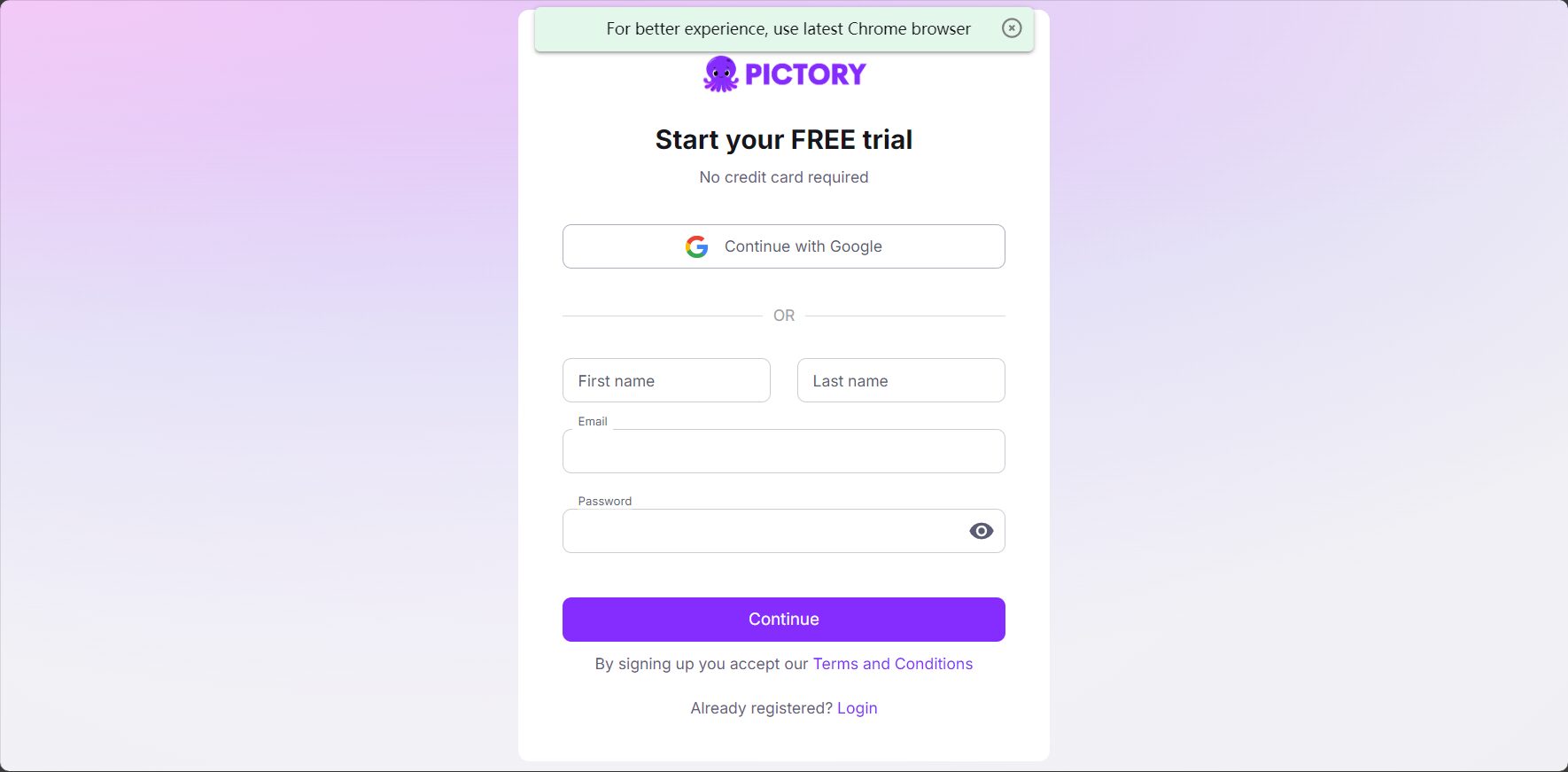
| 1. Register an account | Official website email registration |
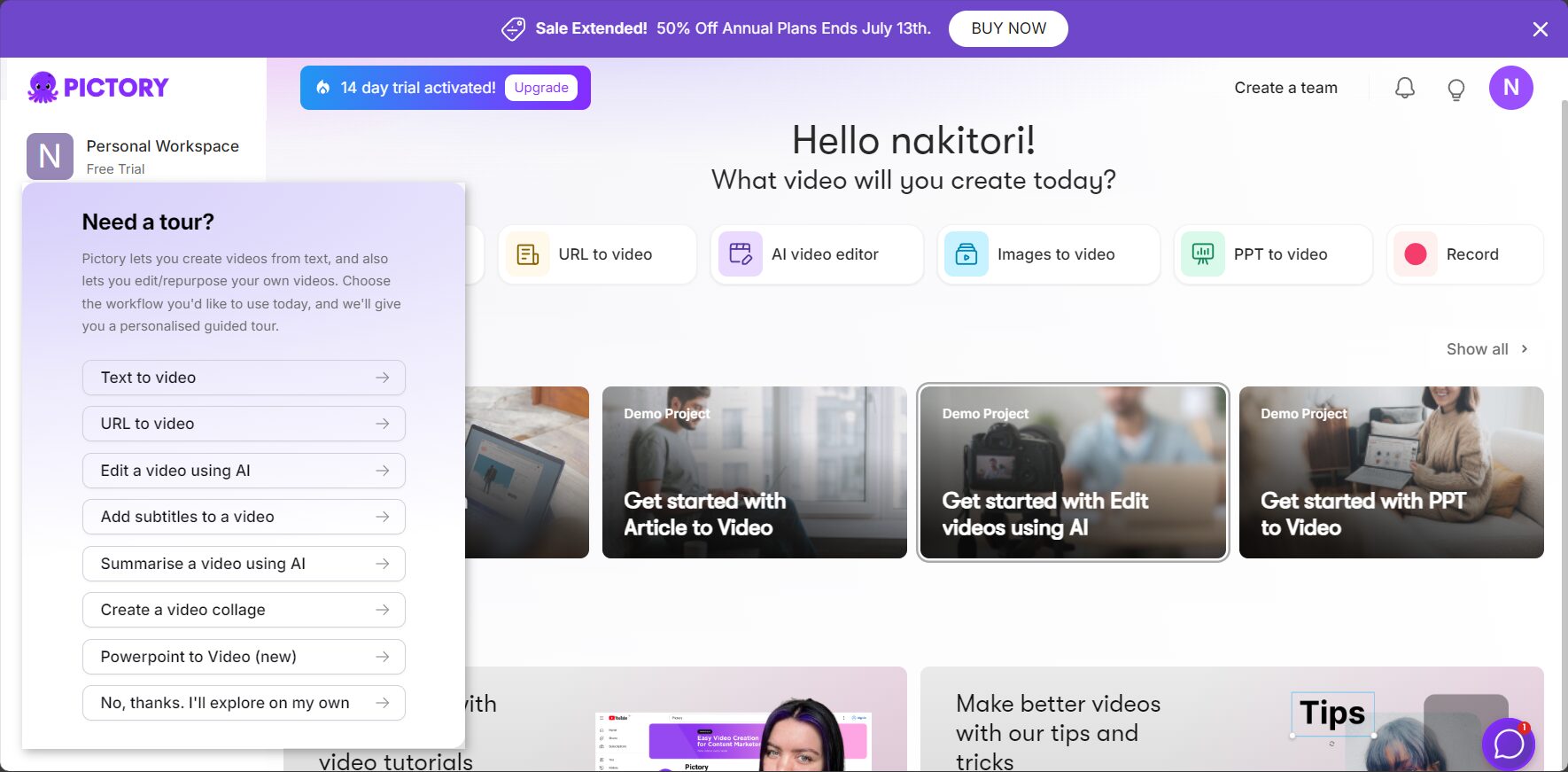
| 2. Select Mode | Text/blog post/video editing, etc. |
| 3. Input content | Enter the script, URL, or video. |
| 4. Set the style | Choose template, logo, style |
| 5. AI voiceover | Select pronunciation, listen to sample, and apply automatically. |
| 6. Preview Adjustments | Check and adjust the script, visuals, and music for each shot. |
| 7. Export video | Customize resolution and watermark, then complete the export. |
Pictory's target audience and commercial value
Main target users
- Self-media/Knowledge-paying instructorMass production video courses
- Corporate New Media MarketingHighly efficient segmentation of viral short videos
- Educational courseware developmentQuickly convert lecture notes to videos
- Brand DepartmentAutomatic generation of diverse promotional videos
- Podcast/Conference TeamAutomatic video recording of minutes content
Pictory Advantages and Disadvantages Summary
| Advantages | Disadvantages |
|---|---|
| Low barrier to entry, high efficiency Built-in genuine materials Multilingual/Brand Customization | The free version has limitations. Limited editing individuality Complex animations require post-production support. |
Pictory vs. Mainstream AI Video Tools
| Tool Name | position | Chinese performance | Editing Personality | Template quantity | Main features |
|---|---|---|---|---|---|
| Pictory | Text-based automatic video | good | ordinary | 多 | No barriers to entry, brand compatibility |
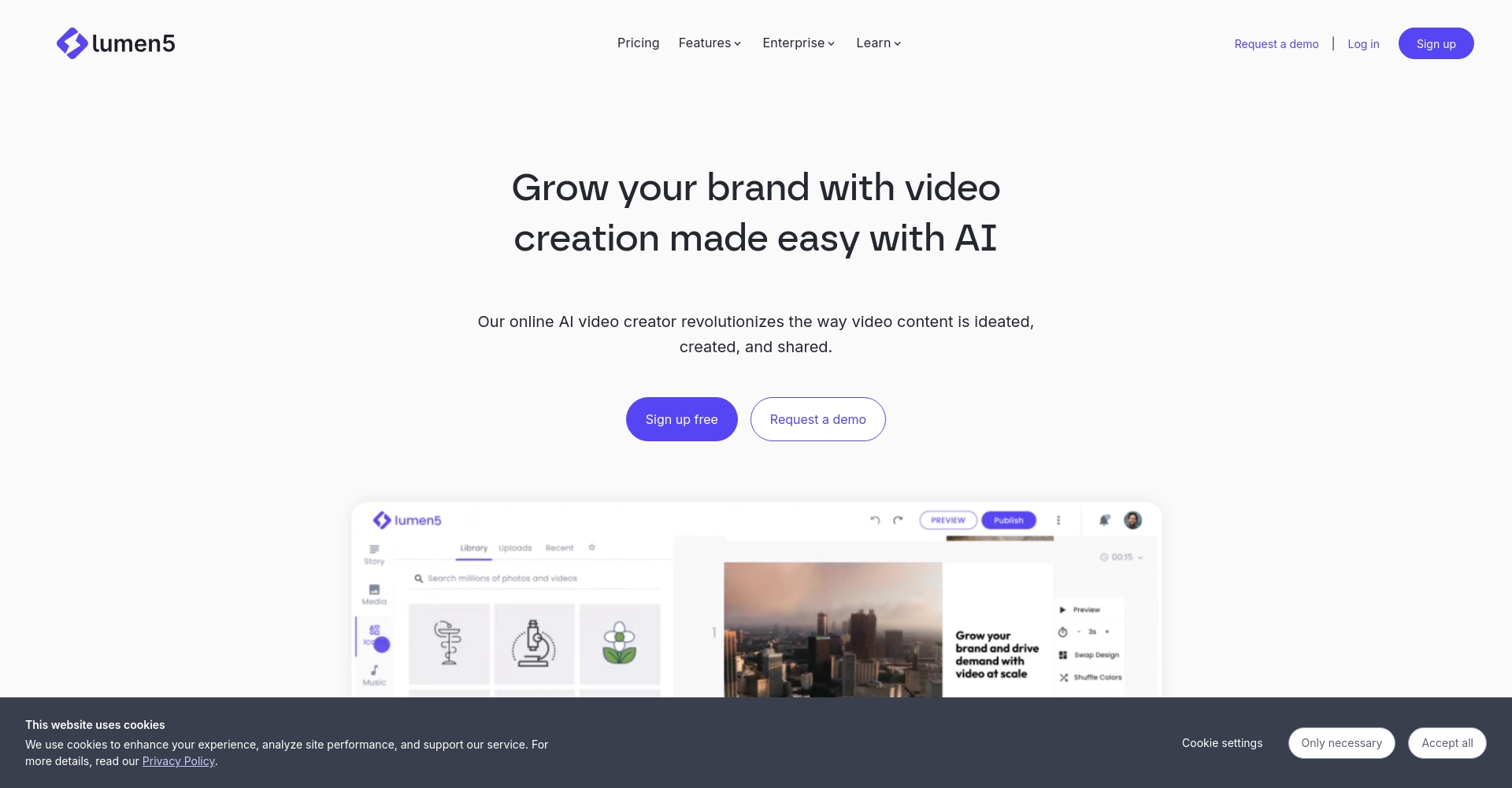
| Lumen5 | Articles → Social Videos | good | ordinary | 多 | Suitable for fast-paced content |
| InVideo | Instantly convert to webpage video | good | Strong | 多 | Strong teamwork |
| Steve.AI | Script -> Cartoon Video | generally | 强 | More | Support animation creation |
| RunwayML | AI professional post-production | generally | Very strong | 少 | Movie-quality tools |
Pictory Pricing and Usage Restrictions
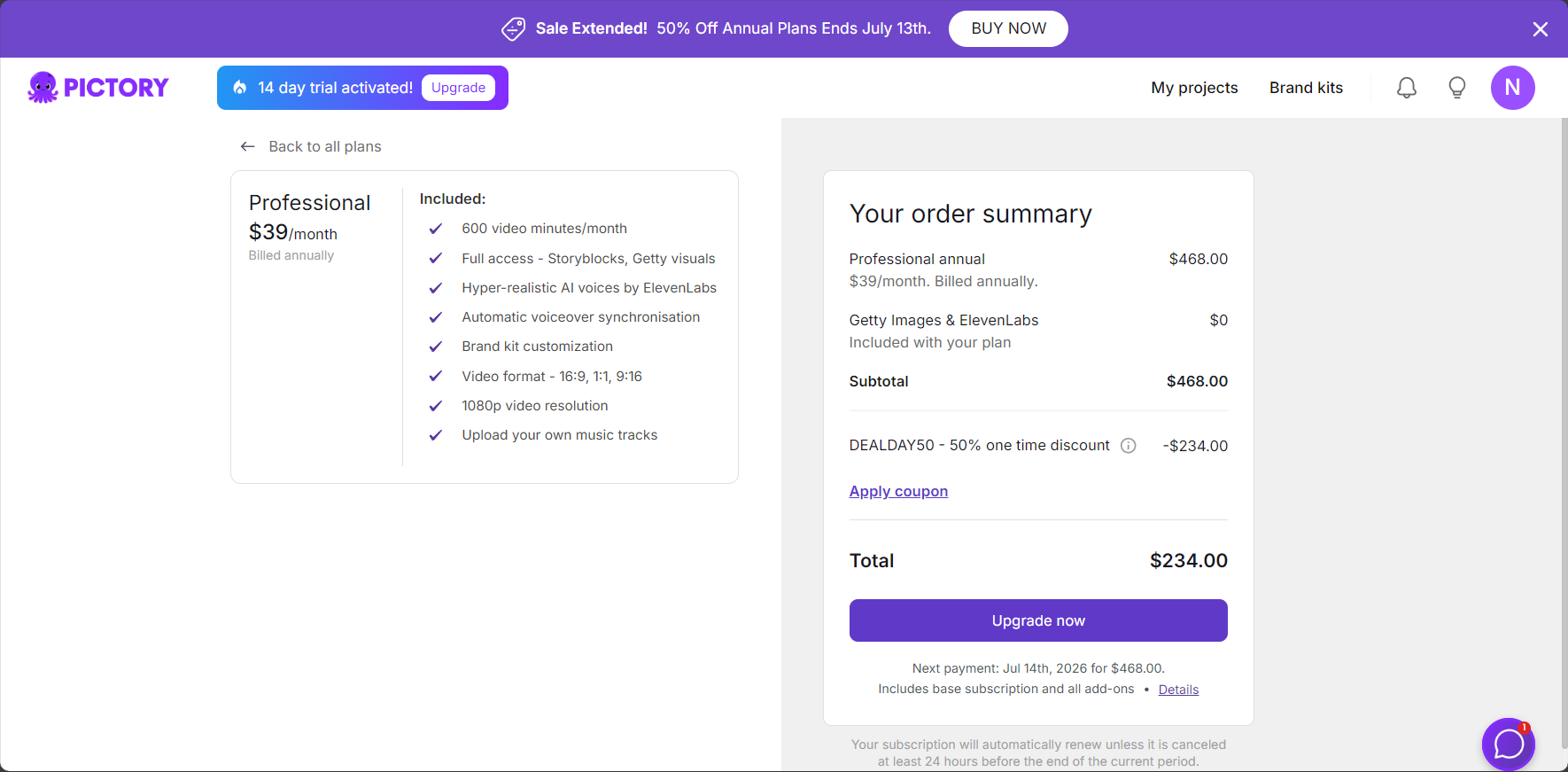
| Version | price | Output Limitation | Material copyright |
|---|---|---|---|
| Free trial | $0 | 3 videos, 10 minutes each, watermarked. | Limited |
| Standard/Professional | $19/month and up | 60-90 videos/month | Getty/Storyblocks Authorization |
| Enterprise/team | Pricing based on demand | Multi-person collaboration/API open | Supports company logo |
Advanced gameplay and new trends in Pictory
Script generation + AI voiceover + batch template one-stop solution
Pictory can seamlessly integrate with enterprise text, live streaming, and manuals, and batch output video content covering multiple languages and multiple social media platforms, greatly reducing content synchronization costs.
Intelligent conversion of meeting recordings into summary short videos
For example, after recording an audio file in Zoom/Teams, it can automatically break down and identify keywords and background music, and generate summary videos in batches, greatly saving editing time.
Industry content automation integration
It can be deeply integrated with AI copywriting and image platforms, supporting full-process automation of marketing and enriching the content matrix construction.
Pictory Frequently Asked Questions (FAQ)
| question | Brief answer |
|---|---|
| Which languages are supported? | 20+ mainstream languages (including Chinese) and multiple dubbing styles |
| Is it possible to remove the watermark? | Paid plans can remove watermarks and support company logos. |
| Where do the materials come from? | Built-in massive genuine library, also allows for custom uploads. |
| How is the teamwork? | Supports multiple accounts, batch resource access, and audit management. |
| How to export in high definition? | 1080P, multiple resolutions, and common formats such as mp4/gif are all supported. |
AI makes content production more efficient.Pictory enables "every text to speak," helping you monetize content, promote your brand, and develop courses at low cost and high efficiency. Whether you're a beginner or a corporate team, you can easily master it.
Want to experience the ultimate in convenient AI text-to-video conversion? Visit us now! Pictory Official WebsiteGet your first AI video online in minutes!
© Copyright notes
The copyright of the article belongs to the author, please do not reprint without permission.
Related posts



No comments...
