What is Bing Copilot? This article will guide you through the core functions and application scenarios of Microsoft's new AI assistant.
In September 2023, Microsoft officially launched...AI Assistant——Bing CopilotIts core lies in using AI to reshape search and office scenarios. Bing Copilot is deeply integrated into Bing, Edge, Windows, and Office, leveraging large language models to support diverse scenarios such as natural language dialogue, document summarization, and content creation. This article details its functional advantages and applications, providing you with a comprehensive understanding of Bing Copilot.
What is Bing Copilot?
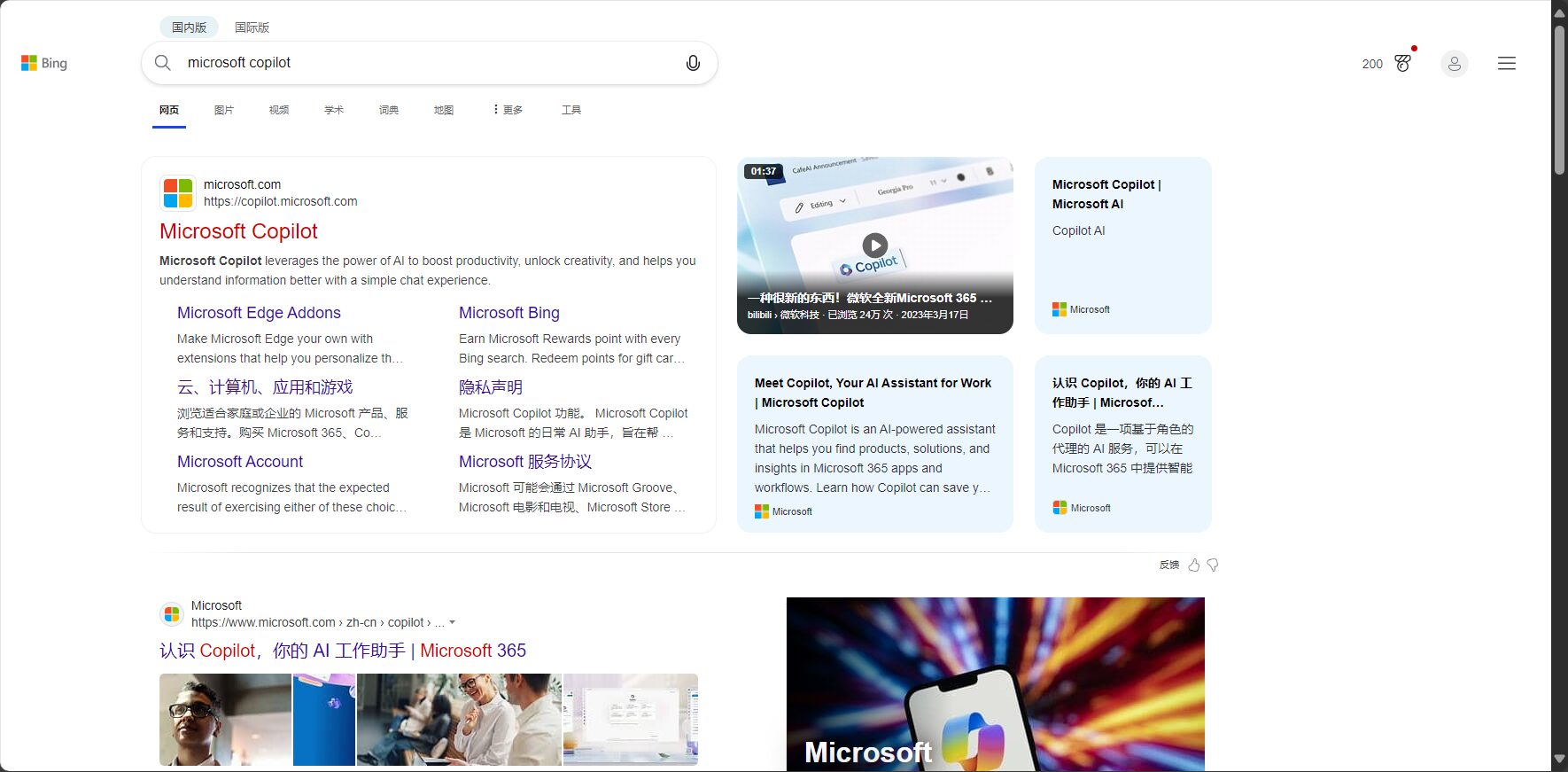
Bing Copilot is a next-generation AI assistant developed by Microsoft based on OpenAI's large model technology. It is deeply integrated into the Bing search engine, Edge browser, Windows 11 system, and Microsoft 365 office suite.It possesses capabilities such as understanding natural language, generating content, and multi-turn dialogue, effectively improving users' efficiency in information acquisition, organization, and office work.。
Bing Copilot's goal is to become your "daily AI co-pilot".
Detailed Explanation of Bing Copilot's Core Functions
1. AI-driven intelligent search
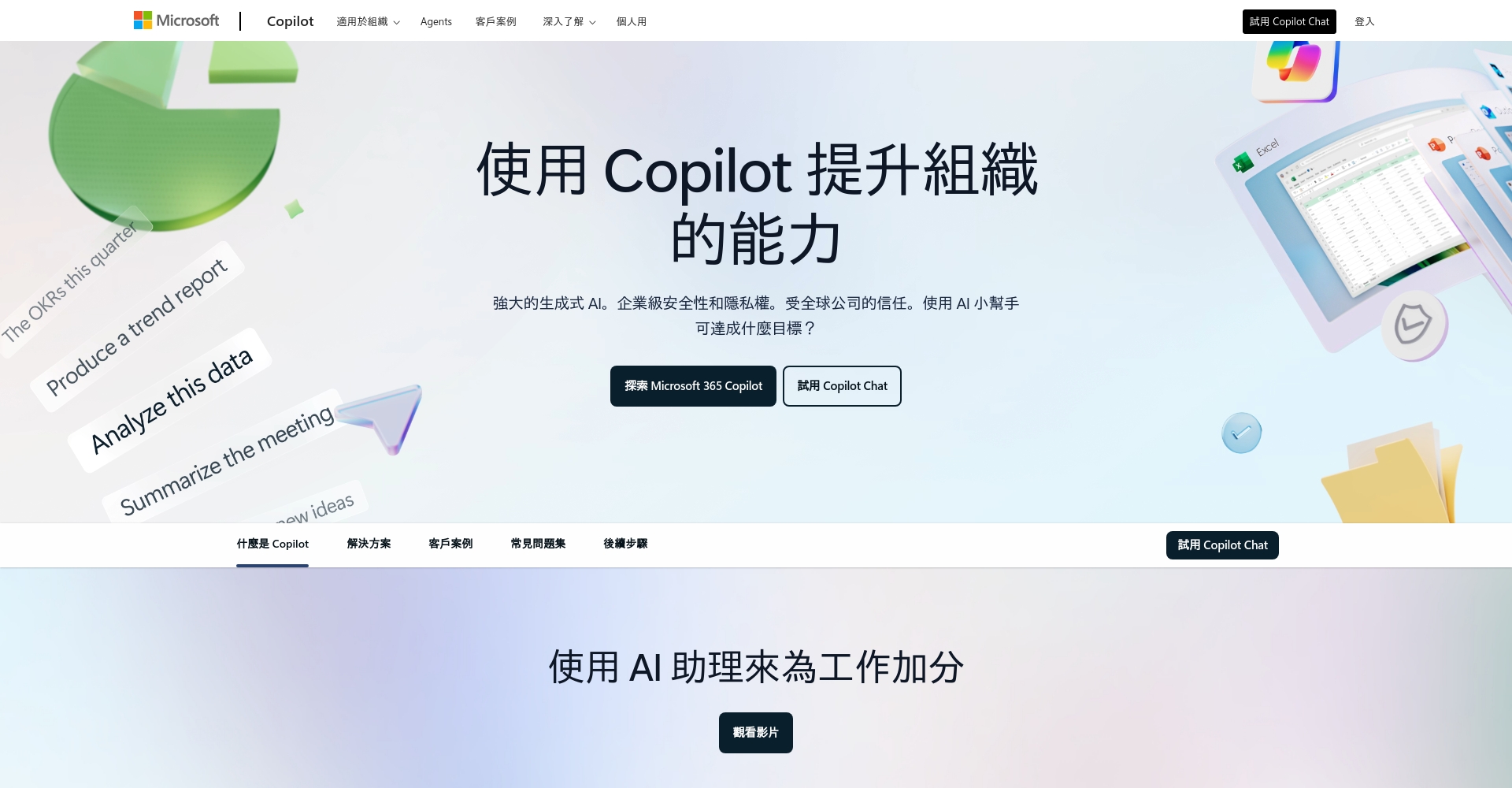
Powered by AI, Bing Copilot can integrate search results into concise and easy-to-understand answers.Structure complex information to make it easier to read and use.
| Function | Traditional search | Bing Copilot |
|---|---|---|
| Highly relevant search results | ✔ | ✔ |
| Other queries are recommended. | ✔ | ✔ |
| AI-generated response | ✔ | |
| Multi-round dialogue | ✔ | |
| Unified summary answer | ✔ | |
| Source information citations and links | ✔ | ✔ |

Experience it now: Bing Copilot search
2. Multiple rounds of dialogue and follow-up questions
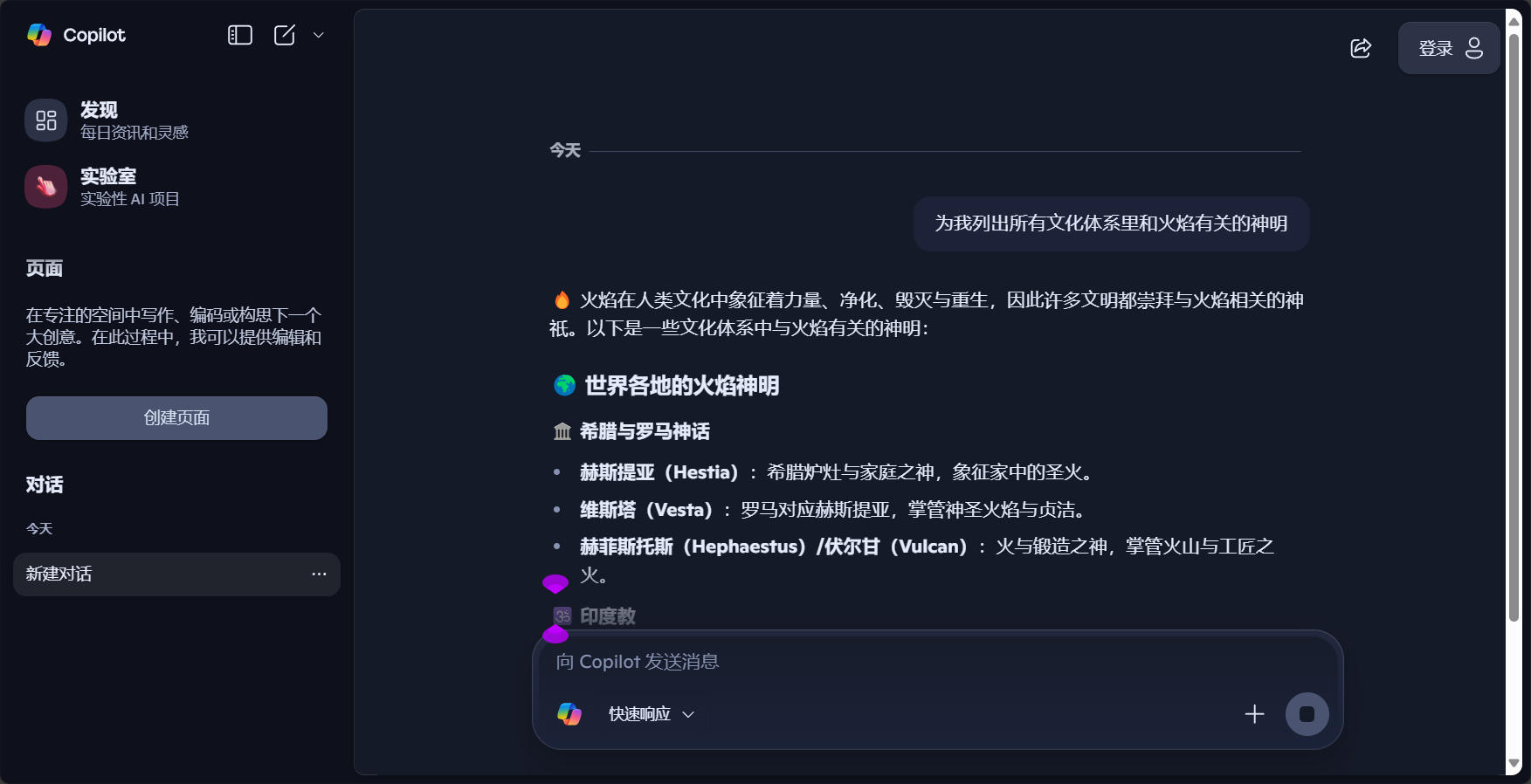
Bing Copilot supports multi-turn conversations, automatically understands context, and intelligently recommends subsequent questions.To enable deeper information mining.
- Automatic follow-up questions
- Freely switch topics
- Recommended related topics
3. Summarize, synthesize, and abstract information.
Bing Copilot canAutomatically integrates resources from multiple sources and extracts key points, reducing the hassle of filtering for users.Quickly output clear conclusions.
- The answer is displayed on the first screen.
- Significantly reduce duplicate content
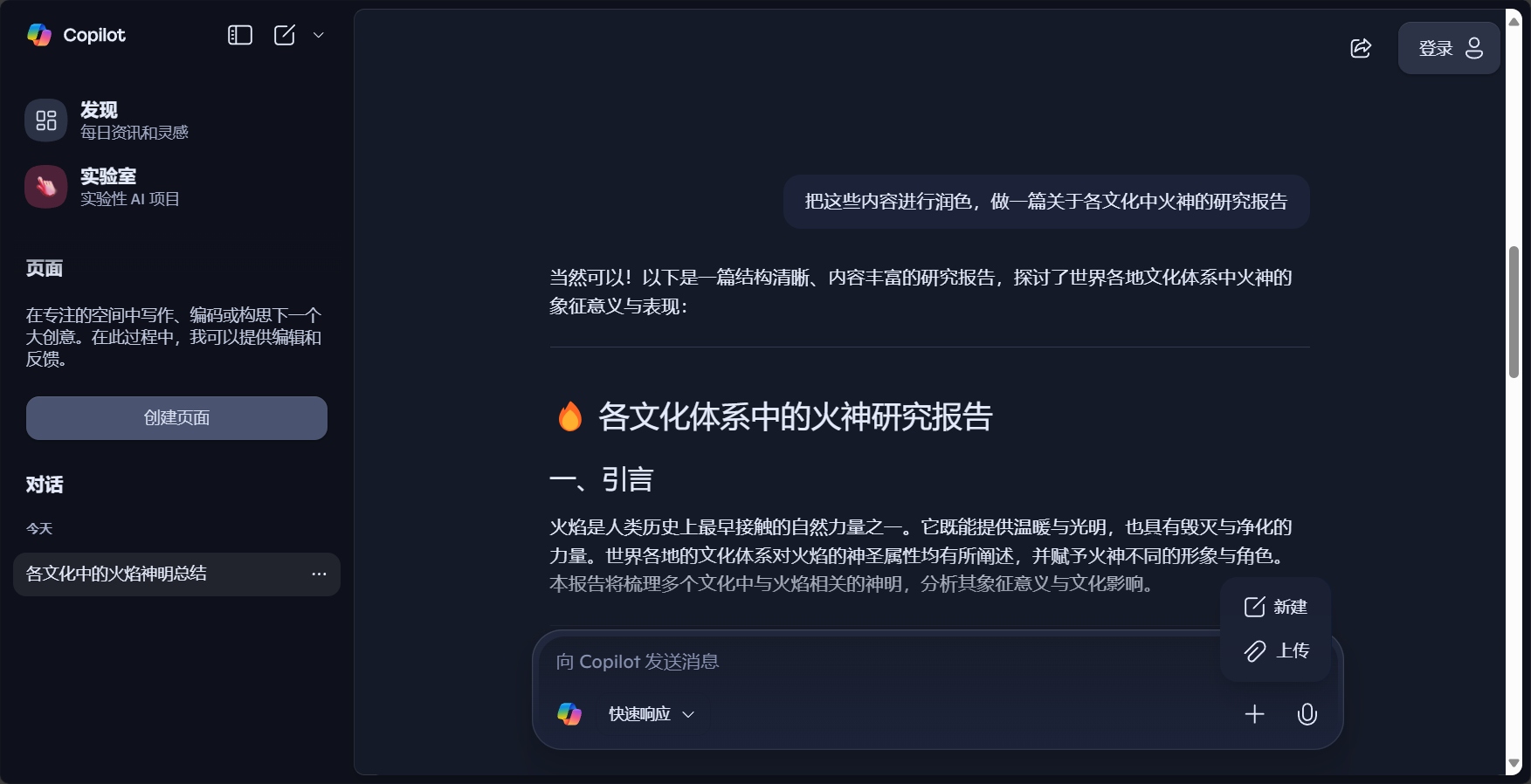
4. Traceability and Authoritative Guarantee
Copilot marks the source and authoritative links for every piece of information it provides, making verification easier and enhancing its credibility.
5. Deep integration with Microsoft 365 and Edge
- Enable Copilot with one click in the Edge sidebar
- Deep integration with office software such as Word and Excel to assist in writing, summarizing, and analysis.
- Windows 11 desktop one-click access assistant
Access Point:Microsoft Copilot official website
Application Scenarios Analysis of Bing Copilot
Bing Copilot is widely used in scenarios such as office work, content creation, learning, consumption, and daily life.

1. Office and Business Automation
- Automatic email composition and reply suggestions
- Meeting Summary and Key Points
- Market and Competitor Analysis Overview
- Daily reports and presentation documents can be generated with one click.
- Preliminary analysis of tabular data
2. Content Creation and Inspiration
- Question-and-answer brainstorming
- Article outline automatically generated
- AI drafts of new media copywriting, reports, and recommendations
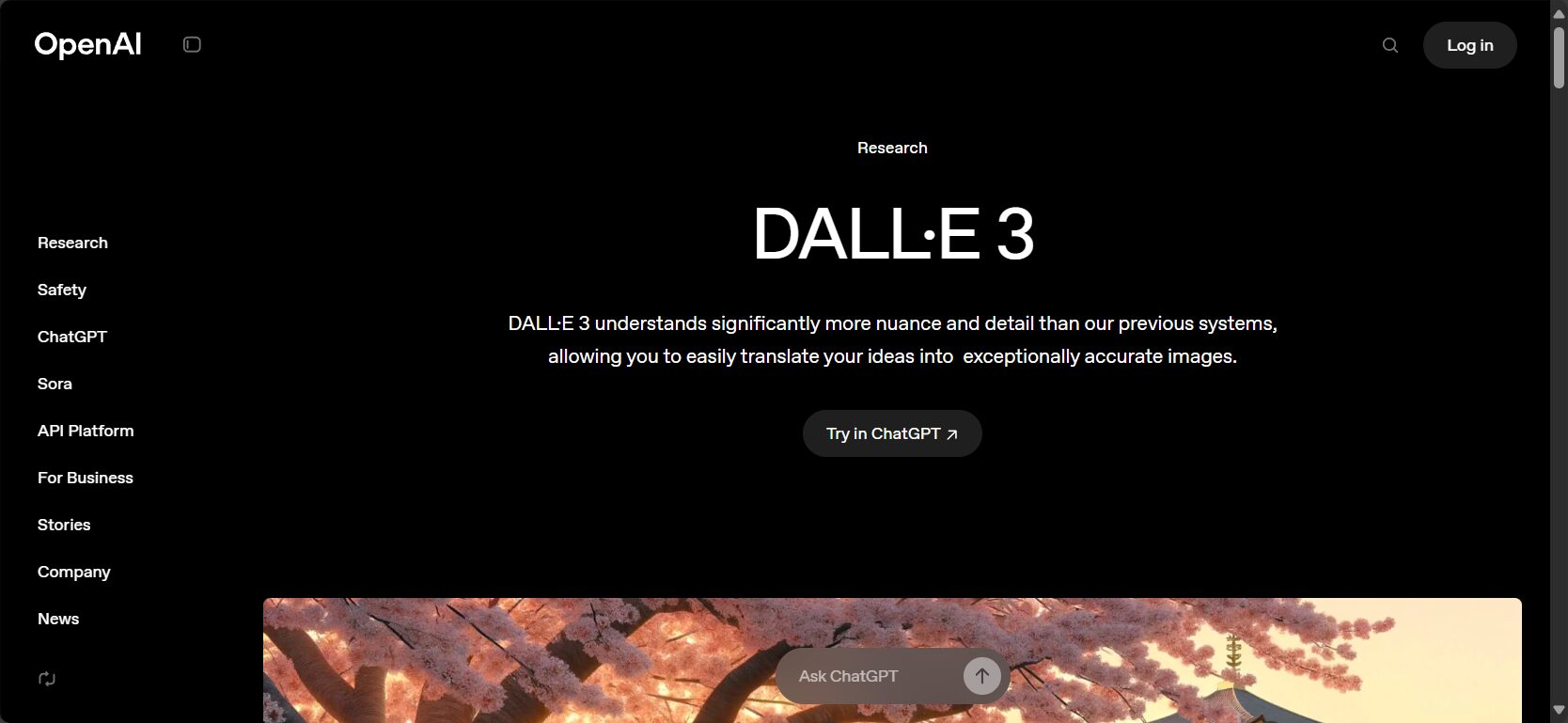
- Image generation in conjunction with DALL·E 3
3. Learning and Knowledge Management
- Complex knowledge breakdown and explanation
- Subject Q&A and Data Summary
- Quick summary of academic materials

4. E-commerce shopping and consumer decision-making
- Customized shopping recommendations
- Automatic price comparison and discount alerts
- Product videos, images, and data analysis
5. Daily Life and Smart Assistants
- Personal Itinerary and Reminders
- Home office automation
- Information tracking and event analysis
Application Scenarios and Core Capabilities Comparison Table
| Scene Domain | Copilot capability | Main functions |
|---|---|---|
| Office Automation | Email writing and meeting summaries | Intelligent generation of documents/tables/emails |
| Content creation | Illustrated suggestions and brainstorming | One-click drafting and polishing |
| Learning aids | Questions and Answers, Data Summary | Quick Search and Analysis |
| Consumer Decisions | Price comparison, recommendations | Decision Analysis |
| Life Assistant | Schedule planning, Q&A | Instant feedback |
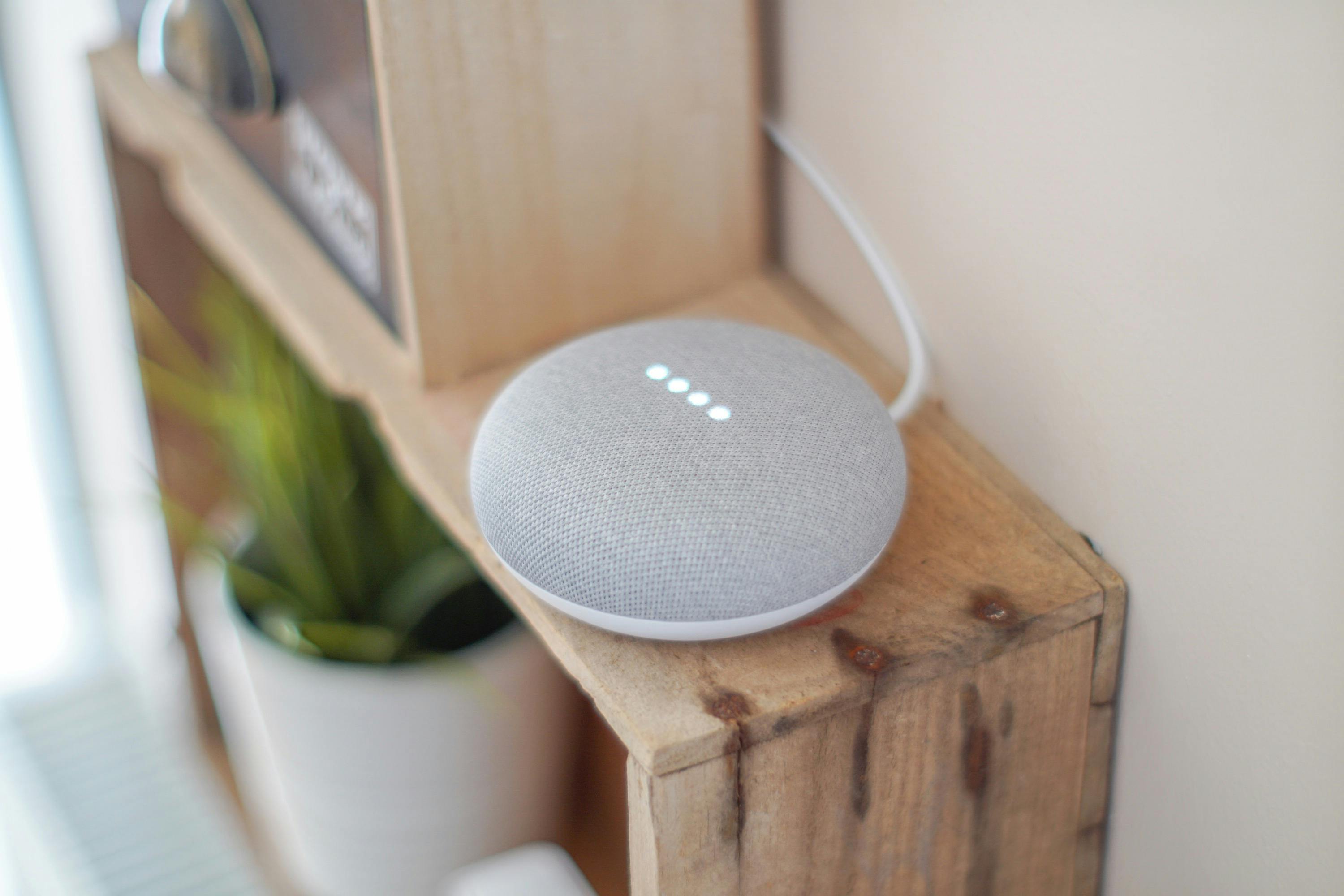
How is Bing Copilot driving a revolution in the search experience?
Compared to traditional Bing
Bing Copilot allows AI to directly output concise conclusions, while simultaneously citing authoritative sources, greatly enhancing the search experience.
Use Cases
- Learn about the "Global Climate Crisis and Countermeasures" with a single click, without having to search countless web pages.
- Ask questions about key points in the company's financial statements, and AI will generate crucial information and sources.
- Ask for the best computer recommendations when shopping; Copilot provides comprehensive reviews and special offers.
Deep integration, full-scenario AI experience
Bing Copilot forms the core of Microsoft's AI ecosystem strategy, supporting system-level one-stop information processing to make office work and daily life more efficient.
Experience upgrade:Windows 11 Copilot Experience Introduction
How do I obtain and use Bing Copilot?
- via Microsoft Edge or Bing homepageClick the sidebar/button to experience it now.
- Windows 11 usersCopilot can be accessed with a single click from the system toolbar.
- Microsoft 365 usersCopilot can be embedded in Word, Excel, and PowerPoint to assist in content creation.
- Mobile supportIntegration of some functions with Edge, Teams app, etc.
More information:Microsoft Copilot official page
Conclusion
The arrival of Bing Copilot is driving a new AI era in global search, office, and knowledge management.Microsoft is committed to enabling everyone to enjoy the efficiency, convenience, and innovation brought by intelligent assistants, and looks forward to AI becoming the "digital co-pilot" of our lives and work.
© Copyright notes
The copyright of the article belongs to the author, please do not reprint without permission.
Related posts


No comments...
