How to use Google Image Search? A quick guide for beginners to master efficient image search techniques.
Google image search(Google Images/Search by Image)依托强大的AI及庞大数据库,为全世界用户提供多场景智能图片检索服务。This article provides a quick overview of image search from keyword search and "image search" to Google Lens intelligent recognition.的实用操作,以及高阶筛选、版权合规与FAQ等干货,助你轻松玩转Google image search,实现生活与工作中的高效视觉搜图。
What is Google Image Search? A Roundup of Service Highlights
Image SearchIt is increasingly becoming an indispensable tool in daily life, design, academia, copyright and other fields.Google image searchIt not only supports keyword image search, but also brings "image search by image", that is, reverse image search, to help you trace the source to find large images, find similar works, and quickly verify image information.
| Function Name | Main uses | Applicable Scenarios | Technical foundation |
|---|---|---|---|
| Keyword image search | Search for images based on the description. | Web page images, PPT materials | Google Image Search Engine |
| Image search (reverse image search) | Upload or post images to find sources, similar images, and check for copyright infringement. | Source tracing, finding large images, image verification | Google Visual AI+ Recognition Model |
| High Definition/Size Filtering | Filter large or specific image sizes | Wallpaper, Design Requirements | Image metadata and filters |
| Color/Transparent Background Filter | Search for main color or transparent background. | PPT illustrations and background removal resources | Visual features + AI discrimination |
| Type and copyright filtering | Photography/illustration/GIFs, with a selection of commercially usable images. | Compliance, emojis, support for derivative works | Category AI + "Usage Permissions" tag |
| Google Lens intelligent recognition | Item identification/translation/product search | Find similar products/translation/price comparison | Deep learning + AR (Augmented Reality) |

Getting Started: A Detailed Guide to Google Image Search
Google Image Search on PC - From Beginner to Expert
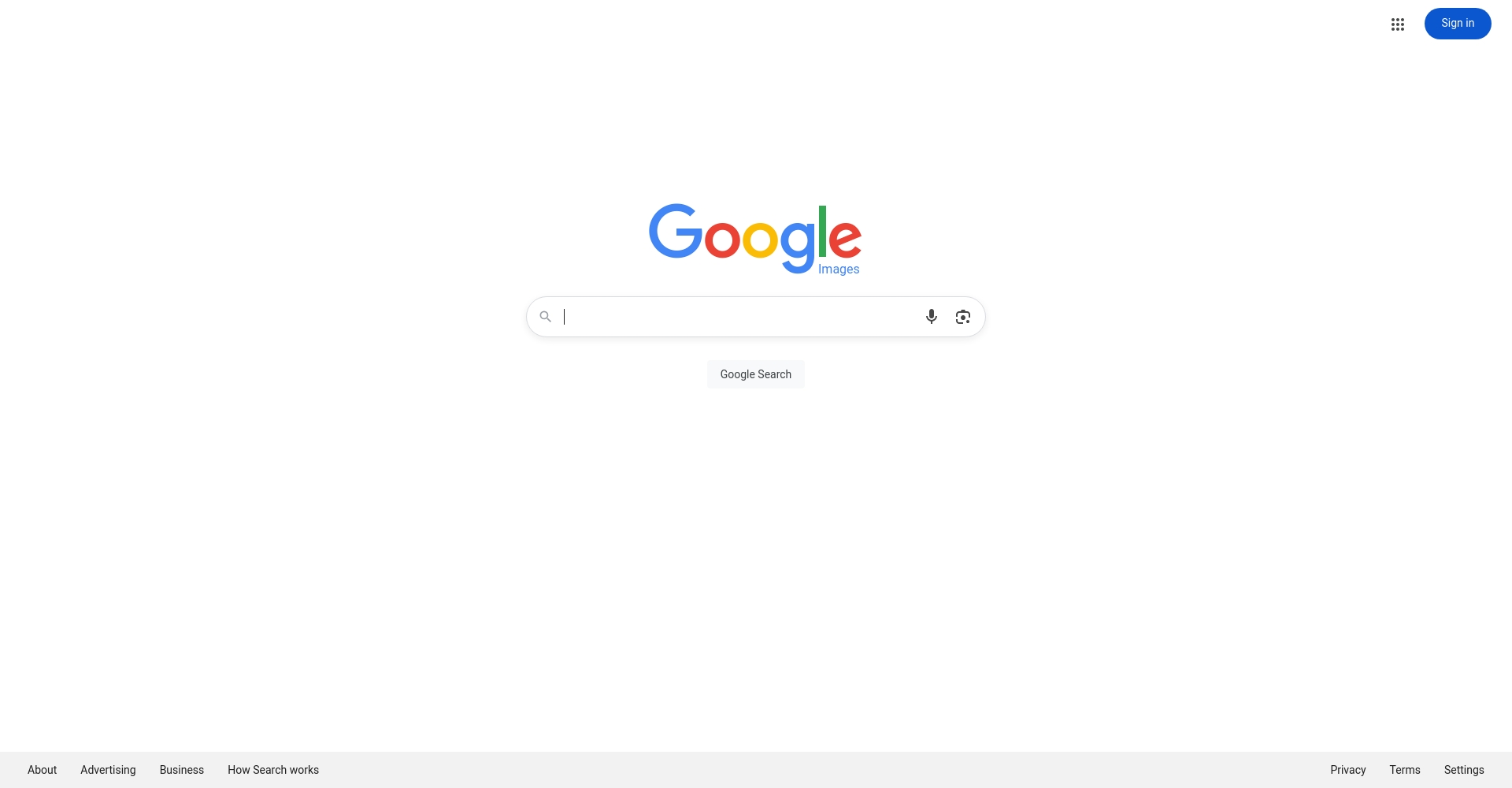
- Keyword image search: OpenGoogle Image SearchEnter descriptive keywords (such as "cat emoji"), click search, and then use "tools" to filter by size, color type, etc.
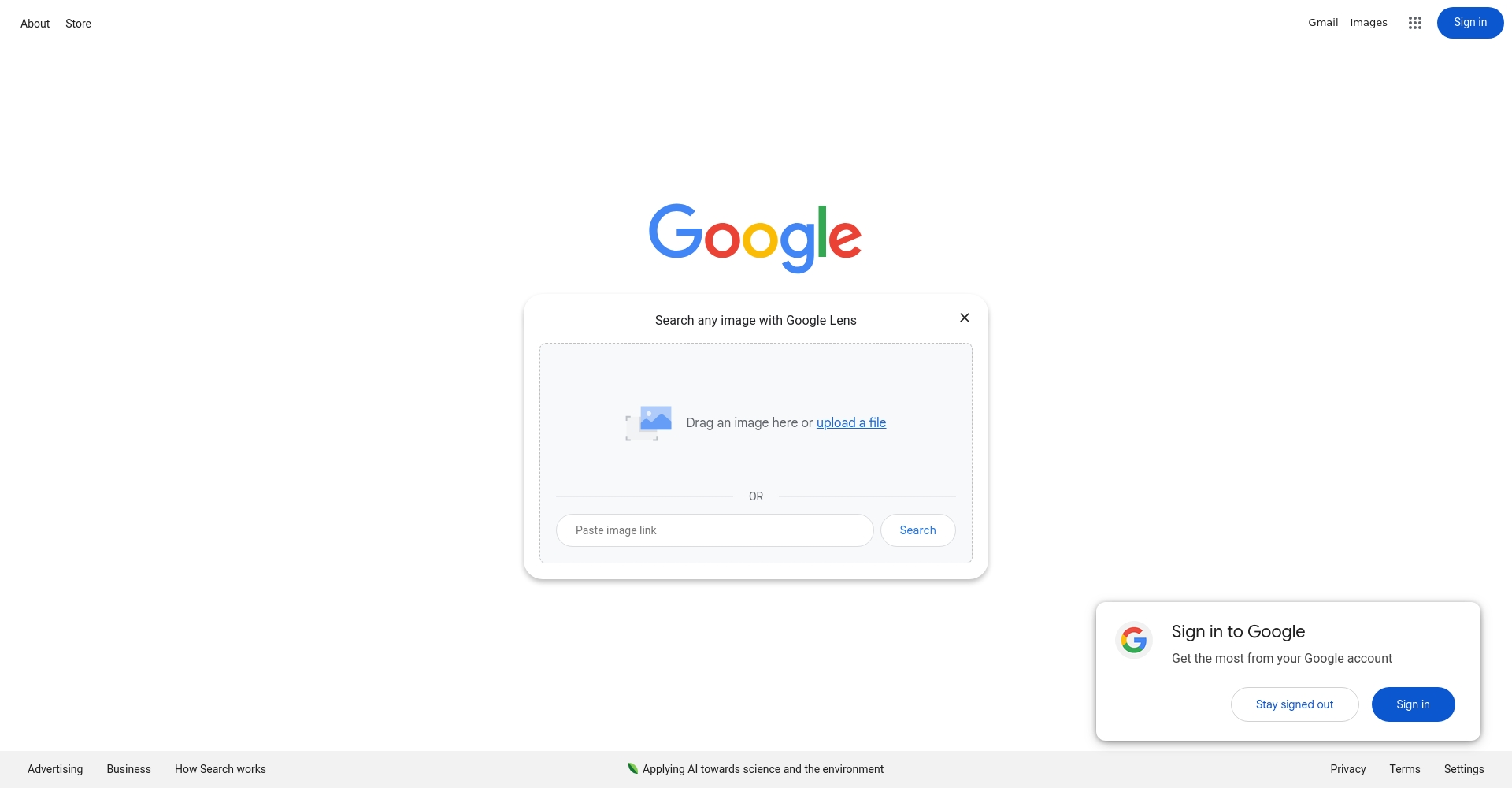
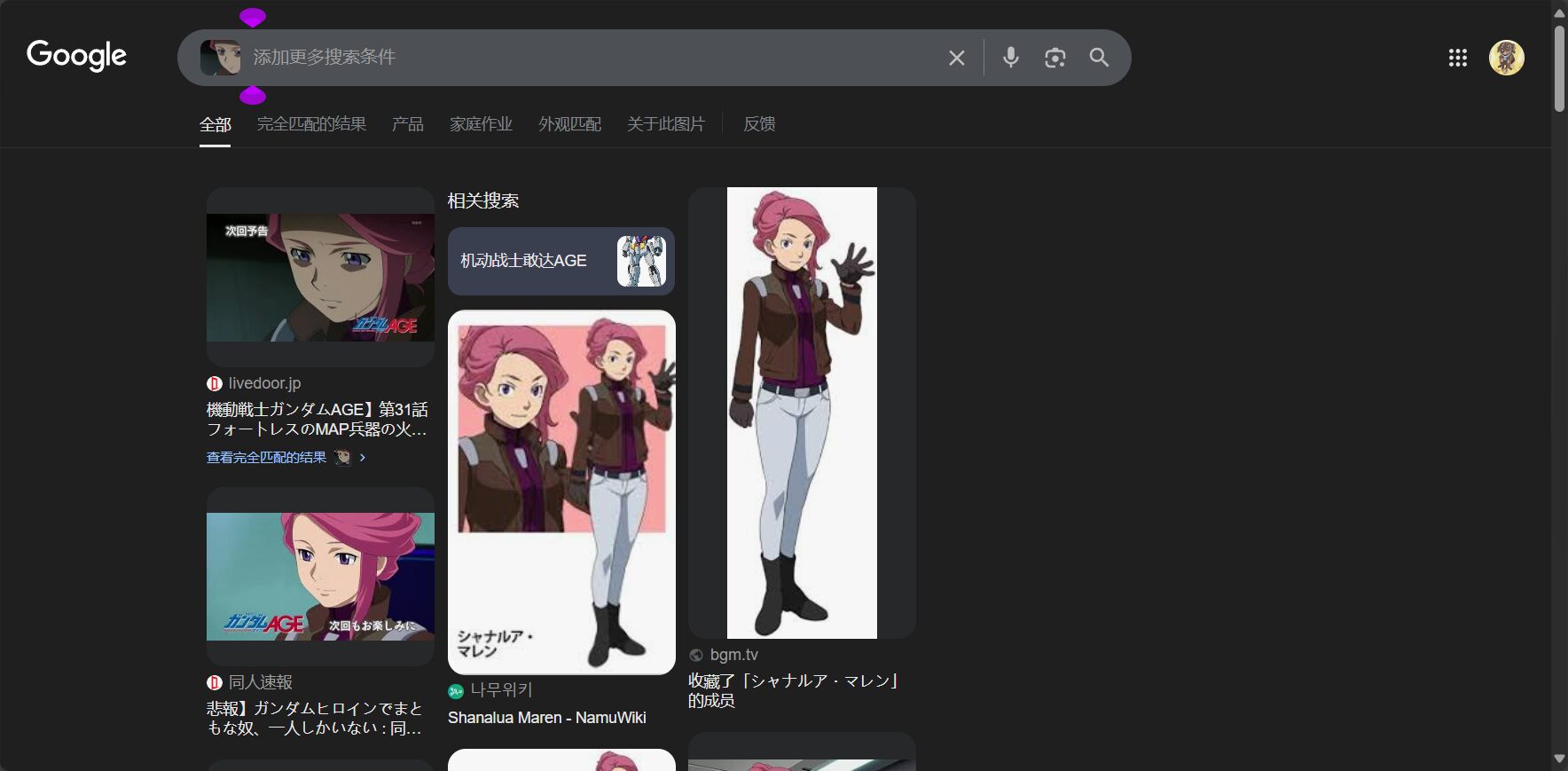
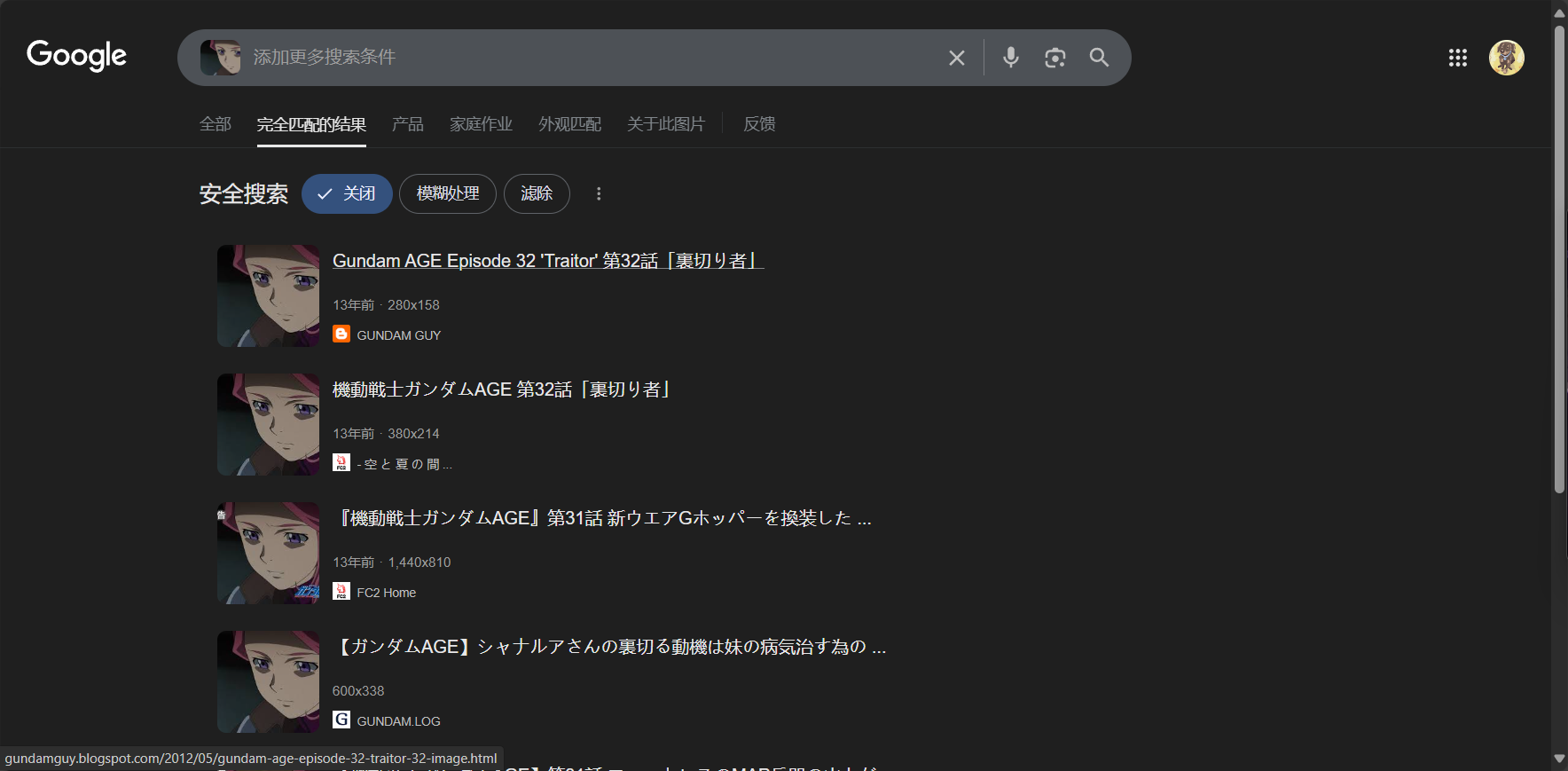
- Image search (reverse image search): On the homepage, click the "camera" icon, select "Upload Image" or "Paste Image URL," or drag and drop an image from your computer directly into the search box to automatically search for the image. Alternatively, right-click on an image on a webpage and select "Search this image on Google" to get results directly.
Google Image Search and Google Lens Extensions on Mobile
- Mobile browser: OpenGoogle Image SearchYou can upload images by switching to the desktop version.
- Google Lens: Open the Google App or Google Photos, tap the Lens icon, and take a photo in real time or select an image from your album. It can intelligently recognize and translate text, or find similar items and display shopping/origin information.
Efficient Google Image Search Tips and Useful List
| Skill Type | Operating method | Application value |
|---|---|---|
| Image resolution filtering | Tools → Size → Large / Custom Size | Wallpaper/Printing/High-Definition Design |
| Color filter | Tools → "Color" → Primary Color/Transparent | PPT, transparent images, theme color scheme |
| Type Filtering | Tools → "Type" → such as "Animation/Face/Sketch"“ | Looking for emojis/avatars/illustrations |
| Permission Search | Tools → "Usage Permissions" → Reusable/Modifiable | Commercial/Compliant derivative works |
| Sub-theme combination | After searching, select "Subtopics" at the top.“ | More detailed and multi-dimensional search |
Frequently Asked Questions and Solutions for Image Search (FAQ)
| question | Solution or method |
|---|---|
| Unable to find large-size, original images | When performing a reverse search, filter for large, precise URLs to find the original source. |
| Image altered or re-created, please find the original image. | Use reverse image search to view "pages containing the image" and verify through multiple channels. |
| How to avoid image copyright infringement risks? | Use "Usage Permissions" to filter/use royalty-free image libraries such as Unsplash and Pixabay |
| No accurate results found | Try using a clearer image or one from a different angle, or crop the main area for image searching. |
| Access to mainland China is restricted. | Use a VPN or alternative domestic services like Bing or Baidu Images. |
Comparison of Google Image Search with Mainstream Image Search Engines
| Search engines | Data comprehensiveness | Reverse search | Screening ability | AI recognition | Overseas coverage | Copyright Screening |
|---|---|---|---|---|---|---|
| Google image search | The strongest in the world | 强 | complete | Very high | Excellent | whole |
| Baidu Images | Local China | 强 | More complete | generally | generally | part |
| Bing Images | Europe and America are rich | 强 | Base | generally | good | part |
| TinEye | Niche and Precise | Precision | Base | ordinary | generally | Strong (tracing the source) |

Advanced Google Image Search Techniques and Precautions
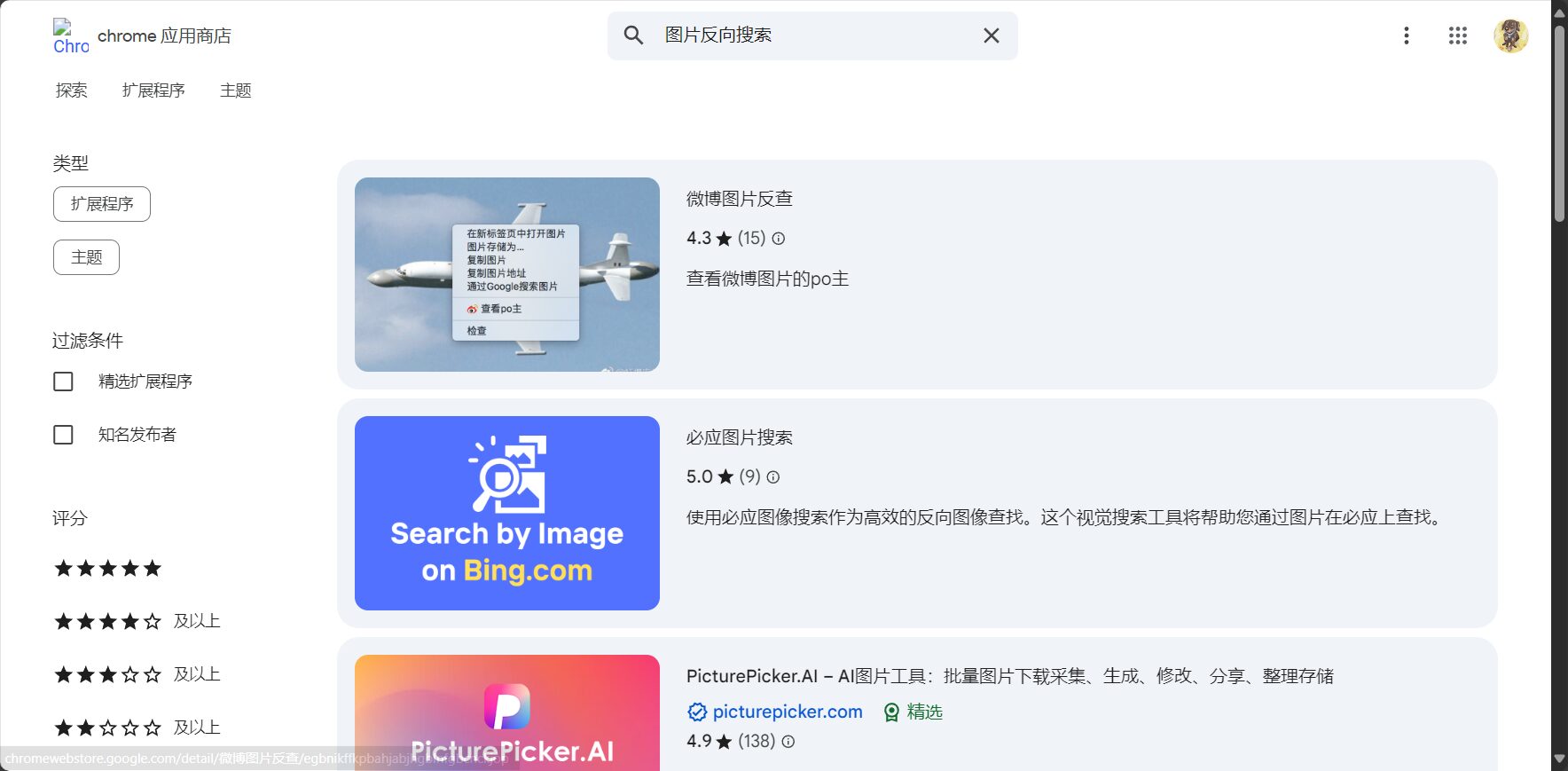
- Chrome extension tools: recommendSearch by ImageIt allows for one-click reverse retrieval, greatly improving efficiency.
- Google Lens Assistant: It supports photo-based product search, quick translation, and product traceability, and covers multiple platforms including mobile phones and photo albums.
- Protecting privacy and copyright: Be aware of privacy risks when uploading private or sensitive images. It is recommended to add watermarks or compress the quality of publicly displayed images.
News Observation: "Google Image Search" Aids Knowledge Retrieval, Product Anti-counterfeiting, and Content Copyright Tracing
Google image searchIt is becoming a key tool for news media, research and analysis, brands, and content creators. For example, journalists can identify rumors from images, businesses can investigate counterfeit channels, and researchers can easily trace the origin of images.Future advancements in AI visual algorithms will make Google Image Search more intelligent and efficient.It has become an indispensable "Swiss Army knife" for image retrieval in the digital society.
Master the core techniques of Google Image Search, and visual search will become easy and efficient!Click here to experience Google's image search.Follow this column for more AI tools and practical image retrieval tips!
© Copyright notes
The copyright of the article belongs to the author, please do not reprint without permission.
Related posts


No comments...
