How to Choose an AI Video Generator? A Beginner's Guide to Avoiding Pitfalls and 3 Recommended Useful Tools
Want to tryAI video generationBut I'm also afraid of making a mistake?This article is aimed at digital content creators and novice video editors.From avoiding free traps, user-friendly interface, production mode, image quality/licensing rules and cloud/local selectionFive aspectsA detailed explanation of key selection criteria, along with personal recommendations for three AI video generation tools perfect for beginners.This article will guide you through the basics, helping you avoid pitfalls and produce high-quality short videos with exceptional efficiency!
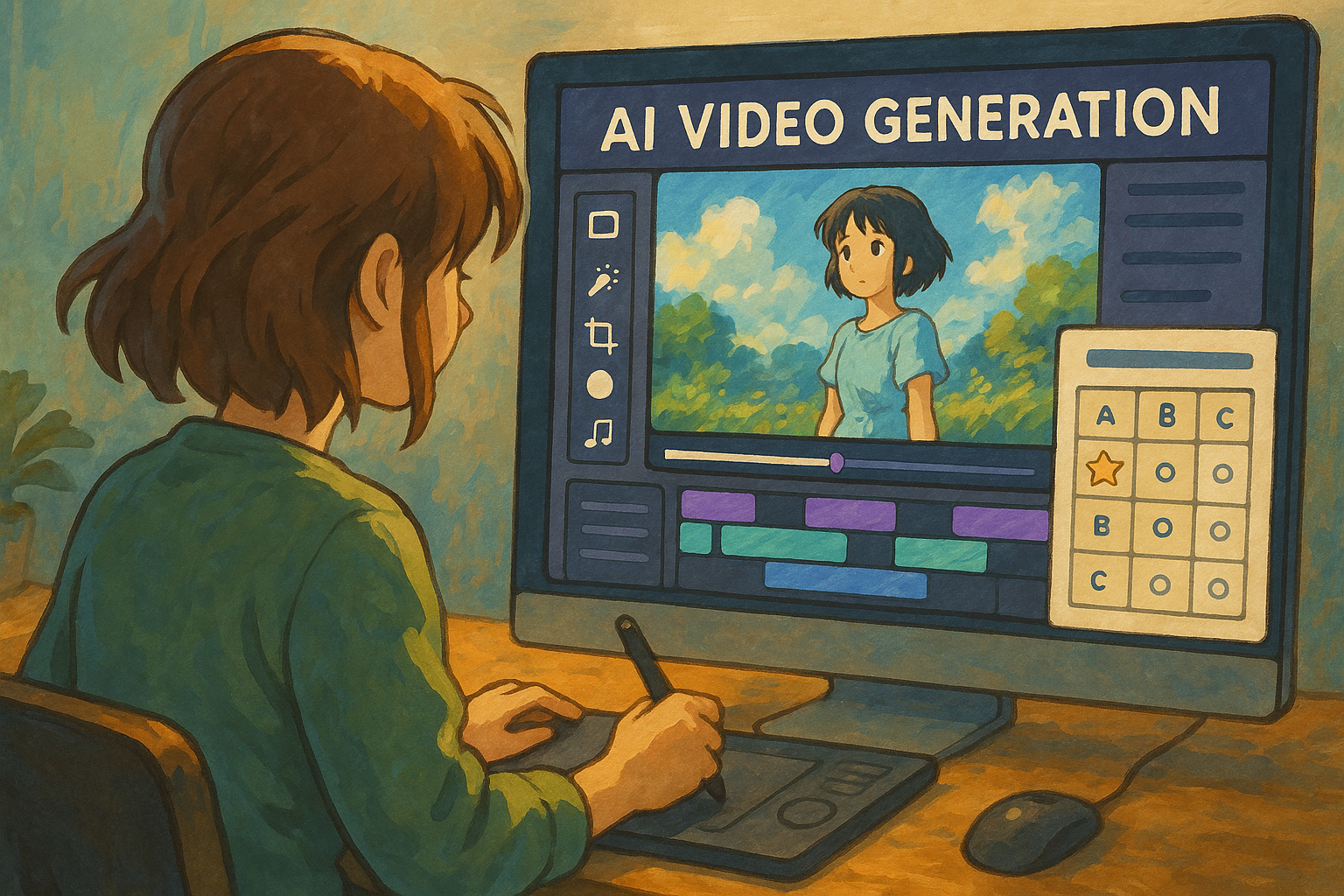
Overview of AI Video Generation Tools
| Name | Features and Highlights | Suitable for beginners | Supports Chinese | Main function links |
|---|---|---|---|---|
| MyEdit | Developed in Taiwan, with a fully Chinese interface, combining static and dynamic features, and easy to use with just an account. | ◎ | ◎ | AI-generated text video |
| PowerDirector | Improved editing and AI generation features, available on multiple platforms including computers and mobile phones, free trial available. | ◎ | ◎ | Official website download and instructions |
| Google AI Studio Video Gen | Free, runs directly in the cloud, and requires no installation: Google's native video generation AI. | ◎ | ○ | Google AI Studio |
Beginner's Guide to Avoiding Pitfalls: Key Points in Choosing an AI Video Generation Tool
Avoiding pitfalls #1: Beware of "free" traps and extra charges.
Many AI video tools, while claiming to be free, often have hidden limitations.For example, free accounts have a limited number of daily creations, watermark removal requires an additional fee, and commercial use requires a subscription upgrade. Therefore, be sure to check the platform's terms and conditions before purchasing.Full pricing model, download rights and user authorizationDo you understand how to avoid producing great videos but being unable to remove watermarks or being forced to upgrade and pay?
Avoiding pitfalls 2: User interface friendliness
Beginners are most afraid of getting stuck on complicated controls or all-English interfaces.We recommend prioritizing tools that are natively in Chinese or have Chinese/English switching capabilities.A clear and intuitive interface is even more important. For example, both MyEdit and PowerDirector support complete Chinese instructions, lowering the learning threshold.
Avoid pitfalls 3: Determine supported video generation modes
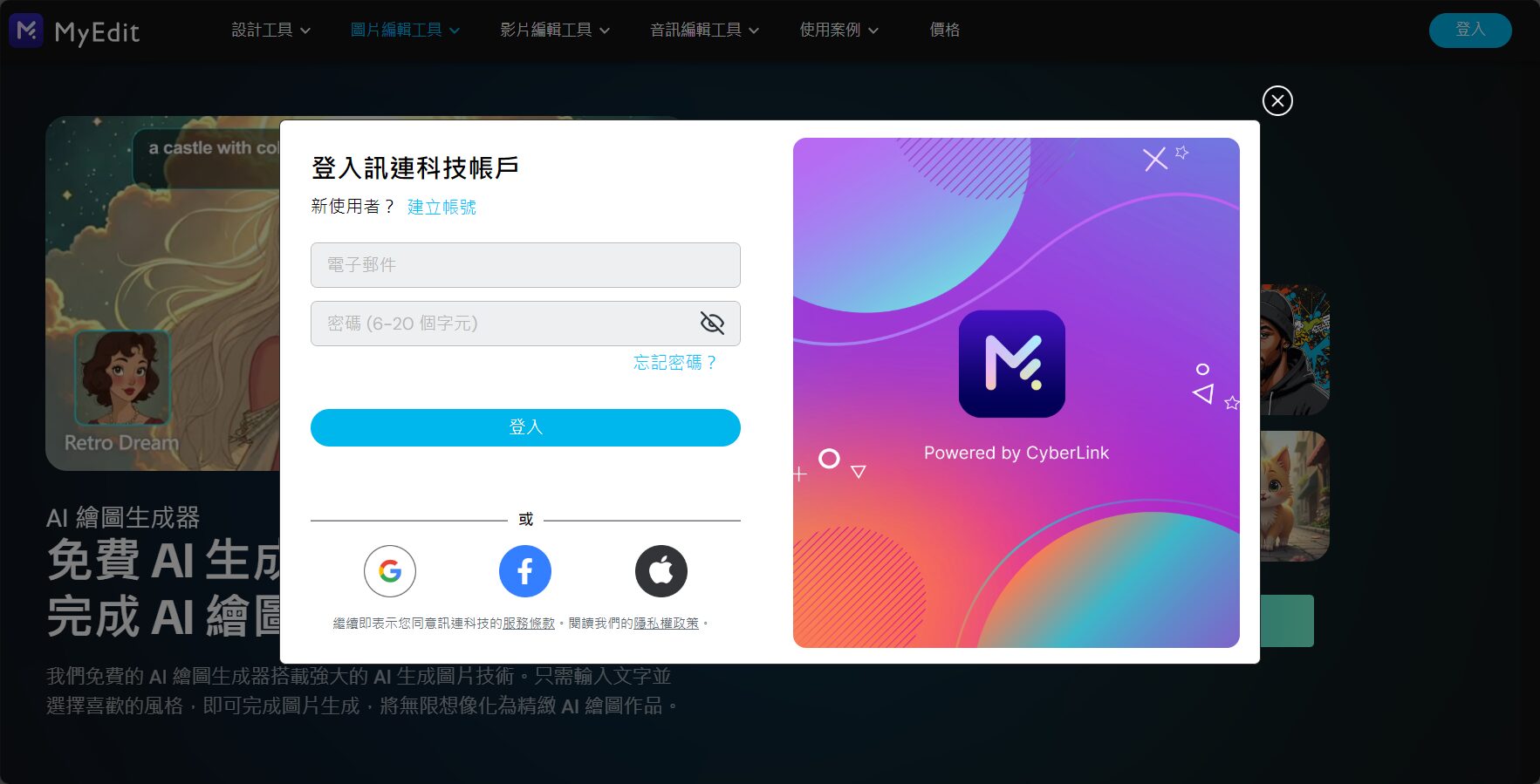

AI video generation has multiple formsThis includes text-to-video, image-to-video, photo-to-video, product photo-to-video, and animation styles. To choose the desired effect, first check if the platform offers that feature. Multifunctionality and creative flexibility are also important evaluation criteria.
Avoid pitfalls #4: Carefully check the output resolution, watermark, and licensing rules.
Some platforms only provide low-resolution videos with watermarks, so special attention should be paid to this for commercial or professional use.Confirm whether high-definition downloads are supported, and whether the generated materials are legal for commercial licensing.For example, [MyEdit] boasts that the generated videos can be used commercially without watermarks, making it a rare and sincere choice in the novice market in recent years.
Avoiding pitfalls #5: Cloud or PC installation?
Cloud-based installation is convenient and requires no installation, but it has limitations in file transfer and retrieval speed, video length, and editing depth, making it suitable for quickly producing short videos.Local software (such as PowerDirector) is fully functional and suitable for feature films and advanced editing.Choose according to your needs.
Detailed Explanation of Three AI Video Generation Tools Worth Buying for Beginners
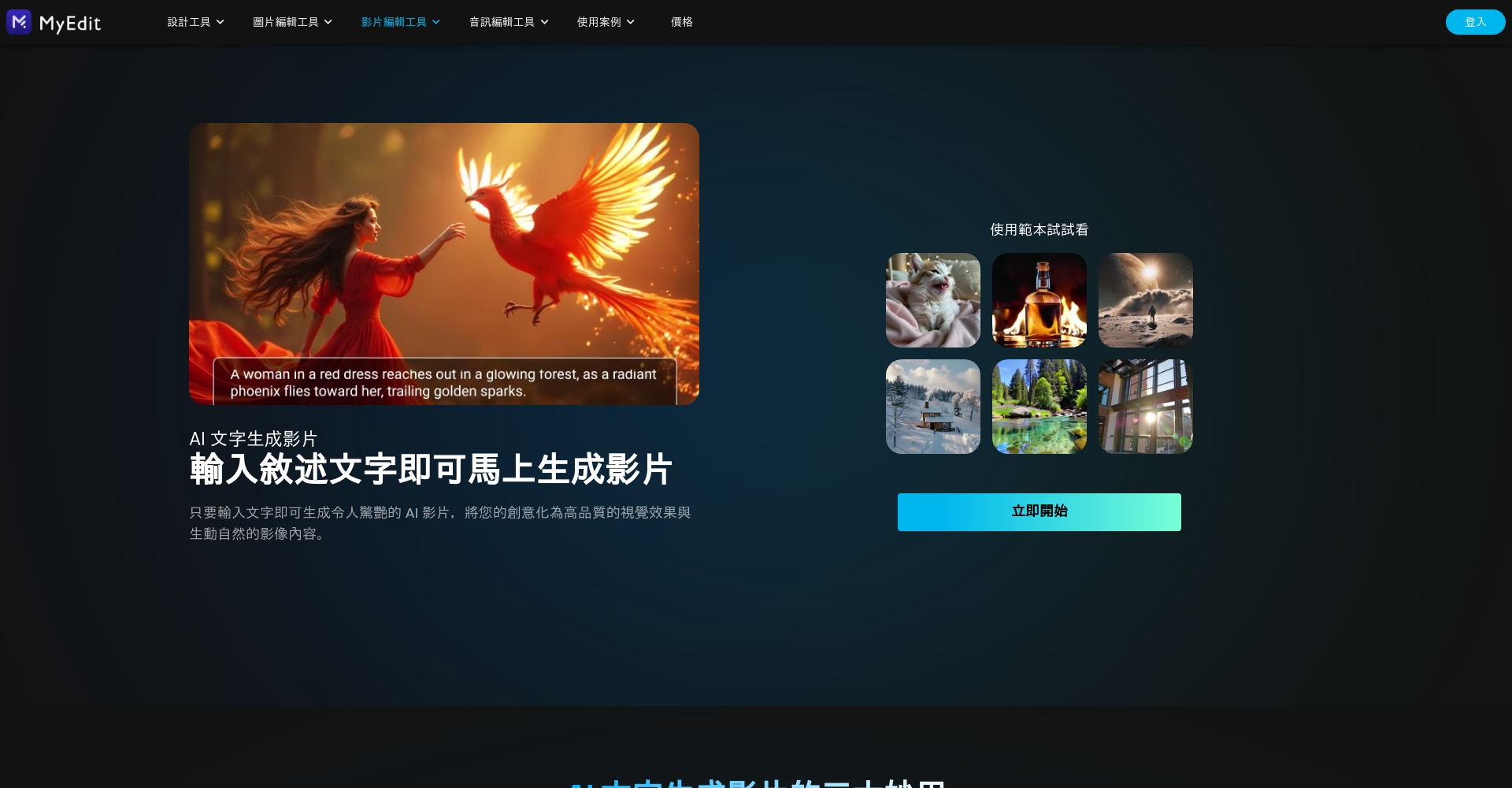
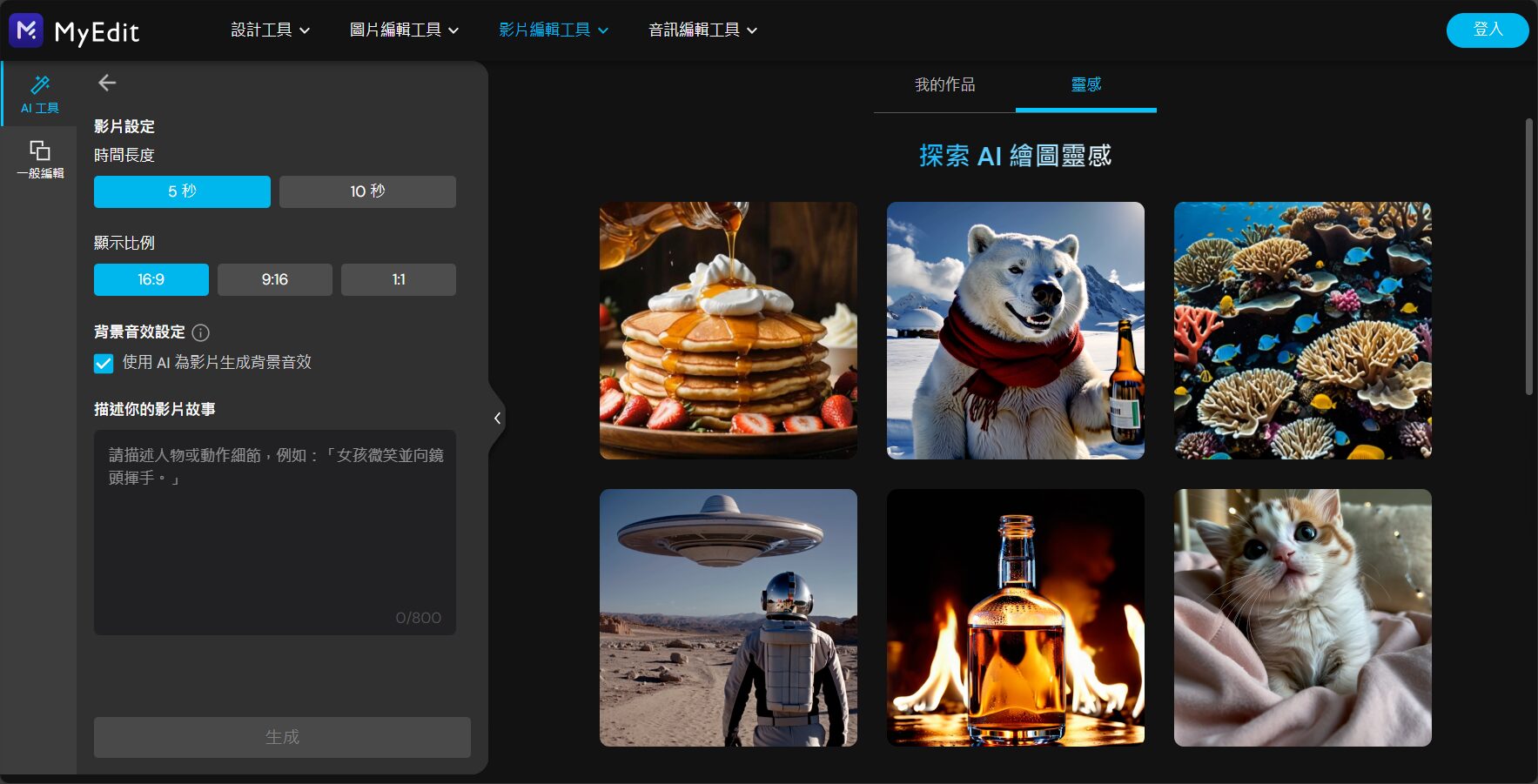
MyEdit: A comprehensive Chinese AI video platform developed in Taiwan
- The 100% interface is in Chinese and can be used on mobile phones/computers without installation.Register now to enjoy a free trial.
- Supports AI text-to-video generation, AI image-to-video generation, photo-to-animation, and product animation.It has complete functions and is updated frequently.
- You get free points every day, upgrade at a low price with no subscription pressure, generate videos directly without watermarks, and the output can be used commercially.
- One-stop drag-and-drop functionality, with a wealth of built-in templates and one-click animation capabilities.
Common uses: Suitable for social media short videos, product display videos, and AI-animated photos.
| Steps | Operating Instructions | Remarks |
|---|---|---|
| Register/Login | Free registration on the official website | Supports Facebook/Google accounts |
| Selection function | Choose "Text to Video" or other options | Chinese interface, intuitive pagination |
| Input command | Fill in the story and scene you want | Supports full Chinese input |
| Preview Download | One-click preview, direct download | Download watermark-free, high-definition images |
Experience it now:MyEdit AI Video Generation
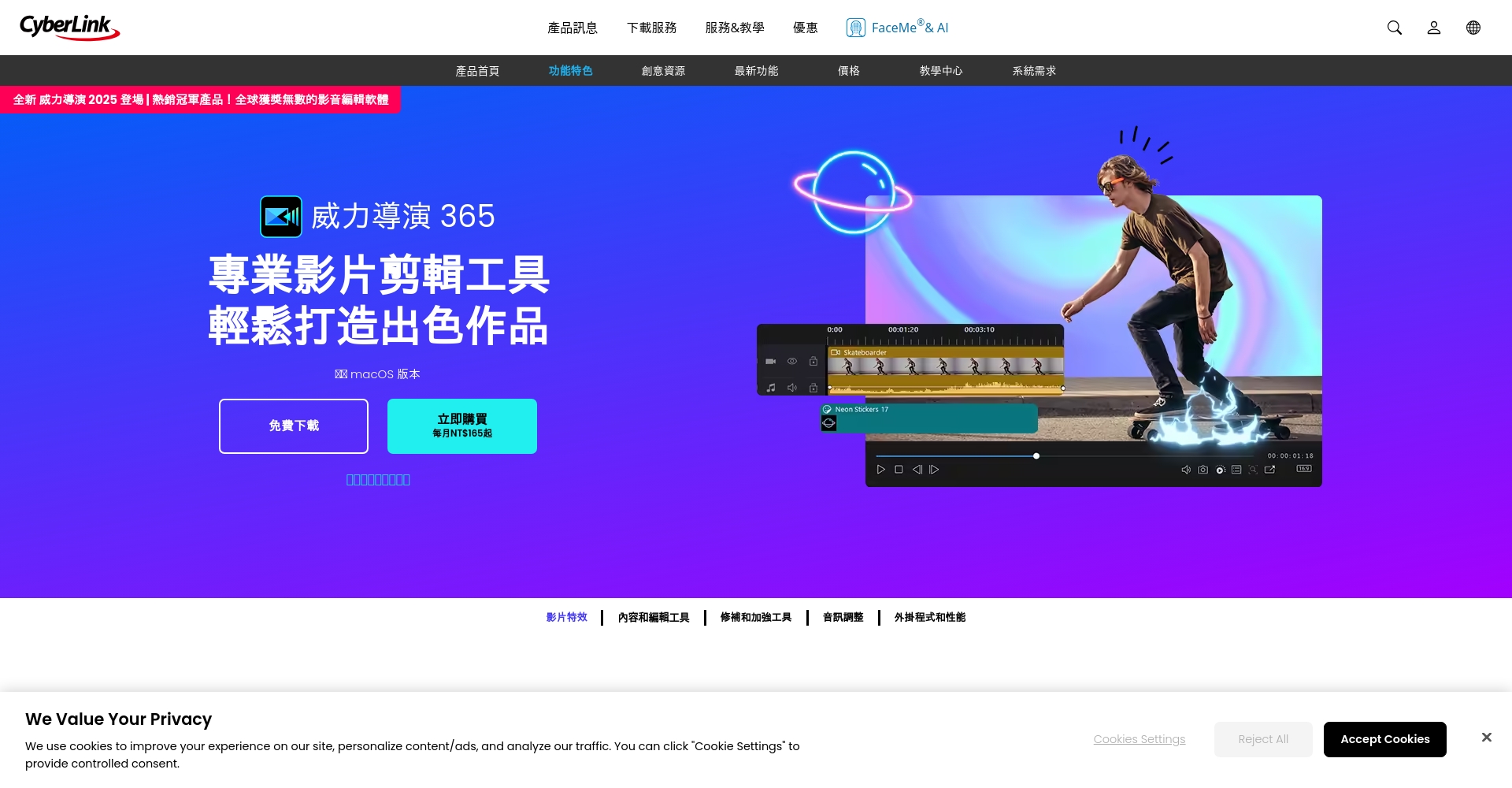
PowerDirector: An industry benchmark combining AI and traditional editing.
- AI combined with professional editing supports a hybrid cloud & local editing mode.Available on multiple platforms.
- It has built-in tools for generating videos from text and turning photos into animations, along with 200+ editing effects.
- It perfectly supports Chinese interface, AI automatic subtitles, dynamic background removal and other functions, making it suitable for both beginners and professionals.
| Main AI functions | instruction |
|---|---|
| Text-to-video generation | Enter the description and AI will generate the scene storyboard and dubbing. |
| Photo animation | Headshots become animated, product photos automatically display animations. |
| AI-generated animation | Turn ordinary photos into short films featuring anime characters |
| AI audio track editing and noise reduction | Noise removal, one-click dubbing. |
| Motion tracking effects | Automatic tracking, adding effects, and subtitles without misalignment. |
Official website download and quick access to features:PowerDirector AI Video Features Overview
Google AI Studio Video Gen: A rising star in AI short videos—free, cloud-based, and requiring zero installation.
- It's an official Google product, completely free, runs online in the cloud, and supports multiple languages.
- Only a text description is needed.It can generate animated short films of up to 8 seconds, suitable for beginners' materials or concept films.
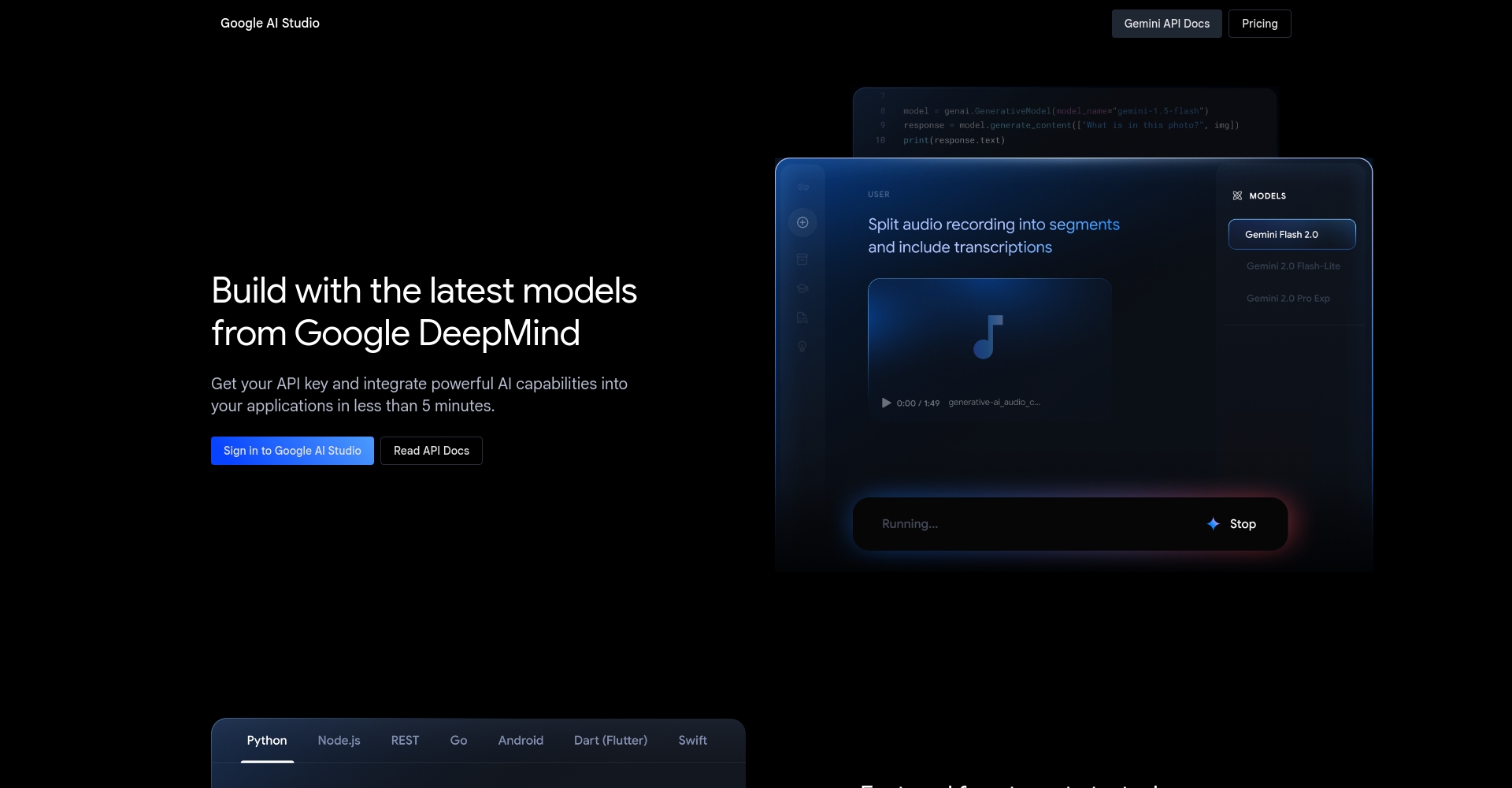
- OpenGoogle AI StudioLog in to your Google account.
- Select Video Gen, enter a description of the clip, and the system will automatically generate a preview.
- Simply download; no additional authorization is required.
Note:Each video only generates about 8 seconds of short clips, and some features are in beta, making it unsuitable for producing feature-length videos.
Frequently Asked Questions and Answers for AI Video Generation Beginners
Q1: Can AI videos really completely replace human editing?
AI-generated videos focus on efficiency and creative prototypes.It can be used for short videos and product displays. For fine editing, it is recommended to combine it with traditional software for fine-tuning.
Q2: Are there any copyright issues with the generated video?
Preferred labeling tools available for commercial useSome apps, like MyEdit and Google AI Studio, offer more lenient licenses. Remember to read the terms and conditions carefully before downloading.
Q3: Are there any risks of privacy or data leakage in AI videos?
Cloud-based systems like Google offer better security; for sensitive data, it's recommended to use local software to generate the data.
Q4: What if I'm not satisfied with the quality of the generated video?
Precisely describe the instructions, try multiple times, or combine with traditional editing fine-tuning.
Beginner's Guide (Flowchart)
| Steps | Details |
|---|---|
| 1. Determine the purpose of the video. | Introduction, tutorials, animations, product displays? |
| 2. Choose a suitable platform | Choose according to your needs, referring to the table above. |
| 3. Write instructions or scripts | ChatGPT can be used to help generate |
| 4. Upload or input | Upload a picture/fill in text, or customize the content. |
| 5. Preview and Fine-tuning | Do it several times to optimize script details. |
| 6. Download the final video. | Note the watermark, resolution, and authorization. |
Extend resources and connect with popular AI video platforms
| Tools/Resources | Features/Uses | Entry link |
|---|---|---|
| MyEdit Tutorials/Articles | Complete Functionality Analysis and Practical Examples | MyEdit Official Tutorial |
| PowerDirector 365 Resources | Computer/Mobile Version Editing and AI-Generated Video Tutorial | PowerDirector 365 Feature Page |
| Google AI Studio tutorials | Beginner's Guide, Frequently Asked Questions, Video Production Examples | AI Studio Video Gen Quick Tutorial |
| Similar tools and further reading | Information on advanced tools such as Lumen5, CapCut, and FlexClip | A comprehensive list of recommended AI video tools |
The era of AI video generation has arrived. Beginners only need to master the key points of avoiding pitfalls, be willing to try multiple times, and improve their "text description skills".Creating stunning short films is actually not difficult at all. Start with a custom AI short film and let your creativity and efficiency take a leap forward!
© Copyright notes
The copyright of the article belongs to the author, please do not reprint without permission.
Related posts


No comments...
