
Recommended Background Removal Tools: Reviews and Practical Tips for 7 Latest AI Image Background Removal Tools in 2025
2025AI image background removal toolFull upgrade!This article provides an in-depth review of 7 of the most worthwhile products to try.AIThis powerful background removal tool details batch processing, professional-grade background cutout, applicable scenarios, and efficiency improvement techniques. Whether you're an e-commerce professional, photographer, designer, or social media creator, you can quickly find the best AI background removal solution to significantly optimize your image processing workflow.By combining practical techniques, efficiency and image quality can be improved, fully unlocking the new possibilities of AI image background removal!

Overview of 7 AI Background Removal Tools
| Tool Name | Maximum batch processing volume | Key Highlights | Supports fine adjustment | Output effect | Target audience | Reference Price | Official website/access point |
|---|---|---|---|---|---|---|---|
| AIARTY Image Matting | 3000+ | Multi-model adaptation, powerful batch processing, local processing | 有 | excellent | Professional/E-commerce/Photography/Enterprise | Paid service required, free trial available. | Direct access to the official website |
| Pixlr | 100 | Online, one-click processing, simple interface | 有 | better | Regular users/designers | Approximately $78/year | Pixlr Batch Backing Removal |
| InsMind | 30 | A wide range of e-commerce-specific and intelligent beautification tools | 有 | excellent | E-commerce merchants/graphic designers | $ 69.99/year | InsMind Batch Backdrop |
| Bulk Background Remover | unlimited | Purely batch processing, extremely quick to learn | 无 | Base | E-commerce/Photography/Beginner User | free | Bulk Remover |
| Picwish | 30 (online) / 10000 (desktop) | Professional output, desktop support for massive batch processing, and intelligent adjustment. | 有 | excellent | E-commerce/Designer/Enterprise | $ 59.99/year | Picwish official website |
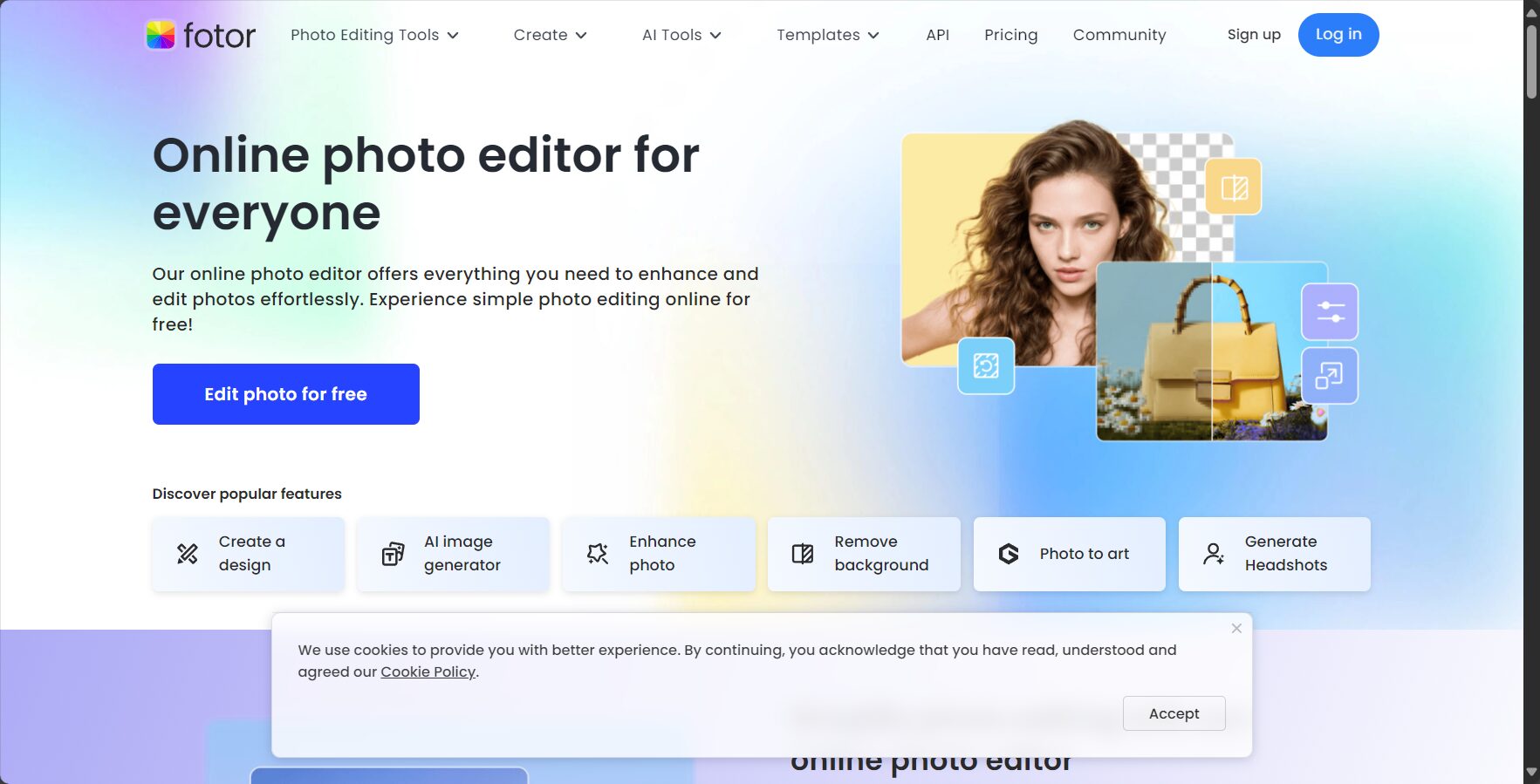
| Fotor | 50 | Social media friendly, integrated photo editing, customized output | 有 | better | Self-media/e-commerce/blogger | $ 89.99/year | Fotor bottom entry |
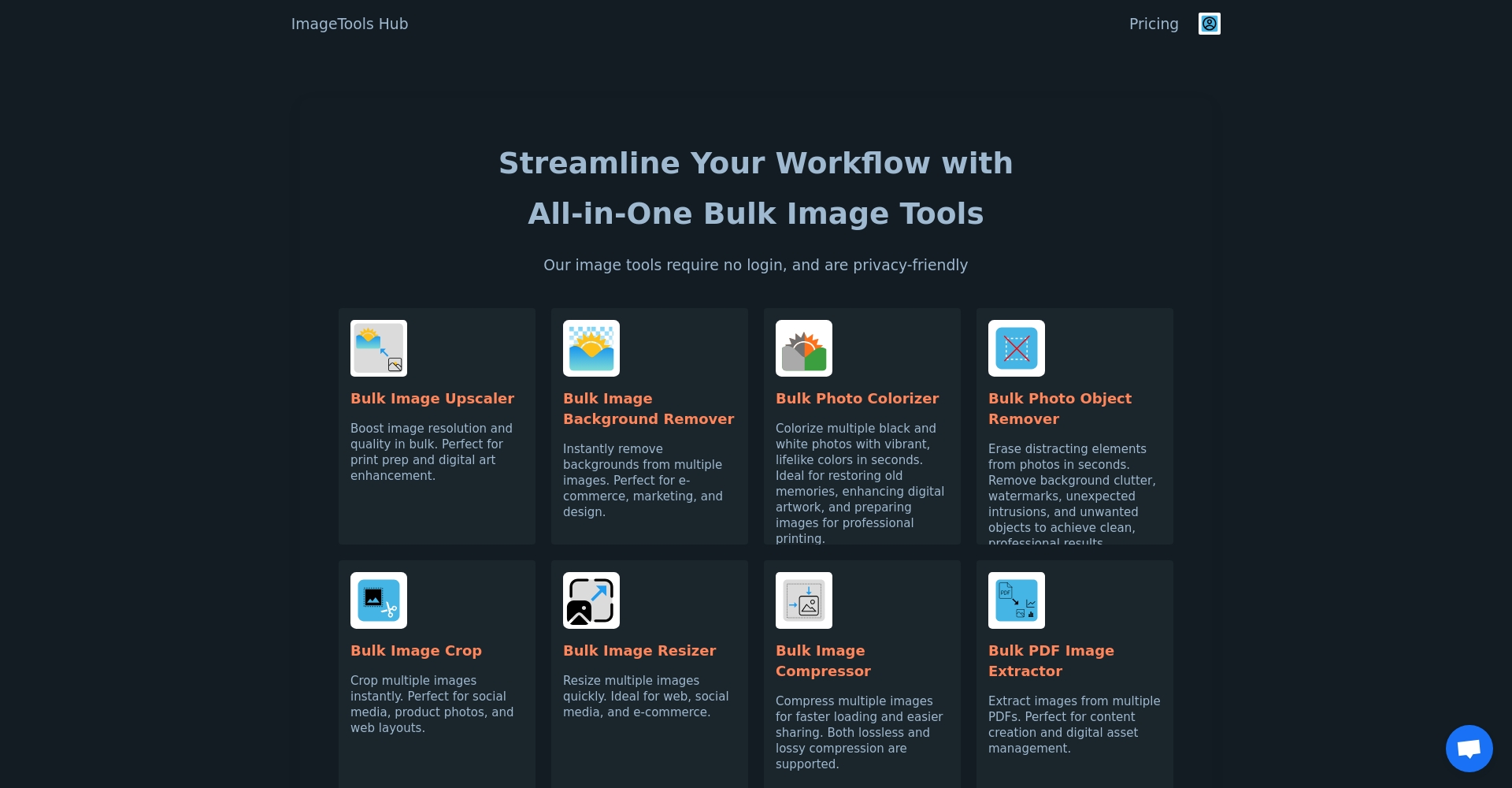
| ImageToolsHub | unlimited | It offers a wide range of auxiliary editing options and fast compression. | 有 | better | Marketing/Photography/Teamwork | $228/year | ImageToolsHub entry point |
In-depth review of 7 major AI image background removal tools for 2025
AIARTY Image Matting: A flagship batch AI image matting platform
AIARTY Image MattingKnown for its batch processing capabilities and multi-scenario AI models, it can process up to 3000+ images in a single batch. With its advanced AI, it can accurately identify people, products, and even complex hair and semi-transparent objects, making it suitable for professional photography, e-commerce, and enterprise needs.
- Multiple AI models for different image typesThis reduces misjudgments.
- Batch color correction, enhancement, and background replacement significantly improve overall efficiency.
- Preprocessing can improve the accuracy of composite processing, making it suitable for demanding scenarios.
Practical tips:When processing noisy images, use AI noise reduction first and then remove background noise for a more natural result.


Pixlr: A lightweight online image background removal tool
Pixlr Background Removal ToolIt supports batch uploading of 100 images, providing a convenient solution for removing backgrounds for small and medium-sized e-commerce businesses, new media, and individual users.
- Manually "erase/restore" to correct AI errors.
- Multiple background formats can be output to meet the needs of multiple platforms.
Minor drawback: It's slightly weaker at handling complex objects; it's recommended for use with simple product images.

InsMind: The Latest Dark Horse in the E-commerce Sector
InsMindFocused on batch image processing for e-commerce, it combines beautification and one-click background removal, and is compatible with templates from major platforms.
- Remove the background from 30 images with one click, and output is compatible with mainstream platforms such as Amazon.
- It offers high precision and is suitable for diverse needs such as portraits, ID photos, and product photos.
Recommended usage: Batch generate white background images, quickly switch to e-commerce standards, and the paid version supports watermark-free high-definition output.

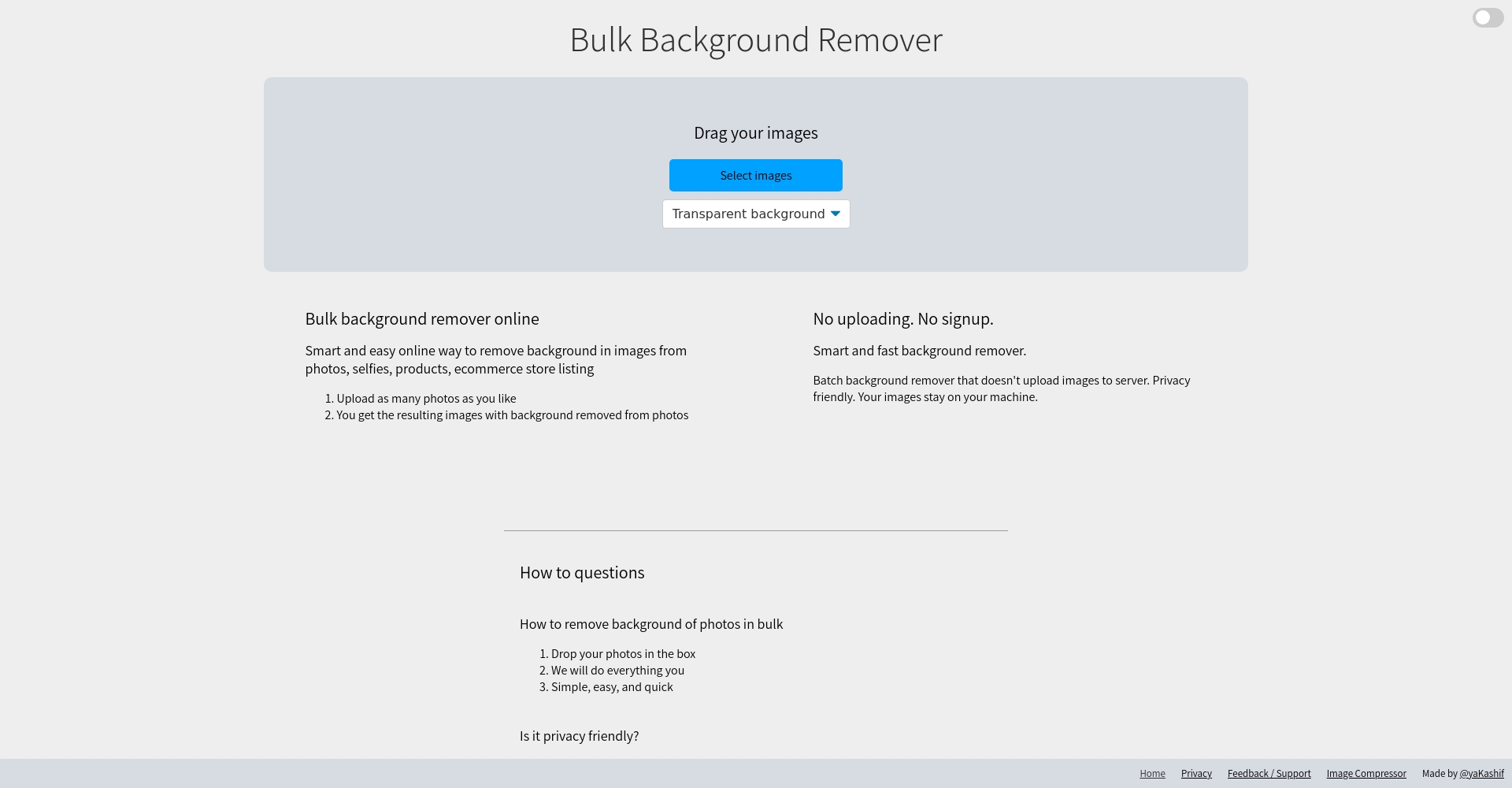
Bulk Background Remover: A Minimalist and Fast Batch Tool
Bulk Background RemoverIts distinctive features are:Unlimited batch processing, permanently free, extremely simple processSuitable for pre-screening or batch scenarios where automatic bottom removal is not critical.
- No registration required, easy download via compressed file.
- It does not offer edge retouching and is suitable for basic e-commerce and photography.
Picwish: A combination of professional-grade desktop and online AI background removal
PicwishThe desktop version supports up to 10,000 images at a time, an industry-leading feature, making it suitable for enterprises and large-volume projects.
- It offers both automatic and manual fine-tuning capabilities, with excellent edge processing.
- It offers a wide range of templates and supports quick export of documents, social media posts, and more.
Practical tips: For multiple batches of product photos, the desktop version can be used to categorize and group them for batch processing, saving time and increasing efficiency.

Fotor: The top choice for new media and self-media users
Fotor Batch Base RemovalWith a user-friendly interface and support for 50 images running in parallel, it is suitable for content creators and short video operators.
- The image editing and template functions are integrated, and colors and backgrounds can be easily switched.
- It directly matches social media sizes, and the export process is smooth.

ImageToolsHub: Batch processing + rich auxiliary editing
ImageToolsHubIt integrates various tools such as background removal, compression, blurring, and background adjustment, making it suitable for multi-member teams.
- Supports collaboration and multiple export options.
- With extensive post-production optimizations, it's an essential tool for graphic designers and marketing departments.
How to improve AI image background removal performance? — Practical tips and application scenarios
Professional advice on removing backgrounds in different scenarios
Batch image processing of e-commerce products
E-commerce platforms have high requirements, so we recommend using tools like AIARTY and Picwish for intelligent edge optimization. For preprocessing, we suggest using a uniform resolution and prioritizing noise reduction to improve quality.
Content creators and new media
We recommend quick template export solutions such as Fotor and Pixlr, which are suitable for efficient generation of cover images and short video materials.
Large team batch collaboration
Choosing AIARTY (local deployment) or ImageToolsHub (cloud) allows multiple members to collaborate and process large numbers of images at lightning speed.
Advanced practical skills
- Hair strands, fur, translucentUsing multi-model AI for regional priority and switching platforms to process complex data may yield better results.
- If any residue remains, use the "Restore/Erase" tool to make detailed adjustments.
- We recommend sharpening/contrast optimization of the image before uploading to improve the accuracy of AI recognition.
- For batch image management, it is recommended to name and categorize them, and prioritize desktop processing to improve efficiency.
Future Trend: AI-powered batch bottom removal is moving towards "millisecond-level" intelligent judgment.
The AI background removal industry will expand to short video background removal, and real-time background removal for posters, panoramas, and ultra-large images will become the new norm; intelligent beautification, enhancement, and composite editing will be fully integrated.
This review will help you, whether you are an e-commerce business owner, content creator, photography studio, or design team, to accurately select the right option based on your needs and budget.Best AI Background Removal SolutionWe recommend trying a combination of multiple platforms, integrating batch automation with manual retouching, to achieve professional and efficient image processing!
© Copyright notes
The copyright of the article belongs to the author, please do not reprint without permission.
Related posts



No comments...
