
What is Copilot Studio? This article will guide you through understanding Microsoft's low-code AI robot development platform.
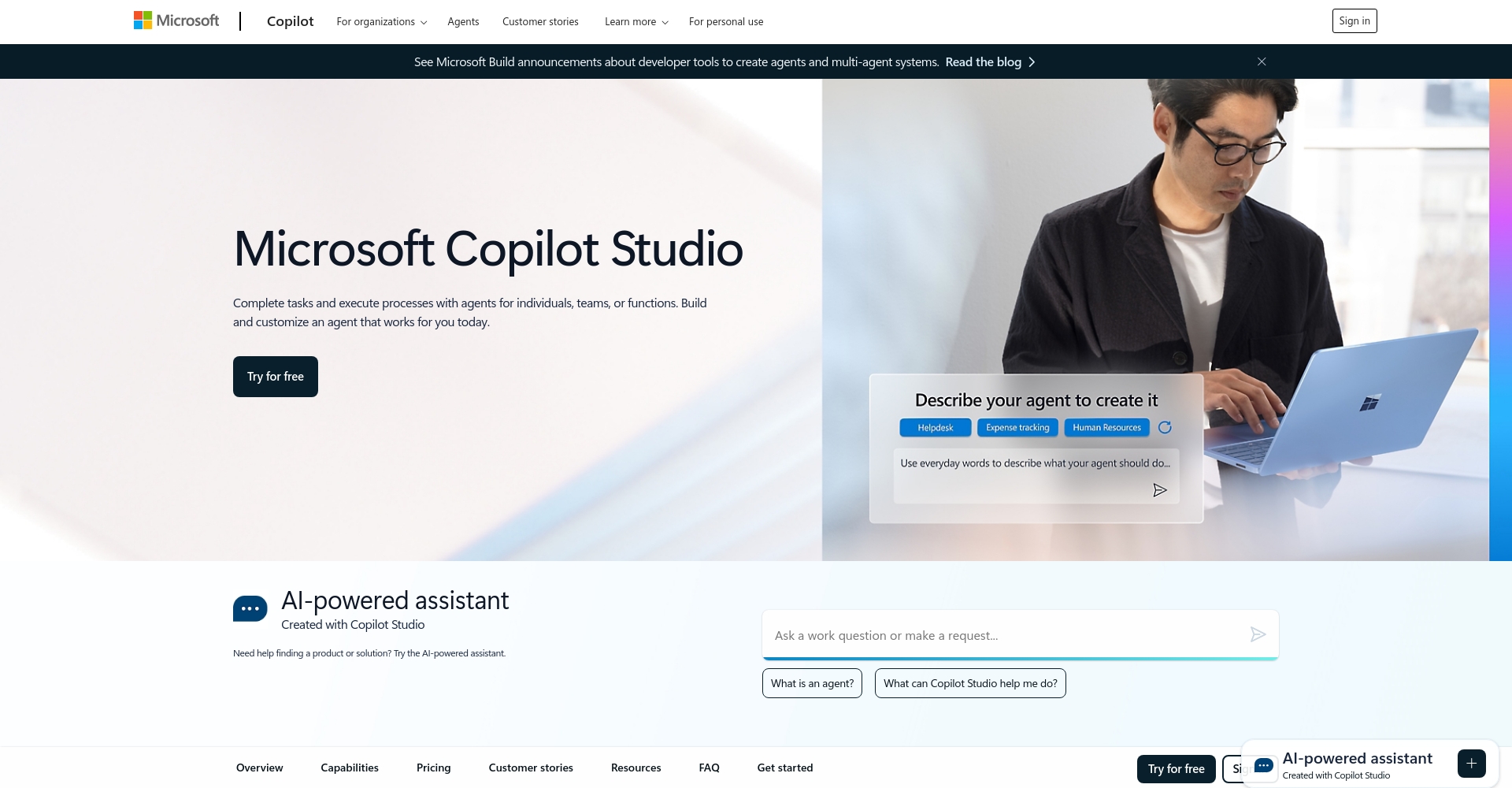
copilot studioIt is an enterprise-grade low-code product launched by Microsoft. AI This robotics development platform focuses on helping enterprises and developers build customized intelligent assistants through visual operations and generative AI technology. It widely integrates with Office 365, enterprise-owned data, and multi-platform applications, possessing robust security, compliance, and multi-channel deployment capabilities. This article will focus on...Detailed and professionalFrom this perspective, combining tables, scenarios, and comparisons, we will guide you to a systematic understanding of Copilot Studio and its commercial value.

What is Copilot Studio?
Copilot Studio's product positioning and core value
copilot studio It is a low-code AI development platform launched by Microsoft, which allows developers and enterprise users to customize and integrate enterprise business data and logic with minimal code, create AI assistants and robots, and extend the intelligent capabilities of Microsoft 365 Copilot.
– Visual, low-codeDrag-and-drop operation, suitable for business development and IT personnel.
– Corporate customizationCustom integration with ERP, CRM, SharePoint, and other systems for rapid deployment of business AI.
– Released through multiple channelsOne-click launch across Web, Teams, App, Facebook, and other entry points.
Applicable scenarios include: customer service robots, enterprise knowledge Q&A, internal business automation, intelligent employee assistants, and multilingual robots.
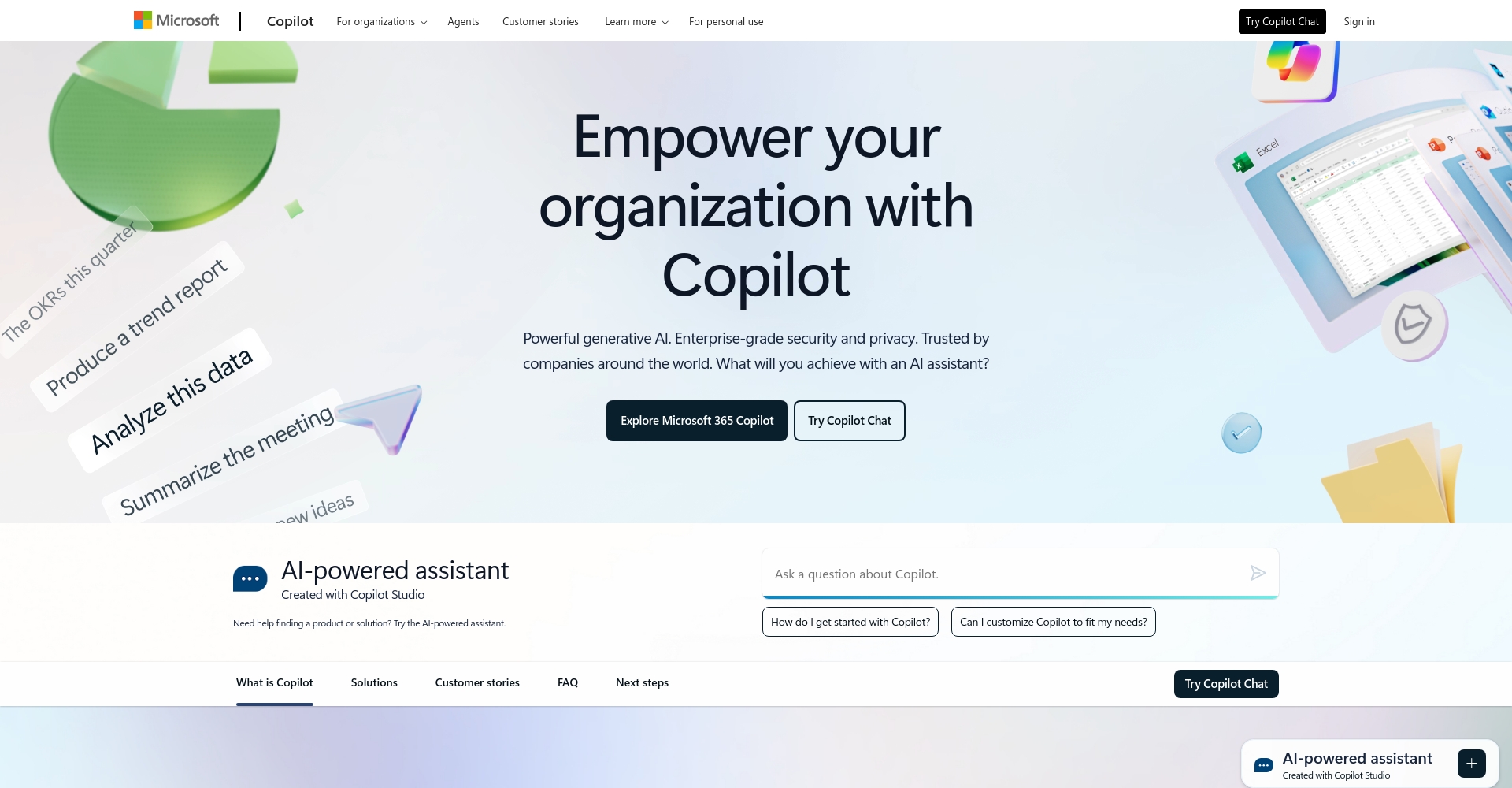
A summary of the main features of copilot studio
| Functional modules | illustrate | Highlights/Advantages |
|---|---|---|
| End-to-end dialogue development | Graphical process design | Drag-and-drop development for beginners |
| Generative AI Integration | GPT-driven intelligent Q&A | AI efficiently understands intent |
| Multilingual ability | Automatic support for multiple languages | Global deployment can be easily achieved. |
| Data integration | Quickly integrate SharePoint, API, and SQL | Enterprise data flow |
| External connector | SAP, Workday, ServiceNow, etc. | Deeply compatible with mainstream systems |
| Prompt AI tuning | Customize answer style and behavior | Flexible shaping of industry scenarios |
| Statistical Dashboard | Interactive data visualization analysis | Continuous iterative optimization effect |
| Safety and compliance | Enterprise-level authentication and access control | Meets the needs of large organizations for management and control |
| Released through multiple channels | One-click multi-platform deployment | Maximize user coverage |

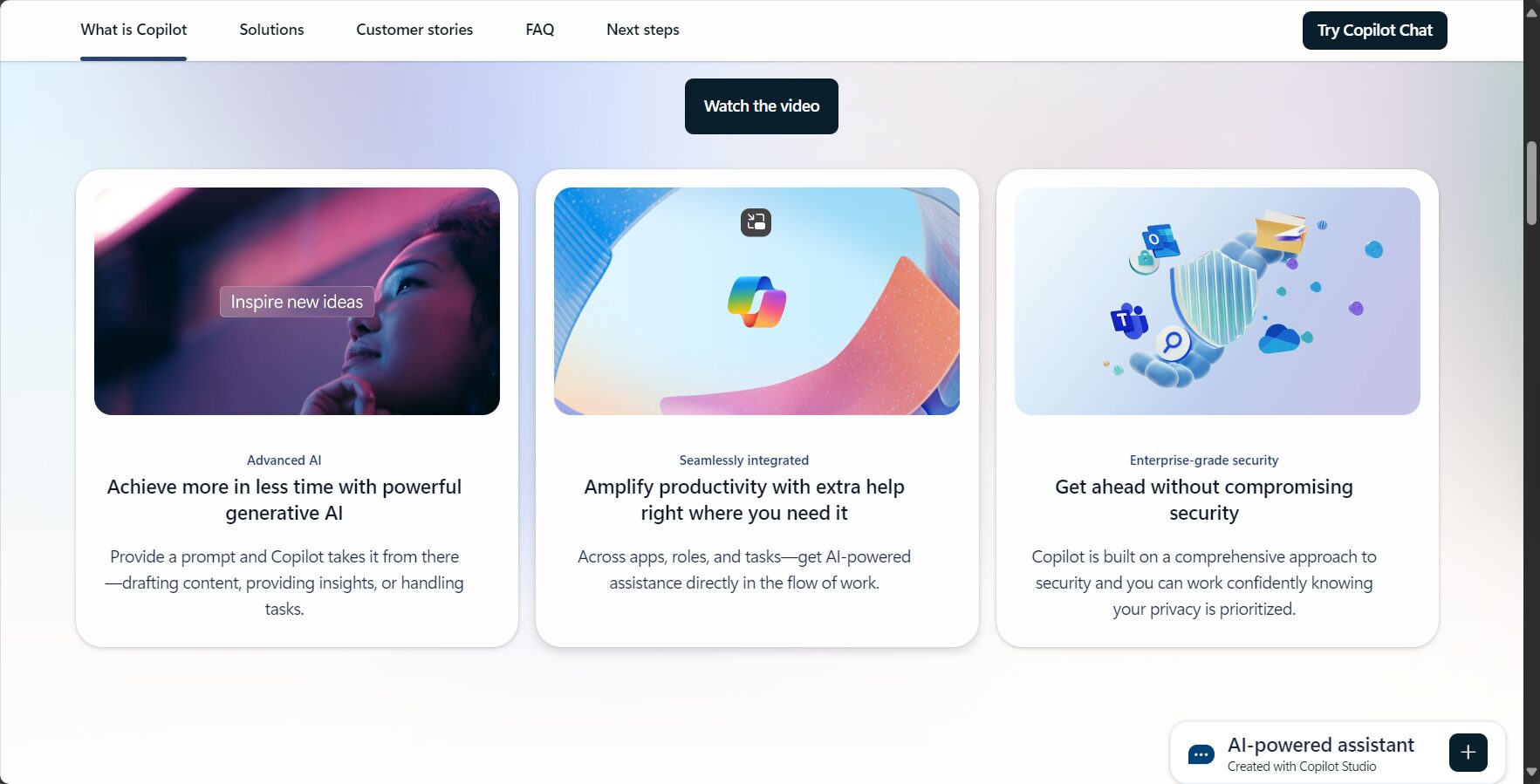
Development and management experience with Copilot Studio
1. Low-code development, graphical interface
Visual design interfaceAllows business users to drag and drop to combine dialogues, branches, and business logic, much like drawing a flowchart. No programming background is required to perform complex multi-turn interactions and API calls.
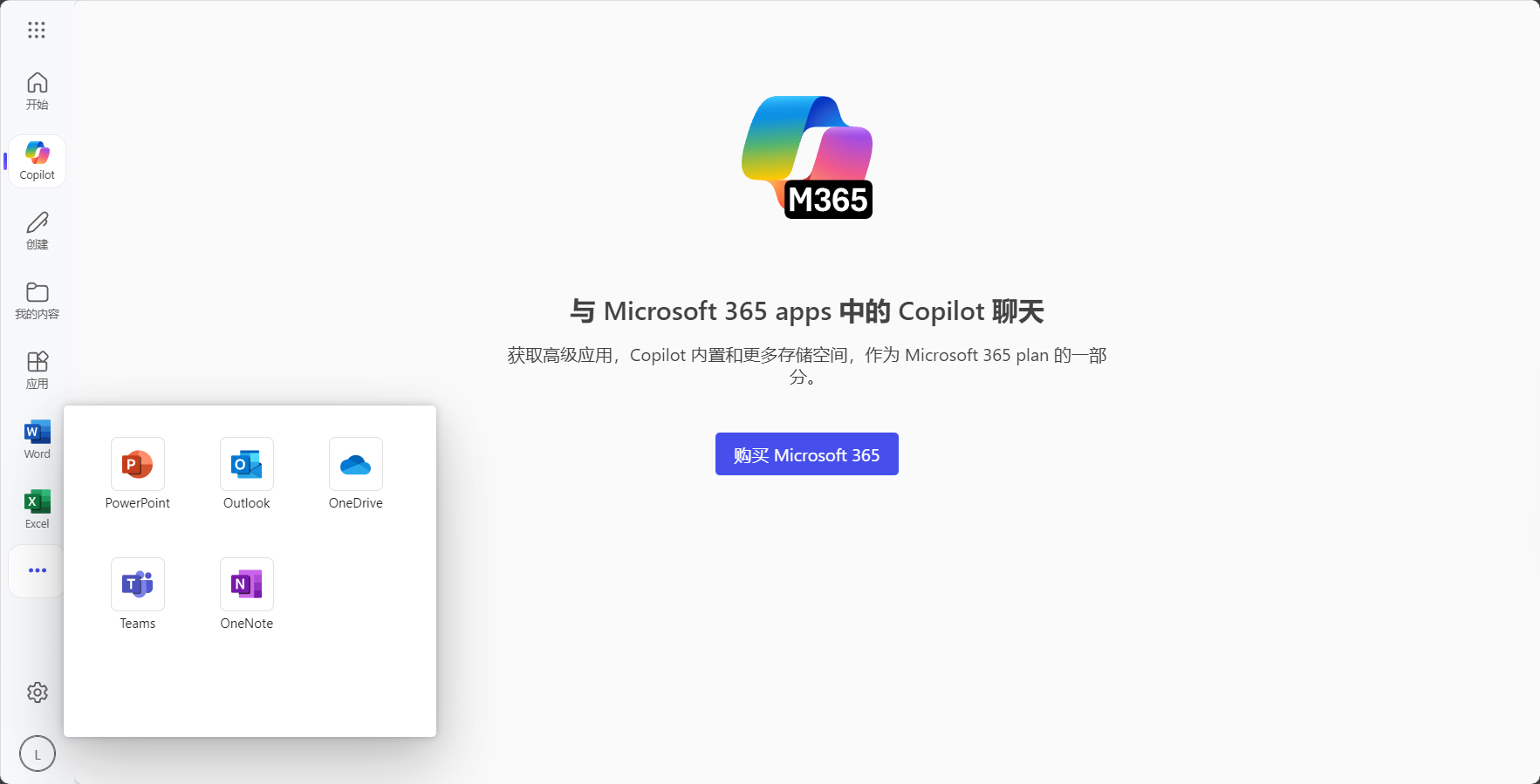
2. Integration of Generative AI and Knowledge Base
Supports integration with enterprise documents and web page content to build a dedicated knowledge base, and withGenerative AI (such as GPT) drives intelligent question answering in multiple scenariosAllows for tuning of Prompt and AI styles, ensuring professionalism and safety.
3. Expand connector capabilities and automation
Covers 1,100+ enterprise-grade connectors. Not in the standard library? Easily integrate custom APIs via HTTP, Power Automate, and more.Full process automation。
| category | Common connectors | Typical scenarios |
|---|---|---|
| ERP | SAP, Oracle | Automated financial reports and supply chain Q&A |
| HR | Workday, SuccessFactors | Automatic attendance tracking and automated onboarding process |
| Service Management | ServiceNow | IT operations and maintenance, automated order dispatch |
| Content Management | SharePoint | Knowledge base retrieval and document synchronization |
| other | Teams, Outlook | Schedule management, meeting booking |
4. Simultaneous release across multiple channels
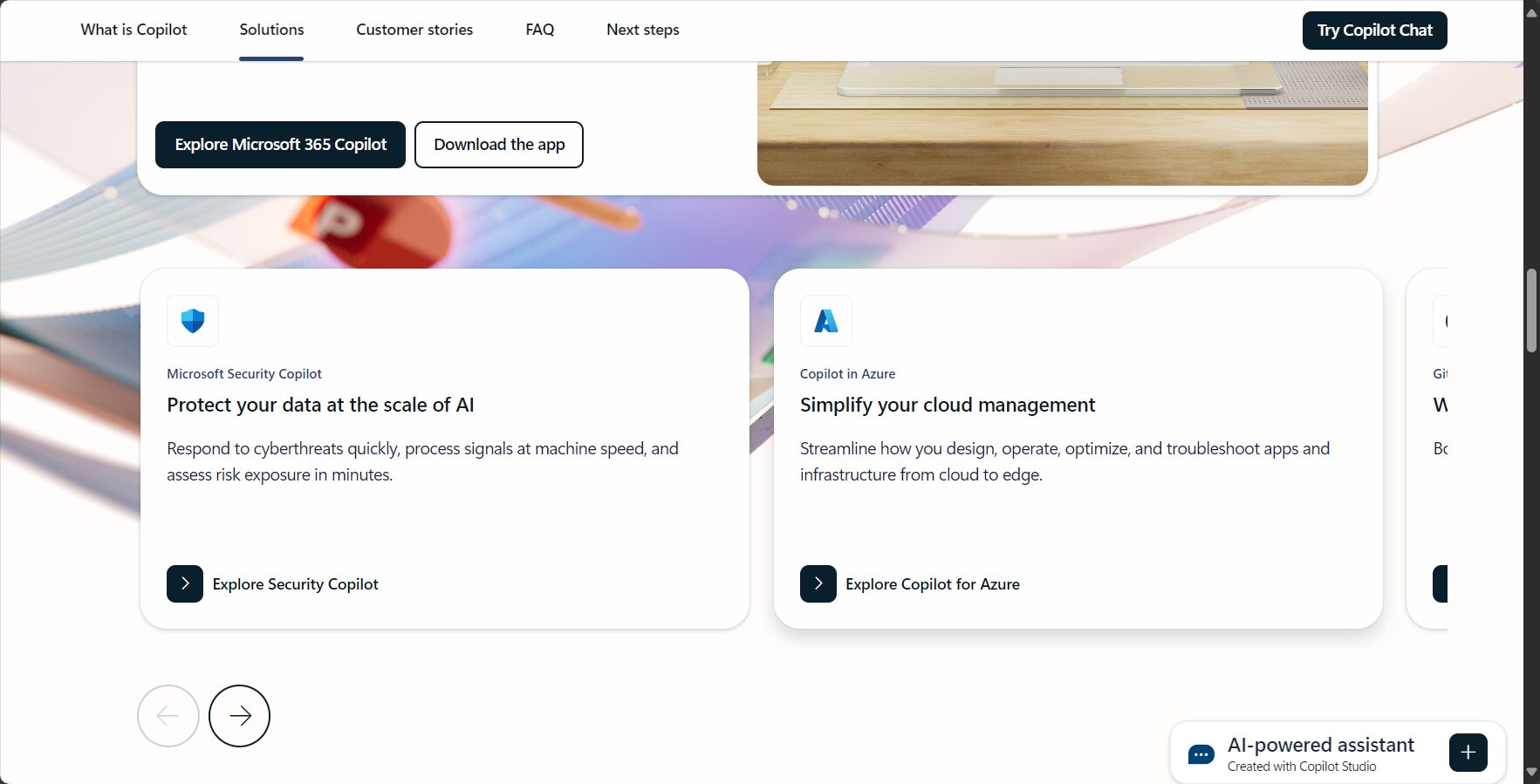
A single Copilot application can be deployed simultaneously across mainstream channels such as Teams, web pages, apps, Messenger, and WeChat, providing a unified digital entry point for enterprise services.
Security, privacy and enterprise-level operations
Microsoft security supportCompliant with data encryption, GDPR, and China's Cybersecurity Law; supports multi-tenant isolation authentication (such as Azure AD) and audit logs. Detailed permission levels support multi-role team collaboration, unified management of bot versions, canary releases, and A/B testing.
Copilot Studio Enterprise Application Examples
1. Customer service automation
An international brand built a FAQ robot through copilot studio, integrating corporate knowledge, logistics, and Salesforce data to create a 24/7 response system, significantly improving its service capabilities.
2. HR Smart Assistant
Employees can directly check leave and attendance information and policies in Teams, which connects to the back-end HR system, eliminating manual processes and improving satisfaction.
3. IT Operations Automation
Combined with ServiceNow asset management, employees can independently report faults, query and troubleshoot problems, freeing up IT department manpower.
Compared with other low-code AI robot platforms
| platform | Development Model | Support Channels | Main functions | Advantages | Official website |
|---|---|---|---|---|---|
| copilot studio | Low-code/visualization | Teams and 10+ | GPT/Multi-data Integration/Security Compliance | Microsoft ecosystem, multi-channel, enterprise-grade security | access |
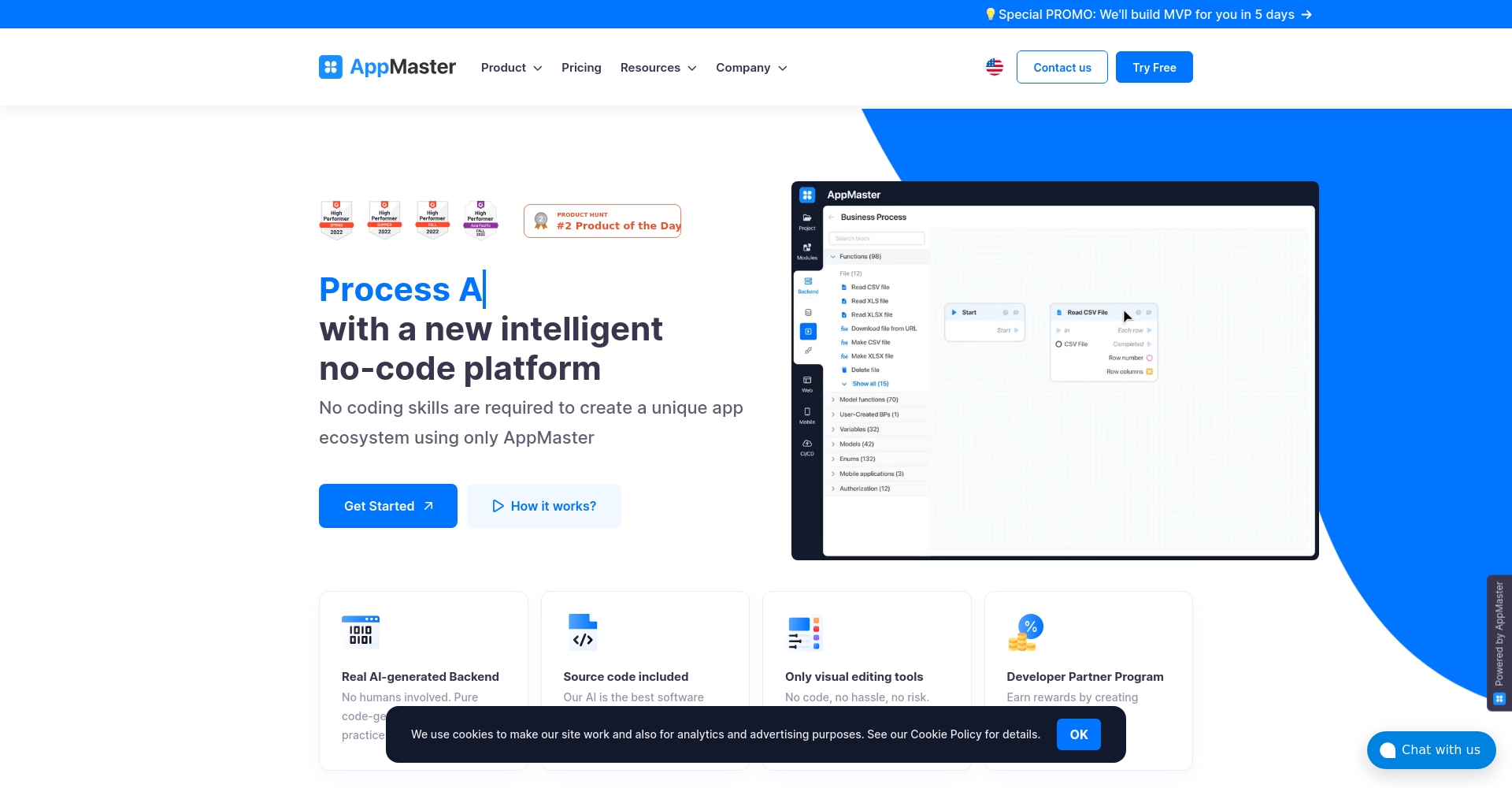
| AppMaster | No-code/Automation | Web/App | Automated processes and API integration | Cross-platform, automatically generated by the backend | access |
| Power Virtual Agents | Low-code/visualization | Teams/Web | QnA/Business Rules | Power Platform Integration | access |
| Dialogflow | Code/Graphics | Web/App | Intent recognition, multi-terminal support | Google AI, abundant channels | access |
Pricing, access and trial information
- Tenant-level authorization: Organization-level procurement, including 25,000 messages/month, annual billing.
- User-level authorization: Charged per seat or based on actual usage.
- Excess Message Packs: Buy on Demand
- Chat users only:free
Availablecopilot studioFree trial available on the official website.
Advantages of Enterprises Introducing Copilot Studio
- Significantly lowers the barrier to entry for AI assistant development, enabling collaborative innovation between business and IT.
- A single platform can be reused across multiple channels to meet both compliance and customized needs.
- Microsoft Cloud and Office 365 are deeply integrated, making it suitable for large enterprises to migrate to the cloud.
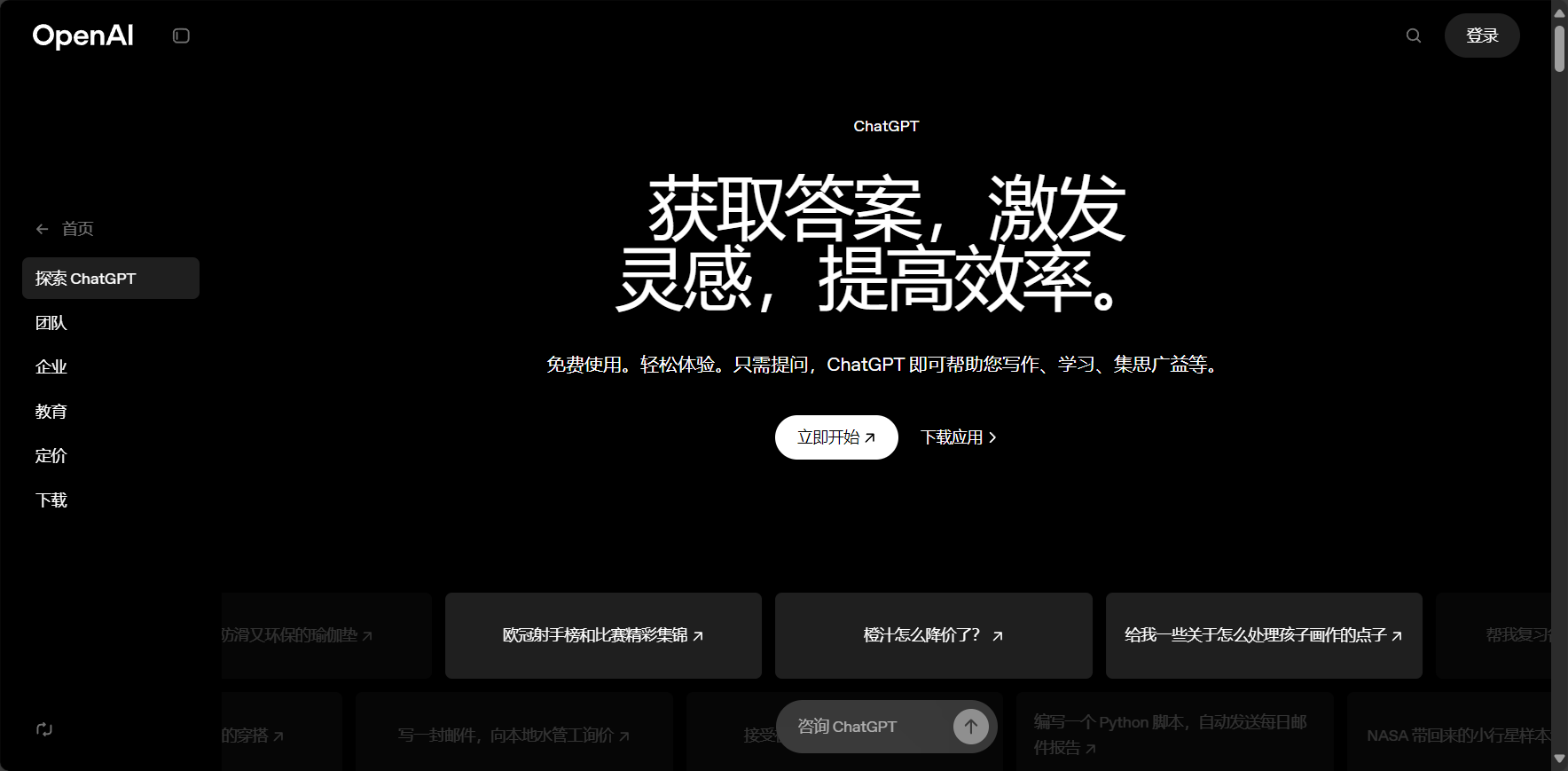
- It can be combined with OpenAI and Power Automate to support digital upgrades.
Summary and Outlook
copilot studio is an enterprise-level low-code AI robot development platform.Copilot Studio integrates the security and compliance features, visual development, multi-channel deployment, and powerful AI capabilities of the Microsoft ecosystem, making it an excellent tool for enterprise AI transformation, automation, and intelligent service deployment. If you are looking for intelligent assistant and digital employee solutions, register now to experience Copilot Studio and step into a new era of low-barrier, high-efficiency development.
© Copyright notes
The copyright of the article belongs to the author, please do not reprint without permission.
Related posts



No comments...
