What is Tencent Docs? A comprehensive analysis of Tencent Docs' 8 core functions and efficient office collaboration techniques.
Tencent DocsAs a cloud-based document collaboration platform launched by Tencent, it supports real-time multi-user editing of multiple formats such as documents, spreadsheets, and presentations. It has built-in AI assistants and intelligent templates and is widely used by individuals and enterprises.In 2024, Tencent Docs became a popular choice in the digital office field due to its seamless integration with the WeChat ecosystem, secure permission management, and automated office capabilities.This report provides an in-depth analysis of its 8 core functions and efficient collaboration techniques, helping you quickly get started and improve your work efficiency.

I. What is Tencent Docs? — Definition and Positioning
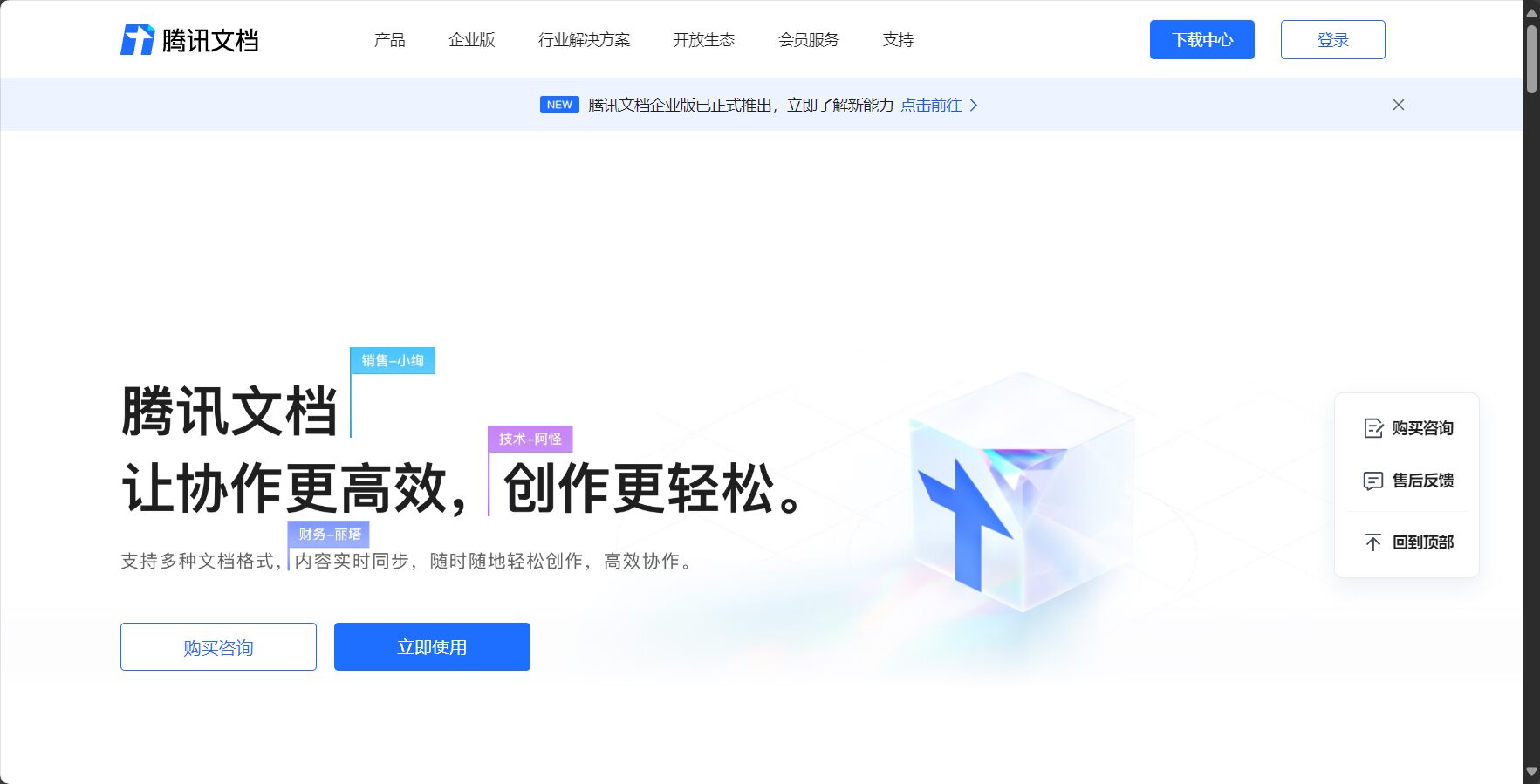
Tencent DocsIt was created by Tencent.Cloud-based document collaboration platformIt supports various file types, including documents, spreadsheets, presentations, and data collection forms, meeting the needs of individuals, teams, and enterprises for efficient collaboration. Leveraging cloud storage and security mechanisms,Multiple users can edit, share, comment, and manage permissions in real time.It also achieves interconnection with WeChat, QQ, and other platforms.
Since its launch in 2018, Tencent Docs has been continuously upgraded.Monthly active users exceeded 200 million in 2024.It has become a new benchmark for digital office applications widely used across various industries in China.
II. Analysis of Tencent Docs' 8 Core Functions
| Core Functions | Feature Highlights | Application scenarios |
|---|---|---|
| Real-time collaborative editing | Multi-person synchronization, traceability | Team writing and collaborative solution creation |
| Cloud storage and backup | Auto-save, history | Data security, remote work |
| Multi-format support | Documents/Tables/PPTs/Forms | Project management, courseware production |
| Permissions and Security | Multi-level permissions, watermark encryption | Document flow and contract management |
| Comments and Discussion | Comments, @members, task assignment | Approval, Team Interaction |
| Smart Template Library | Abundant templates, AI-generated | Reports, plans, resumes |
| WeChat/Enterprise WeChat integration | Group chat sharing and feedback collection | Notification, registration, statistics |
| AI assistant automation | Content optimization and data analysis | Efficiency improvement and intelligent organization |

1. Real-time collaborative editing
- Supports simultaneous online editing by multiple users, with editing progress synchronized in real time, and collaborators' avatars displayed in chat bubbles.
- It features undo, restore, and record-keeping capabilities, making modifications readily apparent.
Examples of scenarios include project co-creation, meeting minutes collaboration, and group brainstorming.
2. Cloud storage and backup
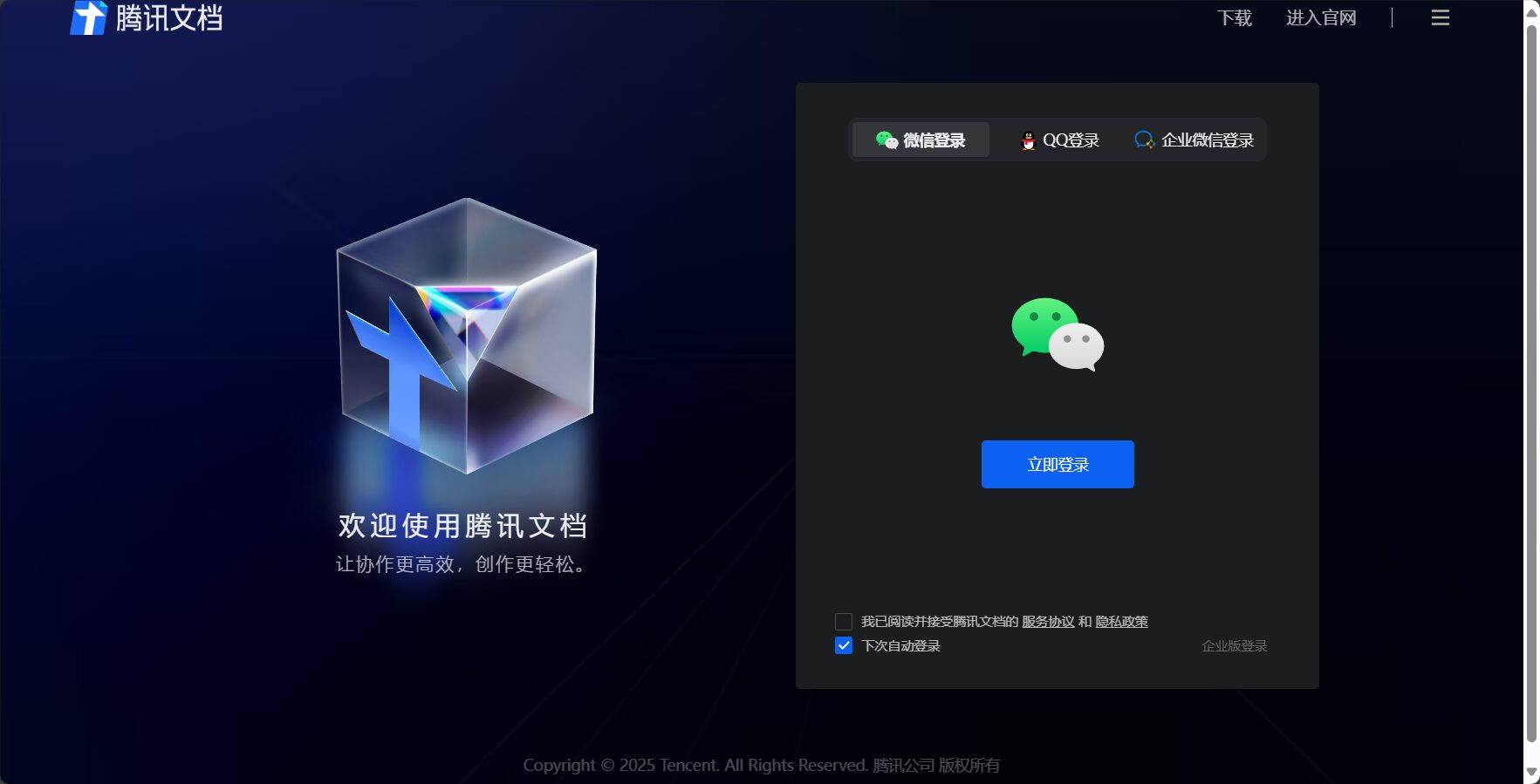
- Real-time automatic saving; historical versions can be restored as needed.
- Data is stored on Tencent Cloud, ensuring security and compliance.
Cross-device switching, remote team operation, and no fear of losing files due to power outages.
3. Multi-format support
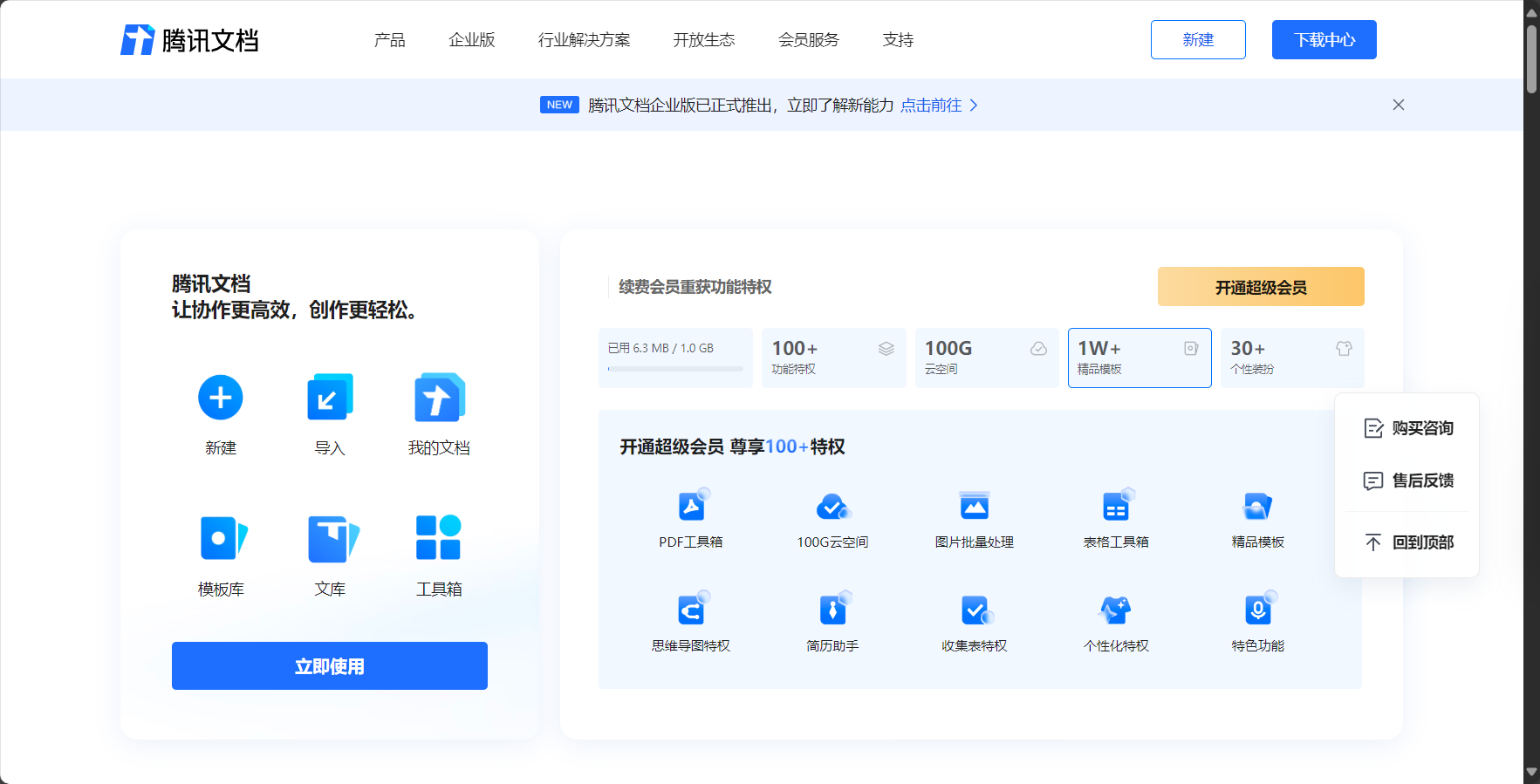
- Supports documents (doc), spreadsheets (similar to Excel), PowerPoint presentations, collection forms/questionnaires, etc.
- The tables have powerful functions and chart processing capabilities, and the slides can insert audio and video.
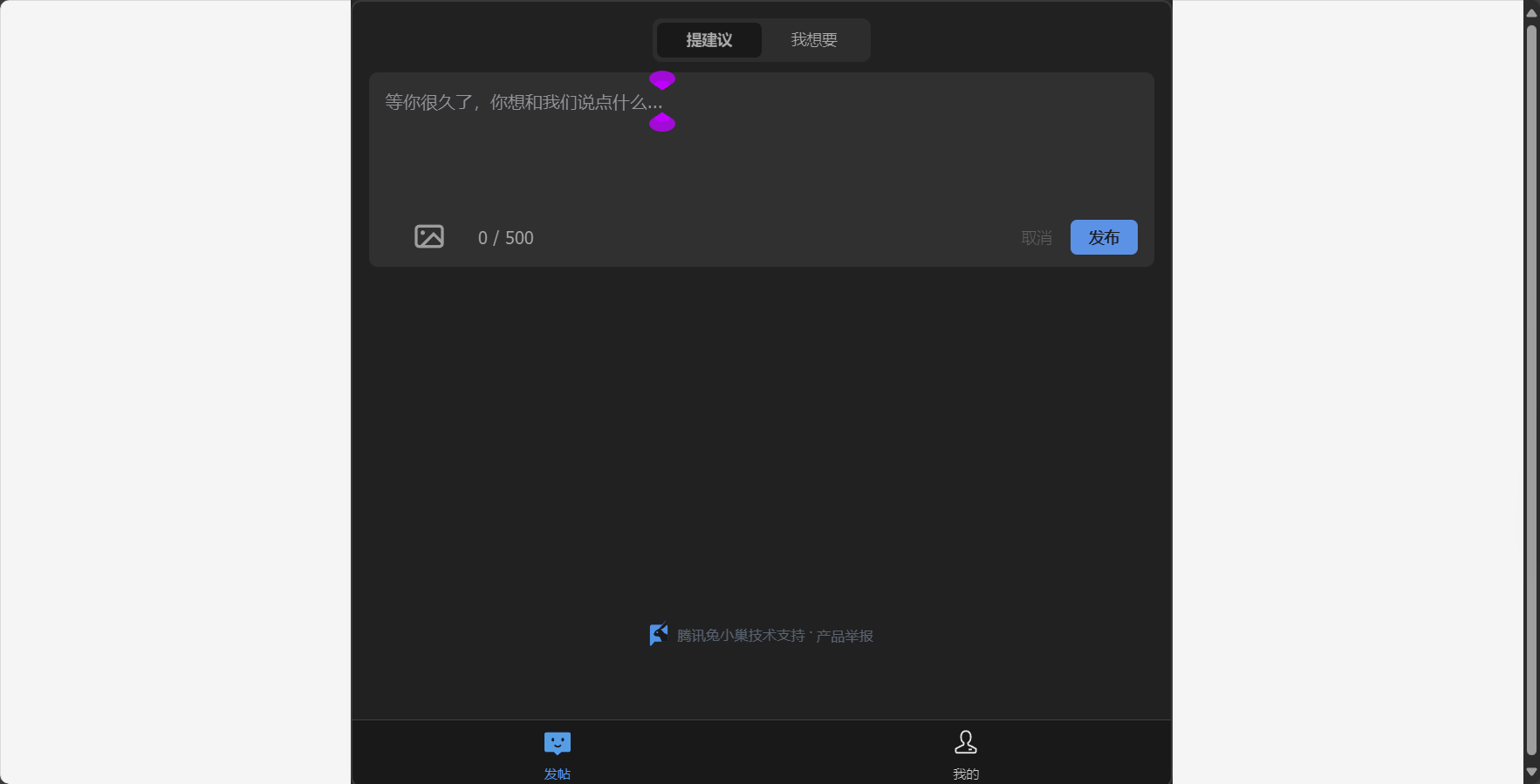
Tencent Docs Help Center You can get more operation tips.
4. Access Control and Security Protection
- You can assign "view only/comment only/edit only" permissions.
- Supports watermarking, login restrictions, screenshot protection, and access logs.
Suitable for corporate confidentiality scenarios such as issuing announcements, approving contracts, and distributing documents.
5. Comments, annotations, and task assignment
- Insert comments in any paragraph, and assign tasks by tagging members.
- Annotations support resolving/rejecting issues, automatic task reminders, and convenient and efficient interaction.
| Scene | Behavior |
|---|---|
| Project Review | Group members' comments |
| Document review | Paragraph annotation, confirmation, and efficient editing |
| Management Approval | Distribute tasks and set deadlines |
6. Enrich the intelligent template library
- Includes hundreds of templates for weekly reports, plans, statements, resumes, etc., supporting one-click AI generation.
- Custom templates can be created to unify the style and improve standardized collaboration.
The templates can be searched and used with one click in the template center, greatly saving document creation time.
7. Seamless integration with the Tencent ecosystem
- You can directly share, preview, and fill out the form within WeChat/WeChat Work.
- The data collection form automatically compiles feedback from group members, and enterprise management permissions are synchronized with enterprise email/address book.
Streamline the process of registration, data collection, and workflow.
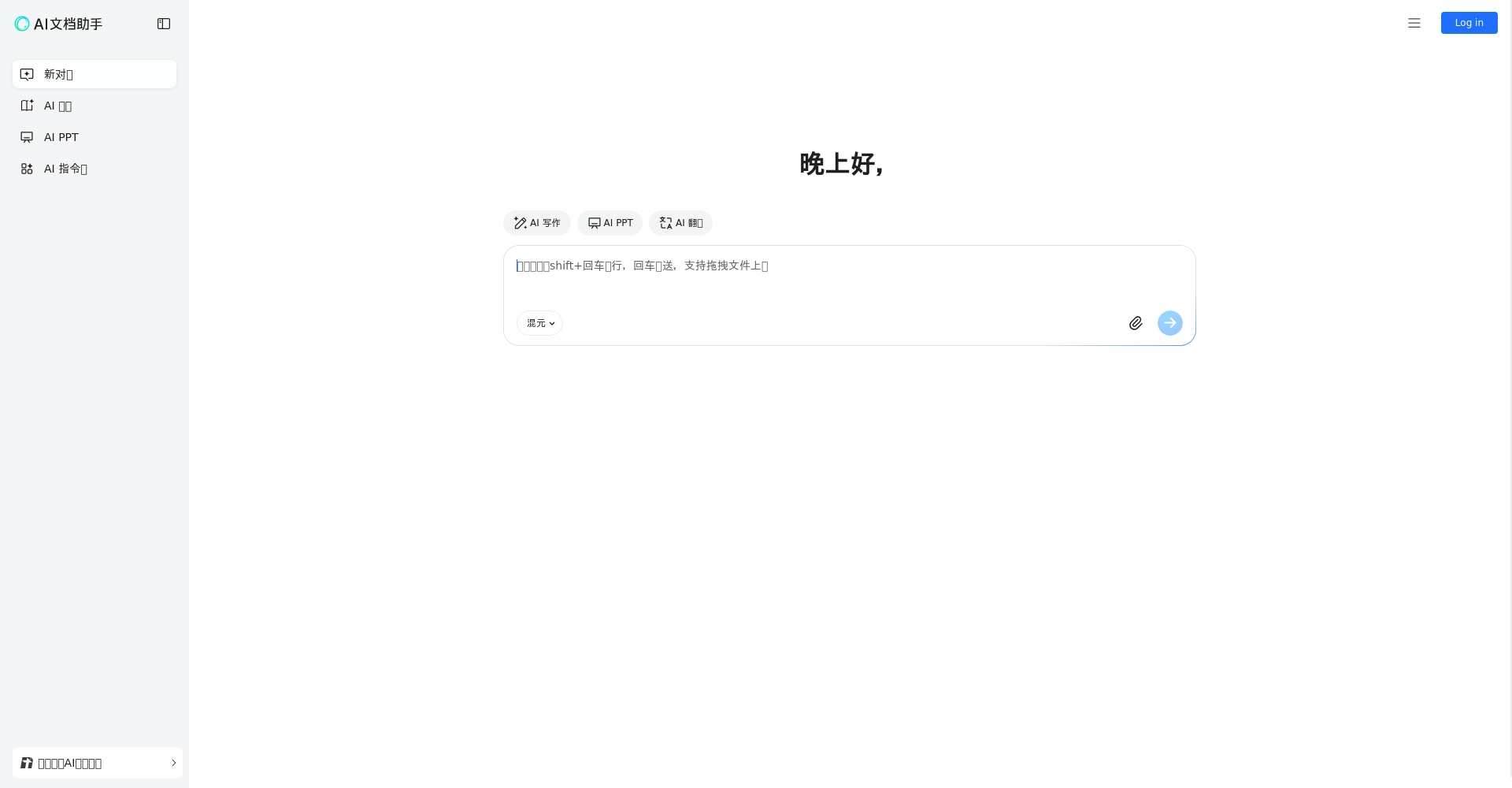
8. AI Assistant and Automation Capabilities
- AI-powered summarization, language polishing, one-click report generation, intelligent color matching for PPT-style presentations, and table analysis.
- Highly efficient functions such as voice input, automatic transcription, and image recognition.
For more automation experiences, please see [link/details].Tencent Docs AI Assistant。
III. Practical Tips for Efficient Collaboration in Tencent Docs
1. Team Space and Member Management
- Establish grouped team spaces for unified data storage and efficient management by project/client categorization.
- Administrators can set up template libraries and maintain members and permissions in batches.
2. Smooth cross-platform/multi-device interaction
- Switch between PC/Mac/iOS/Android/web versions anytime, anywhere; scan the QR code to edit on mobile devices.
3. Meeting Collaboration and Automatic Recording
| Scene | Collaboration process |
|---|---|
| During the meeting | “"Sharing Tencent Docs" - Discussion and Recording |
| After the meeting | AI assistant completes minutes with one click, and member additions are also available. |
| Task follow-up | Annotations are directly assigned to tasks, with automatic WeChat/WeChat notifications. |
4. Improve efficiency by using templates and forms
- One-click reuse template for frequently used files, with a beautiful and standardized structure.
- Collect forms for voting and registration; results are automatically compiled and analyzed.
5. Segmented access control ensures secure collaboration.
- “The "read-only" knowledge base is open for viewing; confidential projects are edit-only; sensitive materials have access passwords/expirations.
- Automatically revoking privileges for departing employees to avoid the risk of data leaks.

IV. In-depth Industry Report: Tencent Docs Facilitates the Upgrade of Digital Office
According to Tencent Cloud's disclosure in 2024,Tencent Docs has a wide range of applications in finance, manufacturing, education, scientific research, healthcare, and the internet.Large securities firms and internet giants regard it as the main platform for knowledge management and project collaboration.
- Ultra-high concurrency stability (supports 400+ people collaborating simultaneously), data security compliance (ISO27001/information security level protection).
- AI automation tools enhance the future smart office experience.
- The WeChat and QQ ecosystems are integrated, making it easy to use and quick to learn.
With the rise of AI collaboration, Tencent Docs has a clear advantage and holds a leading position in the domestic tool market.
Conclusion
Tencent Docs has become a standard tool for efficient office work for both businesses and individuals.With its eight core functions and intelligent assistant advantages, team members can collaborate as if they were in the same office, regardless of their location. In 2024, Tencent Docs continued to upgrade in the fields of intelligence and security, leading digital office towards greater efficiency and intelligence.
If you want to improve team collaboration and optimize daily office efficiency,Why not register now for a trial of Tencent Docs and experience the endless possibilities of cloud-based office work!
Follow this channel for more in-depth reports on AI-enabled office solutions.
© Copyright notes
The copyright of the article belongs to the author, please do not reprint without permission.
Related posts



No comments...
