What is ControlNet? This article will guide you through the principles and practical techniques of this popular AI image control tool.
Controlnet has become increasingly popular in recent years.AI drawingThe most advanced image controllable generation technology in the field greatly expands users' ability to precisely control the structure and style of images.Based on the Stable Diffusion deep architecture, it significantly improves the accuracy of AI image generation and the interactive experience through various "conditional graphs" such as edge, skeleton, segmentation, and normal maps. This article systematically analyzes the principles, mainstream models, ecosystem tools, and practical tutorials of ControlNet.It helps designers and amateur creators efficiently manage the AI painting process and create higher quality and more personalized works.
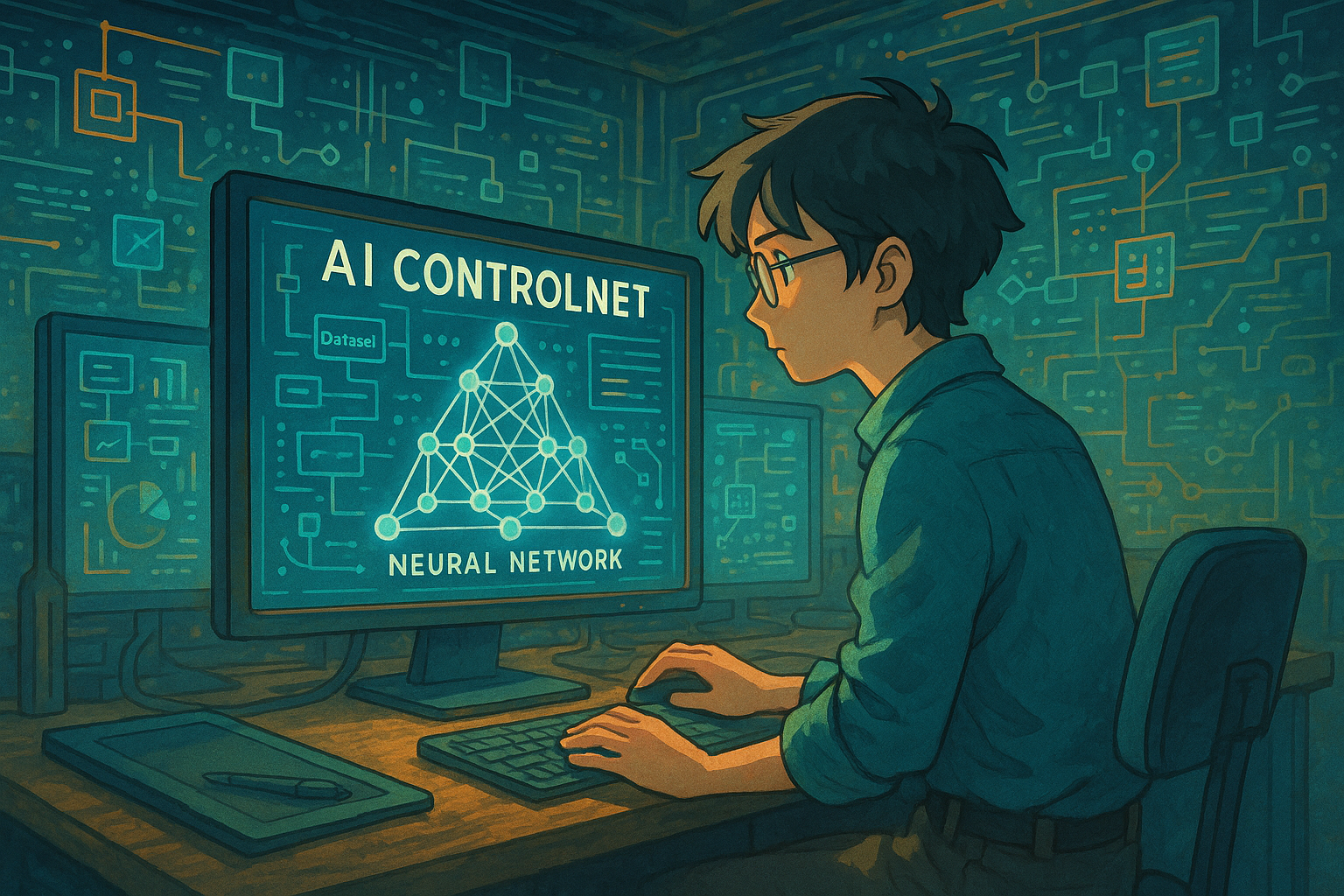
Advanced Principles and Architecture of ControlNet
What is ControlNet? A revolutionary solution for AI-powered graphics control.
controlnet It is an AI model for "controllable image generation," embedded in the Stable Diffusion system.Allows users to directly intervene in the structure and style of AI-generated images based on intuitive conditional maps (such as edges, skeletons, and blocks).This greatly enhances the accuracy and practicality of AI drawing. Compared to traditional AI drawing that relies on text prompts, ControlNet, with its multi-channel input, enables "copying exactly" and even re-rendering of fine details.
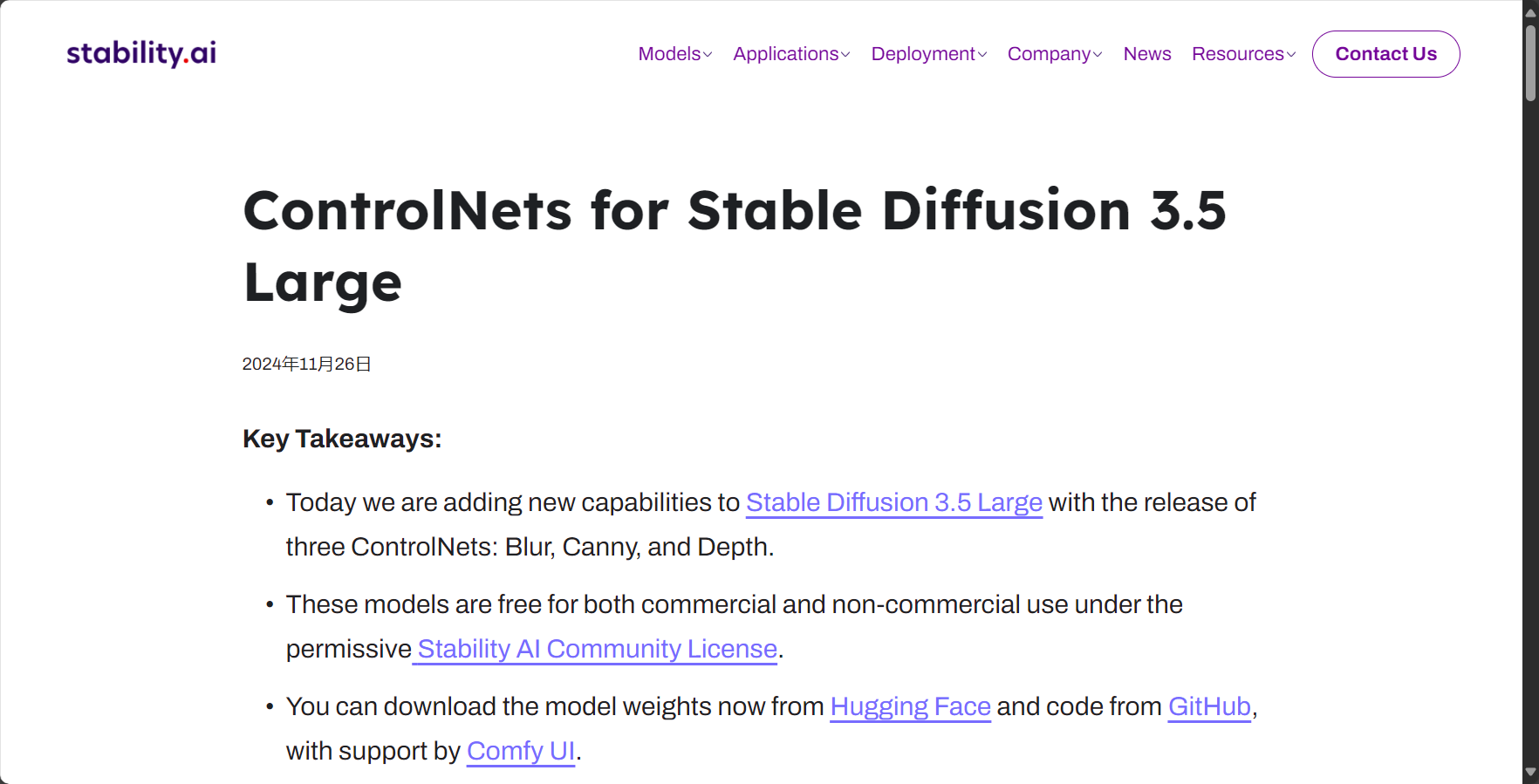
Why can ControlNet change the AI painting experience?
- Extremely high controllability:Hand-drawn outlines, skeletons, and segmentation diagrams allow for precise control of AI image composition and movement.
- Full-scene adaptation:It is compatible with multiple modalities such as line art, OpenPose, semantic segmentation, and depth maps, enabling seamless cross-media creation.
- The Evolution of AI Editing:It enables localized repairs, character adjustments, scene replacements, and style transfers, giving AI the capability of manual operation.
ControlNet Workflow Deconstruction
| step | illustrate |
|---|---|
| 1. Preprocessing | Automatically generate "control conditions" such as Canny edges or OpenPose poses. |
| 2. Encoding | ControlNet incorporates control information encoding into the main model. |
| 3. Denoising Iteration | The main model and ControlNet are jointly optimized to accurately reproduce the structure. |
| 4. Multiple integrations | Multi-channel combination is possible, enabling synchronous control of complex blocks/styles/parts. |
| 5. Output | The output results automatically conform to the conditional graph structure and requirements. |

ControlNet Main Model Types and Ecosystem
List of official and community mainstream control models
| Control Model | Abbreviation/Document | Typical scenarios | describe |
|---|---|---|---|
| canny | control_v11p_sd15_canny | Product/Architectural Line Art | Edge detection, high-fidelity morphology |
| inpaint | control_v11p_sd15_inpaint | Local repair and redraw | Regional modifications, main body remains unchanged |
| lineart | control_v11p_sd15_lineart | Character/Industrial Artwork | Stable output of line art details |
| mlsd | control_v11p_sd15_mlsd | Interior and exterior structural diagrams | Linear modeling, industrial and architectural drawing |
| openpose | control_v11p_sd15_openpose | Action storyboard/movement | Skeleton reconstruction of character movements |
| scribble | control_v11p_sd15_scribble | Graffiti turned into formal painting | Efficiently generate finished product from random line drawings |
| normalbae | control_v11p_sd15_normalbae | 3D rendering | Professional-grade normals and lighting management |
| seg (segmentation) | control_v11p_sd15_seg | Segmentation and color changing/overlay | Precise control of color blocks |
| softedge | control_v11p_sd15_softedge | Landscape/Portrait | Soft edges, delicate expression |
| tile | control_v11f1e_sd15_tile | Large image restoration | Slicing to optimize detail |
| depth | control_v11f1p_sd15_depth | Space/Cutout | Deep control over spatial perception/scene changing |
| anime lineart | control_v11p_sd15s2_lineart_anime | 2D coloring | Optimized specifically for anime, adaptable to multiple styles |
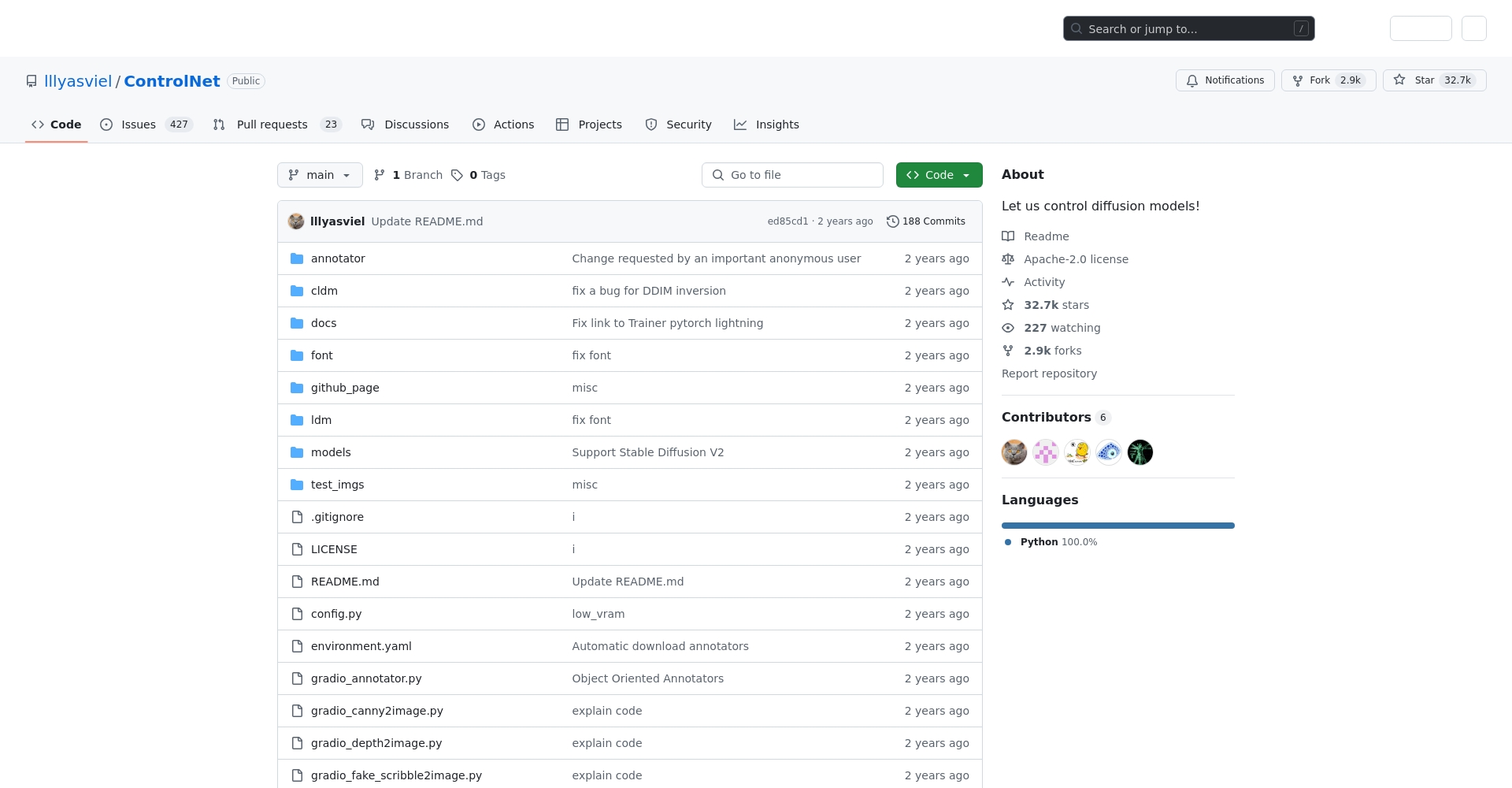
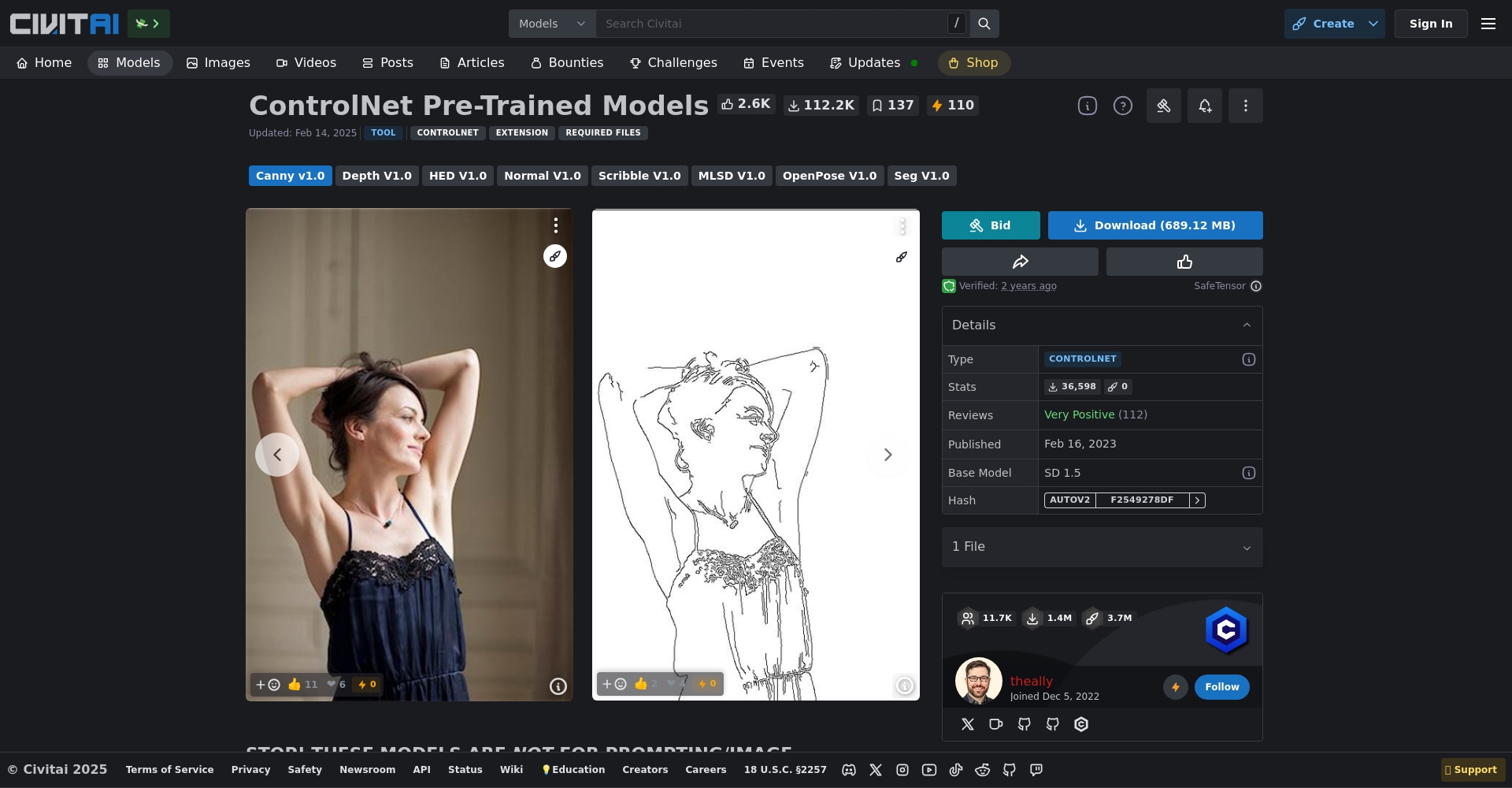
The variety of SDXL and third-party control nets is increasing, and the high-end ecosystem is active, referencing model libraries such as Huggingface and CivitAI.
ControlNet's high integration in the mainstream ecosystem
- It is compatible with Stable Diffusion WebUI, ComfyUI, Qiuye Integration Package, etc., and can create fine drawings without code.
- Most ecosystems have built-in multi-control model plugins, which can be used by beginners in 10 minutes and cover all professional needs in all scenarios.
- SD1.5/SD2.0 is officially maintained, the SDXL community is deeply developed, and the combination gameplay is flexible and varied.
ControlNet Practical Techniques & Advanced Usage
1. Practical scenarios for a single ControlNet model
- Character three-view drawing: OpenPose skeleton diagram with three-view effect, automatically generates three-view diagrams of characters with a unified style.
- Precise light source/texture: Depth and normalbae work together to specify the direction of light and material rendering.
- Area color change/addition: Segmentation model segmentation, partitioning and capturing or color changing (e.g., adding a ship to the blue area).
- Generating official AI drawings from random scribbles: In scribble mode, any random line drawing can be quickly transformed into a refined finished product.
2. Advanced techniques for combining multiple ControlNets
| Usage type | Combinatorial model | Key points of operation |
|---|---|---|
| Precision of hands and feet | openpose + depth + canny | Openpose controls the structure, depth controls the space. |
| Multi-role block | segmentation + open pose | Segmentation and region definition, skeleton-controlled motion |
| Subject-background separation | openpose + depth or tile | Foreground skeleton with background depth |
| Style transfer and block coloring | canny+T2I-Adapter | Canny defines the details, Adapter defines the style. |
| Local redrawing compound | seg+inpaint | Quickly switch between partial rework after segmentation |
3. A Comprehensive List of Control.net Plugins and Tools
| Tools/Plugins | Instructions for use | How to obtain |
|---|---|---|
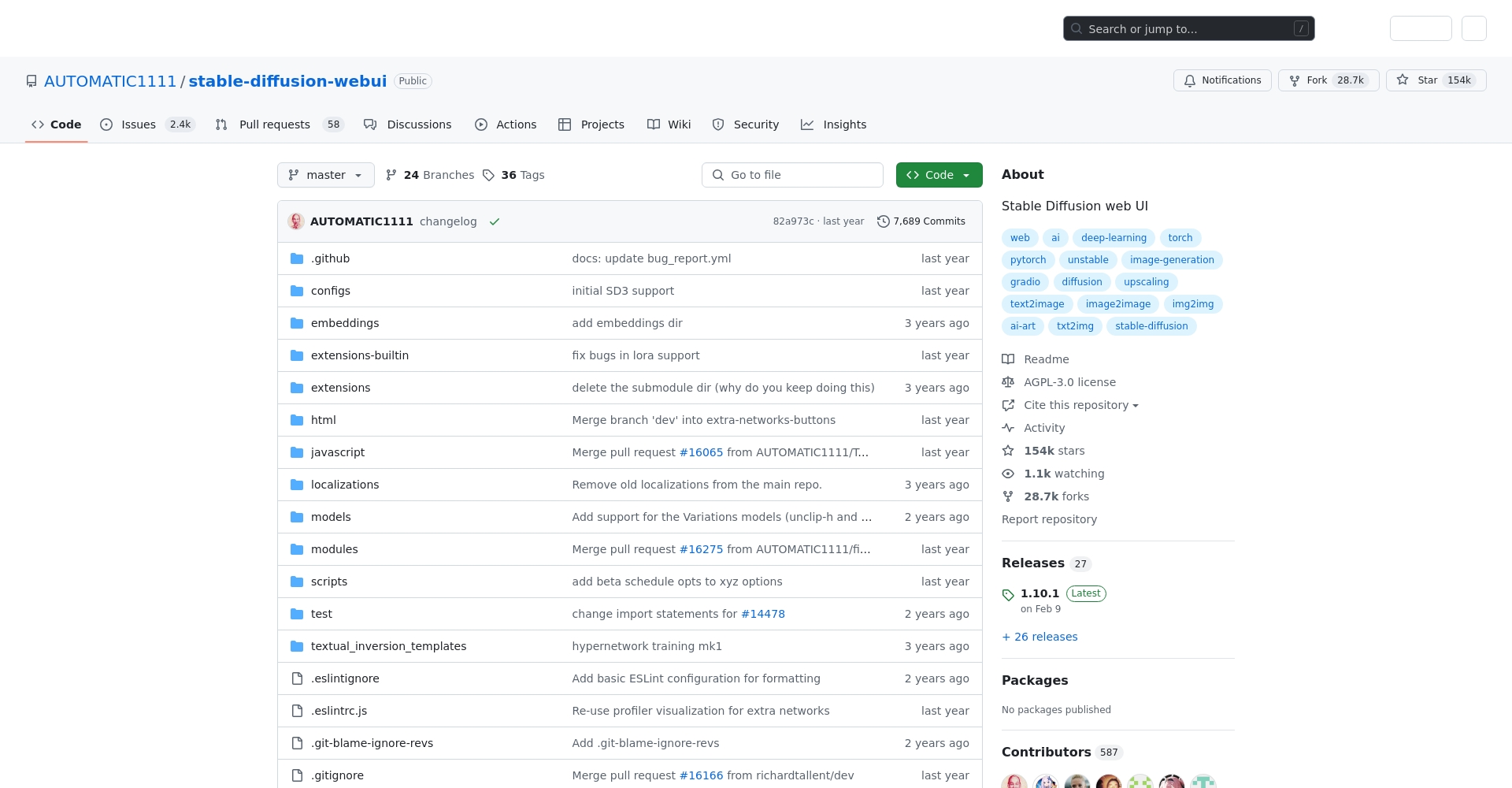
| Stable Diffusion WebUI | Mainstream visualization AI drawing platform, with built-in ControlNet | Project address |
| ComfyUI | Node-based AI drawing with highly customizable parameters | Project Homepage |
| Autumn Leaf AI Painting Kit | Zero-threshold AI drawing tool | Autumn Leaf AI |
| Controlnet Extensions | Various sub-plugins such as reference, edit, and Lora integration, etc. | Official Plugin Repository |
| Canny/Segment/Refer. | Image preprocessing and multimodal support | Mainstream WebUI built-in |

Common problems and practical suggestions for using Control.net
Q1: Which versions of Stable Diffusion does ControlNet support?
- We primarily promote SD1.5/SD2.0, and the community already supports SDXL 1.0/1.5 and the subsequent SD3.
Q2: How to improve the accuracy of plotting in ControlNet?
- It requires a three-step process involving text prompt, LoRA fine-tuning, and ControlNet condition graph, with multiple adjustments to the weights for accurate restoration.
Q3: What should be noted when activating multiple channels in ControlNet?
- Multi-model collaboration is prone to mutual interference. It is recommended to optimize each model first, and then only make minor adjustments to the combined models, along with local redrawing.
Q4: Does ControlNet have any hardware requirements?
- At least 16GB of video memory (RTX3060 and above) is recommended. Some cloud platforms or web pages also offer a low-barrier experience.
A list of ControlNet application scenarios
| Industry/Scenario | Main applications | ControlNet Supported Models |
|---|---|---|
| e-commerce design | Product color change, intelligent background removal, batch image output | canny, seg, depth |
| Advertising/Print | Character combinations, novel poses | openpose, scribble |
| Anime/Game Art | Three-view generation, mass motion stylization | openpose, anime lineart |
| Architectural/Interior Design | Structural diagram replication, style conversion | mlsd, tile, canny+T2I |
| Medical Imaging | Segmentation highlighting, region-assisted diagnosis | seg, depth |
| Education/Science Popularization | Color illustrations and interactive demonstrations | seg, normal, inpaint |
| Smart Post-Production | One-click scene replacement, precise restoration of vintage feel | depth, inpaint, reference |
Since 2024, ControlNet and its ecosystem have been sweeping the AI painting industry. From professional designers and illustrators to ordinary enthusiasts, ControlNet allows AI to create images as freely as using a sketchpad. By effectively using ControlNet, your creative efficiency and the quality of your work will reach new heights. Looking to the future, AI image creation tools will undoubtedly empower humanity with even greater creativity.
© Copyright notes
The copyright of the article belongs to the author, please do not reprint without permission.
Related posts



No comments...
