
AI Back Removal Tool Recommendations: 7 Free AI Back Removal Platforms Worth Trying in 2025 (Comprehensive Analysis of Effectiveness, Speed, and Ease of Use)
In 2025,AI-powered back-text removal toolIt has become an essential tool for digital design and content creation. This article provides a comprehensive review of 7 top free AI back removal platforms, specifically targeting...Back removal effect, processing speed, ease of useAnalyzing each tool individually helps you choose the ideal one for your needs. Features include:One-click back removal, high preservation of edge details, download without registration.Furthermore, it features advanced editing capabilities such as multi-template synthesis and batch processing, accelerating the design and content production process.

Overview of 7 Major AI Back Removal Platforms in 2025
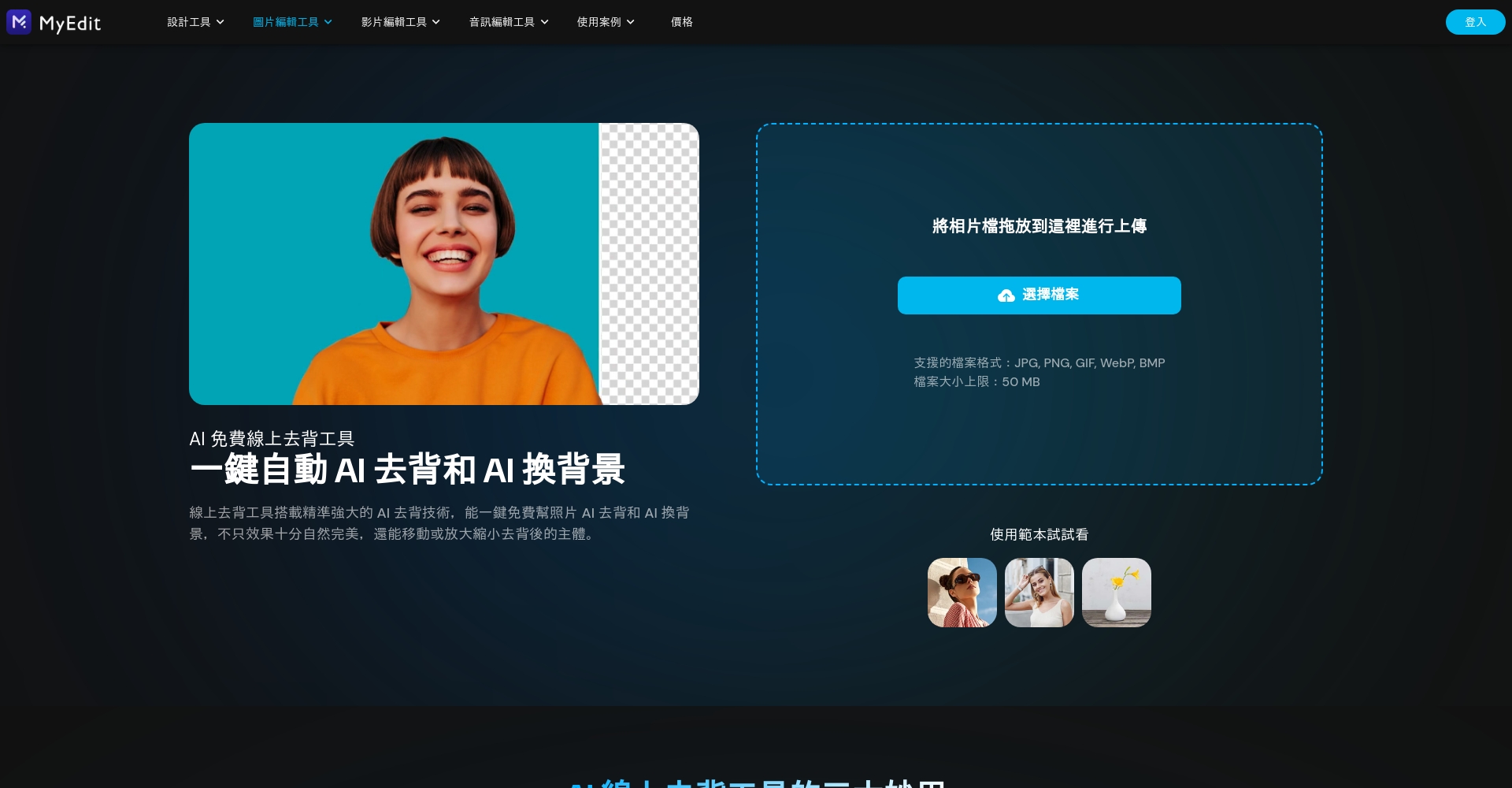
| Tool Name | Back removal effect | Calculation speed | Ease of use | Advanced editing features | No watermark/high-definition download | Download/Use Threshold | Product Link |
|---|---|---|---|---|---|---|---|
| MyEdit | Excellent | Extremely fast | Very easy to use | Subject adjustment / AI background / Brush fine-tuning | Free (some high-definition options are available for a fee). | No registration required | MyEdit |
| remove.bg | Excellent | 快 | Extremely simple | Change background, fine-tune the background removal area | Free access has limitations; high-definition requires payment. | No registration required | remove.bg |
| PicWish | very good | 快 | Intuitive and easy to use | Change background (solid color only), fine-tune brushes. | Free low-resolution (registration required), high-resolution (paid) | Registration required | PicWish |
| Adobe Express | Upper-middle | Slower | Multiple operation steps | Subject adjustment/Diverse backgrounds | Free but compressed; HD requires an Adobe account. | Registration required | Adobe Express |
| Fotor | Excellent | ordinary | simple | Change background/adjust subject/AI function | Free with low quality; high quality requires payment. | No registration required | Fotor |
| PhotoRoom | very good | 快 | Easy to use | Multiple templates/AI reconstruction/blurring/subject adjustment | Free versions have a watermark; versions without a watermark require payment. | Registration required | PhotoRoom |
| Clipping Magic | very good | 快 | Batch processing is possible | Brush refinement/color adjustment | Free files are compressed; high-definition files require payment. | No registration required | Clipping Magic |

Recommendations and practical tests of mainstream AI-powered back-text removal tools
MyEdit
MyEditUtilizing the latest AI model, it achieves "one-click background removal," with accurate subject identification and high detail retention.Extremely fast, image output in one second.It boasts a full range of features: subject scaling and rotation, 150+ background templates, brush fine-tuning, and direct operation without logging in. The downsides are that ultra-high resolution and removal of all watermarks require payment.
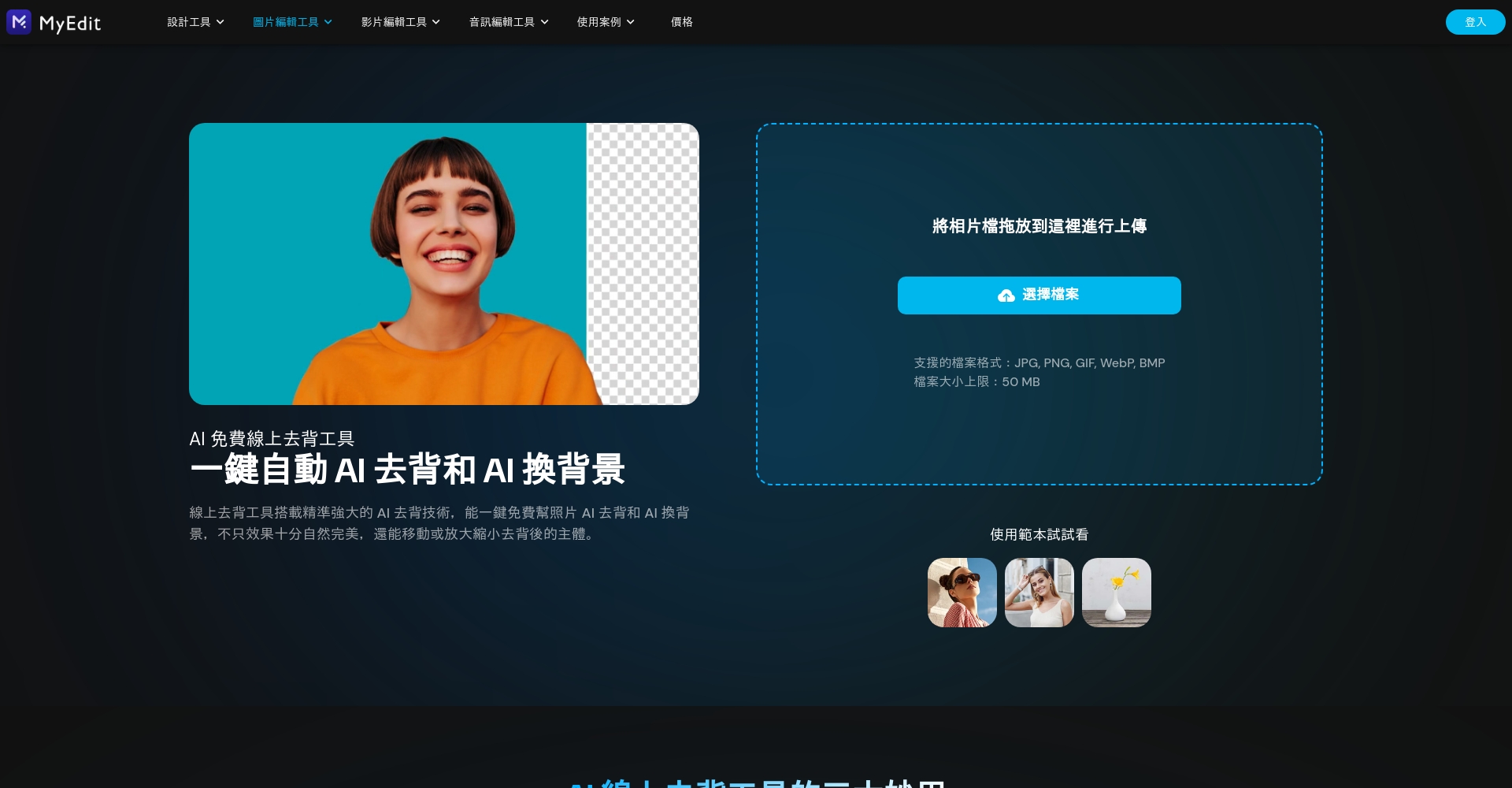
| Project | Performance |
|---|---|
| Detail processing | ★★★★★ |
| Background replacement | 150+ built-in/custom characters |
| Main body adjustment | Zoom in/scaling out/rotating are fully supported. |
| speed | Seconds |
| Ease of use | ★★★★★ |
| Difficulty | Zero learning cost |
👉 Try MyEdit anytime without registration
remove.bg
remove.bgFully automatic backpack removalOne-click upload of high-precision segmentationSuitable for e-commerce businesses or those requiring high-volume, rapid image processing. Supports background changing/blurring, with particularly good preservation of hair and object outlines. Disadvantages include...The free version has limited resolution and basic detail adjustments.。
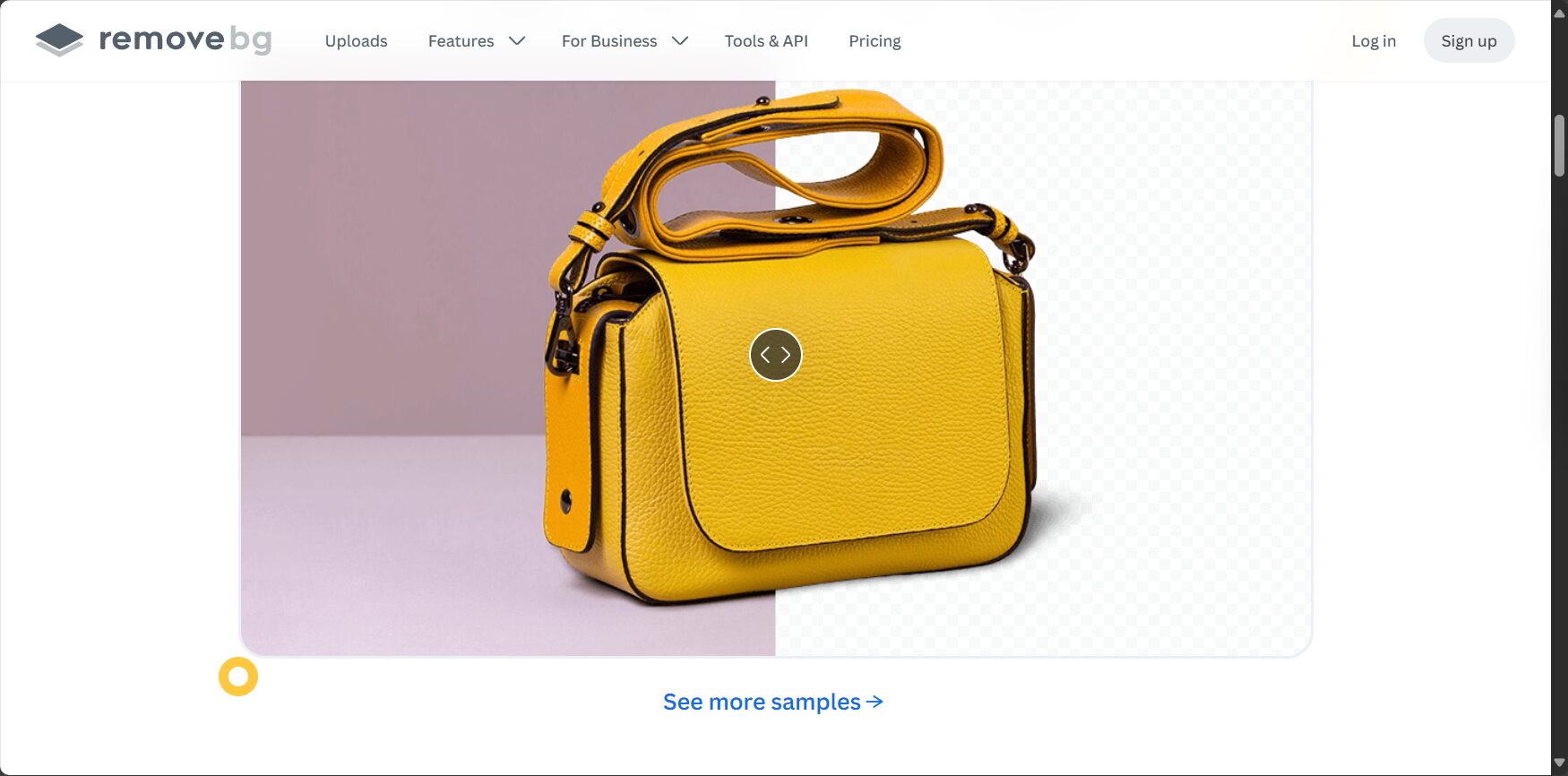
| Project | instruction |
|---|---|
| Details | ★★★★☆ |
| Calculation speed | ★★★★☆ |
| Ease of use | ★★★★★ |
| Main limitations | High resolution is pay-per-view, subject cannot be adjusted. |
| Typical applications | Fast large-volume image backing removal |
PicWish
PicWishIt supports manual brush adjustments, the main outline is clear, and the interface is intuitive.Free, registration required; supports custom or solid color backgrounds.The downside is that subject adjustments are limited, and the free download is only available in low resolution.

| Project | instruction |
|---|---|
| To reduce accuracy | ★★★★☆ |
| speed | ★★★★☆ |
| Ease of use | ★★★★☆ |
| Main limitations | Registration required; HD video requires payment. |
Adobe Express
Adobe ExpressSupports backless design and complete fusion.The detail work is above average, and the subject/background can be edited freely.The downsides are that the process is cumbersome, the speed is slow, and the free features are limited.

| Project | instruction |
|---|---|
| Operating procedures | Multi-step |
| Back removal effect | ★★★★☆ |
| Free restrictions | Registration required; high-definition viewing requires a membership. |
| Typical application | One-stop graphic design |
Fotor
FotorComprehensive image editing skills.Backless + Multiple templates + Free adjustment of subjectThe interface is clear and easy for beginners to use, suitable for diverse image needs. Disadvantages include moderate speed and the need to pay for high-quality images.
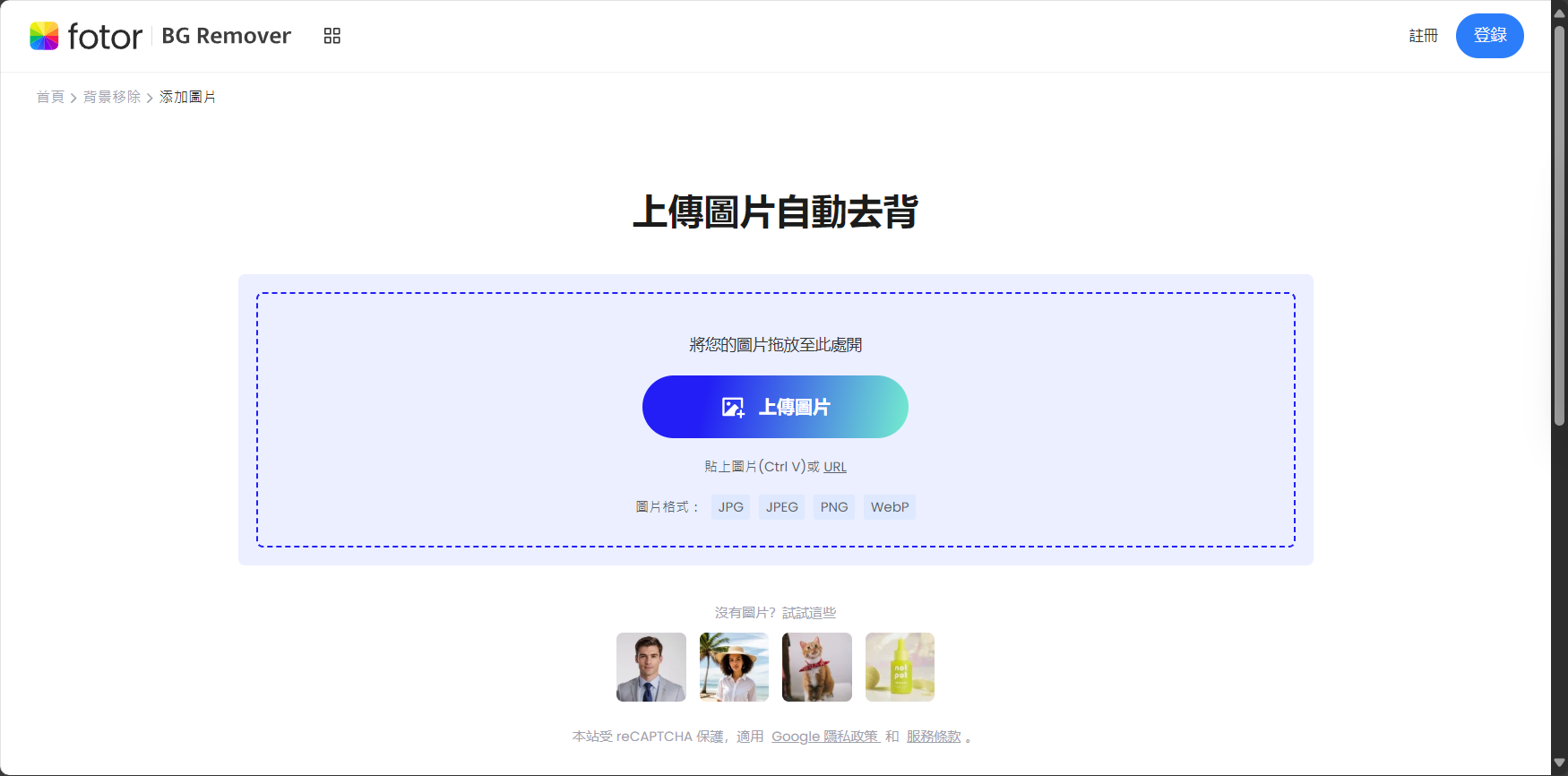
| Project | instruction |
|---|---|
| Main operation | Adjusting the size and position of the main body |
| Background changed | Multicolor/AI Template |
| Back removal effect | ★★★★☆ |
| Free restrictions | Low resolution only |
PhotoRoom
PhotoRoomKnown for its abundant template resources (e-commerce, social media, brand) and excellent AI recognition capabilities. It supports batch/commercial image automatic background removal, background/shadow/blurring in one stop.The free version has a watermark and requires registration; high-definition and more features are available for a fee.。

| Project | instruction |
|---|---|
| Template Resources | Enrich (e-commerce, social media) |
| Back removal accuracy | ★★★★☆ |
| Free restrictions | Watermarked, registration required. |
| Special features | AI background, automatic batch processing of image stitching |
Clipping Magic
Clipping MagicIt features AI autonomous recognition combined with manual fine-tuning.Supports batch uploads and individual retouching, with advanced brush correction and color balance customization.No registration is required to use it. The free version only allows you to download thumbnails.
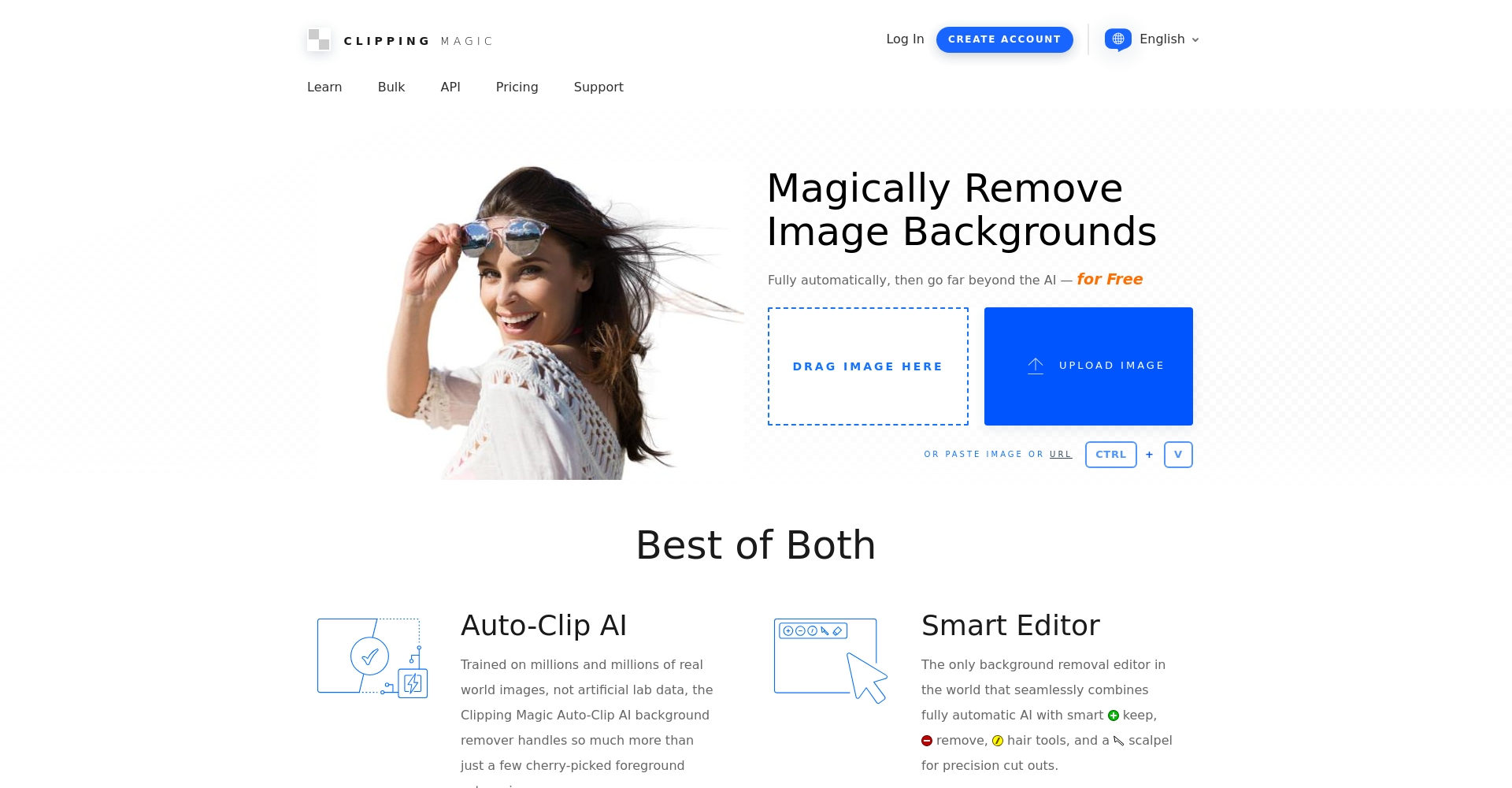
| Project | instruction |
|---|---|
| Detail editing | Brush flexibility |
| Back removal accuracy | ★★★★☆ |
| Calculation speed | ★★★★☆ |
| Free restrictions | Free thumbnails only |
2025 AI Back Removal Tool FAQ and Selection Advice
What key factors should be considered when choosing an AI-powered dictation platform?
- Back removal effect and detail treatment: Ability to see hair with edges, transparent objects, and cluttered backgrounds.
- Calculation speedMost platforms generate data in one second, while some support batch uploading and processing.
- Ease of useIs the process intuitive, easy to understand, and user-friendly?
- Advanced featuresSupports background changing, intelligent adjustment, adding shadows, etc.
- Free download restrictions: Does it have a watermark/HD restriction? Is it ready to use immediately after download?
- User login thresholdIs registration required?
Common application scenarios for AI to remove rote memorization.
- E-commerce product imagesA completely white or minimalist background enhances the professional look.
- Community creatorsStickers, profile pictures, and design templates can all be created with a single click.
- ID photo/headshotPure white or transparent background, done in a second.
- Poster Design/Advertising Materials: Material combination, subject freely adjustable.
- Self-media image optimizationQuick thumbnail and cover enhancement.
Intelligent AI background removal operation steps (using MyEdit as an example)
- Enter MyEdit。
- Upload images (PNG/JPEG).
- AI automatically identifies the subject and generates a transparent background image in about one second.
- Can be carried outZoom/Move/Change Background/Shadow/Fine Brush Adjustments。
- Download PNG or composite images.
Overall Evaluation of Performance Comparison Across Platforms
| tool | Remove back details | Calculation speed | Ease of use | Free download of ease of use |
|---|---|---|---|---|
| MyEdit | ★★★★★ | ★★★★★ | ★★★★★ | ★★★★☆ |
| remove.bg | ★★★★☆ | ★★★★☆ | ★★★★★ | ★★★☆☆ |
| PicWish | ★★★★☆ | ★★★★☆ | ★★★★☆ | ★★★☆☆ |
| Adobe Express | ★★★★☆ | ★★★☆☆ | ★★★☆☆ | ★★★☆☆ |
| Fotor | ★★★★☆ | ★★★☆☆ | ★★★★☆ | ★★☆☆☆ |
| PhotoRoom | ★★★★☆ | ★★★★☆ | ★★★★☆ | ★★★☆☆ |
| Clipping Magic | ★★★★☆ | ★★★★☆ | ★★★★☆ | ★★☆☆☆ |
Conclusion: 2025AI to remove the backThe platform is flourishing.MyEdit, remove.bg, PicWishThe most balanced performance. For those seeking high image quality, powerful features, and ultimate smoothness, MyEdit and remove.bg are recommended; for commercial design and diverse templates, consider PhotoRoom and Fotor. It's suggested to try different platforms and choose the best tool based on your needs and download requirements for a comprehensive improvement in efficiency and creativity!
© Copyright notes
The copyright of the article belongs to the author, please do not reprint without permission.
Related posts



No comments...
