What is mymap? A comprehensive analysis of AI-powered intelligent map tools and efficient application methods.
Google MyMapIt is a powerful map customization and collaboration platform launched by Google, which allows users to customize landmarks, routes, and data layers to achieve travel planning, team collaboration, and visualized information organization. This article will provide a comprehensive analysis of it.Core functions, application scenarios, and efficient operation techniquesThis will help you quickly master the advanced uses of AI-powered intelligent map tools.
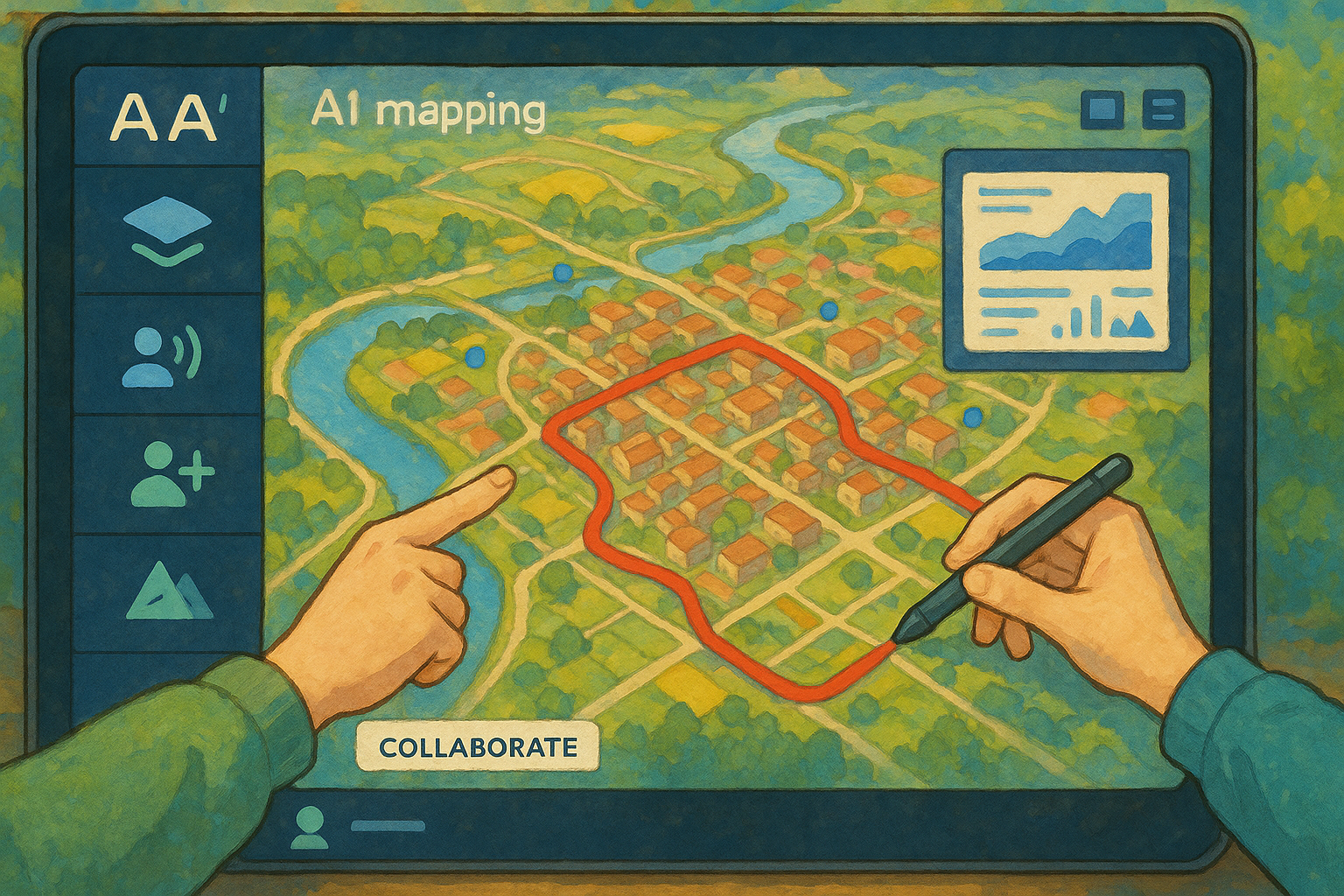
What is mymap? A core tool in the era of intelligent maps.
mymap (Google My Maps)It is a map customization and collaboration platform developed by Google for individuals, teams, and businesses. Users can customize landmarks, routes, and layers, batch import data, and export data in formats such as KML, achieving...Travel planning, project collaboration, data visualizationIt has many efficient applications.
- Official website:Google My Maps
- Application forms: Primarily web-based, with some Android features supported.
Overview of mymap's core features
| Functional modules | Key capabilities | High-efficiency application scenarios | Supports AI/smart elements |
|---|---|---|---|
| Multi-layer management | Up to 10 layers | Itinerary/Group Management | 否 |
| Landmark/Route Editing | Add landmarks and routes | Print navigation, logistics route | Automatic path generation |
| Batch import | Supports Excel/CSV/Google Forms | Branch network or big data visualization | Automatic Geographic Resolution |
| Sharing and Collaboration | Permissions/Multi-user editing | Team collaboration projects | Collaboration suggestions |
| Landmark style customization | Colors, labels, icons | Food/Attractions Category | AI image recommendation |
| Map export | KML, KMZ, Images | File migration and display | 否 |
| AI-powered geographic recognition* | Smart location matching | Intelligent positioning | 是 |

*Smart features depend on Google extensions or plugins.
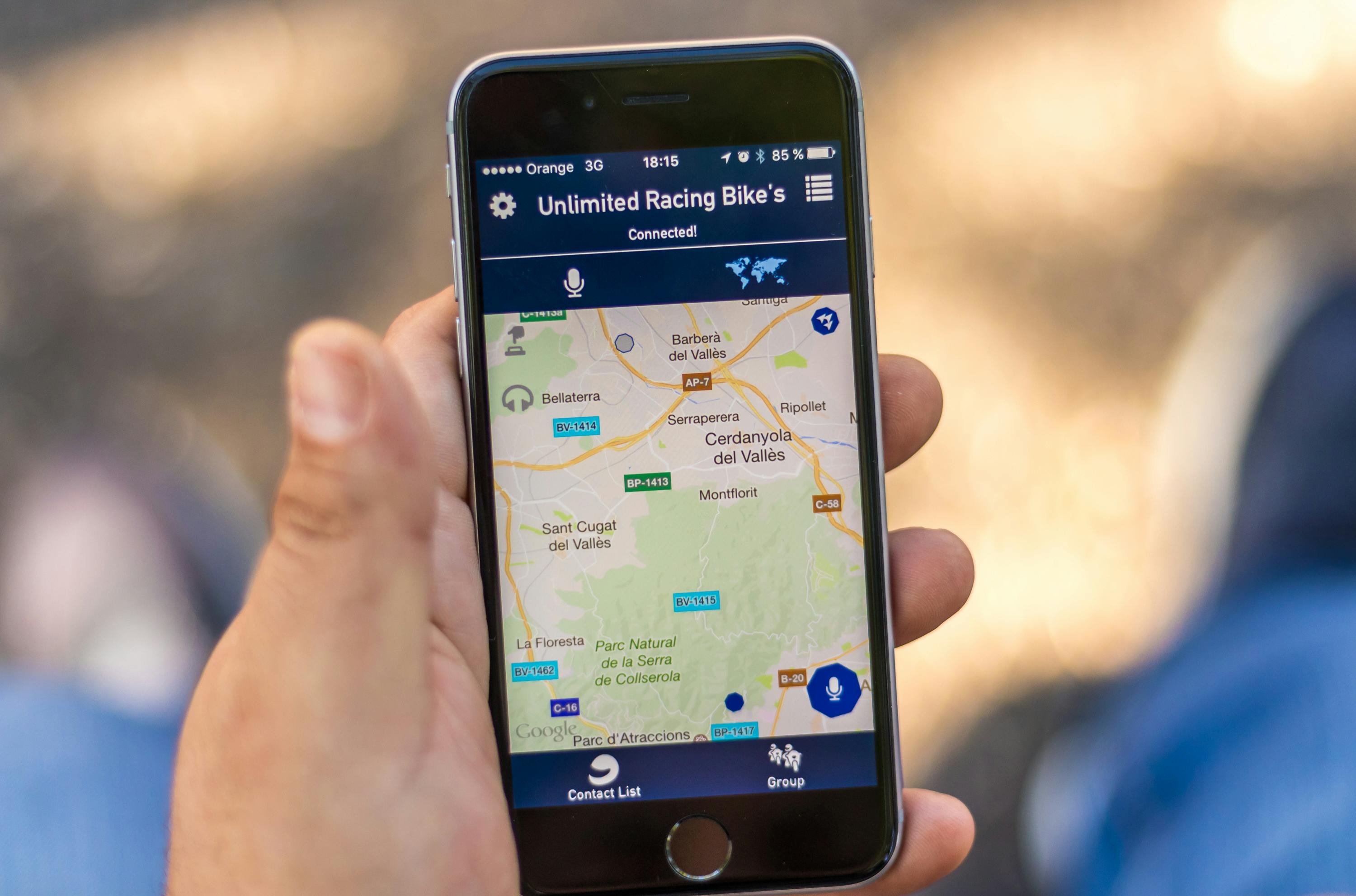
How to efficiently create and manage "My Map"
1. Quickly enable mymap: Entry and account settings
- access Google My Maps Homepage
- Sign in with your Google account and click "Create Map".“
- Supports Google Drive syncing and is free for all Google users.

2. Multi-layered thinking: Comprehensive control of route, number of days, and category.
It is recommended to manage itineraries by day and by type using layers.For example, one floor per day, enabling unlocked group browsing:
| Scene | Layer 1 | Layer 2 | Layer 3 |
|---|---|---|---|
| 7-day self-driving tour | Day 1 | the next day | Day 3 |
| Food Map | breakfast | Lunch | afternoon tea |
| Store locations | North District | South District | Partners |
Each layer can be edited/hung independently, facilitating categorization and navigation.
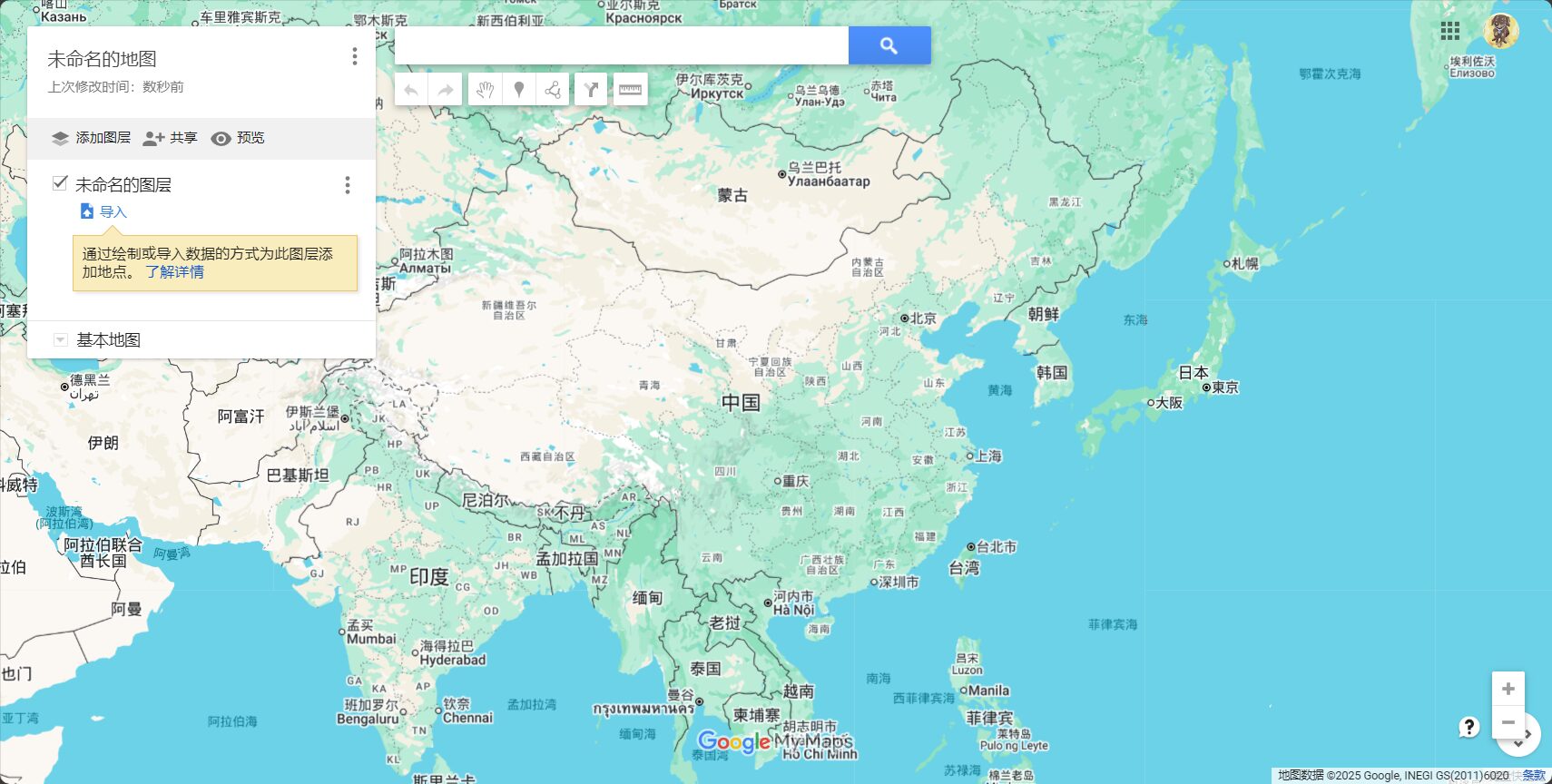
3. Intelligent Import and Editing: Batch Processing of Landmarks
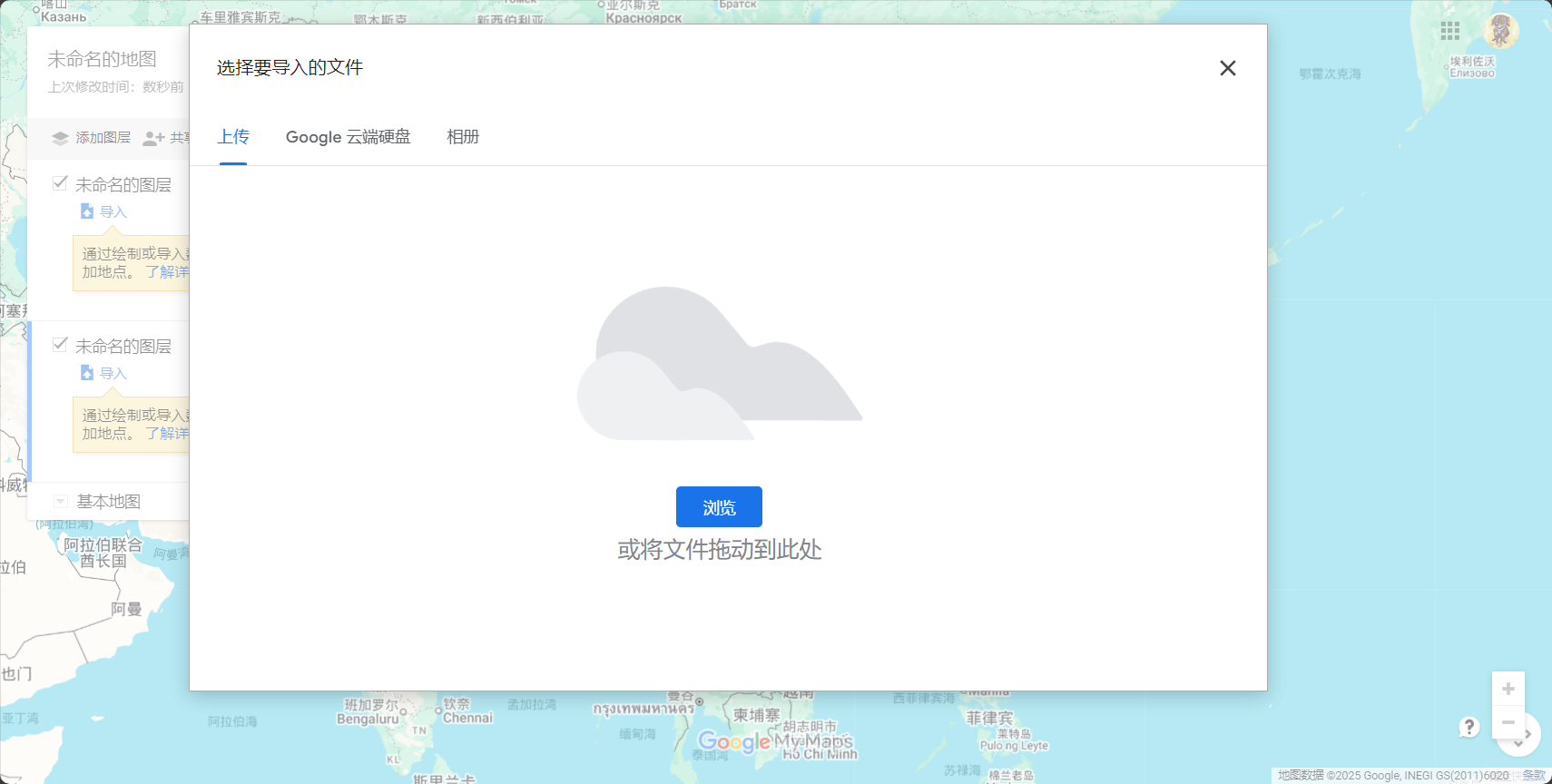
- “The "Import Data" function supports Excel/CSV/Google Forms, allowing for batch generation of landmarks with a single click, and AI will automatically locate them.
- Landmarks support custom names, notes, images, web links, etc.
| field name | use | Is this field required? | Automatic positioning |
|---|---|---|---|
| name | Landmark Name | suggestion | 否 |
| address | Detailed address | Required | 是 |
| Remark | Supplementary Explanation | Optional | 否 |
| Label | Category Recommendations | Optional | 否 |
4. Customize landmark styles to beautify the map.
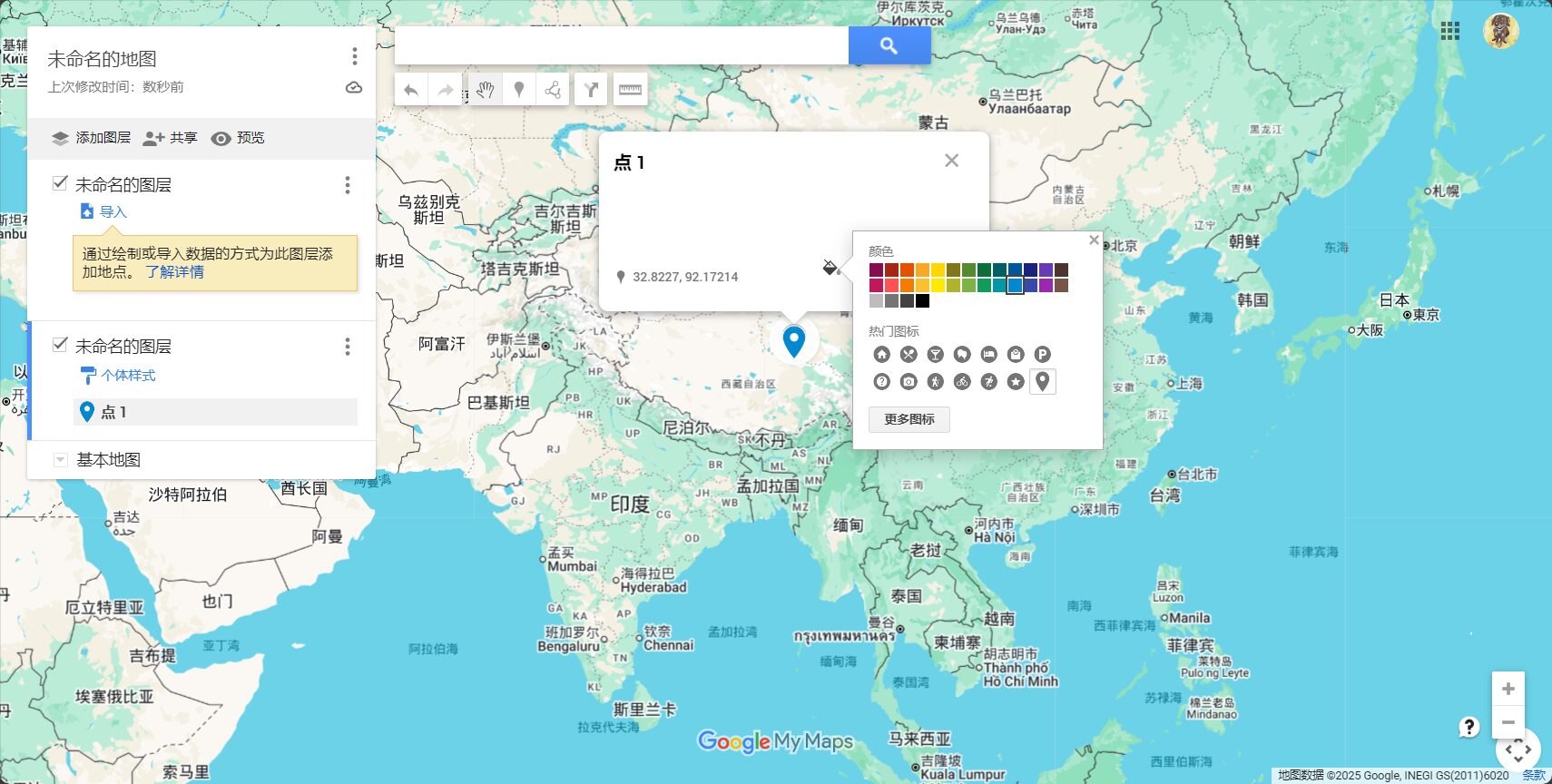
- Landmarks can be selected by the userIcon, color, and label arrangement
- One-click batch categorization for easy and quick type differentiation.
- Supports inserting images/YouTube/official website links
5. Route and path planning: a combination of AI intelligence and manual operation
- AI can automatically generate the best routes for walking, driving, or cycling.
- Complex paths support manual line drawing, with customizable color and thickness.
- Intelligent path optimization and multi-point prompts improve efficiency.
| starting point | end | Path type | AI Recommendation | Manually adjustable |
|---|---|---|---|---|
| Taipei Main Station | Jiufen Old Street | drive | 是 | 是 |
| Kyoto City | Fushimi Inari | Walking/Subway | part | 是 |
| Causeway Bay | Victoria Peak | Bus/Walking | 否 | 是 |
6. Large-scale data management: Batch editing of tables
- The left-hand menu, "Open Table," supports batch addition, deletion, and modification of landmarks and fields.
- Suitable for complex or large-scale data management for efficient operation
What changes has mymap's collaboration and sharing features brought about?
1. Online collaboration and tiered access control
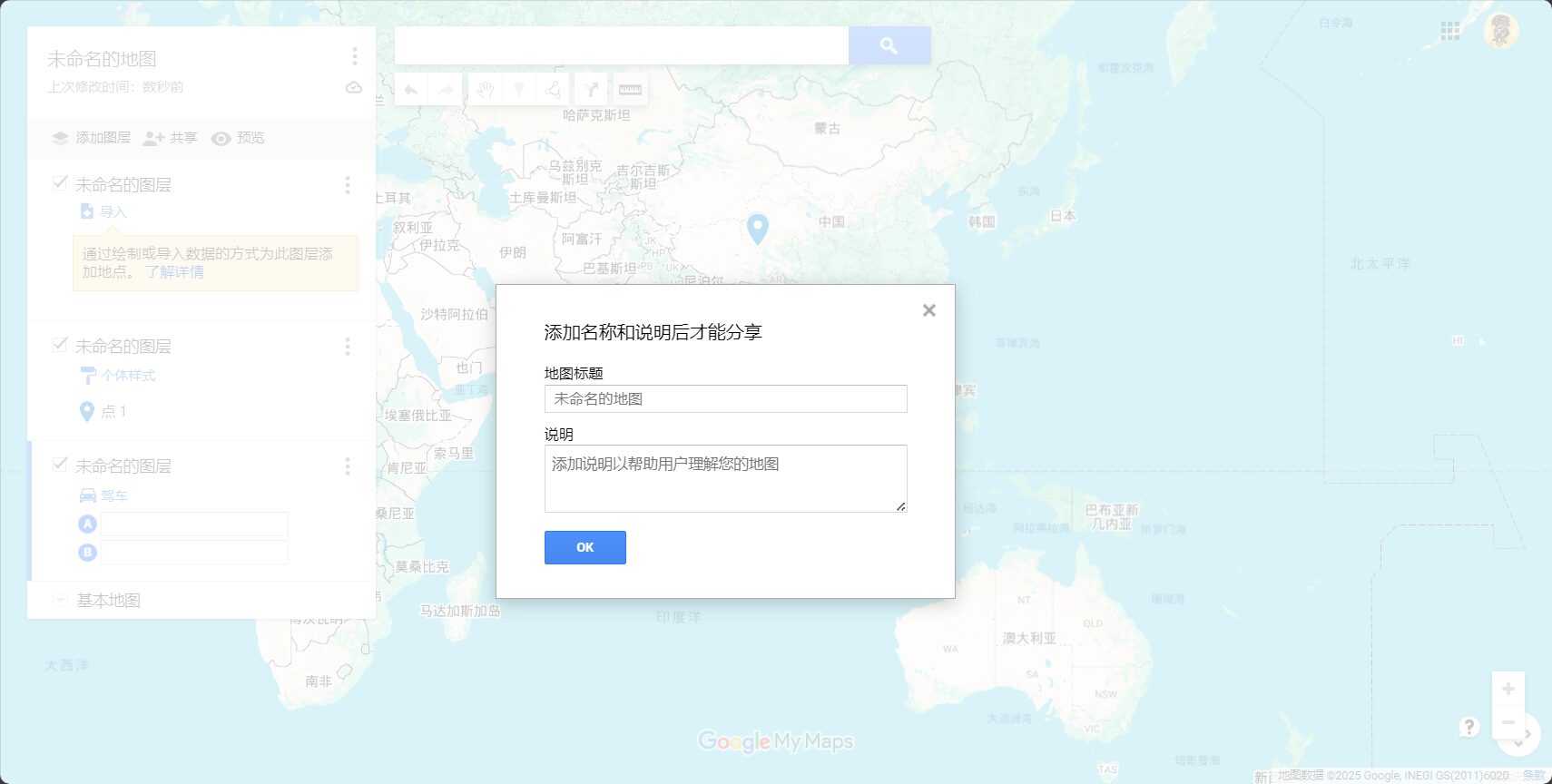
- Options include: edit/view only by the user, a specific person, or everyone.
- Share map links to invite collaboration; multi-person collaborative editing is more convenient.
2. Map Export and Display
- Supports exporting to KML/KMZ format for compatibility with professional tools such as Google Earth/ArcGIS.
- It can export PNG/JPG files for easy display and printing.

3. Cross-device support
- Maps automatically sync to the Google Maps app, so you can view them anytime on your phone.
- Currently not supported.Offline navigationIt is recommended to download the offline package using Google Maps.

List of efficient application examples of mymap
| Application type | Typical users/teams | Main functional combination | Keywords |
|---|---|---|---|
| Independent travel | backpackers | Daily Layers/Batch Landmarks | Itinerary Management |
| Event planning | Organizer | AI Intelligent Route | Guided tour planning |
| Enterprise Location | Sales team | Table import/category management | Branch Optimization |
| Field survey | student | Route + Pictures | Popular Science Survey |
| Community sharing | Food Group | Batch Collaboration | Cross-city exchanges |
| Logistics and distribution | courier companies | Smart Route | Route optimization |
Advanced Techniques and Common Issues
- Offline use: We recommend exporting the KML file and opening it with an offline map app.
- Layer/Landmark Limit: A single image can have a maximum of 10 layers, and the number of landmarks on a single layer should not exceed 200-300.
- Tips for batch importing landmarks: Improve AI recognition accuracy with Google Forms and full addresses.
- Route navigation: Currently, MyMap does not support one-click multi-point navigation; it must be used in conjunction with Google Maps for point-by-point navigation.
Related Resources and Extensions
- Google Maps official entry point:https://www.google.com/maps/d/
- Detailed illustrated tutorial:Google Maps My Map Complete Tutorial
- Intelligent Map Toolset:Toolify Smart Map AI Toolset
- AI Map Plugin:AI map route optimization plugin
In 2024,Smart maps have become the new foundation for spatial data analysis, travel, and project collaboration.Whether you're organizing schedules, setting up business locations, or collaborating with multiple teams, Google MyMap is worth a try. Explore its AI innovation potential now and make maps your space for knowledge, memory, and innovation!
© Copyright notes
The copyright of the article belongs to the author, please do not reprint without permission.
Related posts



No comments...
