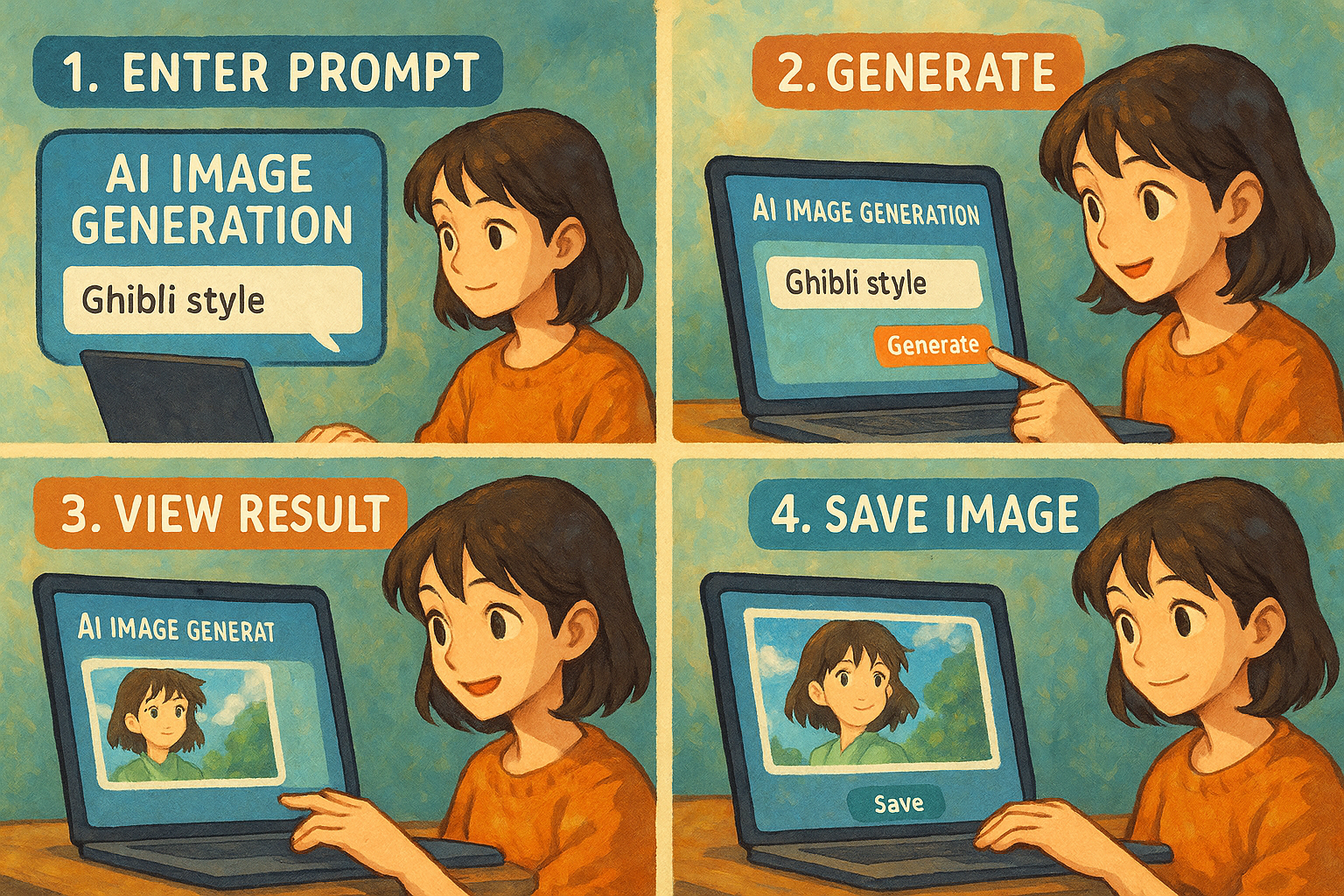
AI Image Creation Beginner's Guide: How Beginners Can Quickly Generate Professional-Grade Images in 3 Steps
AI-powered image creation technologyContinuous evolution enables beginners to generate professional-quality images in a short time.This article teaches three steps.1. Accurately describe your requirements (Prompt design); 2. Choose a suitable AI graphics platform; 3. Fine-tune details and export in high quality. A detailed comparison of mainstream AI graphics tools (MyEdit, Midjourney, DALL·E3, Firefly, Fotor) is provided, along with common pitfalls for beginners and their solutions. Even without professional background, mastering this three-step method allows you to create AI images comparable to those of professional designers, effectively improving your creativity.
AI Image Creation Beginner's Guide: How can beginners quickly generate professional-grade images in 3 steps?
June 2024,Artificial intelligence (AI) graphics technologyContinuous evolution has turned the idea of "creating professional-grade images from scratch" into reality.AI drawingIt significantly lowers the design threshold and can be applied to fields such as social media, advertising, e-commerce, and publishing. This article analyzes it from a news reporting perspective.How to generate high-quality AI images in 3 stepsIt compares with mainstream AI drawing tools to help beginners quickly develop professional-level creativity.
Overview and Current Status of AI Mapping Tools
AI drawingAI-powered graphics refer to the use of artificial intelligence models to automatically generate graphics within seconds based on user descriptions, keywords, or sketches. Since the widespread adoption of tools like DALL·E and Midjourney in 2022, AI graphics have experienced rapid growth. Currently, mainstream tools include MyEdit, Adobe Firefly, and Fotor.Supports Chinese interface, image retouching and diverse stylesIt basically meets the needs of different occasions.
| Tool Name | Chinese interface | Free credit/trial | Special features | Suitable for | Experience Link |
|---|---|---|---|---|---|
| MyEdit | 是 | Daily points free | Chinese incantations, AI partial redrawing, custom style | Beginner to Advanced Designer | link |
| Midjourney | 否 | Pay | Artistic style, high realism | Professional/Senior Creators | link |
| DALL·E3 | 否 | Paid subscription | GPT integration, strong semantics | Translation/Multilingual Scenarios | link |
| Adobe Firefly | 是 | Monthly payment/partially free | Seamless integration with Photoshop, reference image upload | Brand Design/Graphic Editor | link |
| Fotor | 是 | New users receive 5 pictures. | Style controllable, points-based billing | Content creators | link |
Below is a brief introduction to several mainstream AI graphics tools:
MyEdit (myedit.online)
MyEdit is a comprehensive online image editing and AI-powered image generation platform, renowned for its user-friendly support for Chinese users and its simple, intuitive interface. It offers daily free credits and can be used on mobile phones or computers without installing any software. Its key features include optimized Chinese "incantations," AI-powered partial redrawing, and a rich selection of preset styles, making it ideal for beginners and advanced designers looking to quickly realize their creative ideas.
Midjourney (midjourney.com)
Midjourney is a benchmark in the field of AI art generation, renowned for its exceptional artistry and lifelike image quality. It operates entirely through the Discord community, requiring users to learn specific English commands. While it has a learning curve and is a paid service, its generated images are uniquely styled and richly detailed, making it the top choice for professional creators and seasoned players seeking the ultimate artistic effect.

DALL·E 3 (openai.com/dall-e-3)
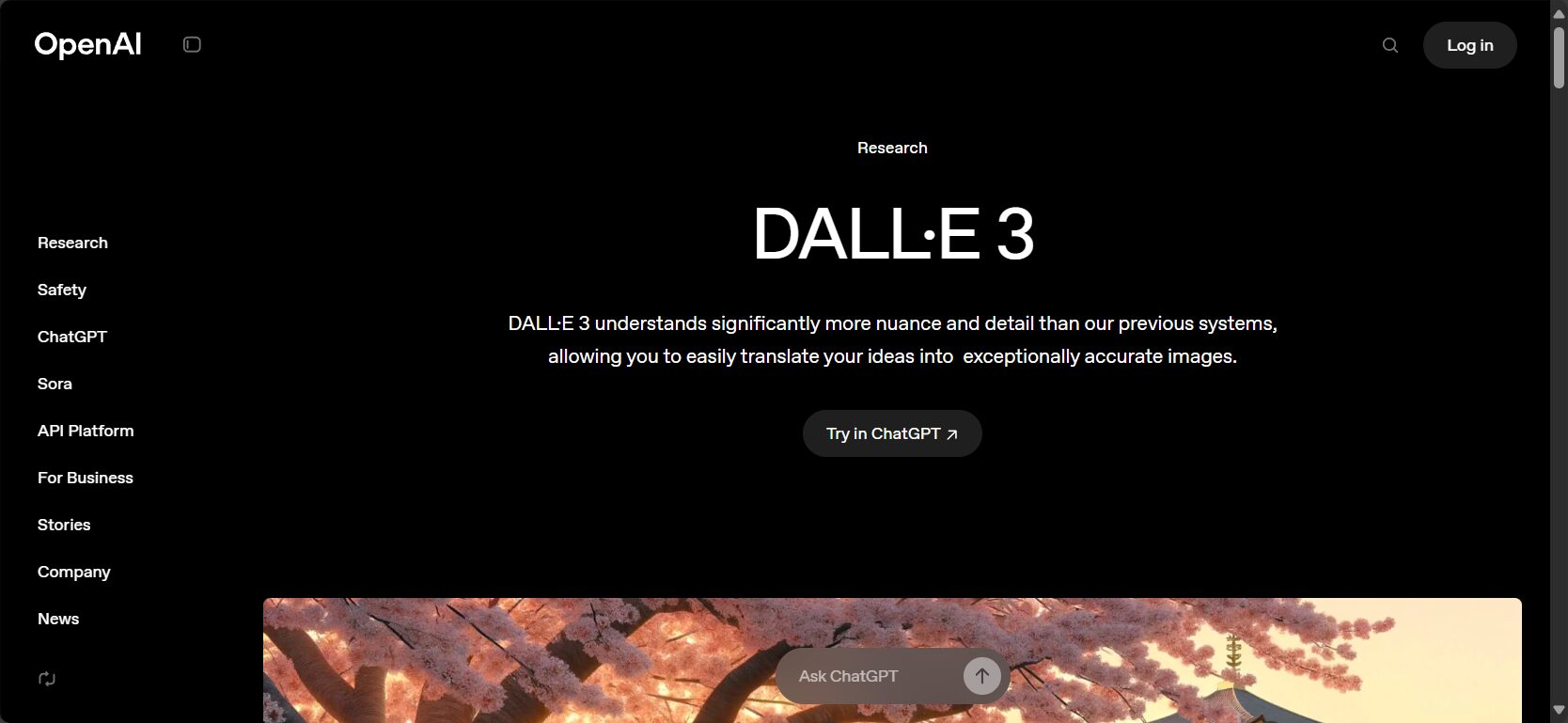
DALL·E 3, developed by OpenAI (the creators of ChatGPT), boasts a significant advantage in its profound understanding of natural language. Deeply integrated into the ChatGPT Plus subscription service, it accurately transforms complex, long sentences into images. This makes it exceptionally well-suited for multilingual scenarios and creative projects requiring precise semantic expression; users can even interact with it to progressively refine their visuals.
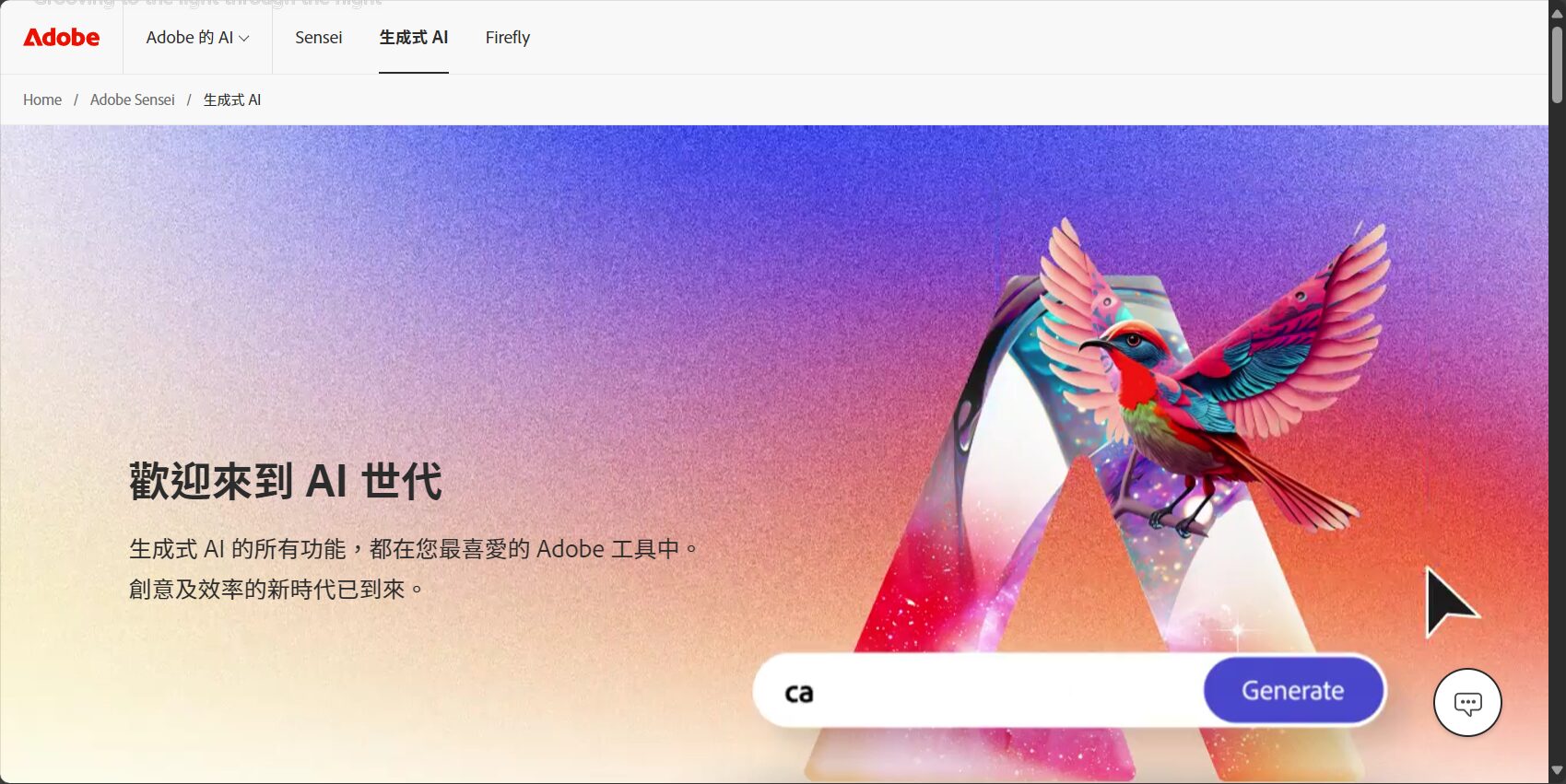
Adobe Firefly (firefly.adobe.com)
Adobe Firefly is a creative generative AI model launched by Adobe. Designed for safe commercial use, its training data comes from the Adobe Stock image library and public domain content. It seamlessly integrates with the Adobe suite of software, including Photoshop and Illustrator, and supports uploading reference images to generate similar style pictures. It's a powerful tool for brand designers, graphic designers, and other creative professionals to improve workflow efficiency.
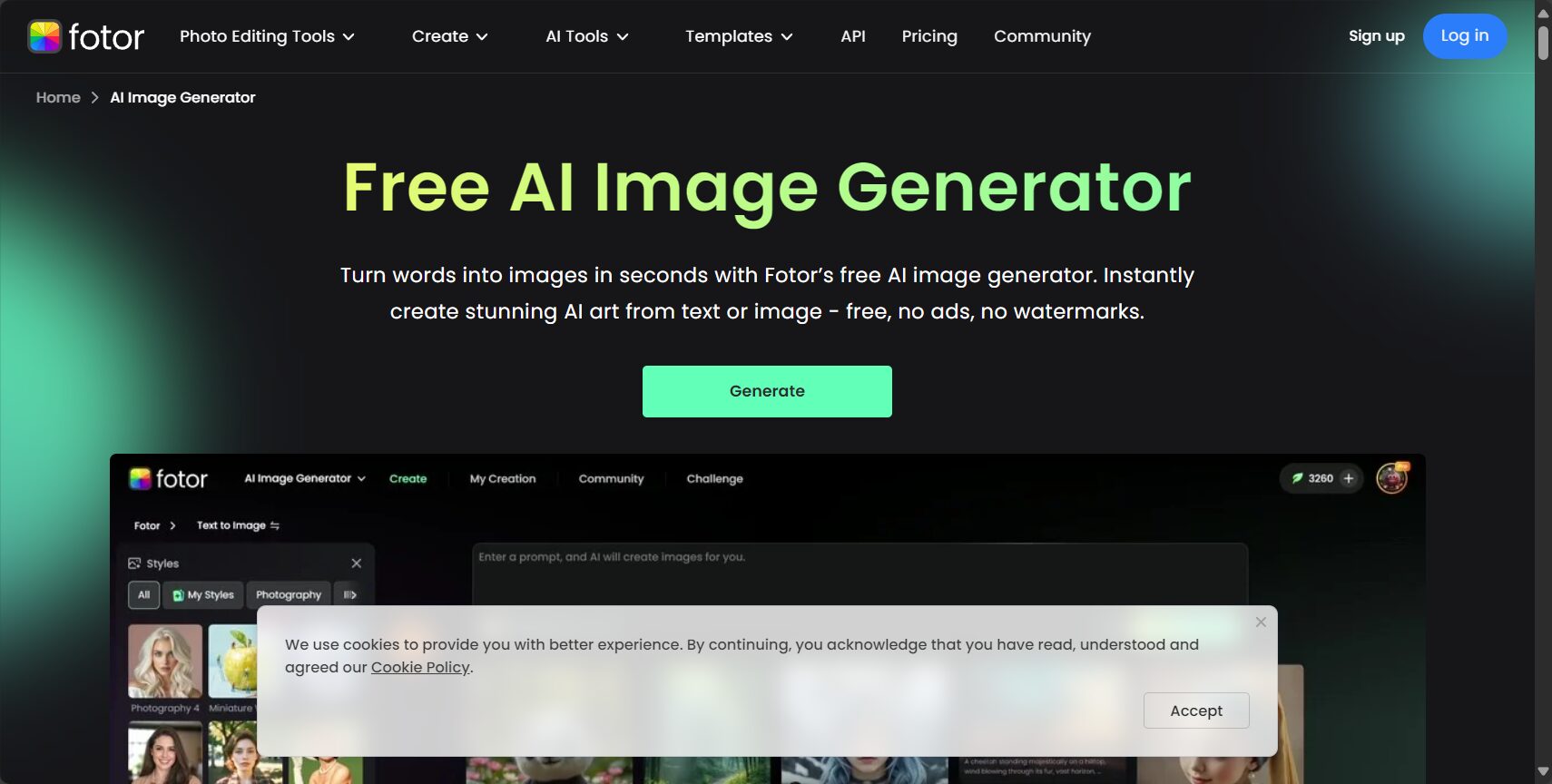
Fotor (fotor.com)
Fotor is a long-established online image editing tool that has recently added powerful AI-generated image features. It offers a free trial for new users, boasts a user-friendly interface, and is easy to operate. Fotor's AI-generated image features offer customizable styles, support batch generation, and have a flexible billing system (points-based), making it ideal for self-media operators and content creators who need to produce content quickly and in large quantities.
3 Steps for Beginners: Quickly Generate Professional-Grade AI Images
Step 1: Define the requirements and design keywords or descriptions (Prompt)
The first step in generating the ideal image is to design a clear and specific description prompt.
News surveys show that over 80% beginners initially described it too simply, resulting in a significant gap between the actual effect and expectations.A complete description includes: subject, action, style, color scheme, composition, secondary elements, and file size.Examples are as follows:
- Example of an error:"cat"
- Correct example:"A blue-eyed, white cat sitting by the window, bathed in the afternoon sun, in a watercolor comic style, close-up, warm color palette."
You can refer to moreMyEdit's official auto-completion featureOne-click keyword conversion significantly lowers the learning threshold.
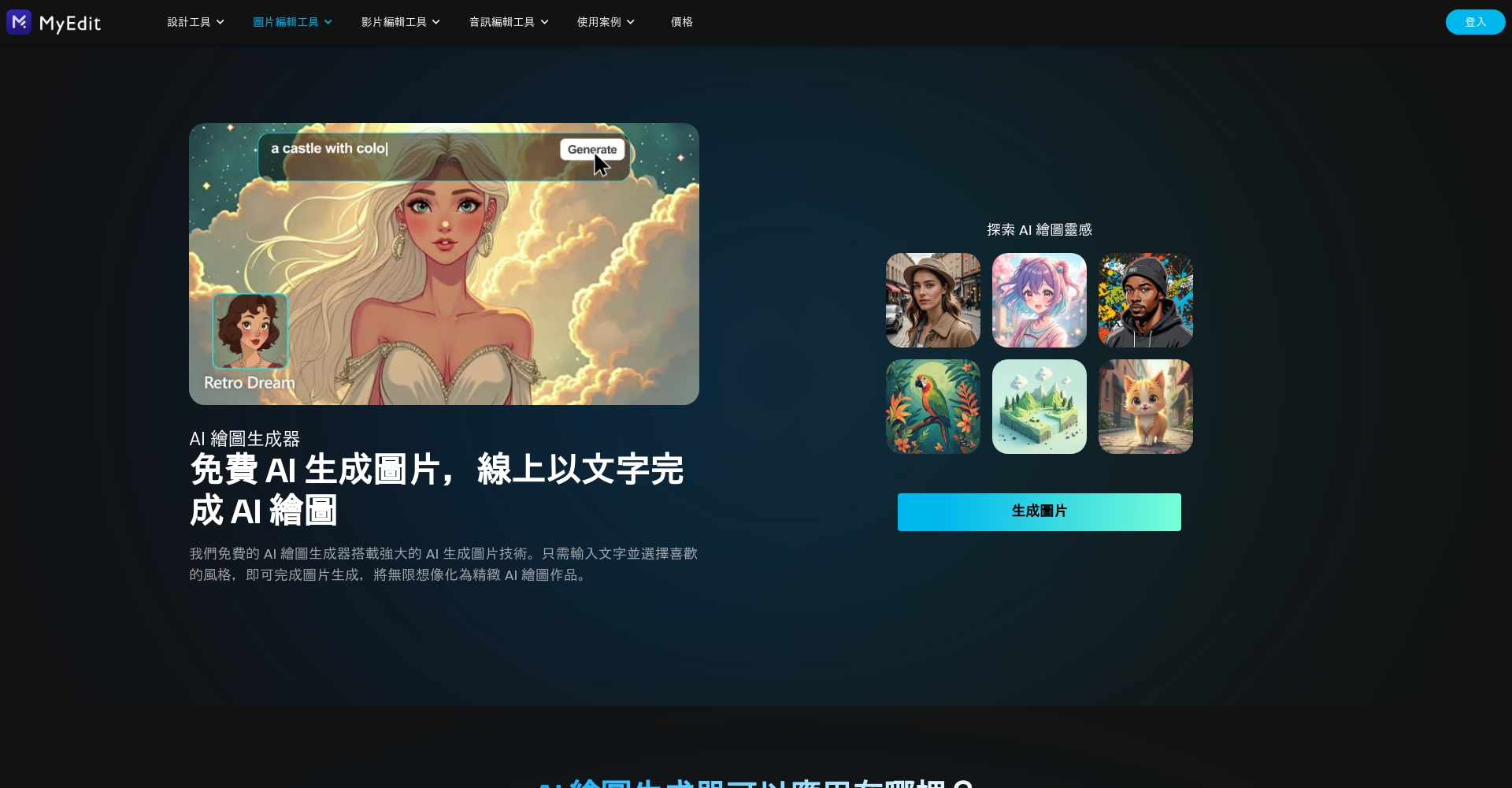
Step 2: Choose a suitable AI image creation platform or app
Beginners should prioritize AI drawing tools that support Chinese, have a simple interface, and offer a full range of preset styles.Taking MyEdit as an example, it offers free points, direct spell translation, customizable styles, and the ability to upload reference images, reducing the time spent figuring things out.
| need | Tool Recommendations | Remarks |
|---|---|---|
| Zero-based, Chinese language support | MyEdit | Bilingual spells/Portable/Mobile/PC compatible |
| Exploring Artistic Styles | Midjourney | English / Requires Discord / Multiple art styles |
| GPT Dialogue/ChatGPT Collaboration | DALL·E3 | Strong semantic comprehension/syntactic self-correction |
| Brand-level retouching | Adobe Firefly | Integration with Photoshop and Illustrator software |
| Batch content creation | Fotor | Batch generation/easy operation |
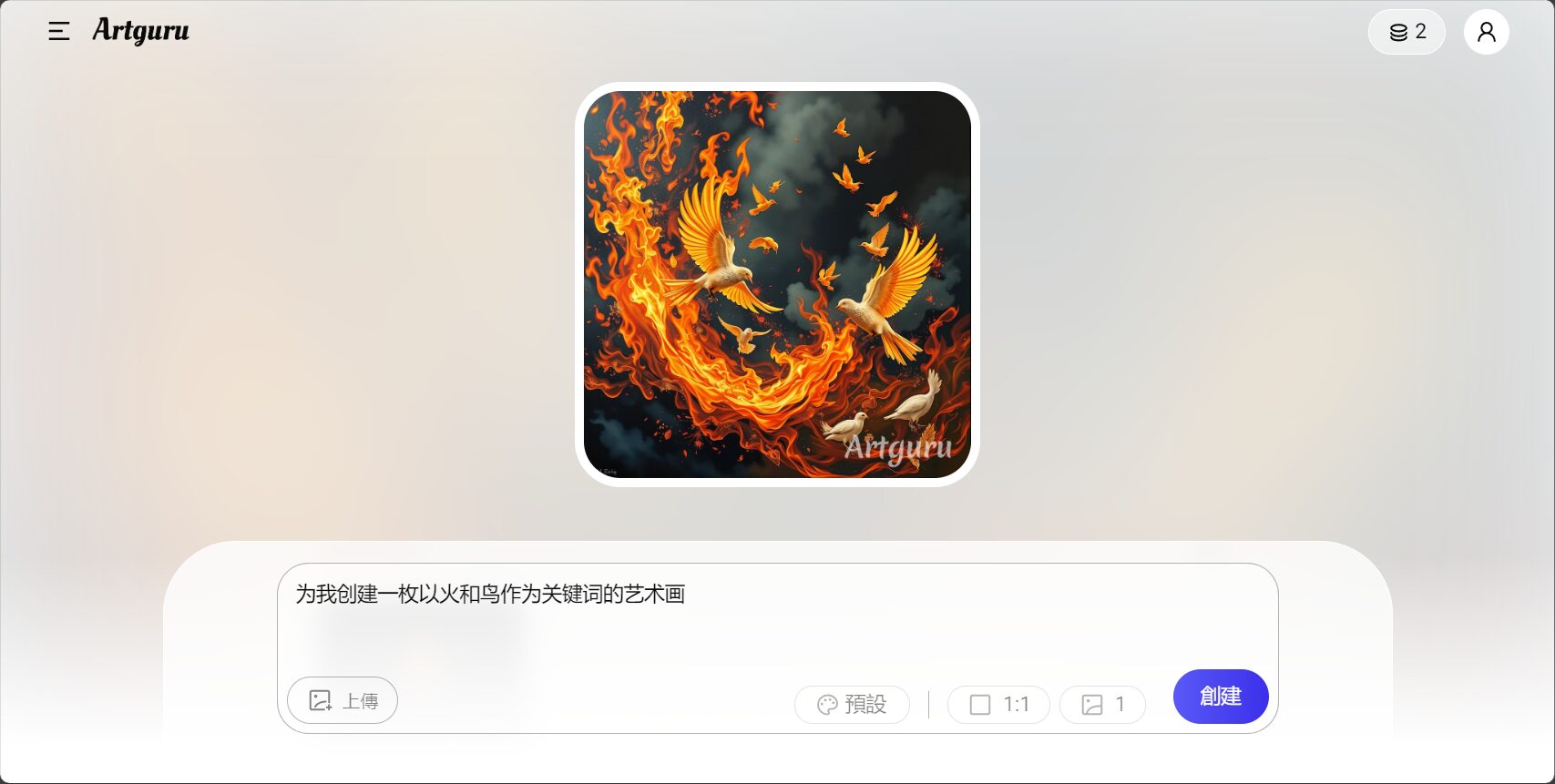
Step 3: Fine-tune details and export high-resolution images.
After generating the image, be sure to make good use of the AI tools' secondary optimization functions such as local redrawing, background replacement, and color adjustment, while also adjusting the composition and image quality.MyEdit and Adobe Firefly both support AI partial repainting, while Fotor and Canva can quickly modify image proportions and add custom watermarks.
| Tools/Functions | AI partial redrawing | Custom reference image | Color grading/photo retouching | High-definition export |
|---|---|---|---|---|
| MyEdit | support | support | support | support |
| Adobe Firefly | part | support | part | support |
| Fotor/Canva | Not supported | Not supported | support | support |
| Midjourney/DALL·E | Not supported | support | Not supported | Partial Plan |
Note: AI partial redraw means you can select to paint a specific area, and input a description to automatically optimize and generate new content.
Advanced Applications and Frequently Asked Questions
Advanced: Multi-platform AI Graphics Application Examples
- Mobile App: DownloadMyEdit iOS或Android version
- Live Stream/Short Video Image Captions: UtilizingCanvaGenerate textures or backgrounds
- Professional art retouching: further usePhotoDirector
- Batch generation by computer:Stable Diffusion Web(Advanced users)
List of common pitfalls for AI graphic design beginners
| problem | Solution suggestions |
|---|---|
| The description was too brief, resulting in a deviation from the intended meaning. | Add more subject/color/background/rhetoric |
| The tools are too complicated | MyEdit or Fotor are the best choices; they're simple and easy to understand. |
| Generate watermark | Upgrade to Pro or choose a watermark-free platform |
| Insufficient resolution | Be sure to export in high quality or use AI upscaling. |
| Commercial issues | Select platforms marked "Commercial License" (MyEdit, Canva, etc.) |
| Portrait/Copyright Dispute | Do not use other people's likeness for profit. Personal learning/authorization is permitted. |
FAQ Quick Q&A (June 2024 News Edition)
- Will AI-generated graphics replace designers?
answer:AI significantly improves efficiency, but creativity still requires human intervention. Designers will focus on creative planning and Prompt engineering. - How to protect raw images from being plagiarized?
A: We recommend storing it in a personal cloud or setting it to private, not disclosing it on the platform, or adding an electronic watermark. - Are there any legal risks?
A: Avoid generating content involving privacy/infringement/sensitive elements. Always check the authorization terms for commercial use and do not steal celebrity images.
Recommended Practical AI Drawing Command Examples
Valid Prompt Example:
"Subject, action, style, composition, color or background, light and shadow, supplementary rhetoric"
Example: "A young Asian woman in a red dress stands smiling; Van Gogh style; interior close-up; warm lighting; romantic floral decorations."
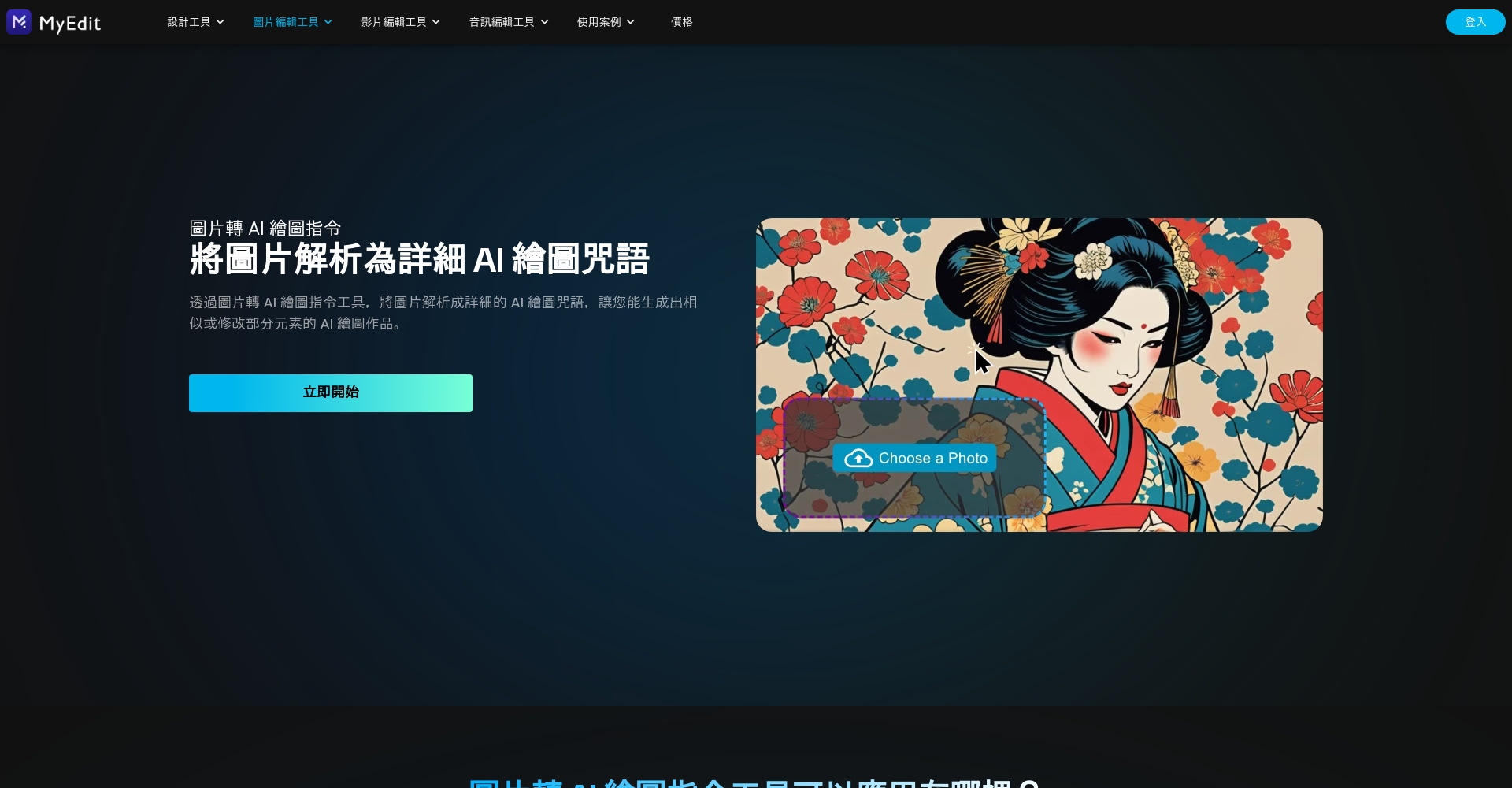
For more complete instruction combinations, see [link to documentation].MyEdit Image to AI CommandIt can automatically analyze images and generate suitable prompts.
Conclusion
AI-powered design is accelerating the democratization of design, enabling everyone to unleash a new force of creativity by simply speaking up.News Test: As long as you master itThe three-step approach: accurate description, platform selection, and fine-tuning/optimization.Even without professional skills, you can produce high-quality images comparable to those of experts. In the future,AI drawingIt will be integrated into content creation, brand marketing, and even daily business operations.
Want to experience this new wave of technology?Try it now MyEdit Free AI DrawingOpen the door to your AI design world!
© Copyright notes
The copyright of the article belongs to the author, please do not reprint without permission.
Related posts

No comments...
