
AI Photo Editing Powerhouses Revealed: A Real-World Comparison of 8 of the Most Recommended Smart Photo Editing Tools for 2025
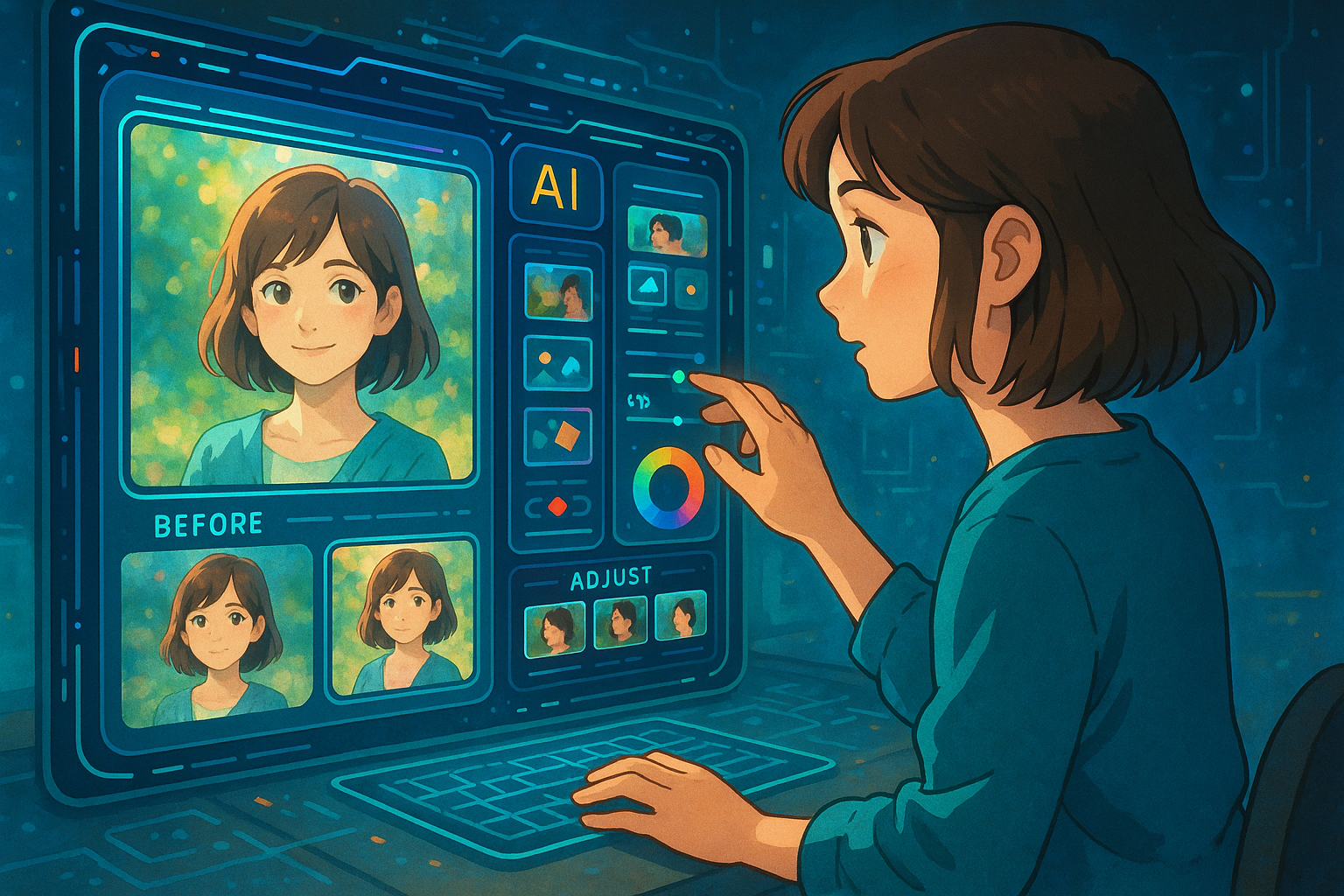
2025AI photo editingThe tools have undergone a revolutionary upgrade.,This articleWe conducted an in-depth review of eight of the most recommended AI-powered photo editing apps.It covers diverse needs from beginners to professionals. The content includes the functional highlights of each tool, its platform and target audience, along with detailed test reports and key comparison tables.Choose the AI photo editing tool that best suits your needs to enhance your image creativity and efficiency.!
I. Overview and Comparison of 8 AI Photo Editing Apps in 2025
This table summarizes the core features, prices, supported platforms, and target user groups of eight mainstream AI photo editing tools.:
| Tool Name | Key Highlights | Pricing Strategy | Supported Platforms | Suitable for | Official website/download link |
|---|---|---|---|---|---|
| MyEdit | Fully Chinese interface, diverse AI photo editing effects | Basic free / Advanced paid | Web/Mobile | Newbie designer | Experience it now |
| Adobe Photoshop | AI-powered intelligent fill/image expansion/portrait | Monthly payment/student discount | Win/Mac/Mobile | Professional photographer/designer | Official website |
| Luminar Neo | One-click AI artistic retouching/skyline replacement | Subscription or purchase | Win/Mac | High-end photography and artistic creation | Product Page |
| Fotor | AI portraits, landscapes, and collages are the simplest. | Free/Paid Advanced Level | Web/Desktop/Mobile | General users/commercial marketing | Official website |
| Picsart | Generative AI Filters/Batch Processing | Free/Paid Premium | Mobile/Web/Desktop | Influencers/SNS Creators | Download from official website |
| CyberLink Photo Master | Rich special effects/AI scenes/beautified skins | Buyout/Subscription | Win/Mac/Mobile | Ordinary family/film beginner | Product Page |
| Topaz Photo AI | AI sharpening/denoising/amplification algorithms | Buyout/Trial | Win/Mac | High-end photo retoucher/photo re-editing | Official website |
| Canva | AI Magic Editing/Intelligent Background Removal | Basic free/paid | Website/APP | Design/Branding Content | Magical AI Experience |

II. Detailed Review of AI Photo Editing Tools
MyEdit: Best Chinese AI Photo Editing Platform
MyEditIt features a fully Chinese interface and integrates AI image generation, partial redrawing, AI object removal, style transfer, and more.No download or installation required; suitable for designers from beginners to advanced levels.One-click "batch repair of old photos" and free modification of selected areas truly achieve high efficiency and ease of use.

Adobe Photoshop: A Revolution in Classic AI Image Editing
PhotoshopContinuing its industry-leading position, features such as AI-powered intelligent fill and image expansion generation will be further upgraded in 2025. The Firefly engine enables one-click scene generation, and neural filters offer limitless creative possibilities.Suitable for professional artists and commercial users。

Luminar Neo: AI Creative Photography Retouching Master
Luminar NeoSpecializing in creative retouching, with top-notch advanced AI sky replacement and automatic light and shadow correction, it is suitable for art photography, magazine spreads, and visual professionals.

Fotor: All-in-one AI collage and one-click photo editing
FotorPositioned as beginner-friendly,Collage, beautification, and stylization—all in one place, with extremely simplified operation.It is the top choice for micro-businesses and self-media.

Picsart: The All-in-One AI Filter King for Trendy Social Media
PicsartExtremely popular on mobile devices, featuring hundreds of AI filters, AI body beautification/makeup, AI batch watermarking, and more.A powerful tool for social media and content creators。

CyberLink Photo Master: AI Beauty Expert for Home Use
Photo MasterSupports AI-powered skin beautification, face slimming, and intelligent background replacement.Suitable for family photos, wedding photos, and restoration of old family photos.It has a huge number of built-in templates, and even beginners can learn it in seconds.

Topaz Photo AI: Expert in Ultimate Image Quality Enhancement
Topaz Photo AIUsed for professional-grade AI sharpening, noise reduction, and image enhancement.The industry's strongest in restoring complex images with blur and noise.Suitable for enthusiasts to edit photos in batches.

Canva “Magic”: AI-powered design and photo retouching all in one go.
Canva Magic StudioSeamless AI design and retouching, all-in-one image cutout, text-to-image editing, and intelligent beautification.Even those with zero design experience can quickly get started, greatly reducing costs and increasing efficiency for businesses and marketing teams.。

III. Comparison of Popular AI Tool Functions and Application Scenarios
| tool | AI-powered intelligent skin beautification | AI removes objects | AI filter effects | AI collage batch | AI-generated images | Creative Customization | Social sharing effect |
|---|---|---|---|---|---|---|---|
| MyEdit | √ | √ | √ | √ | √ | √ | 中 |
| Photoshop | √ | √ | √ | √ | √ | √ | 高 |
| Luminar Neo | √ | √ | √ | √ | √ | 高 | 低 |
| Fotor | √ | √ | √ | √ | 中 | 中 | 中 |
| Picsart | 高 | √ | 高 | High / √ | √ | √ | Extremely high |
| Photo Master | 高 | √ | √ | √ | √ | 中 | 中 |
| Topaz Photo AI | 低 | √ | 中 | 低 | 低 | 低 | 低 |
| Canva | 中 | √ | √ | √ | 高 | 高 | Extremely high |
IV. Comparison of Multi-Platform Ecosystem and User Experience
- MyEdit, Fotor, Picsart, and Canva all support both web and mobile platforms.Edit photos anytime, anywhere in the cloud;
- Photoshop, Topaz, and Luminar Neo are primarily PC/Mac-based and suitable for professional fine-tuning.;
- PhotoMaster PC client offers a smooth user experience, making it ideal for home office work.。
In terms of AI image editing efficiency, MyEdit, Picsart, and Fotor emphasize "foolproof" operation, with AI-automated judgment and batch processing being the most convenient. Photoshop and Topaz, on the other hand, retain the maximum room for detail optimization.Professionalism and automation combined。

V. Quick Comparison of Product Innovation/Pricing Models
| product | Automatic AI photo editing | AI batch processing | Paid model | Trial experience | Suitable for |
|---|---|---|---|---|---|
| MyEdit | 高 | 高 | Free + Paid Points System | √ | Suitable for everyone |
| Photoshop | 高 | 高 | Monthly/Yearly Subscription/Discount | √ | Professional users |
| Luminar Neo | 高 | 高 | Buyout + Subscription | √ | Senior Photographer |
| Fotor | 高 | 高 | Free/Member Upgrade | √ | Entry-level & Commercial |
| Picsart | 高 | 高 | Free/Paid | √ | Self-media influencers |
| Photo Master | 高 | 高 | Buyout/Subscription | √ | Home users |
| Topaz | Highest | 高 | Buyout (at a high price) | √ | Professionals |
| Canva | 高 | 高 | Free + Paid Enterprise Edition | √ | Marketing team |
VI. Innovation Trends and Future Observations
- Batch AI Restoration and Style TransferThe barrier to entry for photo editing will continue to be lowered;
- AI-generated contentFacilitating the integration of design and image editing, enabling one-click transformation from concept to finished product;
- The trend of full-scenario application is significant.AI is empowering social media, wedding dresses, commercial posters, and e-commerce main images.
Conclusion:
By 2025, AI photo editing tools will have evolved from being auxiliary tools to becoming the main force in all scenarios and creative endeavors.The above eight photo editing tools each have their own strengths.Meets the diverse needs of beginners, content creators, and professionals.Choose the right tools to unlock a new era of efficient AI-powered creation and experience the revolutionary power of intelligent photo editing!
© Copyright notes
The copyright of the article belongs to the author, please do not reprint without permission.
Related posts

![ChatGPT Web Version Free User Guide: Beginner's Guide, Frequently Asked Questions and Precautions [Latest 2025]](https://aicats.wiki/wp-content/uploads/2025/06/my_prefix_1750356573.png)

No comments...
