Notion Chinese Version Beginner's Guide: 3 Steps to Quickly and Efficiently Manage Your AI Knowledge Base
Notion Chinese versionOfficially launched, it brings innovation to knowledge management in the digital age. This article provides a detailed analysis.What is Notion (Chinese version)? A quick 3-step get started process and efficient methods for managing AI knowledge bases.It covers typical application scenarios, including basic operation guidance, database usage, and AI-assisted writing and collaboration examples. Through abundant tables, checklists, and case demonstrations, it helps you easily become an expert and usher in a new era of intelligent knowledge management!
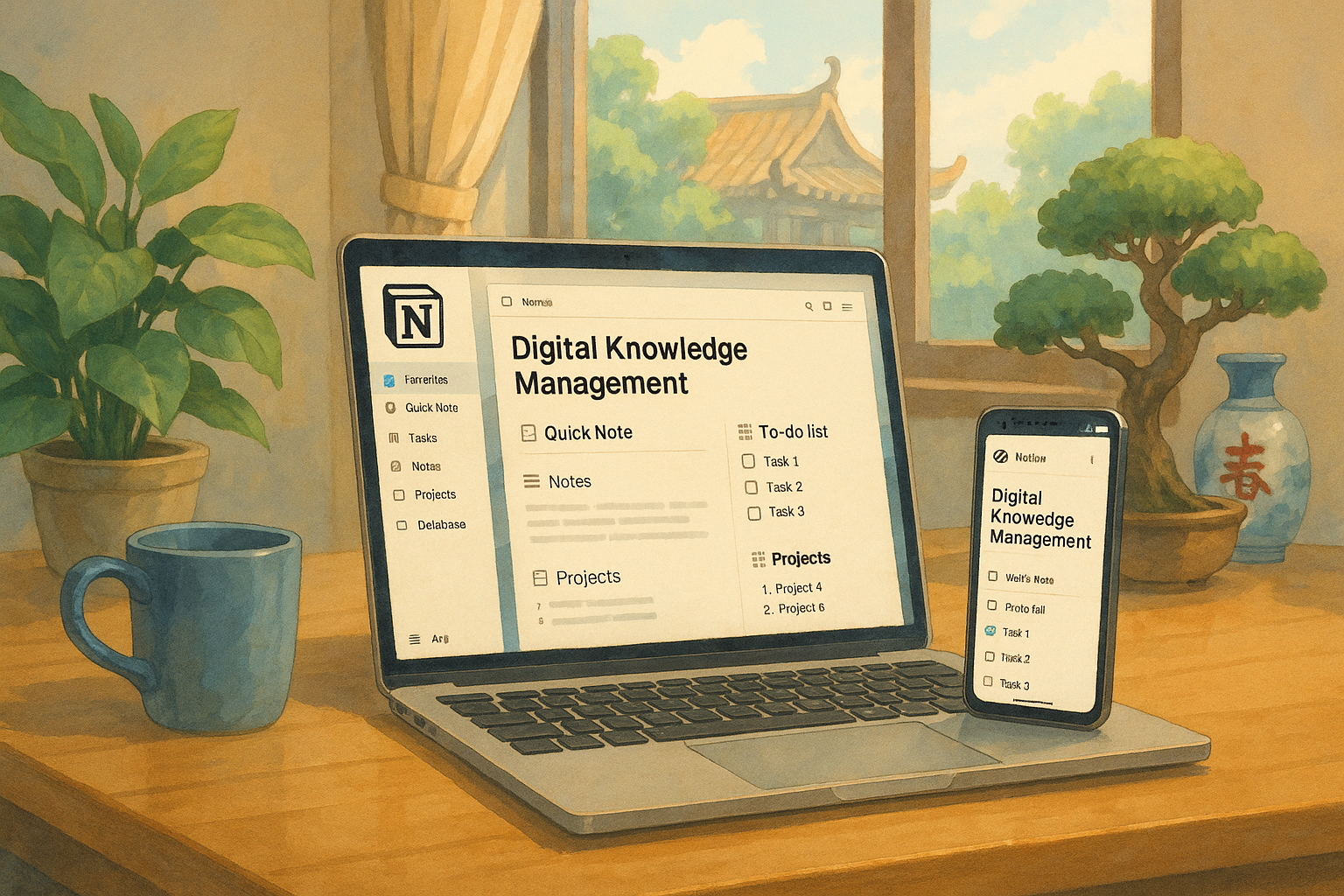
What is Notion Chinese version? A comprehensive analysis of a one-stop AI knowledge management platform.
Notion Chinese versionIt's the official multilingual version released in 2024.Supports Traditional and Simplified Chinese interfacesNotion integrates note-taking, task management, database, calendar, and file management, and in recent years has further integrated AI writing and intelligent knowledge organization functions. Whether for learning, work, or personal growth, Notion has become the first choice for an efficient "digital brain" and AI knowledge base.
| Functional modules | Main uses | Applicable Scenarios |
|---|---|---|
| Notes editing | Text, images, and audio recordings can be used for shorthand, and rich text is supported. | Study and meeting minutes |
| Tasks and Lists | Multi-dimensional to-do list, project tracking | Task assignment and schedule management |
| database | Multiple views including tables, Kanban boards, and calendars | Lists and document archiving |
| Calendar integration | Schedule and event reminders | Content/Event Planning |
| Teamwork | Multi-user editing, granular permissions | Group and meeting collaboration |
| AI Assistant | Intelligent writing, summarizing, and translating | Content processing |

- Extremely high degree of freedom:Both the page layout and structure are customizable.
- Various templates:The official templates are plentiful and cover a wide range of industry scenarios.
- Full platform compatibility:Supports Windows, Mac, iOS, Android, and Web.
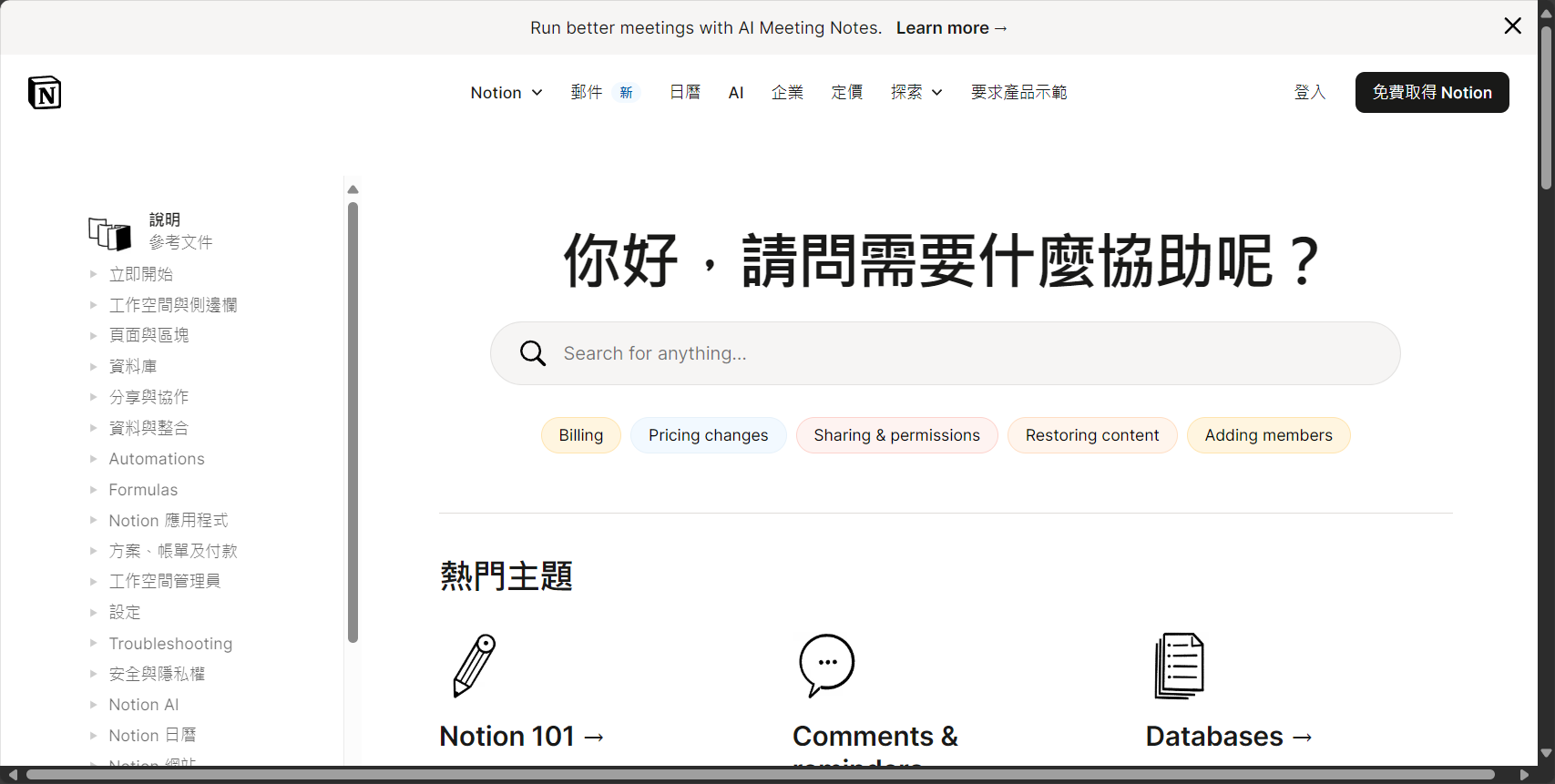
Go toNotion Chinese Official WebsiteExperience.
Get started with Notion Chinese version in 3 quick steps: Beginner's guide
Step 1: Register & Download/Install
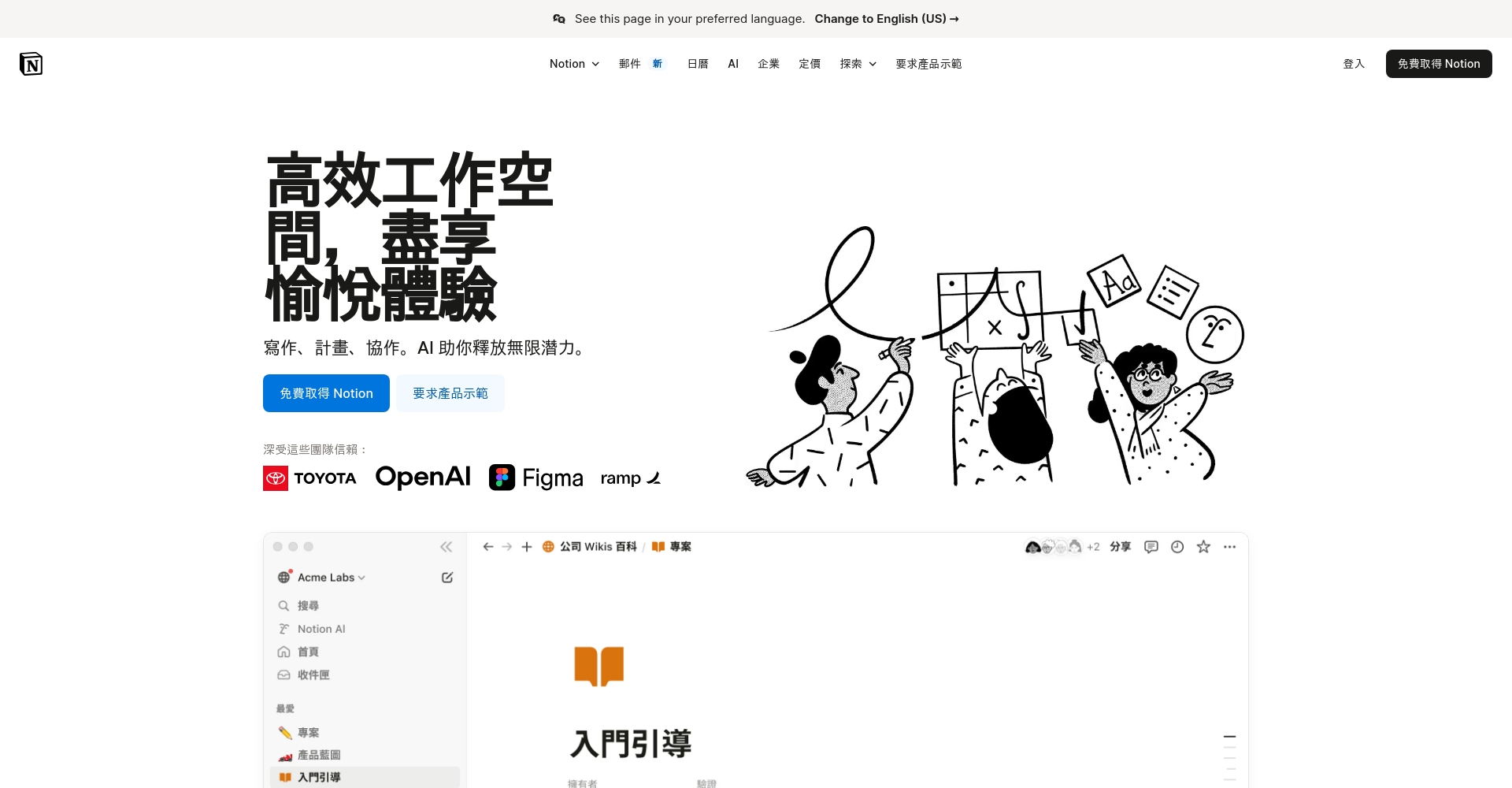
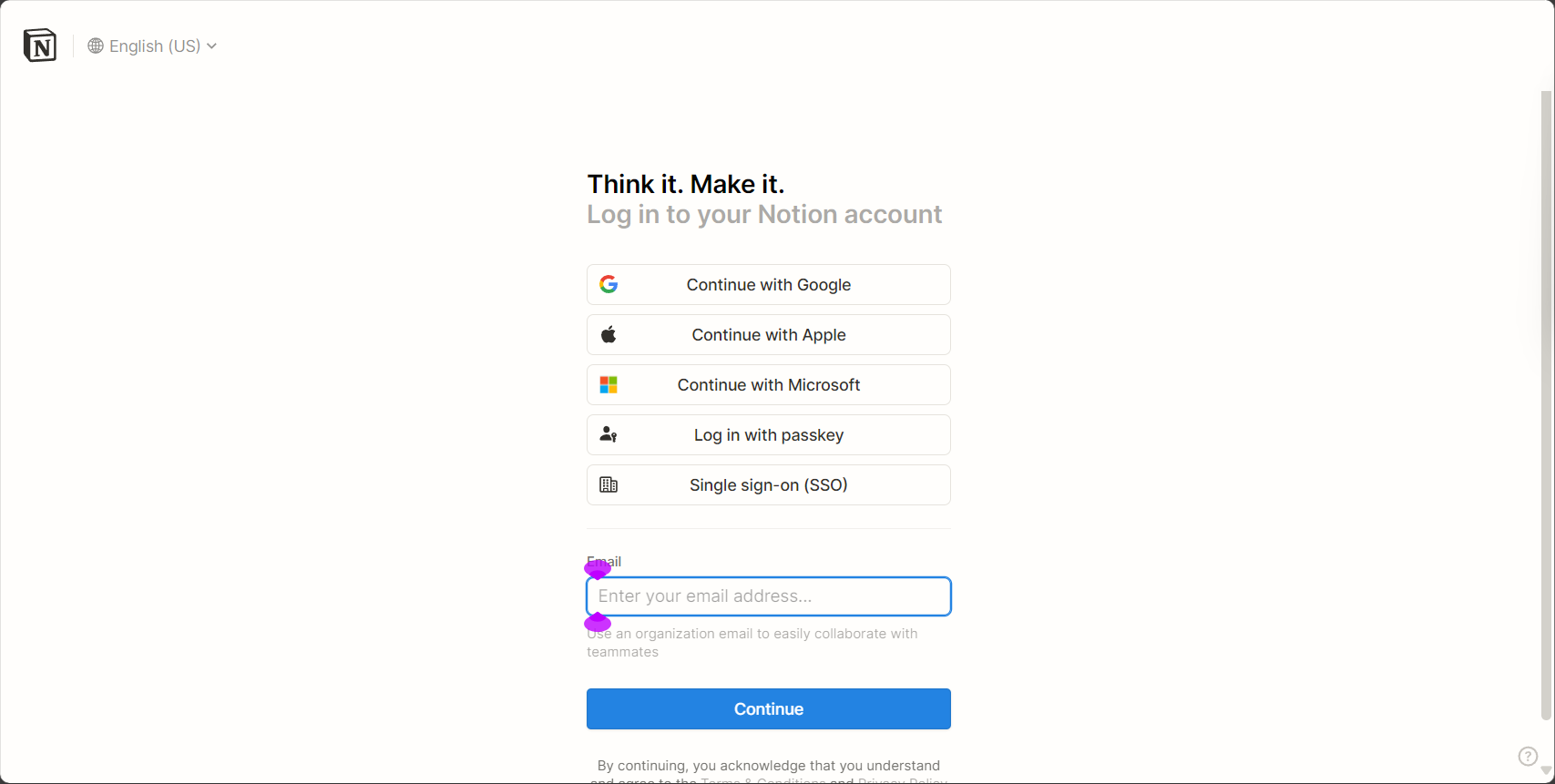
Visit the Notion website and select the "Simplified Chinese/Traditional Chinese" interface. We recommend downloading and installing the desktop app, or you can register online to try it out. Login is supported via email or Google account, and data is synced to the cloud.
Step 2: Switch to Chinese interface & basic settings
After entering, click "Settings" in the bottom left corner, and select "Simplified Chinese/Traditional Chinese" in the language settings. If the interface does not switch immediately, you can restart or refresh the page.
Tip:Most templates and community content support Chinese, making it easy for beginners to get started.
Step 3: Synchronize Multiple Platforms & Experience Core Structure
Notion supports real-time synchronization across multiple devices.PageIt is the core unit, and each content element is independent.BlockEasily drag and drop to sort. Quickly insert images, tables, calendars, and other objects using "/".
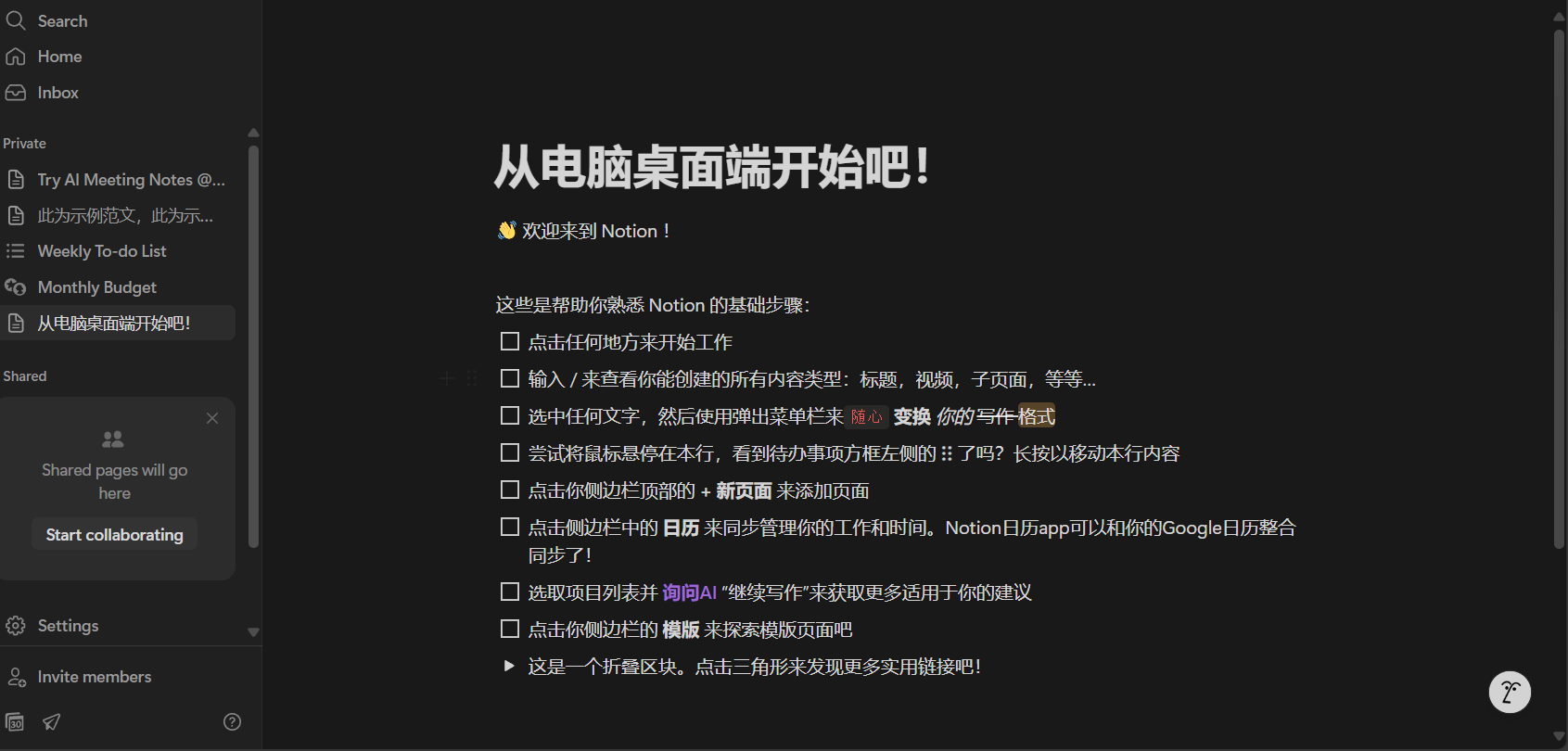
| step | Key points of operation | Recommended approach |
|---|---|---|
| 1. Download and register | Select the Chinese version from the official website, download the client, and register. | Prioritize PC experience |
| 2. Switch to Chinese | Settings - Language & Region - Simplified/Traditional Chinese | Multiple refreshes/restarts |
| 3. Basic Setup | Create a new page and try using Block/database. | Content can be freely dragged and dropped for layout. |
How to Build a Personalized AI Knowledge Base: Practical Management Strategies from Notion (Chinese Version)
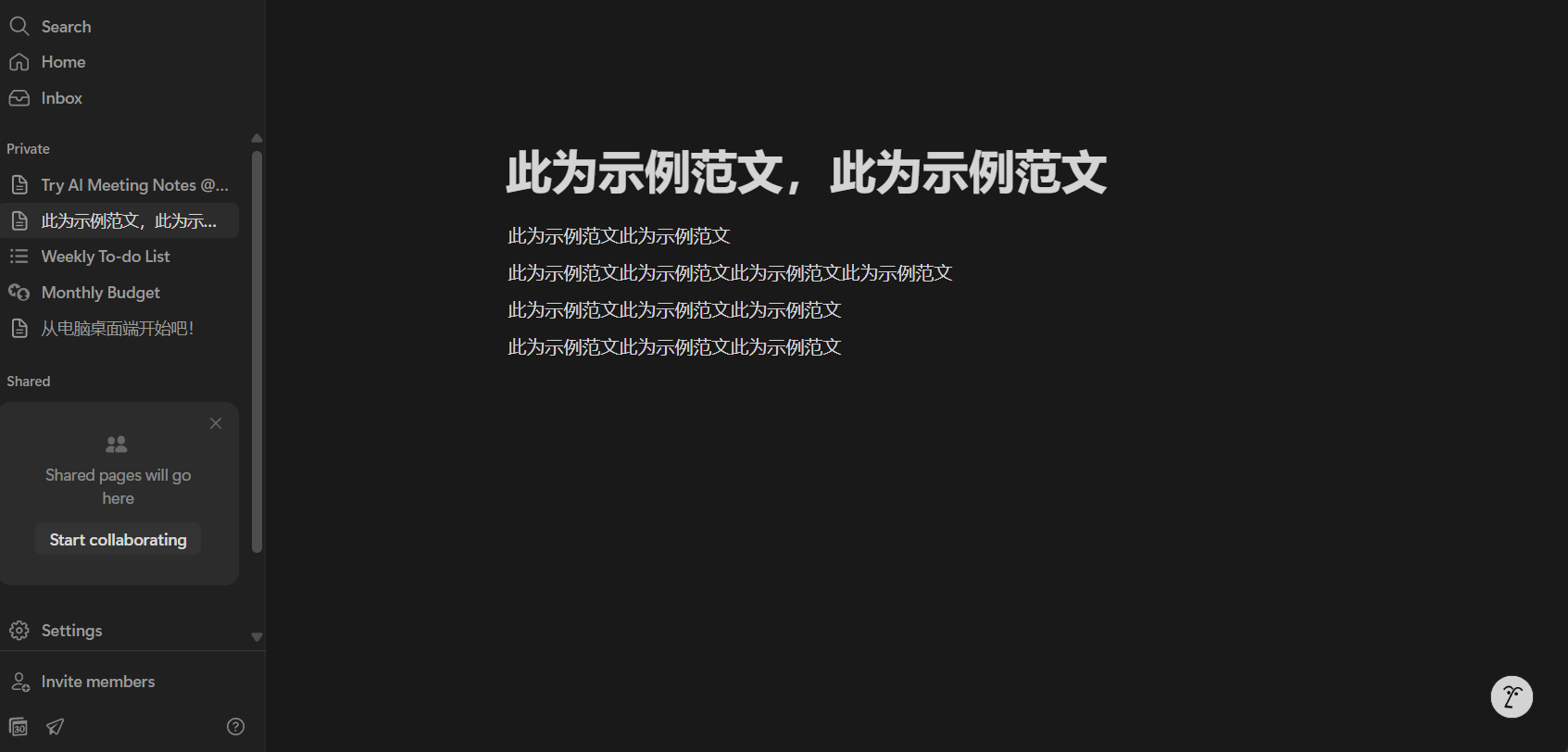
Page, Block, and Database Hierarchical Logic
- Page:Single topic (e.g., "AI learning notes")
- Block:Page content units (notes, images, lists, etc.)
- Database:Multiple view combinations (tables, dashboards, calendars) management
Quickly build a knowledge network structure by nesting pages and linking across databases.
| type | use | View Features |
|---|---|---|
| sheet | Study list/materials and notes | Excel-style, easy to search |
| Kanban | Task Management/Knowledge Classification | Like Trello, progress is visible. |
| calendar | Content scheduling/event tracking | Presented by time |
| gallery | Material Archives/Case Studies | Image/Cardization |
| Timeline | Project milestones/progress tracking | Gantt chart structure |
By setting attributes such as tags and status.Implement "search by conditions"“This will allow knowledge management to move beyond information silos.
Get started with a template in one click
Notion has a wealth of built-in templates covering AI learning, project collaboration, and more, all ready to use with a simple click. See more detailed templates below.Template Library。
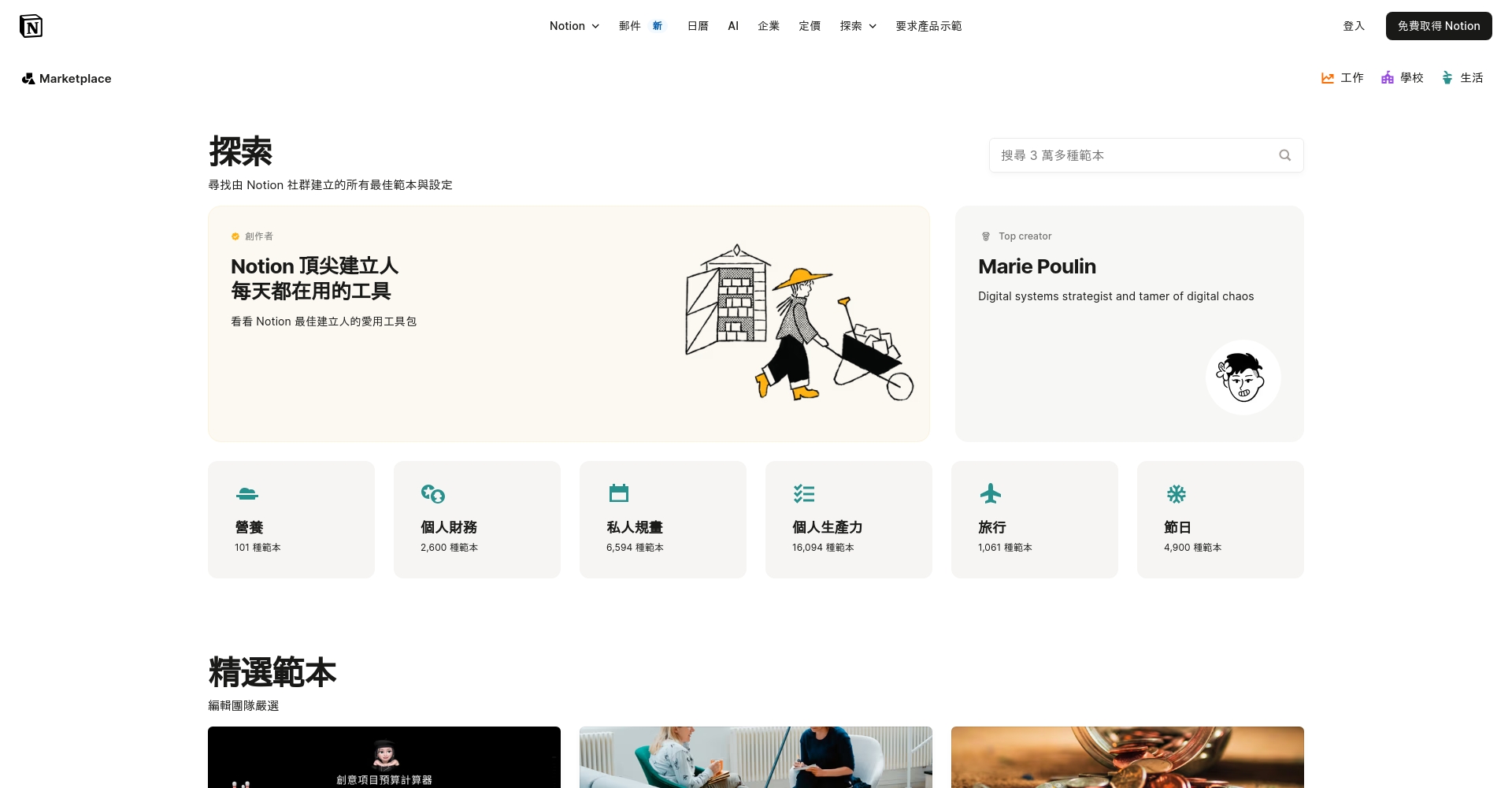
| Template type | Applicable Scenarios | Main structure |
|---|---|---|
| AI Learning Notes Library | Tutorial Archive/Summary | Page + Database |
| Industry Report Tracking | Market/Report Management | Calendar + Tag |
| Team knowledge sharing | Collaboration/Co-construction | Permissions + Database |
How does Notion AI empower knowledge management?
| AI Functions | Instructions/Operations | Applicable Scenarios |
|---|---|---|
| Text generation | /blog post, /poem | Writing output |
| Summarize and refine | /summarize | Extracting key points |
| translate | /translate | Multilingual Management |
| Optimize and polish | /improve writing | Improve quality |
| Information Q&A | /ask AI | Data/Knowledge Q&A |
| Creative brainstorming | /brainstorm idea | Stimulating thinking |
| To-do list generation | /To-do list | Task Management |
Notion AI can automatically analyze, summarize, and generate content, becoming an "accelerator engine" for knowledge work and easily handling daily needs such as writing and content summarization.
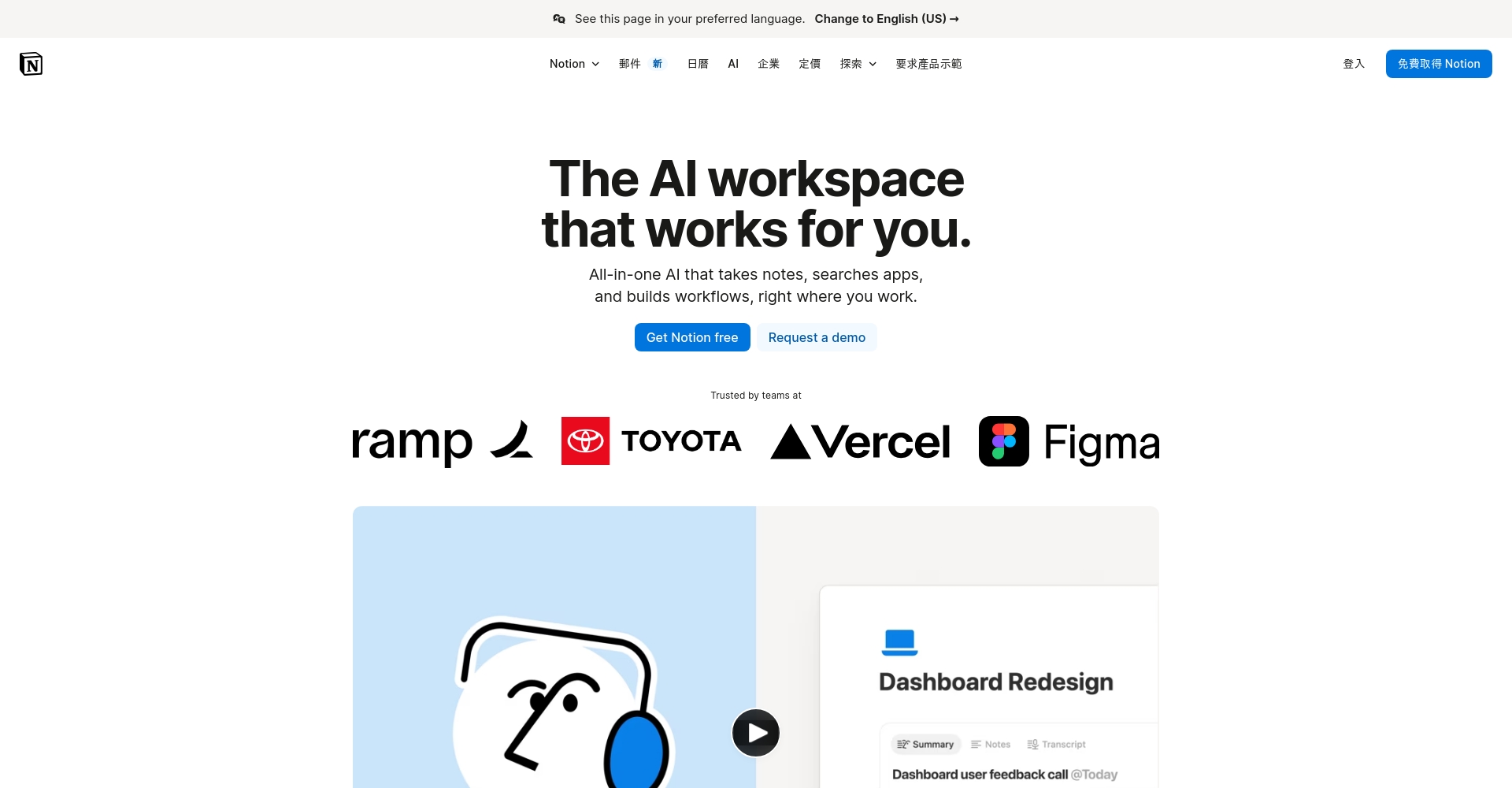
For more information and fees, please see [link/reference].Official AI Explanation。
Example: Building an AI knowledge base using the Chinese version of Notion
1. Personal AI learning and growth record
- Create a table with subpages to record tutorials/papers, with sections for notes, abstracts, and code.
- Using attributes such as tags, status, and time facilitates management and review.
2. Team AI Project Collaboration Management
- Using Kanban boards to track progress makes the division of labor among team members intuitive and transparent.
- AI-assisted generation of meeting minutes and to-do lists improves efficiency.

3. Industry information/case study document database
- Gallery view archives case studies and summaries, calendar tracks new events, and a knowledge radar is built.
Notion AI VS Other Mainstream AI Tools
| tool | Main advantages | Applicable to | cost |
|---|---|---|---|
| Notion AI | Knowledge base integration + generative AI | Content creators/knowledge users | $8-10/month/person |
| ChatGPT | Multi-turn dialogue, powerful API | General/Developer | Free/Plus $20 |
| Grammarly | English editing | English writers | Some are free/paid |
| Evernote AI | Traditional Notes + AI | Existing users | Paid |
Notion AIThe field of "AI x Knowledge Management" is more suitable for teams with heavy knowledge output and high collaboration.
Beginner's Guide and Practical Tips
| Function | Keyboard shortcuts/operations |
|---|---|
| Add page | Ctrl+N / Cmd+N |
| Write a title | # Space (H1), ## Space (H2), ### Space (H3) |
| Add list | – Space |
| Insert into database | /table, /calendar |
| Call AI | AI commands such as /summarize |
| Block dragging | Drag the "6 dots" on the left |
More help:Notion Official Help Center
Conclusion
Notion Chinese versionThis guide empowers beginners to enter the new era of AI knowledge management in just one hour. Whether you're a learning whiz, a skilled writer, or a team member, this guide helps you get started in 3 easy steps and flexibly build your AI knowledge base. Utilize templates and intelligent features to comprehensively upgrade note-taking, review, and content creation, ensuring information is no longer scattered and facilitating continuous growth!
Start your journey now!Notion Chinese versionA journey towards a new milestone in efficient knowledge management in the AI era!
© Copyright notes
The copyright of the article belongs to the author, please do not reprint without permission.
Related posts



No comments...
