
What is ExcaliDraw? This article will guide you through quickly getting started with this online collaborative whiteboard drawing tool.
excalidrawIt is a free and open-source software.Online whiteboard tools, withHand-drawn style, multi-device collaboration,AI Generate chartsIts advantages make it the top choice for remote work, education, and creative teams. No registration is required, and it supports real-time editing and export backup by multiple users, offering both high flexibility and...Data security and controllabilityExcaliDraw can meet the diverse drawing and workflow management needs of enterprises, developers, and individual users. This article details ExcaliDraw's features, application scenarios, advanced AI usage, and deployment techniques to help you efficiently get started with collaborative whiteboards in the digital age.
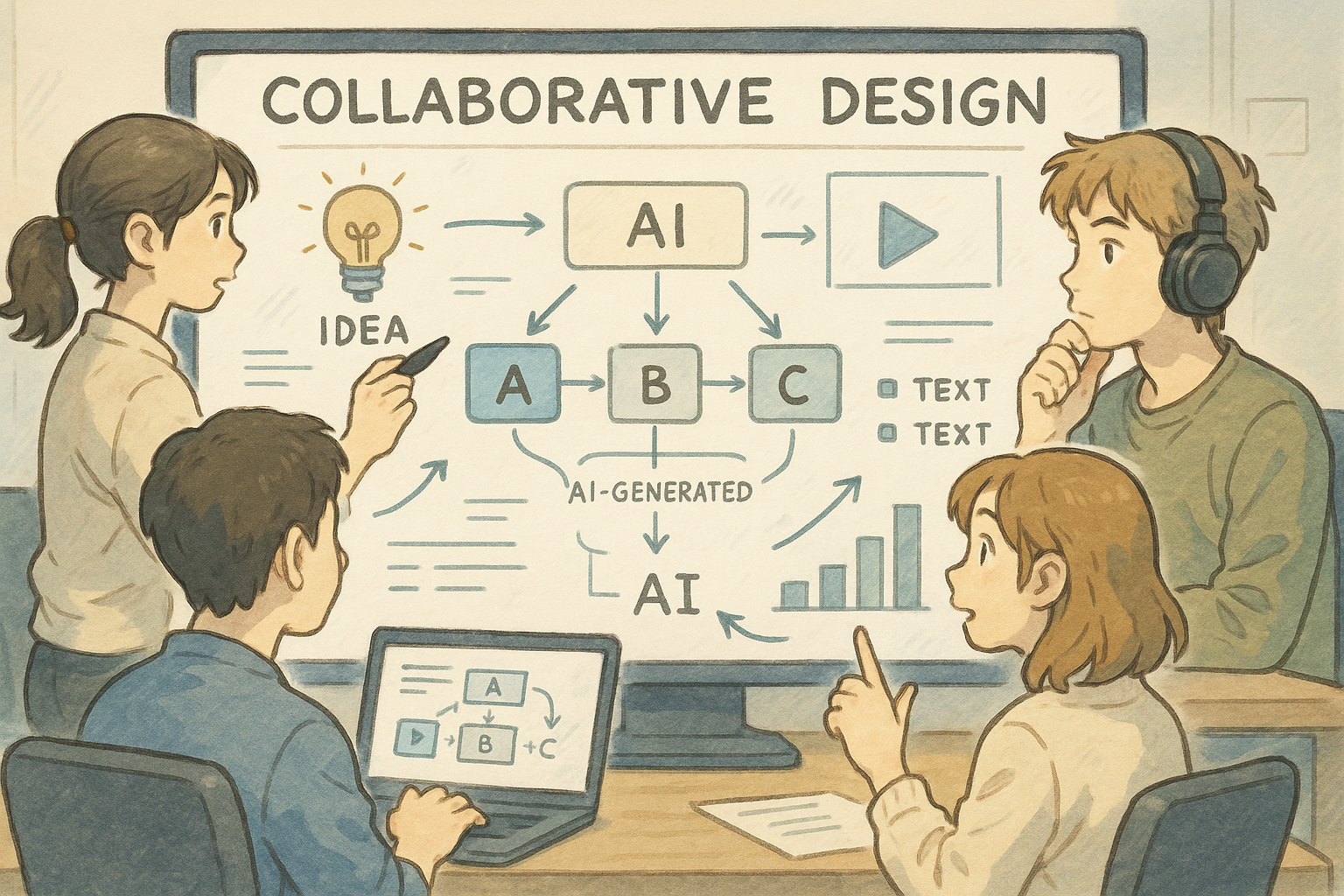
Excalidraw Basic Introduction
What is excalidraw?
excalidraw It is a web-basedOpen source whiteboard tools,supportHand-drawn style, multi-person collaborationDraw with AI. Just like on a real whiteboard, you can easily create flowcharts, mind maps, or insert text and images. Access via the link without registration:https://excalidraw.com/
The open-source background of excalidraw
excalidraw has a complete open-source repository, is free to use, can be deployed locally, and allows enterprises and developers to flexibly perform secondary development and customization, ensuring...Data security and independent controllability。
Unlike traditional whiteboards
- Greater freedomHand-drawn doodle-style layout, breaking through template limitations.
- Real-time collaboration among multiple peopleSuitable for remote teams and collaborative teaching and research projects to create synchronized drawings.
- No registration required, privacy protected.。
- AI-generated text images improve efficiency.。
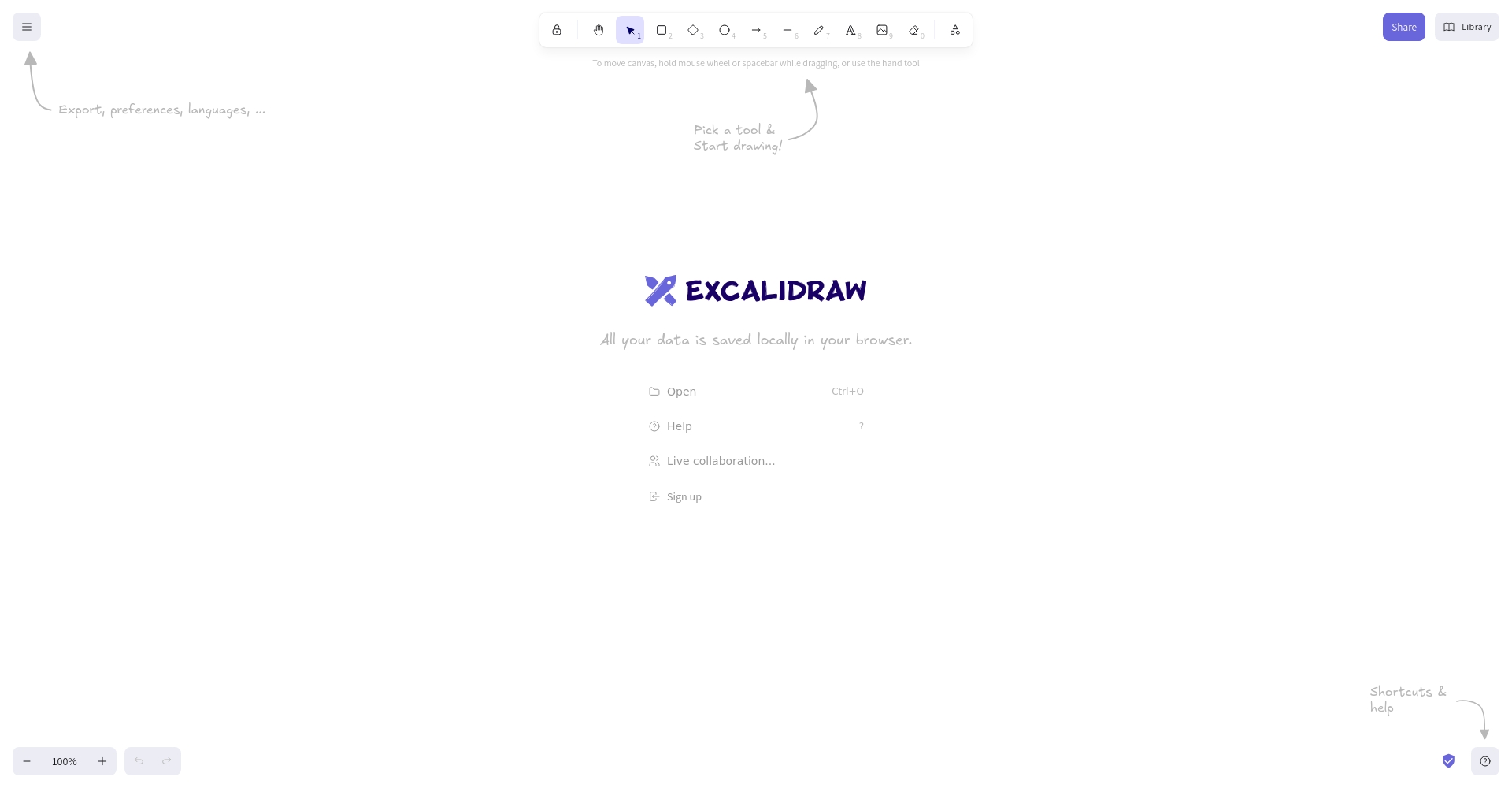
Main features
| feature | excalidraw | Explanation/Advantages and Disadvantages Analysis |
|---|---|---|
| Support online collaboration | Multi-person synchronization | Excellent for remote conferencing and interactive teaching |
| Hand-drawn style | Beautiful and doodleable | Facilitates creative expression |
| Rich in elements | Rectangles, ellipses, arrows, etc. | Use in conjunction with grouping and linkage |
| Import/Export | Supports PNG/SVG/JSON | Easy to archive/insert documents |
| Free and open source | Private deployment is possible | Security/Strong scalability |
| AI-generated | One-click generation process | Greatly improve efficiency |
| Internationalization | Multilingual adaptation | Barrier-free multinational teams |
| Plugin API | Obsidian/Notion integration | Good scalability |

1. Basic drawing and layout
- Hand-drawn shapes: It supports any type of box, line, arrow, or ellipse, making it easy to use.
- Text editing: It supports multiple fonts and Chinese characters, making it easy to take notes and annotate.
- Custom grouping/hierarchy/color scheme: No template restrictions, flexible structure dragging.
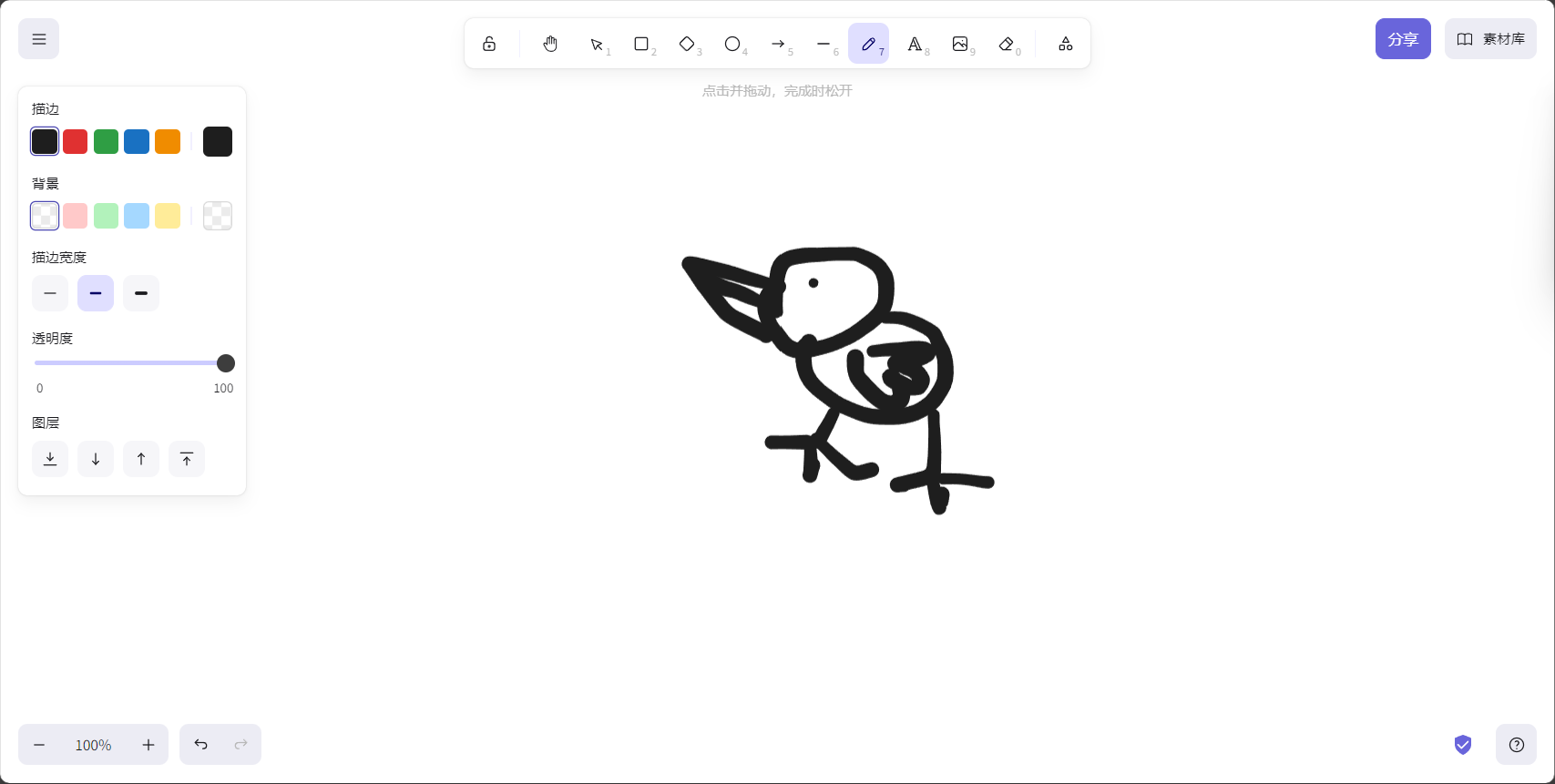
2. Multi-person collaboration
- Invitation via link/QR codeMultiple people can create artwork online and make changes in real time.。
- supportVersion snapshots, history rollbackThe content is guaranteed.
3. Import/Export and Cloud Saving
- The whiteboard diagram can be exported as a PNG/SVG image with one click, or archived as a JSON file.
- Supports importing images and SVGs, and is compatible with mainstream note-taking tools.
4. Seamless cross-platform compatibility
- It can be used directly in a browser, is compatible with mainstream systems, and is suitable for mobile and desktop devices.
- Business optionsLocal/Server Private Deployment。
5. AI-enabled functions
excalidraw's "Text to diagram" feature allows you to quickly generate route paths or structural sketches using a single line of natural language.
| Application scenarios | AI input | Automatically generated content |
|---|---|---|
| Teaching knowledge | “"Drawing out the historical development path of Taiwan"” | Knowledge timeline, branch nodes |
| IT processes | “"AI Language Model Development Steps"” | Data collection, training, evaluation, and other logic |
| Project Planning | “Event organization process” | Visualized node/task flow |
Application scenarios and real-world cases
Education
- teacher: Classroom mind maps, process notes, and experimental diagrams
- student: Review notes, history/science timeline
IT Development and Technology Team
- UI/UX wireframes and system architecture sketches
- In conjunction with the code repository,Canvas as a technical document aid
Business Marketing
- Project plan visualization and activity process recording
- Strategic planning brainstorming improves communication efficiency
| industry | Common usage |
|---|---|
| distance learning | Course annotations and review mind maps |
| Creative Writing | Story outline, plot clues drawing board |
| Business Meeting | Full process record and discussion of the solution |
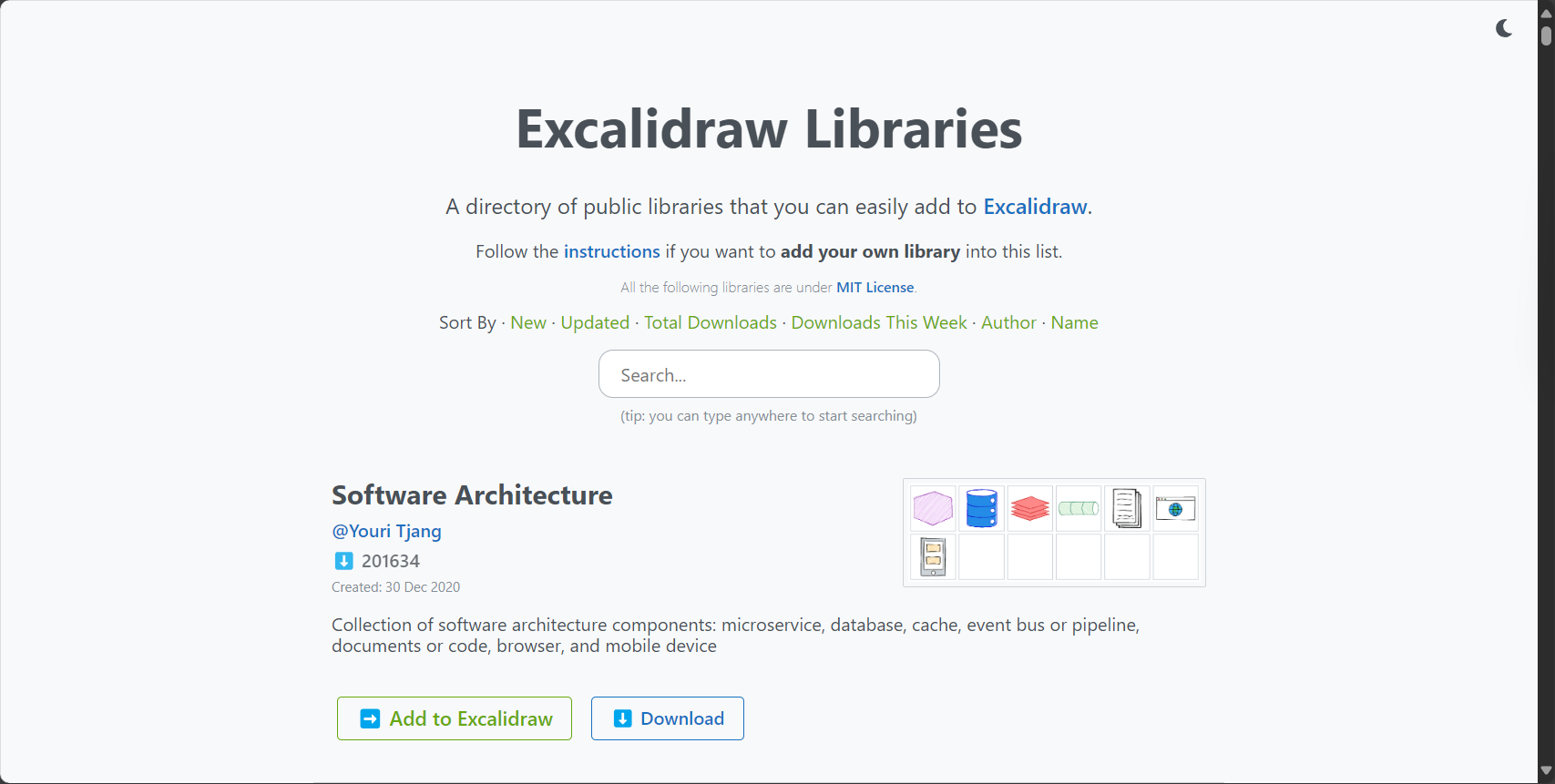
Integration with knowledge base systems such as Obsidian and Notion
It can serve as a visual "second brain," allowing users to take in-depth notes and create knowledge maps on the whiteboard.
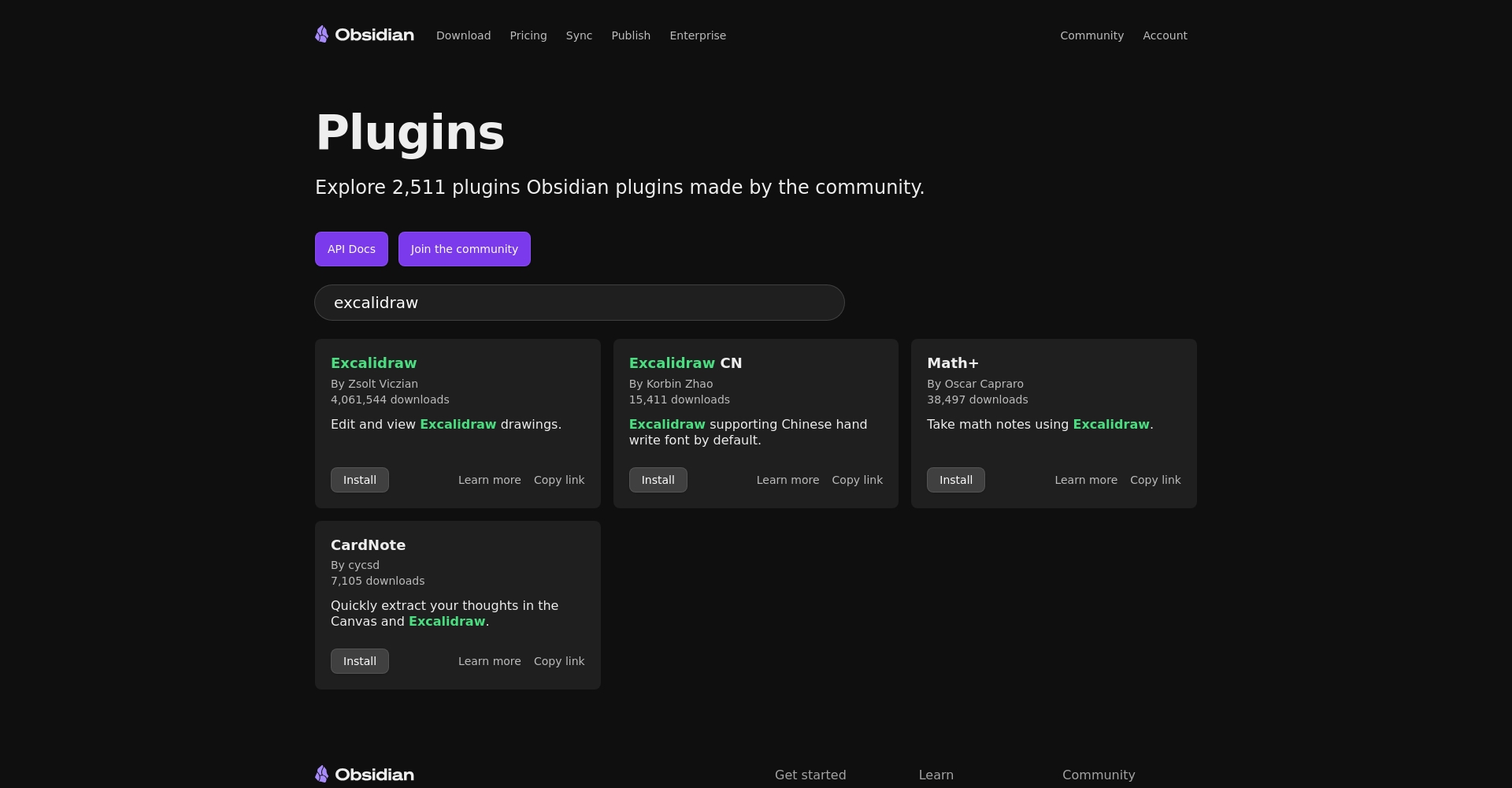
For related plugin information, please see:Obsidian plugin excalidraw、Notion Embedding ExcaliDraw Tutorial
AI Functionality Experience and Tips
AI chart generation process
- Click "Text to diagram"“
- Enter a description in Chinese or English, and AI will generate a flowchart/structure diagram draft.
- The results can be further manually fine-tuned and supplemented.
Practical tips:
– English prompts are more accurate; for Chinese descriptions, it is recommended to add "Please use Chinese" as a supplement.
– Supports Mermaid structures, suitable for complex graphs using ChatGPT + excalidraw in tandem.
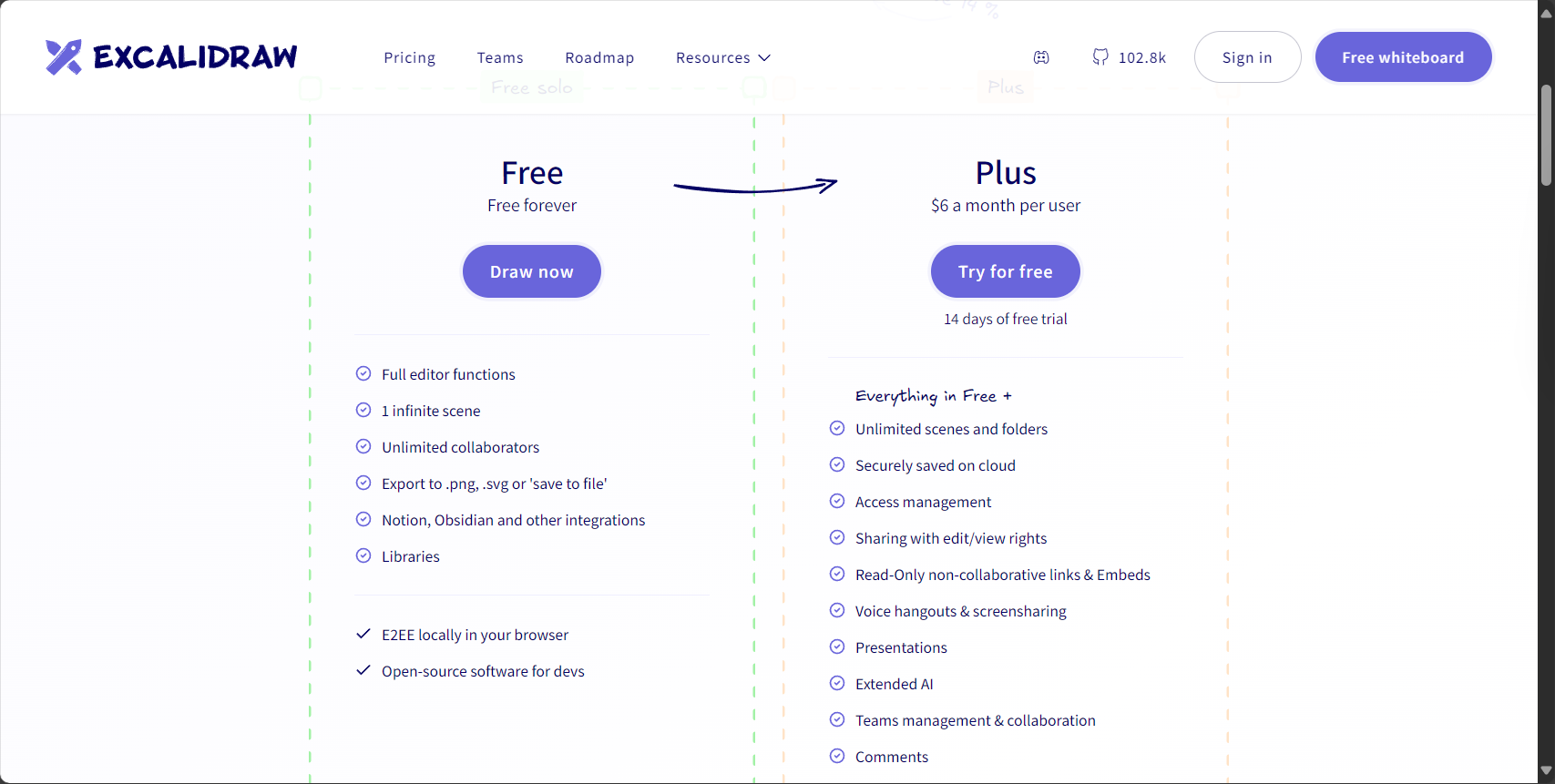
Free vs. Professional Version Features Comparison
| Version | AI-generated imagesfrequency | cooperation | account |
|---|---|---|---|
| Free version | 10 times per day | support | No registration required |
| Professional version | unlimited | support | register |
The current public beta version is available immediately, no account registration required, and AI generates flowcharts daily. Can be used 10 times(Updated every 24 hours)
Advanced deployment and localization
- One-click cloning from GitHub allows for rapid local privatization of Docker/services.
- Data is stored locally for secure control and supports customized development for enterprises.
- Installation command
git clone && yarn install && yarn start - Detailed document review Official Github
Compared with similar products
| tool | Is it open source? | Real-time collaboration | AI drawing | Private Deployment | Plugin | Main features |
|---|---|---|---|---|---|---|
| excalidraw | 是 | 是 | 是 | support | Rich | Hand-drawn feel, strong AI capabilities, and controllable |
| Miro | 否 | 是 | limited | 否 | Rich | Many templates, highly commercialized |
| Whimsical | 否 | 是 | part | 否 | generally | Simple interface |
| tldraw | 是 | 是 | 无 | support | Base | Minimalist Open Source |
| figjam | 否 | 是 | 否 | 否 | Rich | Good design collaboration |
in conclusion: Excalidraw excels in three aspects: "open source, AI, and high degree of freedom," making it suitable for teams that require security and autonomy.
Quick Start and Frequently Asked Questions
FAQ
- Q: Do I need to register an account?
A: No need, just access the website directly. - Q: How is the data saved?
A: Cloud storage, local backup, JSON export; private deployment allows for complete local storage. - Q: How can multiple people collaborate?
A: Share the link and create artwork together online in real time. - Q: Does the AI support Chinese?
A: Basic Chinese flowcharts are supported; for complex structures, it is recommended to use English descriptions.
Three-Step Getting Started Checklist
- Open excalidraw.com and click "+ Create New Canvas".“
- Experience AI-powered drawing with the "Text to diagram" feature and collaborate with peers.
- Export the results, or perform local/specialized deployments to meet the needs of large-scale teams.
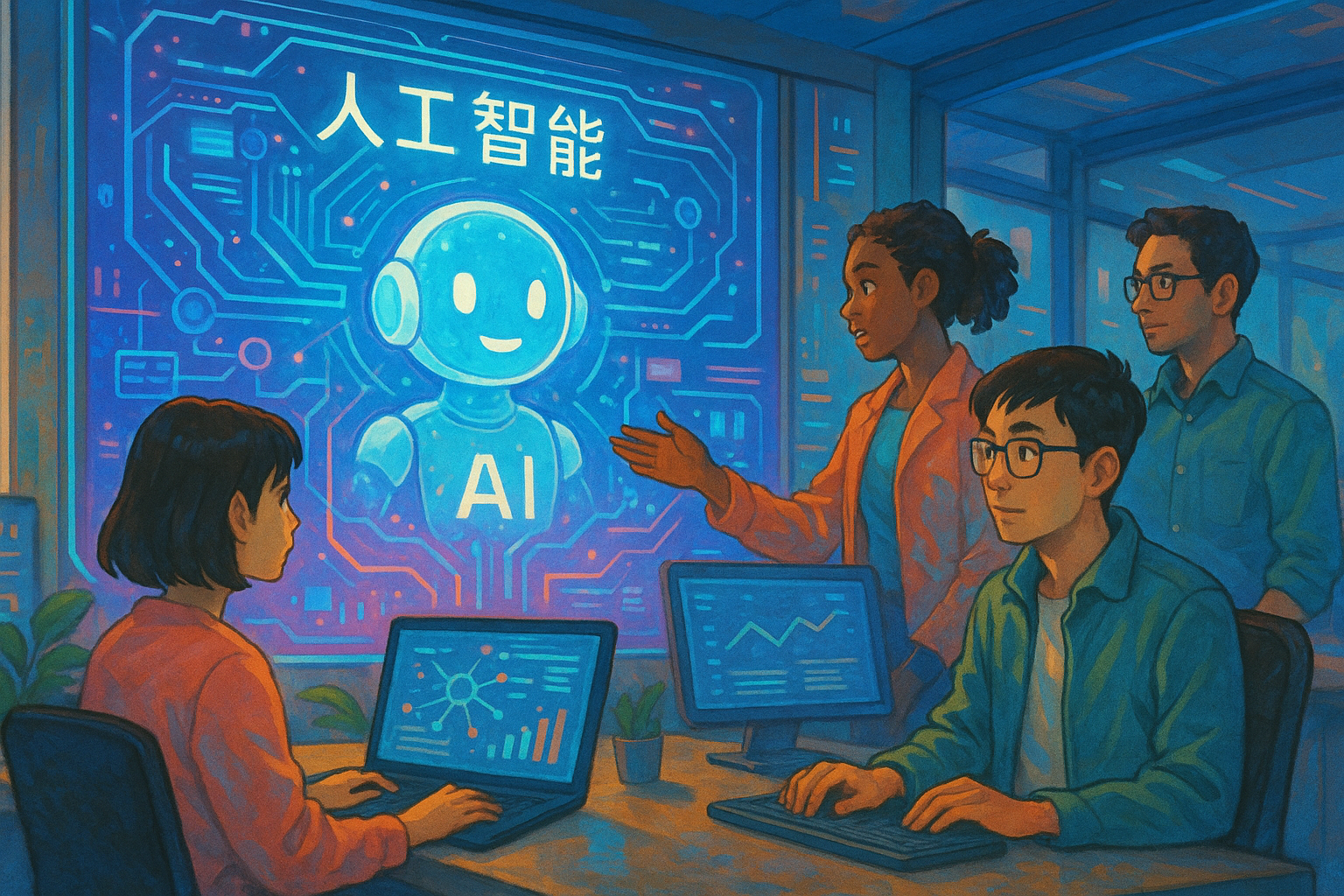
Whether you are in a remote team, in education, in creation, or in developmentexcalidraw Make drafting and knowledge organization free, intelligent, and secure.
Visit now excalidraw.com Free trial, useHand-drawn collaborative whiteboardEmpower your creativity and your team!
© Copyright notes
The copyright of the article belongs to the author, please do not reprint without permission.
Related posts


No comments...
