Poor AI image quality? Unsatisfactory results? Here are some fatal mistakes you must avoid during the image generation process!
sinceAI raw imageSince its widespread adoption, have you ever typed "a beautiful girl" into the input box with high hopes, only to receive a "creature" with vacant eyes, twisted limbs, and fingers like Cthulhu tentacles? This experience of going from heaven to hell is a nightmare every AI drawing novice has gone through. The problem isn't that the AI is stupid, but that your communication with it has been fraught with misunderstandings from the very beginning.
To transform AI from a chaotic creator into a wise and understanding entity, you must stop making the following fatal mistakes.
Mistake 1: Riddler-style "prompts"
This is the most common, and also the most fatal, mistake. You tell AI "a girl," and its database contains billions of images of "girls," ranging from anime lolis to realistic supermodels, from Victorian era to cyberpunk. It doesn't know which one you want, so it can only give you a blurry "average face" that overlays all these concepts.
[Solution: Give instructions like a director]
Forget simple nouns; learn to construct your cue words using the "scene description method." A qualified cue word should at least include the following elements:
- Subject: Not just "a girl", but "a 20-year-old Japanese girl with long silver hair and blue eyes".
- Image quality and detail: Plus
masterpiece, best quality, ultra-detailed, intricate detailsThese kinds of words are equivalent to telling the AI, "Give me your best work." - Style: What kind of feeling do you want? Yes
fantasy art, photorealistic, cinematic lightingstillanime style, by makoto shinkaiDefining the style is key to determining the art style. - Composition & Environment: Where is she? What is she doing?
standing in a neon-lit Tokyo street at night, raining, reflections on wet pavementThis will make the scene feel more story-driven. - Emotion & Lighting:
melancholic expression, soft rim light from the sideLight is the soul of creating atmosphere.
A terrible keyword: a girl
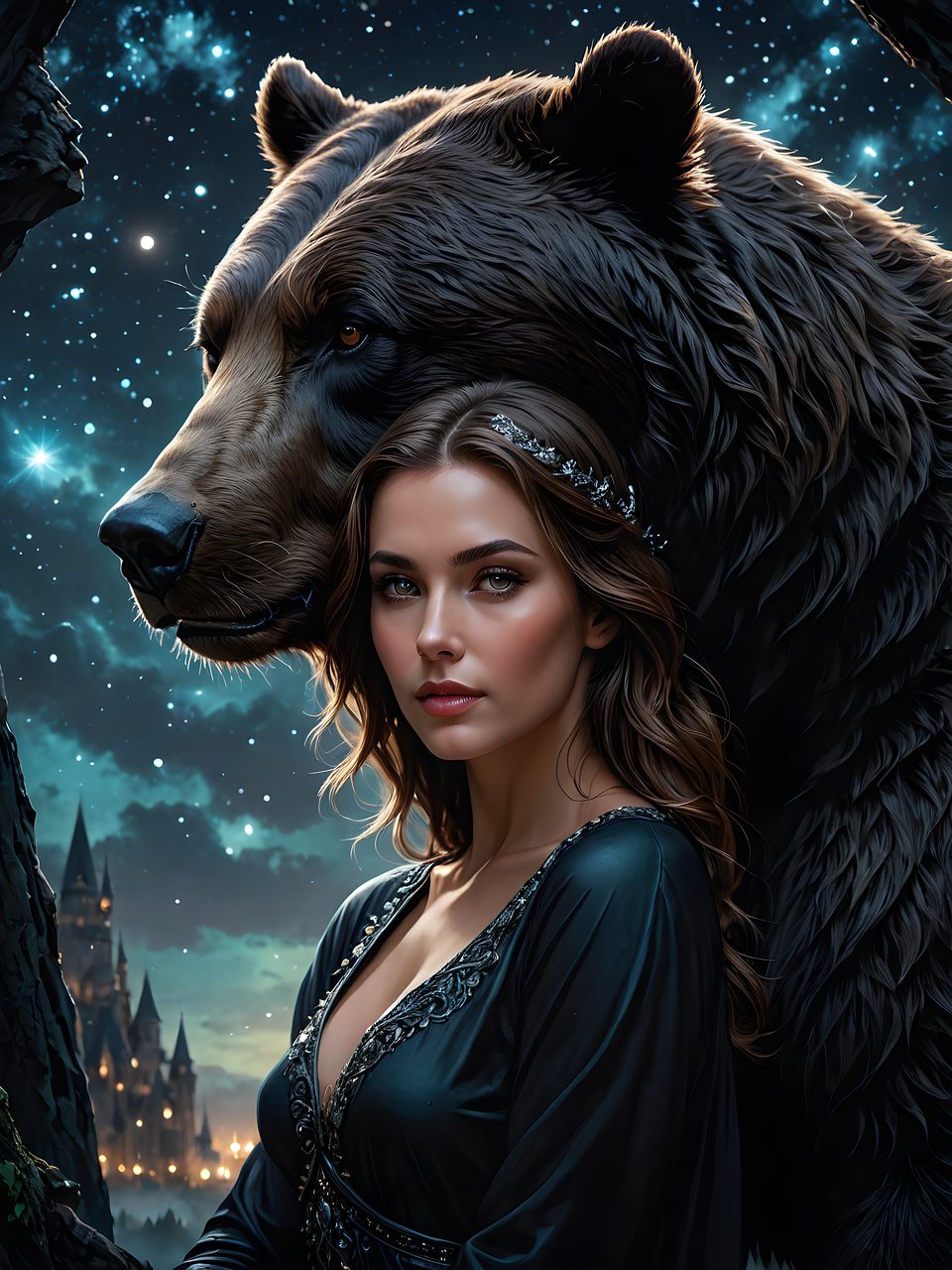
A valid cue word: (masterpiece, best quality:1.2), 1girl, solo, silver long hair, blue eyes, melancholic expression, wearing a black trench coat, standing in a neon-lit Tokyo street at night, raining, reflections on wet pavement, cinematic lighting, photorealistic, ultra-detailed.
Mistake 2: Ignoring "Negative Prompts"
You told the AI what you wanted, but you didn't tell it what you...不What does it want? When AI learns, it also sees a lot of low-quality, erroneous images. If you don't restrict it, it may bring these "bad habits" into your work. Six fingers, extra limbs, and ugly facial features are often because you haven't set up a "firewall".
[Solution: Create your own "blacklist"]
Almost all professional AI drawing tools have a negative keyword input box. You need to put in all the things you least want to see. Here's a basic, universally applicable "blacklist," which you can expand upon as needed:(worst quality, low quality:1.4), ugly, deformed, distorted, disfigured, bad anatomy, extra limbs, extra fingers, fewer fingers, bad hands, fused fingers, poorly drawn hands, malformed hands, mutated hands, missing arms, missing legs, extra arms, extra legs, blurry, text, watermark, signature.
Mistake 3: Trying to catch fish by climbing a tree with a wrong model
AI models are like painters from different schools of painting. If you ask a painter who specializes in traditional Chinese ink wash landscape painting to create a hyper-realistic oil portrait, the result will naturally be disastrous. Many platforms have built-in different "models" or "checkpoints," each with its own area of expertise.

[Solution: Address the root cause and choose the right artist]
- Want to draw your 2D waifu? Select label as
Anime或CartoonThe model, such asAnything V5,AbyssOrangeMixwait. - Seeking photorealistic results? Find the label
Realistic或PhotorealisticThe model, such asChilloutMix,Deliberate,Realistic Vision。 - Want to try a specific style? Many platforms allow users to upload their own trained models (called LoRA), and you can find models that specifically mimic the style of a particular artist or generate specific concepts (such as mechs or fantasy creatures).
Tips for beginners:
Don't rush into pursuing complex technologies at the beginning. Start with a beginner-friendly website, such as... Leonardo.Ai 或 SeaArt.aiThese websites offer intuitive interfaces and a rich selection of preset models and styles. By repeatedly practicing the "scene description method" and using "negative prompts" on these sites, you'll surpass the beginner level of the 90% when you can consistently generate images that meet expectations. Remember, AI painting isn't a one-time magic trick, but a journey of continuous communication, debugging, and co-creation with the machine.
Once you've mastered the basic prompting techniques and are no longer bothered by "ghost hands" or "face-breaking" errors, you might encounter a new bottleneck: your images, while "correct," are mediocre and lack impact, always feeling like they're "missing something." That "something" lies hidden in the advanced parameters and workflows that experts keep secret.
Advanced Mistake 1: Ignoring the "weight" and "order" of cue words“
Do you think all words in the prompts are equal? Absolutely not. AI understands the prompts in a specific order and with emphasis. Words that appear earlier in the prompts, or those that are weighted, receive more of the AI's "attention."
[Solution: Learn to control AI's "attention"]
- Weight syntax: 在 Stable Diffusion In WebUIs (such as Automatic1111 or ComfyUI), you can use parentheses to increase or decrease weight.
(word:1.3):WillwordThe weight is increased by 30%. Use this when you want a feature (such as "red eyes") to stand out.[word]Equivalent to(word:0.9)Reduce the weight. Use this when you want an element to exist but not be too prominent.
- Order is King: The first 30 tokens have the greatest impact on the visuals. Place your core elements, such as the subject, art style, and composition, at the forefront. Details and background elements can be placed later.
- Prompt Mixing: use
[from:to:when]Grammar allows AI to use different prompt words at different stages of generation. For example...[cat:dog:0.5]It allows the AI to draw cats in the first 501 TP3T steps and dogs in the next 501 TP3T, thus creating bizarre hybrid creatures. This is an advanced way to create new species.
Advanced Mistake Two: Only Knowing How to "Draw Cards," Not How to "Repair Cards"—Ignoring "Raw Image" and "Partial Redrawing."“
Many people generate images like they're drawing cards; if it's not good, they discard it and start over. But experts never pin their hopes on a perfect generation on the first try. They treat the flawed but well-composed images generated by "txt2img" as a "draft," and then use more sophisticated tools for "secondary creation."
[Solution: Treat AI as your professional retoucher]
- Raw image (img2img): Throw an unsatisfactory image into the "Image Refresh" module. You can use the same prompt, but lower the "Denoising strength." This parameter ranges from 0 to 1; the higher the value, the more freedom the AI has to work with. Lowering it (e.g., 0.3-0.5) can optimize details and texture while preserving the original image's composition and color.
- Inpainting: This is the ultimate weapon for fixing "ghost hands" and "face distortion." Under the "Local Redraw" tab in the "Raw Image" tool, use the brush to paint over the area you want to modify (such as the hand), then...Only for this areaIssue new instructions. For example, simply write the command in the prompt box.
a perfect hand, five fingers, detailed skin textureThe AI will then concentrate all its computing power to redraw the area you specify, which is far more effective than a global redraw.
Advanced Mistake 3: Being satisfied with default settings and ignoring "Sampler" and "VAE"“
Have you ever touched the "Sampling Method" and "VAE" dropdown menus? They are like the lens and film of a camera, having a decisive influence on the style and color of the final image.
[Solution: Find your "perfect partner"]
- Sampler: Different samplers have different convergence speeds and image styles.
Euler aCreative, versatile, and good at exploring new concepts, but may be unstable.DPM++ 2M KarrasRecommended! Stable, high-quality, and produces images with rich detail, making it the top choice for many.DDIMIt's fast, but the details might be slightly inferior.- suggestion: Fix your prompts and seeds, and only switch samplers to see which style best suits your aesthetic.
- VAE (Variational Autoencoder): It is responsible for "decoding" the abstract data generated by AI in the latent space into pixelated images that we can see. Simply put, it determines the color and contrast of the image.
- A good VAE can make a dull image vibrant and clear.
- A mismatched VAE may cause the image to be overexposed or have abnormal saturation.
- suggestion: Most realistic or anime models are recommended to be paired with
kl-f8-anime2.ckpt或vae-ft-mse-840000-ema-pruned.ckptThese are specialized VAE files. They can significantly improve the image quality.
When you consciously apply weights, master the workflow of graph-to-graph generation, and pair your model with appropriate samplers and VAEs, you transform from an "AI user" into an "AI creator." Your work will no longer be a product of luck and probability, but an artwork combining thought and technology under your precise control.
© Copyright notes
The copyright of the article belongs to the author, please do not reprint without permission.
Related posts

No comments...
