
What is Chat PDF? A 3-minute guide to the core functions and application scenarios of this intelligent PDF conversation tool.
In today's world, where the AI wave is sweeping across the globe,PDF document intelligent dialogue tool如 chat pdf It is increasingly attracting attention from office workers, researchers, students, and enterprise users.Leveraging advanced natural language processing and generation technologiesChat PDF enables intelligent dialogue between users and documents, greatly improving the efficiency of learning, work, and data analysis. This article analyzes this topic in the style of a news report. chat pdf This guide will provide you with a comprehensive understanding of the core functions, mainstream products, typical application scenarios, and future trends of PDF intelligent dialogue tools, helping you to fully grasp the efficient changes brought about by these tools in just 3 minutes.
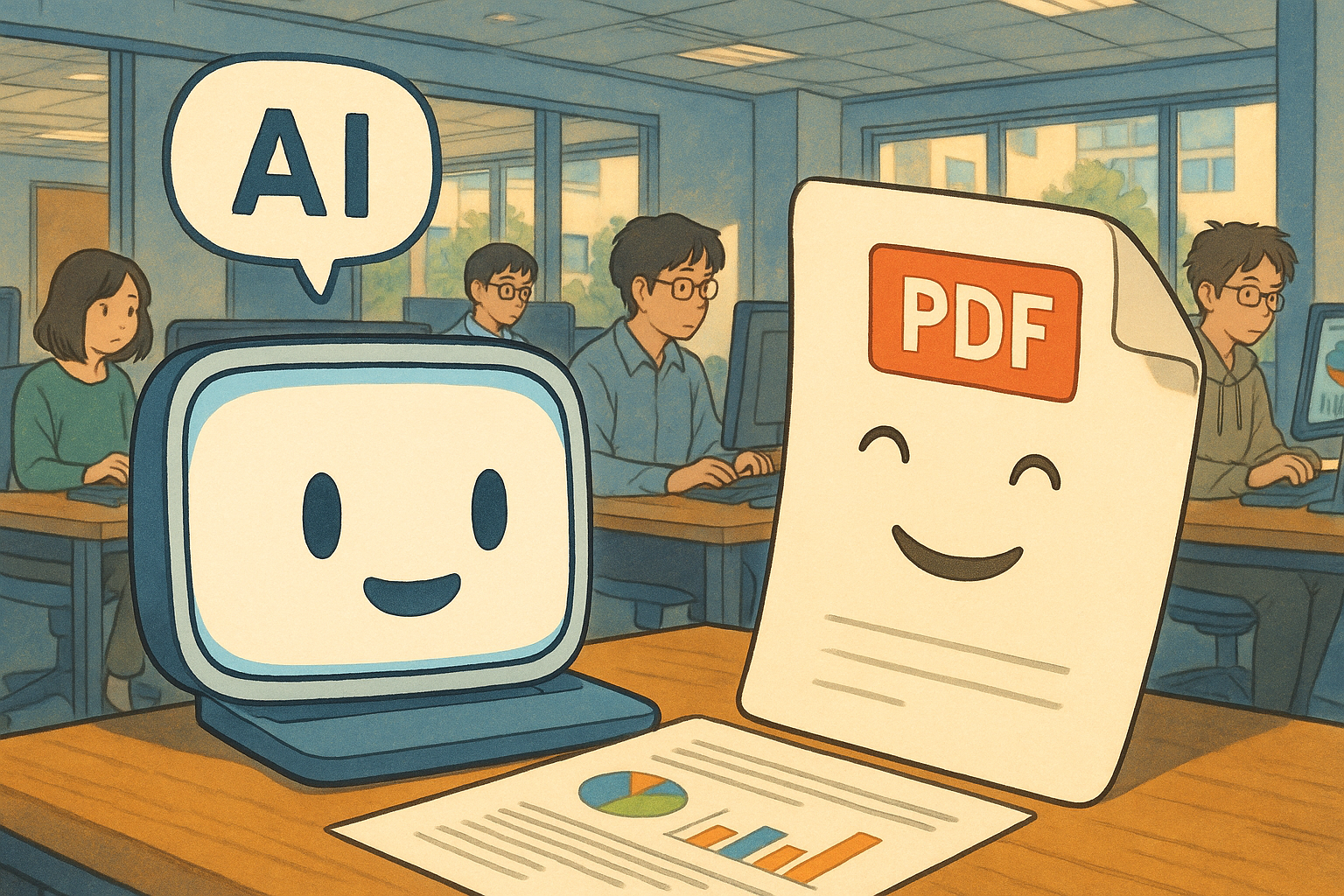
What is a chatpdf? A complete explanation of how it works.
Definition of chat pdf
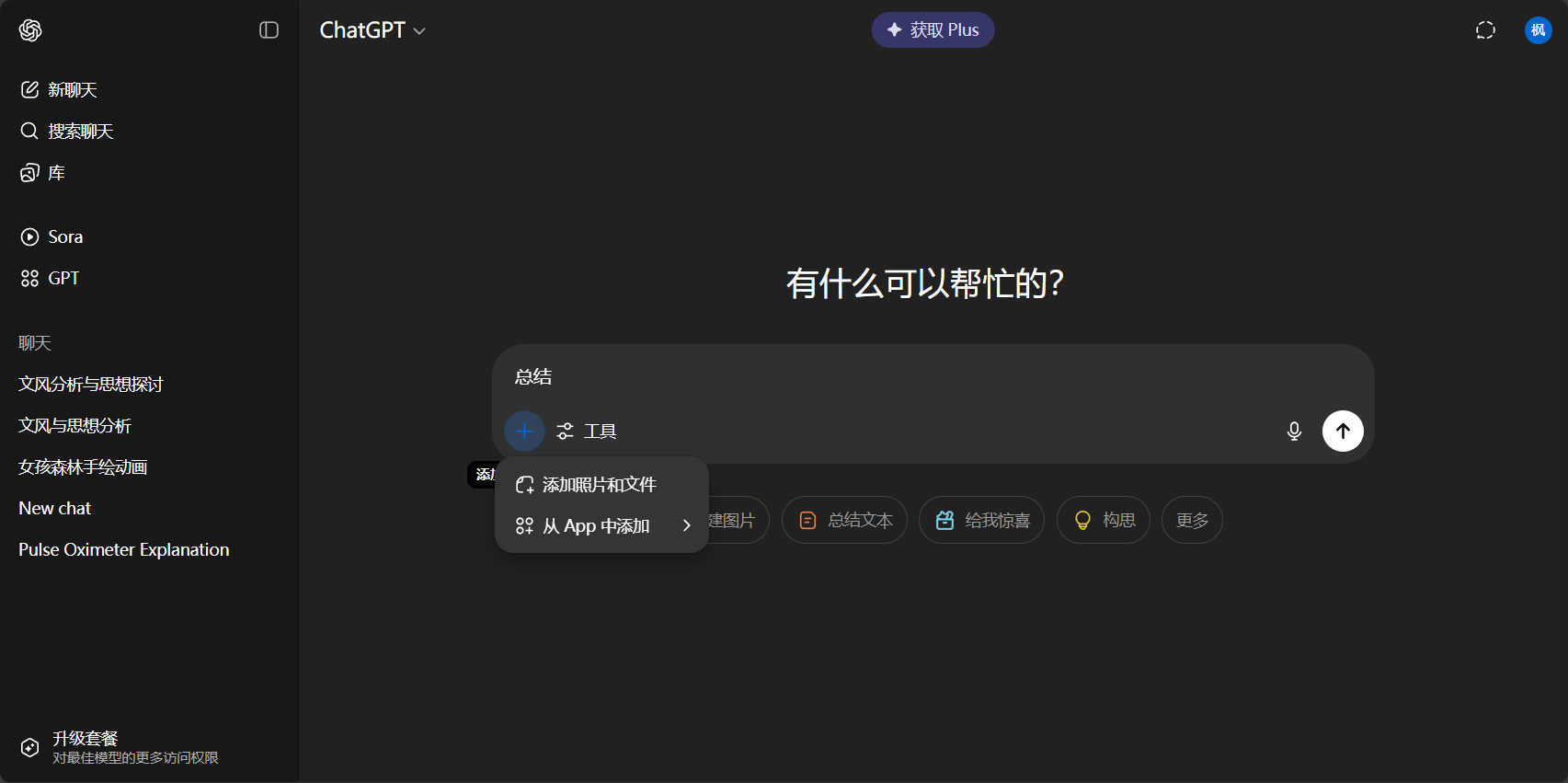
chat pdf This refers to intelligent tools that use AI technology to allow users to "converse with PDF documents." After uploading or pasting a PDF file, users can ask questions about the document's content naturally, just like chatting with ChatGPT.Implement functions such as summarizing, searching, translating, and citing.This greatly lowers the barrier to information access. (For example, if asked, "What is the core idea on page 5?", AI will match the original text and provide an answer in seconds.)
- Experience chat similar to ChatGPT, suitable for non-technical users.
- Supports various interactive features such as search, summary, translation, and contextual references.
- Automatically extract content from tables, formulas, and image descriptions.
Core technology principles
| Technical aspects | Main content and function |
|---|---|
| OCR (Optical Character Recognition) | Automatically convert screenshots of PDFs into readable text |
| Text Extraction | Structured extraction of information from main text, table of contents, tables, etc. |
| Vectorization processing | Build semantic indexes to facilitate searching and semantic retrieval. |
| Intelligent Question Answering (QA) | AI understands the question and provides an accurate answer by quoting the original text. |
| Multilingual module | Real-time translation and comparative reading |
| Security and privacy controls | File encryption and private storage protect data security. |

This process enables PDFs to achieve "deep understanding" and efficient interaction.This completely changes the traditional document processing experience.
A Comparison of Mainstream Chat PDF Products and Their Core Functions
Overview of mainstream global chat PDF products
| Product Name | Entry/Official Website | Main features |
|---|---|---|
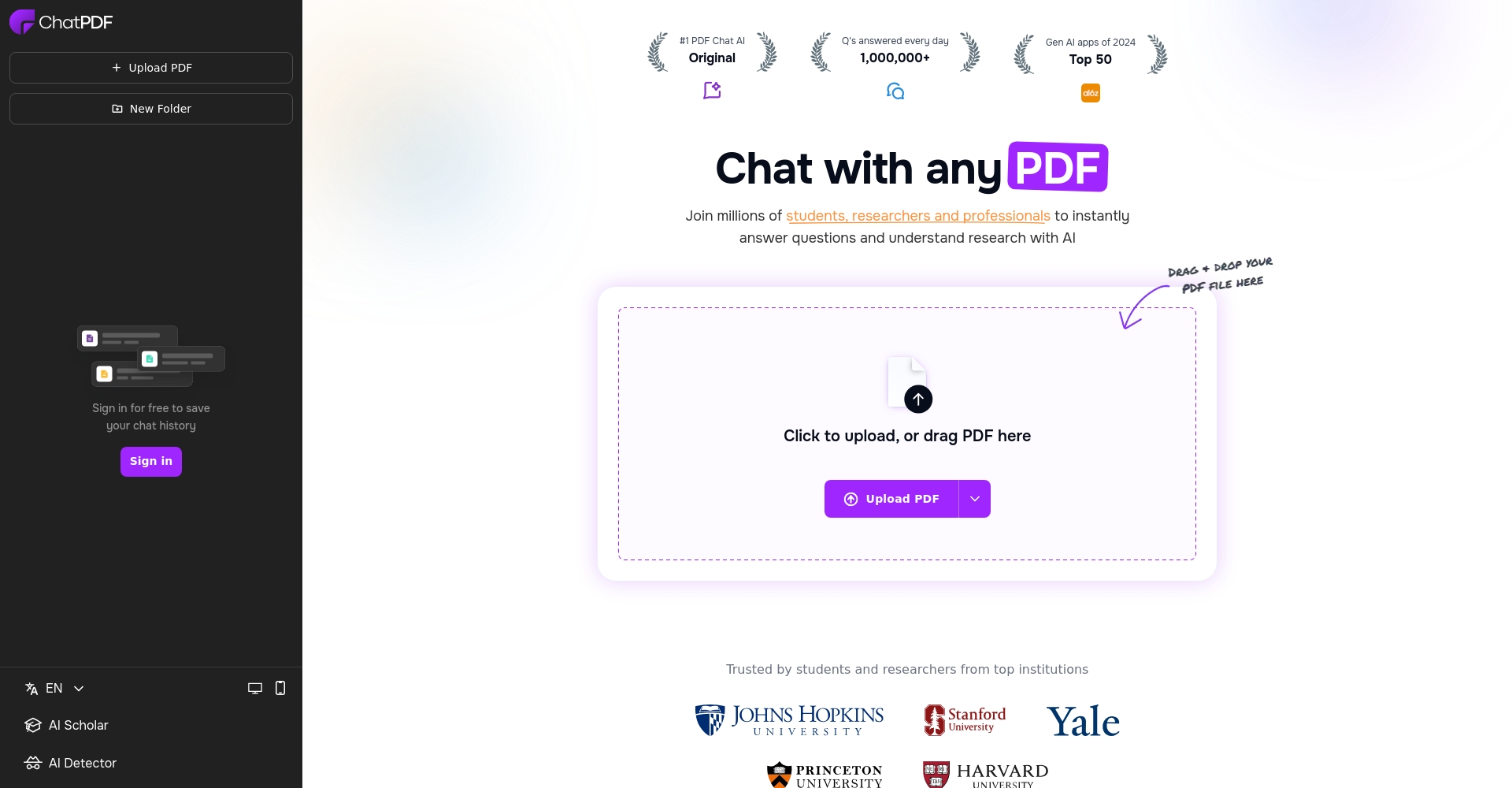
| ChatPDF | chatpdf.com | Established product, free credit limit, feature-rich, API support |
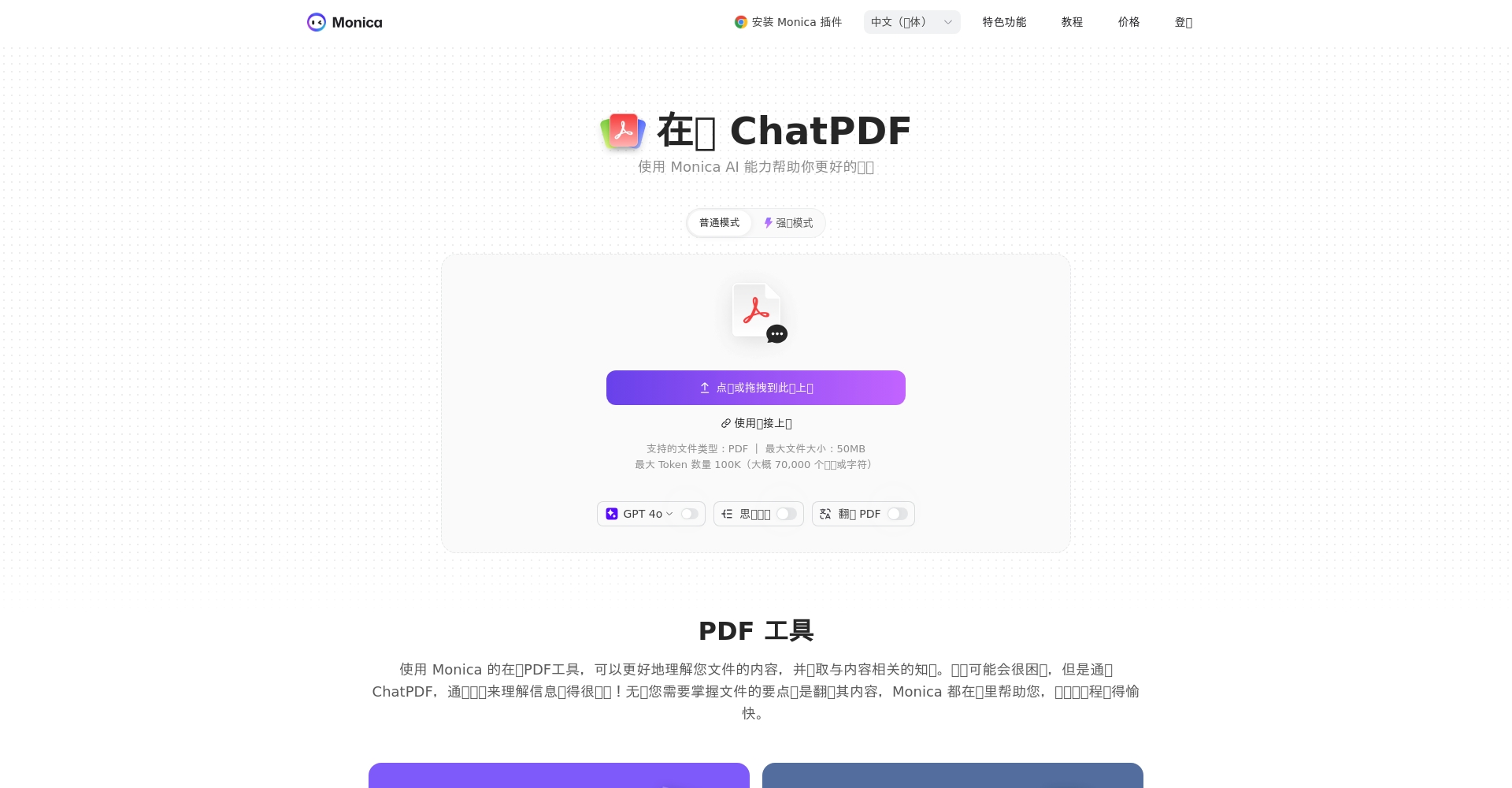
| Monica ChatPDF | monica.im | Excellent native Chinese experience, integrates summarization and translation, and syncs across multiple devices. |
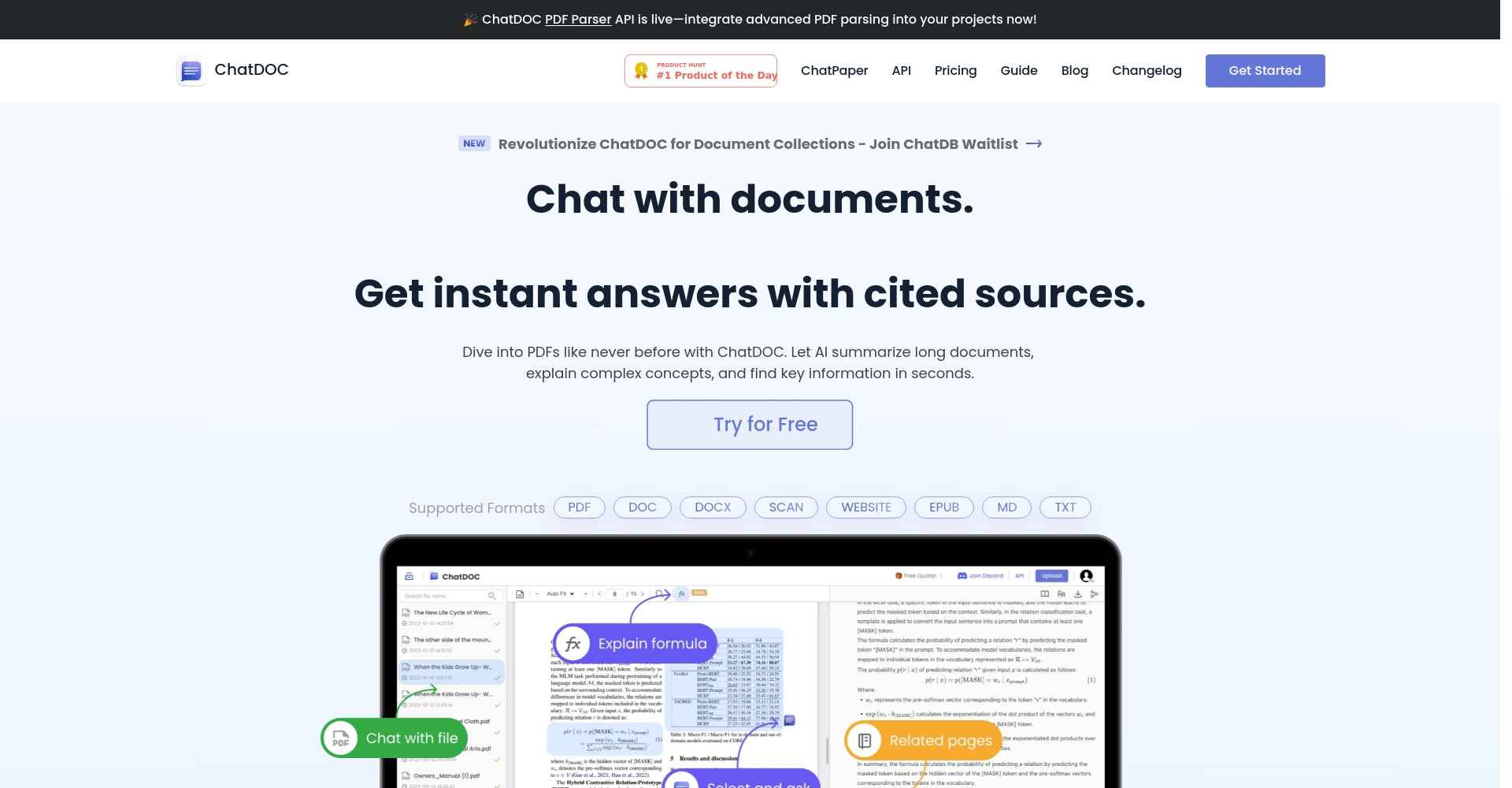
| ChatDoc | chatdoc.com | Supports multiple file formats, enhanced RAG search, and industry-specific compatibility. |
| AskYourPDF | askyourpdf.com | Large document support, powerful citation and annotation features |
Comparison of core functions of chatpdf tools
| Function | illustrate | Monica | ChatPDF | ChatDoc | AskYourPDF |
|---|---|---|---|---|---|
| Intelligent Question Answering | Natural language interaction in documents | ✔️ | ✔️ | ✔️ | ✔️ |
| Automatically generate summary | Intelligent extraction of core content | ✔️ | ✔️ | ✔️ | ✔️ |
| Precise content citation | The answer traces back to its source and jumps to the original text. | ✔️ | ✔️ | ✔️ | ✔️ |
| Full translation | Multilingual/Chinese-English | ✔️ | Partial support | ✔️ | ✔️ |
| Multi-device synchronization | Web/Mobile/Desktop Interoperability | ✔️ | Web-based | ✔️ | ✔️ |
| Privacy and security | Encrypt protected files/data | ✔️ | ✔️ | ✔️ | ✔️ |
| API integration/batch | Extended and developer-friendly | ✔️ | ✔️ | ✔️ | ✔️ |
Monica ChatPDF Highlights Explained
- Multiple files and batch uploadIt allows you to upload multiple PDFs at once and supports seamless switching and management between multiple documents.
- Conversational Search and Intelligent Question AnsweringWhen asked about the conclusions of the data on page 15, the system instantly provides the accurate answer by quoting the original text.
- Multilingual translation comparisonThe original text and translation are displayed simultaneously, making it convenient to study foreign language documents.
- Abstract extraction and table of contents navigationGenerate a table of contents and intelligent summary with one click, and understand the structure of long documents in seconds.
- Multi-device synchronized experienceSeamless integration across desktop, web, and mobile platforms, enabling efficient work anytime, anywhere.
The practical value of chatpdf in multiple application scenarios
Education and academic research scenarios
- Rapidly and thoroughly read documentsUpload your paper and ask, "What are the innovative points and conclusions of this paper?" The AI will automatically summarize them in academic language and trace them back to the original text.
- Full Chinese-English translationEasily compare and read foreign language materials, with intelligent explanations of terminology.
- Paper Citation Search: Directly locate experimental data or introduction citations.
Enterprise and workplace scenarios
- Automatic contract parsingBatch upload contracts and automatically generate a list of rights and responsibilities and breach of contract clauses for easy review.
- Report Compilation and SummaryIn-depth reports automatically extract management summaries, saving analysis time.
- Data comparison and analysisExtract key points across documents for quick comparison of project progress.
Legal, medical, and financial professional fields
- Legal provisions searchHundreds of pages of judgment documents, with one-click access to key legal provisions.
- Quick Reference for Medical Records and GuidelinesDoctors can quickly find treatment suggestions using the question-and-answer and annotation functions.
- Financial Report InterpretationIntelligent extraction of financial statement figures to assist in risk and investment analysis.
Personal learning and efficiency improvement
- Studying textbooks and instruction manualsInteractive Q&A makes complex documents easy to understand.
- Reading progress and tag collectionKnowledge points and notes are synchronized to the cloud, making knowledge management more efficient.
- Learn anytime on mobile devicesIt supports synchronized PDF intelligent Q&A across subway, home, and office.
Future Trends and User Guidelines for Chat PDF Tools
Latest Development Trends
- Stronger AI model integrationWith the support of cutting-edge large-scale models such as GPT-4.1 and Claude3, the understanding is greatly enhanced.
- Cross-file semantic dialogueSimultaneous analysis of multiple PDFs, and inference based on multiple documents.
- Enhanced privacy and complianceMore secure local data deployment and enterprise-level privacy protection.
- API and Platformization: Plug-in ecosystem expansion makes enterprise office automation more efficient.
- Multi-industry and multilingual local optimizationGlobally compatible, with continuously upgraded industry-customized templates.
Frequently Asked Questions and Answers about User Experience
| Frequently Asked Questions | Brief answer |
|---|---|
| What file size is supported? | For example, Monica ChatPDF supports a maximum size of 50MB or 100,000 tokens; large files need to be uploaded in batches. |
| Is Chinese language support good? | Domestic products such as Monica have better optimization results for Chinese algorithms. |
| Is it free? | Most basic functions are free, while advanced batch/enterprise functions require a paid subscription. |
| Is the file safe? | The entire process is encrypted in the cloud, and the enterprise version offers the option of local private deployment. |
| Can batch operations be performed? | It supports batch uploading, annotation, and automated API integration. |
Conclusion
With the rapid development of AI technology, ChatPDF is becoming an efficient intelligent assistant for every knowledge worker in the digital age. It greatly enhances the PDF retrieval, understanding, and analysis experience, bringing revolutionary improvements to deep learning, business analytics, and professional research.In the future, whether you are a student, a professional, or a corporate executive, it is worthwhile to try and own an excellent chat pdf tool to empower the world of documents with AI and unleash more creativity and efficiency.
Experience the chat pdf now:
Monica ChatPDF (Chinese version) 或
ChatPDF (International Version)Start your new life of efficient AI-powered document creation!
© Copyright notes
The copyright of the article belongs to the author, please do not reprint without permission.
Related posts


No comments...
