How to generate images using ChatGPT? A quick start guide for beginners in 2025 and a guide to avoiding common mistakes.
With the rapid development of generative AI,ChatGPT generates imagesIt has become a hot technology attracting the attention of many creators and designers.In 2025, OpenAI significantly upgraded ChatGPT's image generation capabilities, allowing users to generate ideal images simply by inputting descriptive text.This article will give you a comprehensive understanding of the principles, operation methods, common mistakes for beginners, and tips for avoiding pitfalls in generating chatgpt images.It includes the latest products, tools, tables, and key tips to help you get started quickly and avoid pitfalls.
The Principles and Application Prospects of ChatGPT Image Generation
GPT-4o Image Generation Function Introduction
In 2025,OpenAI's ChatGPT integrates the latest GPT-4o multimodal model, achieving a qualitative leap in image generation capabilities.Users simply need to describe the scene in text, and the AI can accurately understand and instantly generate a beautiful image. It can not only handle regular descriptions, but also match various details such as style, color, and scene.
- Multimodal fusionAI can simultaneously understand voice, image, and text commands, significantly enhancing communication efficiency.
- Stronger semantic understandingComplex compositions and creative prompts can be handled smoothly.
- Rendering quality has been greatly improved.The watermark is concise, the details are rich, and it rivals professional AI painting platforms.
Practical applications of ChatGPT image generation
| Application areas | Practical examples | Target audience |
|---|---|---|
| Content creation | Create blog illustrations and article images | Self-media, writers |
| Commercial Design | Quickly generate logos, posters, and product promotional images. | Marketing, Designer |
| Education and teaching | Textbook illustrations, science graphics creation | Teachers and students |
| Community Operations | Generate Instagram/WeChat stickers and memes | self-media operators |
| Interesting life | Customized mobile wallpapers and greeting cards | ordinary individual users |

ChatGPT image generation is becoming a new driving force in media content, education and training, brand design and other fields.
ChatGPT Image Generation: A Quick and Easy Beginner's Guide (Latest 2025 Version)
Step 1: Register and Login to ChatGPT
- Open ChatGPT Official Website。
- Click 'Sign Up' to register as a new user; one-click login is supported for Google/Apple accounts.
- Verify your email address and log in to the homepage.
Note: Most image generation features currently require a Plus (paid) account. Some features will be gradually made available to free users starting in the second half of 2025.
Step 2: Enter image generation mode
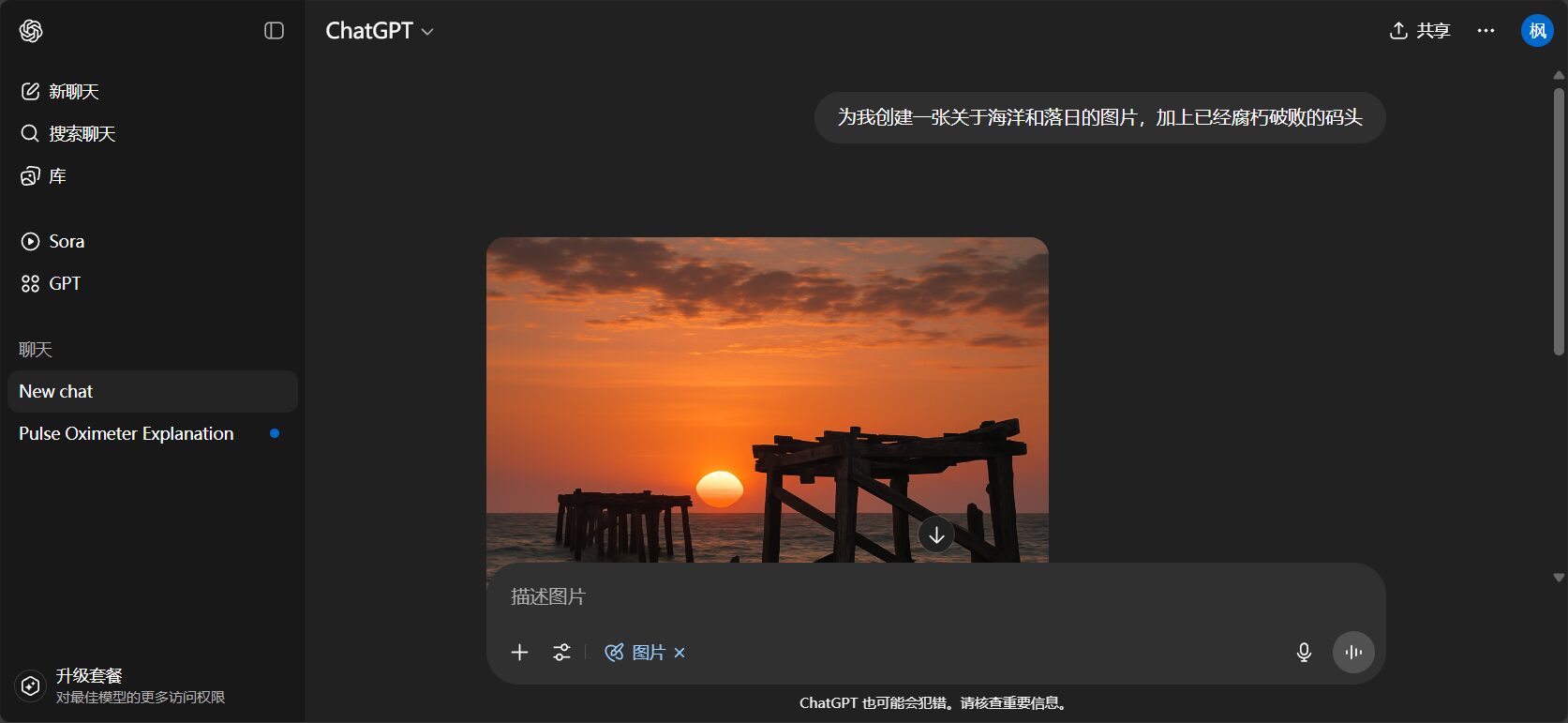
- Login successfulSwitch to GPT-4o model on the left(Supports image generation function).
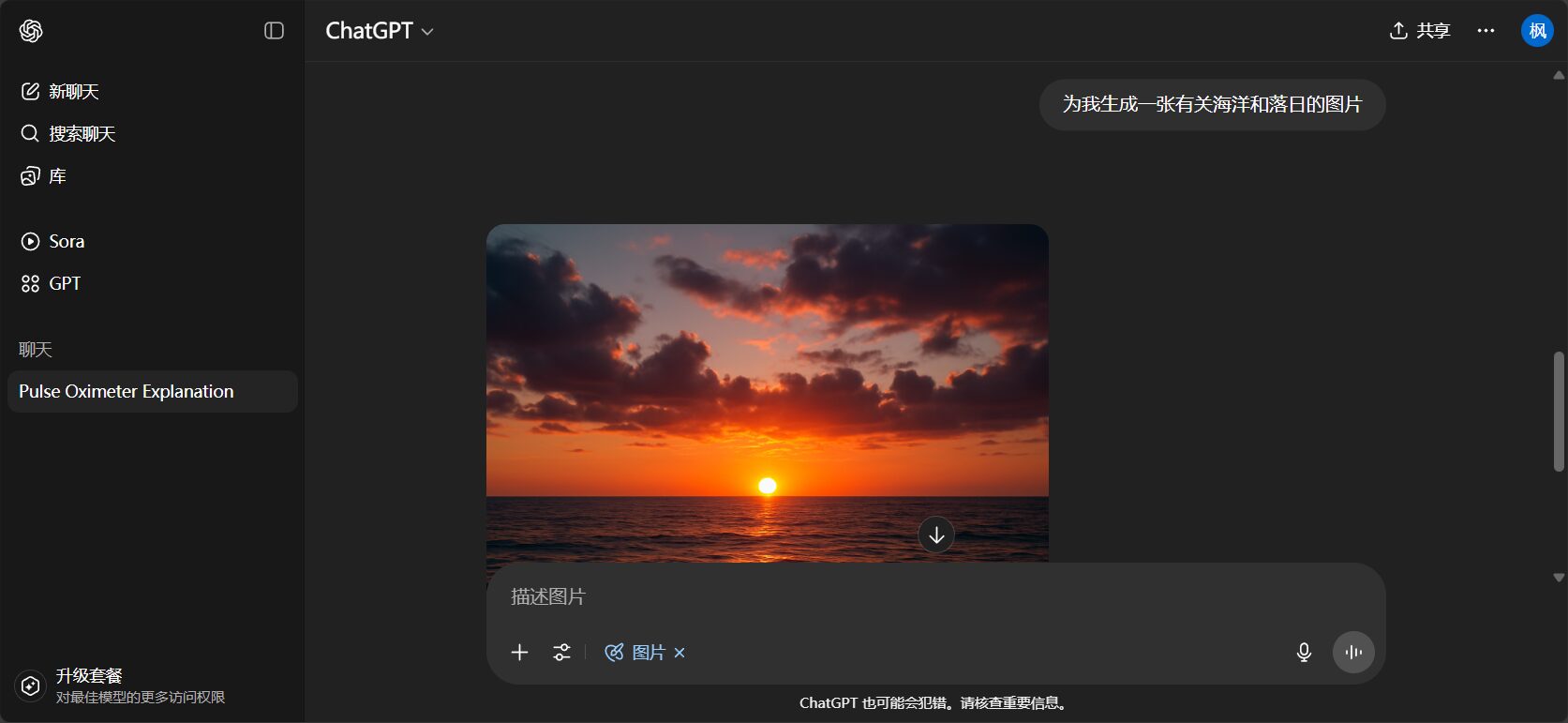
- Locate the "Image Creation" entry point, located in the toolbar at the bottom of the dialog box.
- Enter a description for the image, such as "A Shiba Inu wearing sunglasses running on the beach".
- Click to confirm, and the AI will generate an image within 5-10 seconds.
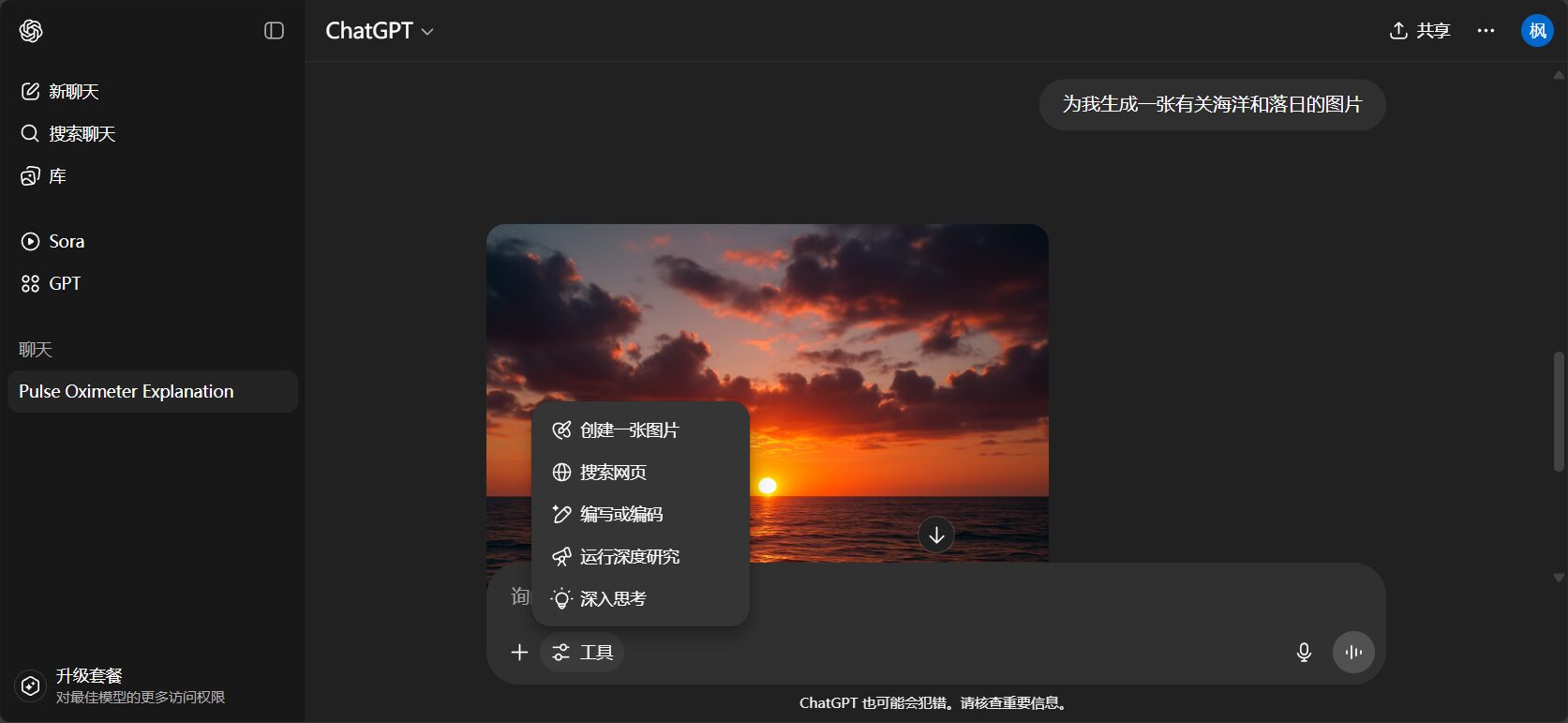
| step | illustrate | Screenshot prompt |
|---|---|---|
| Model selection | Switch the model to GPT-4o | Left-side menu display |
| Enable image generation function | The dialog box has an "Image Generation" button. | Toolbar button illustrations |
| Input description | For example: "Lions against a forest background"“ | prompt example |
| Generate & Preview | The preview image appears in 5-10 seconds. | Resulting image |
Step 3: Prompt Design Techniques
The more specific the prompt, the better the effect!The following structure is recommended for beginners:
- Clear main body"A golden teddy bear wearing a red hat"“
- Add scenePeople running on the playground“
- Specify style"Hand-drawn style, pixel art"“
- Atmosphere description"Sunny day, sunset, night view"“
- Resolution Explanation: "16:9 banner, 1080×1080"“
| Skill Type | Structural Paradigm | Effect description |
|---|---|---|
| Describing the main body | “"A cup of steaming coffee"” | Theme Highlight |
| Specify style | “"Cyberpunk Sketch"” | Consistent overall style |
| Scene background | “"City skyline at sunset"” | Space & Atmosphere Positioning |
| Enhanced details | “There is a bird flying in the upper right corner of the screen.” | Rich composition |
| Color matching requirements | “"Morandi color scheme"” | Visually appealing |
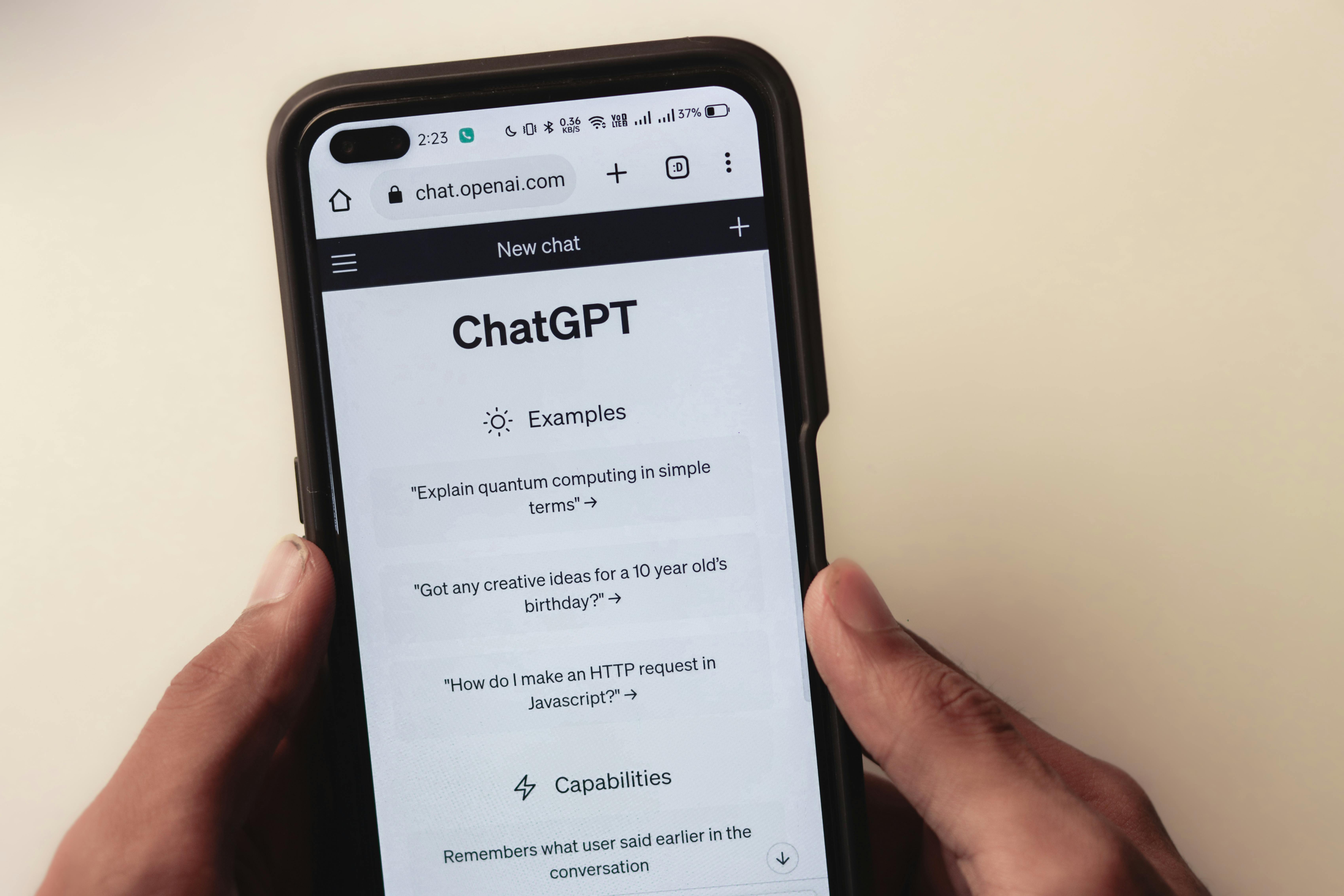
Step 4: Image Download and Secondary Editing
- After generation,Click the image to download; long press to save on mobile devices.。
- Some platforms support secondary editing—such as enlarging the subject and changing the background.
- For advanced photo editing, it is recommended to use tools such as Canva and Photoshop.
Table of platforms and tools supported by chatgpt for generating images
| Platform/Tools | Is it available? | Features and entrance |
|---|---|---|
| ChatGPT Official Website | support | Official entrance |
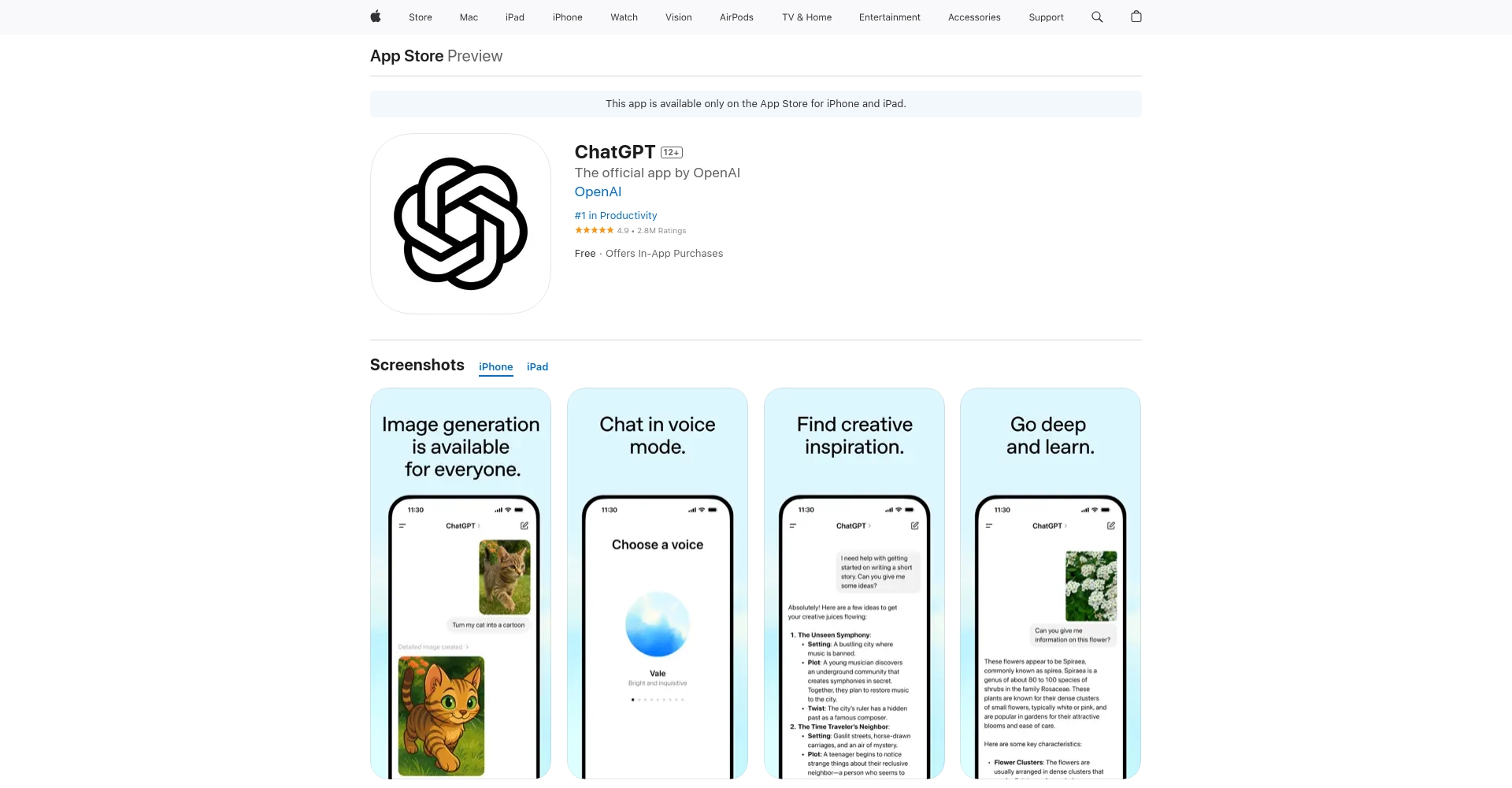
| ChatGPT Mobile App | support | Original iOS/Android versions, guard against counterfeits. iOS Download |
| DALL·E | support | Dedicated AI drawing |
| Canva | support | AI drawing/design tools |
| Microsoft Copilot | support | Bing built-in, synchronizes with DALL·E |
| Midjourney | Not supported at present | Requires Discord, not native ChatGPT. |
Common Mistakes and Tips
Summary of the most common questions encountered by beginners
- The prompt is too vague.The picture quality is very different from what I expected.
- Non-standard language descriptionAI's understanding is poor.
- Not switched to GPT-4o modelImage generation function not displayed
- The image was not saved in time.The image was lost after refreshing.
- Misuse of counterfeit appsRisk of account information being stolen
Reasons for unsatisfactory output and solutions
| question | Causal analysis | Suggestions for improvement |
|---|---|---|
| Subject-Description Deviation | The explanation is too simple. | Describe in detail the primary and secondary elements and their colors/actions. |
| chaotic style | Art style not specified | Incorporate style requirements such as "illustration/cartoon/realism" |
| Blurry details | No further details provided | Specify posture, clothing, expression, etc. |
| low resolution | The account is either free or restricted. | Upgrade to Plus or use DALL·E exclusive generator |
Cybersecurity and Copyright Traps
Please use official channels to download and use ChatGPT and the App to prevent the leakage of personal information.Most of the generated images are permitted for commercial use, but must comply with OpenAI's official policies. Some scenarios are subject to regulatory constraints; see [link/reference].terms of use。
Advanced tips for avoiding pitfalls and recommended resources
- Using the English word "prompt" allows for a more precise expression of complex ideas.For advanced creative work, it is recommended to use English directly.
- Combination DALL·E Official Website It can enhance local redrawing and diversify styles.
- If the AI replies "Unable to generate at the moment," it is recommended to try again later or check the application version.
- If the generation fails, use the "Continue Generation" button, which can often recover the task.
FAQ: Frequently Asked Questions about generating images with ChatGPT
- Q: Can I use ChatGPT to generate images with a free account?
A: Starting in 2025, the GPT-4o image generation function will be gradually opened to free accounts; high quality requires Plus. - Q: Will the generated images have a watermark? Is it allowed for commercial use?
A: No watermark by default; high-definition version requires Plus; mostly usable for commercial purposes, but restricted for sensitive content. - Q: Is there a difference between using Chinese and English prompts?
A: It has the strongest English comprehension ability, and is recommended for advanced users to use English input. - Q: Which platforms can generate images?
A: It is supported by the official website, the original mobile app, DALL·E station, and Microsoft Copilot. - Q: Why is it sometimes impossible to generate an image?
A: Due to regional/account permissions, it is recommended to check the account type or wait for a new round of opening.
Entering a new era of AI painting, chatgpt makes creative expression simpler by generating images! As long as you master the techniques and remember the pitfalls, whether you are a beginner or a seasoned designer, you can easily use AI to create art and unleash endless inspiration.
© Copyright notes
The copyright of the article belongs to the author, please do not reprint without permission.
Related posts

No comments...
