What is Napkin AI? A one-minute guide to Napkin AI's core functions and practical applications.
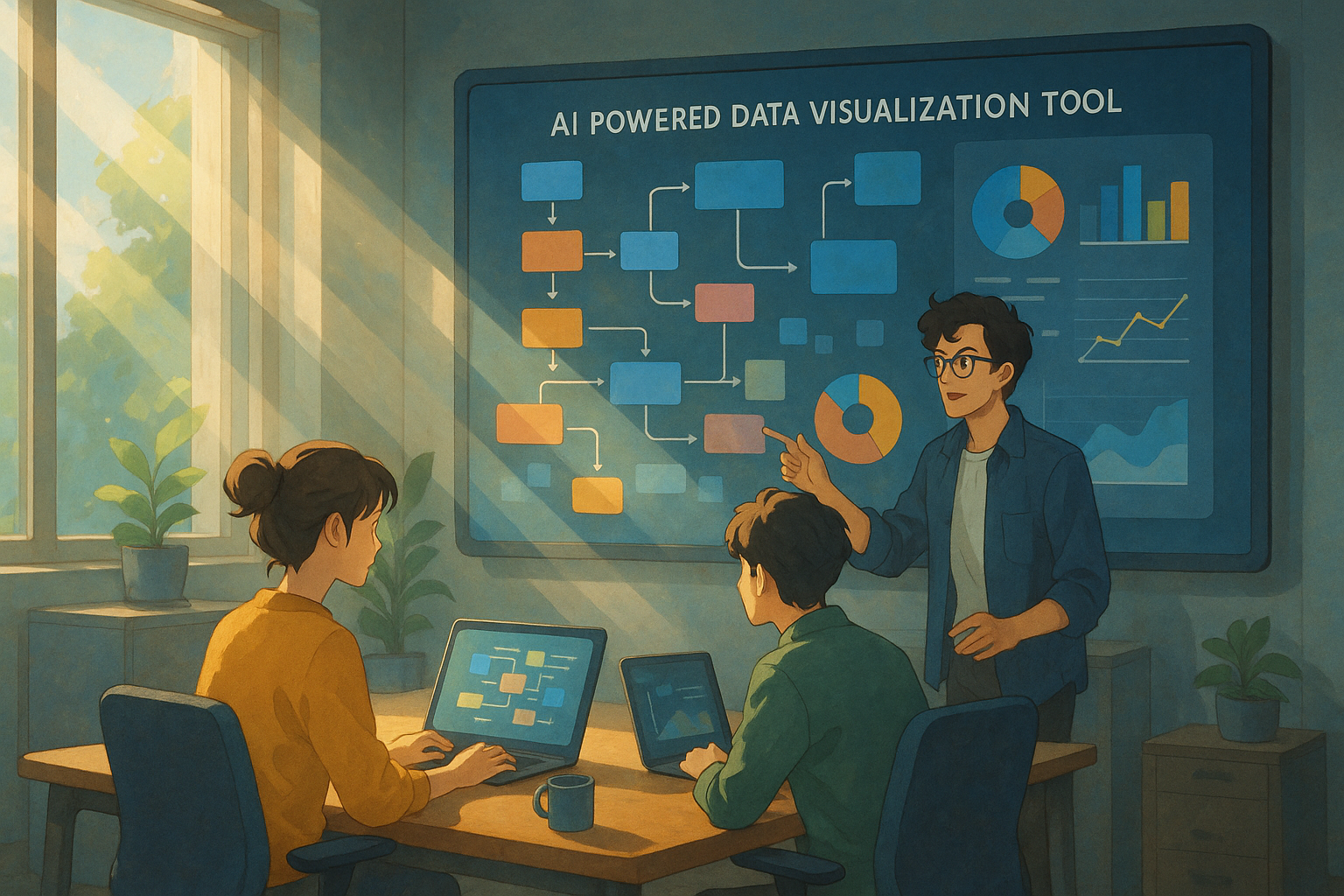
What is Napkin AI? A one-minute guide to Napkin AI's core functions and practical applications.
Napkin AI Overview
In the digital age,Enhance the ability to organize thoughts and visualize informationIt has become a core competency for knowledge workers, product managers, and research analysts.napkin aiAs an AI-powered data visualization and note-taking tool, Napkin AI has garnered significant attention from professionals and entrepreneurs worldwide. This article will provide an in-depth look at Napkin AI's core functions, technological highlights, and practical applications in a news report style, helping you efficiently capture inspiration and structure your viewpoints.
Official website:https://napkin.ai/
Napkin AI's Product Positioning and Development Background
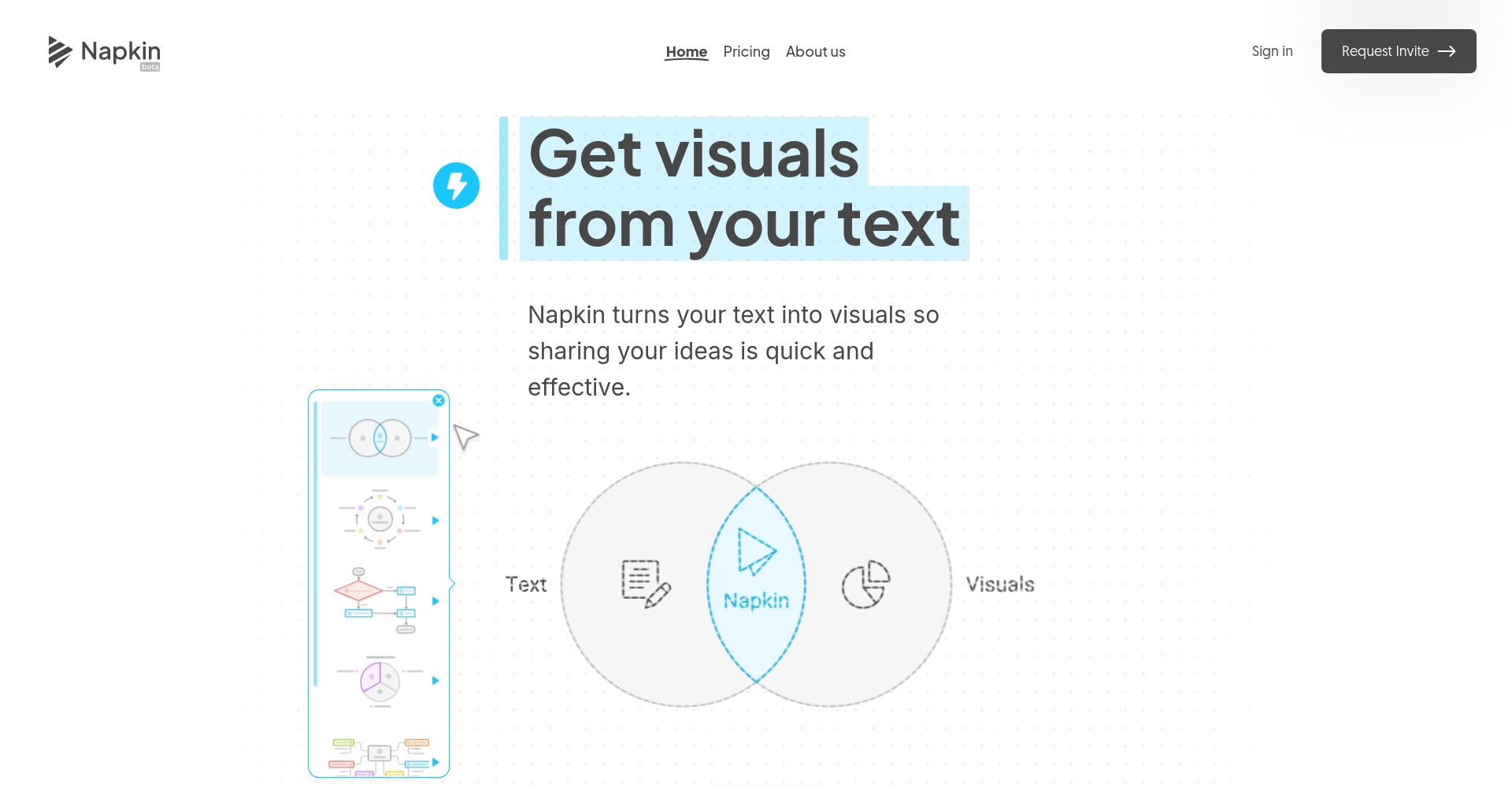
napkin ai Its unique feature lies in combining the concept of "creative freedom like on a napkin" with powerful AI capabilities, enabling a seamless workflow from capturing inspiration and structuring text to automatically generating visual charts. Since its development began in 2023 by the team of former Google engineer Pramod Sharma, napkin AI now serves multiple fields including management consulting, data analysis, education and training, and product development, becoming a key tool for digital content workflows.
| time | Milestone | Influence |
|---|---|---|
| 2023 | The founding team was formed to explore the application of AI in the field of business visualization. | The initial step was to establish the core concept of "using graphics to replace text". |
| August 2024 | Officially launched for public beta, the text-to-chart feature makes a stunning debut. | Registered users exceeded 100,000 in the first month |
| December 2024 | Deep customization and dynamic template releases have led to a continuous increase in the number of users worldwide. | Covering 200+ professional teams, with over one million monthly visits. |
| February 2025 | Launching enterprise solutions and mobile apps, with multilingual support. | The proportion of Chinese users has surged, and the API application ecosystem has expanded. |
| March 2025 | Spark Search intelligent asset library released, building a visual creation ecosystem. | Generates an average of 500,000 charts daily, serving 28 major vertical industries. |


Detailed Explanation of Napkin AI's Core Functions
The first major challenge: AI breakthroughs in knowledge structuring and visualization.
Text to structured chart in one step
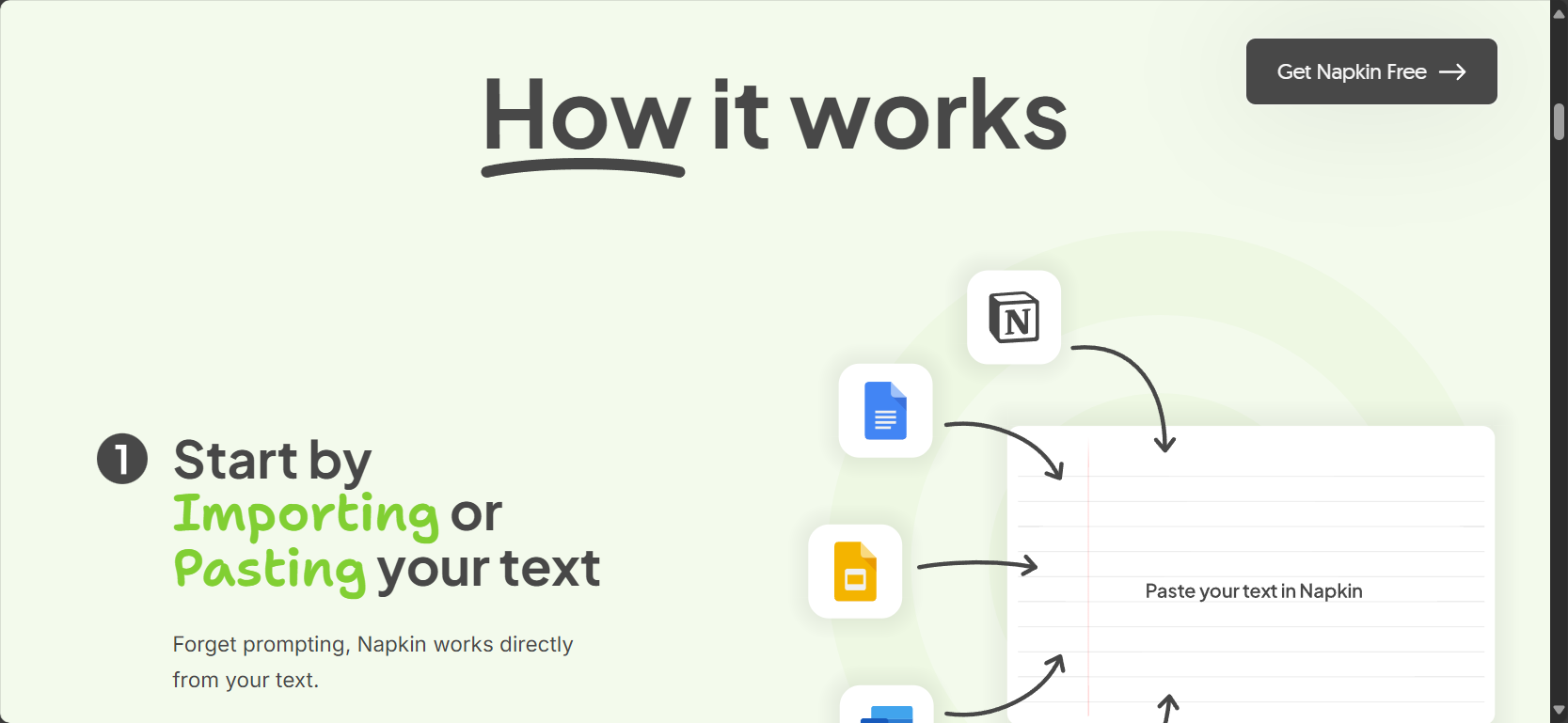
The biggest highlight of Napkin AI is that "text is also a chart".“Users only need to input, paste, or import structured or unstructured text (such as meeting minutes, project ideas, and research notes), and the system can intelligently parse its semantic logic and automatically generate flowcharts, topic maps, relationship diagrams, and other types of views.
- Open Napkin AI and log in/register (Napkin AI Registration Tutorial)。
- Paste your ideas, mind map drafts, or meeting texts.
- Click the "Generate Flow" button, and AI will immediately build a diagram showing the related nodes and semantic structure of the content.
Effects and advantages:
- Saves a lot of time on manual drawing
- Automatically fill in information logic gaps
- Supports automatic presentation of multi-level processes and causal/hierarchical relationships.
Charts and Style Diversity
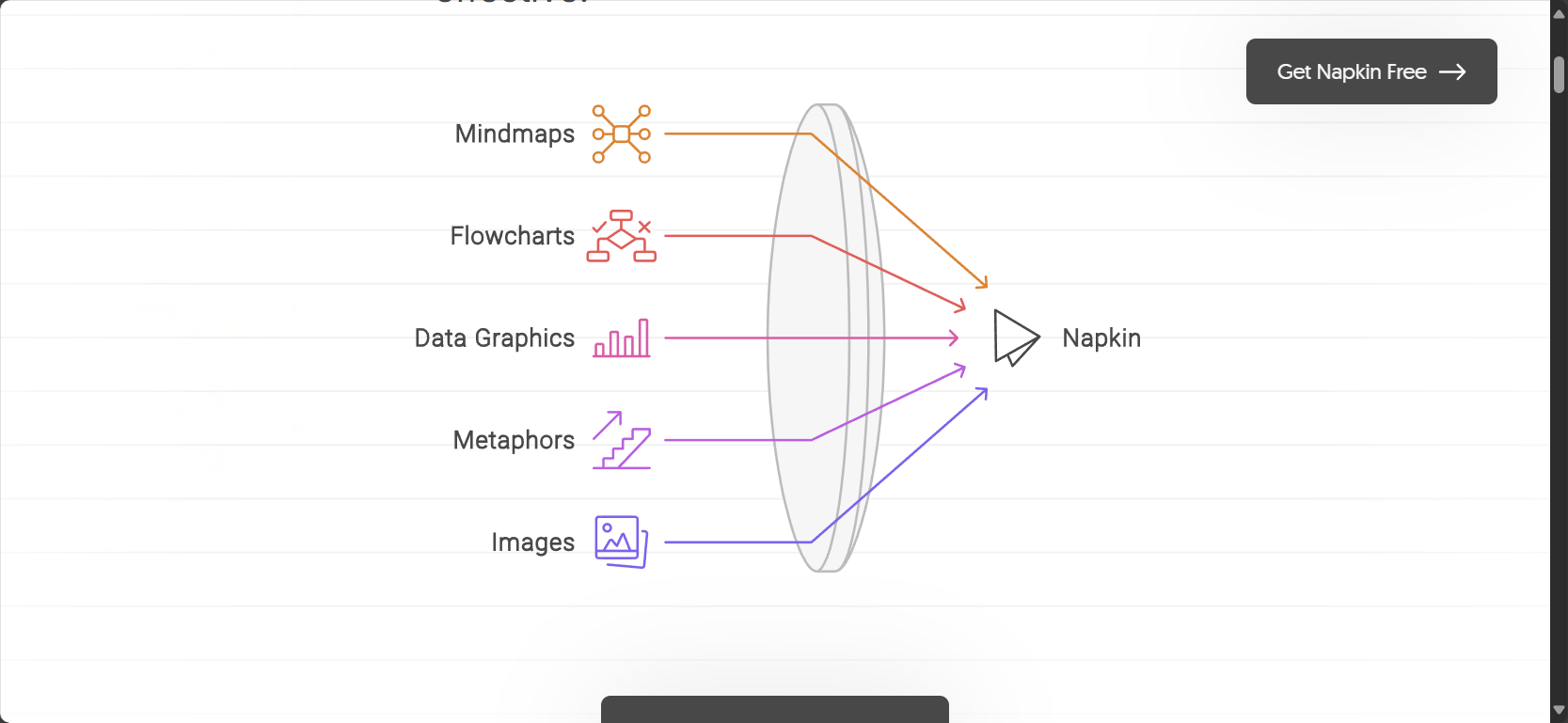
Napkin AI supports over twenty mainstream data visualization types, including but not limited to flowcharts, mind maps, Venn diagrams, bar charts, pie charts, and radar charts, meeting diverse needs such as presentations, reports, user research, and strategic planning. Each chart type offers a rich selection of aesthetic styles, complete with color schemes, fonts, and layout templates suitable for different brands or industry scenarios.
Inspiration capture and fragmented notes
Napkin AI is not only a graphic design tool, but also employs web and mobile synchronization technology.Supports quick note-taking and sketching anytime, anywhere.All segments can be quickly synced to the cloud and reused in various knowledge projects or reports with a single click.
Advanced editing and teamwork skills
Deep personalization
Users can not only drag and drop nodes and modify connection logic, but also freely adjust color palettes, icons, borders, and fonts.Create a visual style that reflects your personal or corporate brand.Each edit can be previewed in real time, and it supports undoing and restoring different versions of the record.
Real-time multi-person collaboration and comments
Napkin AI supports login with mainstream accounts such as Google Workspace and Microsoft 365, and enables...Real-time collaborative document editingTeam members can insert comments into the charts to provide immediate feedback to project team members, and historical changes are automatically recorded.
| Collaboration skills | Specific manifestations |
|---|---|
| Real-time collaborative editing | Multi-user simultaneous operation, similar to the Google Docs experience. |
| Comments/Annotations | Any node can be locked, and discussion and supplementary explanations are supported. |
| Version Instant Archive | Accidental operation can be reverted to the previous draft with one click. |
| Link/Export Sharing | Customizable permissions, one-click external collaboration or export to PDF/SVG |
Cloud synchronization and asset management
Napkin AI enables multi-device synchronization in the cloud, automatically organizing and archiving all sketches and knowledge assets. It allows for dynamic retrieval and reuse to meet different project needs, efficiently handling multi-tasking scenarios.

AI Integration and Innovation and Data Security
Spark Search Intelligent Material Library
Spark Search It can intelligently search and retrieve millions of icon assets, templates, and data structures, and supports direct drag-and-drop inclusion into the current visualization project. For example, by entering "market trends" or "budget comparison," the system recommends relevant chart styles that can be used immediately and are powerfully adapted to various business/academic contexts.

AI content generation and assisted writing
Napkin AI integrates a GPT-4 level natural language engine.It not only automatically generates charts, but also assists users in writing text summaries, report outlines, or PPT presentation content.—A convenient and efficient tool for taking meeting minutes and creating creative documents, suitable for both individual productivity and team brainstorming.
| AI capabilities | Application scenarios | Effectiveness Value |
|---|---|---|
| Text-to-image integration | Meeting minutes automatically convert into mind maps/action lists | Promote information accumulation |
| Automatic summarization | Directly convert research paper summaries into PPT outlines/key point lists | More efficient reporting |
| Intelligent content generation | AI writing market forecasts, industry insights, and other document drafts. | Save time filling in blanks |
Data and privacy protection
Napkin AI employs industry-leading TLS encryption and tiered isolated storage. Team data can be deployed in a private cloud, strictly adhering to GDPR and compliance requirements in countries such as China, making it suitable for the commercial-grade security needs of sensitive industries.

Typical application scenarios and practical value of napkin AI
Overview of practical scenarios for different user types
| Users/Industry | napkin AI core function | Practical benefits |
|---|---|---|
| Corporate Consulting Team | Business process analysis/report diagram automatic generation function | Cost reduction and efficiency improvement, more professional and intuitive materials |
| Product Development Team | User journey map, needs analysis mind map | Cross-departmental alignment, high-quality output |
| Teachers and trainers | Structured teaching content and automatic conversion of teaching PPTs into charts | Enhance the fun and efficiency of teaching |
| Personal knowledge workers | Inspiration collection, content archiving, and visual management of fragmented knowledge | Fully automated knowledge management |
| Students and researchers | Experimental design and literature notes converted into mind maps/flowcharts | Quickly organize academic logic |
| Market Analyst | Competitive product comparison, market trend visualization | Aesthetically pleasing reports and enhanced persuasiveness in decision-making. |

Enterprise-level: Automatic visualization of meeting minutes
Through napkin AI,Management meeting minutes can be transformed into structured action lists and flowcharts in seconds.This facilitates team consensus and accelerates project progress. All key elements—such as goals, tasks, and responsibilities—are instantly displayed in the visual nodes, supporting interactive additions and task assignment.
Product Innovation: Inspiration Capture and Needs Mapping
In the fast-paced world of product development, Napkin AI has become a highly efficient tool for capturing fragmented ideas, iterating prototypes, and uncovering user pain points. It not only prioritizes requirements, creates user personas, and streamlines user experience, but also leverages AI to recommend the best expression and visual style.

Educational Research: Effective Knowledge Visualization
Napkin AI helps teachers and students transform complex concepts into intuitive mind maps and hierarchical knowledge frameworks, making teaching content more organized; researchers can also use it to organize the structure of papers, literature reviews, and experimental plans, greatly improving analysis and reporting efficiency.

Content Creators: PPT & Report Automation
Content editors and marketing planners can use Napkin AI to easily transform research findings, data, and viewpoints into step-by-step PowerPoint presentations, visual posters, and more.Eliminates the problems of manual typesetting and graphic designIt also supports one-click export of multiple formats.
Napkin AI Paid Versions and Latest News
Currently, Napkin AI offers a free trial and a subscription model (Pro/Enterprise versions). Individual users can register for free to experience all basic features. The paid version offers more benefits such as advanced templates, cloud storage capacity, API integration, and priority customer support. See details below.Official Price Information。
With monthly product updates, the team continuously introduces AI multilingual support, dynamic charts, and mobile optimizations to bring users a leading experience.
End
AI is quietly shaping the future of knowledge work, innovation and entrepreneurship, and business analytics.Napkin AI, a next-generation intelligent visualization and fragmented note-taking toolIt solves chronic problems such as capturing inspiration, structuring complex information, and seamless team collaboration with its fast, agile, and accurate AI core. Whether you are a product manager, consultant, education researcher, or content creator, you can now use it.Napkin AI Official WebsiteTry it for free and seize the opportunity of the smart office revolution.
Master Napkin AI and become someone who "knows how to use AI," making innovation and efficiency your daily hallmarks.
© Copyright notes
The copyright of the article belongs to the author, please do not reprint without permission.
Related posts




No comments...
