
What is Notion? A comprehensive analysis of the core usage of this multi-functional productivity tool.
[News Report | June 2024]
In today's rapidly evolving information and digital age, how to efficiently manage knowledge, collaborate on tasks, and integrate individual and team work has become a core concern for every knowledge worker and organizational manager. Among numerous efficiency tools,Notion, with its powerful "all-in-one" capabilities and unparalleled flexibility, has become one of the most popular productivity tools worldwide.This article will provide an in-depth analysis of Notion's concepts, key functions, core usages, and unique advantages, and will demonstrate its application scenarios with data tables and case studies.
What is Notion?
The Birth and Positioning of Notion
Notion Notion is a digital work platform that integrates note-taking, knowledge management, task management, team collaboration, database, and personalization. Since its launch in 2016, Notion has been based on the core concept of "blocks," breaking down the information silos of traditional note-taking and project management tools, and enabling "free combination of content" and "free construction of structure," suitable for various needs from individuals and students to enterprise teams.
A Brief History of Notion
| years | Important milestone | illustrate |
|---|---|---|
| 2016 | Notion 1.0 officially launched. | The concept of "modular content" is introduced for the first time, reshaping the note-taking and management experience. |
| 2018 | Financing to expand internationalization | With over 1 million users, we have entered the Chinese and global markets. |
| 2019 | API Release & Multi-Platform Support | Supports synchronization across all platforms including Mac, Windows, iOS, Android, and Web. |
| 2023 | Integrating Notion AI | Introducing a generative AI assistant to achieve smarter document and knowledge management. |
| 2024 | User base surpasses 40 million | Becoming the industry standard for the next generation of knowledge work and team collaboration |
What can Notion do? A comprehensive overview of its main functions.
Document and Note Management
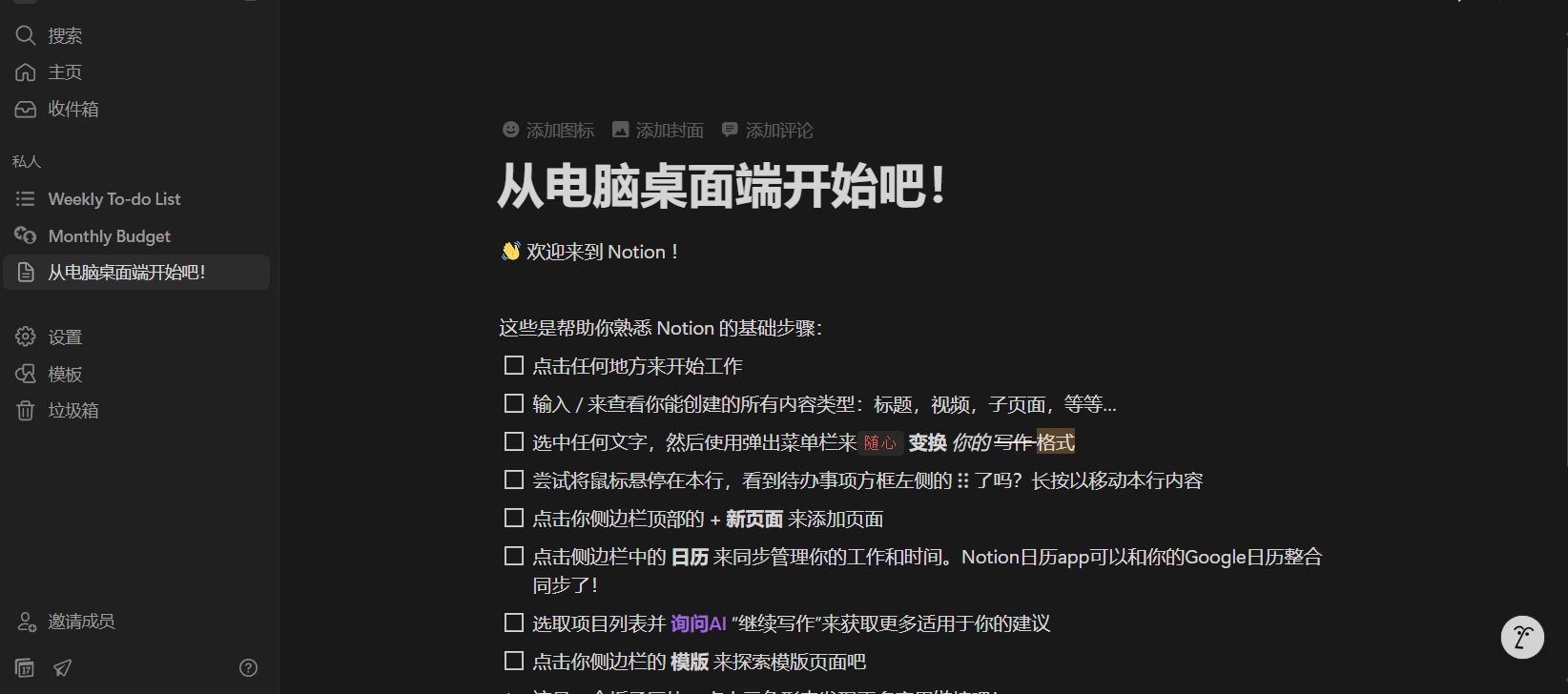
Notion It's not just an electronic notebook for recording inspiration and knowledge, but also a multi-level content management tool that can be customized according to its structure.Text, images, attachments, code blocks, and to-do lists can all be seamlessly integrated. — The operation logic is similar to Office/Word, but the experience is smoother and supports block drag-and-drop adjustment.
- Rich block typesSuch as text, titles, to-do lists, tables, Kanban boards, embedded links, code, etc.
- Free drag and drop of blocks"What you see is what you get" – easily achieve modular page layout.
- Multi-level structureUnlimited nesting of subpages allows for efficient organization of knowledge systems.

Database and Task Flow
Notion's greatest strength lies in its highly flexible database functionality.It can be used as a dashboard, table, list, calendar and other views to achieve powerful project and task management functions.
| Module | Features | Application Expansion |
|---|---|---|
| Table database | Customizable attributes, sorting, and filtering. | Project management, asset inventory, budget |
| Kanban View | Supports drag-and-drop card movement and group management | Creating Agile Development Iterative Processes |
| Calendar View | Reminders for any time dimension and task time nodes | Schedule, release plans, and review |

Teamwork and Sharing
- Multi-person real-time collaborative editingSupports team members editing the same page simultaneously, similar to Google Docs.
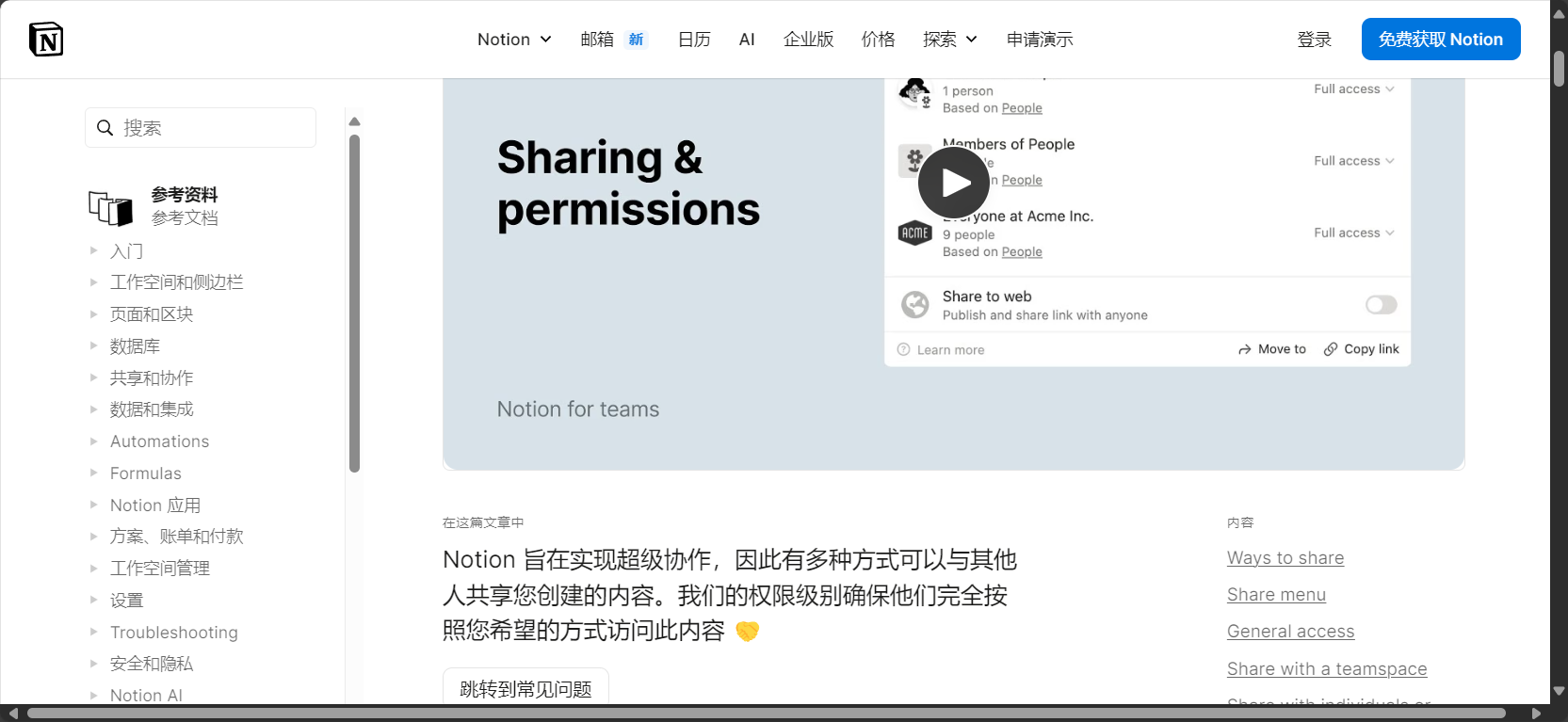
- Hierarchical sharing of permissionsFlexibly set different permissions such as reading, editing, and management.
- Comments & @mentionsComment directly on blocks/tasks and tag relevant colleagues to promote efficient communication.
Templates and Automation
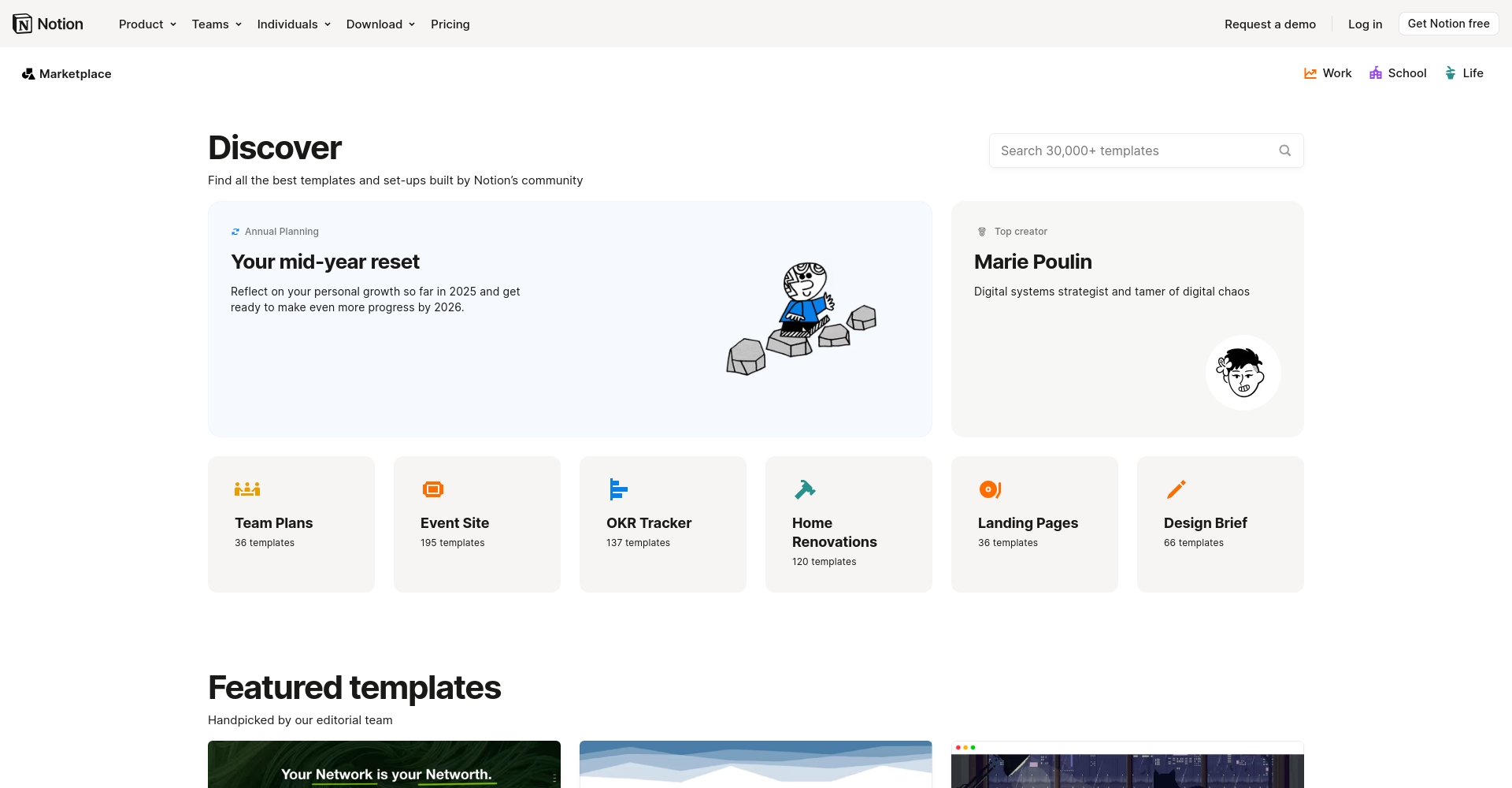
- Official/Community Template MarketplaceIt allows for one-click reuse of various templates such as personal habits, team SOPs, and annual plans, greatly improving ease of use and efficiency.Notion Official Template Marketplace)
- Database templates & automation buttonsFeatures include one-click creation of meeting minutes, automatic generation of monthly reports, and batch creation of tasks.
Cross-platform and synchronous experience
- Supports Mac, Windows, iOS, Android, and Web.
- Automatic data cloud synchronizationAccess and edit content anytime, anywhere.
Detailed Explanation of Notion's Core Usage
Introductory Installation and Basic Setup
- Visit the Notion official website Notion Official Website Free registration
- Download desktop/mobile clients; supports mainstream operating systems.
- Supports one-click registration for Gmail/Apple/Edu educational email addresses; educational email addresses can receive the Pro version for free.
Basic page and subpage building system
- Add a main page (Page) and subpages (Subpage) to the left sidebar to create a personal knowledge base or team wiki.
- Supports personalized configuration of page icons and background covers (hundreds of options are available, and custom uploads are also supported).
Image examples (readers are encouraged to visit the official website or template marketplace to experience them for themselves).
Module (Block) Editing and Content Management
- All content is contained in blocks, and you can freely adjust the order and hierarchy by dragging and dropping with the mouse.
- Just enter / It allows you to quickly insert various types of content such as titles, subpages, to-do lists, and tables.
- Supports quick Markdown input and format conversion
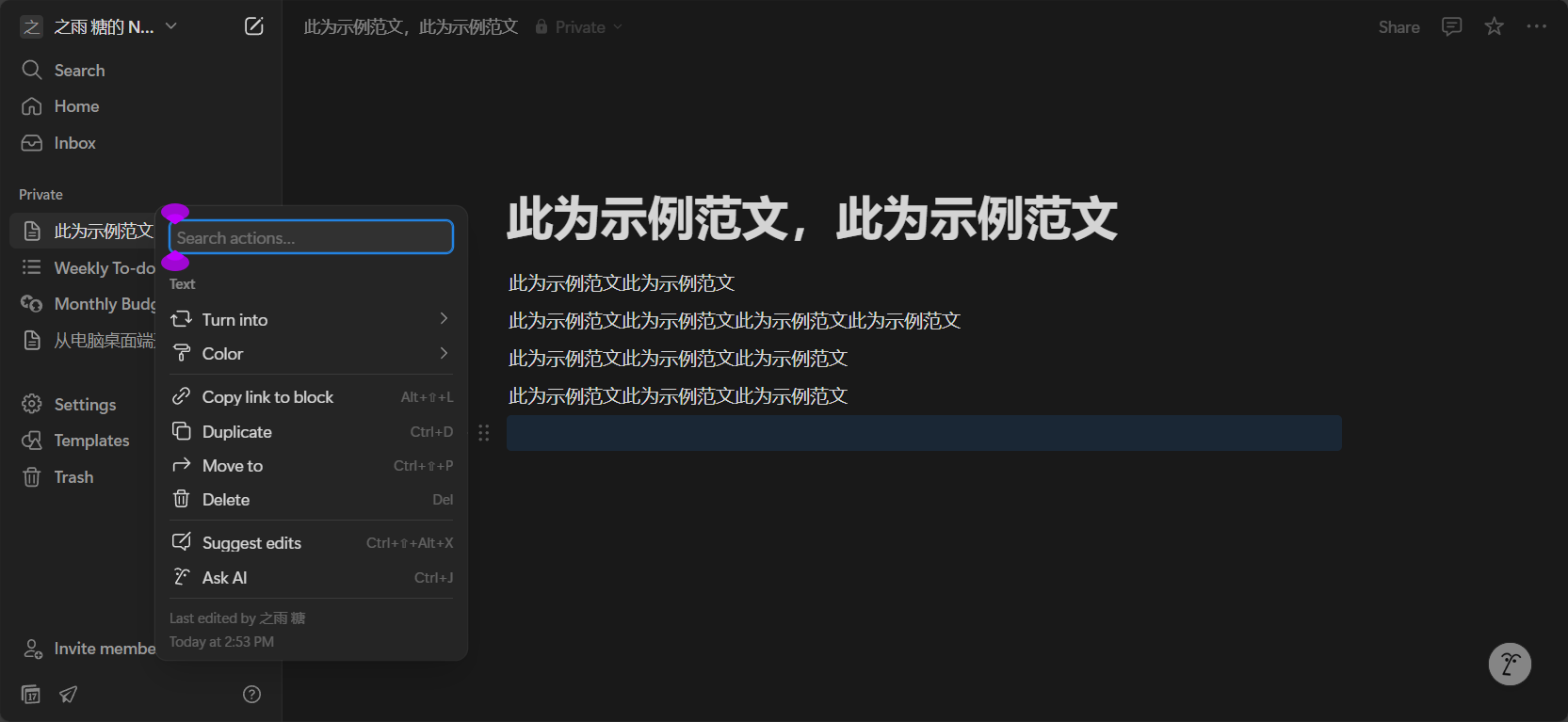
Practical operation of powerful database and task management scenarios
| Common tasks | Operation path | Effect |
|---|---|---|
| Create a new database | /table or /database insert table | Supports custom columns, filtering, and association. |
| Transform view | Convert tables to Kanban/Calendar | Project task dashboard, one-click switching of timeline |
| Task Management | Select to-do list and set reminders | Help with GTD, OKR, and daily management |
Team collaboration and document sharing
- Top right corner of the page Share One-click link generation button
- Multiple management options are available, including setting visitor permissions, read-only/editable settings, etc.
- Supports "public release" (building a Notion website/blog/portfolio).
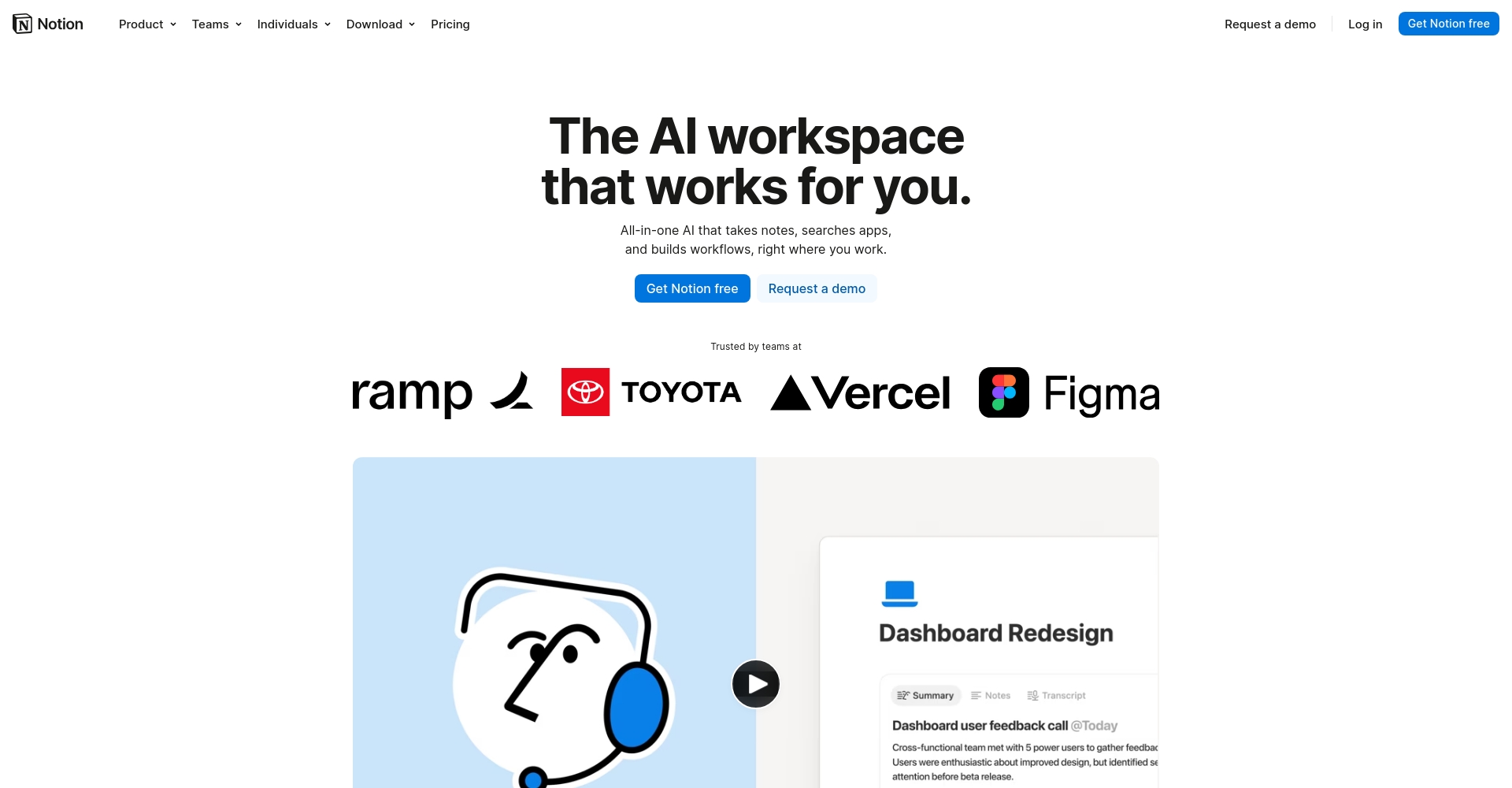
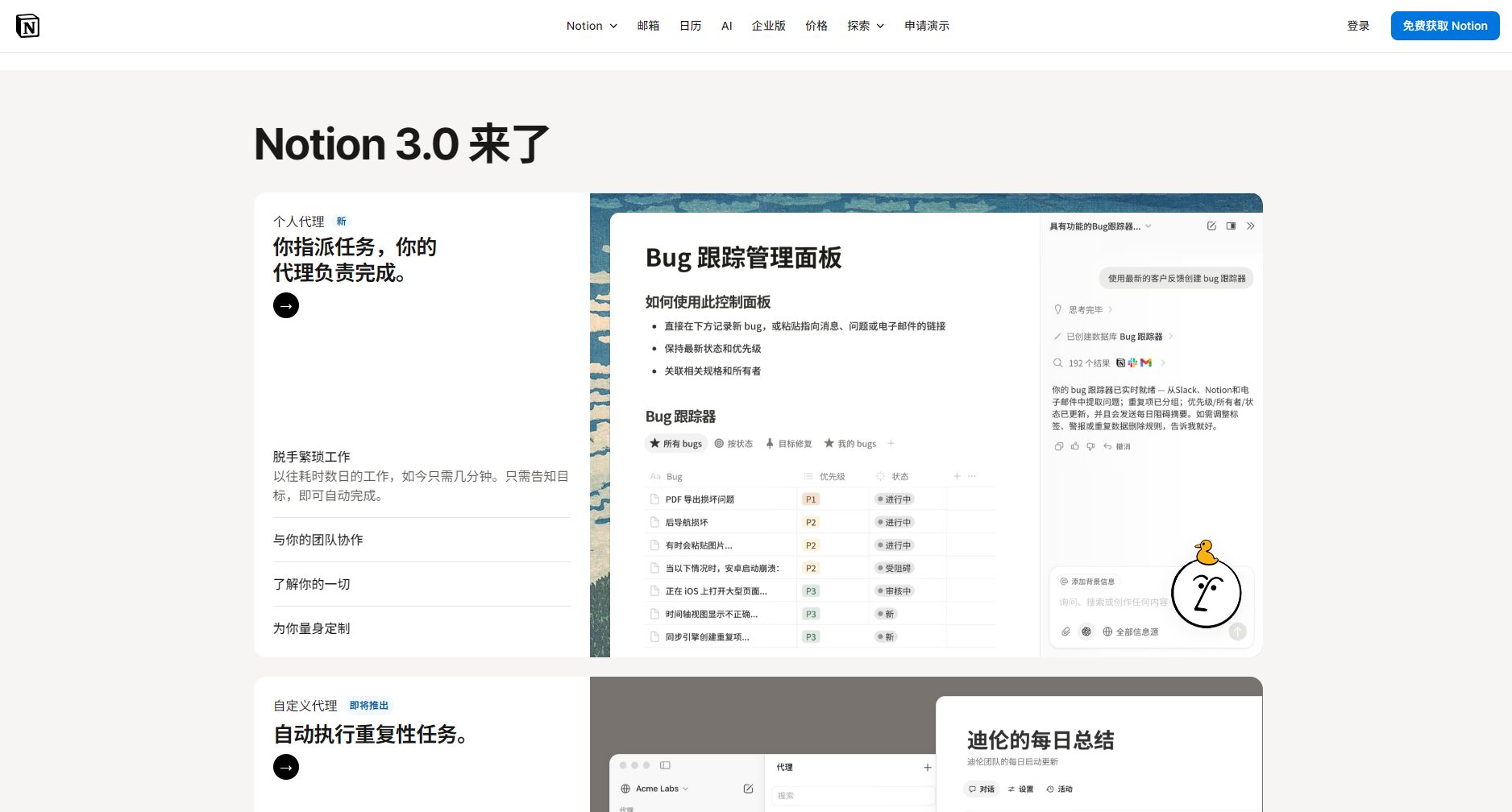
AI Assistant and Intelligent Writing (Notion AI)
Since 2023, Notion has integrated an AI assistant. Notion AI:
- Automatically summarize meeting minutes, organize to-do lists, and generate document outlines.
- Intelligent comment replies and automatic content rewriting and optimization
- Intelligent database population and analysis (such as batch content generation, automatic translation, etc.)
- Ask questions directly in the Q&A mode, and AI will provide intelligent answers based on personal/team databases.
Automation and Template Ecosystem
- Supports one-click generation of recurring page/task/meeting templates
- Integrates with mainstream tools such as Zapier, Slack, and Google Drive.
- There are plenty of official and personal templates available.Get free templates with one click
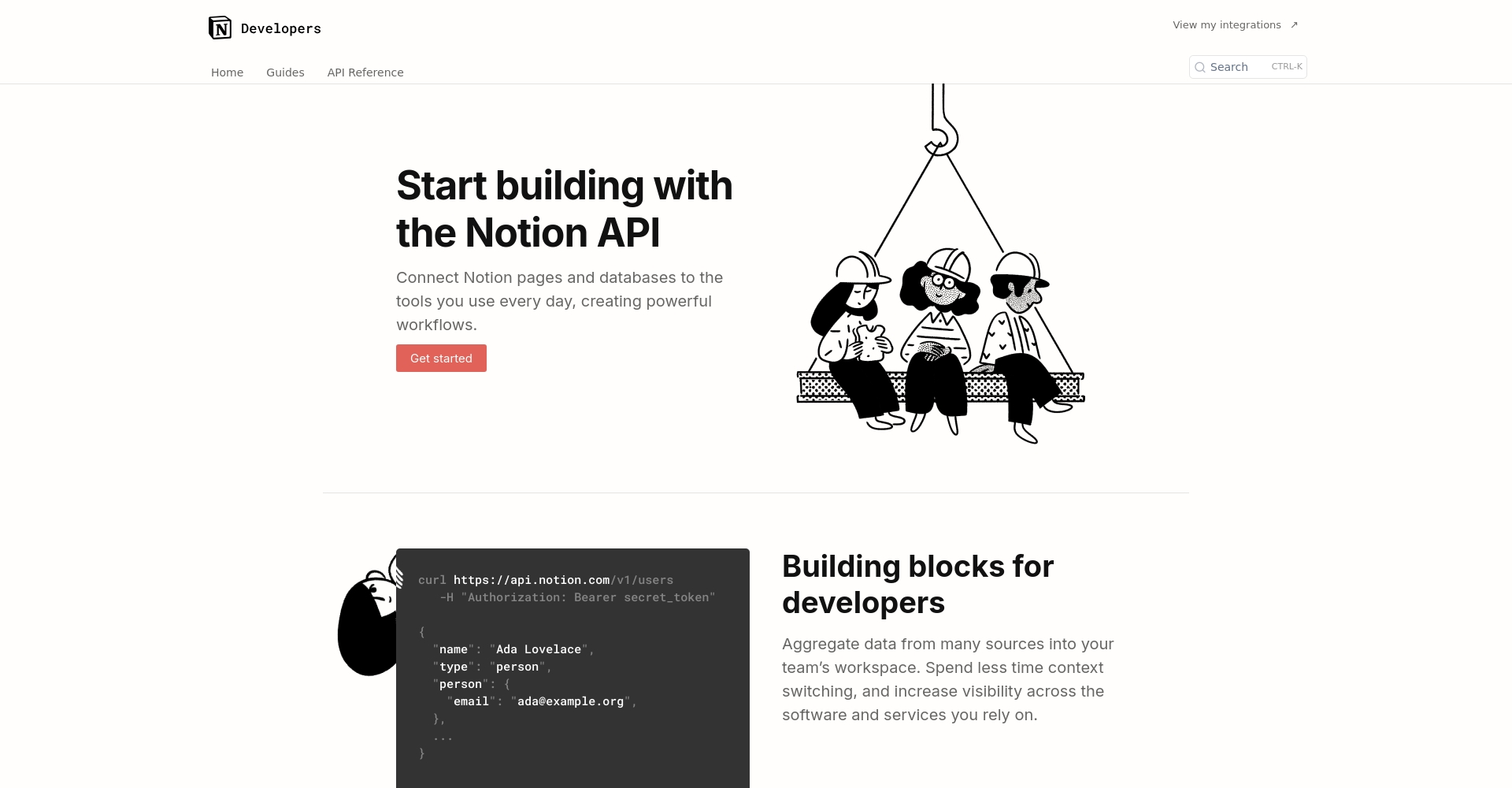
- Powerful API support (Refer to the official Notion API documentation)
Comparison of Notion's Advantages and Applicable Scenarios
Main comparison of mainstream note-taking and productivity software
| Function points | Notion | Evernote | OneNote | Google Docs |
|---|---|---|---|---|
| Database/Kanban Tasks | ✅ Full-featured | ❌ | ❌ | ❌ |
| Multi-level knowledge system | ✅ Infinite nesting | limited | limited | limited |
| Blocks can be freely combined/drag | ✅ | Partial support | ❌ | ❌ |
| AI Assistant/Automation | ✅ Integrates Notion AI | part | ❌ | ❌ |
| Cross-platform real-time synchronization | ✅ Multi-platform & browser compatibility | ✅ | ✅ | ✅ |
| Permissions Collaboration/Sharing | ✅ Powerful and flexible | Partial support | Base | standard |
| Official/Community Templates | ✅ Super abundant | 👎 (Very rare) | 👎 (Very rare) | Partial (requires plugin) |
| Pricing (Free for Individuals) | ✅ | Some features are free. | free | free |
Summary list of applicable scenarios
- Personal knowledge base, reading notes, writing plan
- Team Wikis, project management, and software development knowledge accumulation
- Course management, academic notes, and lab collaboration (suitable for students)
- Cross-team collaboration, multi-platform mobile office
- Portfolio, blog, product manual, company website (via public release function)

Essential Notion Skills for Beginners and Advanced Players
- Modular drag and dropPages and blocks can be adjusted at any time without cumbersome permission and format restrictions.
- Keyboard shortcuts speed up data entry:like
/tableCreate a table,/todoCreate a to-do list - Template marketplace - search and apply with one clickA large number of general templates for individuals and businesses are continuously updated.
- AI-powered intelligent content generation and optimizationGreatly improves writing and knowledge organization efficiency
- Database filtering/searching/association capabilitiesSupports the organization of complex projects and multi-level relationships.
In the digital age,Notion is more than just a tool; it has revolutionized people's perception of the "digital workspace."Whether you want to manage a vast knowledge base or pursue the ultimate in efficient project collaboration, Notion provides a one-stop, customizable solution. With the advent of the AI era and the addition of the Notion AI assistant, efficiency and intelligence have become the new norm in the workplace.
Today, Notion has become the top choice for tens of millions of users worldwide to build their "second brain." If you haven't experienced it yet, we recommend registering now to explore your own efficient workflow and knowledge universe.[Free Notion Registration]Start now.
© Copyright notes
The copyright of the article belongs to the author, please do not reprint without permission.
Related posts



No comments...
