[Tutorial] Master Adobe Illustrator with these formulas! Firefly (includes 10 useful prompts)
If you've already tried Firefly's "text-to-image" feature, you might have noticed that sometimes the AI seems to "understand you" very well, while at other times it appears "clumsy and awkward." The key to this difference often lies in the Prompt you input. A mediocre Prompt is like groping in the dark, while a well-crafted Prompt is like a precise scalpel, allowing you to freely slice and shape the world of your imagination.
This article will reveal 10 proven "Prompt alchemy formulas." These are not simply piles of words, but rather "recipes" containing specific structures and keywords. Mastering them will allow you to refine vague ideas into high-quality visual gold.
Formula 1: [Core Formula] – The Foundation of All Things
- structure:
[Quantity] [Adjective/Characteristic] [Subject Noun], [Action/Gesture], [Emotion/Expression]- Analysis: This is the most basic and also the most important formula. It tells the AI "what to draw" and "what it's doing." Adjectives and features are the soul, while actions and emotions are the finishing touches.
- Useful Prompt:
A fluffy, curious baby red panda, peeking out from behind a giant bamboo stalk, with wide, inquisitive eyes.(A fluffy, curious red panda cub peeks out from behind a giant bamboo stalk, its big, inquisitive eyes wide open.)- Key points: Try to use vivid adjectives that evoke associations, such as...
fluffy(Furry) substitutehairy(Hairy), withcurious(Curious) substitutelooking(Looking at it).
Formula Two: [Scene Atmosphere Formula] – Creating a Stage for the Story
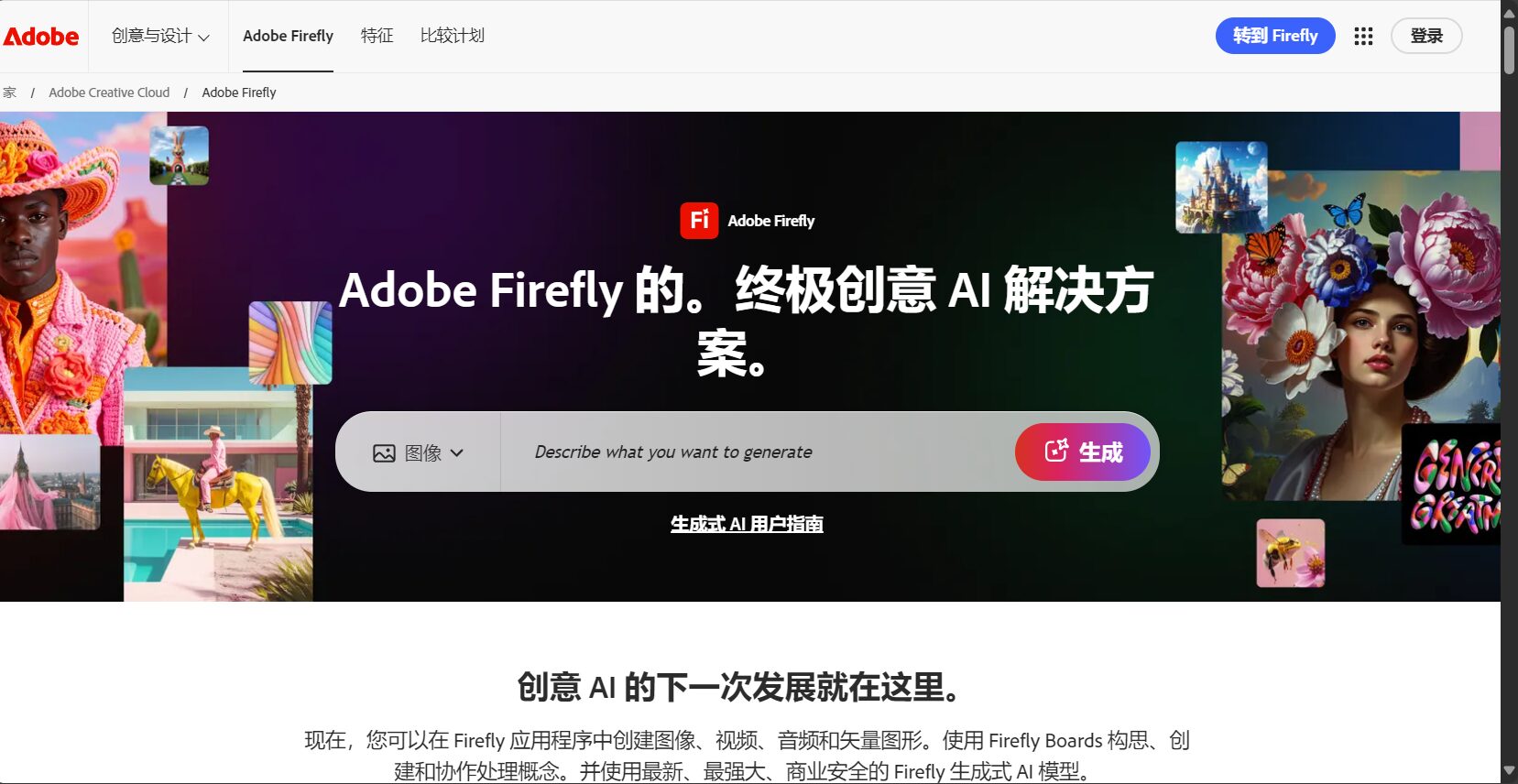
- structure:
[Core Theme Formula], in/on/at [Specific Location], [Time/Weather], [Atmosphere Description]- Analysis: Setting is key to narrative. This formula places your subject in a story-driven environment.
- Useful Prompt:
A lone traveler with a backpack, standing on a rocky cliff, overlooking a misty valley at sunrise, serene and epic atmosphere.(A lone traveler with a backpack stands on a rocky cliff, overlooking a valley shrouded in mist at sunrise, creating a serene and epic atmosphere.)- Key points: The more specific the location, the better.
a forestvsa dense, mossy pine forestAtmospheric words (such as...)serene,epic,mysterious,cozyIt can greatly influence the mood of the image.
Formula 3: [Photo Quality Formula] – Pursuing Ultimate Realism

- structure:
Photograph of [Subject and Scene], [Camera/Lens Type], [Lighting Description], [Photo Parameters] - Analysis: This formula is designed to deceive your eyes, allowing AI to generate images that are infinitely close to real photographs.
- Useful Prompt:
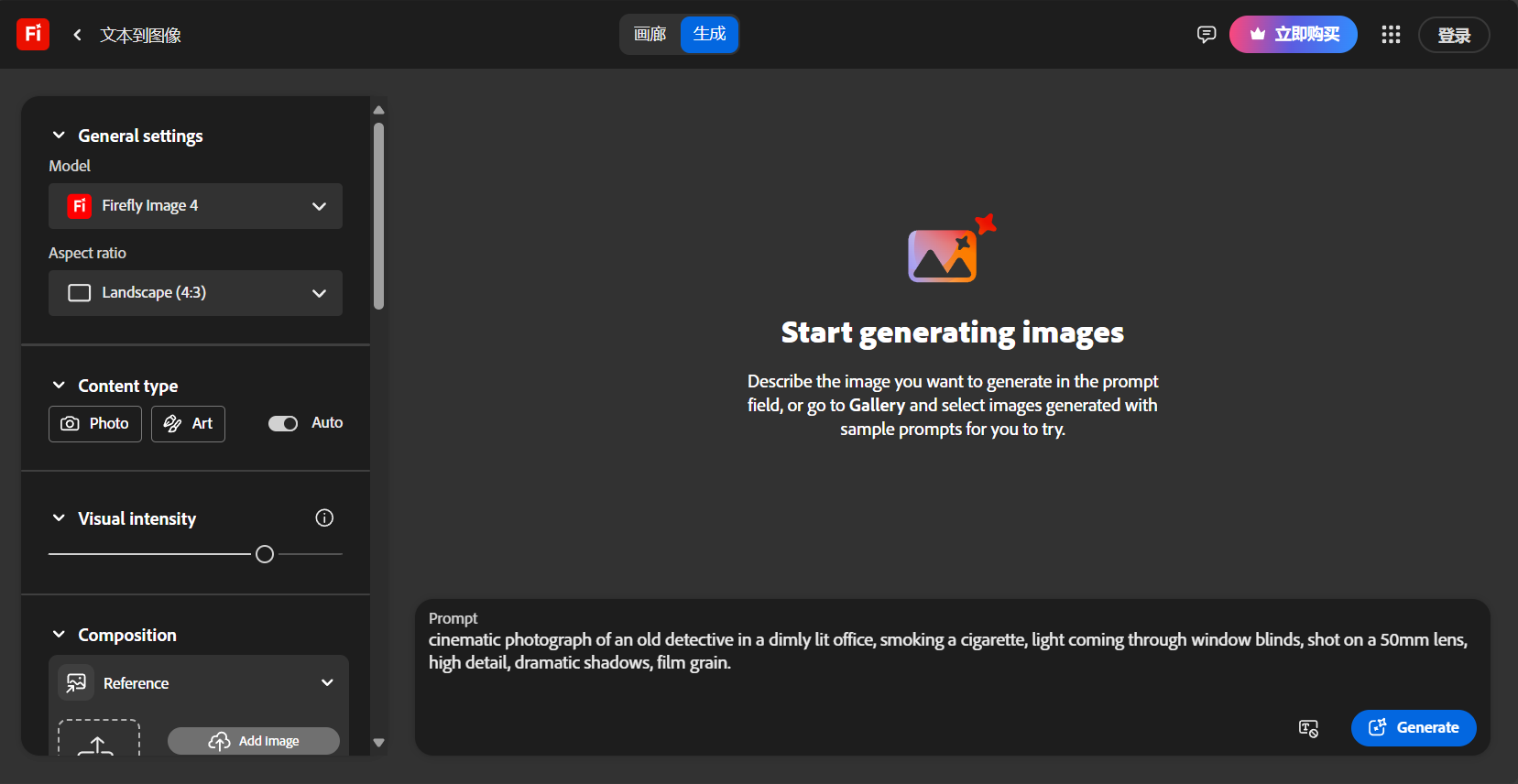
cinematic photograph of an old detective in a dimly lit office, smoking a cigarette, light coming through window blinds, shot on a 50mm lens, high detail, dramatic shadows, film grain.(A cinematic still of an old detective smoking in a dimly lit office, light streaming in through blinds, shot with a 50mm lens, high detail, dramatic shadows, and a film grain.) - Key points:
photograph of或cinematic photoIt is a strong instruction.50mm lens,85mm portrait lensDescription of the scene,dramatic lighting,Golden Hour,Soft window lightLighting description, andfilm grain,hyperrealistic,4kThese parameters are key to enhancing realism.
Formula Four: [Artistic Style Formula] – Becoming an Art Master
- structure:
[Subject and Scene], in the style of [Artist's Name] or [Art Movement] - Analysis: This is one of the most fun and powerful formulas. It allows you to "borrow" the brushstrokes of any master in history.
- Useful Prompt:
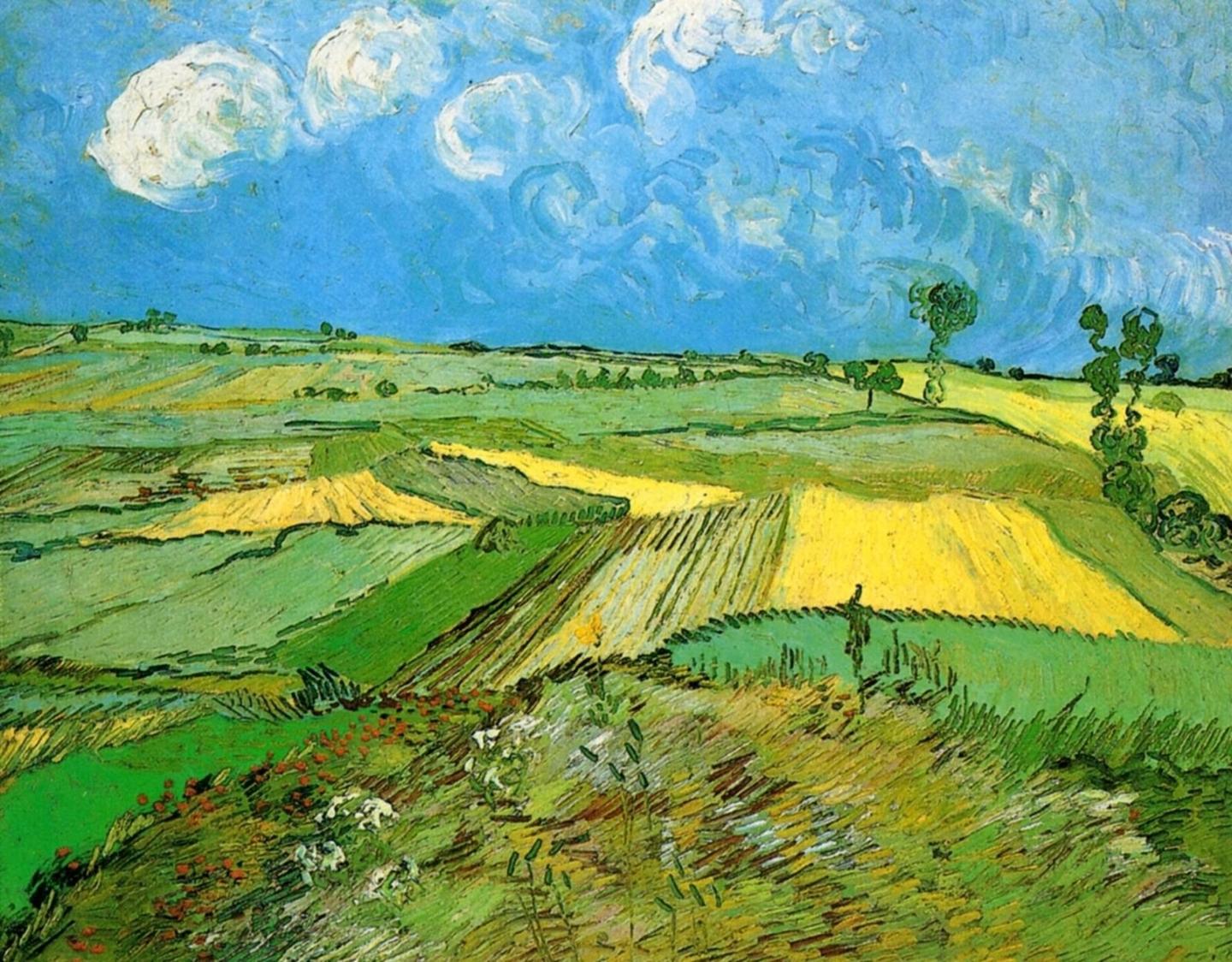
A bustling Parisian street cafe scene, in the style of Vincent van Gogh.(A bustling Parisian street café scene, in the Van Gogh style.) - Key points: Besides the artist's name (
Van Gogh,Monet,HokusaiFurthermore, one must learn to utilize art movements (impressionism,surrealism,ukiyo-e,art deco) and media (oil painting,watercolor sketch,charcoal drawing)。
Formula Five: [Design Element Formula] – A Boon for UI/UX Designers
- structure:
[Element type] of [specific thing], [style description], [color scheme] - Analysis: It is specifically designed for generating design assets such as icons, logos, and UI elements.
- Useful Prompt:
Minimalist flat icon set for a mobile banking app, including icons for transfer, payment, and history, clean lines, professional, blue and white color palette.(A set of minimalist flat icons for a mobile banking app, including icons for transfers, payments, and history; clean lines, professional design, and a blue and white color scheme.) - Key points:
flat icon,line icon,3D icon,logo designIt is the core.minimalist,neumorphism,glassmorphismDesign style vocabulary is very effective.
Formula Six: [Product Rendering Formula] – A Powerful Tool for E-commerce and Advertising
- structure:
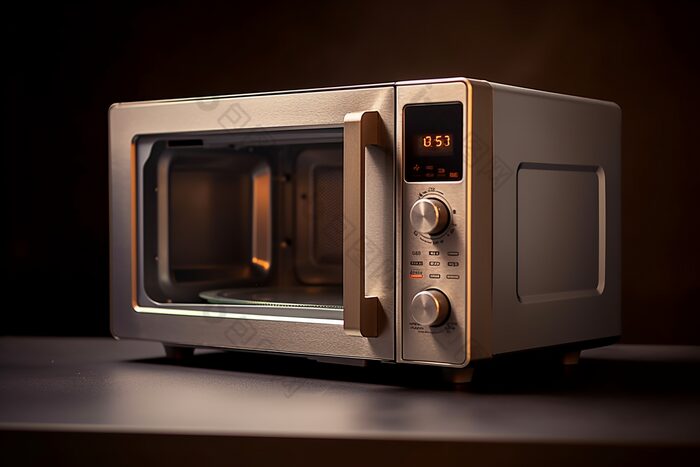
Product shot of [product name], on a [background/platform], [lighting type], commercial photography, clean background. - Analysis: Quickly generate professional-looking product renderings for display.
- Useful Prompt:
Sleek product shot of a futuristic wireless earbud charging case, on a marble pedestal, studio softbox lighting, minimalist, commercially viable.(A sleek product photo of a futuristic wireless earphone charging case, placed on a marble pedestal, with studio softbox lighting; minimalist, commercially viable.) - Key points:
product shot,studio lighting,clean background,commercialThese are keywords. They describe the product's material (matte black,brushed aluminum) and the texture of the background (marble,wood,concreteThis can greatly improve the effect.
Formula Seven: [Composition and Perspective Formula] – Think Like a Director
- structure:
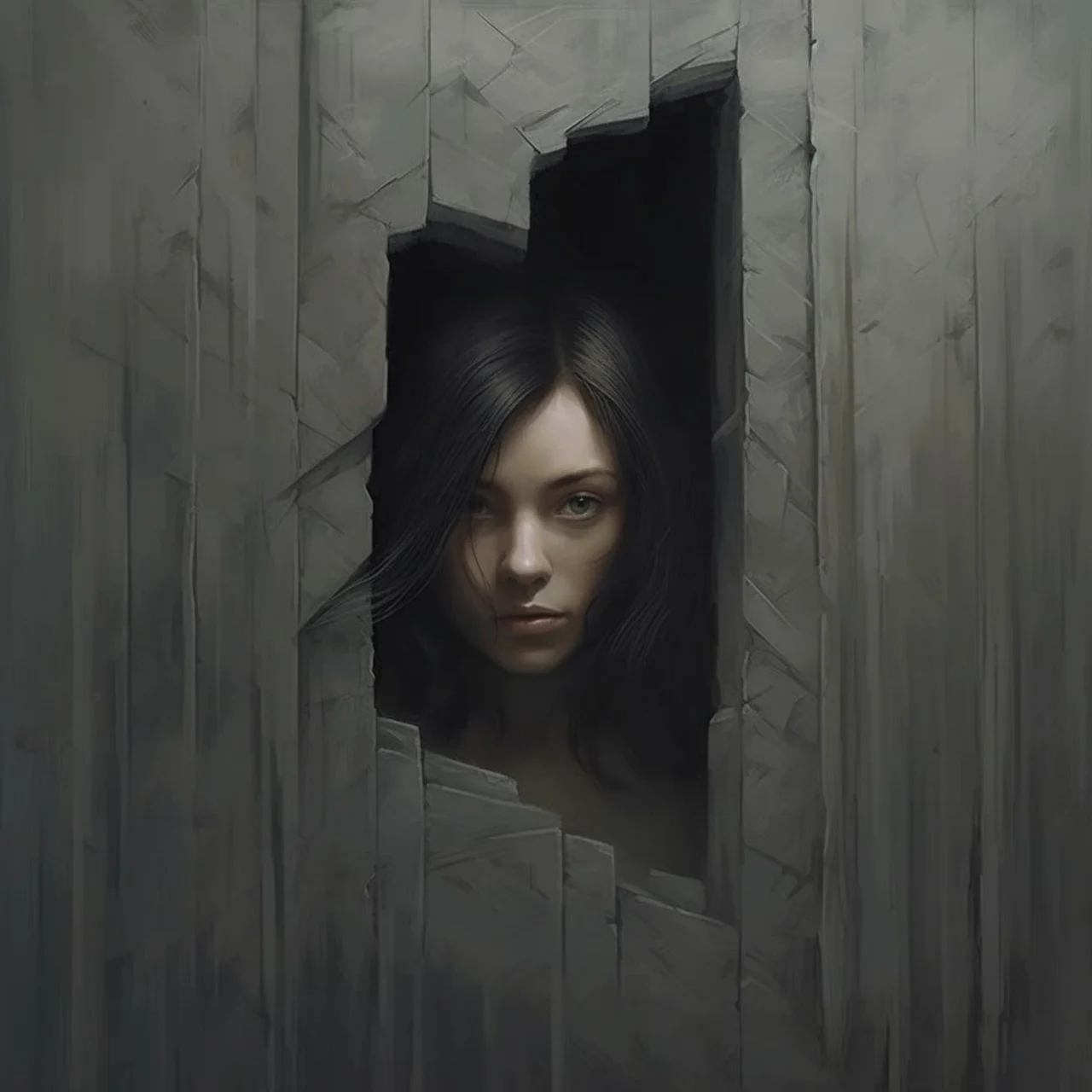
[Perspective/Camera Angle], [Subject and Scene] - Analysis: The "camera language" that controls the visuals determines the audience's perspective on the story.
- Useful Prompt:
Extreme close-up of a human eye, reflecting a galaxy, macro photography, highly detailed iris.(A close-up of the human eye, reflecting a galaxy; macro photography, highly detailed iris.) - Key points: Commonly used words:
wide angle shot(Wide angle)low angle shot(Shot from below)top-down view(Overlooking)close-up(close up),Dutch angle(Angle of inclination).
Formula Eight: [Fantasy Creature Formula] - Creating Non-existent Things
- structure:
[Biographies], a creature that is a mix of [BioA] and [BioB], with [unique characteristics], fantasy art. - Analysis: AI excels at merging unrelated concepts to create entirely new species.
- Useful Prompt:
A majestic griffin, a creature that is a mix of a lion and an eagle, with shimmering golden feathers and piercing blue eyes, perched on a mountain peak, epic fantasy art.(A majestic griffin, a hybrid of lion and eagle, with shimmering golden feathers and sharp blue eyes, perches atop a mountain peak—an epic fantasy artwork.) - Key points: “The core structure is a "mix of A and B" or "hybrid of A and B". Detailed features (such as feather color and eyes) are key to making it unique.
Formula Nine: [Negative Hint Formula] – Tell AI "what you don't want"“
- structure: In the right-hand control panel of the Firefly web version, there is an "Exclude from image" input box.
- Analysis: Sometimes, explicitly telling an AI what not to draw is more effective than describing what to draw. This is especially true when dealing with common issues such as hand and facial deformities.
- Useful Prompt (enter in the exclusion box):
deformed hands, extra fingers, ugly, blurry, bad anatomy, text, watermark(Deformed hands, extra fingers, ugly, blurry, poor human anatomy, text, watermark) - Key points: This feature is very powerful. If used well, it can filter out a large number of undesirable results and save you generation points.
Formula Ten: [Combination Punch Formula] – Integrate everything, reach the pinnacle.
- structure: Combine any 2-4 of the above formulas.
- Analysis: True master-level prompts are all organic combinations of multiple formulas.
- Practical Prompt (combining 3, 4, and 7):
cinematic low angle shot of a female knight in ornate silver armor, holding a glowing sword, standing in a ruined cathedral, volumetric light rays shining through a broken stained glass window, in the style of a hyperrealistic fantasy oil painting.(A cinematic, low-angle shot shows a female knight in magnificent silver armor, holding a glowing sword, standing in an abandoned cathedral. Volumetric light streams in through broken stained-glass windows, creating a hyper-realistic, fantastical oil painting style.)

Prompt is your paintbrush, and also your thought.
These 10 formulas are the keys to entering the realm of advanced AI creation. But don't be bound by them. Freely deconstruct, recombine, and create your own unique "recipes." You ask it questions, and it answers with images. The deeper and clearer your questions, the more brilliant the answers will be.
Now you've mastered how to use Prompt to generate images with Firefly, much like learning how to manufacture standard bricks in a factory. However, a true architect needs more than just bricks; they need to know how to cut, polish, and assemble them to ultimately build a magnificent structure. Similarly, advanced AI creators understand how to use AI-generated content as highly malleable "smart clay," reshaping it in professional tools like Photoshop to achieve a 1+1>>2 effect.
This article will take you beyond the mindset of "generation is the end," delve into advanced Firefly techniques, and highlight how to seamlessly integrate it with Photoshop's workflow, perfectly blending AI efficiency with human creativity.
Advanced Technique 1: Style Reference – Customizing Your AI's "Visual DNA"“
This is one of Firefly's most powerful features, but it's often overlooked by beginners. It allows you to upload an image and let AI learn its style, colors, and atmosphere, then apply it to your new creations.
- Working principle: Instead of simply describing the style in words, you are giving AI an intuitive "role model".
- Practical Workflow: Creating a Series of Illustrations with a Consistent Style
- Finding the "master": Find an illustration you absolutely love, or create one yourself, as the stylistic benchmark for the entire series. The colors, brushstrokes, and lighting of this illustration will become the "visual DNA" of your series.
- Upload reference image: In the Firefly "Text & Image" interface, find the "Style" section in the right-hand control panel, click the upload button under "Reference" to upload your "master" image.
- Adjust the intensity of the impact: After uploading, a "Visual intensity" slider will appear. Sliding it to the right will produce a result closer to the style of the reference image; sliding it to the left will retain more originality in the prompt description. It's generally recommended to start with a medium intensity.
- Generate a series of diagrams: Now you can start entering different prompts, such as
A girl reading a book under a tree,A cat sleeping on a windowsillDespite the different content, the AI will strive to maintain the same color palette and artistic style as your reference image in every image. This is invaluable for creating picture books, poster series, or brand visual materials.

Advanced Technique Two: Generative Matching – Let AI Be Your “Color Matching Master”
This is another variation of the "Style Reference" feature, but it focuses more on matching colors and atmosphere rather than brushstrokes and composition.
- Use cases: When you already have a photo or design draft and need to generate some new elements that perfectly match it.
- Practical Workflow: Adding Fantasy Elements to a Landscape Photo
- Upload background image: Imagine you have a photo of a desert at dusk with warm tones. Upload this photo to the "Style Reference".
- Writing a Prompt: Enter the element you want to add, for example
A majestic crystal palace, glowing from within(A magnificent crystal palace, radiating light from within). - Witness the magic: Click "Generate." You'll find that the AI-generated Crystal Palace automatically matches the "golden hour" atmosphere of your uploaded desert photo in terms of lighting, color, and overall tone. The bright areas of the palace will have a warm orange-yellow hue, while the dark areas will blend into the purple-blue of the sky. It looks like it's "native" to the scene, rather than a distorted edit.
Advanced Technique 3: Structure Reference – The “Reskinning” Method
This feature is even more radical. It allows you to upload an image with a clear outline (such as a sketch or a simple photograph), and the AI will preserve the composition and main structure of the image, then "redraw" it using the description in your prompt.
- Practical Workflow: Turn Your Doodles into Masterpieces
- Draw a sketch: Quickly sketch a simple outline of the scene you want to depict on paper or a tablet. For example, a person standing on a mountaintop, facing a huge moon. The structure should be clear; details are unnecessary.
- Upload structure diagram: In the "Reference" section, this time select to upload to the "Structure" tab. Similarly, you can adjust the "Structure strength" slider.
- Write a "Material" Prompt: Now, your prompt no longer needs to describe the composition; simply describe the "materials" and "style." For example:
A knight in shining armor looking at a shattered moon, in the style of a dark fantasy oil painting.(A knight in gleaming armor gazes at a shattered moon; dark fantasy oil painting style.) - result: The AI will meticulously follow the layout of your sketch to generate a detailed masterpiece that perfectly matches your textual description. This feature seamlessly combines human compositional intentions with AI's rendering capabilities.
Core: Seamless workflow with Adobe Photoshop + Firefly
The above techniques allow you to generate more controllable "materials," but the real magic happens in Photoshop.
- Workflow: The complete process from concept to finished product
- Firefly: Use the "Text-to-Image" feature to quickly generate a large number of visual concepts for a given topic. Don't strive for perfection; the goal is to explore possibilities. For example, generate 10 different alien landscapes for a science fiction project.
- Material Acquisition (Firefly): Once a main concept is selected, use "style reference" and "structure reference" to generate more detailed elements. For example, generate unique plants, rocks, and spacecraft for this alien landscape.
- Entering the main battlefield (Photoshop): Import all the generated materials into Photoshop, treating each one as a separate layer.
- Smart compositing (PS Generative Fill): This is a crucial step. Use Photoshop's built-in "Generative Fill" as a "smart glue".
- Merging Boundaries: When stitching together two AI-generated images (such as sky and ground), the edges often look harsh. Use the lasso tool to draw an irregular selection along the seam, then click "Generative Fill" (leave it blank with Prompt). The AI will automatically analyze the images on both sides and generate a natural transition area.
- Add details: Select an area within the scene and use Prompt to add details that are difficult to precisely control on the Firefly website. For example, select a small area on the ground and type...
small glowing blue mushrooms(A small, glowing blue mushroom) - Repairing flaws: AI-generated images inevitably have flaws (strange hands, illogical shadows). Use "Generative Fill" to quickly circle and fix them.
- Human retouching (traditional Photoshop tools): After AI completes the "physical work," human artistic processing begins. Adjustment layers (such as Curves and Color Balance) are used to unify the overall tone of the image. Brush tools are used to add highlights, reflections, and detailed textures. Filters are used to sharpen the image or add depth-of-field effects.
The shift from Firefly to Photoshop represents a leap from "creative conception" to "creative realization." Firefly provides you with a continuous stream of high-quality actors, props, and sets (materials), while Photoshop serves as your camera and editing table, giving you the final say.
Stop treating AI-generated content as a one-off deal. Learn to see it as a new, infinitely editable resource. By using advanced reference techniques in Firefly and leveraging generative fills for smart compositing and fine-tuning in Photoshop, you'll be able to create work far beyond the limits of any single tool.
© Copyright notes
The copyright of the article belongs to the author, please do not reprint without permission.
Related posts

No comments...
