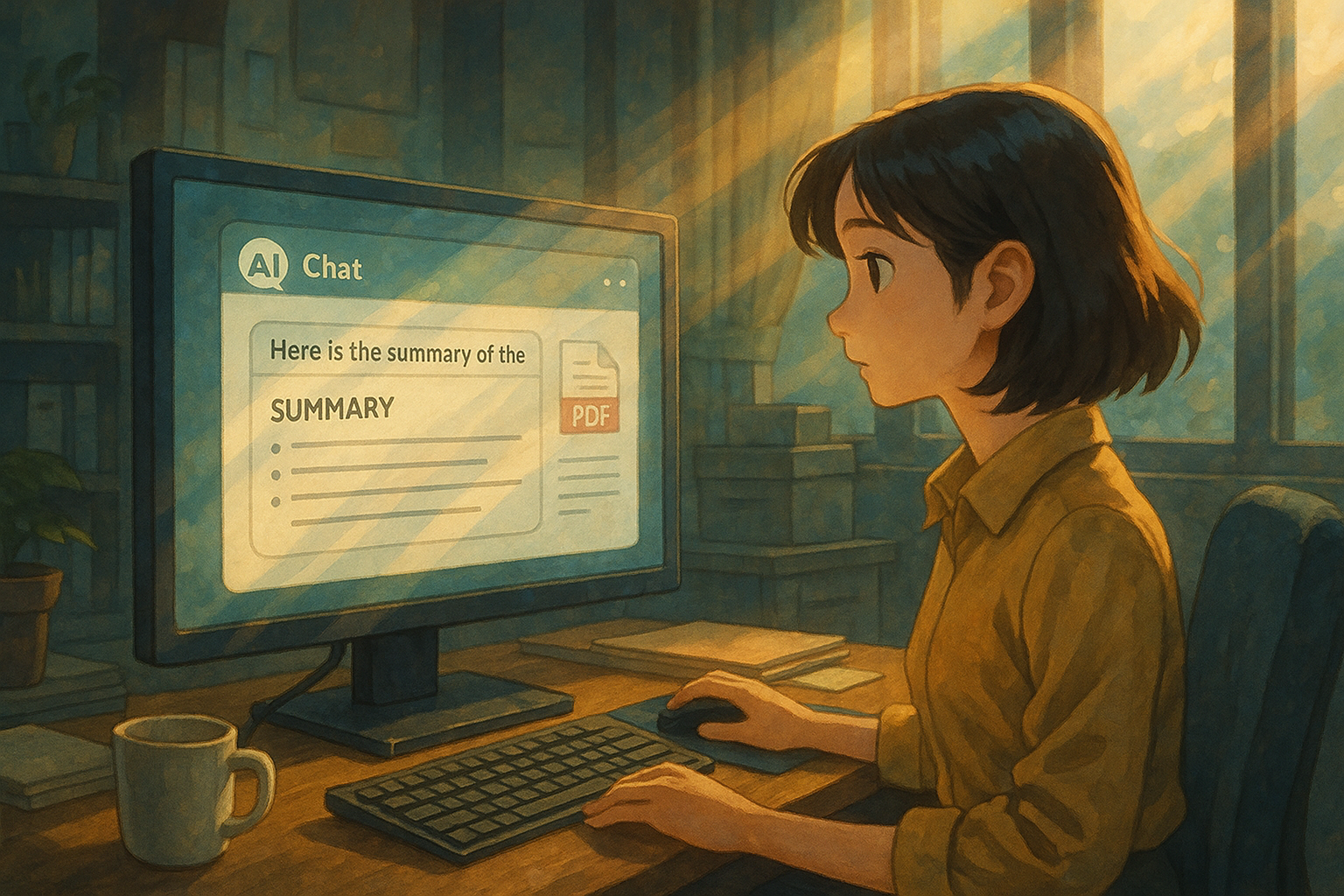
Ignite your creativity with AI chat: Build your epic adventure
In the heart of every creator burns an inextinguishable flame.
Whether we are novelists, screenwriters, or simply role-playing enthusiasts lost in fantasy, we all yearn to bring the epic tales, the vivid characters, and the thrilling plots in our minds to life. With the rise of AI technology, we seem to see a brand new possibility: using AI to assist or even collaborate in our creative process.
However, when you excitedly open a regular AI chat website, hoping it will play the villain in your story or help you devise a convoluted plot, reality often throws cold water on your enthusiasm. These AIs might be able to write a few grammatically correct sentences, but they almost always lack the core element of creation: soul.
You meticulously designed a vast magical world based on elemental tides, yet it can only offer basic Wikipedia-style explanations; you created a hero torn by betrayal, but it only responds with clichés like "heroes always face challenges." Engaging in creative conversation with such an AI is like casting pearls before swine. It not only fails to ignite your creative spark but also drains your passion with its rigidity and emptiness.
The feeling is like a lonely director desperately trying to instruct a puppet with no acting skills, only to end up feeling utterly exhausted and frustrated.
Where does the problem lie? It's not that AI technology itself is useless, but rather that we're using the wrong tools, or rather, we lack a complete "toolchain" to master it. What we need is not a single, cold text generator, but a complete "creative arsenal" that can immerse us in our world.
The purpose of this guide is to provide you with a blueprint for such an armory. Together, we will explore how to start from scratch, utilizing various AI and auxiliary tools to truly ignite your creative spark and build your own epic adventure.
Phase One: Foundation and Blueprint – Worldview Construction and Inspiration
Every great story begins with a solid and fascinating world. Before we begin, we need to provide AI with enough "nourishment" to transform it from an ignorant program into a "native" of your world.
Toolbox #1: World Building and Management
- World Anvil (worldanvil.com)Think of it as your personal Wikipedia. You can create everything about your world here: historical timelines, geography, races, magic systems, biographies. While it's not chat AI itself, it's the perfect database for "training" chat AI.
- Creator GameplayWrite down your character's core background in World Anvil, then feed this text to your chosen chat AI as a "previous context" or "system command".
- Campfirecampfirewriting.com)Similar to World Anvil, but with an interface more focused on the needs of the storyteller, featuring excellent character relationship graphs and timeline functionality.
- Creator GameplayUse its relationship graph to clarify your complex network of characters, then take screenshots or describe these relationships in words so that the AI can understand that "A and B are sworn enemies, but they were both saved by C".
- Inkarnate (inkarnate.com)A powerful online map-making tool. A map is worth a thousand words.
- Creator GameplayDraw your world map, then let an AI (such as Gemini or GPT-4o) "see" the map and let it act as a traveler, describing what it sees and hears from city A to city B.

Toolbox #2: Sparks of Inspiration and Brainstorming
- ChatGPT / Gemini / ClaudeThese large language models are top-notch brainstorming partners.
- Creator GameplayDon't ask "Give me a story idea," be more specific. For example: "I have a premise: In a desert world where energy is generated by collecting fragments of fallen stars, a character accidentally finds a 'living' fragment. Please give me five possible plot developments and explain the advantages and disadvantages of each."“
Phase Two: Soul Infusion – Role Playing and Story Progression
Once the foundation is built, the most exciting part begins: bringing your characters to life. This requires choosing the right "role engine".

Toolbox #3: AI Role-Playing and Collaborative Writing Platform
There are many options here, each with its own focus; you need to choose according to your own needs.
- Generalist Players: ChatGPT / Claude
- AdvantagesStrong logical thinking skills and adept at following complex instructions.
- DisadvantagesThey lack long-term memory and require constant reminders of their "persona".
- Creator GameplayUse "Super Command" or "Character Card" mode. Before the dialogue begins, send a detailed command, such as: "[Character Card: xxx, Personality: xxx, Goal: xxx, Catchphrase: xxx. You must strictly adhere to this setting and cannot deviate from the character.]"“
- Beginner-friendly playground: Character.AIcharacter.ai)
- AdvantagesExtremely easy to use, with a large community and a huge number of preset characters.
- DisadvantagesThe content is strictly limited and not suitable for exploring profound or dark themes; memory is limited.
- Creator Gameplay: Serves as a "sketchbook" for character personalities. Quickly create a character, test their personality by interacting with them to see if it's interesting, and then transfer the mature settings to a more professional platform.
- NovelAI, a workshop for serious writers.novelai.net)
- AdvantagesIt possesses powerful memory and lorebook features, designed specifically for long-form writing.
- DisadvantagesThere is a learning curve, and the free features are limited.
- Creator GameplayFill in the settings you wrote in World Anvil into its Lorebook, one by one. The more effort you put in, the more consistent it will be in the writing process, truly becoming your "co-pilot".
- The balance between freedom and ease of use: AI Romanceaiporn.tw)
- AdvantagesIt precisely addresses many creators' pain points—offering near-unlimited content freedom while eliminating the complex technical hurdle of configuring APIs independently. It seamlessly integrates deep character customization and long-term memory, allowing you to focus on the creative process itself.
- DisadvantagesAs a relatively new platform, its community size and pre-set role library may not be as large as those of established platforms.
- Creator GameplayIf you're frustrated with the limitations of Character.AI and find NovelAI or more complex solutions (such as connecting to Chub.ai's native models) too daunting, this is an ideal "one-stop" solution. You can directly practice all the advanced character creation techniques you've learned here and immerse yourself in unrestricted, deep interactions.

Phase Three: Imbuing the Body and Flesh – Visualization and Stylistic Presentation
The imagination of words is limitless, but a visual image can sometimes take that imagination to new heights.
Toolbox #4: AI Art Generator
- Midjourney (midjourney.com)The king of artistic styles, generating images of extremely high quality and full of beauty.
- Creator GameplayWhen your conversation with AI reaches a key scene, extract the scene description into keywords and generate an illustration in Midjourney. This illustration can then inspire new ideas for both you and the AI.
- Stable Diffusion (available for free on platforms such as SeaArt.ai and Leonardo.ai)It represents freedom and controllability, and is particularly good at generating anime or realistic characters in a specific style.
- Creator GameplayGenerate character portraits with a unified art style for the main characters in your story. This can greatly help you and the AI (and future readers) solidify the character images in your minds.
Phase Four: Organizing and Archiving – Transforming Chaos into Order
AI-assisted creation generates a massive amount of text, images, and concept fragments. A good management tool is essential.
Toolbox #5: Personal Knowledge Base
- Notion (notion.so) / Obsidian (obsidian.md)Both of these are powerful personal knowledge management tools.
- Creator GameplayCreate a project homepage that integrates all your materials, including your world map, character biographies, key plot dialogues, AI-generated illustrations, and more. This not only makes it easier for you to find what you need but also gives you a clear overview of the story's overall structure.
Your Next Actions List

By now, you probably have a huge list of tools. To avoid "choice paralysis," here's a simple action plan to help you take the first step:
- Start with a character, not a world. Don't try to build a grand world comparable to The Lord of the Rings from the start. Focus first on a character you're genuinely interested in. What are his goals? What is his greatest fear?
- Choose your "main battlefield". Based on your needs, choose one platform from the [Toolbox #3] as your primary creative platform. Is it Character.AI for quick learning, NovelAI for in-depth writing, or AI Fengyue for a balance of freedom and convenience?
- Take a "test drive". Using the character you conceived in the first step, conduct a brief interaction on a platform of your choice. For example, have him enter a pub and encounter a mysterious stranger. Observe whether the AI's reaction matches your expectations.
- Learn how to "feed" AI. AI's performance largely depends on the "feed" you give it. Experiment with different command styles and learn how to use the most concise language to give AI the richest possible settings. Remember, you're not talking to it; you're "programming" its soul.
- Enjoy the process and embrace the unexpected. The best AI partners can sometimes give you unexpected answers, steer your story in a direction you never imagined. Don't be afraid of this "loss of control"—it's one of the most fascinating aspects of AI-assisted creation.
AI isn't magic; it can't replace your core ideas. But it's an unprecedentedly powerful toolkit, a tireless brainstorming partner, a crucible that helps you forge vague sparks in your mind into true epics. Now, choose your first tool and start building. Within every creator burns an inextinguishable flame.
© Copyright notes
The copyright of the article belongs to the author, please do not reprint without permission.
Related posts

No comments...
