

AI wind and moon
AI Fengyue is an AI roleplay w...
Adobe Podcast is an AI cloud audio tool launched by Adobe that allows podcasters, YouTubers, online teachers, and other users to easily achieve professional studio-qualit...
Adobe PodcastAdobe Podcast is an AI cloud audio tool launched by Adobe that allows podcasters, YouTubers, online teachers, and other users to easily achieve professional studio-quality sound quality without expensive equipment. Its AI-enhanced noise reduction, text editing, multi-person remote collaboration, and cloud web editing features greatly simplify the audio content production process, with a very low barrier to entry, making it highly attractive to both individual and team creators. The paid version also supports video processing and more batch functions, making it an ideal choice for modern content creators to improve sound quality and efficiency.
Under the wave of content in the digital age, the demand for high-quality audio creation continues to rise.
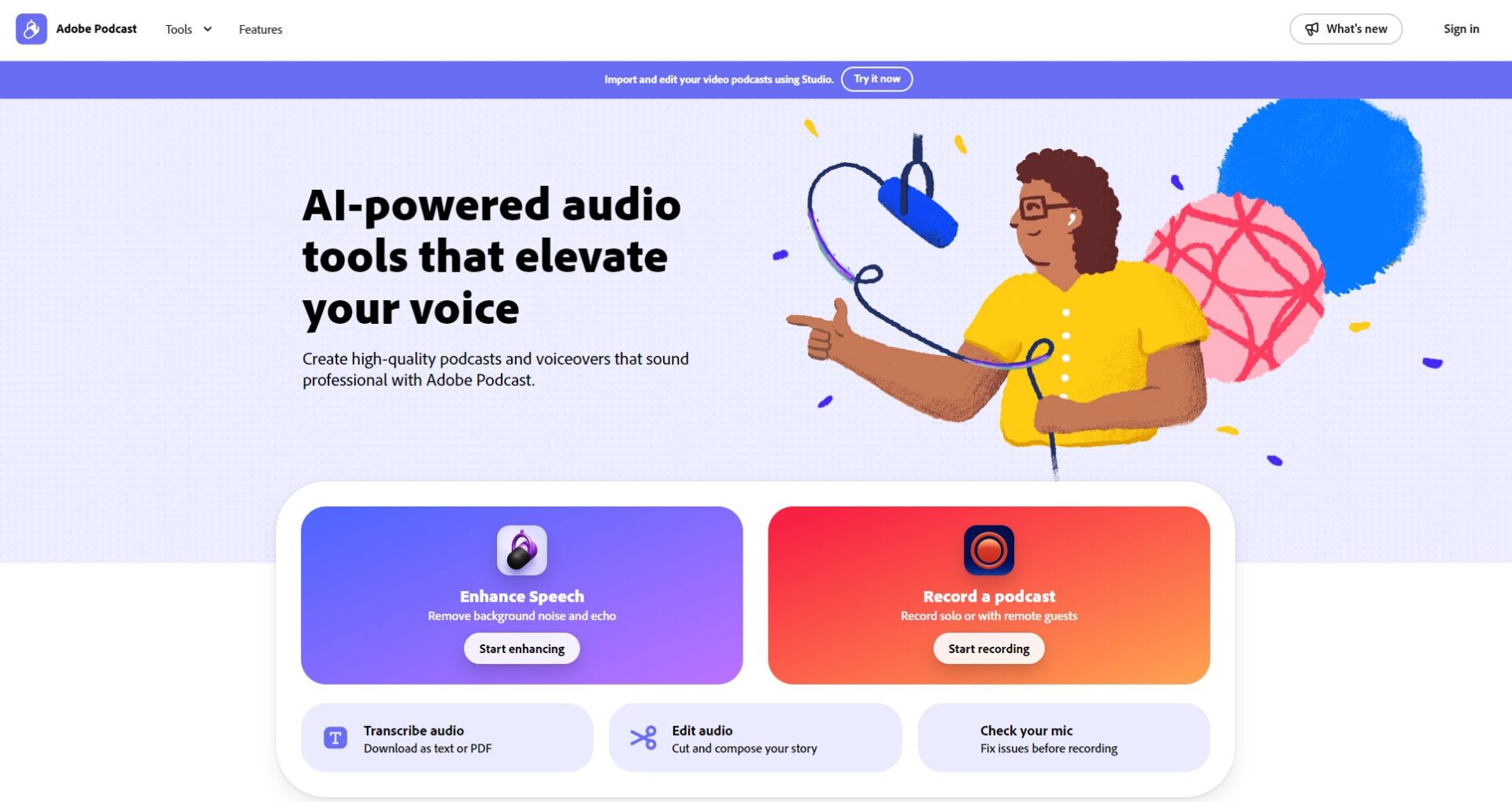
Whether it’s a podcast, YouTube channel, online course, or business presentation, professional, clear, post-production sound quality is becoming increasingly important. Adobe Podcastis anAI audio tool tailored for content creators, using AI technology to achieve one-stop recording, noise reduction, enhancement, and editing, improving sound quality efficiency and lowering the barrier to beginners.
— Official Website —
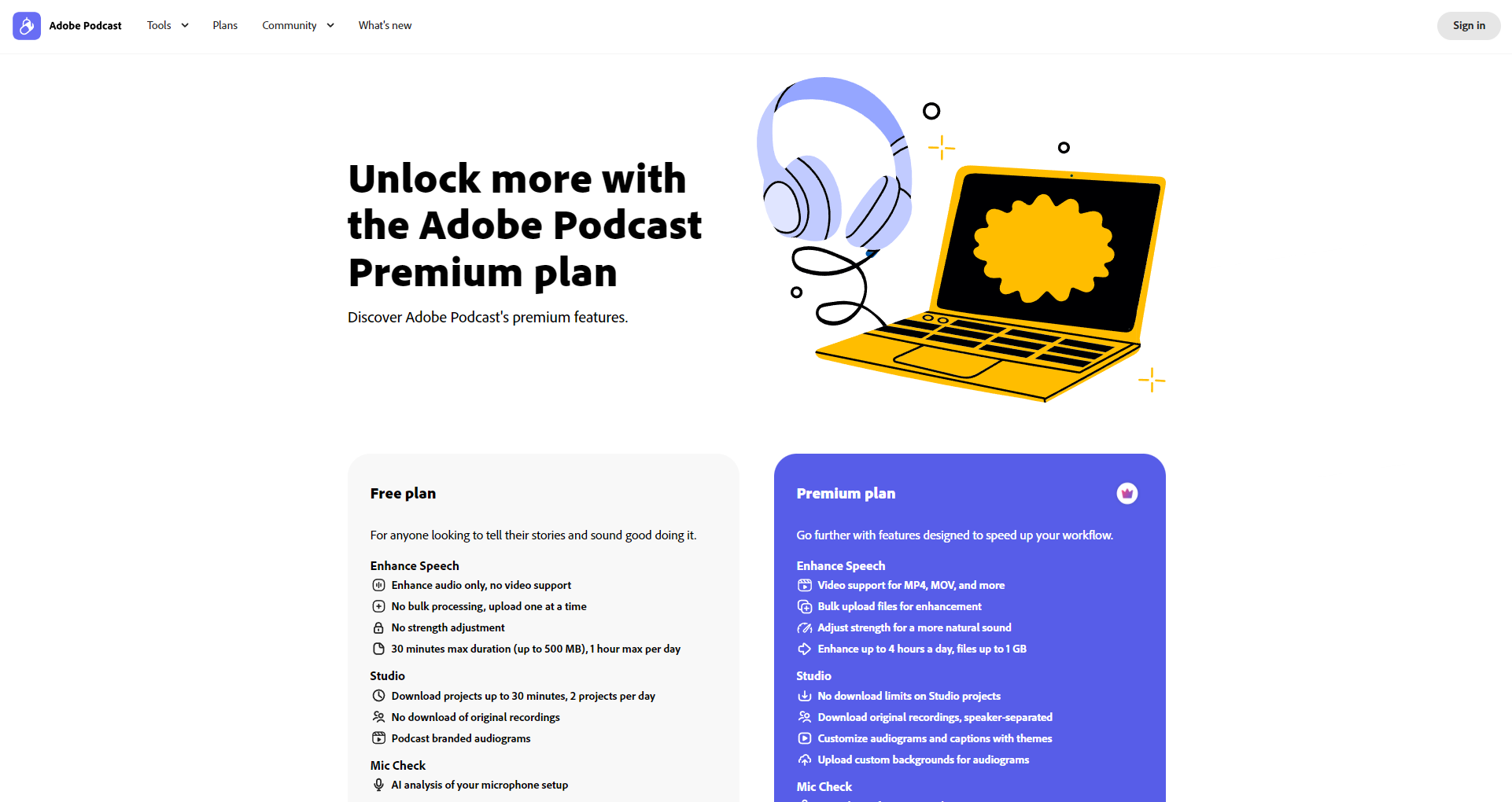
Adobe Podcasts supports audio and video processing, and its core AI features include:
| function | Free version | Premium (Paid) |
|---|---|---|
| Supported formats | Single audio | Audio + video |
| Batch processing | not | be |
| AI intensity adjustment | not | be |
| The maximum duration of a single gear | 30 minutes / 500MB | 2 hours/1GB |
| The total processing time per day | 1 hour | 4 hours |
| Studio Project Download | 2/day | boundless |
| Mic Check analysis | be | be |

For more detailed features, please refer to the official website function page.
| scheme | Price | Supported content | Applicable people |
|---|---|---|---|
| Free version | 0 yuan | Audio AI enhancement, basic web editing, and daily 1-hour batch quota | Beginner/Occasional Creation |
| Premium version | $14.99/month (US pricing) | Add videos, batch, intensity customization, unlimited downloads, crossover export, etc | Podcast professional, content team |
Official tutorials and forums are available for support.

| Advanced features | Free users | Premium users |
|---|---|---|
| Remote multi-party simultaneous recording | In the tank | Advanced collaboration |
| AI transcript editing | In the tank | In the tank |
| Video audio enhancement | Basic format | Full support |
| Batch processing/clipping | not | be |
| LOGO removal brand template | not | be |
Currently, English transcripts are the best, and other languages are gradually being tested and developed.
The free version only supports audio, and video noise reduction requires Premium. You can sign up for a trial experience.
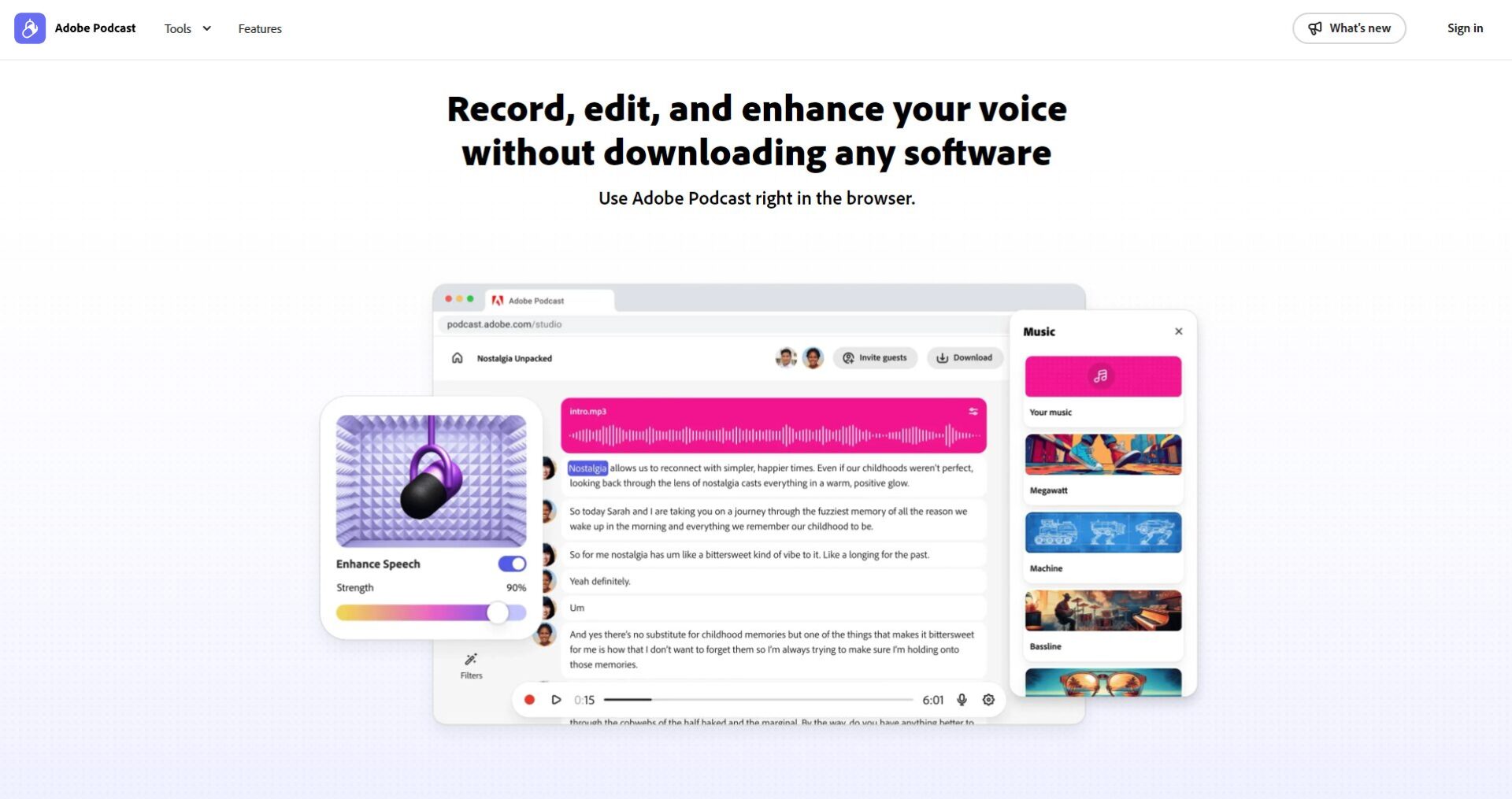
No installation required!All operations are completed on the web side, across Windows/Mac/iPad, etc., and can be used in mainstream browsers.
Compatible with Windows, Mac, and mainstream browsers (Chrome, Edge, etc.), it is recommended to set up and optimize the microphone.
On the wave of the AI audio revolution, Adobe Podcasts is setting a new standard for content creation. If you also want to use AI to efficiently create high-quality content, welcome to visit the official website of Adobe Podcast to open up a new future of your voice!
本站AI 喵导航提供的Adobe Podcast都来源于网络,不保证外部链接的准确性和完整性,同时,对于该外部链接的指向,不由AI 喵导航实际控制,在2025年11月27日 下午6:33收录时,该网页上的内容,都属于合规合法,后期网页的内容如出现违规,可以直接联系网站管理员进行删除,AI 喵导航不承担任何责任。
