What is Visily? A comprehensive analysis of this AI tool for rapid prototyping with zero design experience.
VisilyIt is a product designed for users with zero design experience.AI prototyping toolsSupport throughText description, sketch upload or screenshotQuickly generate high-fidelity prototypes. It integrates powerful AI capabilities, rich template components, real-time multi-user collaboration, and automated delivery.This greatly reduces the barrier to entry for prototype design and improves team efficiency.Whether you're a product manager or an entrepreneur, you can efficiently express and validate product ideas. This article provides a comprehensive analysis of Visily.Core functions, application scenarios, operation process and comparative advantagesIt helps you get started easily and unleash your unlimited creativity.
Visily Explains: The New Era of AI-Powered Prototyping
Visily Introduction and Positioning
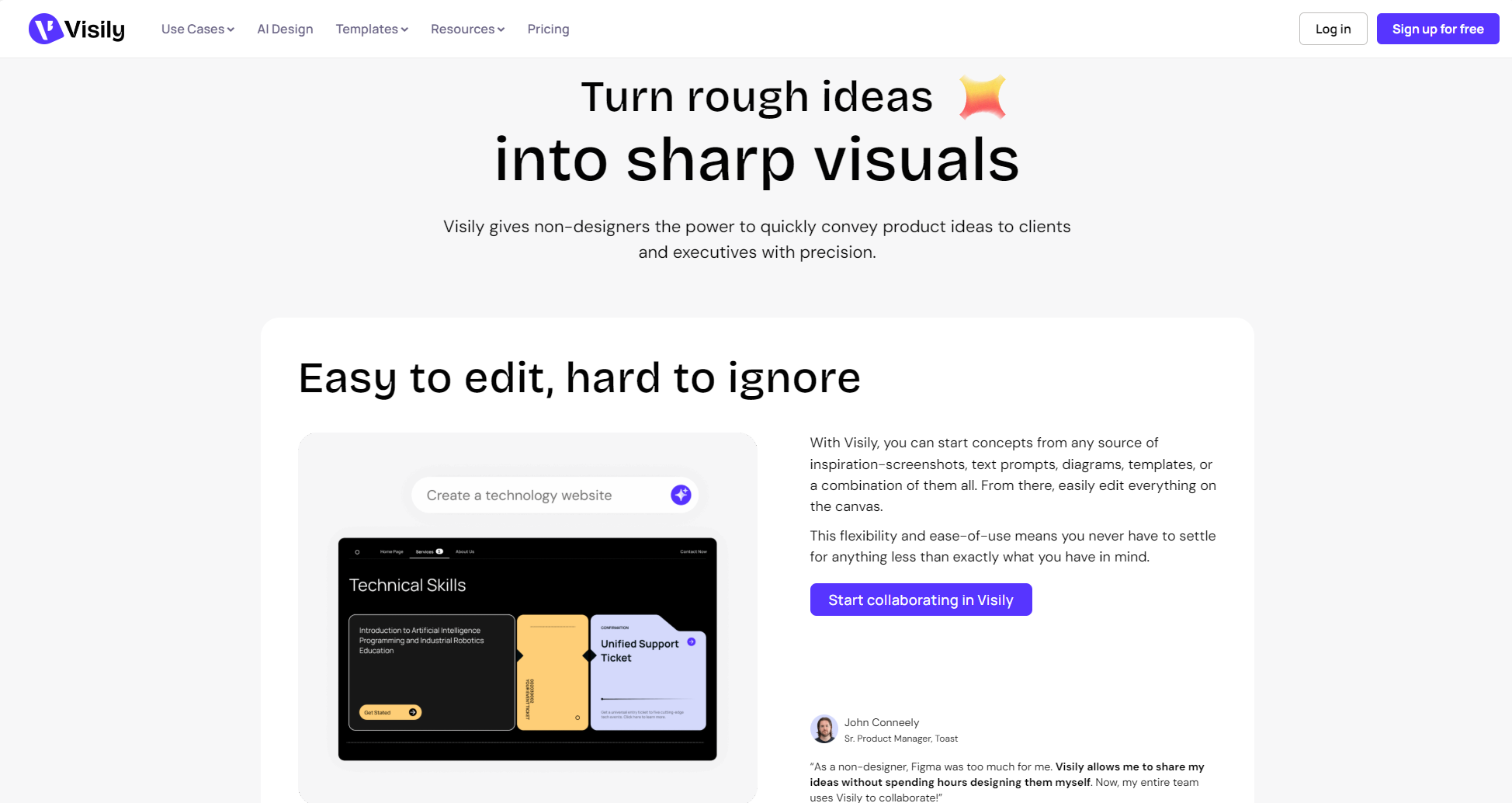
VisilyIt is an app designed specifically for "non-designer" users.AI prototyping toolsIt leverages AI technology to enable...Supports uploading via text description, sketches, or even screenshots.Generate editable prototypes with one click, making them easy to use even without a UI/UX background.
Visily's main features
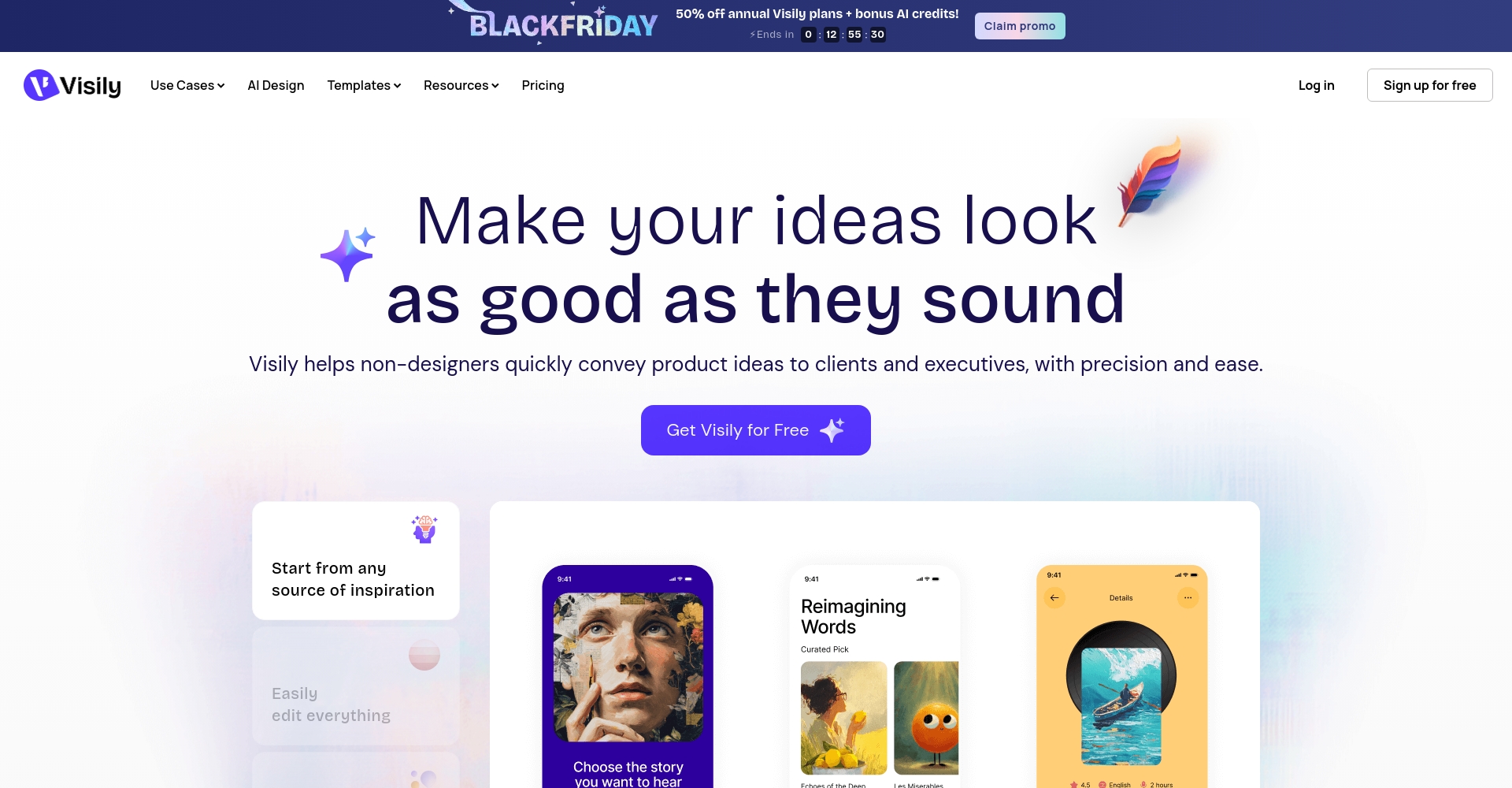
- AI intelligent generationAutomatically converts requirement descriptions, sketches, or screenshots into prototypes.
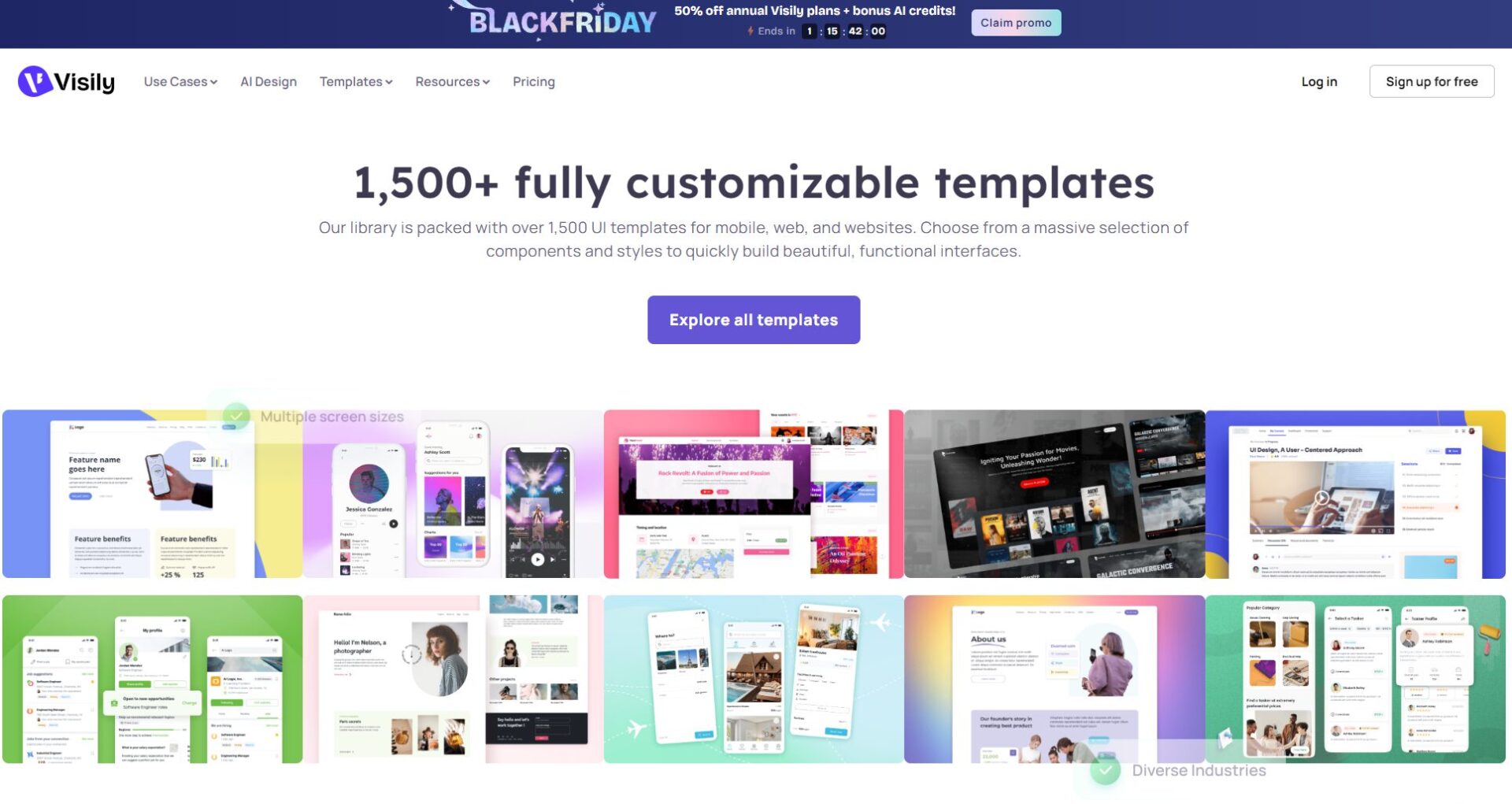
- Rich template libraryIt has 1500+ built-in components, covering various industry scenarios.
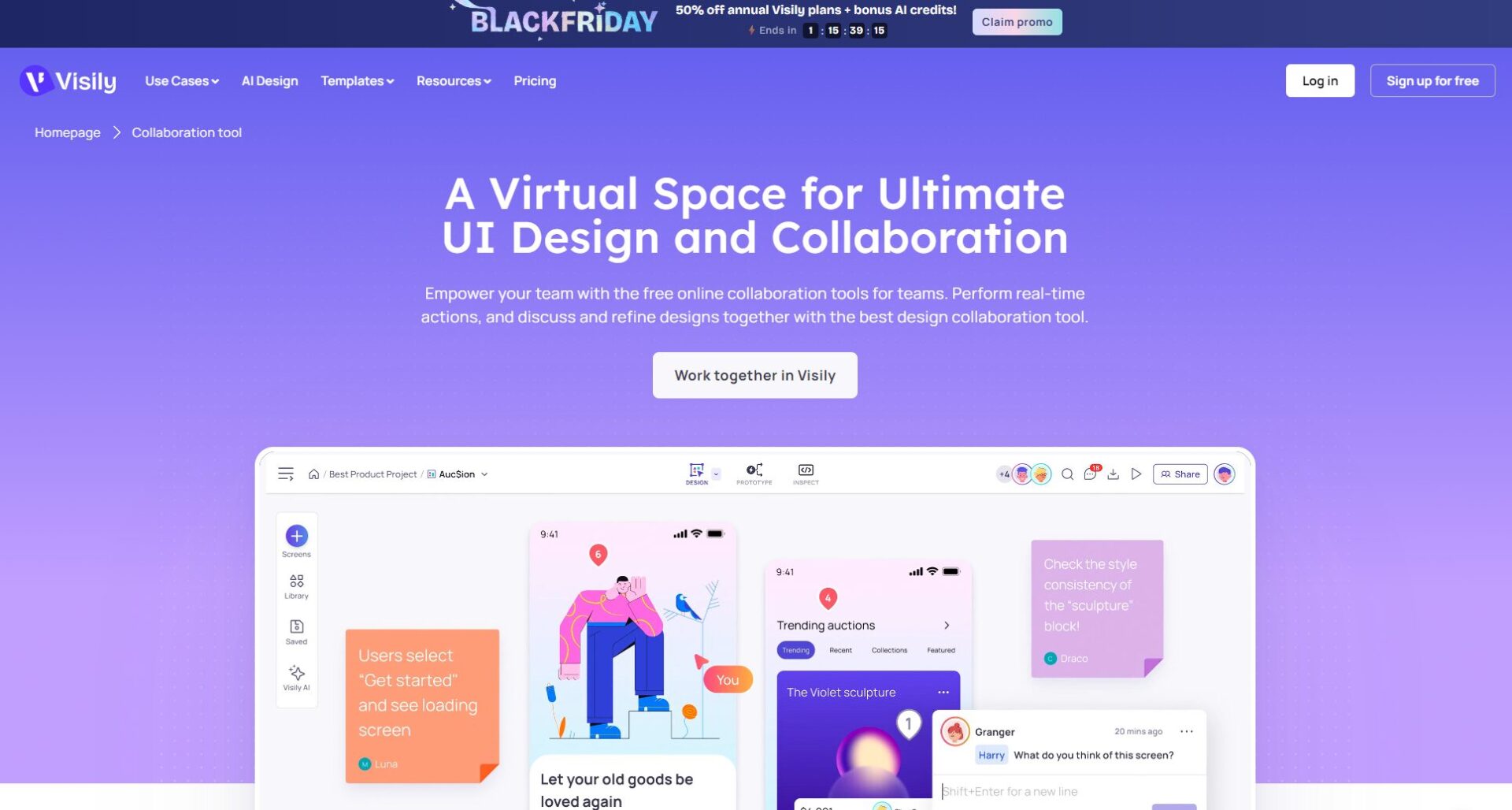
- Multi-device real-time collaborationMulti-user editing, commenting, and access control levels.
- Automatic standard deliveryOne-click generation of development specifications effectively shortens the design-to-development cycle.
- Supports exporting in multiple formatsIt supports multiple mainstream formats such as PNG, JPG, PDF, and Figma.
Who is Visily suitable for?
Product managers, developers, entrepreneurs, operations, andDesign beginnersVisily enables rapid prototyping with zero learning curve. Its advantages include:
| Target users | Typical requirements | Visily Advantages |
|---|---|---|
| Product Manager | Product Idea Validation | Second-level process prototype generation |
| Entrepreneurs | Fundraising/Roadshow PPT | Abundant templates, highly expressive |
| Developers | Initial UI draft/Requirements alignment | Technology and vision synchronization |
| Marketing/Operations | Activity page/data stream | Quick Scene Template Creation |
| Design beginners | Prototyping without prior experience | AI automatically generated |

In-depth analysis of Visily's core functions
I. AI-powered intelligent design generation
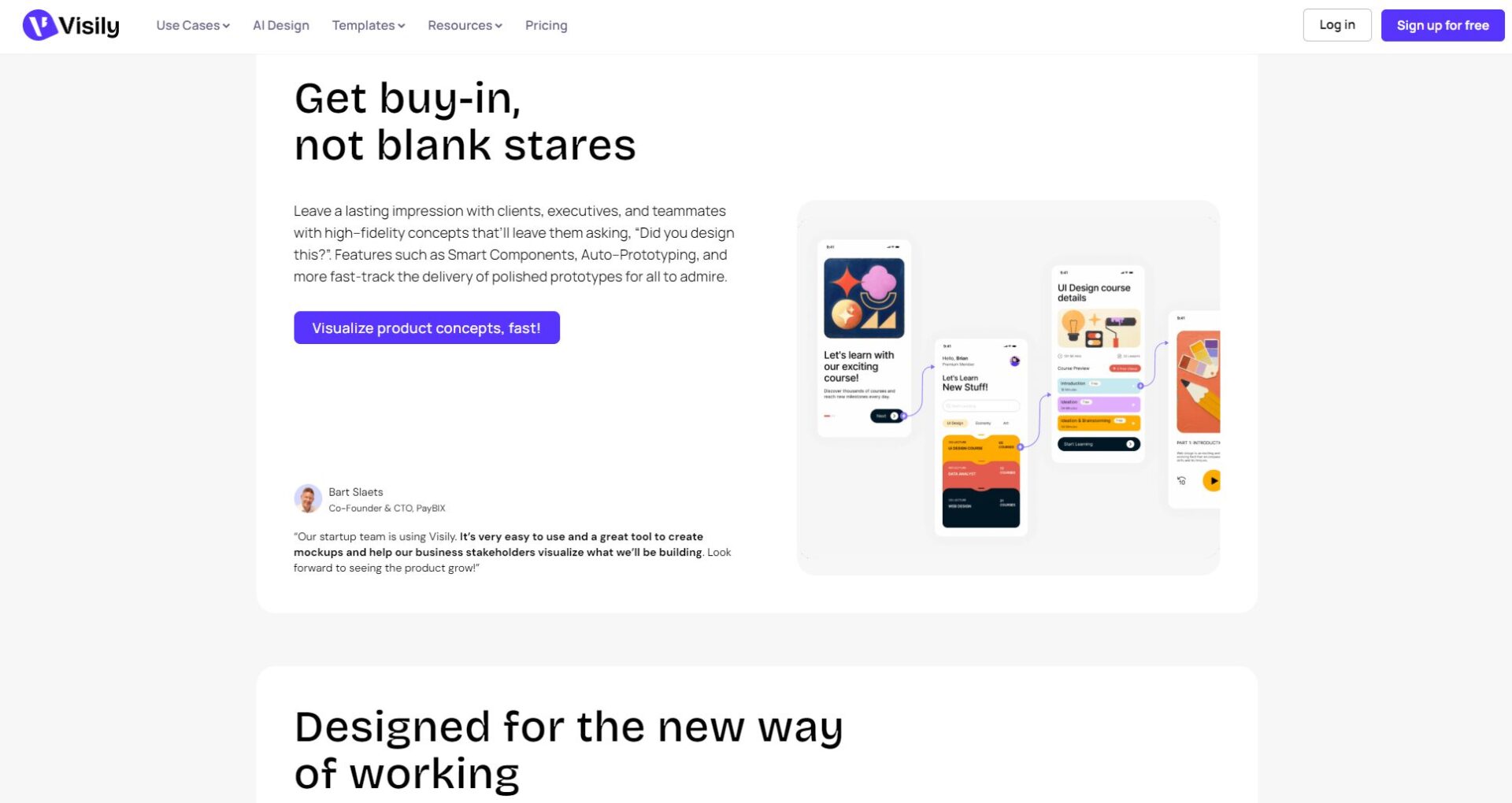
- Text to Prototype: Multiple UI sketches can be automatically generated in seconds based on text descriptions.
- Screenshot/Sketch to UI: Upload a hand-drawn sketch or a screenshot of a competitor's product to restore the editable structure.
- Automatic component replacement: Batch identify and replace text, images, buttons, and other elements.
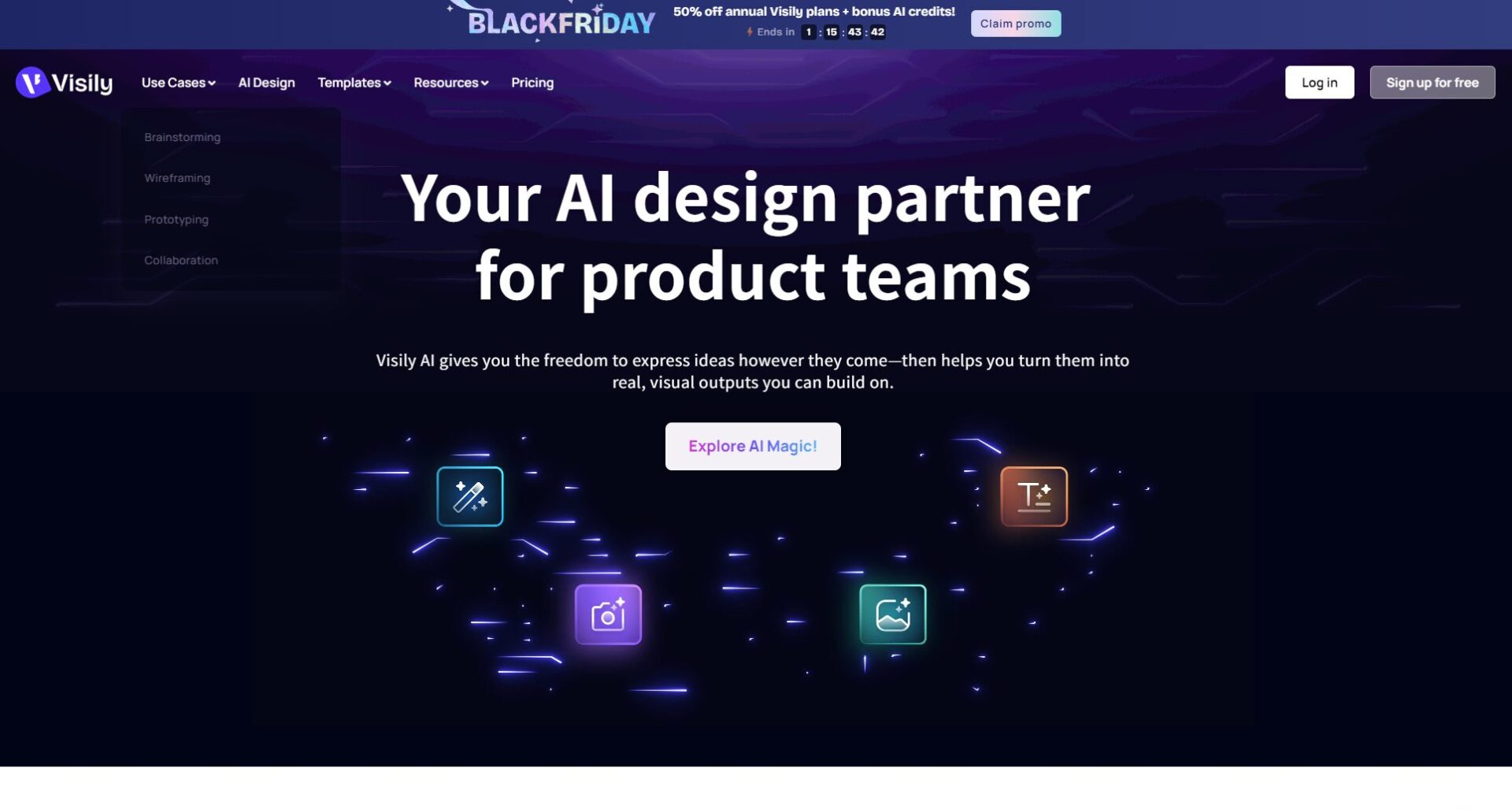
for exampleSimply upload a line drawing, and Visily will intelligently recognize and generate a high-fidelity, usable prototype.
II. Massive Templates and Smart Components
Choose a suitable template for your scenario, enter your content, and you'll get a professional prototype. It covers app homepages, backends, industry solutions, and more, with AI recommending the most suitable templates, ideal for detailed requirements refinement and brainstorming.
Tip: “The "template + AI replacement" feature can quickly generate competitor comparison versions, allowing one image to be used for multiple purposes.
III. Real-time Cloud Collaboration for Multiple Users
- Simultaneous editing by multiple people: You can see the changes in other people's actions in real time.
- Comment & @ function: Discussions can be marked anywhere, facilitating smooth communication.
- Access control: Supports viewing/editing/commenting only, enabling secure and efficient multi-role collaboration.
| Function | Support methods | Real value |
|---|---|---|
| Multi-person online editing | Synchronous Changes | Save on alignment and communication costs |
| Real-time comments | Mark reply | Greatly improve iteration efficiency |
| Access Management | Three roles are distinguished | Balancing data and security |
IV. Automated Delivery & One-Click Export
VisilyIt can export detailed development specifications (color code, font, spacing) with one click, supports multiple formats such as PNG, JPG, PDF, and Figma, and can integrate with mainstream tools such as Jira and Slack to achieve efficient business closed loop for the team.
Development Perspective: Eliminate communication pain points such as "misaligned design drafts", and boost efficiency!
Visily Typical Application Scenarios Overview
- Product Prototype DesignVisualizing new product MVP, iterative upgrades, and requirement reviews
- Remote team collaborationSeamless synchronization and cross-functional collaborative communication across geographically located teams
- Self-design for non-professionalsSolving the problem of lack of design resources for small and medium-sized teams, marketing departments, and sales departments.
- UI/Design Guidelines ManagementReusable module library, unified brand visual standards
| Scene | Applicable departments | Main benefits |
|---|---|---|
| MVP design | Product Development | Fast verification, cost reduction |
| Requirements visualization | PM, Business Analysis | Alignment Intuitive |
| Activity page | Marketing, Operations | Reduce outsourcing |
| Learning and training | Beginner/Student | Quickly grasp the prototype concept |
How to get started with Visily? A complete process from registration to project output.
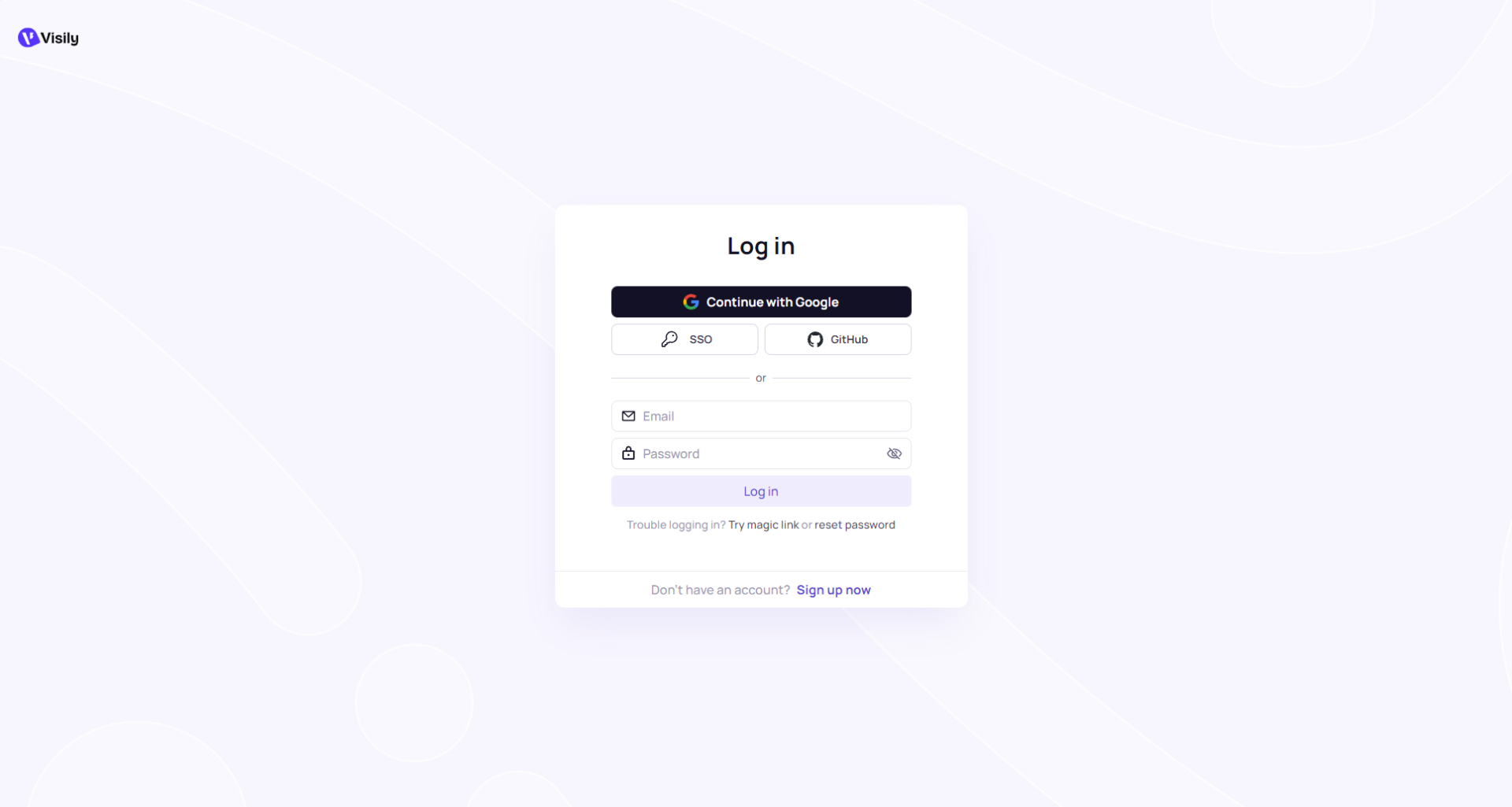
- Register/Login: Supports one-click registration with Google/Microsoft accounts.
- Create a project: You can start with a blank template, choose a template, or generate an AI file with one click.
- Input requirements/upload sketches, etc.: It is recommended to describe using the structure of "who/what/goal".
- Drag and drop UI tweaks: Supports alignment, quick copying, and batch style modification.
- Collaboration and Export: Invite teammates to collaborate and export documents in various formats.
| process | illustrate |
|---|---|
| register | One-click login to official website |
| Template/AI drafting | Customizable and automatically generated |
| Drag and drop editing | Simple and intuitive |
| Comments/Feedback Collaboration | Smooth multi-person collaboration |
| One-click export | Multiple formats to meet development/demonstration needs |
Comparative Analysis of Visily and Mainstream Prototyping Tools
| tool | AI-generated | Template count | Real-time collaboration | Automated delivery specifications | Export format | price |
|---|---|---|---|---|---|---|
| Visily | support | 1500+ | support | support | PNG/JPG/PDF/Figma | Free + Paid |
| Figma | Partial (manual) | Thousands | support | Partially manual | SVG/PDF | Free + Paid |
| Axure | Not supported | Hundreds | part | Partially manual | HTML/PDF | Paid |
| Balsamiq | Not supported | Hundreds | Not supported | Not supported | PNG/PDF | Paid |
summary: Visily excels in four aspects: intelligence, efficiency, collaboration friendliness, and zero barriers to entry, making it ideal for the innovation prototyping needs of startups and small to medium-sized teams.
The emergence of VisilyThis significantly lowers the technical barrier to prototyping and seamlessly integrates AI capabilities with the team's delivery process.VisilyEven without UI/UX background, you can easily "turn your ideas into prototypes" and achieve your goals.Creativity is accessible; everyone can design.With its features being updated and iterated, Visily is becoming a "secret weapon" for the next generation of team product design.
© Copyright notes
The copyright of the article belongs to the author, please do not reprint without permission.
Related posts

No comments...
