
Beautiful.ai: A versatile productivity booster that uses AI to streamline the PPT design process.
In a fast-paced workplace environment, being able to quickly and easily...Create professional, high-quality presentationsThis is a challenge faced by many. As an AI-based presentation design tool,Beautiful.aiWith its powerful intelligent design capabilities, Beautiful.ai has become a highly regarded one-stop PPT design solution in the market. This article will analyze Beautiful.ai's automated design, intelligent layout, team collaboration, and data feedback functions from a research and testing perspective, exploring how it can efficiently improve the quality and effectiveness of workplace reports and sales proposals. By comparing it with other mainstream tools, its applicability, cost-effectiveness, and practical application performance will be evaluated, providing selection references for professionals and enterprises.
Beautiful.ai: Intelligent PPT Design Assistant
Beautiful.ai This is a cloud-based intelligent presentation tool designed to simplify the PPT creation process through AI-driven design algorithms, helping users easily create professional and aesthetically pleasing presentations. Its key feature is automated design and layout, allowing users to focus solely on the content itself without worrying about layout or slide enhancement. It's suitable for various workplace scenarios, including sales proposals, meeting presentations, and training sessions.
Core Features Overview:
- Automated content generationBased on the input topic, AI automatically generates a structured outline and content.
- Intelligent Aesthetic TypographyAutomatically adjusts fonts, colors, and layout to ensure every page looks professional.
- Interactive featuresIt supports inserting forms, charts, audio and video into PowerPoint presentations to enhance interactivity.
- TeamworkMulti-user online real-time editing, convenient and efficient team collaboration.
- One-click sharing and analysisGenerate shared links to support data analysis and feedback collection.
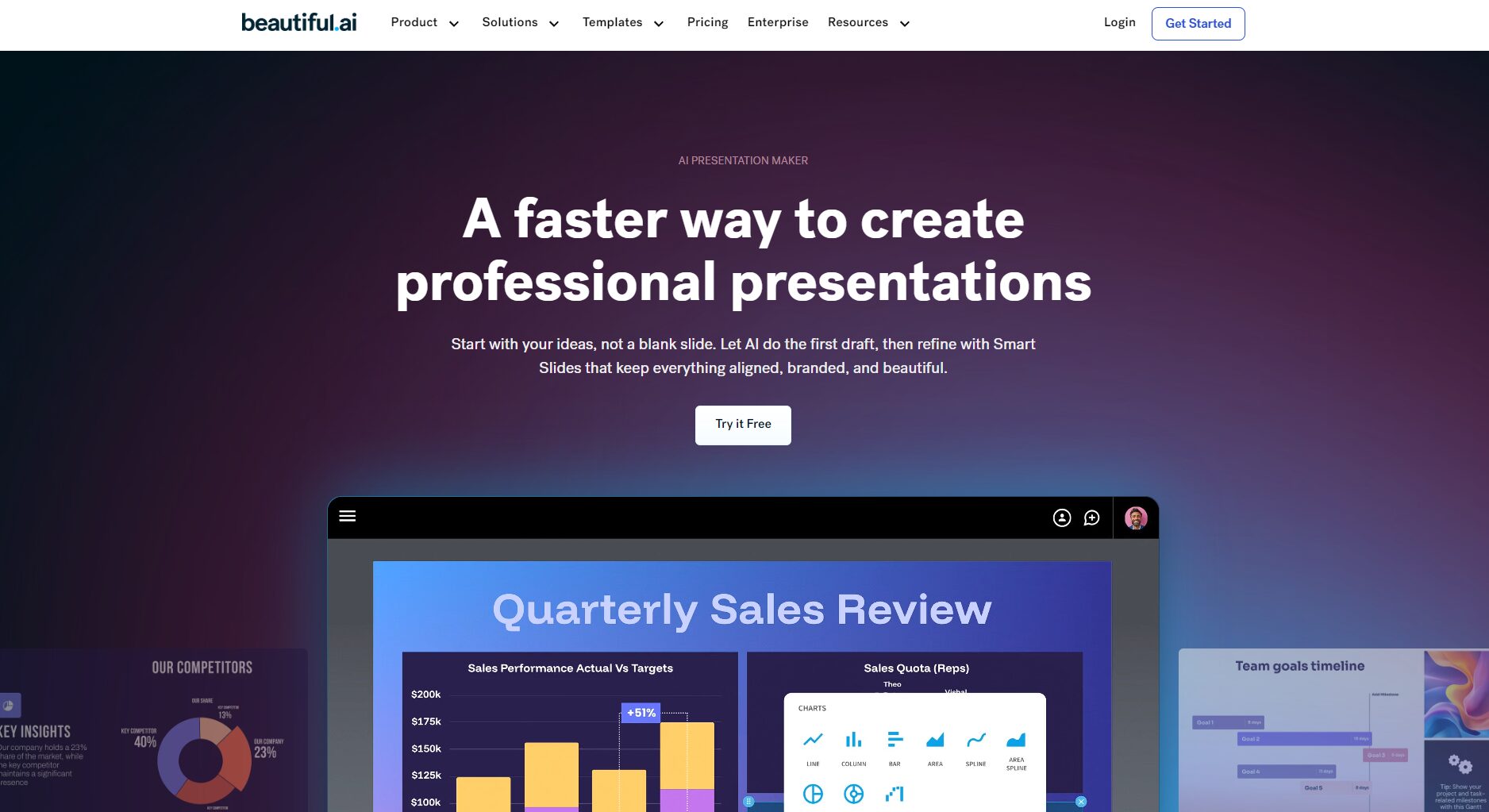
Beautiful.ai Core Functionality Explained
1. Intelligent content generation and structured design
By inputting keywords or themes, Beautiful.ai can automatically generate presentation outlines and create visualizations such as charts and images as needed. For example, in a sales proposal scenario, users only need to provide the project name and basic content, and AI will automatically build a presentation including market analysis, product introduction, and competitive analysis, and generate corresponding charts and images, saving a significant amount of design and content preparation time.
Example application:
- Sales proposalEnter "2025 Smart Home Solution Sales Proposal" and AI will automatically generate content including market growth trends, pain point analysis, product introduction, customer case studies, etc., along with corresponding charts and images.
- Project ReportEnter "New Product Development Progress Report" and AI will help generate project progress, technical challenges, and next steps.
2. Intelligent Aesthetic Typography and Design
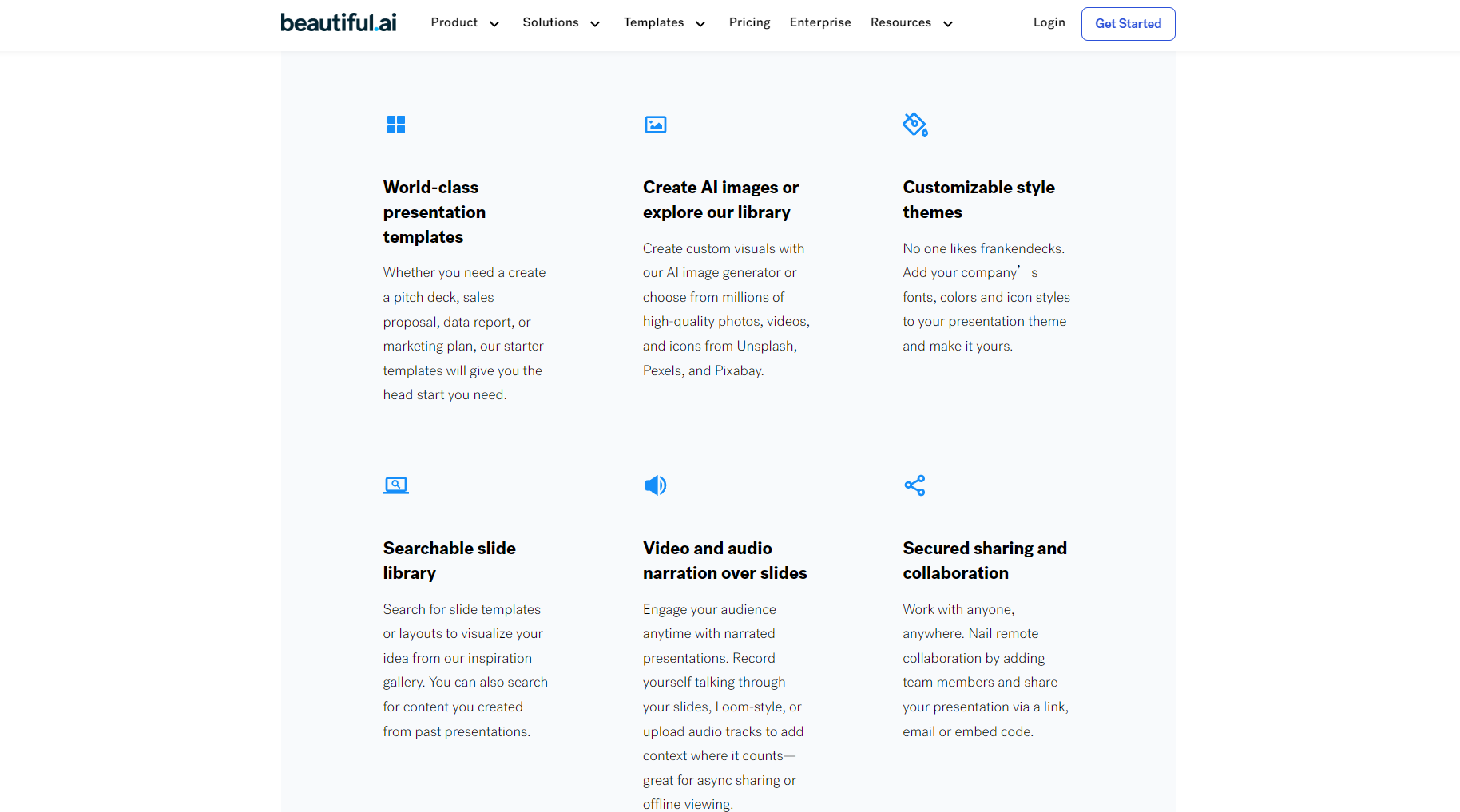
Beautiful.ai uses an intelligent layout engine that automatically identifies content types and matches the most suitable layout and design style. Users don't need to worry about layout issues; all text, charts, and images are accurately and neatly arranged on the page, ensuring the professionalism and visual consistency of the presentation.
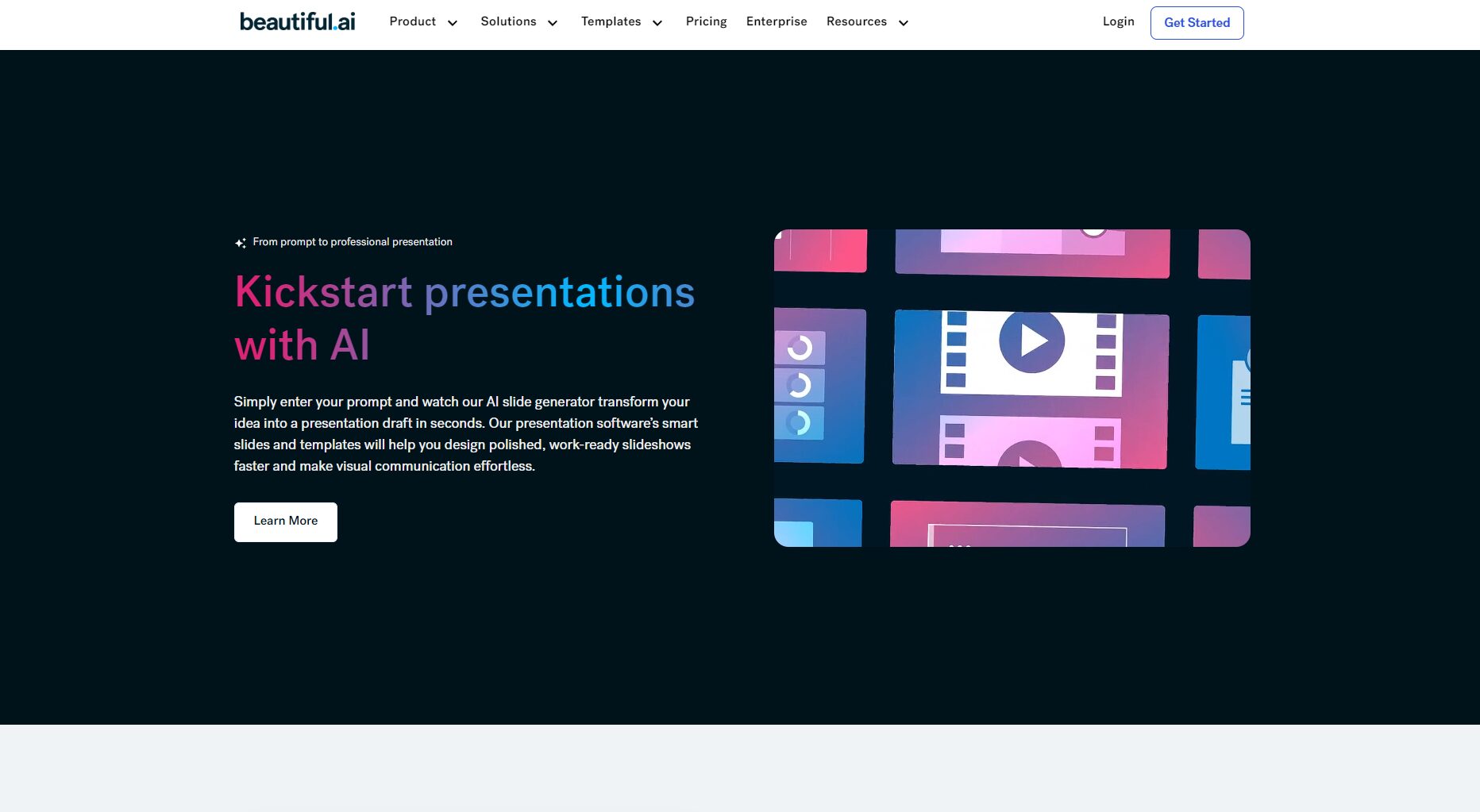

- Automatic layout adjustmentWhether it's text, images, tables, or charts, Beautiful.ai automatically adjusts the size and layout to ensure the best presentation of the content.
- Theme color and brand styleWe can customize the color scheme of presentations based on the company's brand colors to enhance the consistency of the company's image.
3. Rich interactive features and personalized needs
Beautiful.ai supports inserting dynamic elements such as videos, audio, interactive charts, and surveys, which can increase audience interaction and enhance the presentation effect. For example, in a sales proposal, users can insert a real-time survey to collect audience feedback, helping salespeople quickly understand customer needs and adjust subsequent proposals accordingly.
- Forms and SurveysIt supports embedding surveys and feedback forms, making it easy to collect feedback during presentations.
- Multimedia supportIt allows you to easily insert video, audio, and other files, enhancing the appeal and interactivity of your presentations.
4. Team collaboration and multi-person online editing
Beautiful.ai supports real-time collaboration among team members in the cloud, allowing multiple people to edit the same document simultaneously, reducing the tedious process of repeated modifications and version updates. The system supports version control and history, facilitating team management and adjustments.
- Real-time collaborationMultiple people can edit online simultaneously, and view and modify the content at any time.
- Access ManagementProvides multi-level permission settings to ensure document security and team member access control.
5. One-click export and multi-platform sharing
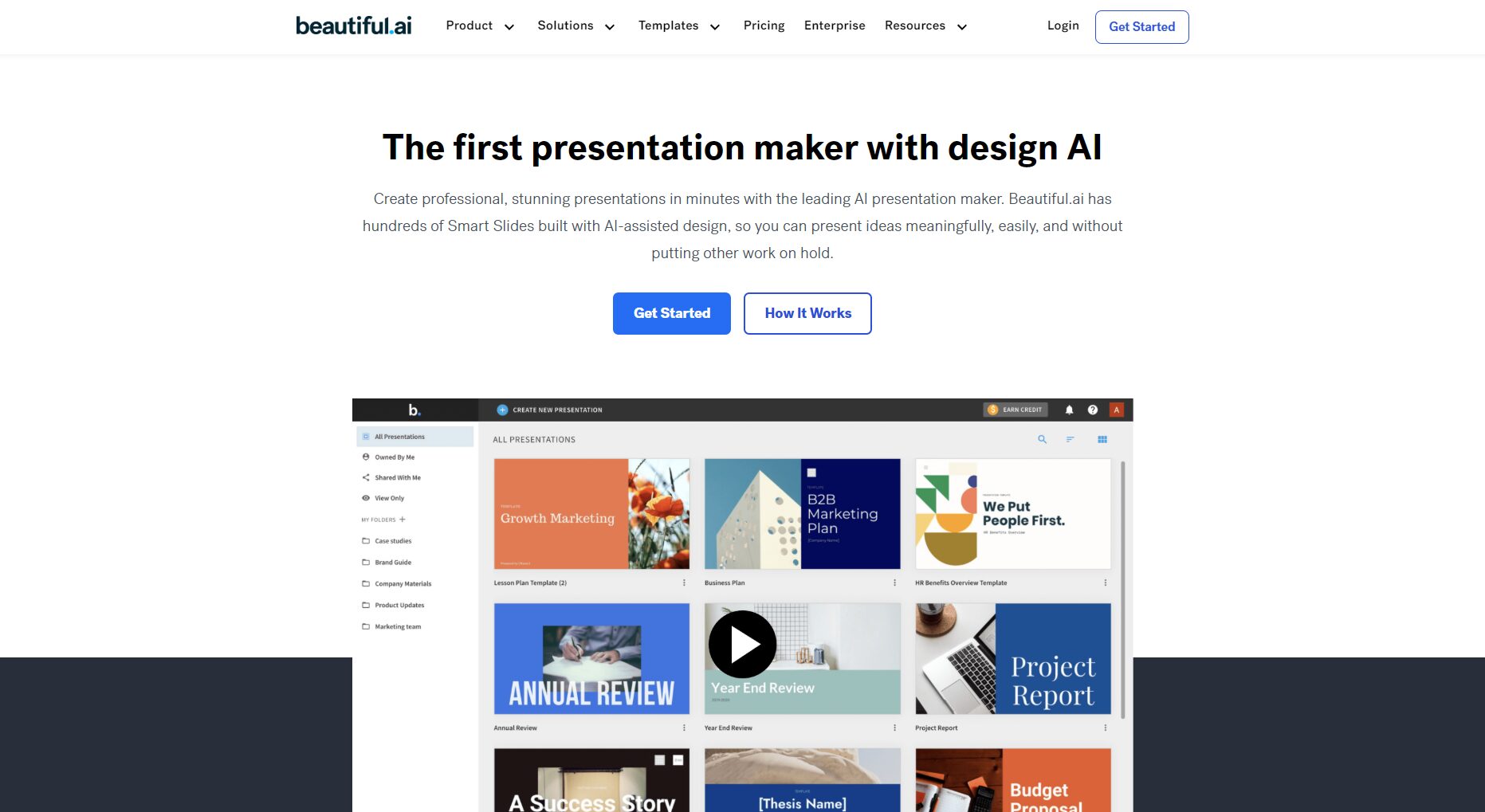
Users can export the completed presentation as PPTX or PDF format, or share the presentation directly with others via the generated sharing link, making it convenient for use on different platforms.
- Export in multiple formatsSupports exporting in multiple formats such as PPTX and PDF to meet different needs.
- Link sharingGenerates web page links, supporting seamless sharing and viewing, avoiding cumbersome file transfers.
Applications of Beautiful.ai in the Workplace and Sales
1. Improve work efficiency
Traditional PPT creation often requires a lot of time for content layout and beautification. Beautiful.ai significantly reduces production time through intelligent design and automated content generation, allowing users to focus solely on content creation.
2. Professional design
AI-driven intelligent design ensures that every slide is aesthetically pleasing and professional, helping users present high-quality content in any workplace setting, especially suitable for business presentations, investment roadshows, and sales proposals.
3. Enhance customer interaction and feedback
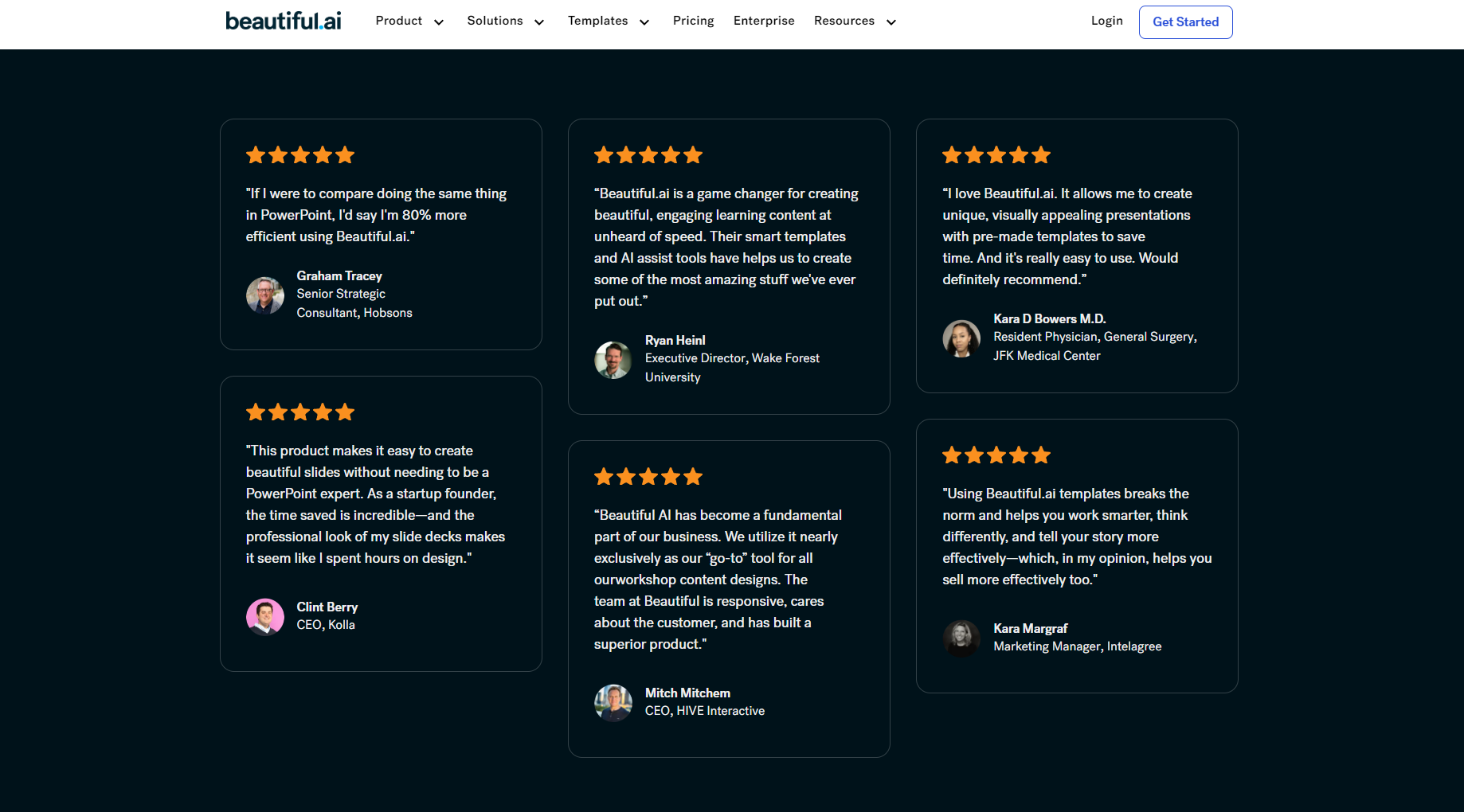
By inserting interactive forms and surveys, Beautiful.ai plays a significant role in sales proposals. Salespeople can obtain real-time customer feedback, tailoring their proposals accordingly to improve customer satisfaction and sales conversion rates.
4. High-efficiency team collaboration
Team members can collaborate in the cloud without worrying about version inconsistencies or multiple people making modifications, ensuring a smooth and efficient workflow.
Beautiful.ai vs. other AI demo tools
| Tool Name | Language support | AI-generated demo | Aesthetic Intelligent Typography | Forms/Interactions | Team collaboration support | Export format | Brand customization | Suitable scenarios |
|---|---|---|---|---|---|---|---|---|
| Beautiful.ai | Multilingual (including Chinese) | 是 | 是 | 是 | 是 | PPTX/PDF/Webpage | 是 | Business, Sales, Education |
| Decktopus.ai | Multilingual (including Chinese) | 是 | 是 | 是 | 是 | PPTX/PDF/Webpage | 是 | Business, Sales, Education |
| Gamma | English | 是 | part | 是 | 是 | PPTX/PDF/Webpage | 是 | Content generation |
| Canva Presentations | Multilingual (including Chinese) | part | part | part | 否 | PPTX/PDF/Image | 是 | Creative Showcase |
| Slidebean | English | 是 | part | 否 | 是 | PPTX/PDF/Webpage | 是 | Investor Roadshow |
Cost of use and cost-effectiveness
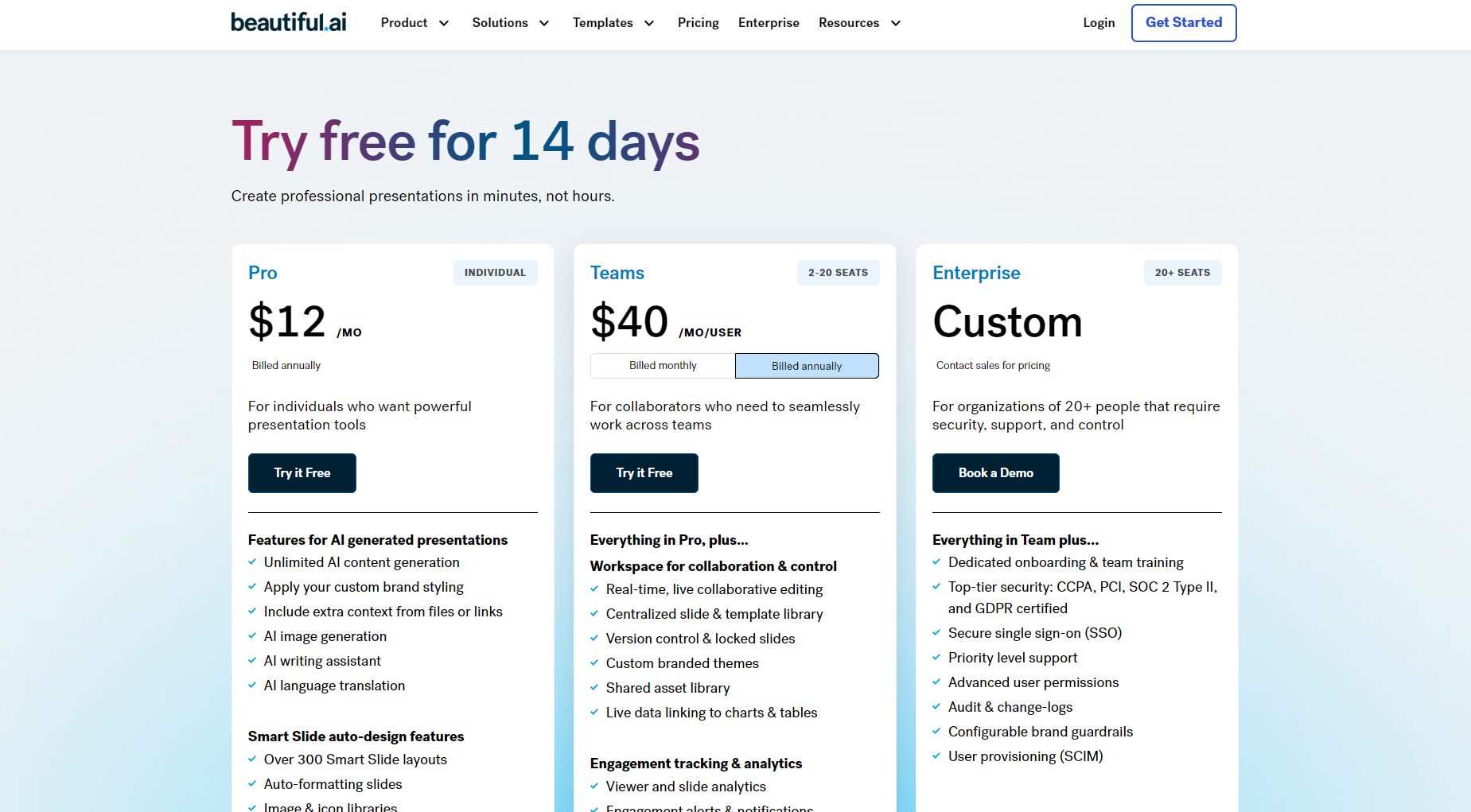
Beautiful.ai offers a free version and various paid plans to meet the diverse needs of users, from individual users to enterprise teams. The free version provides basic PowerPoint design functions, while the paid version unlocks more advanced features such as branding customization, team collaboration, and data feedback. For professionals and teams who frequently need to create high-quality presentations, the paid version offers excellent value for money.
Purchase Recommendations:
- For small teams or individual users, the free version can be tried first to meet daily needs.
- For businesses or teams that require customized design, it is recommended to choose a paid package to enjoy more advanced features and more flexible brand customization.
Frequently Asked Questions and Purchase Advice
Q1: Which scenarios is it suitable for?
A1: Applicable to scenarios such as business reports, sales proposals, product roadshows, and education and training.
Q2: Does the generated content need to be manually adjusted?
A2: The content structure automatically generated by AI is already very efficient, but we recommend that users make minor adjustments based on their professional needs.
Q3: How safe is it?
A3: All data is encrypted in the cloud and multi-level permission settings are provided to ensure document security.
Q4: Is it compatible with local PowerPoint presentations?
A4: Fully compatible with PPTX format, easily imported into PowerPoint for editing.
Conclusion: A New Choice for Intelligent PPT Design
Beautiful.ai enables professionals and sales personnel to create high-quality, professional presentations in a short time through its intelligent design and automated content generation. Whether for individual users or enterprise teams, Beautiful.ai brings significant convenience and efficiency improvements to presentation creation, making it a powerful assistant for professionals.
© Copyright notes
The copyright of the article belongs to the author, please do not reprint without permission.
Related posts


No comments...
