
A Comprehensive Guide to Gemini (Chinese Version): How Can Beginners Use Google Gemini AI Effectively?
In 2024, AI will sweep the globe.Google GeminiThe Chinese version has been officially launched, bringing comprehensive multimodal artificial intelligence services to Chinese-speaking users.This article provides a systematic analysis of the features, activation process, functional applications, and efficient techniques of the Chinese version of Gemini.Helping beginners quickly master Gemini AI and significantly improve daily and workplace smart productivity.
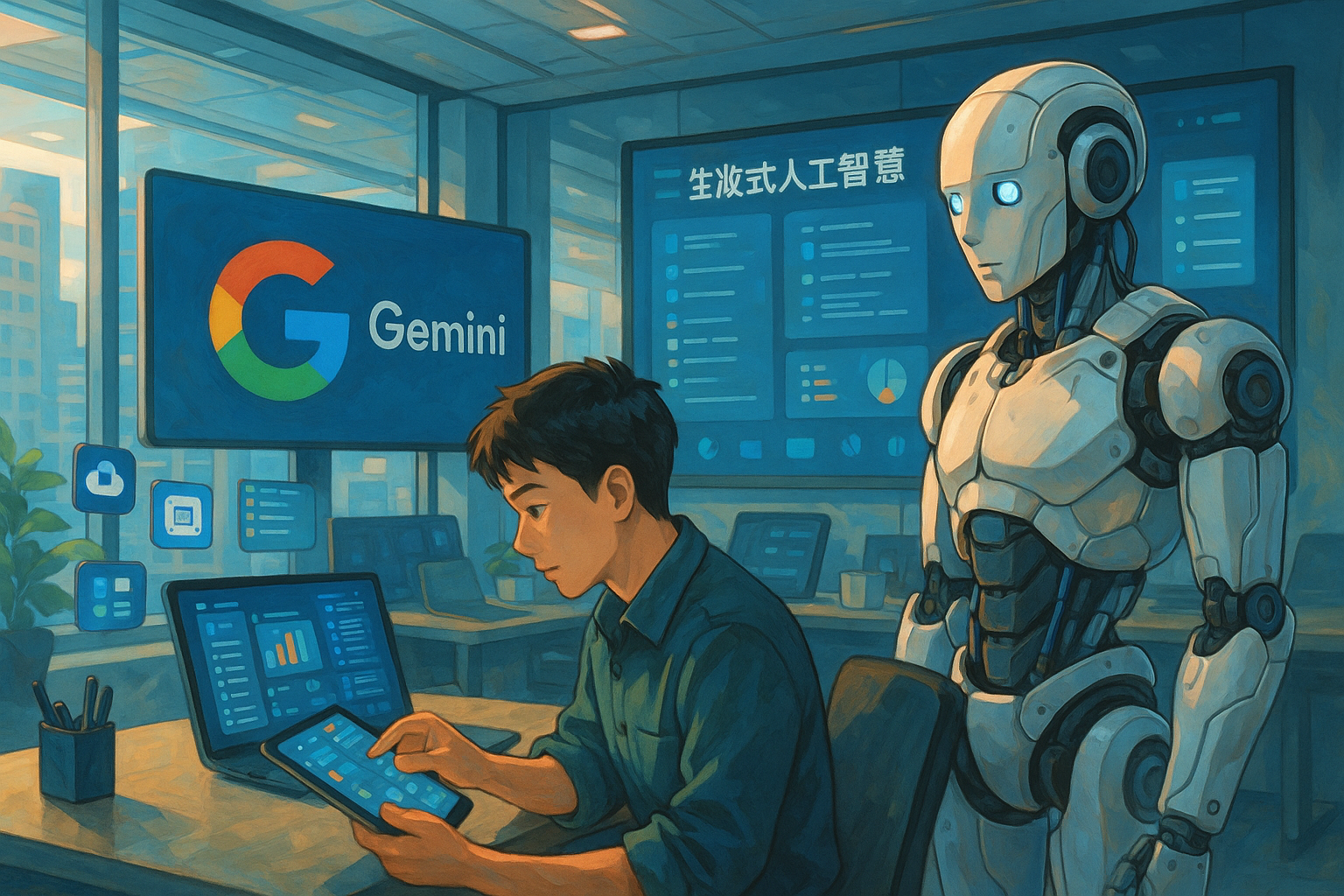
What is Google Gemini? Basic Understanding and Functional Positioning
The Birth and Development of Gemini
Gemini is a large-scale AI ecosystem launched by Google in December 2023, covering multimodal data such as text, images, code, and audio/video.Its goal is to become the smart docking station for all Google products, supporting multilingual interaction, and gradually enhancing the Chinese experience starting in 2024.Gemini Chinese versionIt is now available for trial to most Google account users.
Key features:
- Multimodal input/output (text/image/voice)
- Deep integration with Google products (such as Gmail and Docs)
- Multilingual support, continuously improving the Chinese experience
- The API is open, making it easy for developers to extend it.
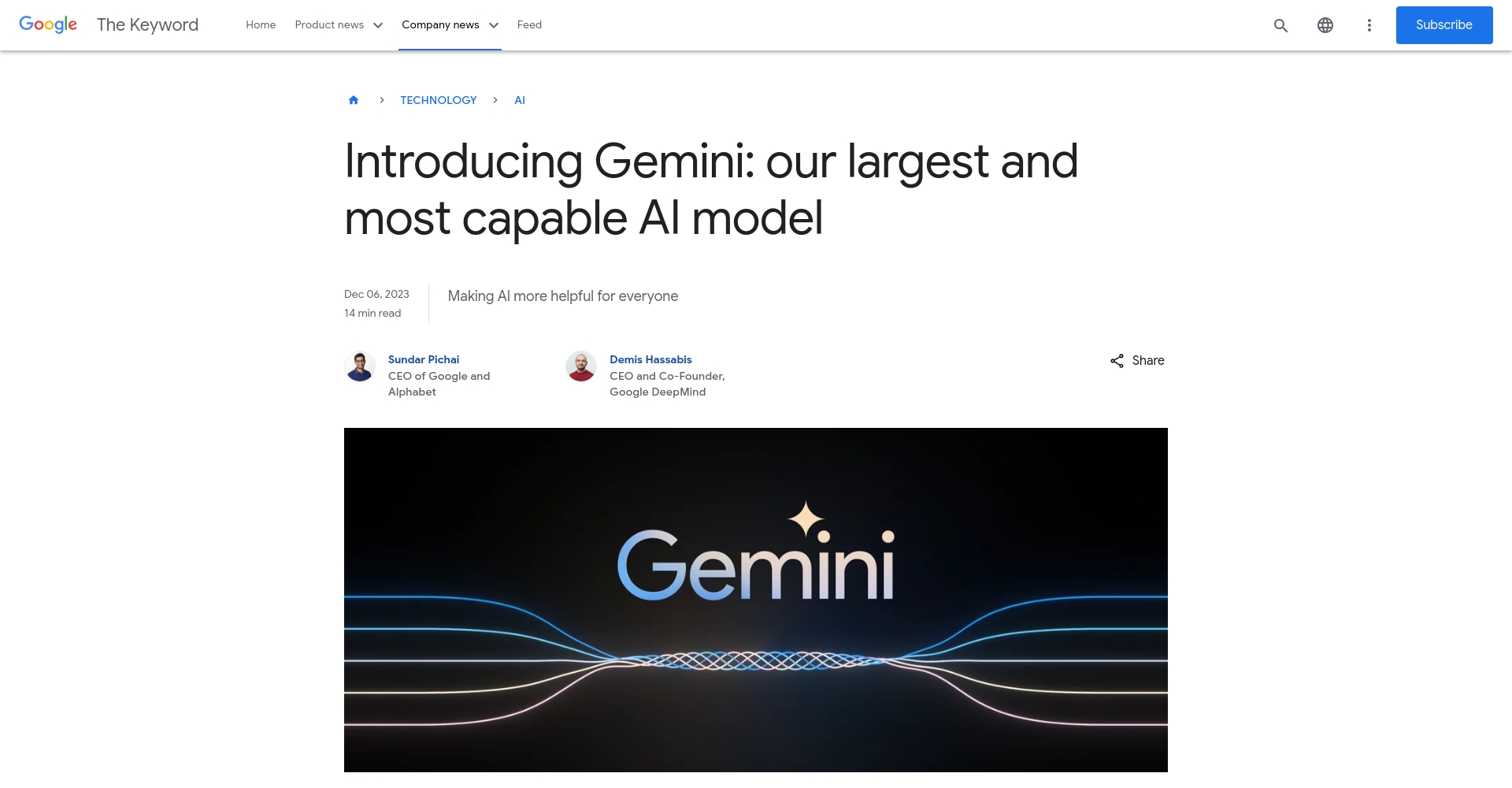
Gemini Product Ecosystem and Versions
| Version | Main functions | Applicable to | cost |
|---|---|---|---|
| Gemini/AI | Basic dialogue, text generation, image understanding, code assistance | All Google users | free |
| Gemini Advanced | Multi-step reasoning, deep generation, specialized use cases | Google One subscribers | Paid (now available) |
| Gemini API | Developer platform support | Developers/Enterprises | Free/Paid Hybrid |

Since 2024, the Chinese version of Gemini has opened up most of its features, with flexible switching between free and paid options.Go directlyOfficial entranceYou can experience it now.
Gemini Chinese Version Full User Guide
How do I enable and switch to the Chinese interface for Gemini?
- Log inGemini Chinese Official WebsiteEnter your Google account.
- If the language setting in the upper right corner of the search interface is in English, please go to "Manage your Google account" and change it to "Chinese (Simplified/Traditional)".
- Gemini supports automatic speech recognition.If your location is affected by regional restrictions, please switch your Google account's location to a region that supports Chinese.
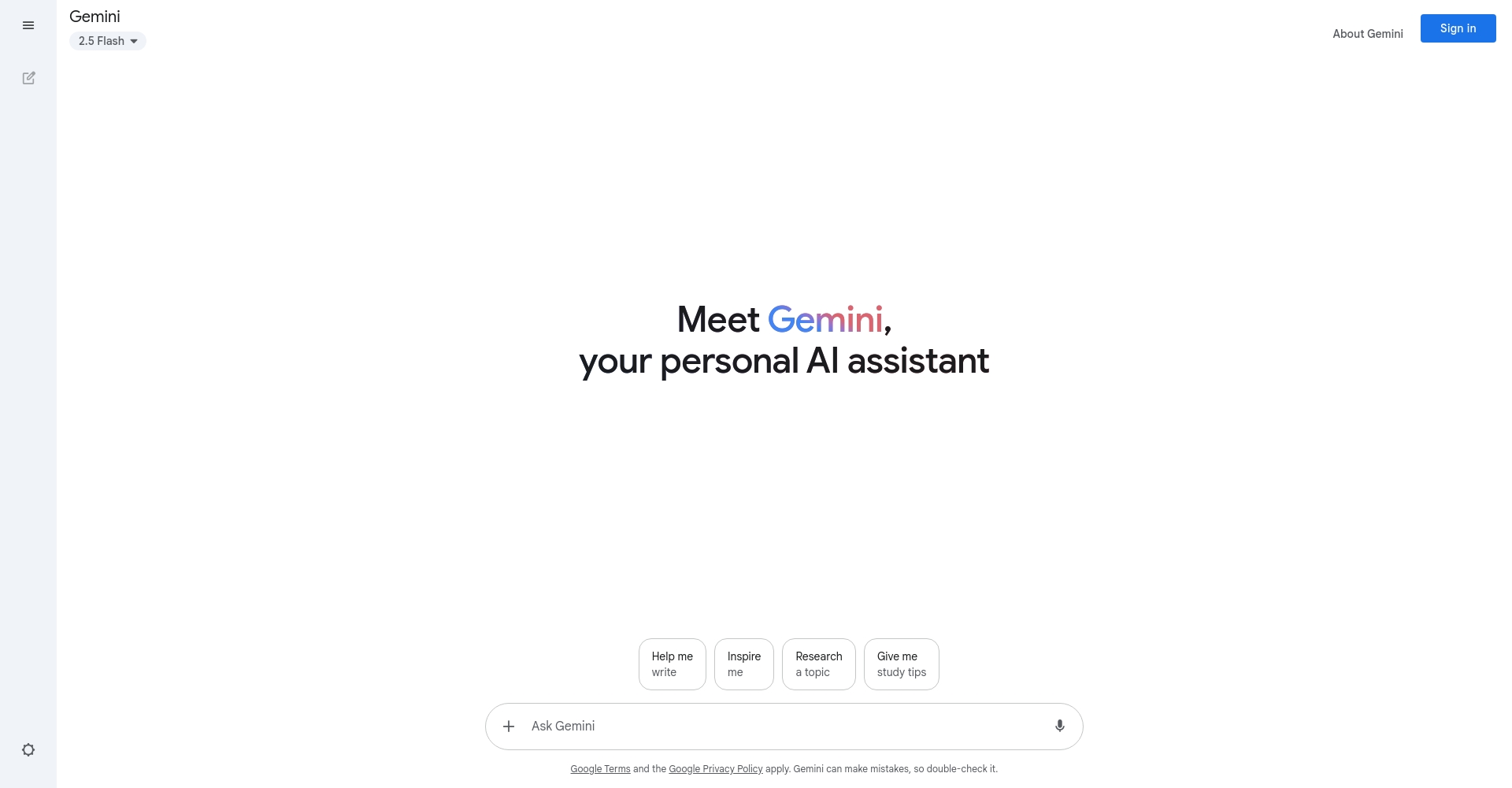
Gemini Chinese User Interface Introduction
- Left side: Chat history and function menu
- Right side: Input area (supports text, images, file uploads, etc.)
- Bottom: Conversation settings (such as tone of voice, output format)
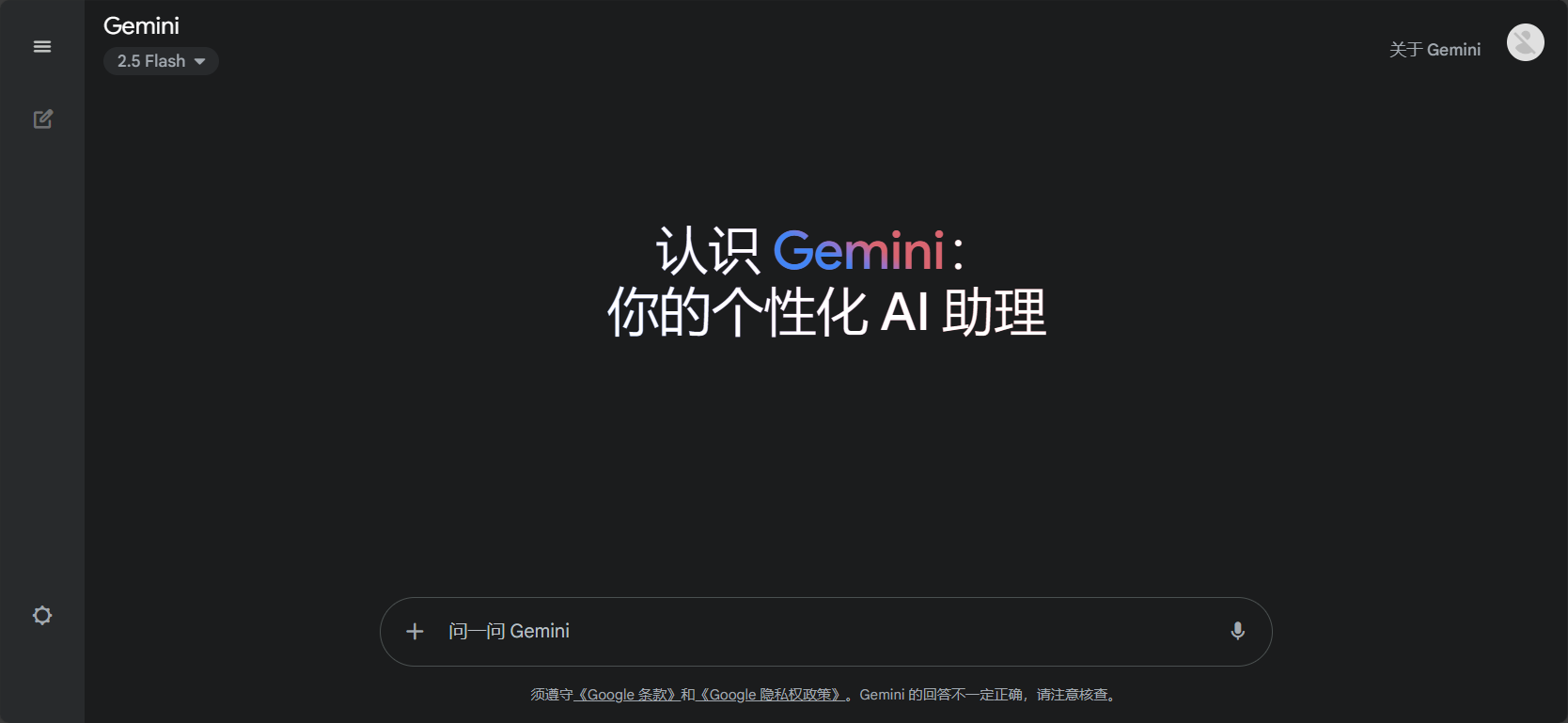
Gemini Chinese Version Core Features Overview and Efficient Usage
Text generation and polishing
Gemini supports rapid text generation and language polishing in Chinese scenarios:
- One-click generation of meeting minutes, emails, and product content.
- Polishing, rewriting, expanding, annotating, and translating
Example: "Help me write a leave request" → “"Dear XX, I need to request a day off due to personal matters. I hope you will approve."”
Data processing and table generation
- Automatically analyzes CSV/Excel files, quickly generates tables and performs analysis, and supports Google Sheets output.
- It can directly translate, interpret, and generate table descriptions.
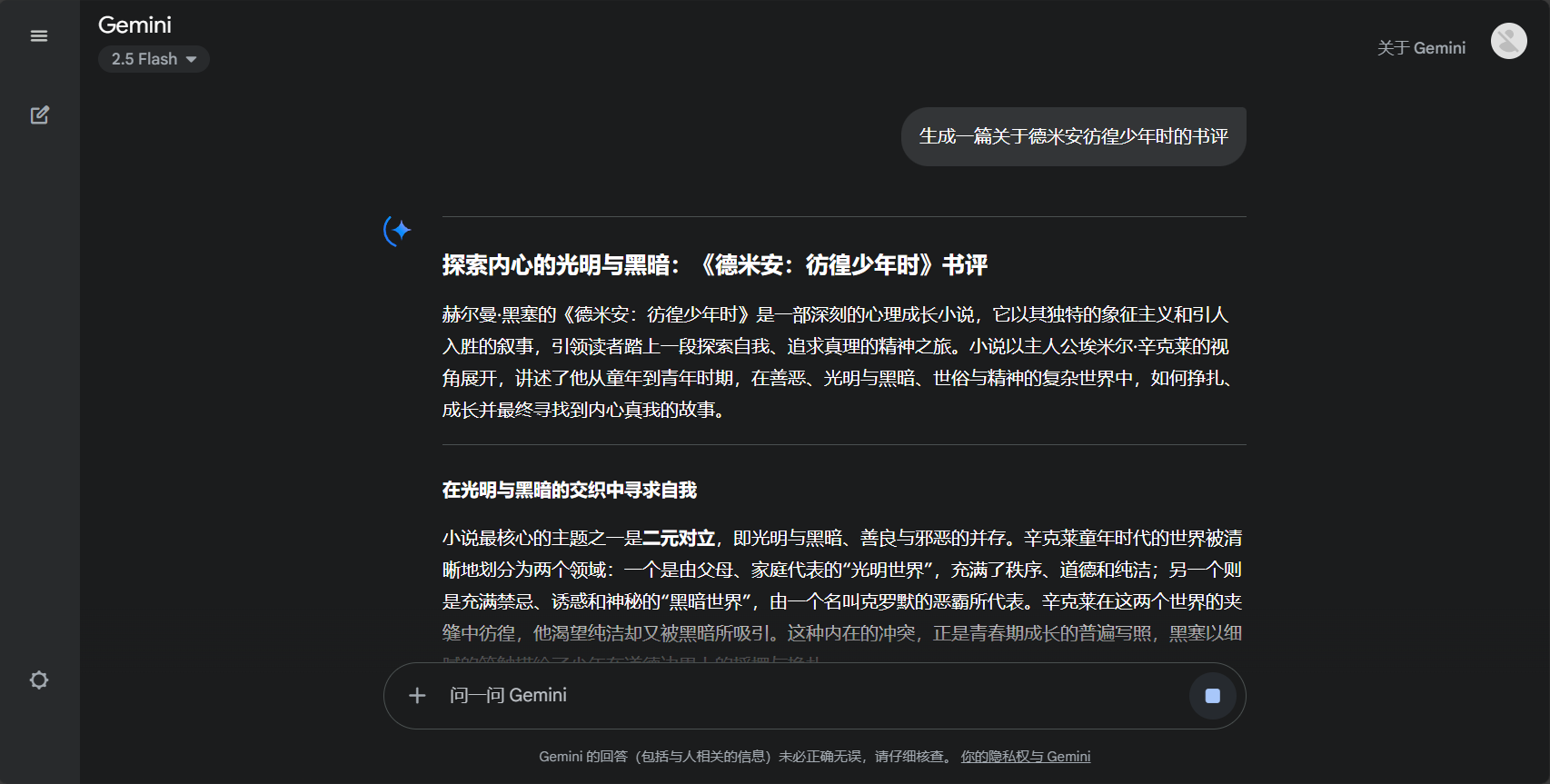
Intelligent image recognition and raw image generation
- Image description, text recognition, content summarization
- Supports commands such as "generate flowchart" and "draw cartoon cat", enabling efficient data organization.
- Multi-image and cross-image comprehension ability
Code generation and optimization
- Code generation, interpretation, and debugging in both Chinese and English (multiple mainstream languages)
- Script highlighting, step-by-step annotation, and links to Google Colab/Github
Seamless collaboration across the Google ecosystem
Gemini Chinese version can integrate with multiple office software such as Gmail, Docs, and Sheets:
- One-stop collaboration for automatic email generation, quick PPT sketching, document processing, and more.
- For secure data access, enterprises can opt for dedicated encryption deployment.

Efficient Introduction for Beginners: Gemini Chinese Usage Tips Revealed
High-quality Prompt Writing Methods
| law | describe |
|---|---|
| Clearly express | The more specific the prompt, the more accurate the results. "Help me write a leave request letter with a reason" is even more effective. |
| Specify format | If a table/outline is needed, the direct request is: "Generate a three-column comparison table".“ |
| Multiple rounds of questioning | Based on the AI's response to the second question, the output was repeatedly refined. |
| Chinese to English switching | Some advanced features are better understood in English. |
Examples of common Prompt scenarios
| Scene | Example Prompt | Effect |
|---|---|---|
| Email drafting | Write a gentle email to invite clients | Formal email text |
| Meeting Minutes | Compile a 300-word summary based on the following content. | Refined Summary |
| Article Summary | Summarize the news in 100 words | Brief Summary |
| Code demonstration | Write a Python weather crawler | Full script |
| Image description | Describe the content of the uploaded image. | Content Analysis |
Frequently Asked Questions (Q&A)
- Is Gemini outputting garbled characters?Check the account owner's language settings; if there are any issues, you can temporarily switch to English.
- Advanced features not enabled?Try upgrading to the Advanced paid version or wait for the new version to be released.
- Data security?User data is encrypted; sensitive information should be entered with caution; businesses can use proprietary encryption.
How can I use the Chinese version of Gemini to improve my daily and workplace efficiency?
Application Cases
- Routine tasks: travel planning, email drafting, resume polishing, contract template generation.
- Workplace: Automated reports, data analysis, document organization, market research
- Education/Training: Multilingual handouts, course summaries
Recommended Ecological Tools
| Tool Name | product | Highlights | Entrance |
|---|---|---|---|
| Gemini Web Version | Multimodal dialogue | Link | |
| Gemini Mobile Version | Android App/iOS Web Version Access | Link | |
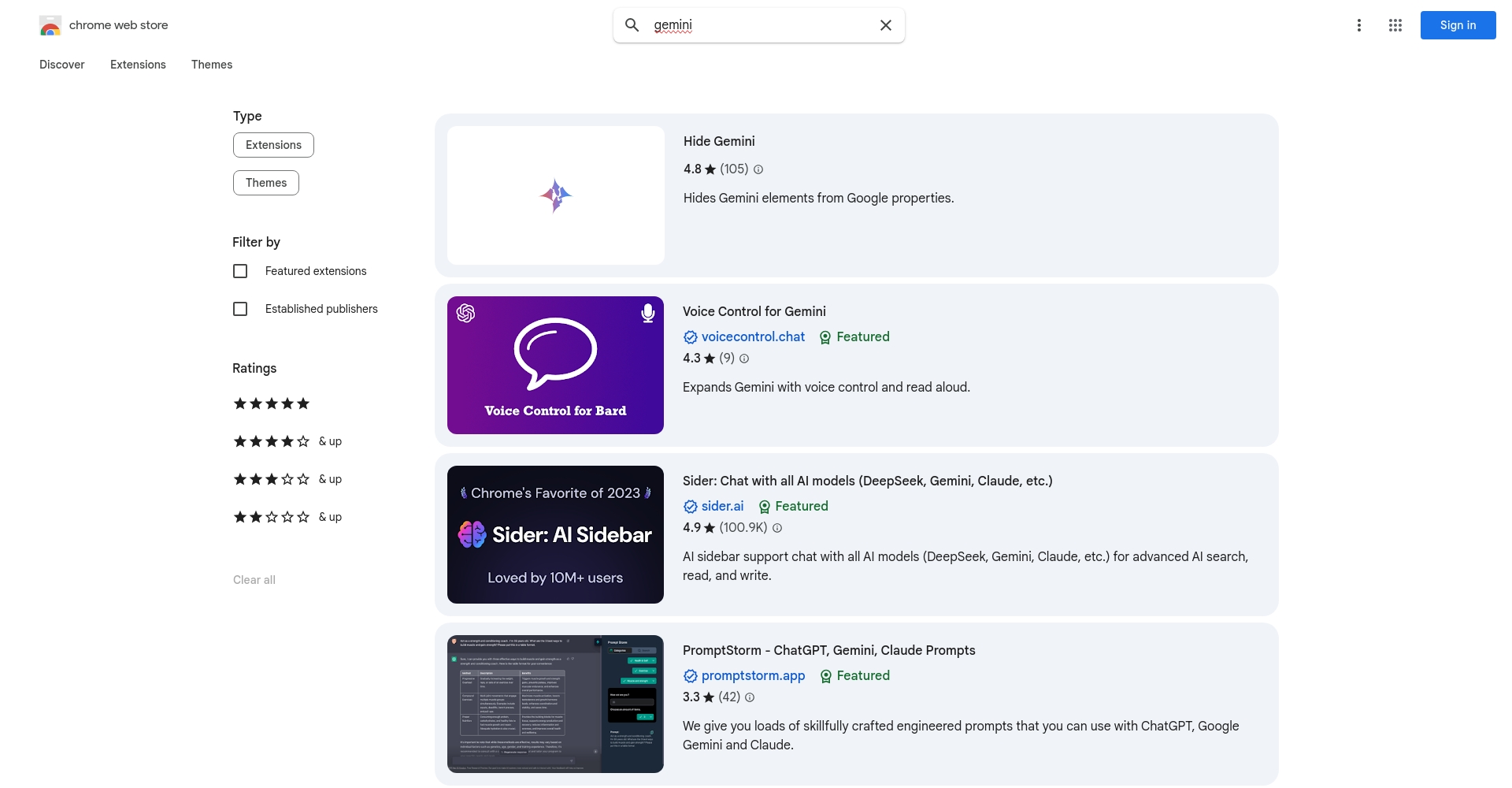
| Gemini Desktop Wrapper | Chrome extension | One-click activation of Gemini Assistant | Expand Store |
| Workspace integration | Gmail/Docs/Sheets | AI embedded in office software | Gmail menu |
Suggestions for Improving Efficiency and Supporting Skills
- Learn Prompt techniques (recommended)Official tutorial)
- Follow Gemini Help Center/Community for case studies and new features
- Businesses can apply for APIs to create their own AI assistants.
Current Status and Trends of Gemini Chinese Version
- In Q2 2024, it was rolled out to Chinese-speaking users of the 98%, covering both Simplified and Traditional Chinese.
- Bard features are quickly integrated with Gemini, and the professional version supports deep inference/code debugging.
- Enterprises strengthen data compliance and on-premises deployment
Gemini Chinese version brings Chinese-speaking users an efficient, professional, and secure AI experience. Whether for work, creation, or study, access it directly.Gemini Chinese websiteThis will usher in a new era of intelligent productivity.
© Copyright notes
The copyright of the article belongs to the author, please do not reprint without permission.
Related posts


No comments...
