
What is BeFunky? A comprehensive introduction and user guide to this AI image editing tool.
along with AI Image EditingThe popularity ofBeFunky It has become a popular multi-functional platform for many content creators and design beginners. This article provides a comprehensive introduction. BeFunky's core functions, AI-powered intelligent photo editing, collage templates, resource advantages, pricing plans, and target audience.It also includes practical evaluations and comparisons with competitors, allowing you to quickly get started and create efficiently, experiencing the infinite creativity of one-stop image beautification and image editing!
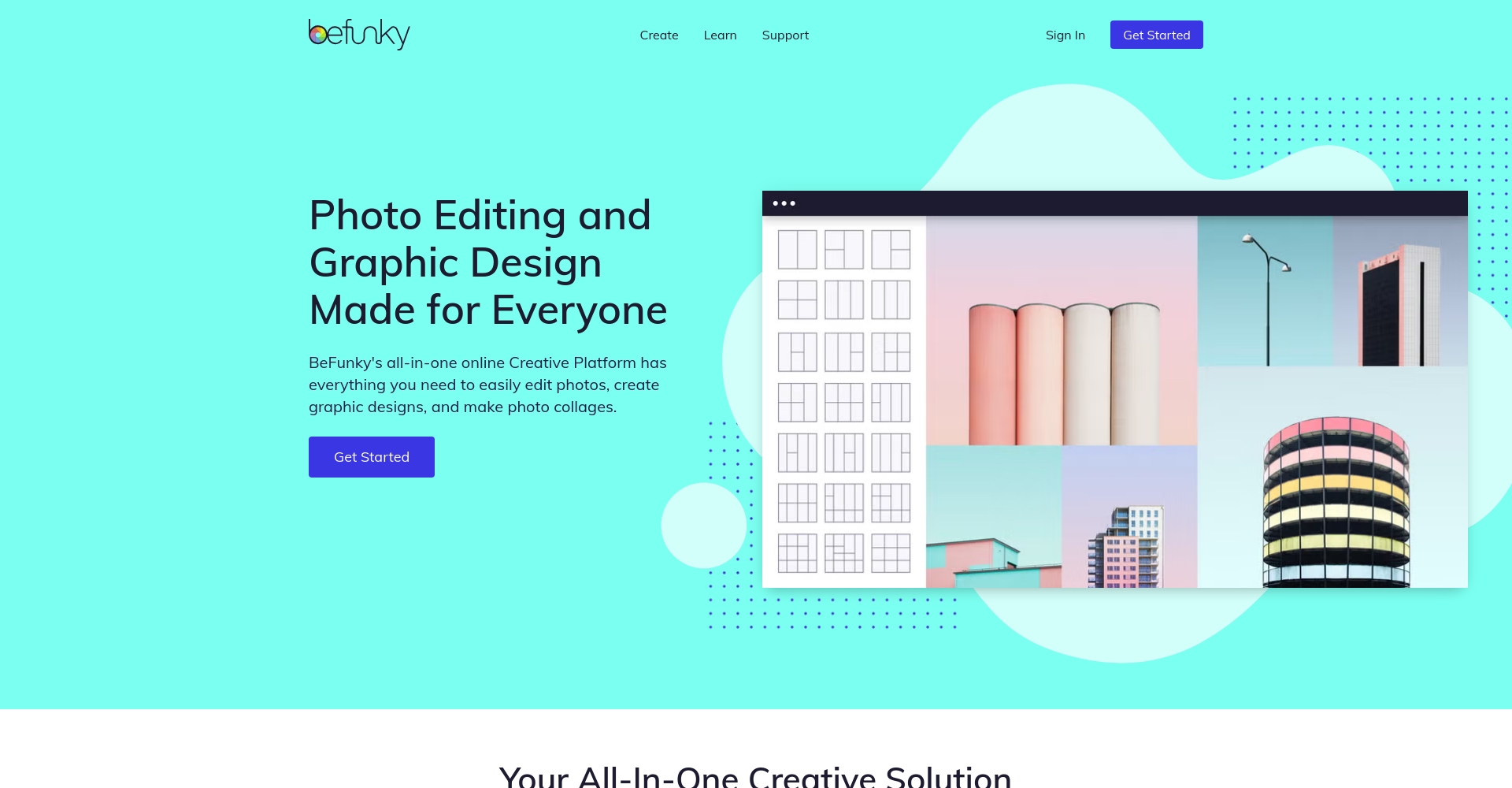
BeFunky Overview and Platform Positioning
The Birth and Positioning of BeFunky
BeFunky(Visit the official website(This is a US-based online image editing platform that, since its founding in 2007, has focused on enabling everyone to easily create professional-quality photo and design composites. The platform integrates...) AI-powered image editing, graphic design templates, collage creation, and batch image processing. It features core functions, requires no download or installation, supports various mainstream browsers, and truly embodies the one-stop creative editing concept.
A summary of the product's core features
| Functional type | Specific functions | Does it support AI? | Free version available. | Premium version exclusive |
|---|---|---|---|---|
| Photo editing | Basic image editing (cropping, rotating, etc.) | – | ✔ | ✔ |
| Photo effects | Filters, artistic effects | part | ✔ | Some advanced |
| Intelligent portrait beautification | AI whitening, acne removal, redness reduction | ✔ | part | ✔ |
| Background removal | AI automatic background removal | ✔ | ✖ | ✔ |
| Text/stickers/graphics | Add words, stickers | – | ✔ | Advanced and more |
| collage | Custom template | – | ✔ | Fully open |
| graphic design | Banner, poster, and social media graphic design | part | ✔ | Advanced and more |
| Batch image processing | Multi-image editing | ✔ | ✖ | ✔ |
| High-definition download | PNG, JPG, PDF, Quality Options | – | Partial restrictions | ✔ |
| Cloud storage/sharing | Work storage and social sharing | – | ✔ | ✔ |

A Comprehensive Look at BeFunky's Key Features
Intelligent photo editing and AI assistance
BeFunky uses AI as its core driving force, making photo retouching and enhancement accessible to everyone.From AI-powered beautification, blemish removal, and automatic background removal to one-click color enhancement, even beginners can achieve expert-level retouching. Especially... AI background removal, AI acne removal, AI beautification It features automatic recognition and processing with extremely high efficiency, making it suitable for scenarios such as ID photos, portrait photos, and product main images.
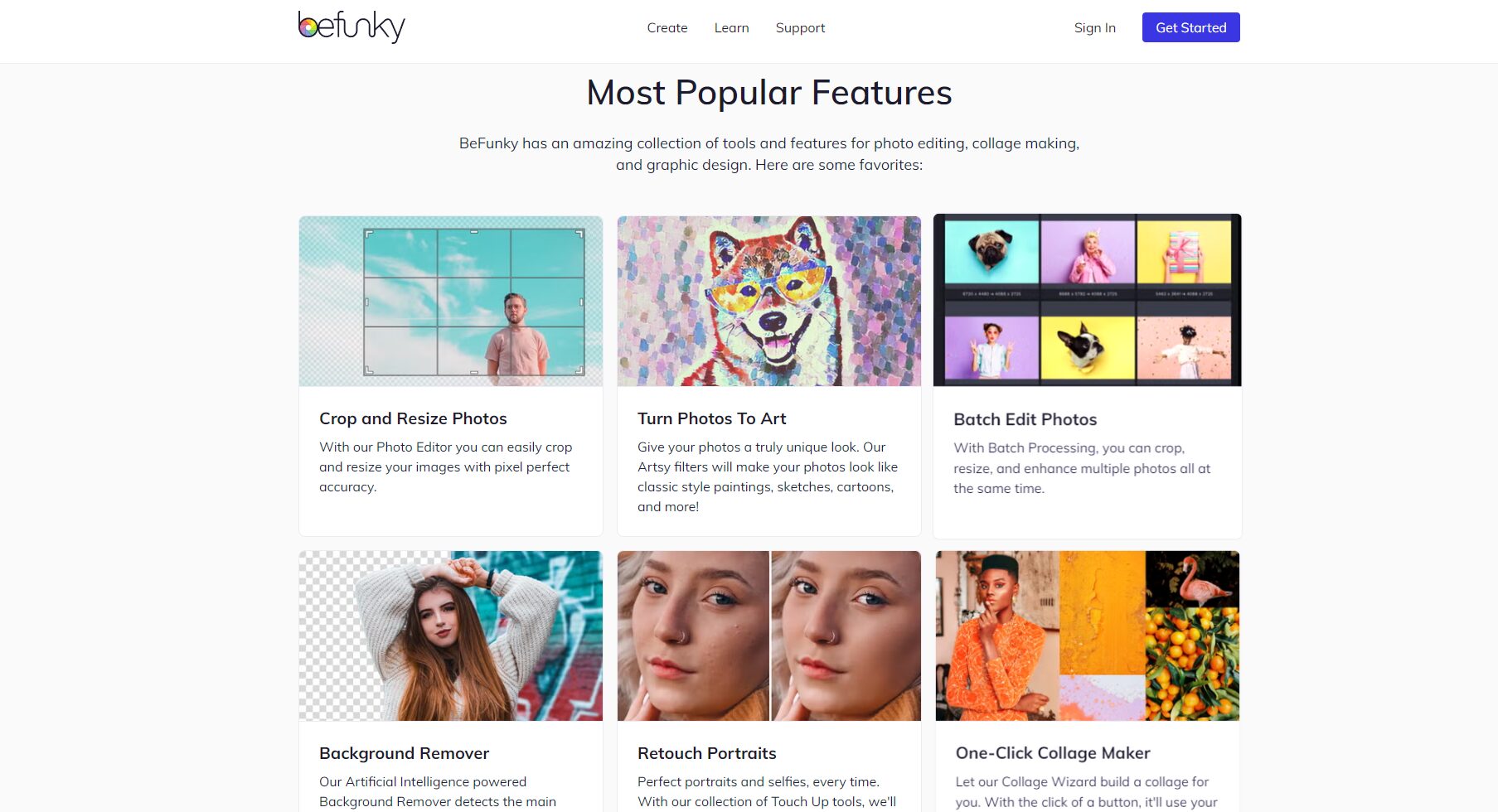
A vast library of design templates and free resources to quickly generate commercial-grade designs.
BeFunky offers a rich selection of templates (social media covers, posters, invitations, etc.), supporting deep customization and instant application..built-inUnsplash、PixabayThe library offers millions of free commercial images and decorative elements, providing ample choices even for free users, with the premium version unlocking all of them.
Collage, artistic effects and fun cutouts
Collage design is a signature feature of BeFunky.It supports regular grid patterns, custom collages, and various styles of artistic collages, and drag-and-drop photo replacement is very convenient.
One-click artistic effects(Such as sketching, watercolor, oil painting, comics) can instantly give photos a high-end feel, without requiring any Photoshop skills.
Batch processing and efficient workflow
E-commerce/operations users cannot do withoutBatch processing (Batch Editor)——Up to 50 images can be uploaded at once, with automatic resizing, watermarking, and format conversion.Significantly improves work speed (advanced version required).
BeFunky Solution and Pricing Analysis
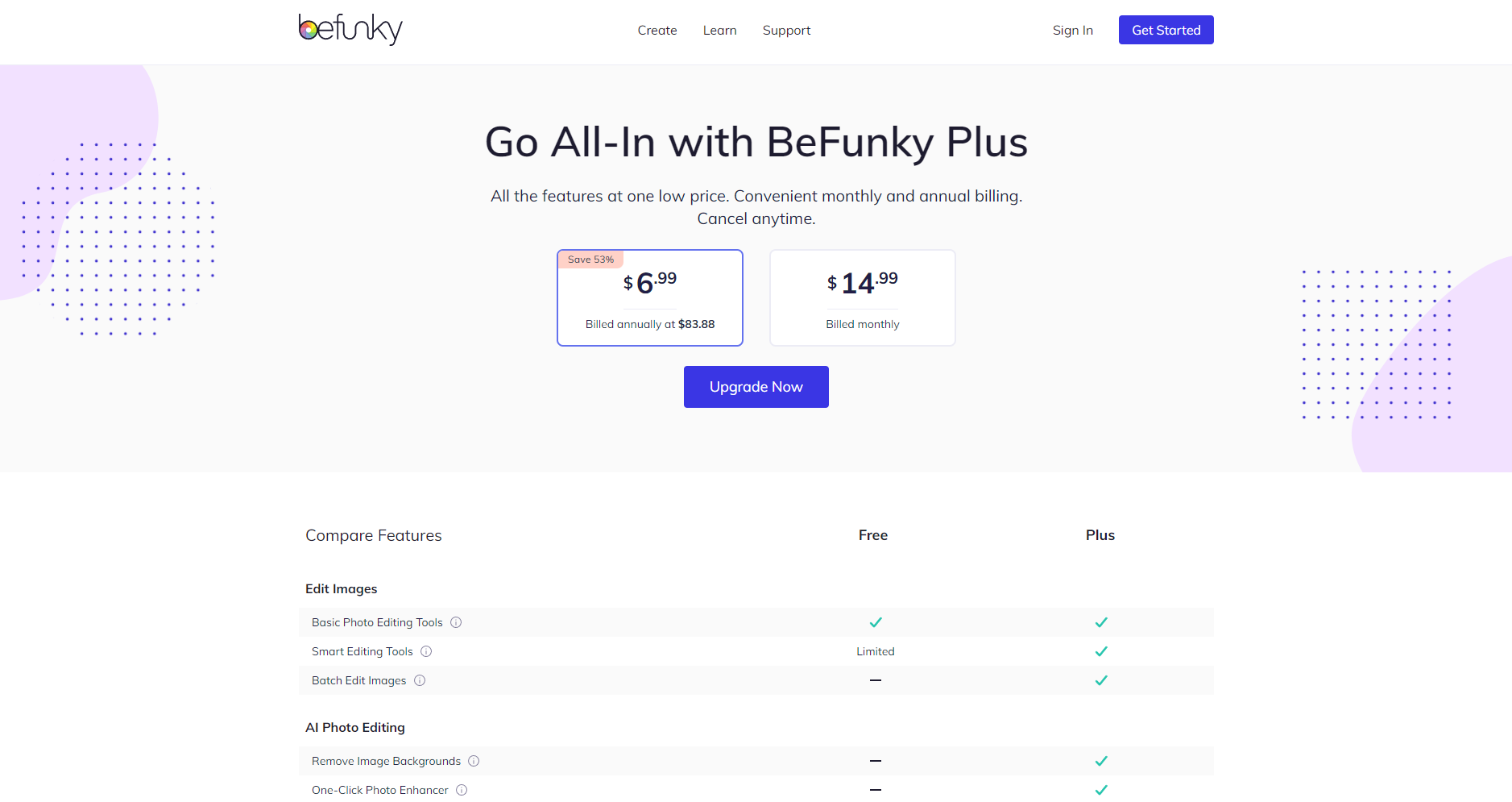
Free and Paid Plans(Official pricing schemepage)
| plan | price | Core Functions | Recommended audience |
|---|---|---|---|
| Free | $0 | Basic editing / partial templates / low-quality export | Students, light users |
| Plus | $ 6.99/month | Full functionality / Batch processing / AI background removal / All templates / Unlimited cloud access | Content creators, e-commerce, and commercial businesses |
Platform Support and Access Methods
- Online web version (Windows/Mac compatible)
- Mobile browser or Web App
- Account login automatically syncs works across devices to the cloud.
How to quickly get started with BeFunky: Steps and Tips
1. Registration and Login
- access Official websiteClick "Sign Up" to register for free.
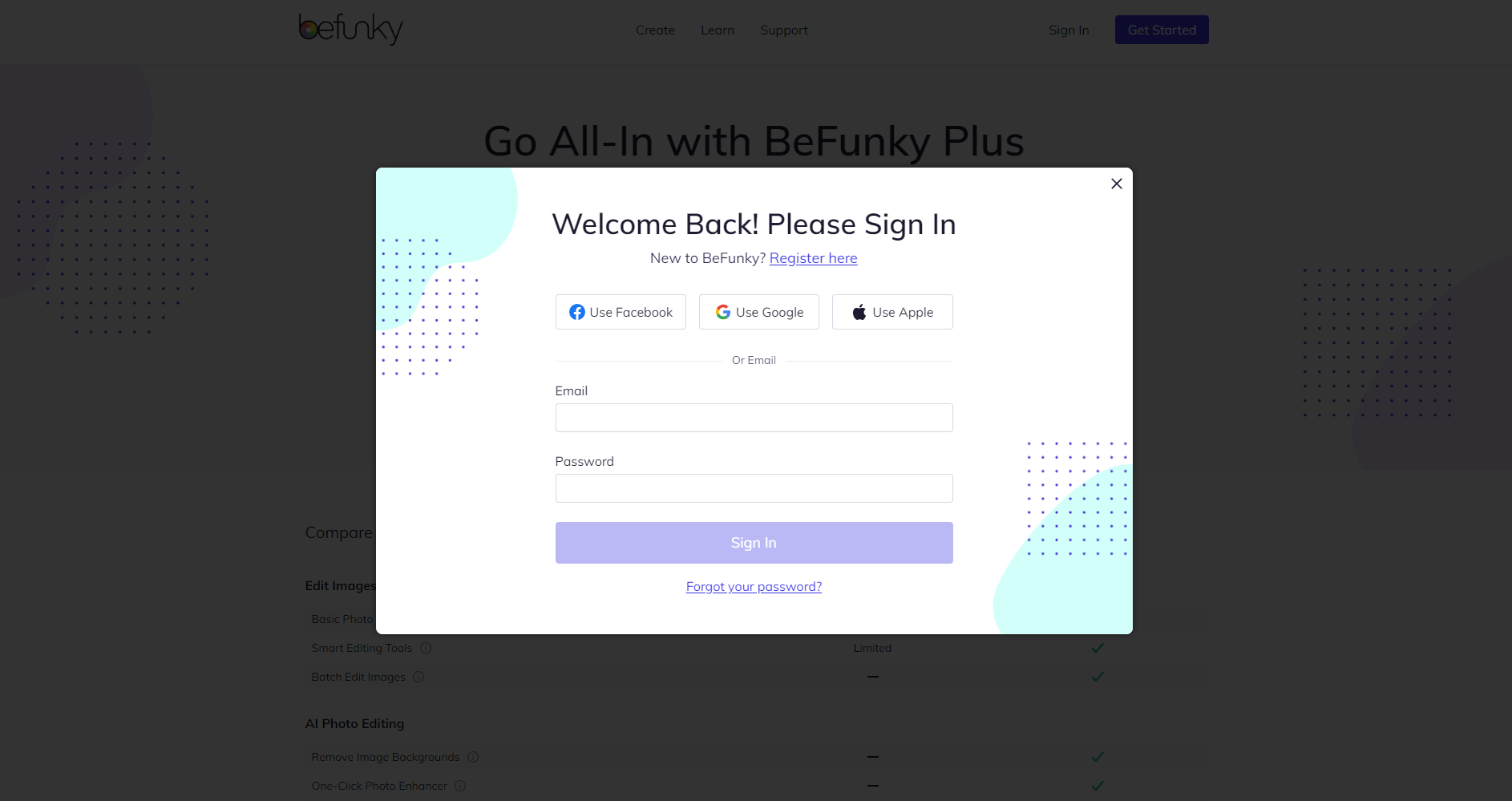
- Supports quick login via email, Google, and Facebook.
2. Upload image and select editor
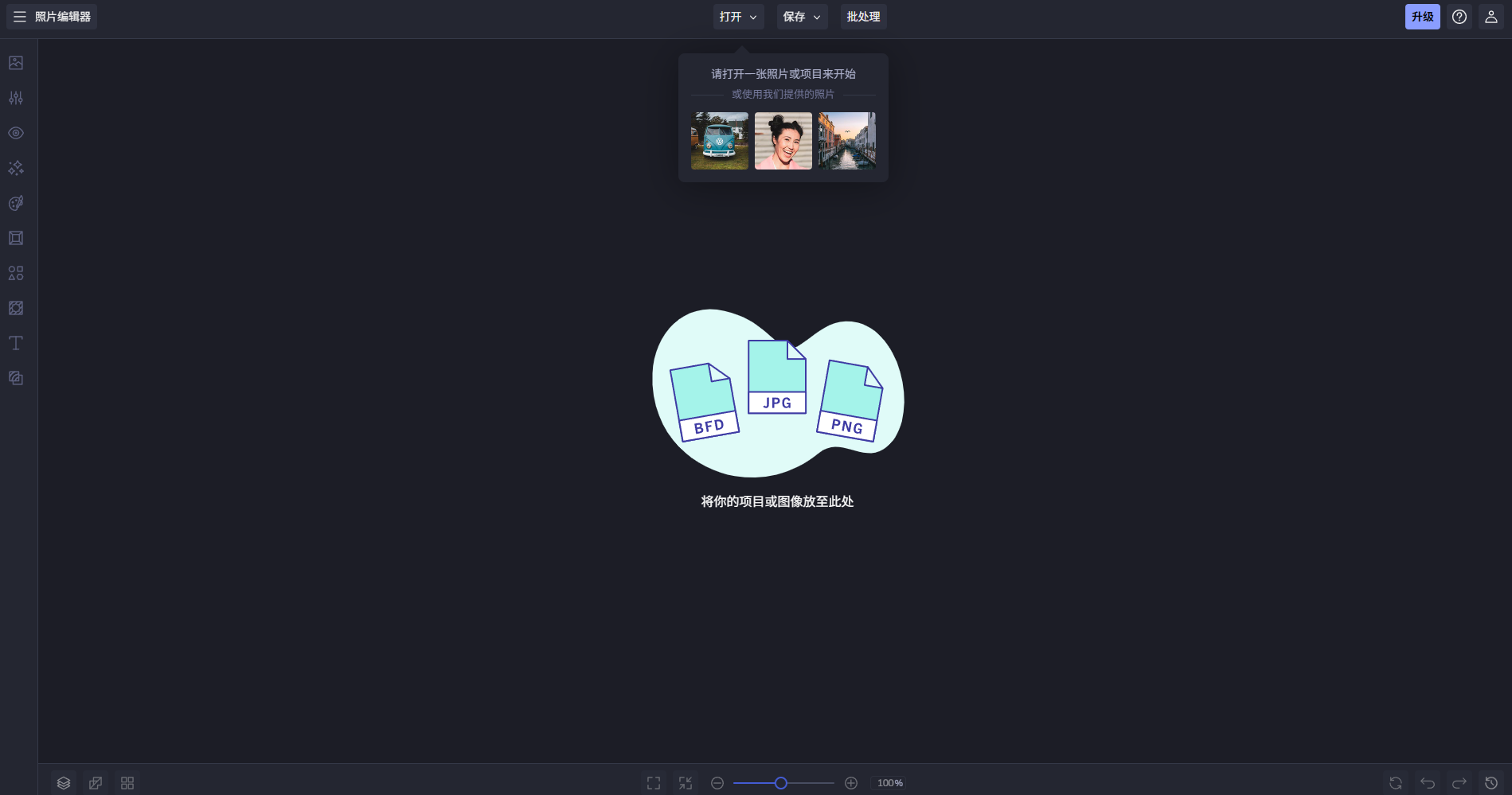
- Homepage | Get Started | Enter Workbench
- Choose from Photo Editor, Collage Maker, or Designer.
Tip: The three functions can be switched at any time without repeatedly uploading images.
3. Toolbar for quick photo enhancement
| Editing type | Operating Instructions |
|---|---|
| Edit | Basic functions such as cropping, color correction, and one-click AI enhancement. |
| Photo Effects | Multiple filters (retro, modern, selfie, etc.) |
| Artsy Effects | AI-driven sketching, painting, and popular art |
| Add Text | Choose your font, shadow, curves, and fill. |
| Add Graphics | Stickers, icons, and self-transferable graphics |
| Add Frames | Various frames and borders |
Key features: Powerful customization of parameters and real-time preview, extremely high efficiency.
4. Export and Share
- Click Save and choose to share as JPG, PNG, PDF, locally or in the cloud.
- Plus, users can remove watermarks and export high-quality, lossless data.
BeFunky's target audience and typical applications
Who is it suitable for?
- Social media operations, content creators
- Photography enthusiasts, photographers
- E-commerce sellers and small brand owners
- Students, teachers, and on-campus promotional activities
- Design beginners or temporary drawing needs
- Self-service printing, gift customization
Typical application scenarios
| Application scenarios | describe |
|---|---|
| Community graphic creation | Quickly create high-quality Instagram/Xiaohongshu cards |
| Product image optimization | Automatic background removal, batch watermarking, and e-commerce main image enhancement. |
| Teaching promotion and poster design | Direct template application, saving time and increasing efficiency |
| E-commerce promotional combination image | Multi-product collage display, rich product details |
| DIY Creative Living | Holiday greeting cards, photo books, wedding invitations |
Real-world testing experience and user reviews
Practical operation summary
- User-friendly interface: drag-and-drop interface, beginners can get started in no time.
- Abundant resources: numerous and high-quality templates and stickers.
- AI Performance: Fast and Accurate Background/Portrait Recognition
- Chinese input is OK: The interface is in English, but Chinese input is seamless.
- High-quality export supports diverse needs
User Reviews Highlights
| Evaluation focus | Representative comments |
|---|---|
| Ease of use | “"The interface is intuitive; even an 18-year-old grandma can learn it in three minutes!"” |
| Abundant filters | “"Selfies can be transformed into oil paintings in a second, with tons of templates available."” |
| AI intelligence | “"One-click blemish removal is super convenient, saving half the time in photo editing."” |
| efficiency | “"Bulk watermarking is perfect for e-commerce sellers."” |
| template | “"Using a template directly for advertising will produce professional-level results!"” |
Competitive product comparison and purchase recommendations
| Competitors | Unique advantages | cost | Suitable for strengths |
|---|---|---|---|
| BeFunky | AI filters/beauty effects/collages, user-friendly and easy to use. | Free / $6.99 | Image enhancement, minimal design |
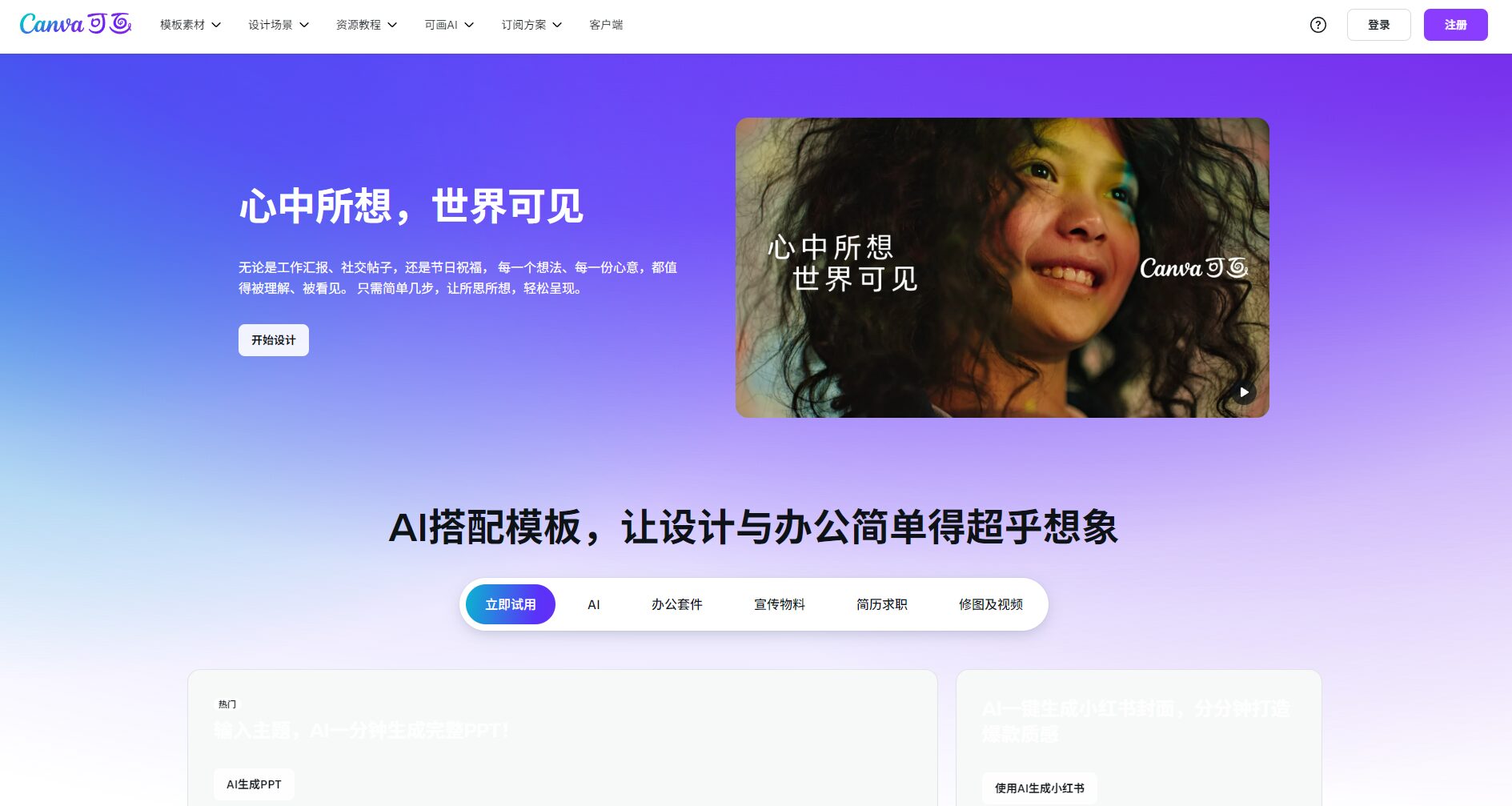
| Canva | Team collaboration, numerous templates, and dynamic briefings | Free/Paid | Commercial design, teamwork |
| Fotor | AI style transfer, photo editing and beautification | Free/Paid | Automatic optimization and photo retouching |
| Adobe Photoshop | Professional editing, powerful curve manipulation | High price | Designer/Deep Compositing |
| PicMonkey | Online quick editing and high-quality typesetting | Free/Paid | Community design and graphic layout |
Conclusion
From functionality to resources,BeFunky's AI-powered image editing, intelligent design, batch processing, and rich templatesIt is currently the most cost-effective product on the market.Image enhancement and design toolsThis is suitable for design beginners, e-commerce merchants, or anyone who needs efficient batch image optimization.BeFunky is worth a try.Whether it's free or paid, you can experience it.An efficient, intuitive, and infinitely creative image editing journey。
(Experience it now:)https://www.befunky.com)
© Copyright notes
The copyright of the article belongs to the author, please do not reprint without permission.
Related posts


No comments...
