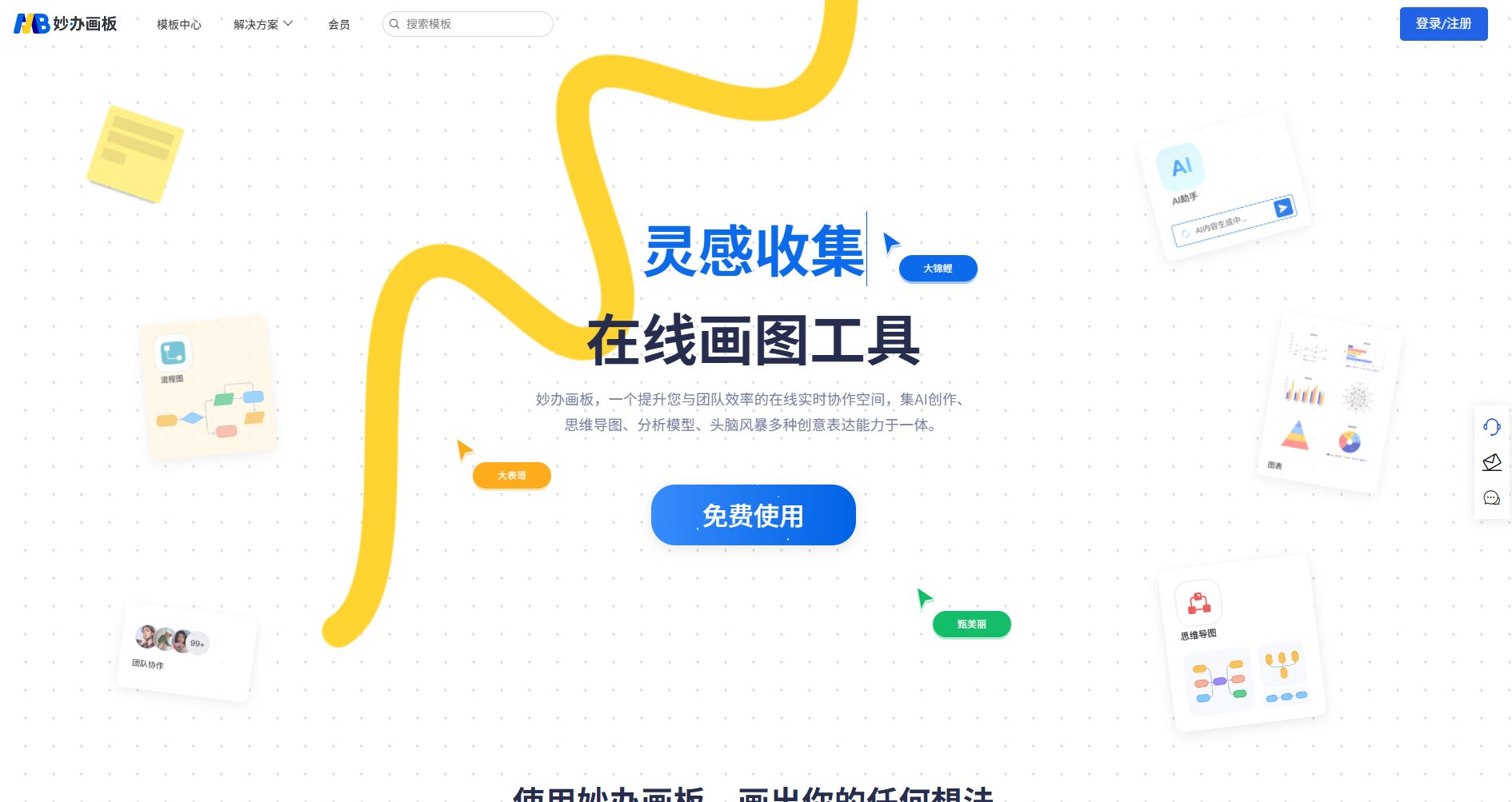
MiaoBan is a free AI online drawing and collaboration tool that supports one-click generation of mind maps, flowcharts, and more, suitable for office work, education, and project management.
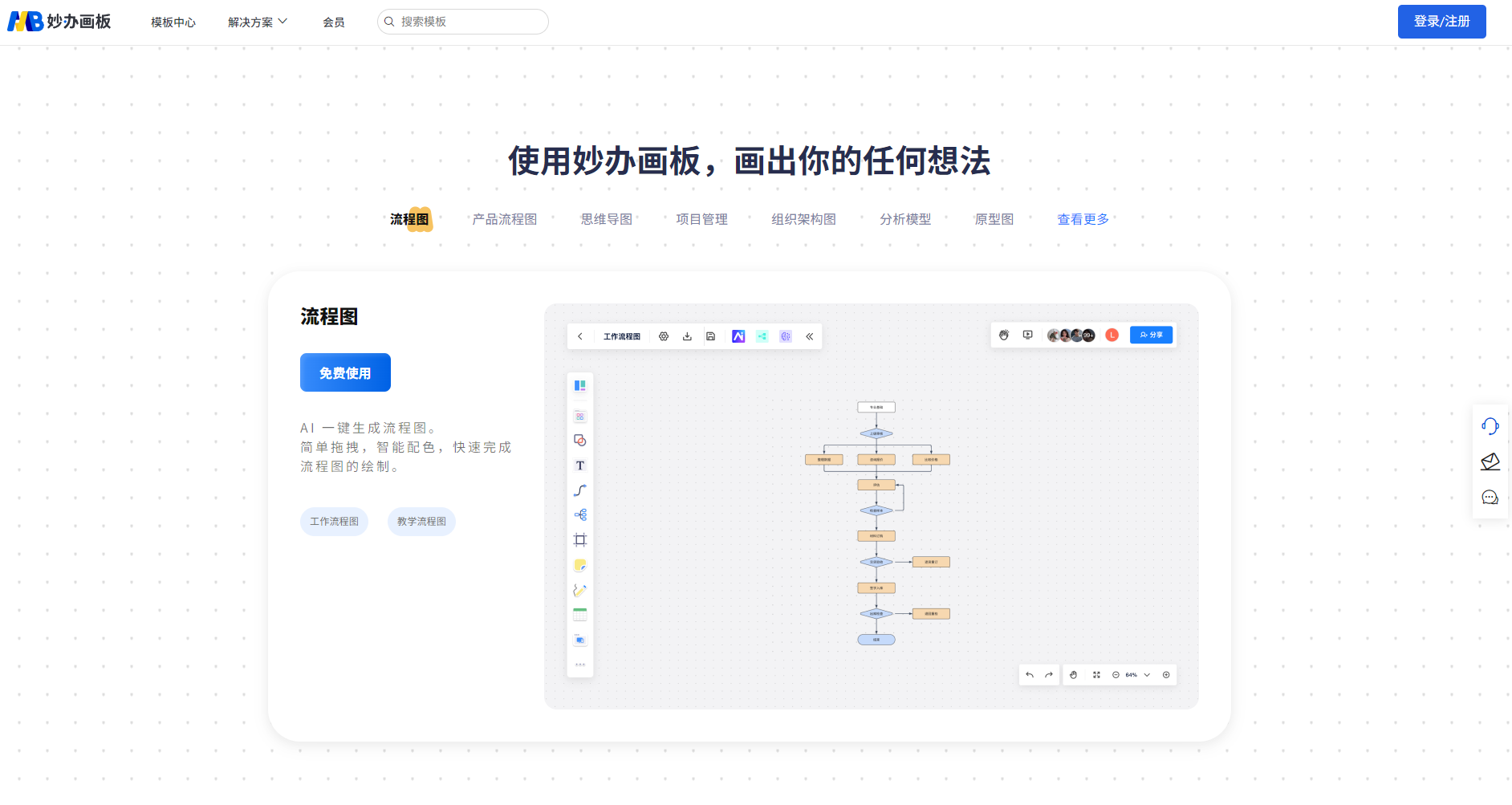
在The Era of Efficient Office Work Empowered by AI,Clever drawing boardWith itspowerfulAI drawing capabilitiesMassive template library and applicability to multiple scenariosIt quickly became a popular choice.Online office drawing toolsIt supportsMind maps, flowcharts, and ten other categories of graphicsSimply enter keywords.AI automatically generates structured content.and supportingMulti-person collaborationIt also includes features such as exporting to multiple formats.Free as the main featureIt also offers VIP and corporate expansion plans, making it ideal for knowledge workers such as students, teachers, product managers, team managers, and content creators.Intelligent collaboration and industry template upgradesIt is expected to continue to exert its influence in innovative office solutions.
Get to know Miaoban Drawing Board – an AI-driven, one-stop drawing tool
Clever drawing boardA collectionAI-powered image creation, real-time collaboration, and a wealth of templates.In oneFree online drawing softwareIt is particularly suitable for use in various scenarios such as office work, teaching, and project management. Users can easily create professional mind maps, flowcharts, organizational charts, and other knowledge and business graphics, and can generate and beautify them with a single click using AI.“"If you can type, you can use it."”。
Interact with a vast array of 2D and 3D characters and experience truly unlimited AI role-playing dialogue. Join now! New users receive 6000 points upon login!
Users in content creation, self-media, scientific research, training, etc.
Functional advantages at a glance
Special features
Does the MiaoBan drawing board support this?
describe
AI-generated mind map with one click
是
Text prompts directly output structure diagram
Real-time collaboration among multiple people
是
Multiple people can edit, annotate, and comment simultaneously.
Massive template library
是
30,000+ templates, covering both general and vertical industries.
Intelligent color matching/free layout
是
Easy to customize, drag and drop freely
Export in multiple formats
是
PNG, PDF, SVG, PPT
Industry professional models
是
It can be applied to multiple industry scenarios and is suitable for management, project management, and analysis.
API Plugin Extensions
Pending
Further feature upgrades are underway.
Image/User review page
Competitive product comparison
Tool Name
Creative Types
Template quantity
feature
Price range
Clever drawing board
AI drawing, collaboration
30,000+
AI-generated annotations/massive templates
Free/Paid
GitMind
Mind maps, flowcharts
several thousand
Basic drawing, multi-device synchronization
Free/Paid
XMind
Mind mapping, brainstorming
Hundreds
Multi-structure, Zen experience
Free/Paid
Milanote
Inspiration Visualization Board
Hundreds
Multimedia, team-based creative collaboration
Free/Paid
Frequently Asked Questions
Is the MiaoBan drawing board permanently free?
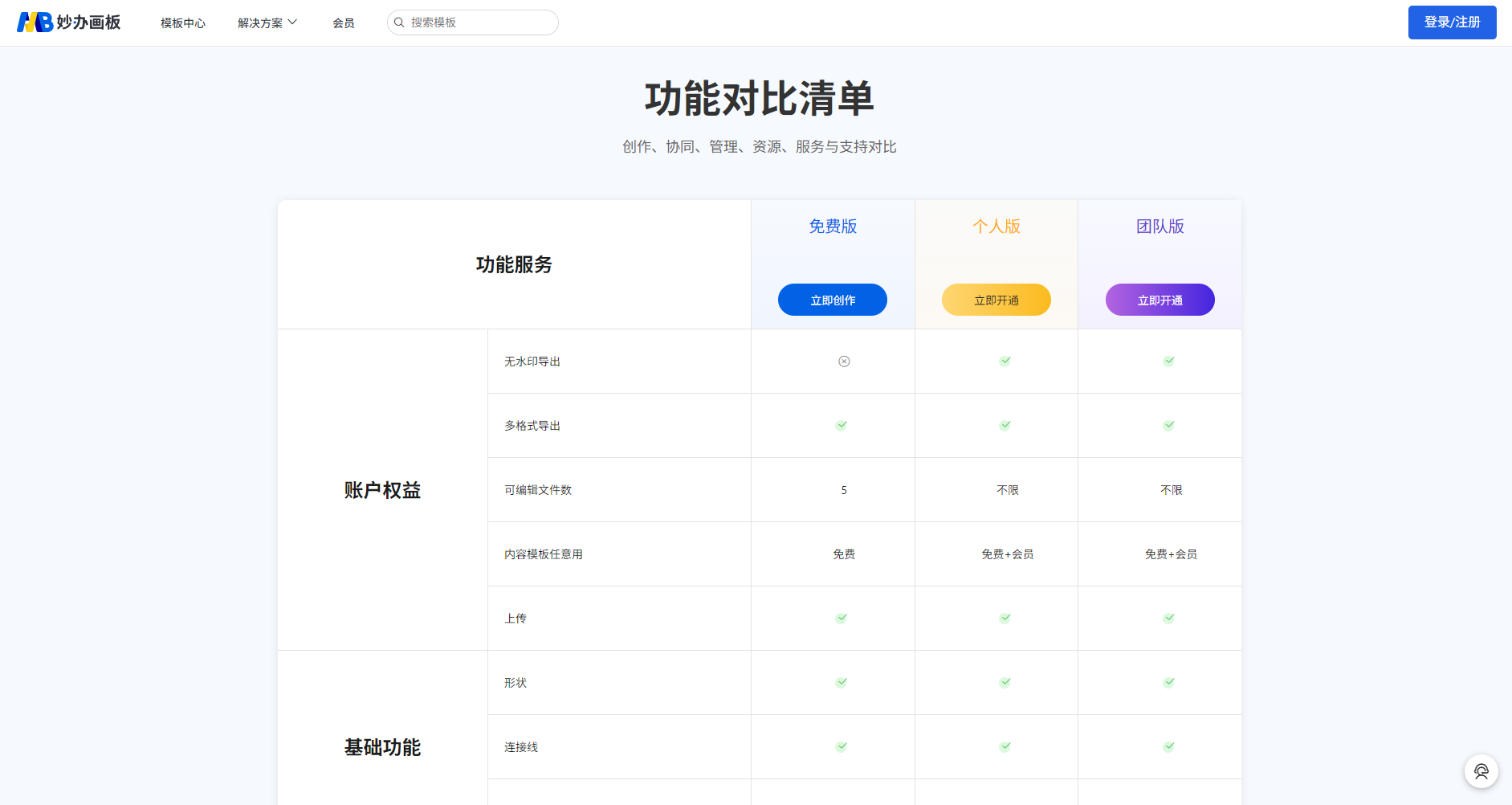
Basic functions are permanently free.Senior members enjoy more benefits.
What languages does the AI function support? Can complex processes be automated?
currentAI mind maps/flowcharts primarily support Simplified Chinese.When dealing with complex tasks, combining manual fine-tuning yields the best results.
What export formats are supported? Can it embed PPT and PDF files?
PNG, PDF, SVG, PPTIt can output multiple formats directly with one click.
What are its advantages compared to Visio and XMind?
No download required/purely onlineEven low-spec computers can use it.
AI-efficient mappingSave on graphic design costs
Real-time collaboration among multiple peopleSuitable for remote hybrid work
Abundant templates, industry-customizable
Will team projects experience lag when multiple people collaborate?
Real-time synchronization without lagIt is very suitable for team projects, agile review and other scenarios.
In summary, MiaoBan drawing board, leveraging AI and automation, excels in improving office efficiency and creative expression. We recommend users across various industries try this next-generation AI mind mapping tool.Experience it now!
Interact with a vast array of 2D and 3D characters and experience truly unlimited AI role-playing dialogue. Join now! New users receive 6000 points upon login!
Clever drawing board浏览人数已经达到148,如你需要查询该站的相关权重信息,可以点击"5118 Data""Aizhan Data""Chinaz data""Based on current website data, we recommend using Aizhan data as a reference. More website value assessment factors include:"Clever drawing boardAccess speed, search engine indexing and volume, user experience, etc.; of course, to evaluate the value of a website, the most important thing is to base it on your own needs and requirements, and some specific data will need to be obtained from [research institutions/resources].Clever drawing boardWe will negotiate with the website owner to provide information such as the website's IP addresses, page views (PV), and bounce rate.
aboutClever drawing boardSpecial Announcement
This site's AI-powered navigation is provided by Miao.Clever drawing boardAll external links originate from the internet, and their accuracy and completeness are not guaranteed. Furthermore, AI Miao Navigation does not have actual control over the content of these external links. As of 6:51 PM on October 16, 2025, the content on this webpage was compliant and legal. If any content on the webpage becomes illegal in the future, you can directly contact the website administrator for deletion. AI Miao Navigation assumes no responsibility.