
How to use AI image expansion? A beginner's guide to avoiding pitfalls and 5 practical tips.
AIExpanding the map It's an indispensable and efficient tool for design, photography, and content creation. Through deep learning technology, it allows images to be enlarged while simultaneously adding details, achieving lossless enlargement and intelligent content generation. However, many...AI image expansion toolThe quality varies.Newcomers frequently make mistakes.This report provides a systematic analysis. AI image resizing principles, mainstream tools, common pitfalls, and five practical tipsThis will help you master the correct methods for AI image processing efficiently and significantly improve your creative efficiency!
AI image expansion tool: background and core principles
AI Image Enlargement: From Traditional Enlargement to Intelligent Generation
AI-enlarged image Artificial intelligence is used to automatically enlarge images and fill in pixels and details. Mainstream technologies are based on deep learning's super-resolution and intelligent generation (inpainting/outpainting), which can both restore the original image quality and extend new content.
Traditional image enlargement relies solely on algorithmic interpolation, often resulting in blurry, pixelated images. AI-powered image enlargement, on the other hand, actively infers the texture structure.It is applied to many fields such as old photo restoration, main image production, video cover, and re-creation.。
Three core AI image expansion algorithms
| Algorithm type | Brief description of technical principles | Typical AI tools | Applicable Scenarios |
|---|---|---|---|
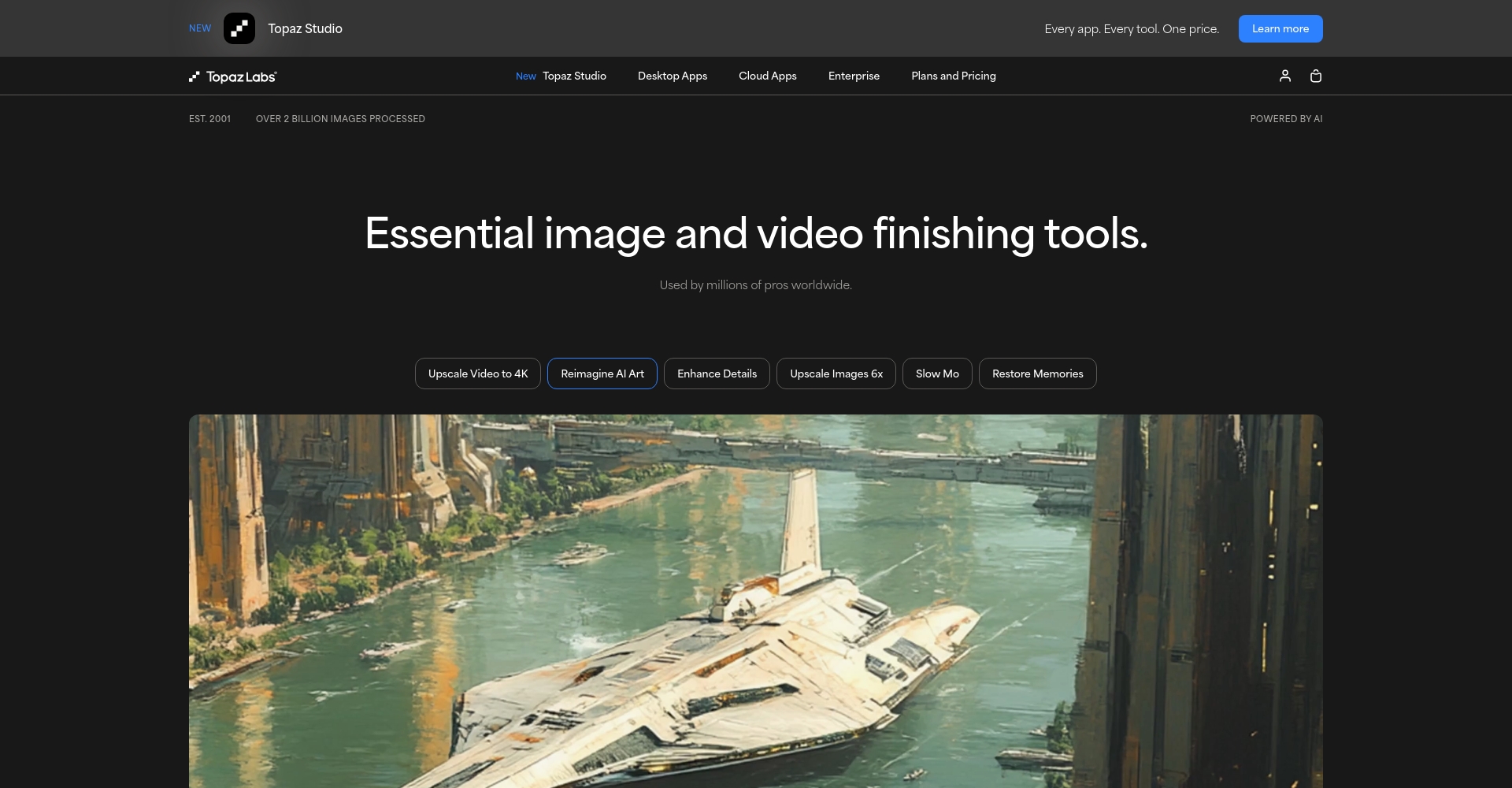
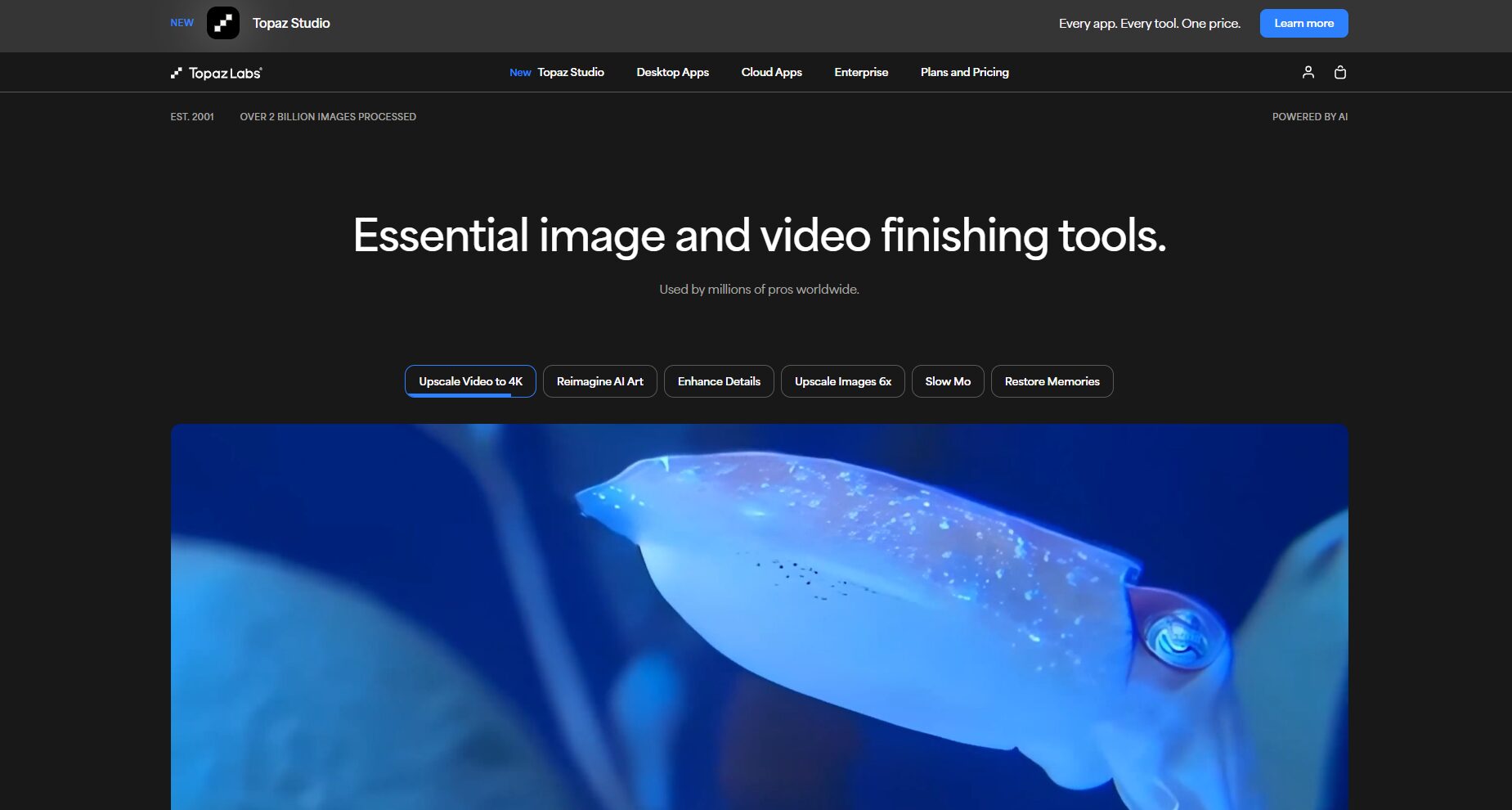
| Super-resolution (SR) | Neural networks restore details and improve resolution | Topaz Gigapixel AI, Waifu2x | Image enhancement and lossless enlargement |
| Intelligent Inpainting | AI automatically identifies and repairs the missing areas. | Adobe Photoshop AI | Watermark removal, photo restoration |
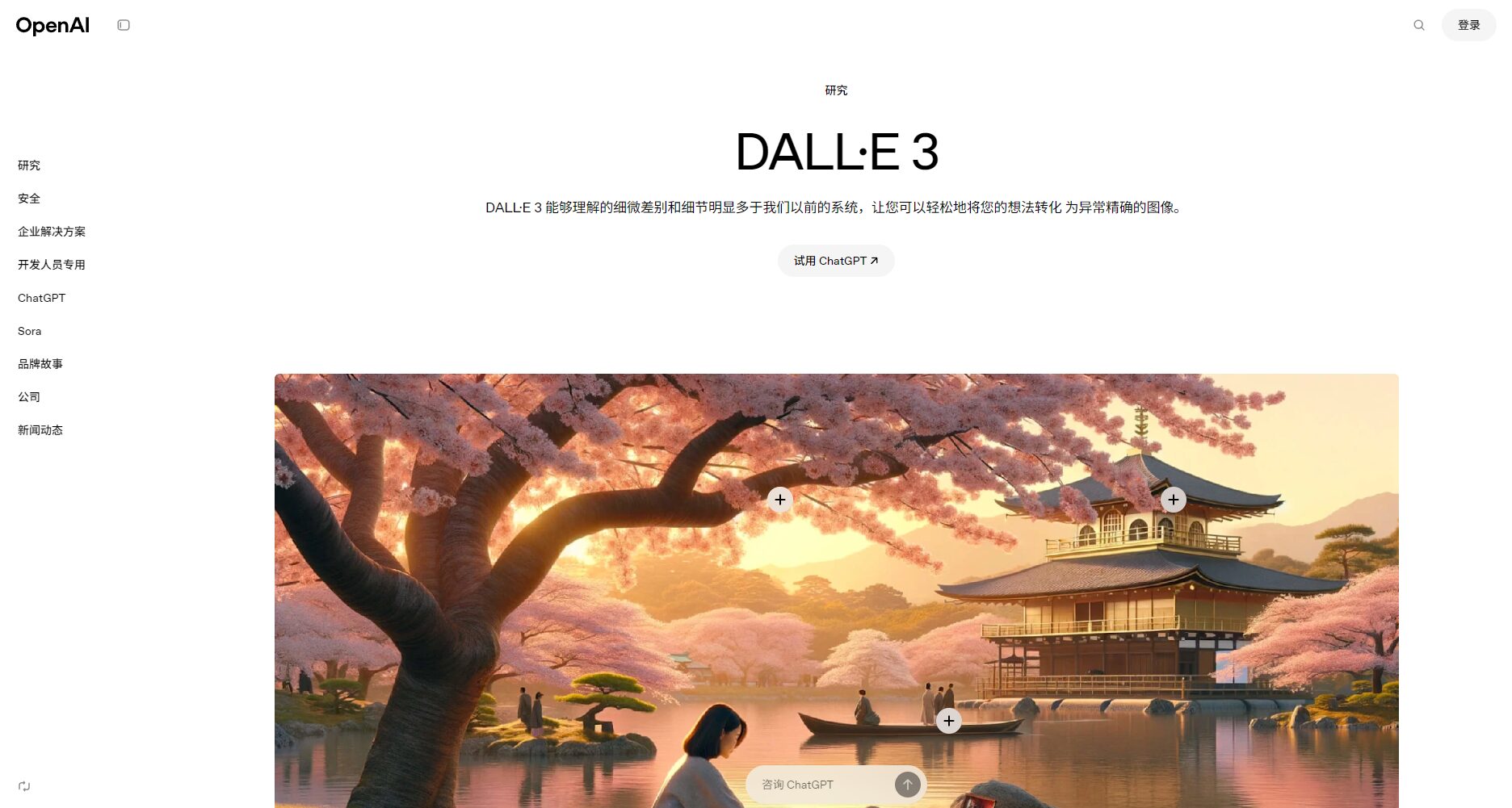
| Smart outpainting | New content is generated at the edge and beyond. | DALL·E 3, Stable Diffusion OutPainting | Composition expansion and creative extension |
A comprehensive overview of mainstream AI image resizing tools
The most popular AI image expansion product in the industry
| Product Name | Entry/Official Website | Feature Highlights | Does it support batch processing? | Target audience |
|---|---|---|---|---|
| Topaz Gigapixel AI | Official website | High-fidelity lossless enlargement, AI restoration | support | Photographer, Designer |
| Waifu2x | Online/Open Source | Best anime style, free and open source | support | Anime lovers |
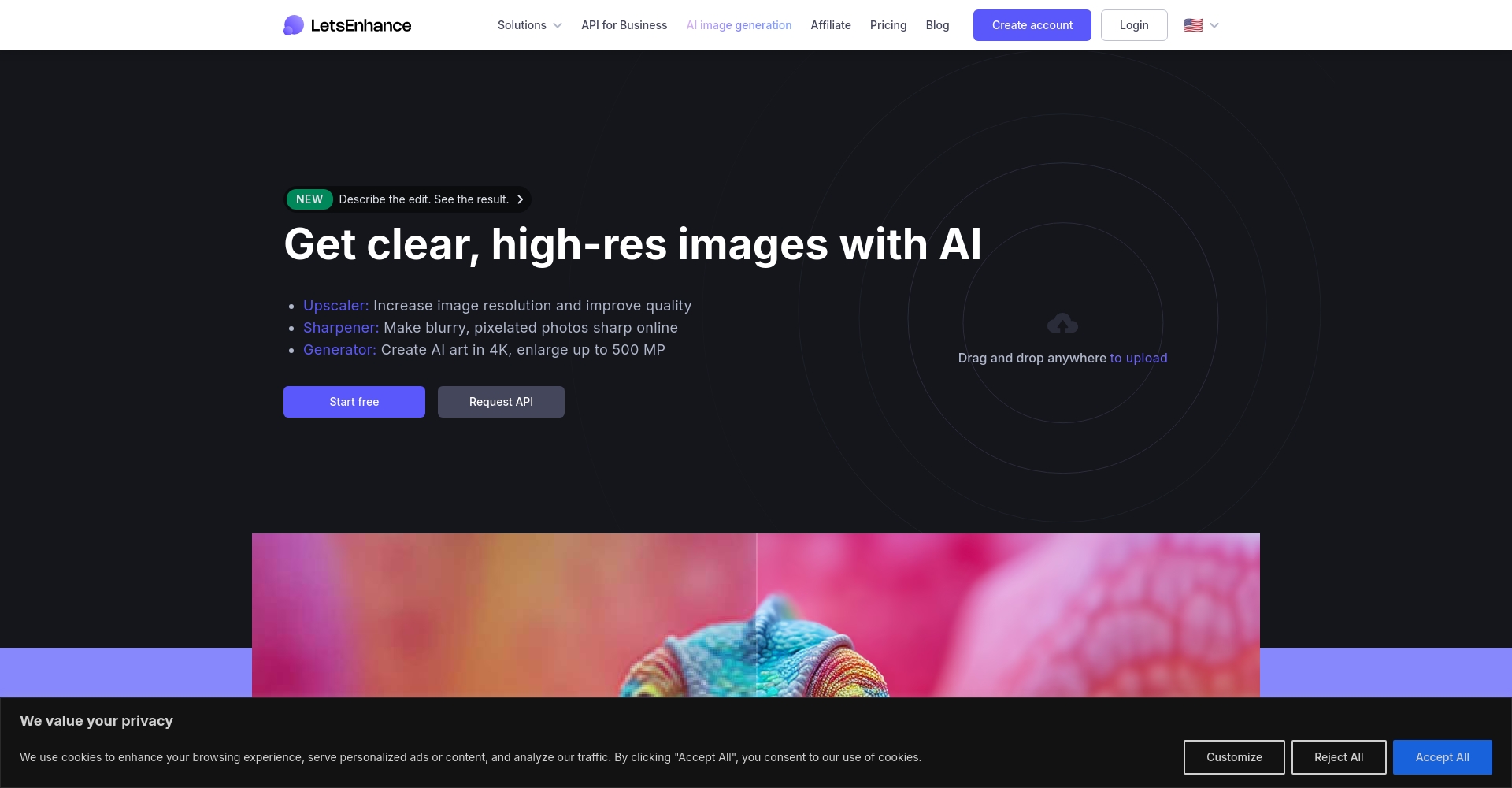
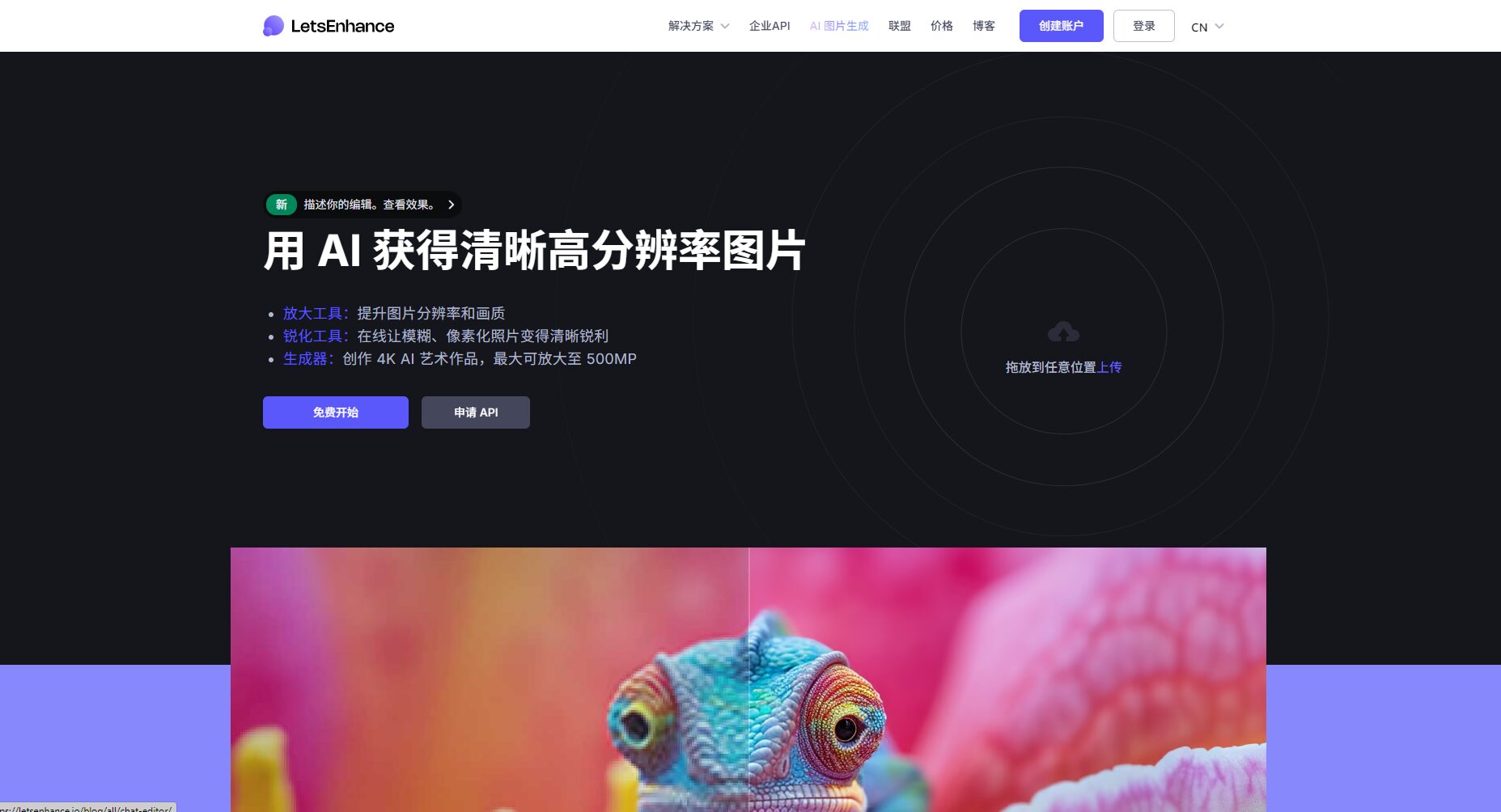
| LetsEnhance.io | Online | No installation required, excellent color extraction | support | E-commerce and operations beginners |
| DALL·E 3 Outpainting | Online | Intelligent expansion mapping | Partial support | Artists |
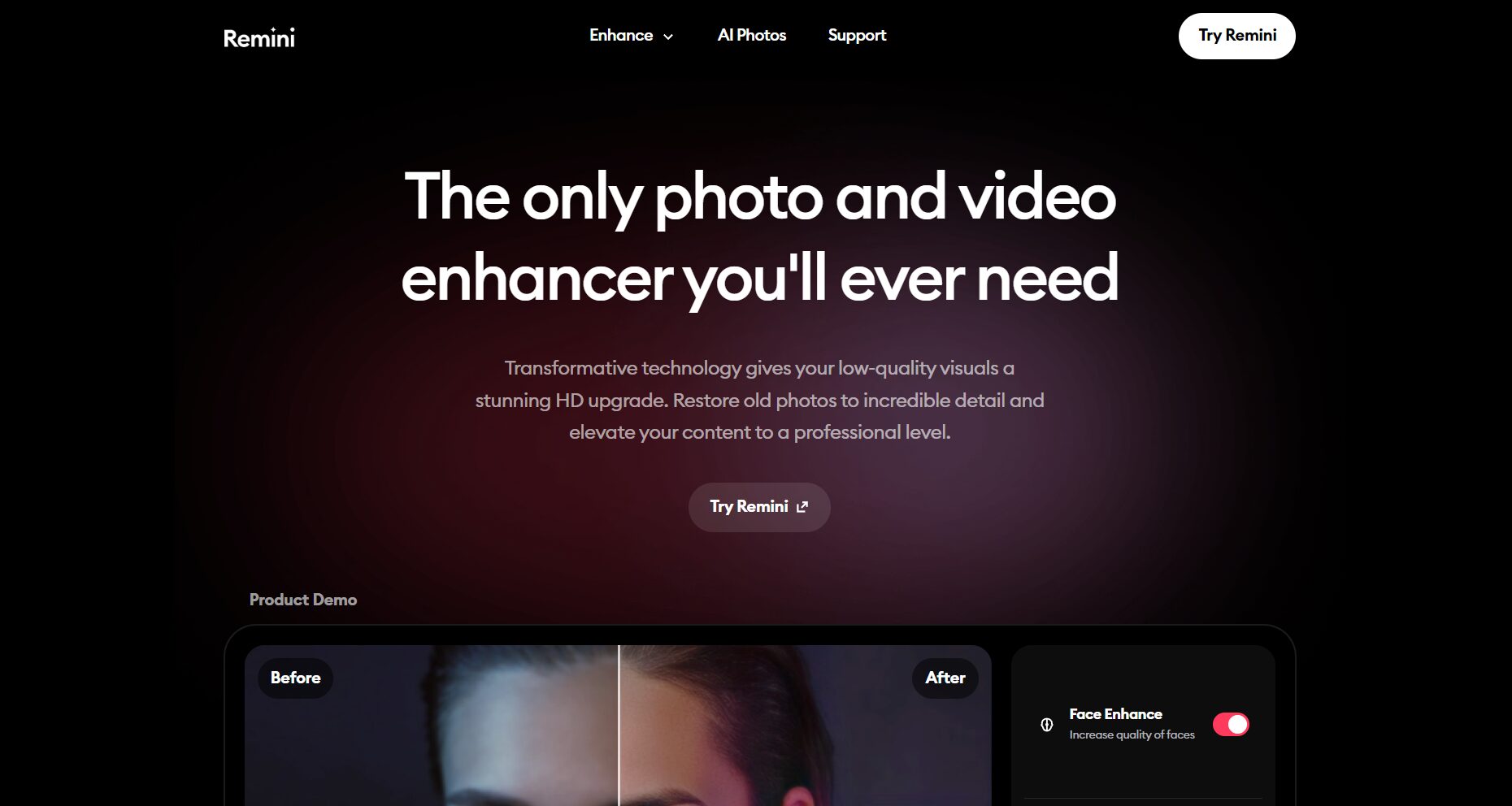
| Remini | APP | Old photo restoration and enlargement | Not supported | General users |
| Adobe Photoshop AI | software | Content perception and expansion | support | Designers, advertising professionals |

Special reminder:Most online AI image resizing tools have free quotas and resolution/attempt limits. For large-volume, high-quality tasks, it is recommended to use local or paid tools.
Beginner's Guide: Common Mistakes in Using AI Image Resizing
1. Overestimating the capabilities of AI for image expansion.
AI image augmentation is not a panacea.It intelligently infers from existing content, making it difficult to restore extremely blurry or low-resolution images.
2. Ignoring the original image quality
High-quality input determines outputThe original image is heavily noise-prone and compressed; the noise becomes even more pronounced when magnified.
3. Ignoring the characteristics of different AI models
A suitable AI model needs to be matched.For example, Waifu2x is suitable for anime, while Gigapixel is suitable for photos; using the wrong one can actually worsen the effect.
4. Forgetting to manually review after batch operations.
AI batch processing cannot be fully automated.It requires meticulous manual proofreading to prevent ghosting and mismatches.
Beginner's Guide to Avoiding Pitfalls: 5 Practical Tips
| Skill Number | Practical suggestions | Applicable AI Platform | Remark |
|---|---|---|---|
| 1 | Choose a suitable map expansion model | Gigapixel AI, Waifu2x, Photoshop AI, Stable Diffusion | Based on type/style |
| 2 | moderately improve resolution | Gigapixel, LetsEnhance, Remini | Maximum 2x per time |
| 3 | Optimize input source graph | Various AI image expansion tools | 512px+ is recommended. |
| 4 | Local AI repair | Photoshop, DALL·E Outpainting | Masking/Area Repair |
| 5 | Secondary verification in the process | Supports batch/automation tools | Manual + AI combination |
Tip 1: Select the model based on the specific needs and scenarios
Use Waifu2x for comics, Gigapixel for photos, and Stable Diffusion or DALL·E Outpainting for creative extensions.
For example, Waifu2x is suitable for line art and comics, Gigapixel AI is suitable for enhancing characters and landscapes, and DALL·E 3 is suitable for intelligent generation of image edges.
Tip 2: Improve resolution in stages for best results
The magnification should not exceed 2 times in a single step; multiple iterations can achieve the best results.To avoid distortion and a "plastic feel".
Tip 3: High-quality source images improve final performance
The larger the source file and the better the lossless effect.It is recommended to use PNG/TIFF with a resolution of 512-1000px or higher.
Tip 4: Skillfully use AI for local repair and edge patching
If you only need to repair a corner or white border, please contact us.Use the Photoshop Content-Aware Extensions/DALL·E Outpainting area masking precise patch for a more natural effect.。
Tip 5: Manual secondary verification and refinement
AI is merely a tool; human refinement is the key to producing high-quality products.Final drafts are proofread in batches, and edges are manually repaired when necessary.
Practical Demonstration: AI Image Resurfacing Steps and Operation Process
Taking Topaz Gigapixel AI as an example:
- Download and install software
- Import images
- Select a model (figure/landscape/artistic line art).
- Set the stretch ratio (≤2 times is optimal).
- Preview and fine-tune noise reduction/detail parameters
- Export high-resolution images
Kind tips:Online tools such as Waifu2x/LetsEnhance.io are equally easy to use, and beginners can try them out directly.
DALL·E 3 Outpainting Edge Intelligence Extension:
- Open the DALL·E 3 web version and upload the image.
- Use the brush tool to select the area that needs to be filled.
- Prompt to complete the content (e.g., "extend the background to blue sky")
- Adjust the AI results multiple times until you are satisfied, then download the high-resolution image.
Popular Questions & Additional Suggestions
Q1:AI expanded imageWhat's the difference between this and regular magnification?
AI-powered image augmentation uses deep learning to complete textures, structures, and even new content, rather than simple interpolation; it's always "intelligent drawing"!
Q2: Which app is recommended for batch image expansion?
Topaz Gigapixel AI (desktop version), Waifu2x (API version), and Stable Diffusion automatic workflow combined with PS batch processing are optimal.
Q3: How to avoid "ghosting" or "plastic" effects after AI image enlargement?
Ensure high-quality input, zoom in step by step, and use Photoshop filters to fine-tune details in post-processing to avoid a mask-like appearance.
Q4: Are there any free and easy-to-use AI image resizing tools?
I recommend Waifu2x (anime), LetsEnhance.io, Bigjpg, etc. The free credits are sufficient for most scenarios.
Accompanied AI image expansion technology It is maturing, and the efficiency of scaling up and content completion has been greatly improved.Choose the right tools, set appropriate parameters, and perform manual verification. It's the key to ensuring ultimate image quality!
In the future, AI-powered image augmentation will continue to empower applications in short videos, design, and e-commerce.Professional tools combined with innovative practicesThis article aims to help you build a high-definition visual competitive advantage. We hope it will provide practical guidance for creators and AI enthusiasts!
© Copyright notes
The copyright of the article belongs to the author, please do not reprint without permission.
Related posts


No comments...
