

BGREMOVER
BGREMOVER is an AI-based image background removal tool launched by VanceAI. It can remove high-definition background-free images with one click without the need for Photoshop, and supports batch processing and custom editing.
Flow Studio is an AI video creation platform launched by Autodesk. It generates cinematic short films with one click using AI, supports character consistency, intelligent audio-visual synthesis, and 3D animation export, and is suitable for film, animation, and content marketing.
 Flow Studio
Amidst the surge in AI-driven content creation, a new product from Autodesk, specifically designed for film and animation production, has emerged.AI video toolsIt's sparking a new wave in the industry. This is Flow Studio, a platform that brings Hollywood-level VFX and AI-driven workflows to all creators.
This article will provide a detailed introduction to Flow Studio's core capabilities, pricing system, operation process, applicable user scenarios, and answers to frequently asked questions, giving you a glimpse into the future trends of AI-powered film and television creation.
Flow StudioDeveloped by the globally renowned software company Autodesk, it was formerly known as the highly acclaimed Wonder Studio. In 2024, after Autodesk officially acquired the Wonder Dynamics team, it underwent a comprehensive iteration and upgrade of the platform.
Today, Flow Studio, as a next-generation AI video tool platform, is revolutionizing the way video animation, VFX effects, commercial short films, and content marketing are produced with its extremely low barrier to entry and outstanding productivity.
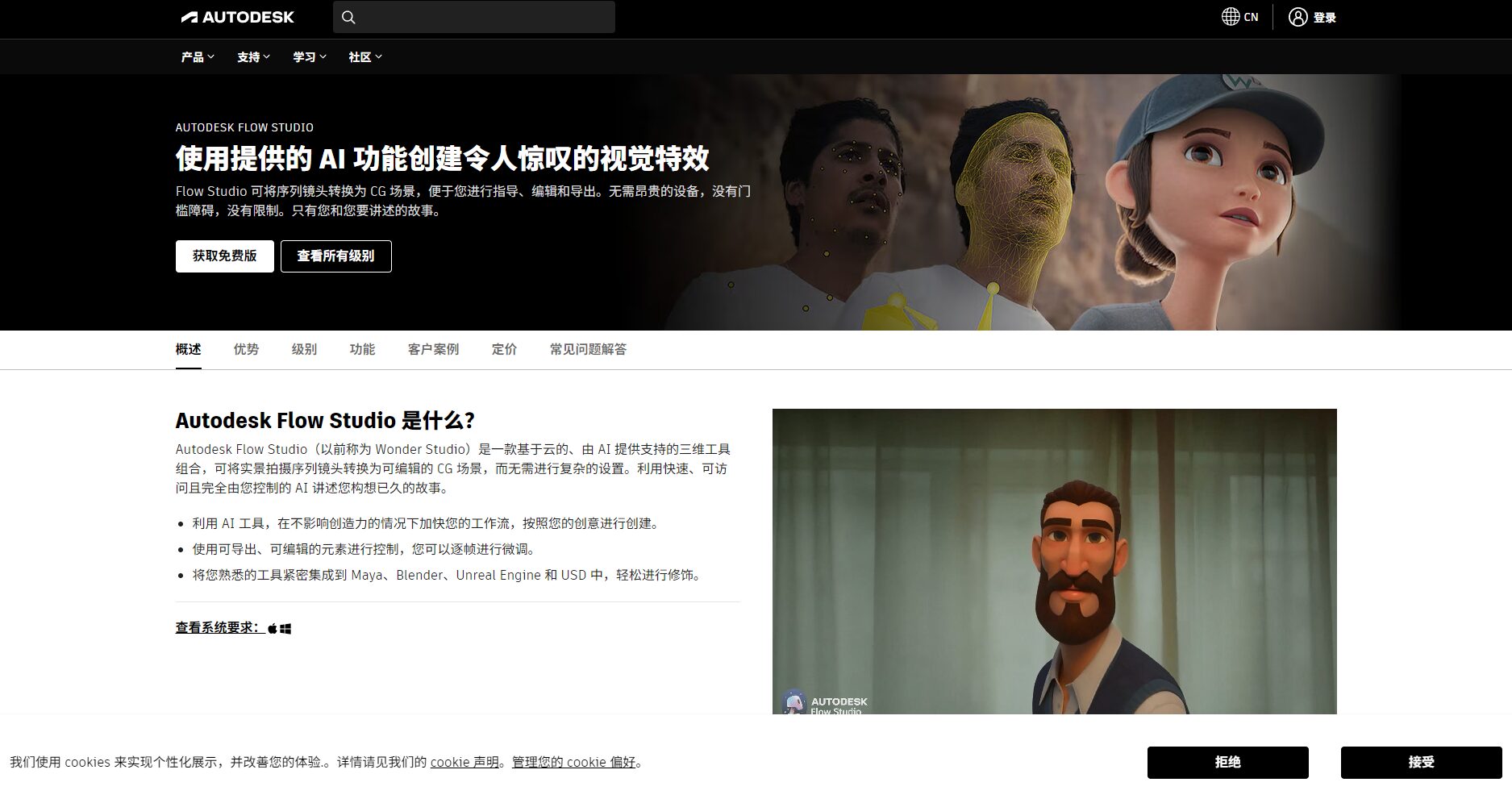
accessFlow Studio official websiteExperience the magic of AI-generated blockbuster movies with a single click!
Flow Studio's core competitiveness lies in its integration of cutting-edge AI-powered video generation, animation compositing, and special effects processing technologies. Key highlights include:
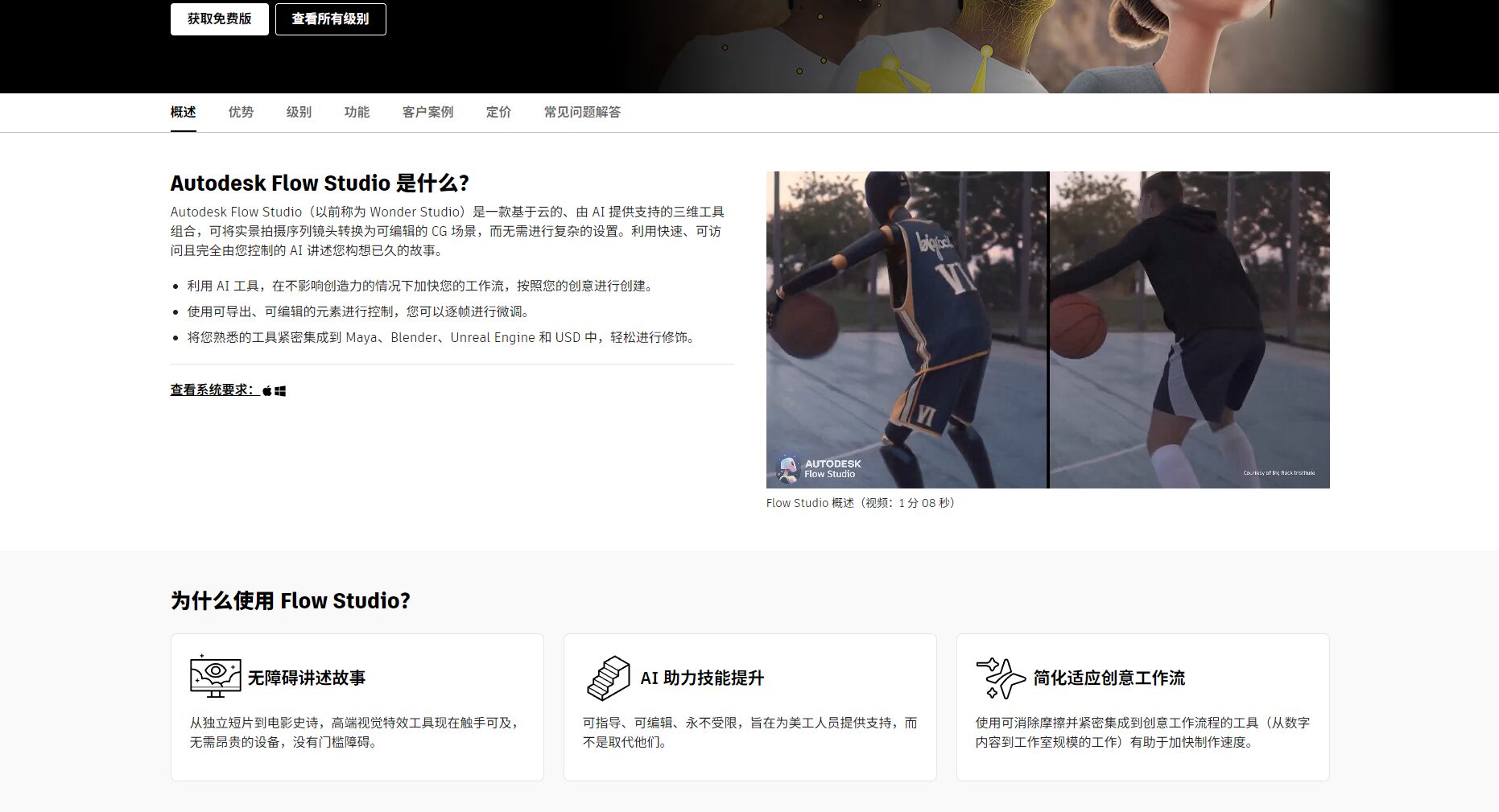
| Functional categories | Detailed description | Does it support? |
| One-click text to video generation | Enter plot text and automatically generate a 3-minute short film. | ✔ |
| Role Consistency | Choose or create your own role to ensure role consistency. | ✔ |
| Intelligent sound effects & dubbing | Automatically generate music/sound effects/dialogue | ✔ |
| motion capture | Extract motion/facial/full-body animation data from videos | ✔ |
| Exporting 3D data in multiple formats | Supports formats such as FBX and USD, and is compatible with mainstream 3D software. | ✔ |
| Community sharing and observation | Browse other people's works and get inspiration | ✔ |

For detailed feature descriptions, please refer to [link/reference]. Flow Studio product page。
Flow Studio has recently launched a tiered pricing plan, offering suitable subscription options for students, independent content creators, and large film studio teams. Among these options...Free tiers availableThis is undoubtedly big news in the current AI field.
| Scheme type | Monthly fee | Annual fee | Monthly Quota | Functional limitations | Suitable for |
| Free version | $0 | $0 | 300 | The output is watermarked and supports AI motion capture (30 seconds/month). It is not for commercial use. | Beginners, Experiencers |
| Lite version | $10 | $80 | 2100 | Layered, PNG, USD, or Wonder Tools are not supported. | Students, small-scale self-media creators |
| Standard | $45 | $360 | 6000 | Nearly full functionality, with minor data export limitations. | Professional content team |
| Pro version | $95 | $765 | 12000 | All core functions are fully enabled, without restrictions. | Studios, corporate teams |
| Enterprise Edition | custom made | custom made | Mass customization | Full permissions and enterprise-level service support | large film and television companies |
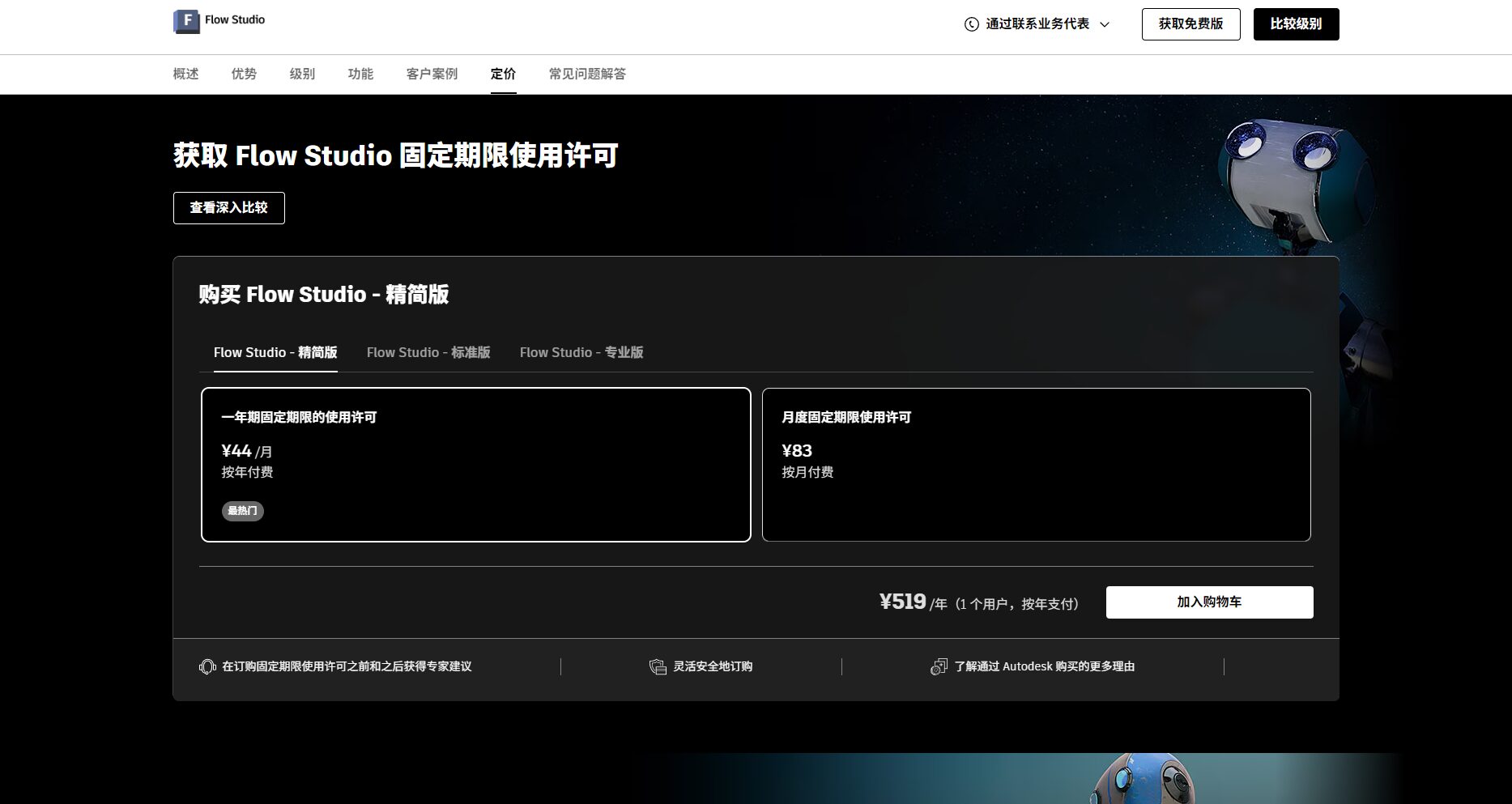
Note: Points are primarily used for consumable generation tasks. The free and low-price tiers are suitable for lightweight production or personal learning. See the official website subscription page for detailed pricing.
Even complete beginners with no professional animation experience can achieve the magical conversion of text to video on the Flow Studio platform. The basic process is as follows:
Whether you're an amateur video enthusiast or a professional animation studio, Flow Studio can empower you.
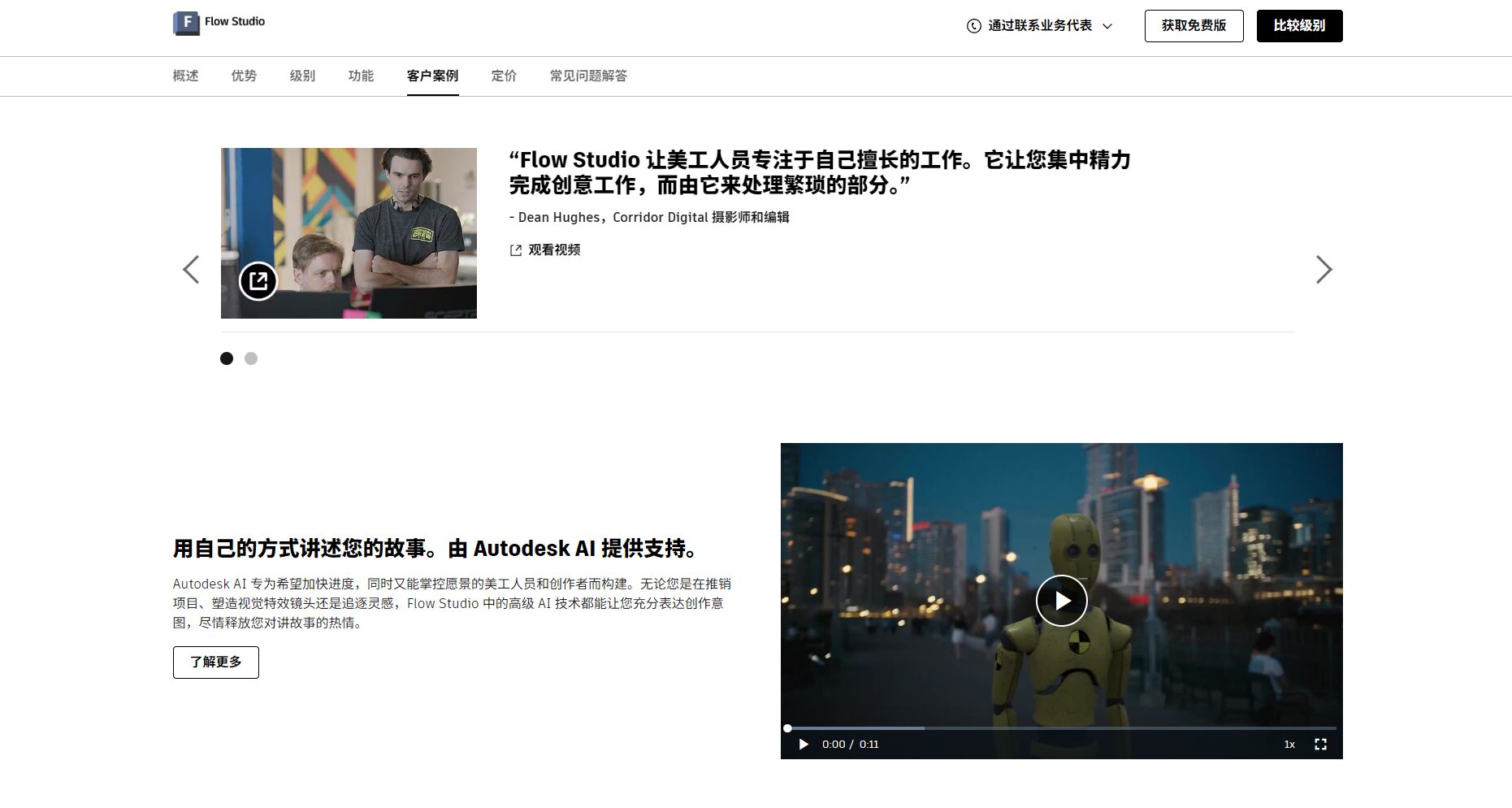
Flow Studio is more than just an "upgraded version" of similar AI video tools. The table below shows its differences in experience and unique advantages compared to mainstream AI video tools (such as Luma Dream Machine, Runway ML, etc.):
| platform | One-click text generation | Role Consistency | Multi-scene switching | 3D motion capture | AI voiceover | Large number of character templates | 3D data export | Price advantage |
| Flow Studio | ✔ | ✔ | ✔ | ✔ | ✔ | ✔ | ✔ | Outstanding |
| Luma | ✔ | ❌ | ✔ | ❌ | ❌ | ❌ | ❌ | generally |
| Runway ML | ✔ | ❌ | ✔ | ❌ | ❌ | ❌ | ❌ | generally |
| Sora | ✔ | ❌ | ✔ | ❌ | ❌ | ❌ | ❌ | More expensive |
Q1: Can videos generated by Flow Studio be used commercially?
If you are using a paid subscription (such as Lite or higher), the generated content can be used commercially directly. Free-level video output includes a watermark and is not recommended for commercial projects. Please refer to the official service policy for detailed licensing terms.
Q2: Can the output of Flow Studio be edited or imported into animation/3D software?
Absolutely! Flow Studio supports exporting to mainstream formats including fbx, USD, 3D scenes, and alpha masks, allowing users to perform detailed editing and secondary creation in 3D post-production software such as Maya, Blender, and Unreal Engine.
Q3: How much credit do free users have each month? What are points?
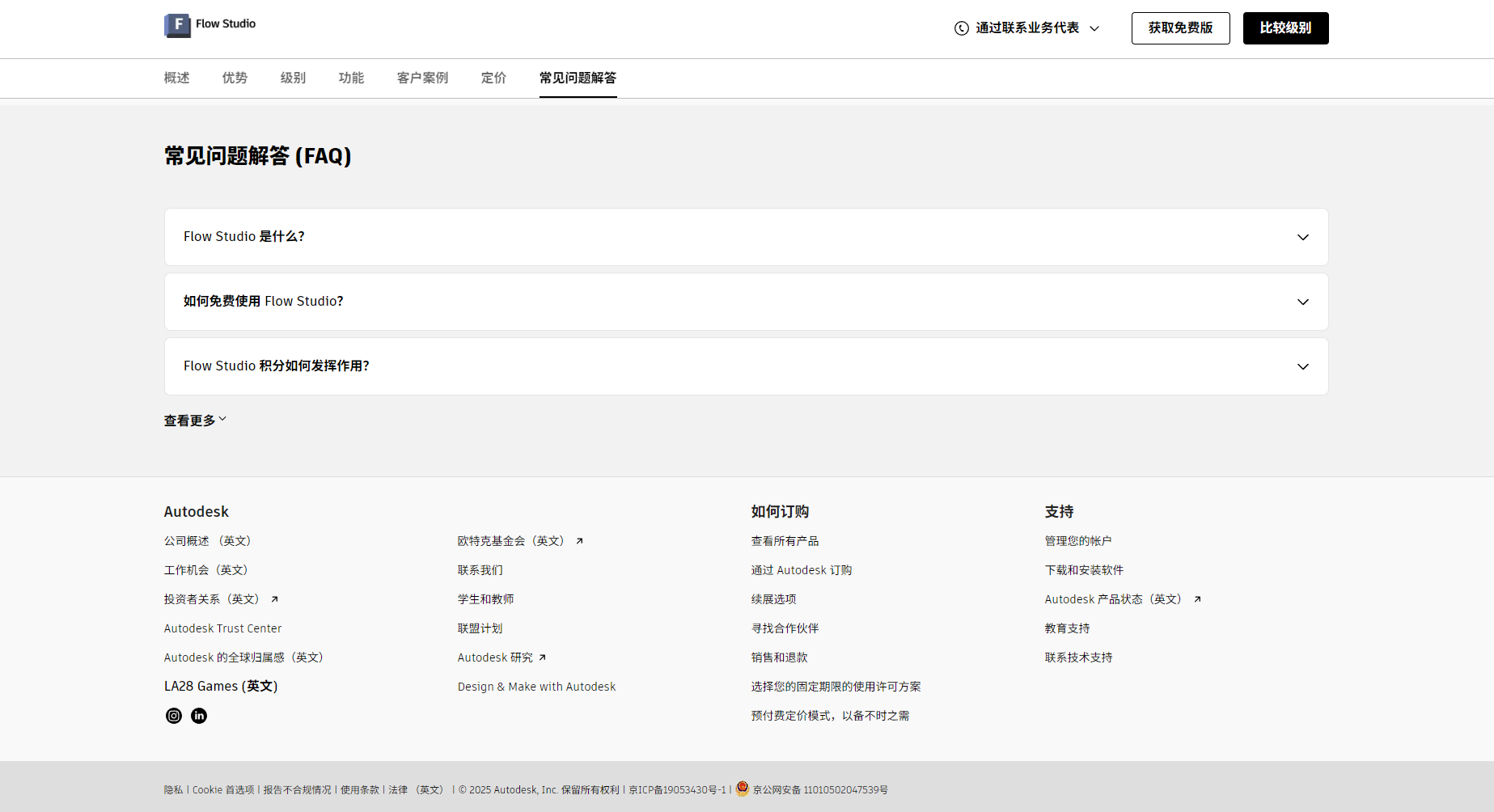
Free users receive 300 credits per month, equivalent to approximately 30 seconds of AI motion capture processing time. Credits are consumed when generating videos or exporting additional data. Different subscription plans offer different credit allocations.
Q4: What are the computer configuration requirements for Flow Studio? Do I need to install a client?
No local installation is required; it supports direct online use in mainstream desktop browsers (Chrome/Safari). A stable network connection is all that's needed for smooth video generation; mobile devices are not currently supported.
Q5: How can I obtain more character materials? Can I share my work to the platform's community?
Users can browse and download other people's personas on the community platform, as well as upload and share their own templates. Flow Studio is building an active community to encourage content creators to exchange ideas.
With the increasing popularity of Flow Studio, AI-driven film and television creation is gradually moving from professional film studios to individual creators and small teams, giving everyone the opportunity to experience the magic of film-level content production.
Whether you're a trend-chasing short video creator, an independent director eager to showcase your talents, or a beginner animation enthusiast, Flow Studio is worth a try and will usher in a new era of AI-powered film and television creation.
This site's AI-powered navigation is provided by Miao.Flow StudioAll external links originate from the internet, and their accuracy and completeness are not guaranteed. Furthermore, AI Miao Navigation does not have actual control over the content of these external links. As of 8:26 PM on October 15, 2025, the content on this webpage was compliant and legal. If any content on the webpage becomes illegal in the future, you can directly contact the website administrator for deletion. AI Miao Navigation assumes no responsibility.
