What is Playground AI? A detailed introduction to its features and practical tips for 2025.
Playground AI It is one of the hottest AI image generation and graphic design platforms in 2025, dedicated to bringing benefits to creators, brands, and individuals. High-speed, high-quality image compositing、Intelligent Graphics Editing 和 AI Collaboration ability.Supports multiple mainstream AI models such as Stable Diffusion, DALL·E3, and SDXL Turbo.A comprehensive upgrade in capabilities! This article will give you a complete overview. Playground AI's full features, core operation steps, latest pricing policies, advanced practical tips, and comparative advantages.It helps you efficiently create AI-powered visual content.
What is Playground AI?
Playground AI It is a rising star in the field of artificial intelligence in recent years, through powerful... AI AlgorithmIt transforms simple text descriptions into high-quality, personalized images/design drafts. By 2025, the platform has far surpassed simple image generation, deeply integrating into various sectors. Graphic design, content editing, collaborative creation, and asset management In diverse scenarios, it has become Digital Creative Studios and Content Productivity Platforms。
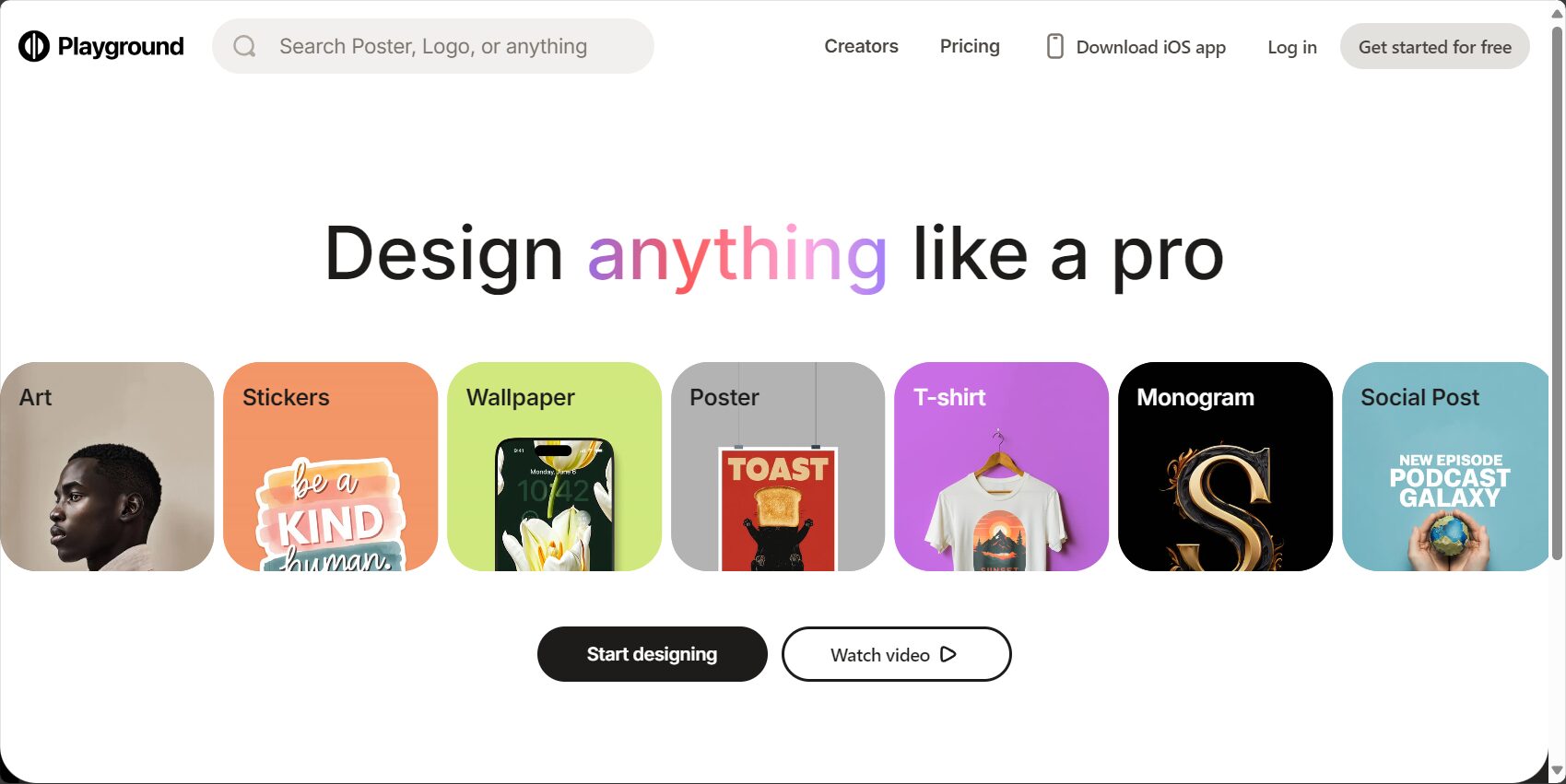
Regardless of Marketing, brand visuals, social content, education, writingWhether you're looking to create a personal avatar, comic, or poster, Playground AI can generate images at lightning speed, helping you realize your imagination.
Official website:https://playgroundai.com/
A summary of key features of Playground AI 2025
| Functional categories | Main functions | Applicable Scenarios | Is payment required? |
|---|---|---|---|
| AI Image Generation | Text to image conversion, customizable style, and support for multi-modal AI models. | Graphic design, e-commerce, social media, etc. | Partially free |
| Graphic Design | Logo creation, template library, custom editing | Brand promotion and corporate publicity | Partially free |
| Image editing | Enhancement, background removal, repair, image cutout | Photo enhancement, product retouching | Partially free |
| Batch Image Download | Export single or multiple images in a single package | Material Management | free |
| Community Collaboration | Design sharing, collaborative creation, and an inspiration forum. | Creator Exchange | free |
| Paid Enhancement | Professional queue, high resolution, privacy protection | Business/Professional | Paid |

AI Image Generation – Text to Images, Ever-Changing Styles
- Multi-model parallel "engine" supportStable Diffusion XL, DALL·E 3, SDXL Turbo: freely switch between different art styles.
- Prompt words can be manipulated flexiblyPositive/negative descriptions, with minor adjustments to individual elements.
- Resolution, size, sampling rateCustomizable.
- supportBatch generationAI works efficiently.
Graphic Design: One-stop shop for logos and templates
- Extensive template library and layout presetsChoose from "Brand/Social Media/Posters" as needed.
- Vector graphics, element dragging, intelligent color matching、Layout AssistantAllows non-designers to generate high-quality images with a single click.
- Brand VI, one-click export of PNG/SVG/PDF。
- “Template Market” Creation can be monetized; works can be traded.
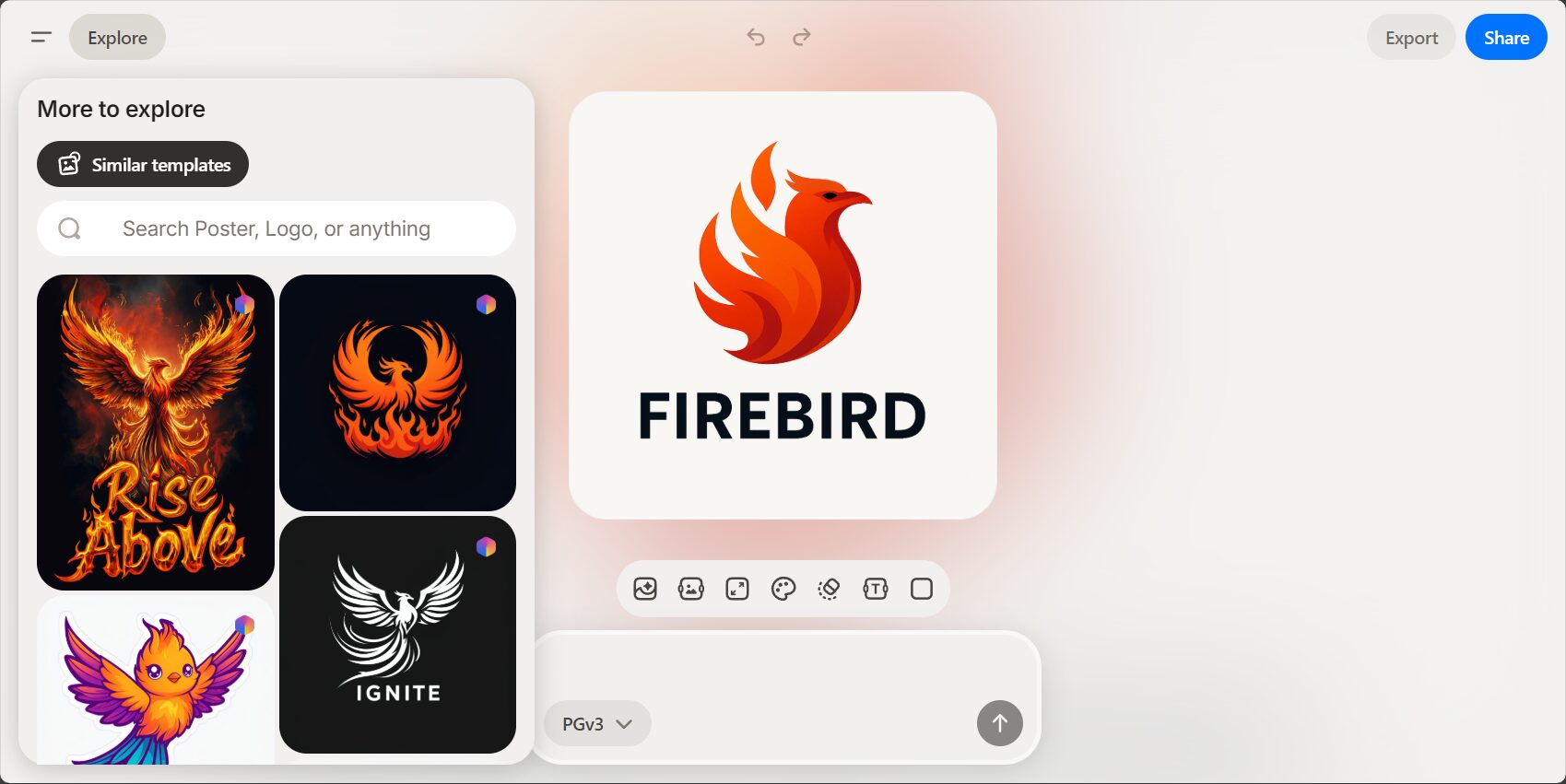
Image Editing: Smart Repair and Background Removal
- Automatic enhancement and noise reductionClarity/image quality has been greatly improved.
- One-click background removal and replacementProduct images and ID photos can be easily created.
- AI-assisted partial repairRemove watermarks and edit areas using the "smear" magic tool.
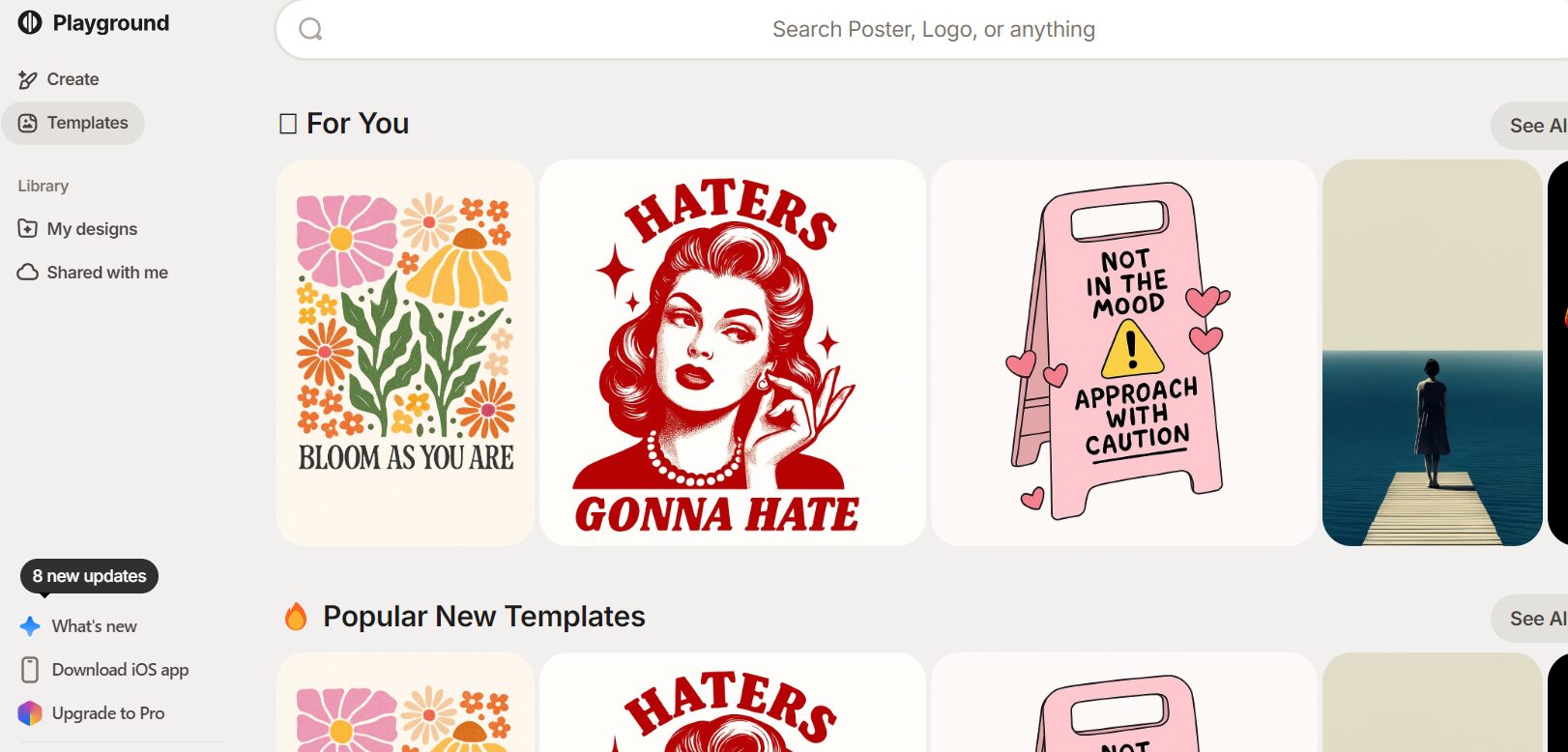
Batch saving and security management
- Single image/batch downloadZero material loss.
- Cloud synchronizationSupports Google Drive and OneDrive.
- Works ManagerQuickly search through all previous creations.
Community Collaboration and Inspiration Plaza
- Inspiration SquareBrowse outstanding works from around the world, and enjoy endless inspiration by liking, saving, and replicating them.
- Multi-person collaboration/project co-editingThis allows for faster creation.
- Official competitions and tutorial resources support.
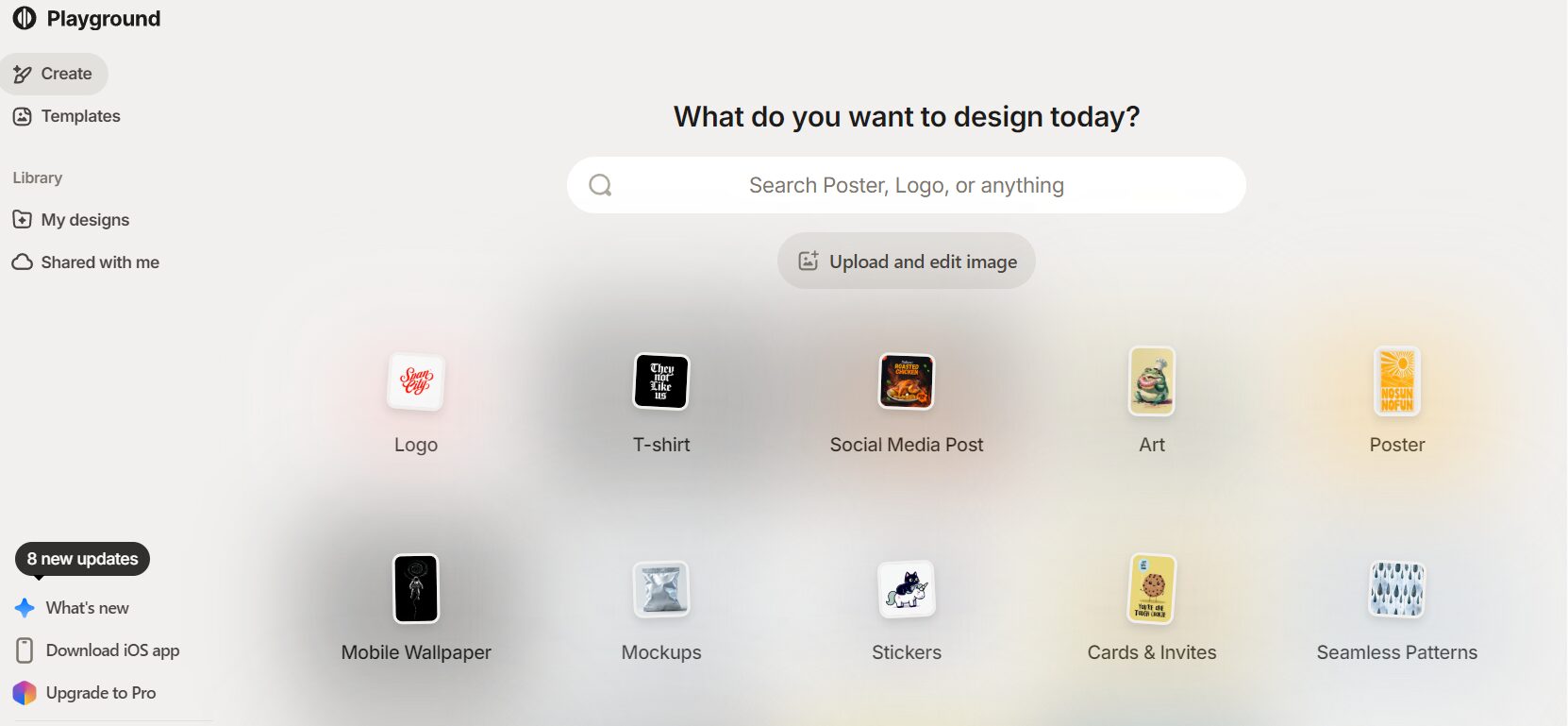
How do I register and use Playground AI?
1. Account Registration and Login
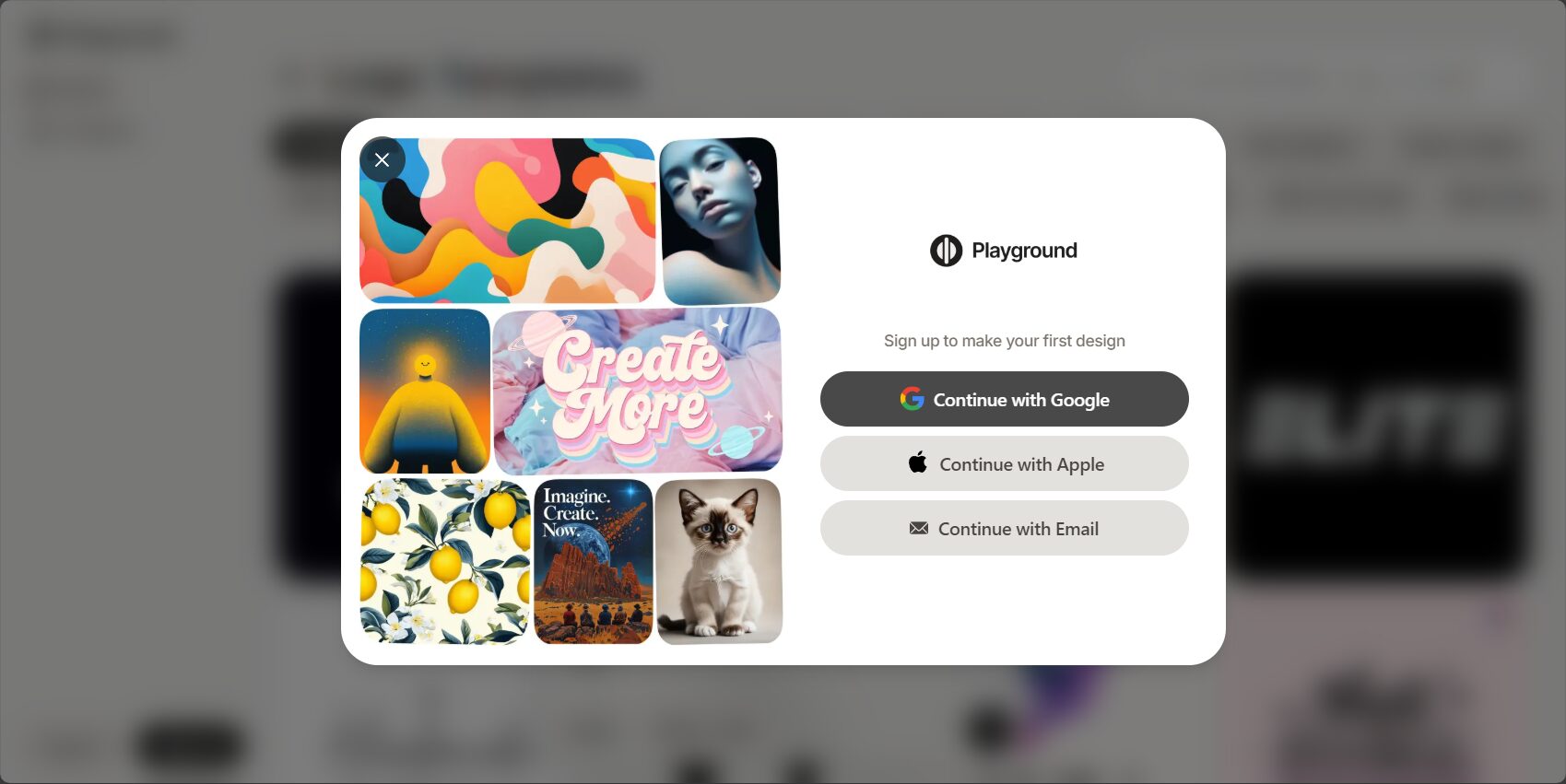
- EnterOfficial websiteRegistration: Supports email/Google/Apple Express accounts.
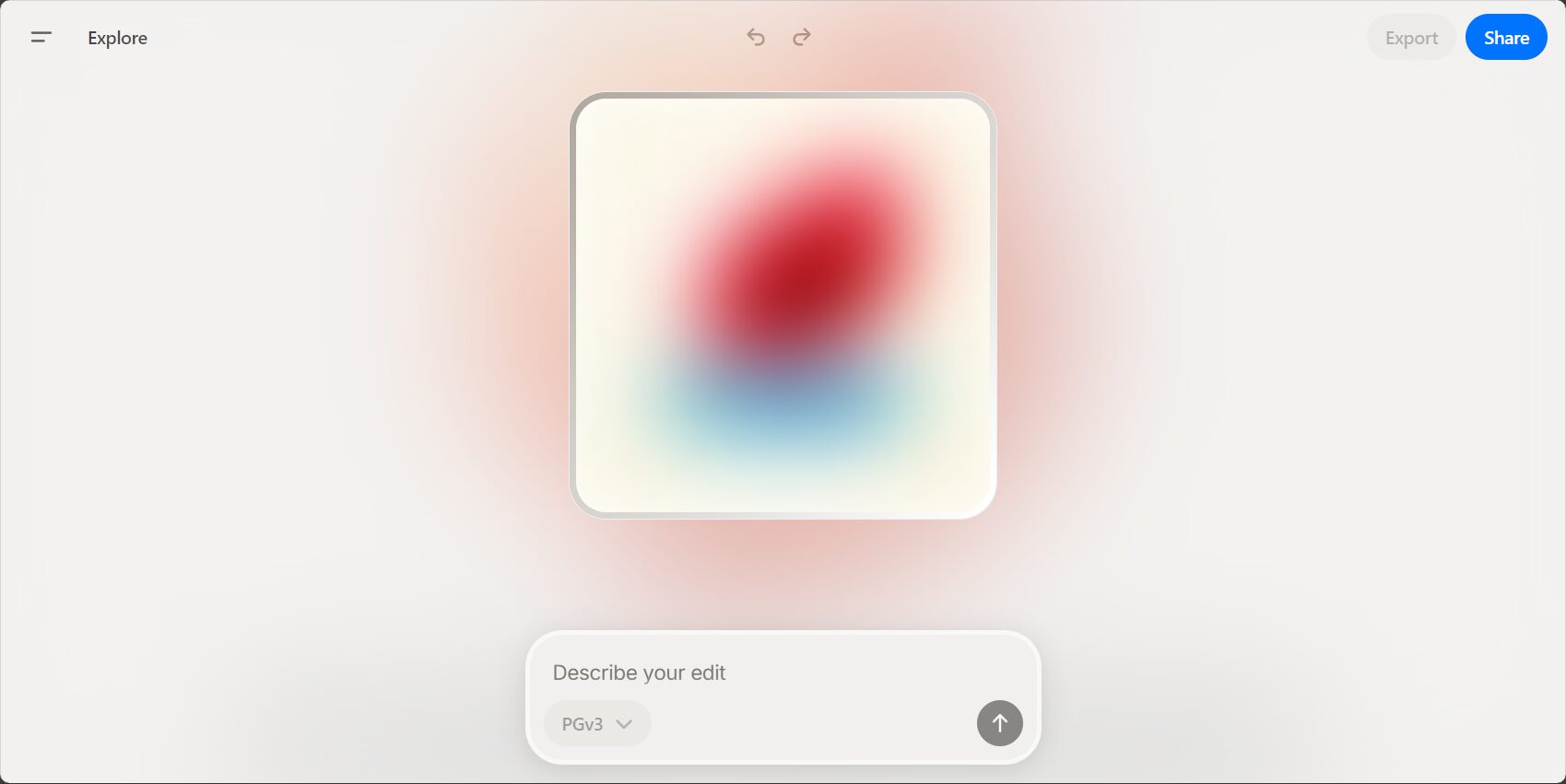
- The main interface will appear after logging in.
2. Create a new image project
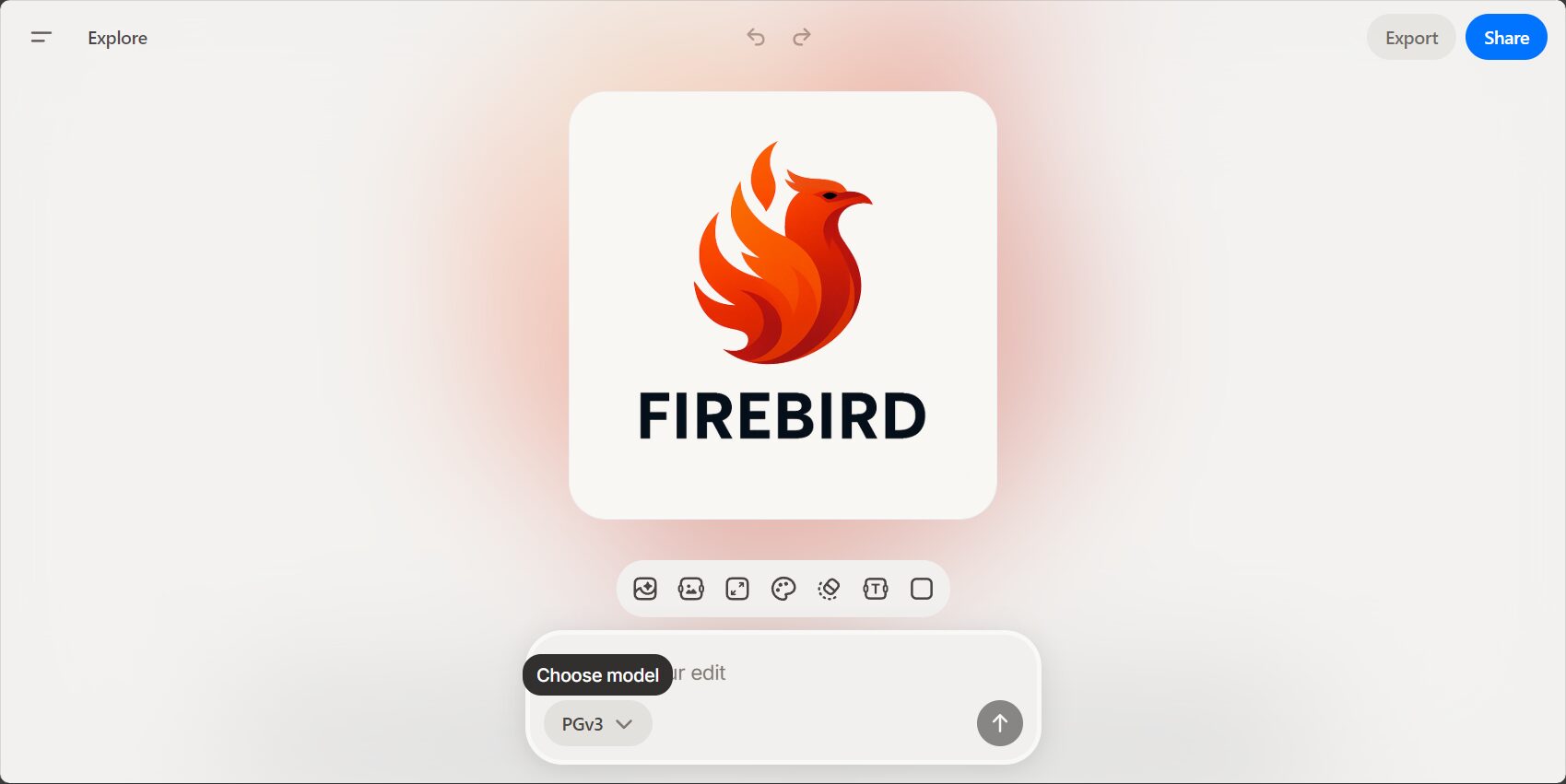
- Click "Create/New Image".
- enter"“Detailed text description”(e.g., a robot in a suit in front of a night scene), select a style and adjust the parameters.
3. AI Generation and Detail Refinement
- Click "Generate" and wait for the image to be generated.
- Negative prompts can be used to further refine each image.
4. Design Editing and Image Enhancement
- Select a design from the generated library and enter the "Design Editor".
- useBrushes, Healing, Background Removal, Filters, StickersAdvanced editing tools, etc.Local modifications and style switching。
5. Export and Batch Saving
- Single image download supports PNG/JPG/WebP.
- Multiple images can be selected and downloaded in batches with one click.
| step | Operating Instructions |
|---|---|
| 1 | Go to "My Works" or "Project Management"“ |
| 2 | Select target image |
| 3 | Click "Batch Download" or "Export ZIP".“ |
| 4 | Download the compressed file and save it locally. |
6. Community interaction and multi-player collaboration
- “The "Inspiration Square" allows you to easily copy or comment on other people's ideas.
- “"Collaborative projects" invite colleagues to edit together.
- Participate in the platform's creative competition and receive rewards.
Playground AI 2025 latest pricing plan
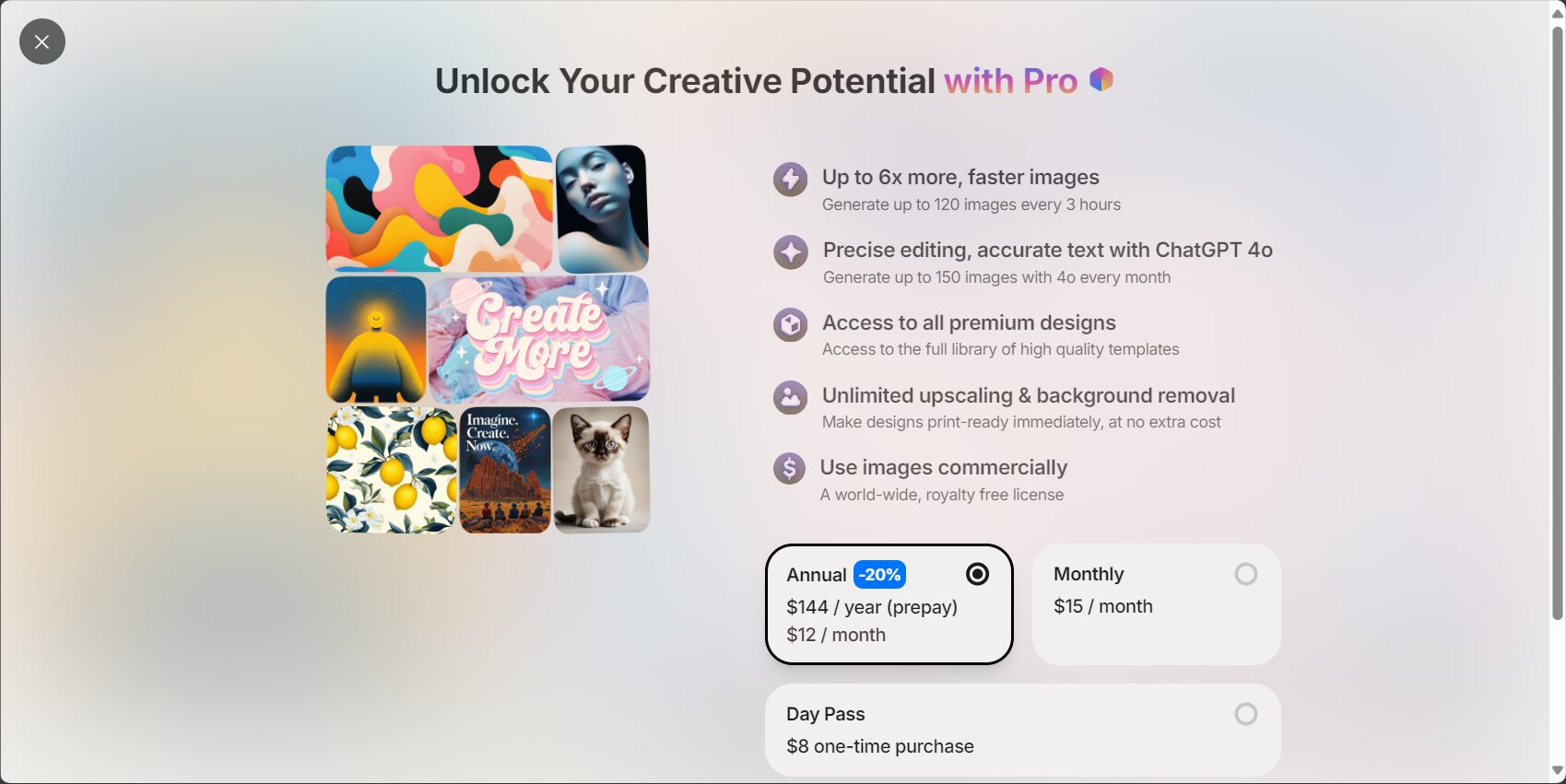
Free versionBasic AI-generated, edited, and community features.A limit of approximately 100 images per month.(Subject to the current policy).
PRO Paid Version(US$12-30/month):Faster queue speed, higher quality image generation, larger output size, and unlimited generation capacity.。
Enterprise/Team EditionCustomized paid services include exclusive access to APIs, advanced collaboration features, and other exclusive services.
- Starting in 2025: The system will periodically clean up old data, so please download it in advance!
- All pricing is for reference only.Latest official page
Useful Tips & Precautions
- Prompt writingThe description should be as specific as possible, including qualifying words such as visuals, atmosphere, image quality, and style (e.g., futuristic, cinematic lighting effects).
- AI-integrated office/platformRecommended for use with Notion, Canva, and Figma.
- Secure BackupRegular local archiving + cloud synchronization provide multiple layers of protection.
- Magic wand + detail enhancementTo make images more professional and original.
- Platform alternativesWhen limits or strategies change, you can try... AI Ease, Midjourney, BlueWillow, etc.
Advantages compared to similar products
| Functions/Products | Playground AI | Midjourney | Stable Diffusion | AI Ease |
|---|---|---|---|---|
| Text to Image | ✔️ | ✔️ | ✔️ | ✔️ |
| Online Editor | ✔️ | ❌ | Third party | ✔️ |
| Batch export | ✔️ | ❌ | Self-built required | ✔️ |
| Model selection | Multiple models | MJ's self-developed | Open source is the main source | Multiple models |
| Free quota | Experience | small amount | Unlimited (local) | Experience |
| Copyright Tools | ✔️ | Policy attention is needed. | Model protocol needs to be checked | ✔️ |
Summary: Playground AI's New Era of AI Design
In 2025,Playground AI isn't just for designers.More suitable Self-media content, brand promotion, wallpapers and avatars, AI art exploration A wide range of scenarios. Continuously upgraded AI algorithms, flexible collaboration, and a free creative experience enable everyone to easily achieve professional-level results using text and code.Visual content productionTry it now and create your next AI visual masterpiece!
© Copyright notes
The copyright of the article belongs to the author, please do not reprint without permission.
Related posts

No comments...
