What to do if your photos are blurry? 5 AI tools to help you repair and improve image quality with just one click (Latest recommendations for 2025)
In 2025,Repairing blurry photosIt's simpler than ever before!Whether it's shaky hands, out-of-focus photos, old photos, or low-quality photos, these five popular AI image restoration tools (MyEdit, PicWish, Artguru, Photo Master, ReminiThese tools can help you restore clear, high-quality images with a single click. This article features the latest recommendations, simple and practical methods, and supports free and multiple platforms, allowing you to easily solve image blurring problems and preserve precious details for every important image.Together, master the practical and powerful tools of AI photo editing in the new era!
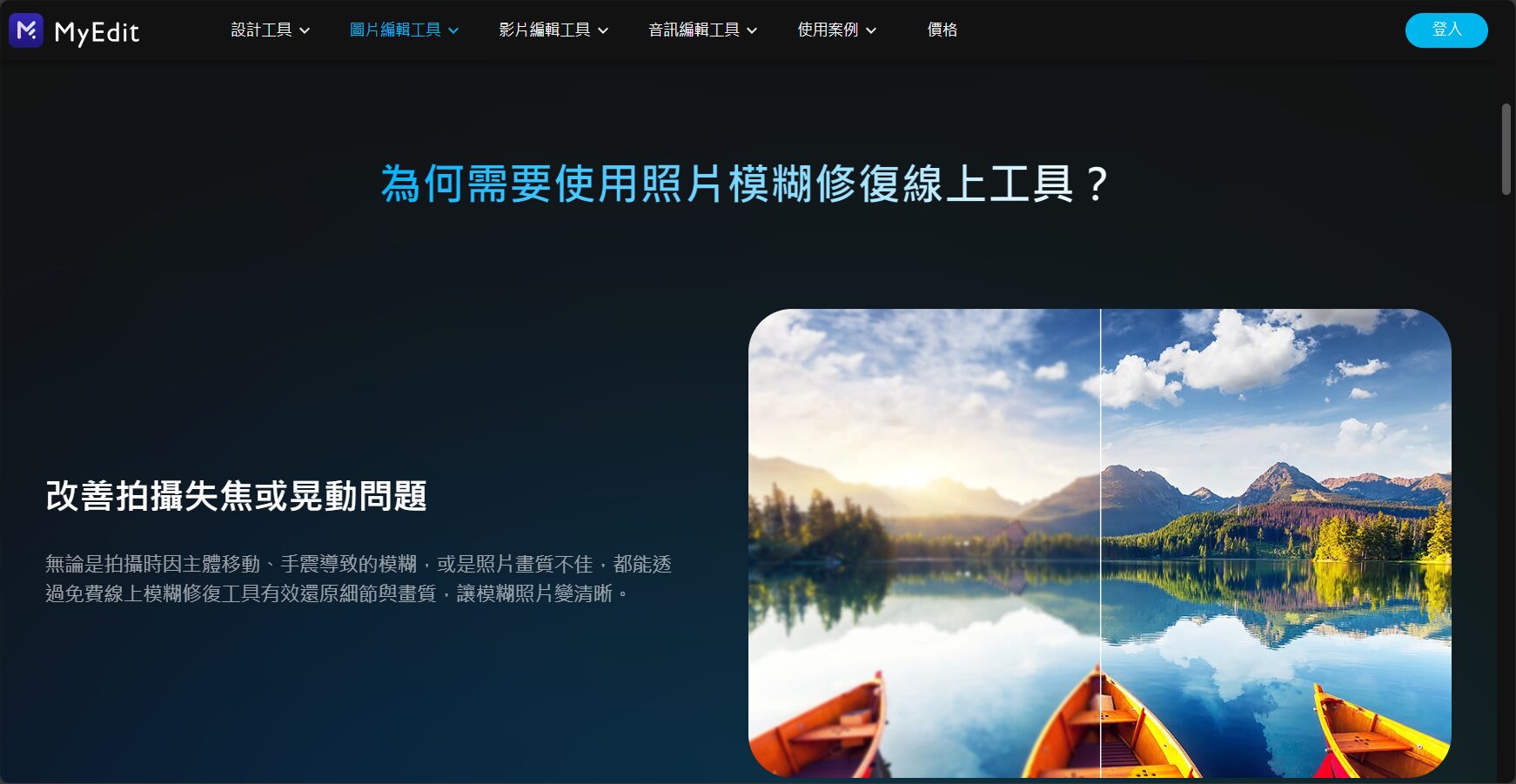
Overview of AI Photo Restoration Tools in 2025
| Tool Name | Support Platform | Main features | Difficulty of use | Is it free? | Official website |
|---|---|---|---|---|---|
| MyEdit | webpage | Simple behavior, AI deblurring and repair | Extremely easy | ✔ Completely free | MyEdit |
| PicWish | Web/Desktop/Mobile | Batch processing, face specialization | easy | ✔ Basic (Free) (Paid Advanced) | PicWish |
| Artguru | webpage | No registration required, fast download | Extremely easy | ✔ Completely free | Artguru |
| Photo Master | Windows/Mac | Comprehensive photo editing + AI restoration | ordinary | ✔ Basic free | Photo Master |
| Remini | iOS/Android | Professional AI repair via mobile app | easy | ✔ Basic (Free) (Paid Advanced) | Remini iOS|Android |
Recommended AI photo blur repair tools
MyEdit – The industry's first free AI photo restoration tool
MyEdit Launched by CyberLink, featuring AI photo deblurringIt features image quality enhancement, one-click repair without registration, and supports batch editing and various advanced editing functions.
- AI-powered deblurring and automatic image quality enhancement have garnered praise from netizens.
- Batch improvement of multiple images doubles efficiency.
- Includes advanced functions such as noise reduction, cropping, format conversion, and image editing.
- Completely free, no watermark, and unlimited.
- Emphasis on privacy and security, with automatic file deletion 24 hours a day.
Operating procedures:
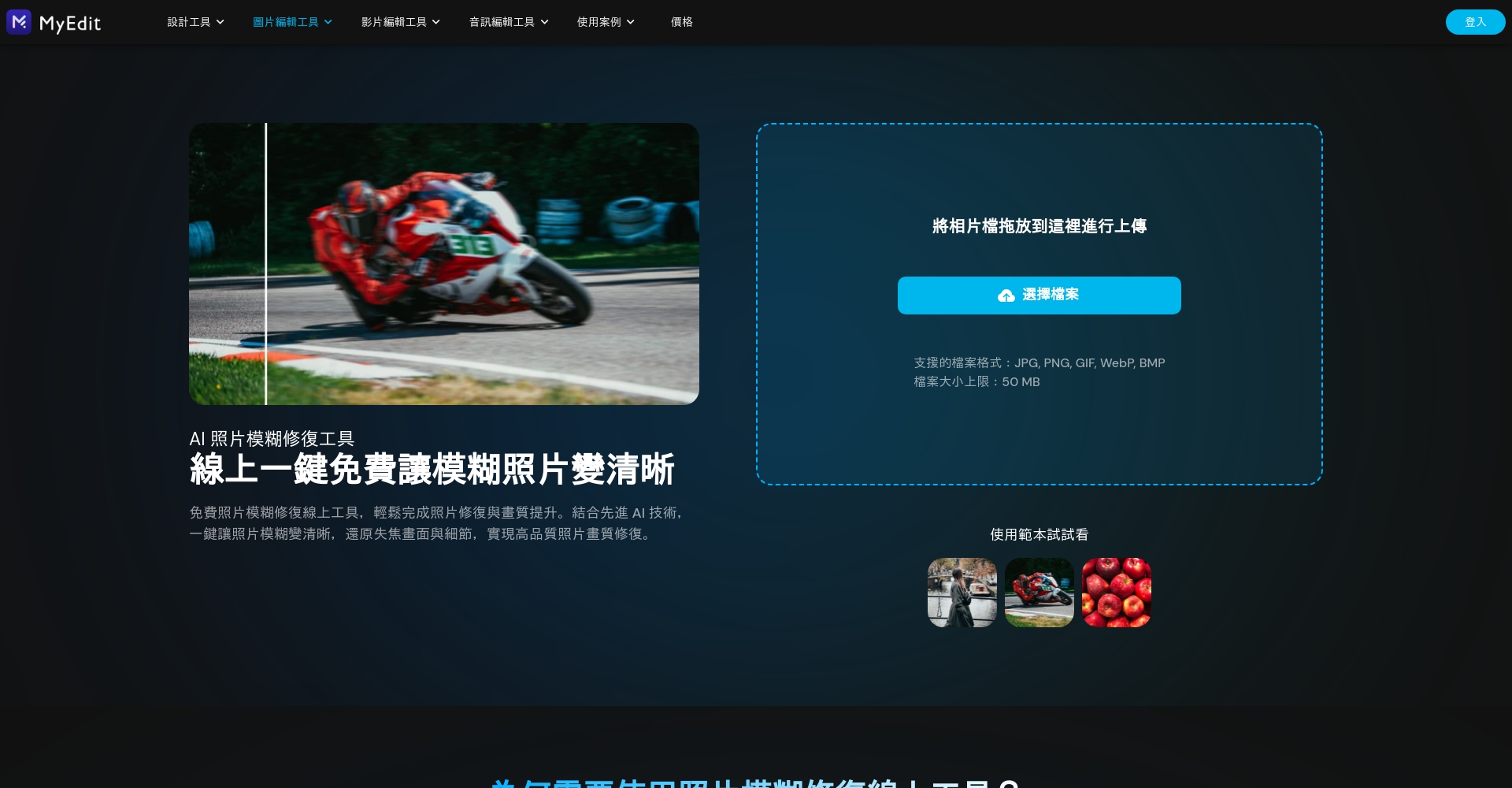
- Enter MyEdit Photo Blur Repair

Photo/Screenshot of MyEdit's official website - Upload blurry photos
- Automatic AI repair, adjustable intensity.
- One-click download after preview
Recommended for users who value simplicity and security.
PicWish – The most widely used AI-powered multi-functional photo restoration tool
PicWishIt integrates web, desktop, and mobile app platforms for highly efficient batch repair.Specialized face optimization to support the needs of photographers and designers.。
- Up to 100 photos can be processed at a time.
- Outstanding portrait restoration effect
- Basic functions are free; HD requires payment.
- Multi-format storage, versatile and practical.
How to use:
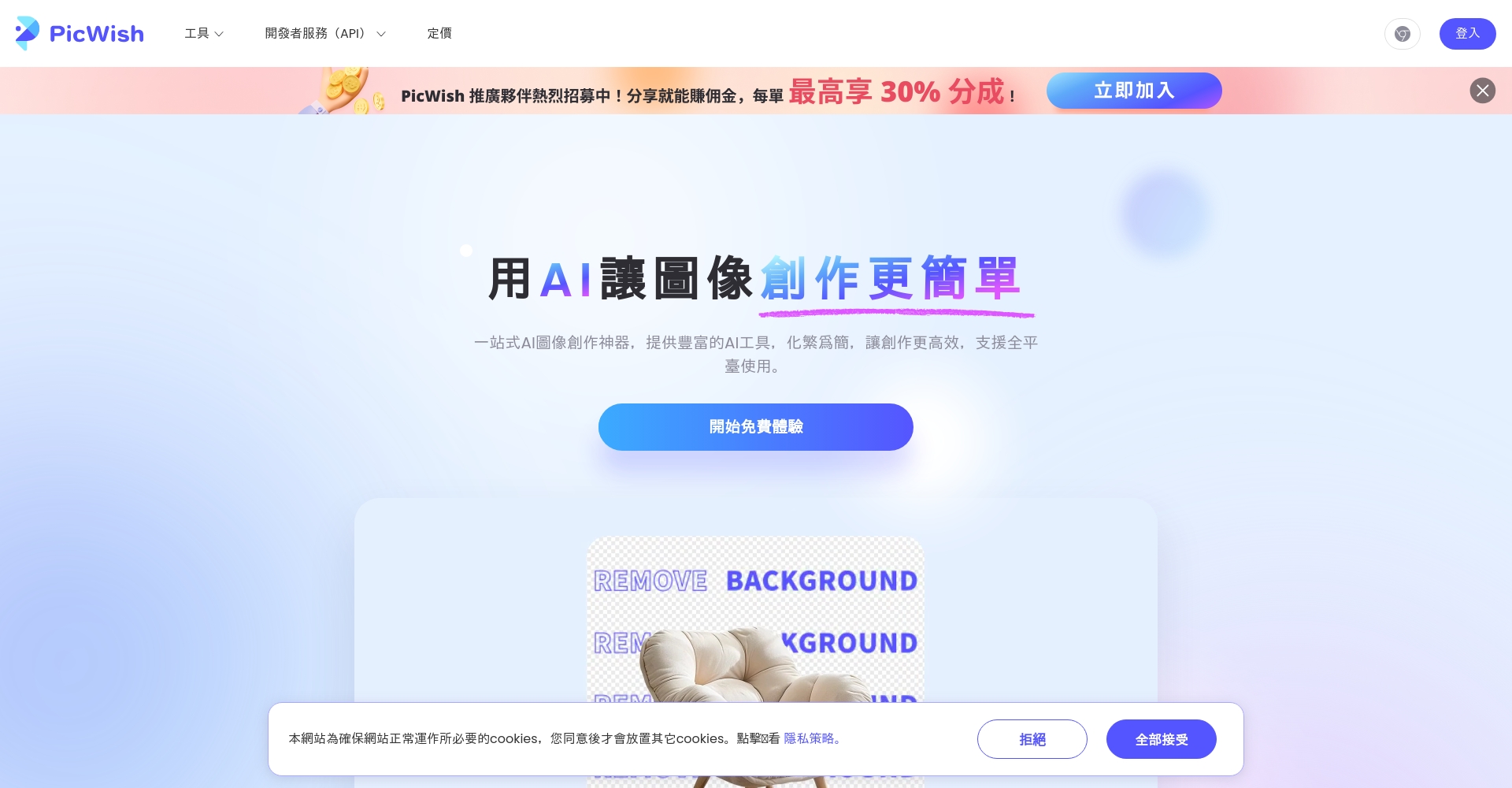
- Enter PicWish Official Website
Photo/Screenshot of PicWish official website - Upload (batch) photos
- One-click AI image quality restoration
- Preview and download high-resolution photos (paid version offers ultra-high definition).
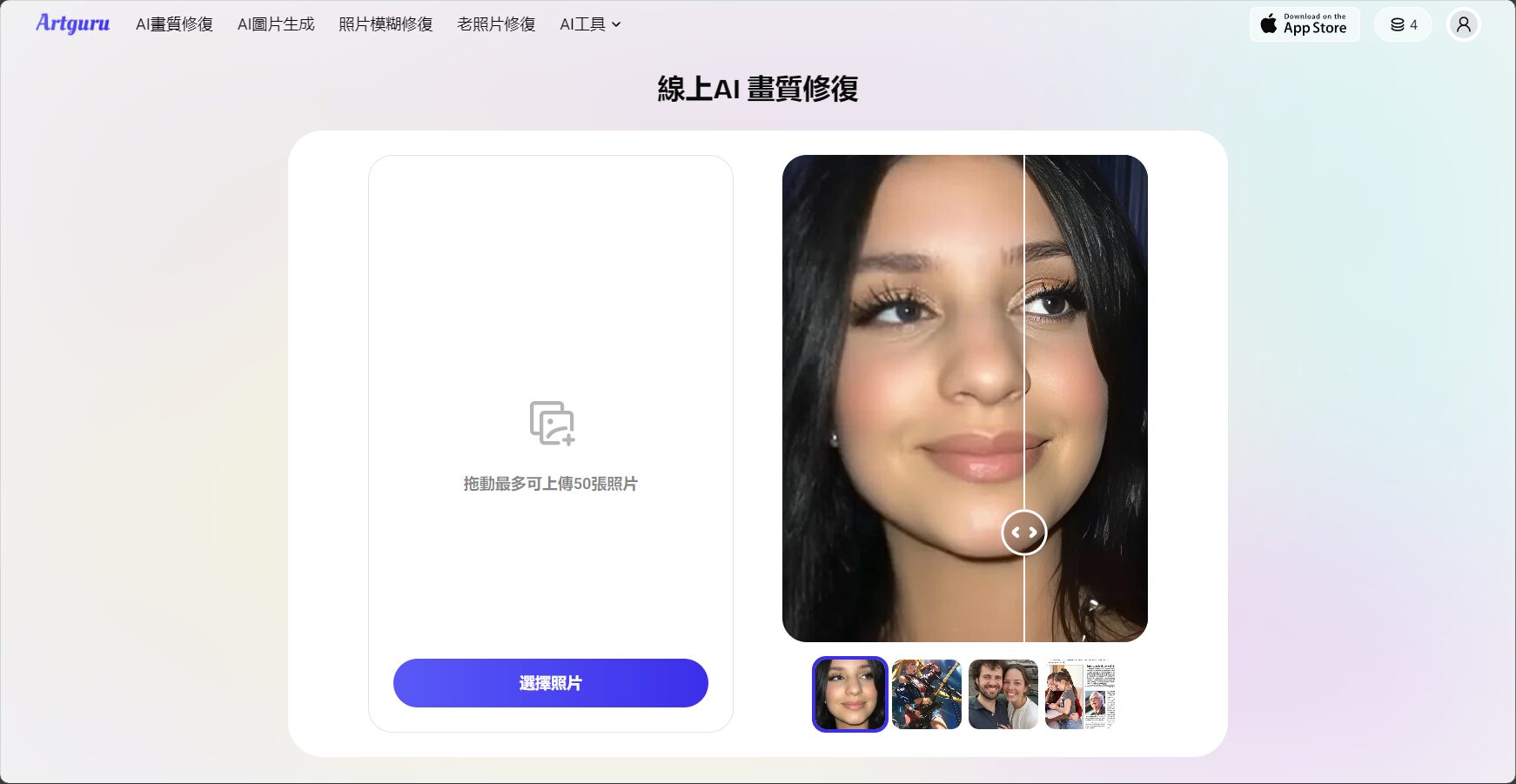
Artguru – Download-free, instant AI photo blur repair
ArtguruNo registration required, super easy to use, perfect for quick, temporary needs.
- No account required, can be completed in three steps.
- Free quota resets daily.
- Suitable for restoring photos with a clear subject and outline.
Operational instructions:
- Open Artguru page repair
- Automatic photo repair upon upload
- One-click free download (WebP format)

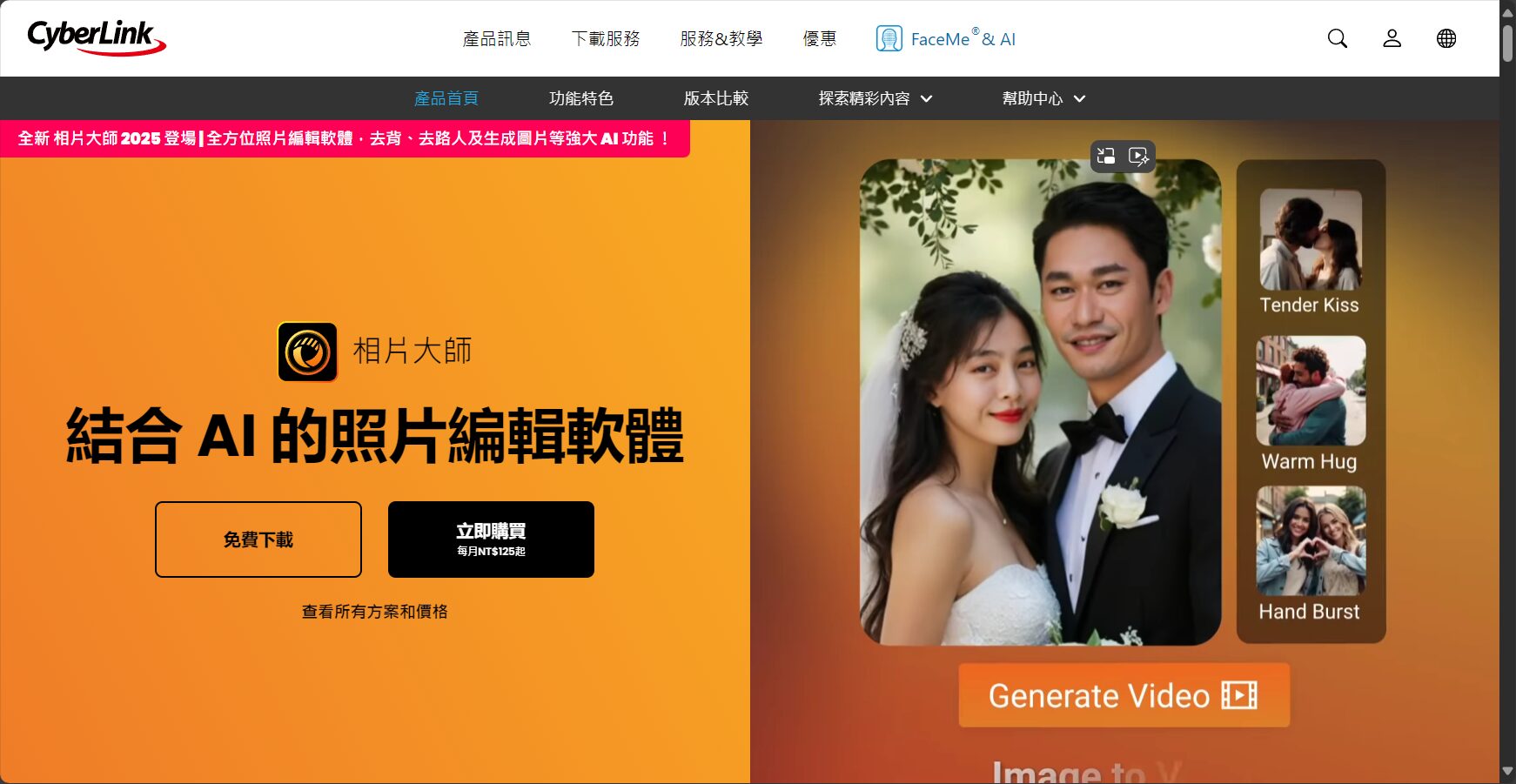
PhotoDirector – A Professional Desktop Restoration Solution
Photo MasterBesides removing blur, it also offers complete photo editing, filtering, noise reduction, and lossless zoom—a professional desktop tool in one.
- Supports batch photo management
- AI-powered deblurring, RAW batch processing, and skin texture and color editing.
- Suitable for advanced post-production users
Basic operations:
- Download Photo Masterinstall
- Select "AI Repair" > "Image Quality Restoration" / "Deblur"
- Upload photos and adjust repair intensity
- Save high-definition, clear images
Remini – Your Top Choice for AI-Powered Phone Repair Apps
ReminiWith millions of downloads on mobile phones, it supports instant photo editing and excellent restoration of old photos and blurry portraits.
- Both iOS and Android versions are compatible and can be repaired as needed.
- AI-powered blur restoration, color enhancement, and before-and-after comparison make it crystal clear.
- The free version has a daily limit and requires a paid subscription for an advanced version.
Operating procedures:
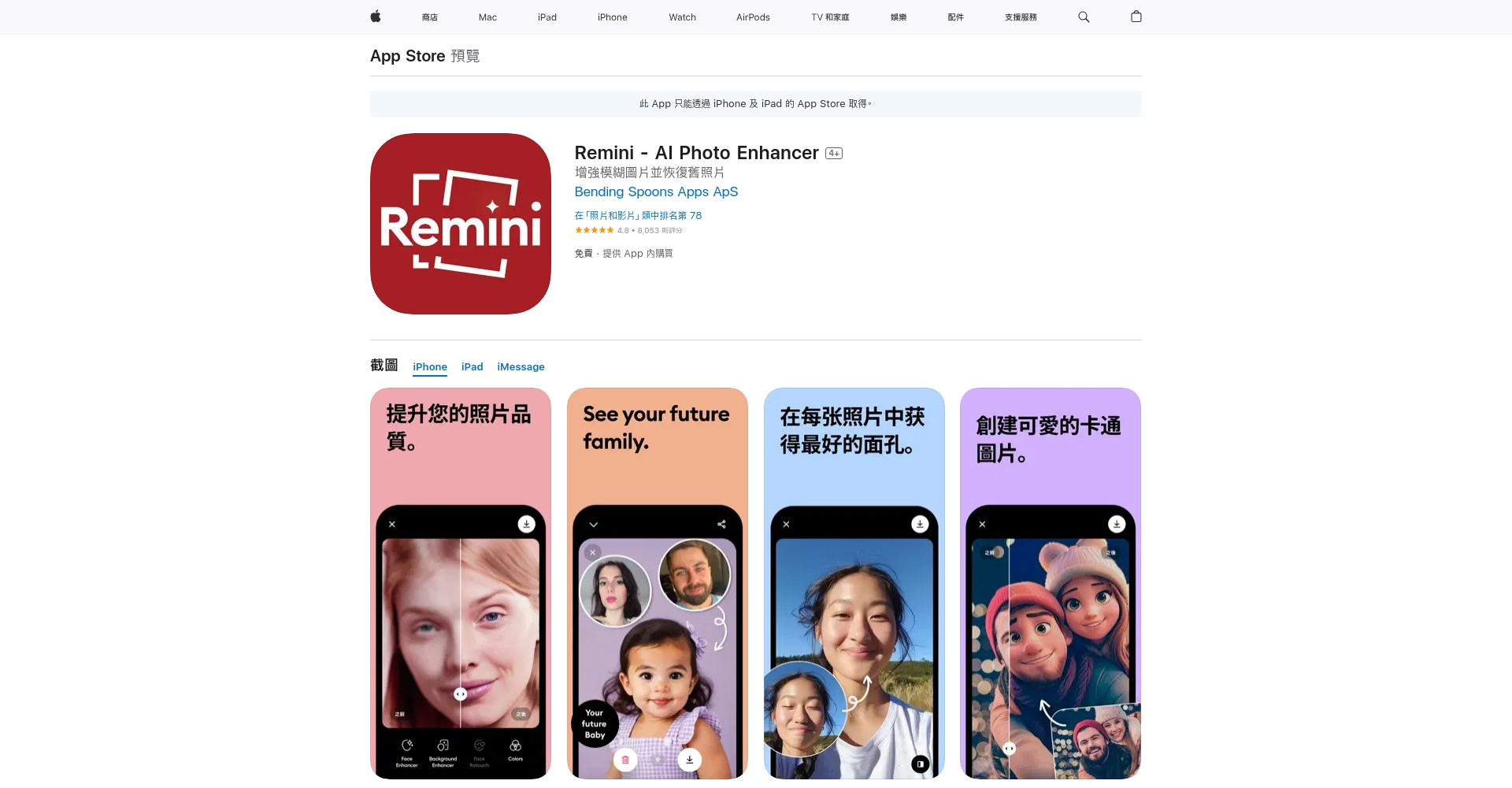
- Download iOS 或 Android
Photo/Remini App Store page screenshot - Upload blurry photos
- Select "Enhance" and wait for automatic repair.
- Preview and save high-resolution photos
Common types of blurred photos and their corresponding AI repair methods
| Reasons for blurry photos | AI tools for solutions | Is it recommended? |
|---|---|---|
| Hand tremor or blurry movement | MyEdit / Remini | ★★★★★ |
| Old photos have low image quality/yellowing. | MyEdit / PicWish | ★★★★★ |
| Noise particle weight | MyEdit / Photo Master | ★★★★★ |
| Insufficient resolution, pixelation | MyEdit / Artguru | ★★★★☆ |
| Instant repair via app (using phone photos) | Remini | ★★★★★ |
| Large batches of professional needs | PicWish / Photo Master | ★★★★★ |
AI Photo Restoration Q&A
Q1. What is the principle behind this?
AI deep learning modelIt automatically analyzes blurry areas in photos, compares them with source materials to fill in details, and restores a clear image.
Q2. Why is AI superior to traditional sharpening?
AI can understand content and naturally fill in details, while traditional methods only provide monotonous enhancements that lack naturalness.
Q3. Website privacy protection?
Apps like MyEdit and PicWish use encrypted communication.24-hour automatic deletion of uploaded photosChoosing a well-known manufacturer gives you more peace of mind.
Q4. Which file types are supported?
JPG/JPEG, PNG, WebP (some RAW is supported);It can process portraits, landscapes, old negatives, and scanned documents.。
Online AI Photo Retouching Tutorial (Using MyEdit as an Example)
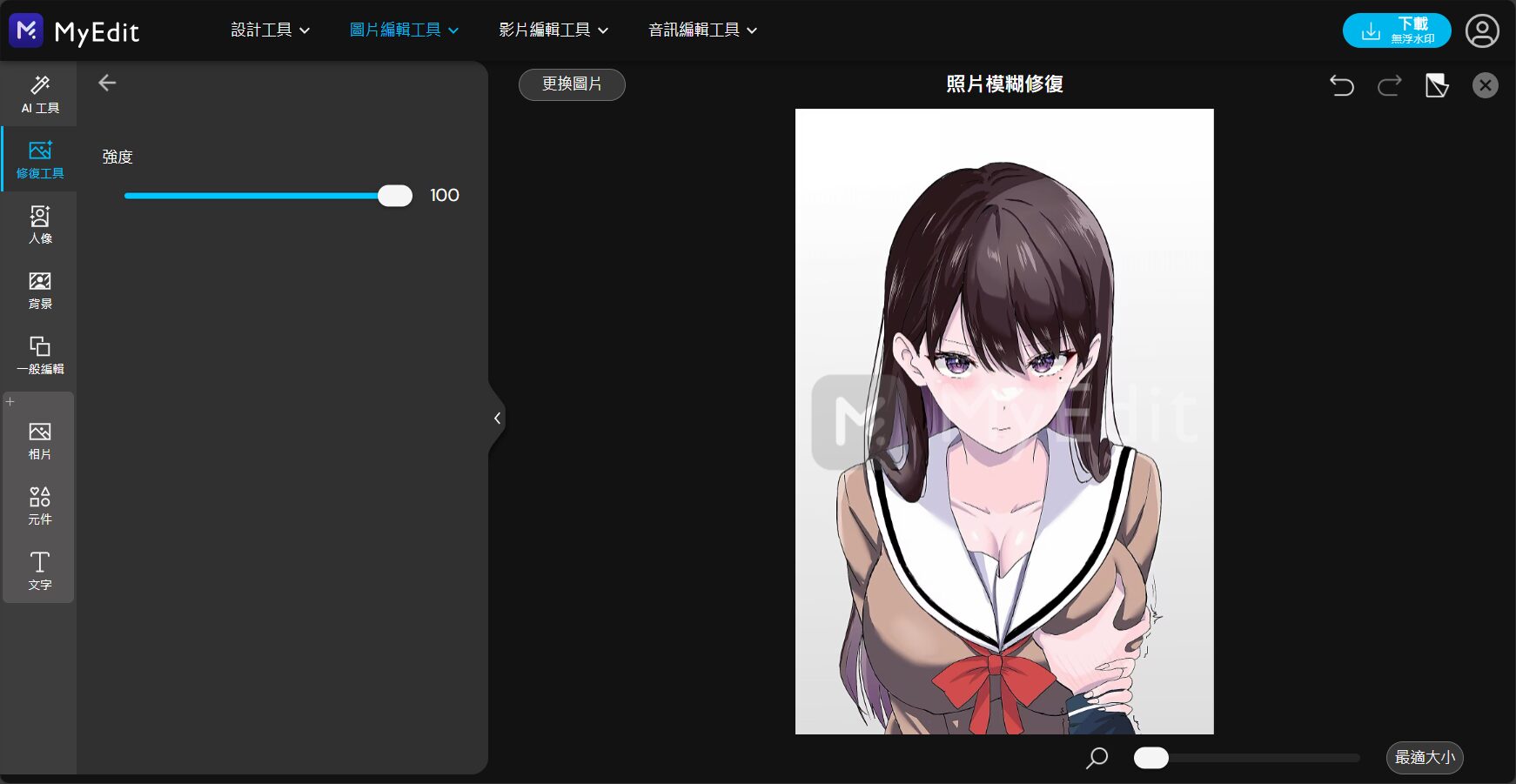
- Go to MyEdit Photo Deblurring
- Upload the photo and select "Deblur".
- AI automatically improves clarity.
- Adjust the strength slider to preview the best effect.
- Download high-resolution repair file
- For further noise reduction and amplification, you can try using other products or tools from their brand.
Shaky photos, old photos, low-resolution photos, and blurry images can all be recovered with a single click! Try comparing several tools to find the most suitable restoration solution for you.
How to avoid taking blurry photos? (Expert advice)
- Increase shutter speed to reduce camera shake.
- Use a tripod and stabilizer for assistance.
- Sufficient light reduces noise
- Manual focus, focus on the subject
- Take multiple shots in quick succession and select the clearest one.
- Develop the habit of saving RAW files to facilitate post-production recovery in AI.
In the era of information explosion,Blurry photos are no longer a regret.As long as you choose the right AI tool, whether for home life or professional photography,All of these can make a blurry image look brand new.Experience these hottest AI photo restoration tools now!Easily recreate every precious moment of your life!
© Copyright notes
The copyright of the article belongs to the author, please do not reprint without permission.
Related posts


No comments...
