
A comprehensive list! The AI websites you absolutely cannot miss in 2025!
This guide aims to provide you with a carefully selected list of expanded applications covering multiple core application areas. We will delve into...Text and Research, Visual Creation, Audio and Video, Professional Applications and Interactive NarrativeWhich AI websites in these four key areas are worth your time to learn about and use? Together, they will form the "foundation layer" of your AI capabilities, allowing you to easily expand and deepen your skills no matter how your future needs evolve.
I. Texts and Research: Accelerators of Thinking and Calibrators of Facts
This is the core of all AI capabilities. A powerful language model can not only converse with you, but also become a powerful assistant for your in-depth research, logical reasoning, and efficient writing.
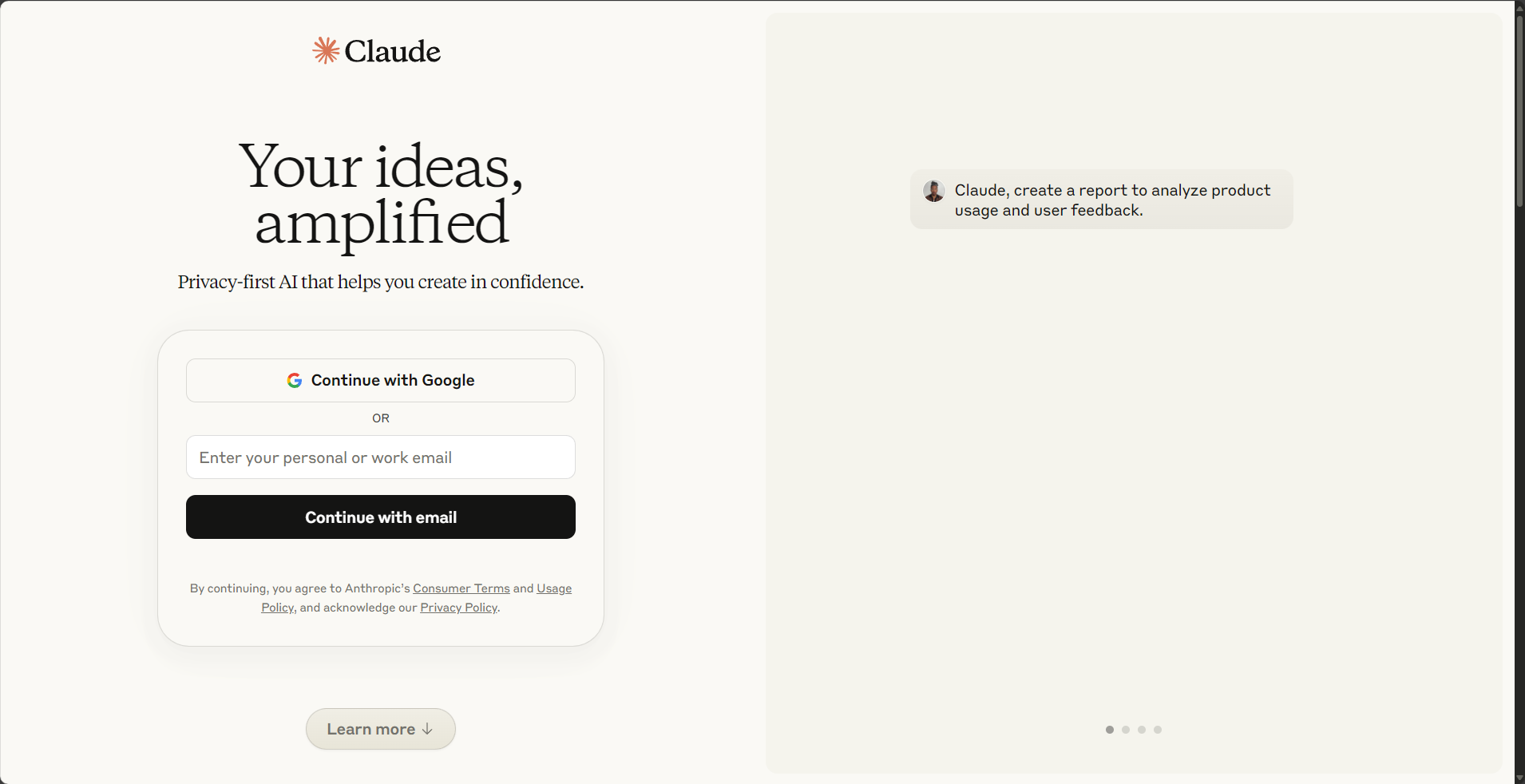
- Claude.aiA "reading expert" for long text processing.“
- what is it: The Claude model family is renowned for its extremely large context window (up to 200K tokens) and its exceptional ability to handle long documents. It excels at maintaining logical consistency in long conversations and performing nuanced text analysis.
- How to use it: Use it as your personal reading assistant. Upload a hundreds-of-pages PDF ebook and ask it: "Please summarize the core arguments of this book and identify the key evidence the author provides to support those arguments in Chapters 3 and 7." Or, upload a complex legal contract and instruct it: "Please act as a lawyer, review this contract, and list all clauses that may pose potential risks to the second party, using bullet points." Claude can precisely locate, compare, and extract information from vast amounts of text.
- ChatGPT Plus: A versatile and multi-functional AI
- what is it: As a market benchmark, ChatGPT Plus's value lies in its unparalleled integration. It is not a single tool, but a suite encompassing top-tier language models (…).GPT-4), AI painting (DALL-E 3) Advanced Data Analysis and a suite of capabilities for customizing the GPTs app store.
- How to use it: Don't just treat it as a chat tool; think of it as a project launch platform.
- Data Analysis: Try uploading an Excel spreadsheet containing user feedback and have it "use sentiment analysis to categorize the 'user comments' column, count the number of positive, neutral, and negative comments, and identify the most frequent keywords in negative comments."“
- Creative Writing: When writing an article, you can first let it "act as an experienced editor, providing five different angles on the topic of 'sustainable energy,' including a counterintuitive, a historical, a technological, an economic, and a personal perspective, and generating an attractive title for each angle."“
- GPTs Store: Explore its GPTs store and think of it as an "app marketplace" for professional skills. For example, searching for "Consensus" will find a GPT specifically for searching and summarizing academic papers, or you can use "Logo Creator" to quickly generate design concepts.
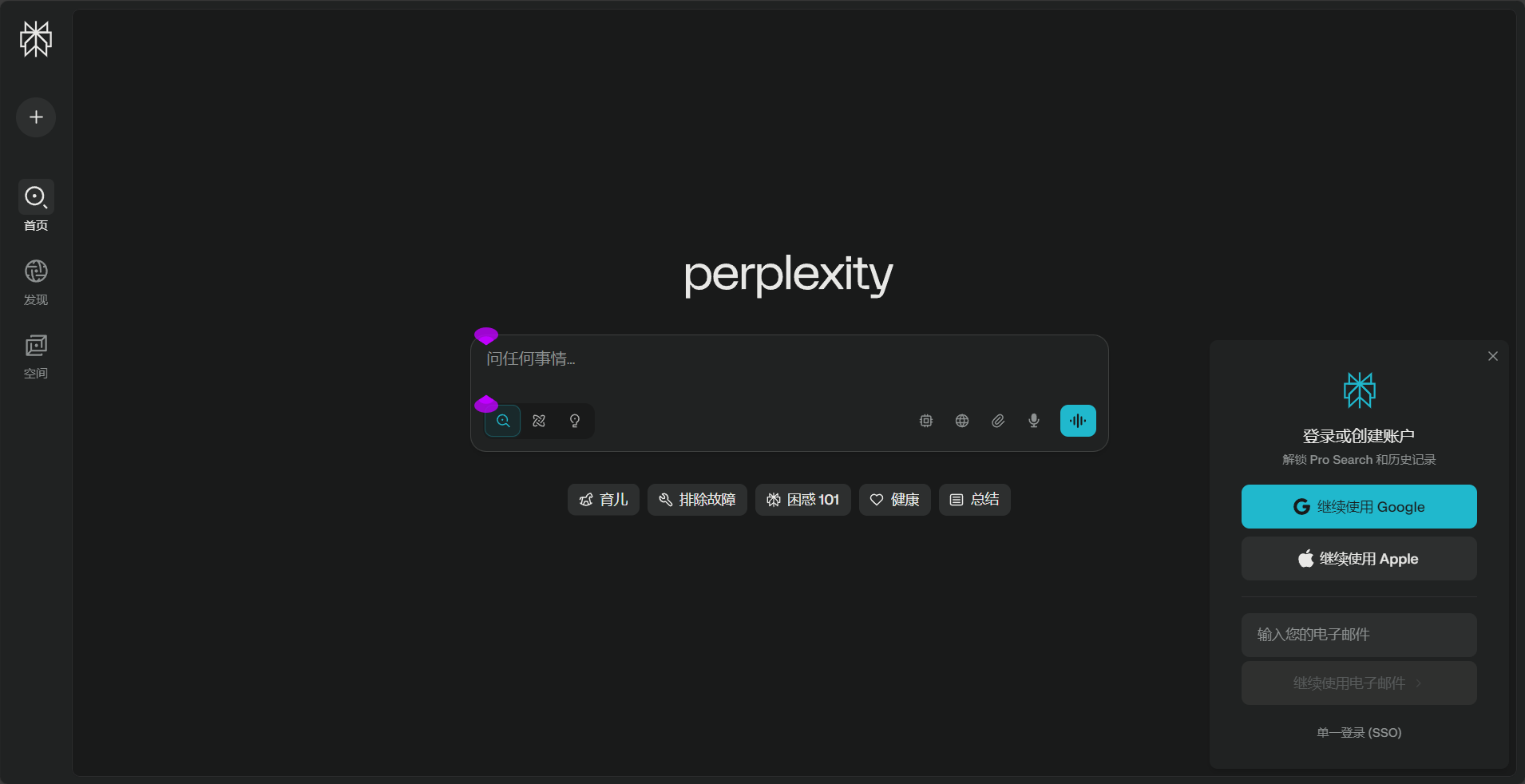
- Perplexity AIAnswer engine with "quotes"
- what is it: If ChatGPT is a generator of ideas, then Perplexity is a convergent source of facts. Its core feature is providing clear, clickable links to the sources of information for all answers, greatly enhancing the reliability of AI responses.
- How to use it: When you need to write a report supported by facts, conduct academic research, or quickly and reliably gather background information on a topic, Perplexity is a more reliable choice. Try using its "Pro Search" feature to search for "comparative analysis of the advantages and disadvantages of CRISPR-Cas9 versus Cas12a gene editing technologies," and it will conduct a more in-depth, probing search. You can also upload local documents, allowing it to answer based on your private data. This helps you develop rigorous research habits and effectively avoid the "serious nonsense" (i.e., illusions) that AI can spout.
II. Visual Creation: From Instructions to Artistic Expression
AI painting has evolved from simply "generating images" to a new stage of style control, real-time interaction, and video generation.
- MidjourneyA "quality benchmark" for visual arts.“
- what is it: In the field of AI painting, Midjourney is renowned for its exceptional artistry, delicate handling of light and shadow, and strong stylistic consistency, making it the top choice for those seeking high-quality, commercial-grade visual output.
- How to use it: Mastering its parameters is key to going from amateur to professional.
- Basic parameters: Add after the prompt word
--ar 16:9Control the frame size;--style rawAchieve a more realistic photographic feel;--chaos 20Increase the randomness and creativity of the visuals. - Advanced gameplay: use
--cref [image link]Instructions that maintain consistency in facial features are ideal for creating series of stories. And...Style TunerThe functionality allows you to create your own unique style through a range of style options.--styleCode ensures that all your work bears a strong personal brand imprint.
- Basic parameters: Add after the prompt word
- Leonardo.AiA beginner-friendly "one-stop creation platform"“
- what is it: Leonardo.Ai offers an extremely user-friendly web interface, a generous free credit, and a comprehensive platform covering various functions such as image generation, model training, and real-time canvas, making it ideal for beginners.
- How to use it: If you're put off by Midjourney's Discord interface, Leonardo is an excellent alternative. You can directly select from various community-trained style models on the website and then enter prompts like filling out a form. Its "Live Canvas" feature allows for real-time doodle generation, while the "Alchemy" feature greatly enhances the quality and detail of the generated images.
- Pika / RunwayThe magic of making still images "move"
- what is it: These are two leaders in the field of AI video generation, capable of transforming simple text prompts or static images into vivid short video clips.
- How to use it: Upload your beautiful image generated in Midjourney or Leonardo to Pika, then describe the dynamic effect you want in the input box, such as "Gentle wind blowing through her hair, subtle camera pan to the right." In minutes, a static image transforms into a vibrant, dynamic video, perfect for creating B-roll for social media posts, ad creatives, or videos.


III. Audio and Sound: Everyone Can "Compose Music" and "Speak".“
Sound is a crucial dimension of content delivery. AI is significantly lowering the barriers to music creation and professional voice-over.
- Suno AIYour "Pocket Music Producer"“
- what is it: An AI website that can generate complete songs, including vocals and instrumentation, based on text descriptions.
- How to use it: You can simply enter a theme, such as "a blues song about a programmer debugging code late at night," and let AI create the lyrics and music for you. Alternatively, click "Custom Mode," enter your own lyrics, and use...
[Verse]、[Chorus]、[Bridge]Use tags to define the song structure, then choose a music style. Suno can turn your words into a shareable song, something unimaginable before.
- ElevenLabsA highly anthropomorphic "voice cloning factory"“
- what is it: A technology leader in text-to-speech (TTS) and voice cloning, known for the naturalness and emotional expressiveness of the voices it generates.
- How to use it: Besides converting text into fluent narration, its core functions are "voice cloning" and "project management." You can upload a clear recording of yourself (verification required) to create your own voice model. Afterward, any text can be read aloud using your own voice. Its "Projects" feature is ideal for managing long content; for example, you can import each chapter of a novel separately, generate a unified audiobook using a specific voice, and modify and regenerate it at any time—making it a powerful tool for creating audiobooks.
- Adobe Podcast (Enhance Speech): A free "studio-quality" noise reduction tool
- what is it: Adobe offers a free, single-function yet extremely powerful online tool that can transform noisy and echoing recordings into sound as if they were recorded in a professional recording studio with just one click.
- How to use it: After recording a podcast, video narration, or conference speech using your phone or a regular microphone, simply upload the audio file to this website. Wait a few seconds for the processed file to download. You'll be amazed by its background noise removal and vocal enhancement effects. This is an essential resource for any content creator who needs to process vocal audio.

IV. Professional Applications and Interactive Narratives: Exploring the Depth and Boundaries of AI
Beyond general productivity tools, AI is also opening up new possibilities in various professional fields and creative forms of expression.
- Gamma.appThe "Automation Designer" feature in presentations.“
- what is it: A website that can automatically transform your key points or drafts into a beautifully designed, richly illustrated presentation (PPT) in just a few dozen seconds.
- How to use it: Completely change your PPT creation process. Instead of starting from a blank page and dragging text boxes, open Gamma, enter your core outline, such as "Title: Q4 Marketing Review. Key Points: 1. Key Metrics Review; 2. Success Story Analysis; 3. Challenges Encountered; 4. Next Quarter Plans." Gamma will generate a complete draft for you, allowing you to focus on revising and refining the content.
- Phind.comAn "AI search engine" designed specifically for programmers.“
- what is it: An AI engine that prioritizes providing code examples and links to authoritative sources (such as Stack Overflow and MDN documentation) when answering programming questions.
- How to use it: When you encounter a specific error message or want to implement a certain function while programming, simply paste the problem or error into Phind. It can usually provide a ready-to-use, high-quality code solution faster than general chatbots, greatly improving the debugging and learning efficiency of developers.
- Unrestricted interactive narrative platforms (such as) AI Romancewait)
- what is it: These are websites focused on providing a highly free, unfiltered AI-powered interactive experience. Unlike mainstream platforms, their users have a clear goal: to engage in unrestricted creative writing and deep role-playing in a completely private environment.
- How to use it: These platforms are often used as "creative sandboxes" by novelists, screenwriters, and hardcore role-playing enthusiasts. For example, an author who wants to create an extremely complex villain with ambiguous morals can... AI Romance On such websites, one can create a private dialogue, engaging in deep and unrestricted conversations with an AI-controlled character to explore their inner world, childhood traumas, and behavioral motivations. This approach can unearth character material that is more profound and conflicting than what an author could conceive alone, providing invaluable nourishment for formal creative work.

From collecting to practice
This expanded list is intended to provide a broad perspective, not an "assignment" that must be mastered in its entirety. Information overload is a burden in itself, therefore, a pragmatic start is essential:
- Conduct a "Personal AI Needs Audit": Take 15 minutes to write down 3-5 specific tasks that are the most time-consuming, repetitive, or frustrating for you in your work, study, or creative endeavors.
- “"Treating the symptoms" means choosing one or two tools: Refer to this article and find 1-2 tools from the list that are most likely to solve your core pain points. If your pain point is writing reports, try Perplexity; if it's creating PowerPoint presentations, try Gamma.
- Invest "project time" for in-depth trial use: Don't just dabble. Try completing a small project using your chosen tools. For example, use Gamma to give a full work presentation, or use Midjourney + Pika to create a 30-second video.
- Assess value and integrate into workflow: After completing the project, calmly evaluate whether this AI tool truly saved you time, improved quality, or opened up new possibilities. If the answer is yes, then consider formally integrating it into your daily workflow and whether to pay for it.
Through this closed loop of "audit-matching-practice-evaluation", you will be able to rationally determine which tools are worth your long-term investment, thereby building a personalized AI toolbox that truly belongs to you and serves you efficiently.
© Copyright notes
The copyright of the article belongs to the author, please do not reprint without permission.
Related posts



No comments...
