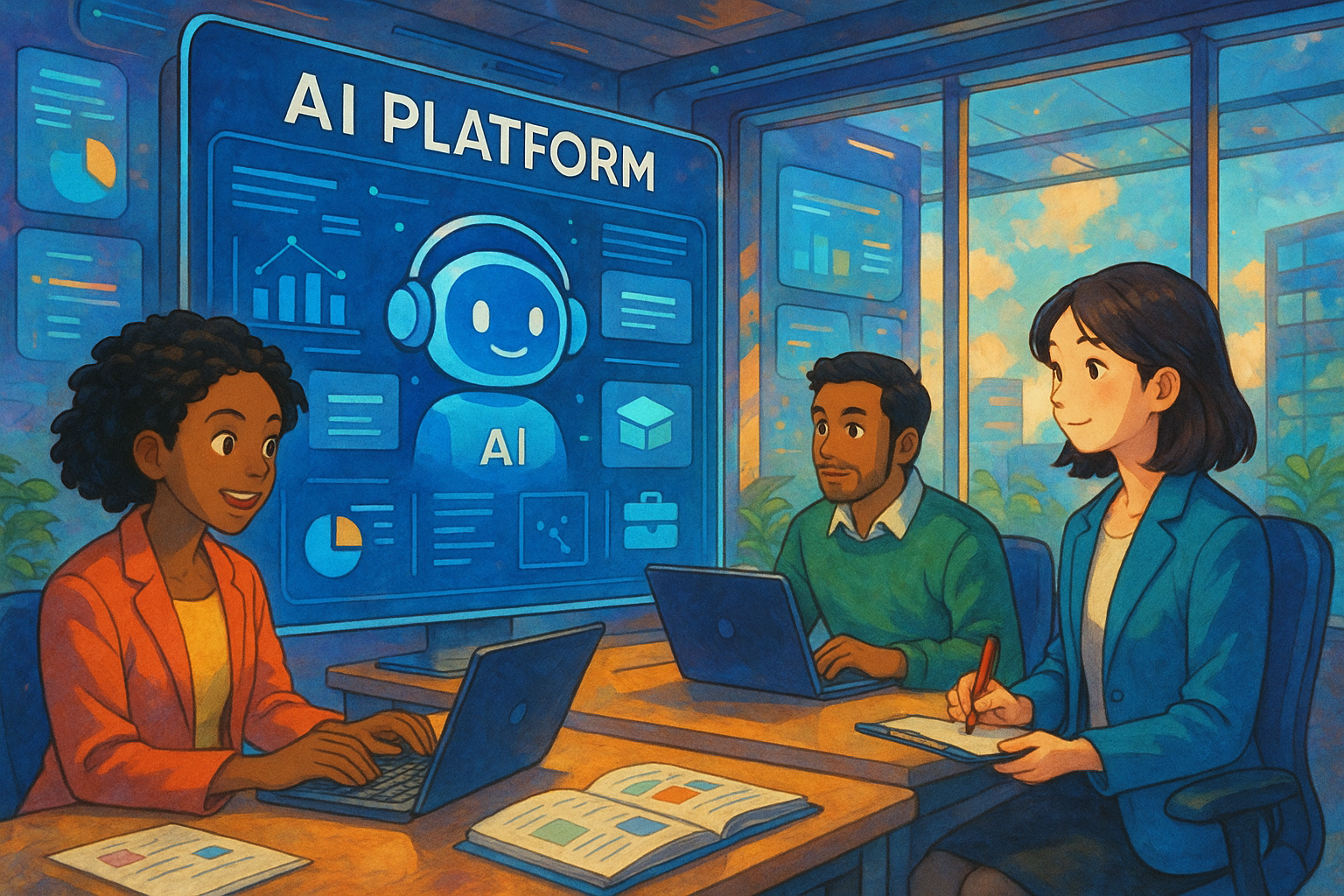
WebSim AI Introduction: How to easily create AI simulation applications? A brand new tool guide for developers and AI beginners.
WebSim AI is a low-barrier-to-entry AI tool for developers and AI beginners.AI simulation application development platformInteractive simulation tools can be generated by supporting natural language descriptions.The platform boasts diverse templates, WYSIWYG editing, real-time preview, and a rich community of case studies, making it widely applicable to scenarios such as teaching, corporate training, and innovative research and development. This article details the core features, usage methods, application targets, advantages, and limitations of WebSim AI, helping users get started efficiently and realize their creative ideas.

WebSim AI Introduction: How to easily create AI simulation applications with WebSim AI? A brand new tool guide suitable for developers and AI beginners.
With the continuous innovation and popularization of AI technology, developers and AI beginners have different perspectives.Low-barrier, easy-to-use, and highly efficient AI toolsDemand is growing. Recently, AI simulation platforms...websim aiOfficially launched, WebSim AI quickly became a hot topic in the tech community due to its "zero-code, natural language input-based AI simulation application building" feature. This article will comprehensively introduce WebSim AI's functions, usage process, applicable scenarios, advantages and limitations, helping developers and AI beginners quickly get started and efficiently develop their own intelligent simulation applications.
What is WebSim AI?
AI simulation track innovator
websim aiIt is an online AI simulation application development platform based on natural language processing and automated productivity enhancement. It can help non-programmers and developers...No deep coding background requiredUnder this premise, interactive AI applications and simulation environments can be generated with a single click based on text descriptions. Visit:websim.ai official website
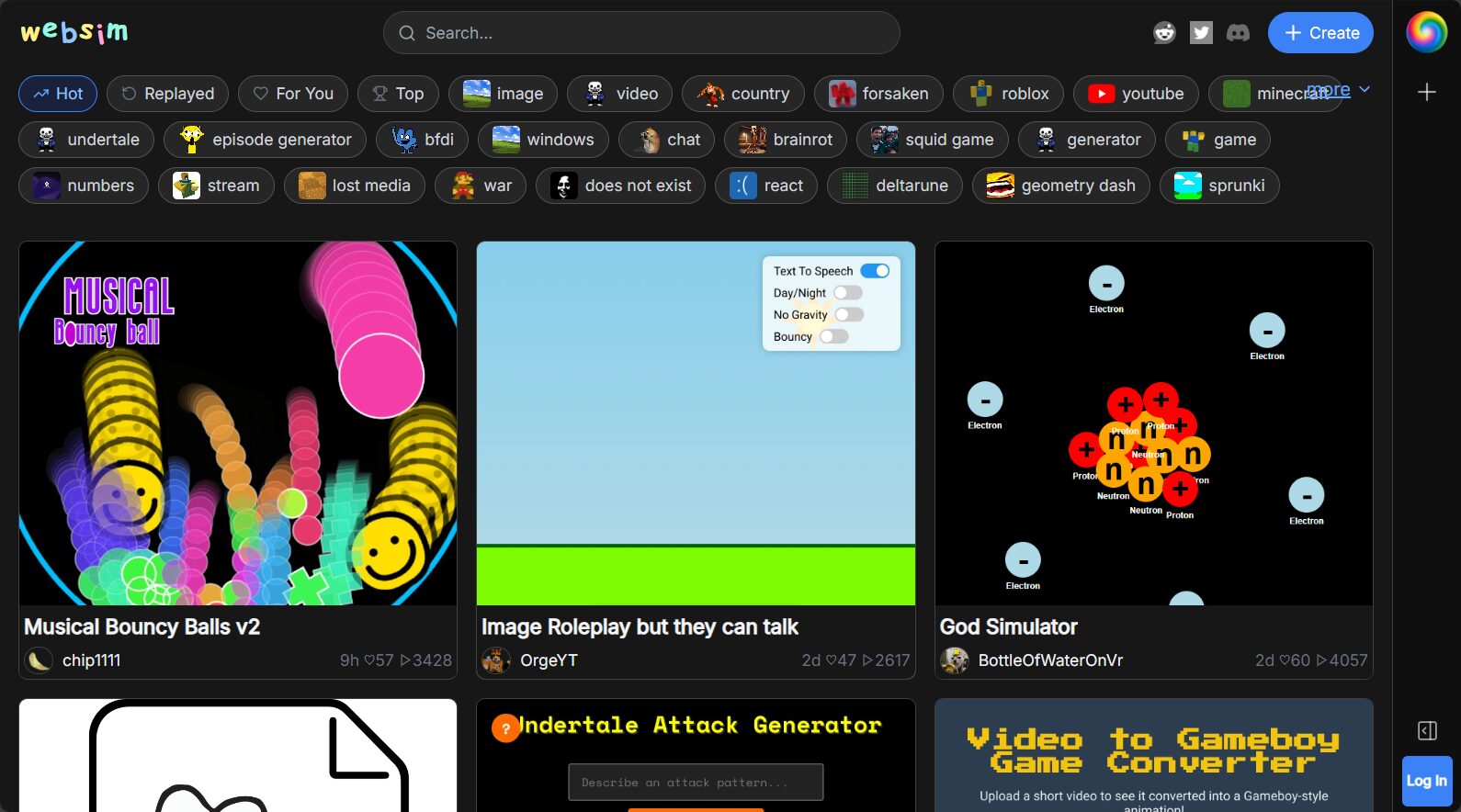
WebSim AI Core Functions Overview
| Function | illustrate | Suitable for |
|---|---|---|
| Natural Language Generation | Simply describe your needs to automatically create AI simulation applications and interactive environments. | Beginners, developers |
| Diverse templates | Abundant AI application, education, business, interactive simulation and other scenario templates | Teachers, businesses, and makers |
| Real-time visual editing | Supports online WYSIWYG page editing and feature customization. | Developers with UI requirements |
| Results preview | Quickly preview and publish simulation applications without local deployment. | All users |
| Community and Support | Built-in knowledge base, case sharing, and professional community support | Newcomers, corporate teams |

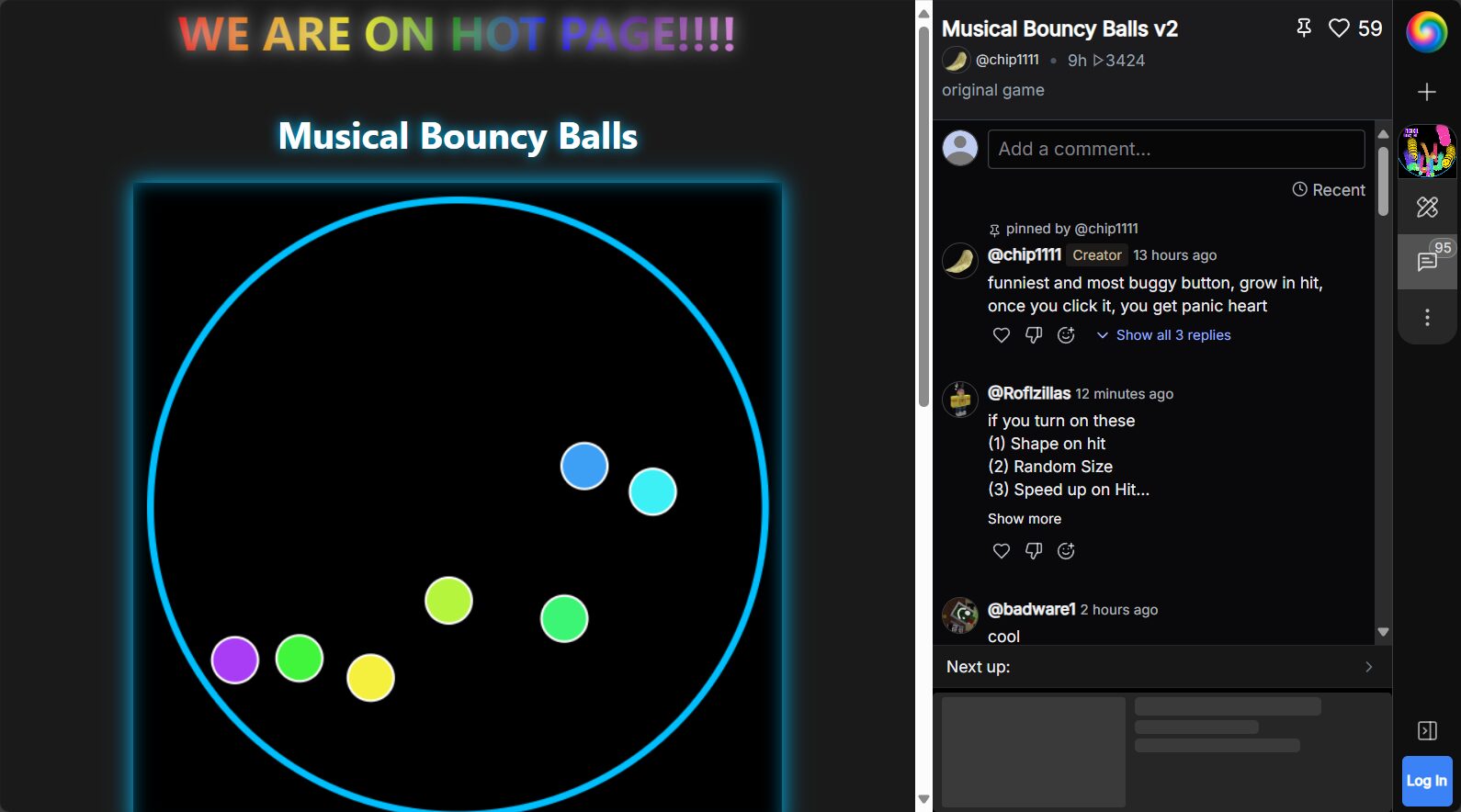
AI simulation application for natural language generation
WebSim AI's biggest highlightIt enables the development of AI simulation applications simply by using text descriptions. By simply entering a sentence like "create an interactive demonstration simulating the motion of the solar system" in the input box, the platform will automatically build a complete application for you, including physics simulation, interactive interface, and visualization animation.
Diverse and customizable simulation templates
The platform offers a wide range of built-in templates, covering various scenarios such as scientific experiments, mathematical and physical problem modeling, business process simulation, and educational interactions. Users can build upon the basic templates...Further personalizationIts visual style and functional flow are ideal for teaching demonstrations, innovative experiments, and corporate process training.
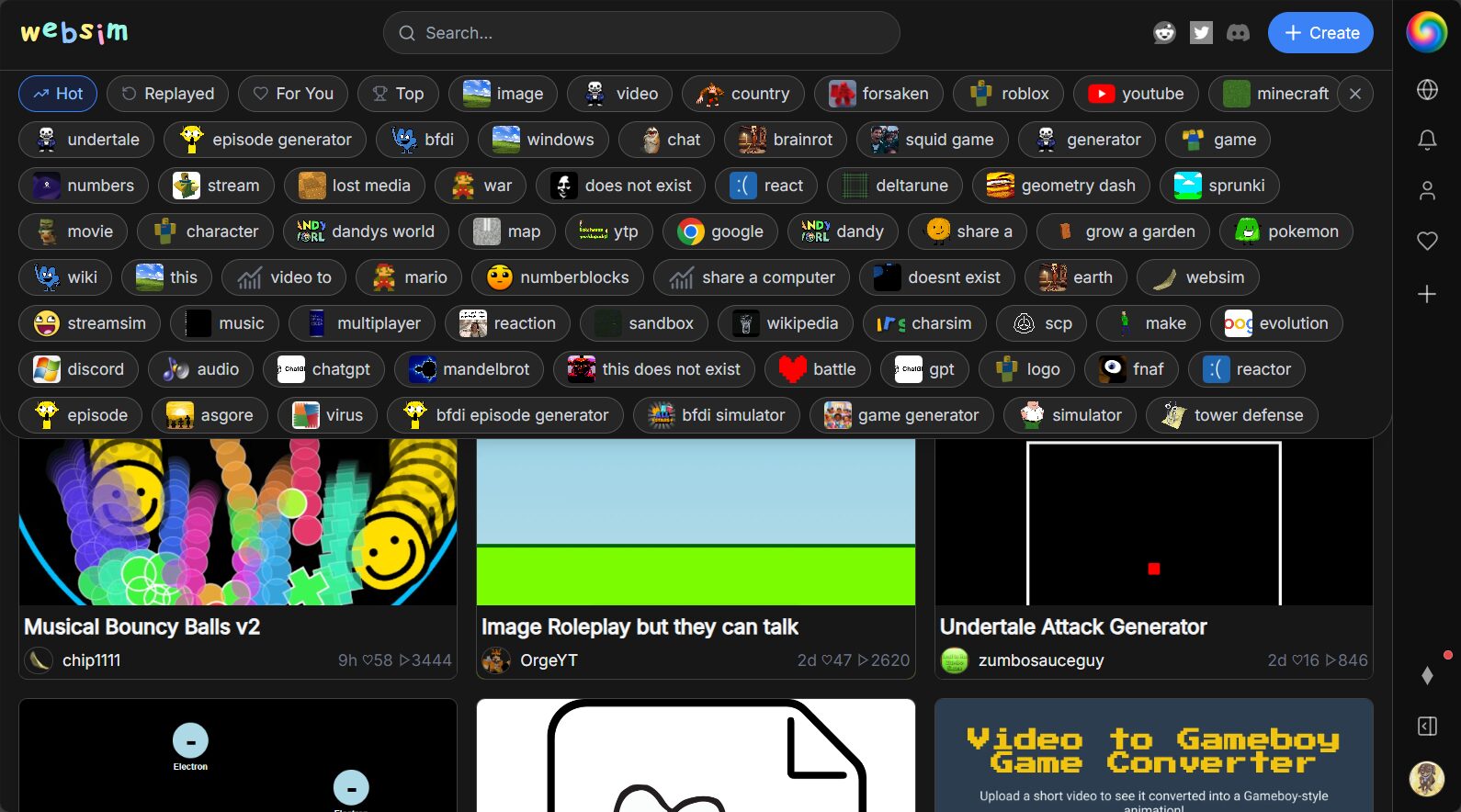
Real-time visual editing and collaboration
WebSim AI supportWYSIWYG online editingIt also allows team members to collaborate remotely. Whether it's adding new components, adjusting interaction logic, or previewing AI behavior and model results in real time, everything can be done with a single click on the web interface.
Instant preview and publishing
Once development is complete, there is no need for downloading, installing, or local deployment; it can be directly integrated into the platform.Preview and generate share linkYou can publish to the Websim AI platform or embed it into your own website with one click, making it easy to share and showcase quickly.
Enrich community support and case library
The platform has an active developer community,Detailed official tutorial documentationAnd a case library. Users can exchange simulation innovations, answer questions, and share advanced techniques, greatly reducing the learning curve.

How to create an AI simulation application using WebSim AI?
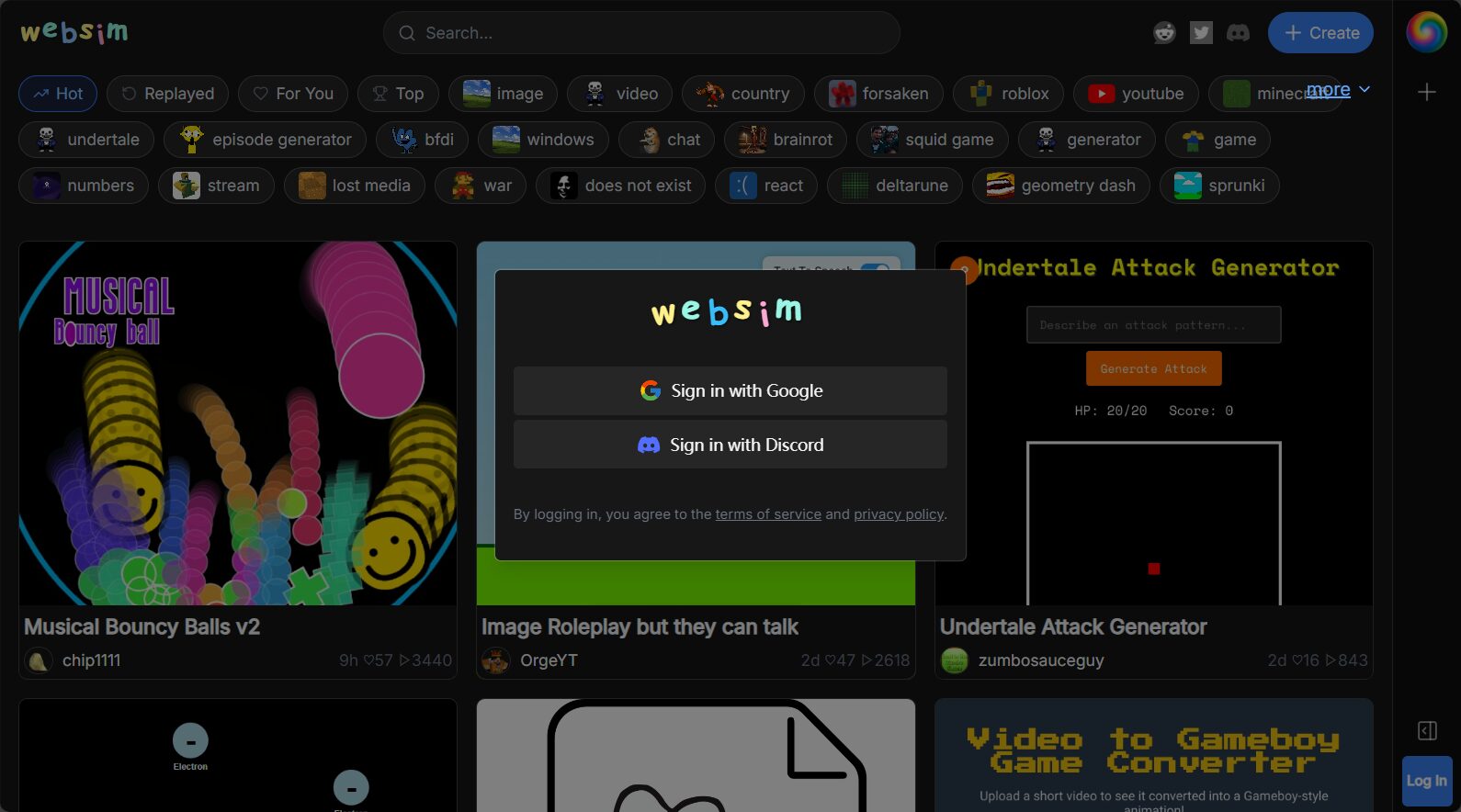
Step 1: Account Registration and Initial Setup
- accessWebSim AI Official Website
- Use an email address or a third-party account (such as Google).Quick registration and login
- Enter your personal dashboard to start a new project.
Step 2: Select or create a new simulation project
- Select templateThe platform offers a wealth of pre-set templates (such as mathematical simulations, interactive Q&A, and process logic demonstrations).
- Custom inputIf no suitable template is available, you can input your requirements (e.g., "Generate a graphical simulation of Earth's gravity based on Newton's laws of motion").
Step 3: Natural Language Interaction and Simulation Editing
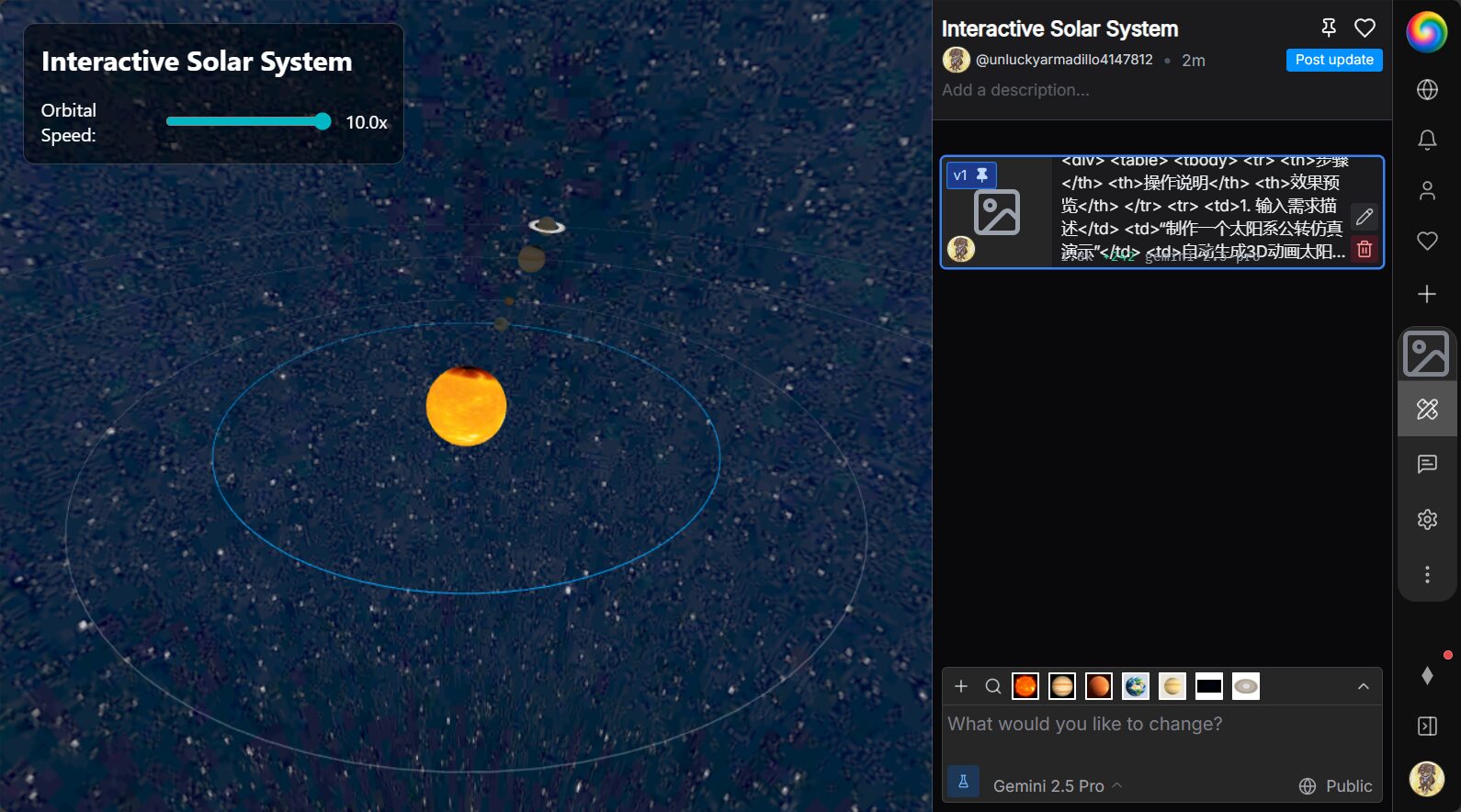
Simply describe your needs.The AI will automatically generate the core code, interface, and interaction logic. If you are not satisfied with the generated content, you can continue to "fine-tune" it using natural language, such as "change the background to a night sky," "add celestial body labels," or "add a speed adjustment slider."
| step | Operating Instructions | Preview |
|---|---|---|
| 1. Input requirement description | “"Create a simulation demonstration of the solar system's revolution around the sun."” | Automatically generate 3D animation of the solar system |
| 2. Customization of interactive elements | “Add a user-controlled slider to adjust the revolution speed.” | Adjustment tools appear on the page |
| 3. Results Preview and Improvements | “"To make the Earth display its orbital trajectory."” | Display dynamic track |
Step 4: One-click preview and publishing
Platform supportOne-click previewNo need to wait, simply click "Preview" to simulate the AI simulation results locally. Once satisfied, click "Publish" to generate a unique sharing link or embed code.
WebSim AI Application Scenarios and User Targets
Education and Training
Teachers and educational techniciansWebsim AI can be used to easily create scientific experiment simulations and interactive demonstrations for STEAM courses, enabling remote "virtual experiments." Pre-set parameters and interactive demonstrations greatly enhance student interest.
Innovation and R&D and Prototype Verification
Developers and Innovation TeamsWebsim AI can be used to quickly generate and iterate AI prototypes.Significantly reduce code implementation and testing cyclesThey will focus more on innovative features and model optimization.
Corporate training and process demonstration
Business and enterprise usersWebsim AI can be used to customize simulation platforms for production processes, team collaboration, customer service, etc., for new employee training, business process optimization, and customer demonstration.
AI beginners and individual developers
No programming experience required, supportsPersonal interest project developmentAI learning course design and knowledge visualization lower the barrier to AI learning.
WebSim AI Product Advantages and Limitations
| Advantages | limitation |
|---|---|
| No coding required, just text-based interaction – extremely low barrier to entry. | Highly complex customization requires professional development. |
| Online visualization and real-time preview, no local deployment environment required. | Relying on platform cloud services |
| Rich templates and knowledge base, active community collaboration | The free version has limited features. |
| Suitable for various scenarios including teaching, innovation, and corporate training. | Currently, the advanced API is only partially available. |
Suitable candidates and future prospects
Websim AI is particularly suitableDeveloper prototyping, educational technology, enterprise innovation, and AI beginner educationIts "natural language programming" has enormous future potential and is expected to become a crucial infrastructure for AI simulation and even low-code/no-code development. The platform is continuously upgrading its capabilities, including AI model openness, dataset customization, and cross-modal simulation, and looks forward to further breakthroughs.
As the barriers to AI development continue to lower, WebSim AI opens a door for developers and AI beginners to explore intelligent simulation and creative realization. Whether you want to improve work efficiency, stimulate student interest, or accelerate the pace of innovation and iteration, this next-generation AI simulation tool is worth trying. VisitWebSim AI Official WebsiteStart your journey of creating AI simulation applications!
© Copyright notes
The copyright of the article belongs to the author, please do not reprint without permission.
Related posts


No comments...
