
Adobe Podcast

2周前更新 8 00

Adobe Podcast is an AI cloud audio tool launched by Adobe that allows podcasters, YouTubers, online teachers, and other users to easily achieve professional studio-qualit...

收录时间:
2025-11-27
Adobe PodcastAdobe Podcast

Adobe Podcast is an AI cloud audio tool launched by Adobe that allows podcasters, YouTubers, online teachers, and other users to easily achieve professional studio-quality sound quality without expensive equipment. Its AI-enhanced noise reduction, text editing, multi-person remote collaboration, and cloud web editing features greatly simplify the audio content production process, with a very low barrier to entry, making it highly attractive to both individual and team creators. The paid version also supports video processing and more batch functions, making it an ideal choice for modern content creators to improve sound quality and efficiency.

Under the wave of content in the digital age, the demand for high-quality audio creation continues to rise.
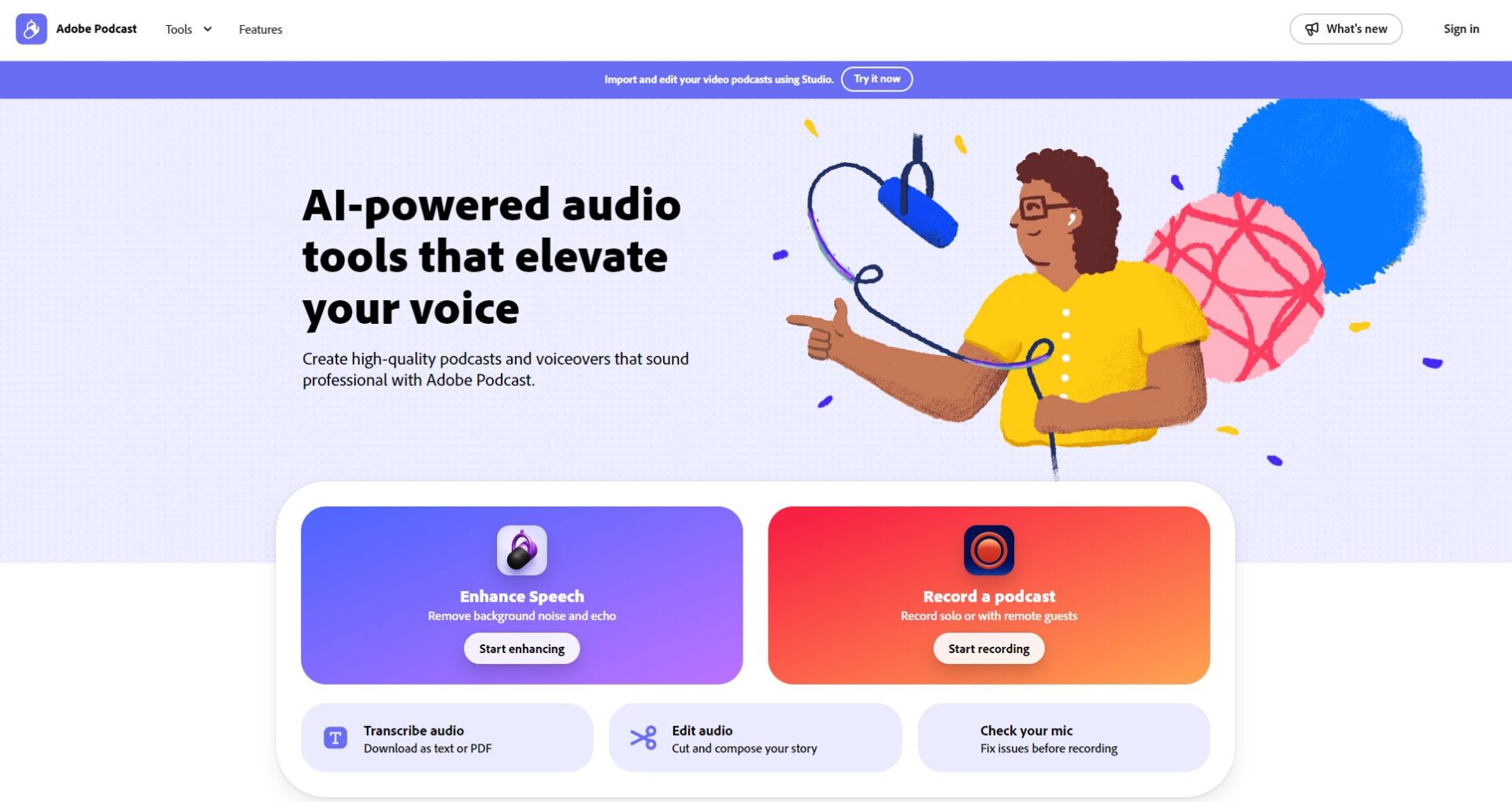
Screenshot of the Adobe Podcast official website homepage
Photo/Screenshot of the Adobe Podcast official website homepage

Whether it’s a podcast, YouTube channel, online course, or business presentation, professional, clear, post-production sound quality is becoming increasingly important. Adobe Podcastis anAI audio tool tailored for content creators, using AI technology to achieve one-stop recording, noise reduction, enhancement, and editing, improving sound quality efficiency and lowering the barrier to beginners.

Key features of Adobe Podcasts

Official Website

Adobe Podcasts supports audio and video processing, and its core AI features include:
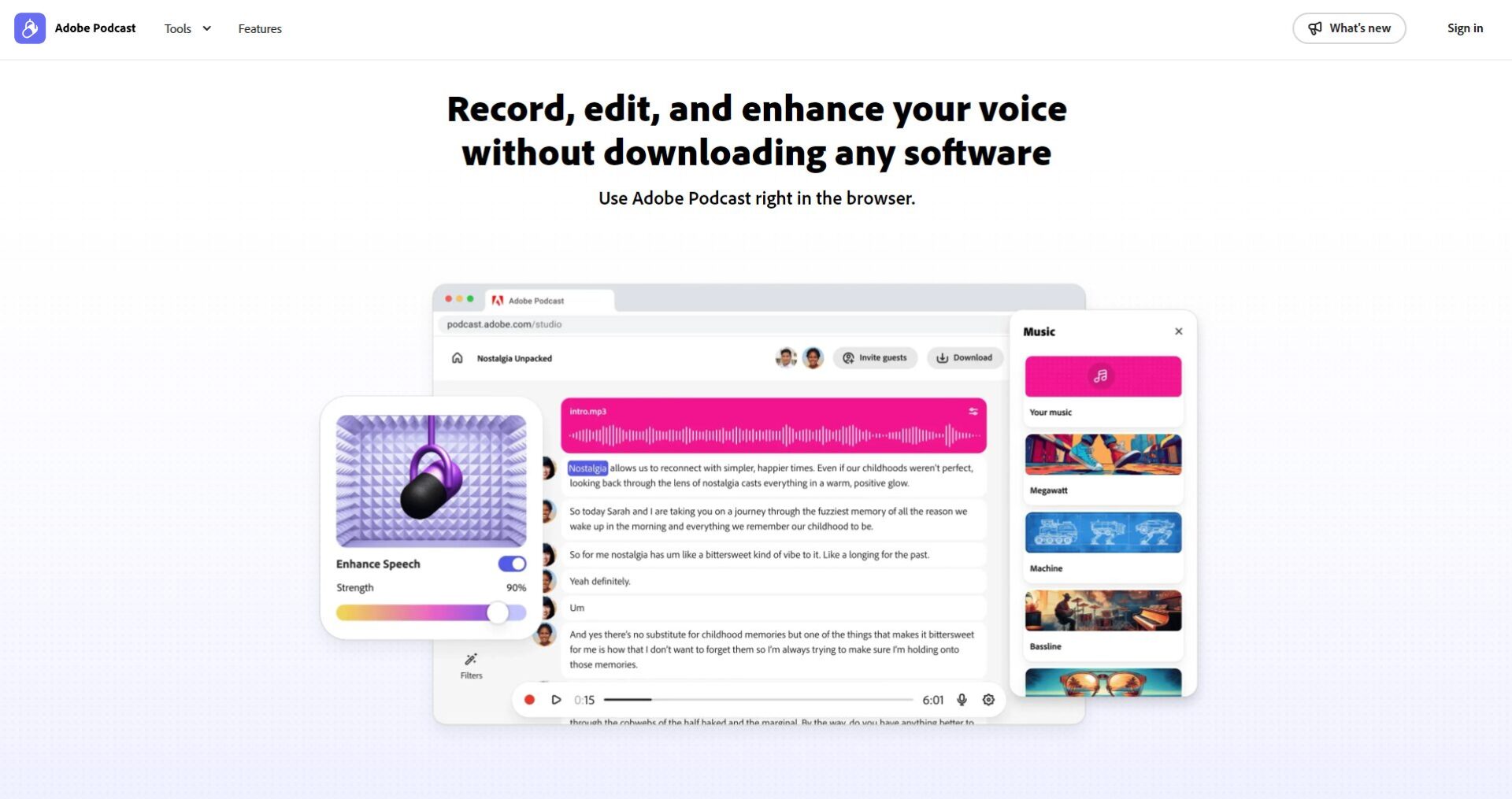
1. Enhance Speech

  • AI audio tool: Automatically enhance sound quality based on AI, even with mobile phones or entry-level microphones, to restore professional recording effects.
  • Audio (mp3, wav, m4a, etc.) and video (mp4, mov, etc.) files are supported, and the Premium version supports more batch processing.
  • It is suitable for podcast novices, online courses, media reporters and other scenarios.
  • The Premium version offers flexibility to adjust the intensity of AI processing and batch uploads.

2. Studio (Browser Real-time Recording/Editing/Subtitling)

Official website function introduction
Picture/official website function introduction
  • No installation required, the web page opens to collaborate with multiple people to record remotely, edit audio and video.
  • AI automatically converts speech to verbatim transcripts, and direct text modification is synchronized audio cutting.
  • Support multi-audio tracks, multi-camera, AI automatic subtitles and annotations.
  • The free version has a limit on project downloads, while the Premium version has no limit and can be downloaded in different channels.

3. Mic Check

  • One-click device detection, AI analyzes microphone distance, noise and echo, and gives optimization suggestions.
  • It helps novice or amateur teams easily record professional results.

Comparison table of main functions

functionFree versionPremium (Paid)
Supported formatsSingle audioAudio + video
Batch processingnotbe
AI intensity adjustmentnotbe
The maximum duration of a single gear30 minutes / 500MB2 hours/1GB
The total processing time per day1 hour4 hours
Studio Project Download2/dayboundless
Mic Check analysisbebe
AI角色扮演广告横幅

与AI角色无限畅聊,开启你的专属故事

海量二次元、三次元角色等你互动,体验真正无限制的AI角色扮演对话。立即加入,新用户登录即送6000积分!

For more detailed features, please refer to the official website function page.
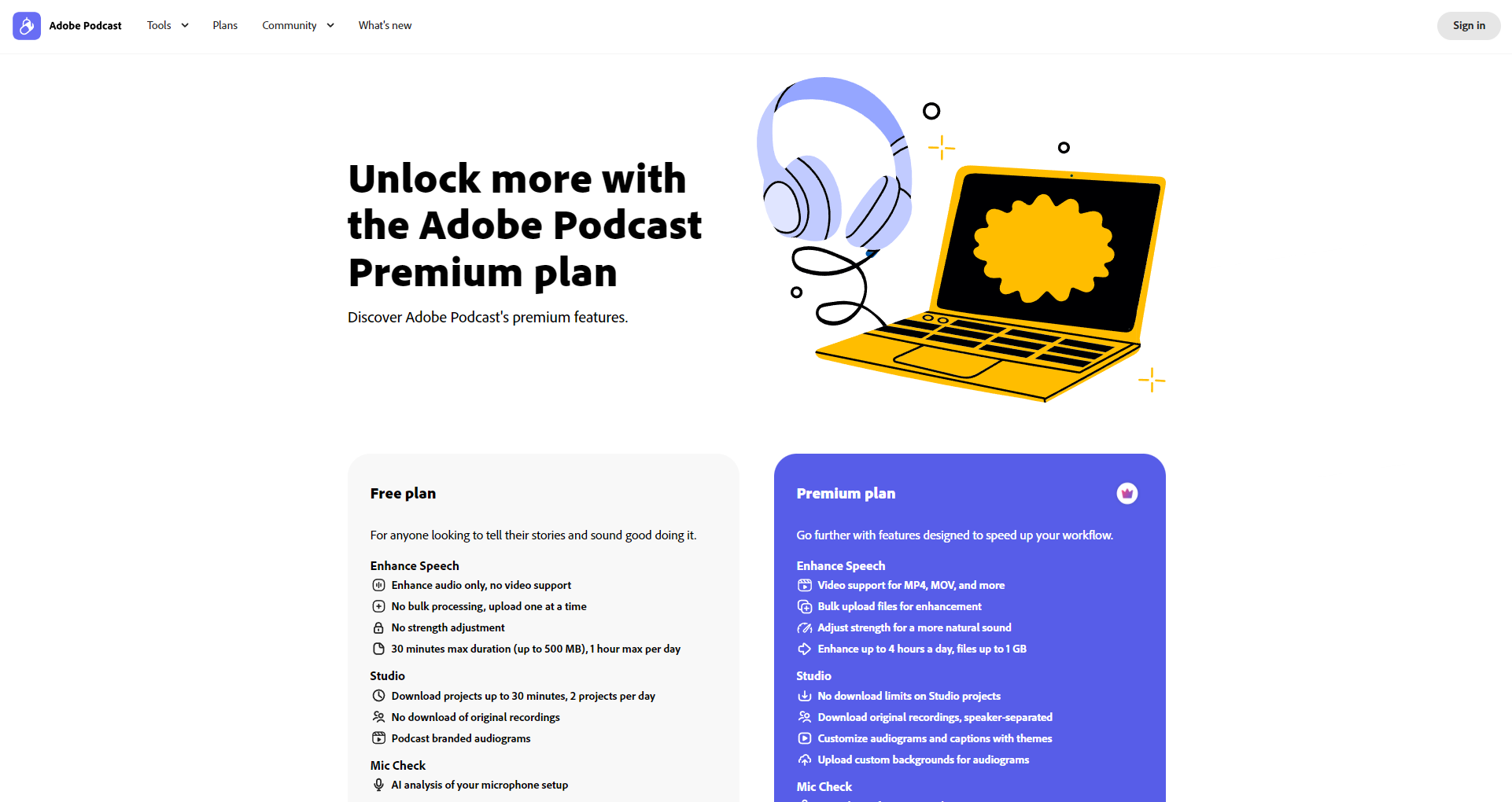
Adobe Podcast Pricing & Plans

Official Plan Details

Official pricing plan page
Picture/Official price plan page
schemePriceSupported contentApplicable people
Free version0 yuanAudio AI enhancement, basic web editing, and daily 1-hour batch quotaBeginner/Occasional Creation
Premium version$14.99/month (US pricing)Add videos, batch, intensity customization, unlimited downloads, crossover export, etcPodcast professional, content team
  • New users can apply for a 30-day free trial of Premium.
  • Support education, team, and enterprise collaboration authorization and invoicing.

How to use Adobe Podcasts

  1. Registration Login: Quick registration for Adobe account, Google, FB, Apple, etc. Free to use, Premium trial for 30 days.
  2. AI Noise Reduction Optimization: Go to the Enhance Speech tool, upload your file, and the AI will complete the processing in seconds.
  3. Studio Editing/Recording: Web recording, remote connection, automatic transcript generation, text-to-audio editing, support subtitles and export short films.
  4. Microphone Detection: One-click device analysis for AI diagnostic recommendations.

Official tutorials and forums are available for support.
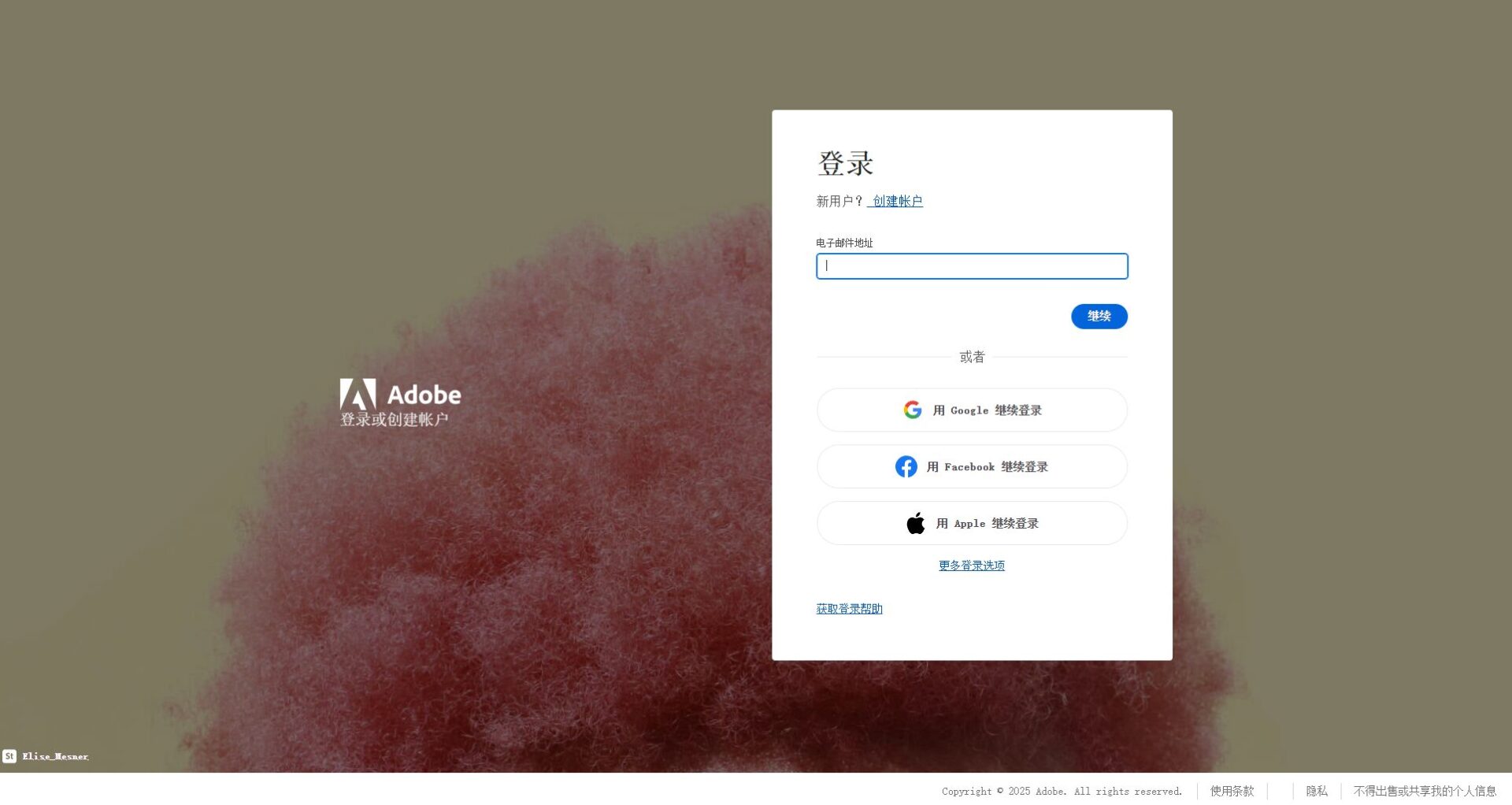
Sign up for the landing page
Picture/Registration login page

Who Adobe Podcasts is for?

  • Podcast Beginner/Personal Brand: The system is simple, directly optimize the effects of mobile phones or basic microphones.
  • Team Creators/YouTubers: Batch editing, remote multiplayer recording greatly improves collaboration efficiency.
  • Online courses, news, broadcasts: Fast batch processing to save time.
  • Education/Corporate Sector: Support group authorization to enhance the efficiency of digital content communication in enterprises.
  • No IT Foundation Volks: Drag-and-drop, no audio expertise is required for studio-quality sound quality.

Advanced features and advanced usage

  • AI transcript editing and remote recording reduce post-production time.
  • Support for multilingual transcription (best in English, gradually expanded).
  • Premium supports batch audio enhancement for videos, which is suitable for simultaneous audio and picture enhancement such as Vlogs and online classes.
  • Audiogram value-added generation such as brand templates/logos, automatic subtitles, dynamic sound diagrams, etc.
Official forum page
Photo/Official forum page

Use a comparison table for advancement

Advanced featuresFree usersPremium users
Remote multi-party simultaneous recordingIn the tankAdvanced collaboration
AI transcript editingIn the tankIn the tank
Video audio enhancementBasic formatFull support
Batch processing/clippingnotbe
LOGO removal brand templatenotbe

frequently asked questions

1. What languages are supported?

Currently, English transcripts are the best, and other languages are gradually being tested and developed.

2. Can I process videos for free?

The free version only supports audio, and video noise reduction requires Premium. You can sign up for a trial experience.

3. Do I need to download and install the app?

No installation required!All operations are completed on the web side, across Windows/Mac/iPad, etc., and can be used in mainstream browsers.

4. What devices and browsers are supported?

Compatible with Windows, Mac, and mainstream browsers (Chrome, Edge, etc.), it is recommended to set up and optimize the microphone.

On the wave of the AI audio revolution, Adobe Podcasts is setting a new standard for content creation. If you also want to use AI to efficiently create high-quality content, welcome to visit the official website of Adobe Podcast to open up a new future of your voice!

AI角色扮演广告横幅

与AI角色无限畅聊,开启你的专属故事

海量二次元、三次元角色等你互动,体验真正无限制的AI角色扮演对话。立即加入,新用户登录即送6000积分!

数据统计

数据评估

Adobe Podcast浏览人数已经达到8,如你需要查询该站的相关权重信息,可以点击"5118数据""爱站数据""Chinaz数据"进入;以目前的网站数据参考,建议大家请以爱站数据为准,更多网站价值评估因素如:Adobe Podcast的访问速度、搜索引擎收录以及索引量、用户体验等;当然要评估一个站的价值,最主要还是需要根据您自身的需求以及需要,一些确切的数据则需要找Adobe Podcast的站长进行洽谈提供。如该站的IP、PV、跳出率等!

关于Adobe Podcast特别声明

本站AI 喵导航提供的Adobe Podcast都来源于网络,不保证外部链接的准确性和完整性,同时,对于该外部链接的指向,不由AI 喵导航实际控制,在2025年11月27日 下午6:33收录时,该网页上的内容,都属于合规合法,后期网页的内容如出现违规,可以直接联系网站管理员进行删除,AI 喵导航不承担任何责任。

相关导航

暂无评论

none
暂无评论...
