

Meitu AI PPT
Meitu AI PPT is an innovative tool that uses AI to generate and intelligently beautify PPTs with one click. No design skills are required; simply input a theme to efficiently produce professional presentation documents.
Adobe Image Background Remover is an online AI image background removal tool launched by Adobe. It supports one-click background removal and real-time preview, is compatible with various image types, and is extremely easy to use, making it suitable for e-commerce, design and other application scenarios.
 Adobe AI Image Generator
AAdobe AI Image Generator: Creating Infinite Visual Possibilities with Text
Adobe AI Image Generator is an AI-based image generator developed by Adobe.Online image generation toolsUsers can create high-quality, diverse original images simply by providing text descriptions. The tool supports multiple artistic styles, seamlessly integrates with Adobe Express for in-depth editing, and offers both basic free and paid extended features. Whether for creative design, content marketing, or personal entertainment, it unlocks entirely new ways of creative production.
In recent years, AI image generation technology (AIGC) has played an increasingly important role in various scenarios such as design, content creation, and advertising. Among these,Adobe AI Image Generator(Official website link)As one of the core applications of Adobe Firefly AI models, Adobe AI Image Generator is becoming a widely acclaimed solution in the industry, greatly expanding users' creative boundaries and improving productivity. This article will provide an in-depth analysis of Adobe AI Image Generator's core functions, pricing and solutions, usage methods, and target audience from multiple perspectives, comprehensively showcasing the tool's highlights and practical application value.
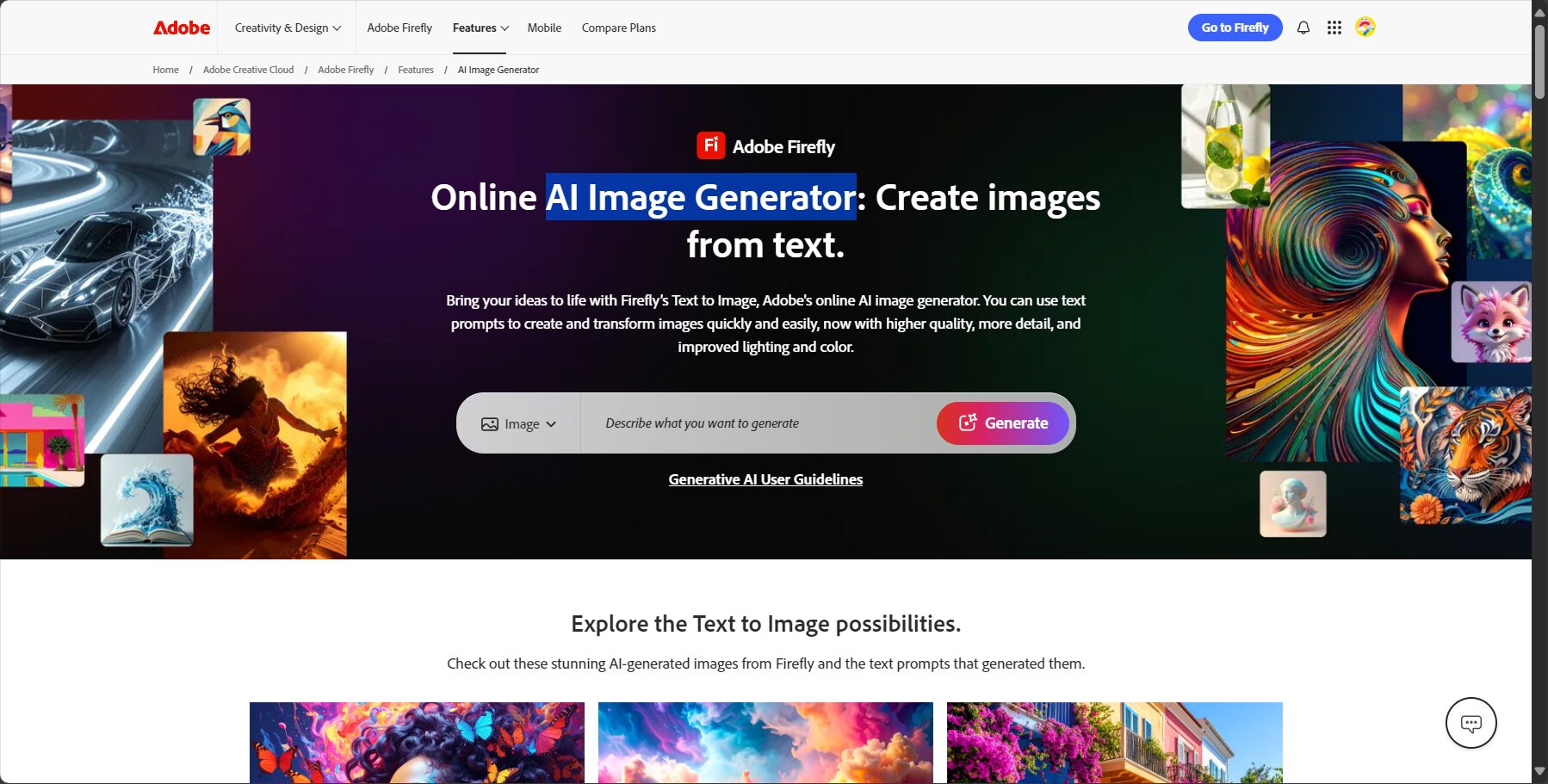
Adobe AI Image Generator(Accessed online) Leveraging the Adobe Firefly AI model, its core advantages are:
I. Text-to-Image Generation
II. Abundant Style and Effect Control
III. Enhanced Editing and Derivative Functions
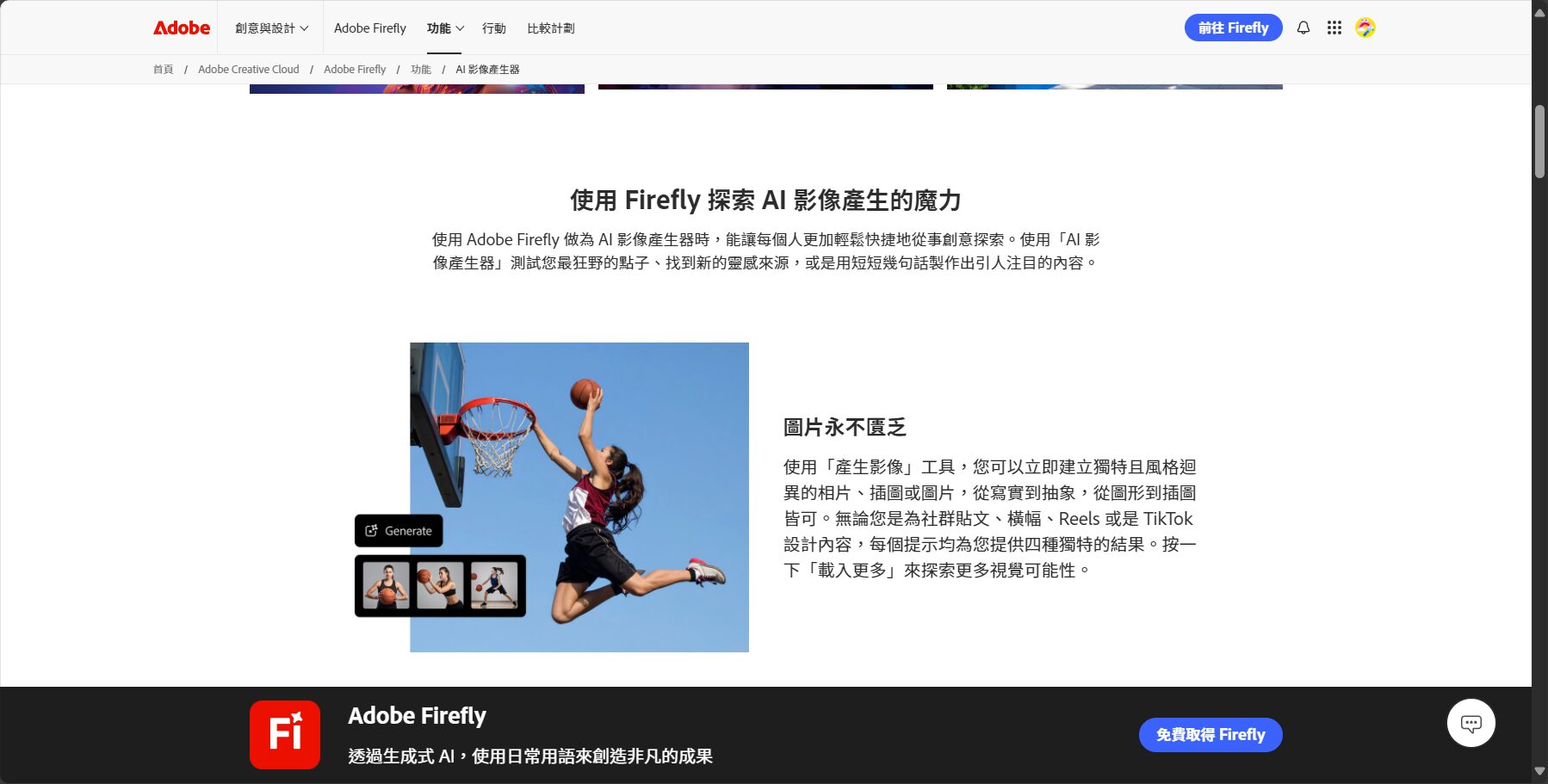
Featured Function Table
| Function Name | illustrate |
|---|---|
| One-click AI text-to-image generation | Enter text description and automatically generate original images. |
| Diverse style models | Built-in photo, art, anime and other styles to choose from |
| Multi-format high-definition output | Supports JPG, PNG, and other formats to meet high-definition display and printing needs. |
| Online editing extension | It can be seamlessly integrated with Adobe Express for secondary design. |

For more detailed tool instructions, please visit [link/website/etc.].Adobe AI Image Generator official websitelearn.
Adobe AI Image Generator employs a strategy of offering a basic free feature plus paid extended functionality, using "generative points" for measurement to meet the diverse needs of different user levels.
Free Plan
Paid Premium Version (Adobe Express Paid)
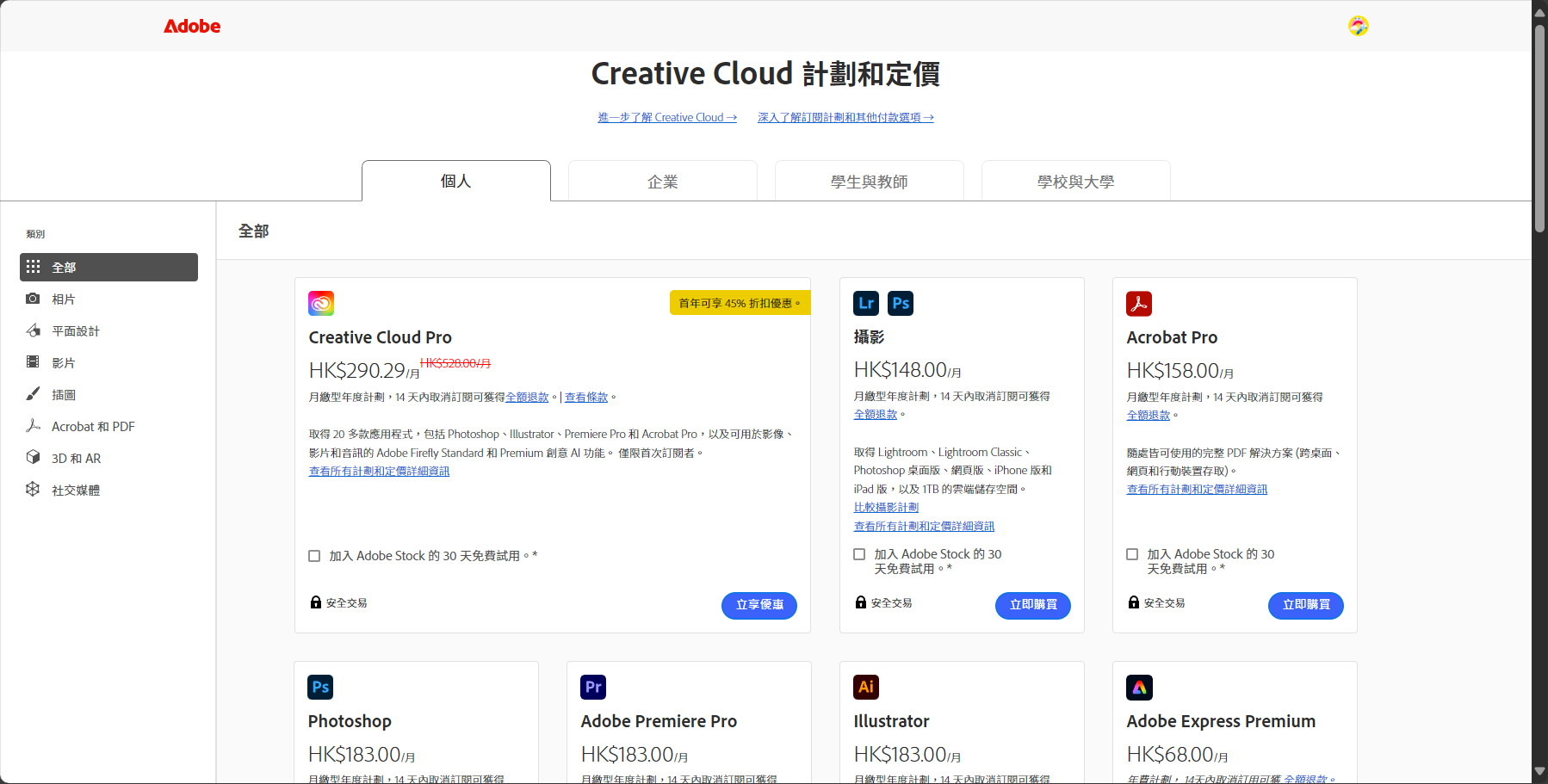
Price list (June 2024 version, for reference only)
| plan | Price (USD/month) | Main functions |
|---|---|---|
| Free Basics | 0 | 25 generative points per month, basic editing |
| Adobe Express Membership | 9.99 | 250 generative points per month, all premium templates, 100GB cloud storage, etc. |
For detailed pricing information, please visit [website address].Adobe Express pricing page。
Adobe AI Image Generator emphasizes "accessibility for everyone, even those with no prior experience." The process is simple and supports both desktop and mobile browsers. Here is a detailed step-by-step guide:
Detailed usage instructions (operation checklist)
| step | describe |
|---|---|
| 1. Visit Adobe AI Image Generator | Open the official online tools page |
| 2. Enter your text description | Describe the content, style, and composition of the image in detail. |
| 3. Choose a style and effect | Adjust parameters to obtain more accurate results |
| 4. Click Generate and Preview | AI generates multiple alternative images for you to choose from. |
| 5. Download or go to Adobe Express editor. | Save the final file or create a second edit. |
The emergence of Adobe AI Image Generator (the entry point) has injected new vitality into creative work across various industries. It is suitable for users including, but not limited to:
Adobe AI Image Generator, as a cloud service, has broad device compatibility.
| Compatible devices | Supported output formats | Commercial use |
|---|---|---|
| Windows, Mac, mobile devices | JPG, PNG | Support (designed specifically for commercial security) |
| Common browsers | – | – |
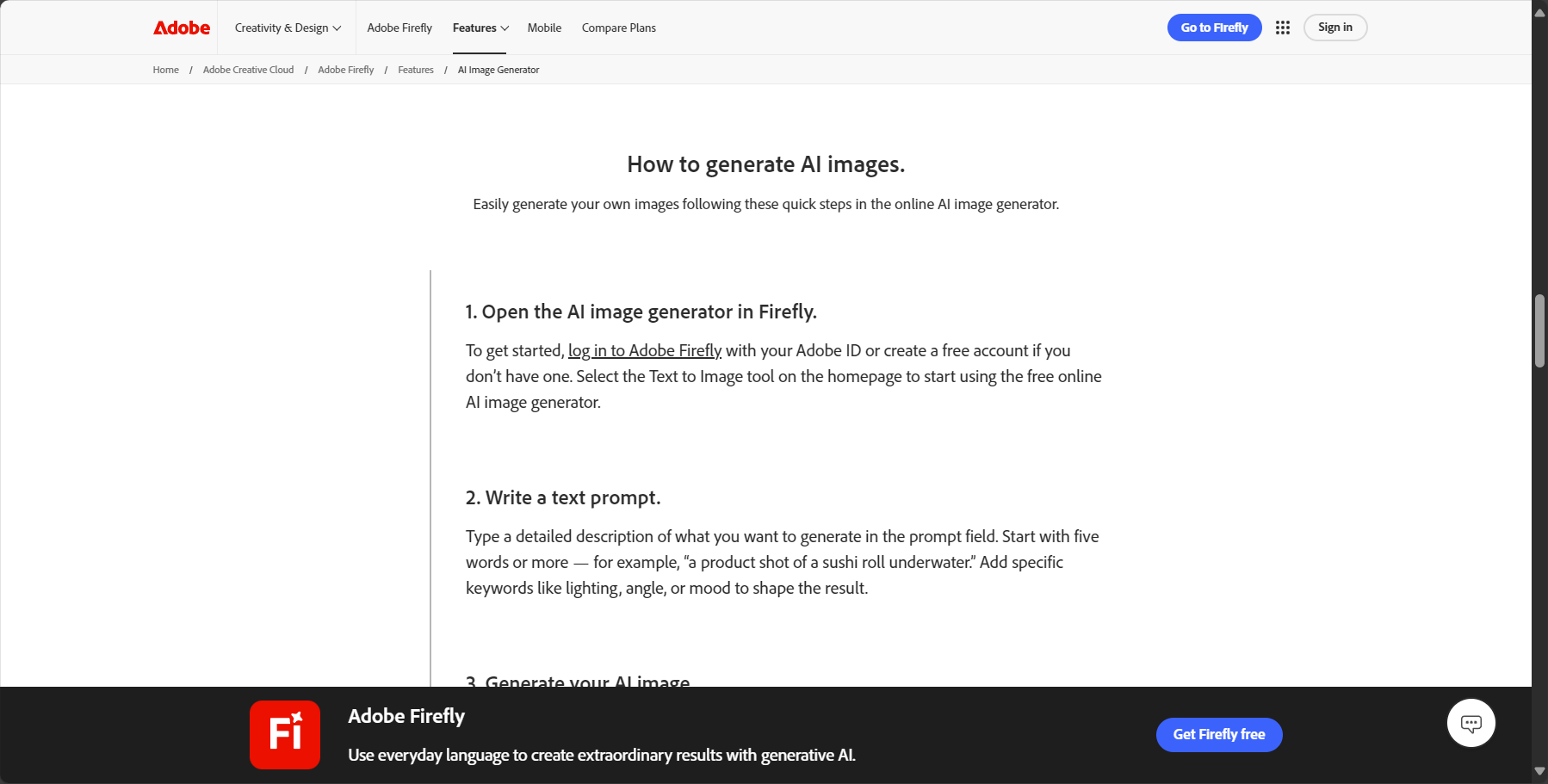
In practical use, Adobe AI Image Generator stands out due to its commercial security and seamless integration with the Adobe ecosystem.
| Tool Name | Commercial use rights | Training data source | Editing capabilities | Platform Ecosystem | User experience |
|---|---|---|---|---|---|
| Adobe AI Generator (Firefly) | Explicit support, specifically for commercial security | Adobe Stock, Public Domain Content | Extremely strong | Powerful (Adobe suite) | User-friendly interface |
| Midjourney | Paid subscription required | Not disclosed | Weak | Weak (based on Discord) | The instructions are relatively complex. |
| Stable Diffusion | Open source, complex copyright issues | Open source datasets | Dependency Plugin | Weak (requires local deployment/third-party platform) | High technical threshold |
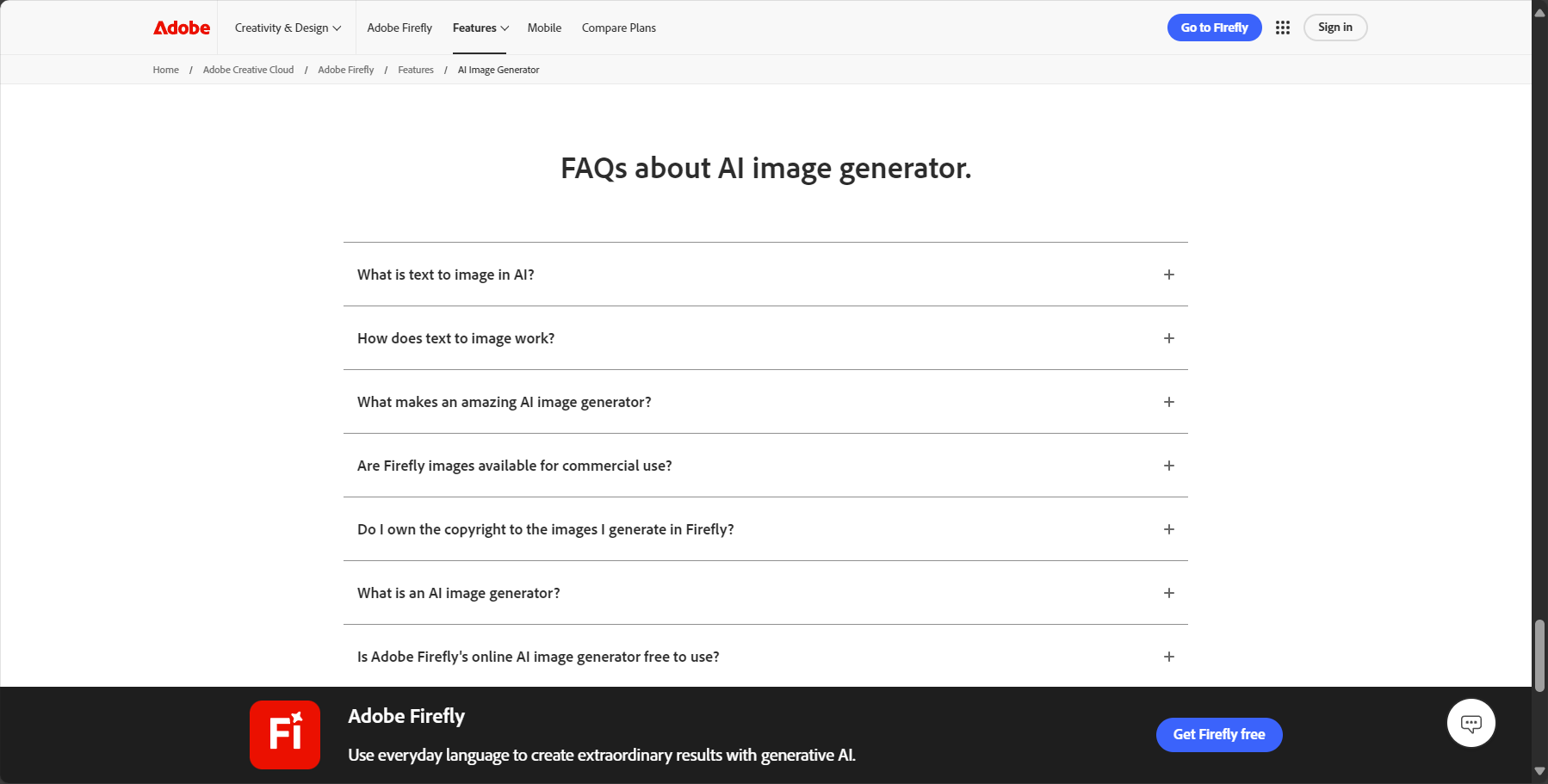
What are "generative points"? What happens when you run out?
Generative points are a unit used to calculate the usage of AI-generated features. Free users receive points automatically each month, while paid users have more points. Once used up, users can choose to wait for next month's update or purchase additional point packs.
Is Adobe AI Image Generator completely free?
Basic functionality includes a free monthly "Generative Points" credit. A VIP membership is required for high-volume generation or to use advanced design features within the Adobe Express platform. For details, please visit the official website.
Can the generated images be used for commercial purposes?
Yes. Adobe Firefly models are designed for commercial security, and their training data comes from Adobe Stock licensed content and public domain content, so the generated images can be safely used in commercial projects.
Adobe Image Background Remover is known for its powerful AI image background removal capabilities, user-friendly interface, and seamless integration with Express Creative Tools.This has become a rare gem in the field of AI vision tools. Its ease of use has profoundly changed content production efficiency, making it a popular choice for both beginners and professionals. To experience efficient and intelligent image background removal, please visit [website/platform name].Official websiteTry it yourself.
This site's AI-powered navigation is provided by Miao.Adobe AI Image GeneratorAll external links originate from the internet, and their accuracy and completeness are not guaranteed. Furthermore, AI Miao Navigation does not have actual control over the content of these external links. As of 7:28 PM on September 10, 2025, the content on this webpage was compliant and legal. If any content on the webpage becomes illegal in the future, please contact the website administrator directly for deletion. AI Miao Navigation assumes no responsibility.
