
YouTube Summarizer
YouTube Summarizer is an AI writing tool that can automatically generate summaries of YouTube videos and supports export in multiple formats.
MeetGeek is an AI-driven intelligent meeting recording and collaboration platform that can automatically transcribe and generate AI meeting minutes, and integrate with major office software to improve team meeting efficiency.
 MeetGeek
MeetGeekIt is aAI Meeting Assistant Tool,passAutomatic transcription, multilingual support, AI-powered meeting minutes, intelligent analytics, and process automationFeatures such as these help businesses and teams improve meeting efficiency, reduce manual note-taking, strengthen team knowledge management, and protect data privacy with enterprise-level security standards. The tool seamlessly integrates with mainstream meeting and collaboration platforms, is suitable for multiple industries and roles, and offers both free trials and advanced professional features, propelling smart office work into a new era.
Against the backdrop of the digital office wave and the acceleration of remote collaboration,High-efficiency meeting managementThis has become a crucial issue for enterprise digital transformation. AI-powered meeting assistant tools are gradually becoming core tools for improving productivity and optimizing information flow. As a new generation of intelligent meeting platforms,MeetGeekWith its powerful features such as automatic transcription, AI-powered meeting minutes, process automation, and team collaboration, it is helping numerous companies worldwide significantly improve meeting efficiency and unleash organizational vitality.
This article will provide a comprehensive analysis of MeetGeek from a professional perspective.Official website linkThis will allow business managers, IT leaders, and innovators to see the true power of this AI conferencing platform.
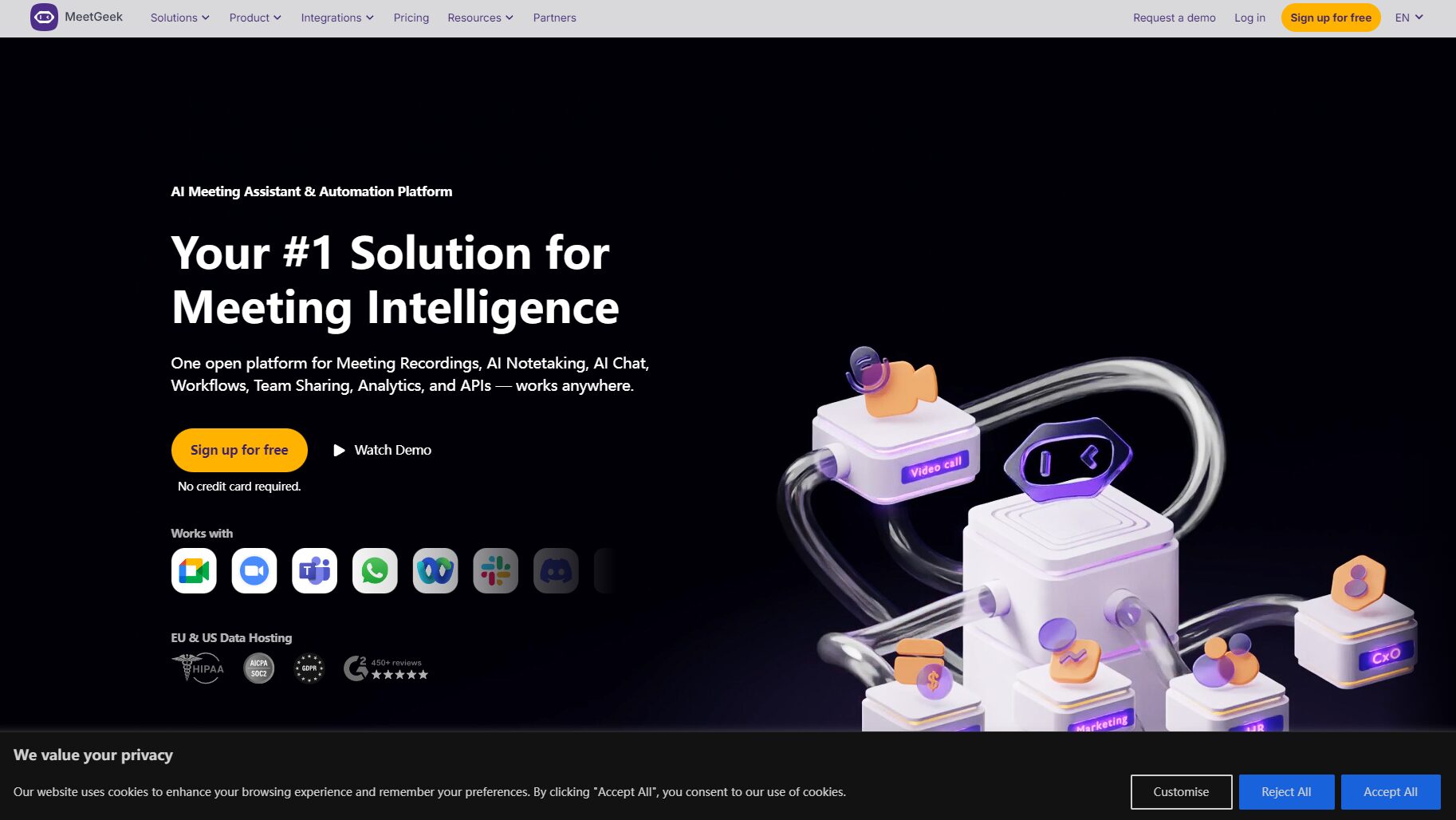
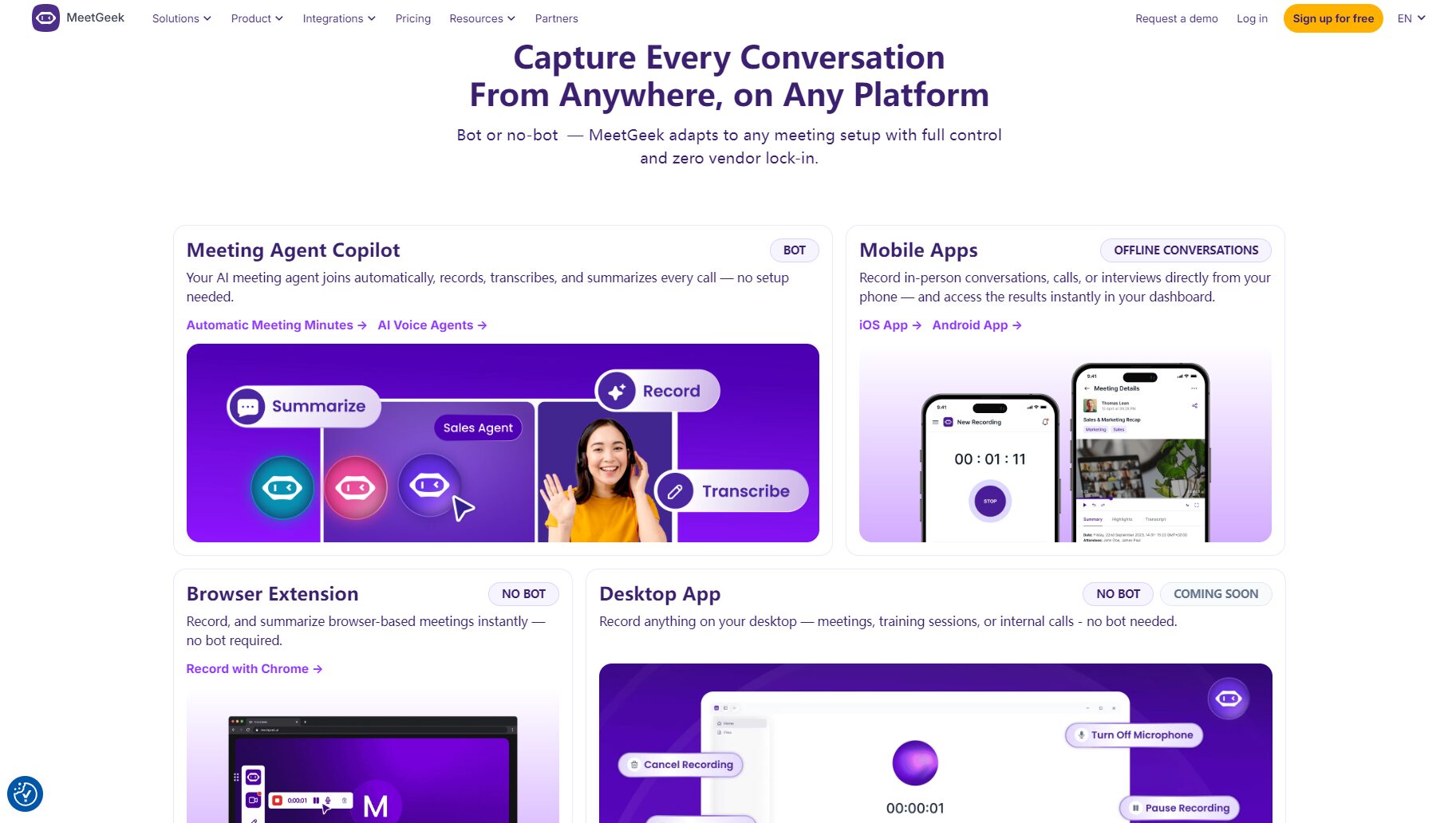
MeetGeek is a collection of...AI-powered automatic recording, transcription, meeting minutes, intelligent analysis, and automated processes.MeetGeek is an all-in-one intelligent meeting assistant tool. Through deep integration with mainstream meeting platforms such as Zoom, Google Meet, and Microsoft Teams, MeetGeek not only automatically records audio and video, but also uses Natural Language Processing (NLP) technology to transcribe conversations into structured text in real time, automatically summarizing meeting summaries, action items, decisions, highlights, and follow-up matters, significantly reducing the time spent on manual note-taking and content organization.
Platform entry:https://meetgeek.ai/
MeetGeek currently serves over 30,000 teams worldwide, covering various types of organizations including IT, sales, HR, human resources, marketing, education, startups, and non-profit organizations.
MeetGeek aims to "make every minute of a meeting valuable," and has designed a comprehensive, multi-role, and multi-layered functional system. Its core capabilities are as follows:

| Function | MeetGeek | Otter.ai | Fireflies.ai |
|---|---|---|---|
| Automatic recording and transcription | ✓ Supports 50+ languages and multi-role recognition | English preferred | Supports multiple languages |
| Custom Meeting Summary | ✓ Supports multiple templates and structured minutes | Weakly structured | Fewer templates |
| Automatic Event Tracking | ✓ AI automatically extracts action items/division of labor | Need to be picked by hand | Partially automatic |
| Deep integration across multiple platforms | ✓ Full support for Slack/Notion and more | Limited integration | Some integration |
| AI Analysis and Insights | ✓ Team trends/sentiment/engagement, etc. | There is basic analysis | Some data analysis |
| Team collaboration permissions | ✓ Supports team space/permission management | Team space | There is a team |
| Data security/compliance | SOC2/GDPR/HIPAA/Optional Storage | Basic encryption, no regional autonomy | Standards compliance |
| Free Plan | Yes (see below for details) | 有 | 有 |
MeetGeek offers flexible pricing, covering both free and multi-tiered paid plans, to suit teams of different sizes and business needs:
| plan | Price (monthly/annual) | Main functions | Applicable to |
|---|---|---|---|
| Basic | Free (Beginner Level) | Transcription every 3 hours/month, AI summarization, storage for 3 months | Personal/Trial |
| Pro | $15/month (Annual payment from $10.5/month) | Transcription 20 hours/month, HD recording, integration, templates, automation, 6 months of storage | Small groups/freelance |
| Business | $29/month (Annual payment from $20.3/month) | 100 hours/month, team space, in-depth analysis, permanent transcription archive, 12 months of storage | Departments/Small and Medium Enterprises |
| Enterprise | $59/user/month (customized) | Unlimited transcription, enterprise-level access control, private deployment, and customization support. | Large enterprises/organizations |

All paid plans come with a 14-day trial period.Detailed pricing and features are available at [website address].Pricing page。
Exclusive discounts are available for non-profit/education/entrepreneurship individuals. See details:Application portal
| plan | Free (Basic) | Professional (Pro) | Business | Enterprise |
|---|---|---|---|---|
| AI transcription duration | 3 hours/month | 20 hours/month | 100 hours/month | unlimited |
| File storage period | 3 months | 12 months | unlimited | unlimited |
| Role Management/Team | – | – | 有 | Global Customization |
| Intelligent Insight Analysis | – | – | 有 | 有 |
| HD recording | – | ✓ | ✓ | ✓ |
| Corporate Compliance/Domain Name | – | – | – | 有 |
| API/Automation | – | 有 | 有 | 有 |
Package details and real-time offers:Click to view
MeetGeek is committed to "painless deployment and zero learning curve," empowering the entire organization in just a few steps:
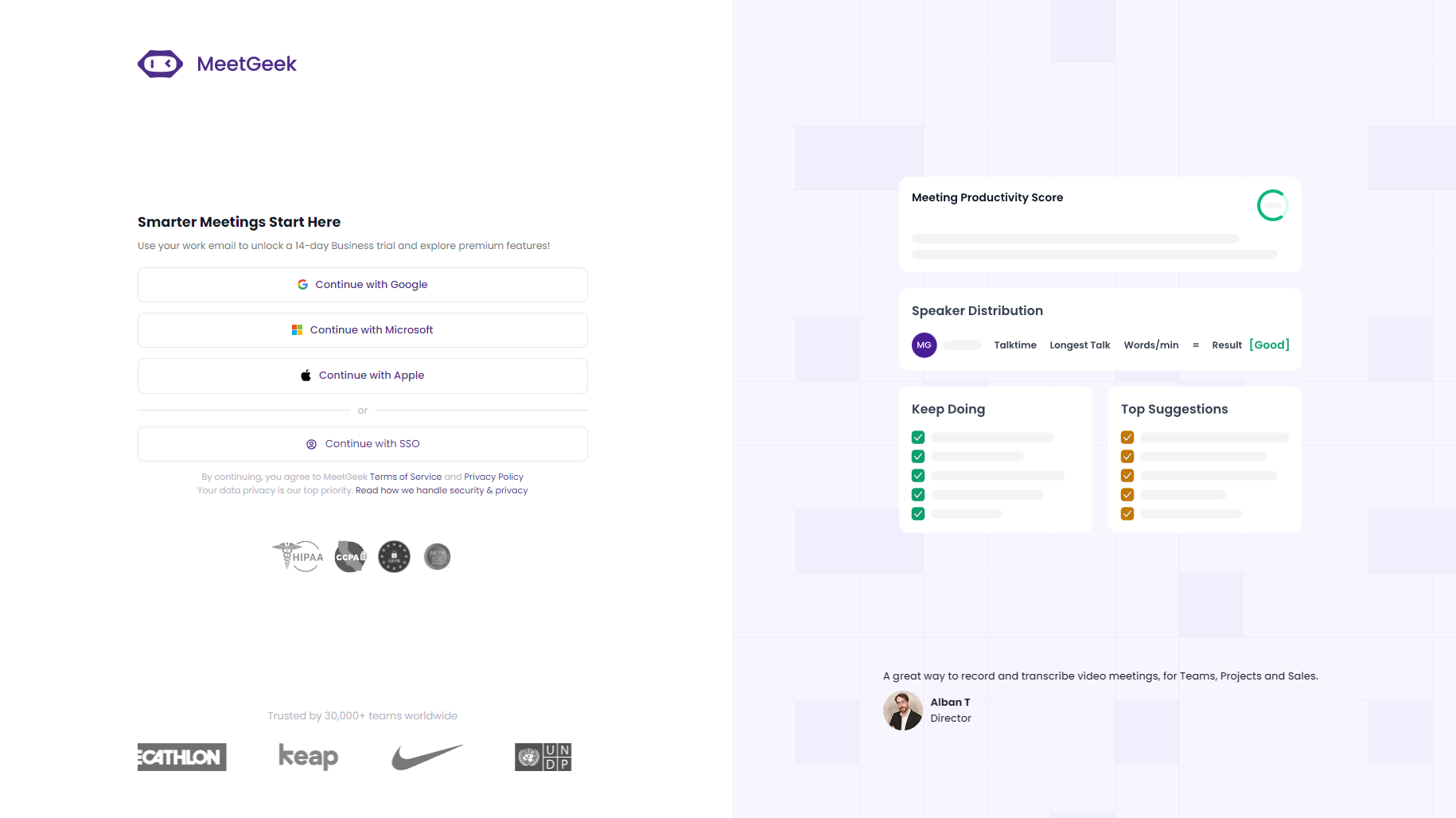
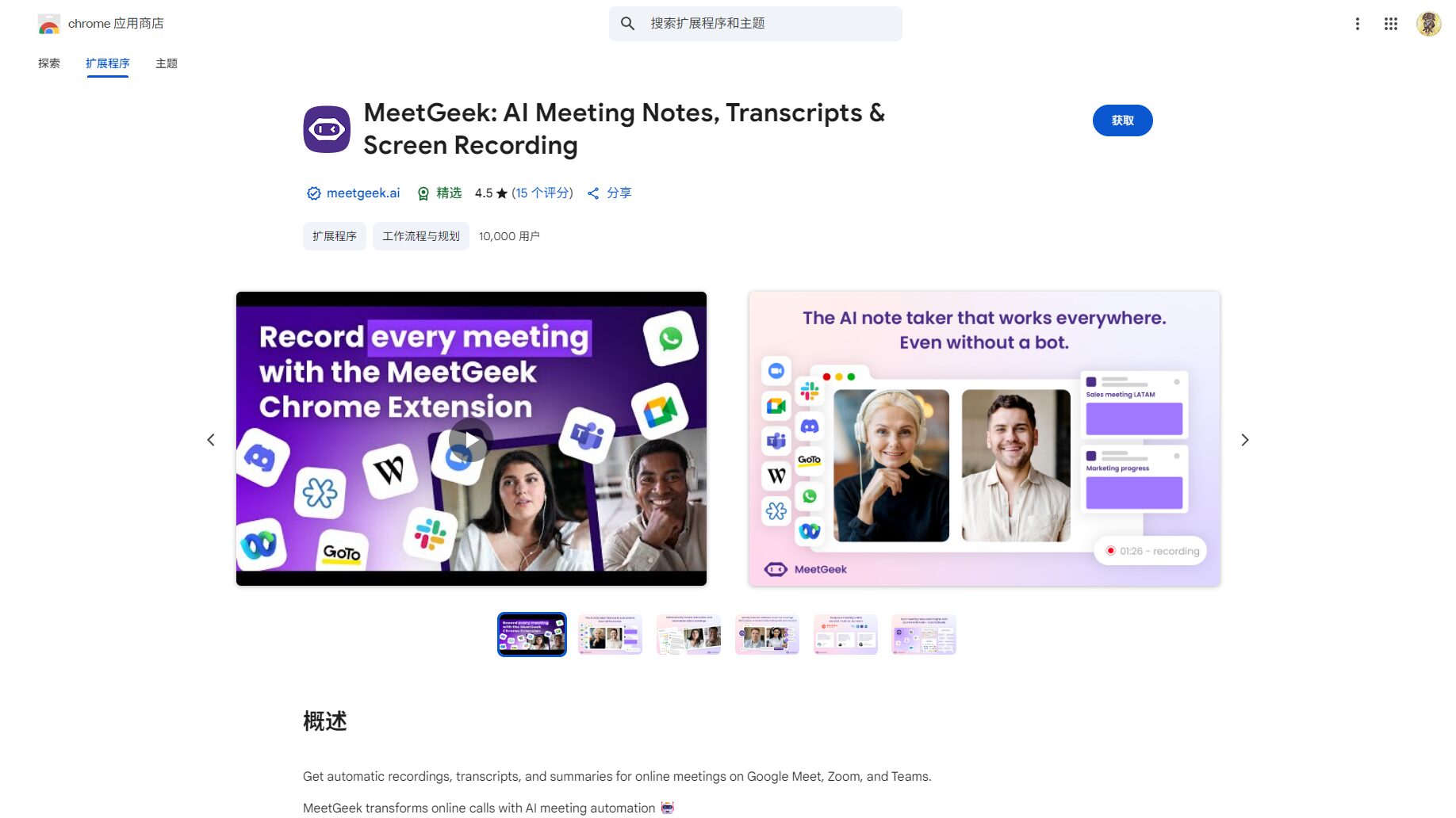
For user guide and detailed instructions, please refer to...Official Support Center
It is applicable to all types of businesses, from small freelancers to large global corporations.
MeetGeek has natively integrated with more than ten SaaS tools, and its API is open, allowing for deep integration and automated task workflows that can be customized within enterprise processes.
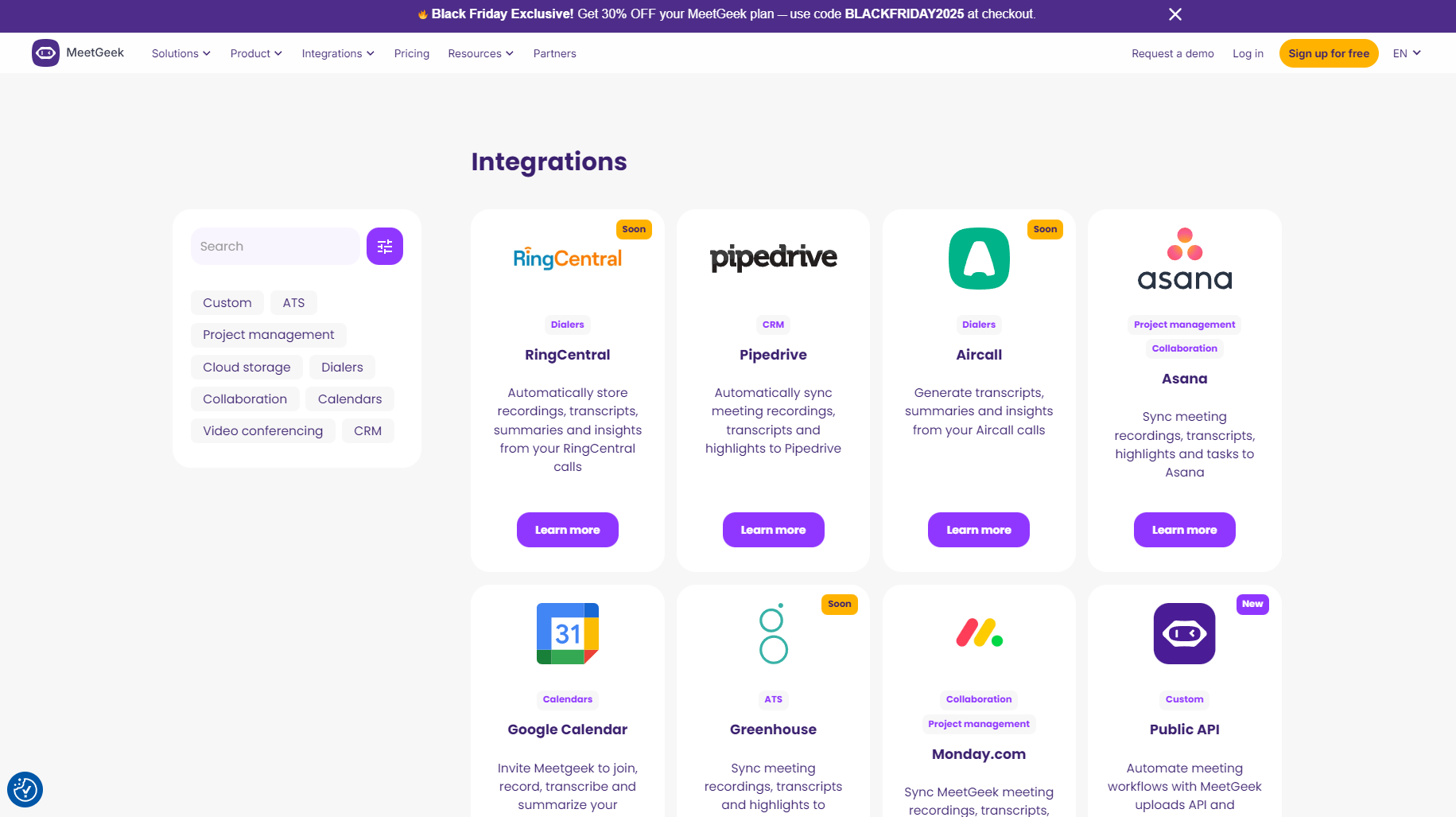
| Tools Category | Typical tool examples | Support methods |
|---|---|---|
| videoconference | Zoom, Teams, Google Meet | Native Access |
| Collaboration/Notification | Slack, Notion | Native Access |
| Project/Task Management | ClickUp, Jira, Trello, Asana | Zapier et al. |
| cloud storage | Google Drive | Native Access |
| CRM | Salesforce, HubSpot | Native Access |
| Automation Platform | Zapier, Make | Native Access |
| AI assistant/self-built system | MCP Server, REST API | Open Interface |
View details and apply for integration:Integrated Page
Safety policy details and report application:Security Center

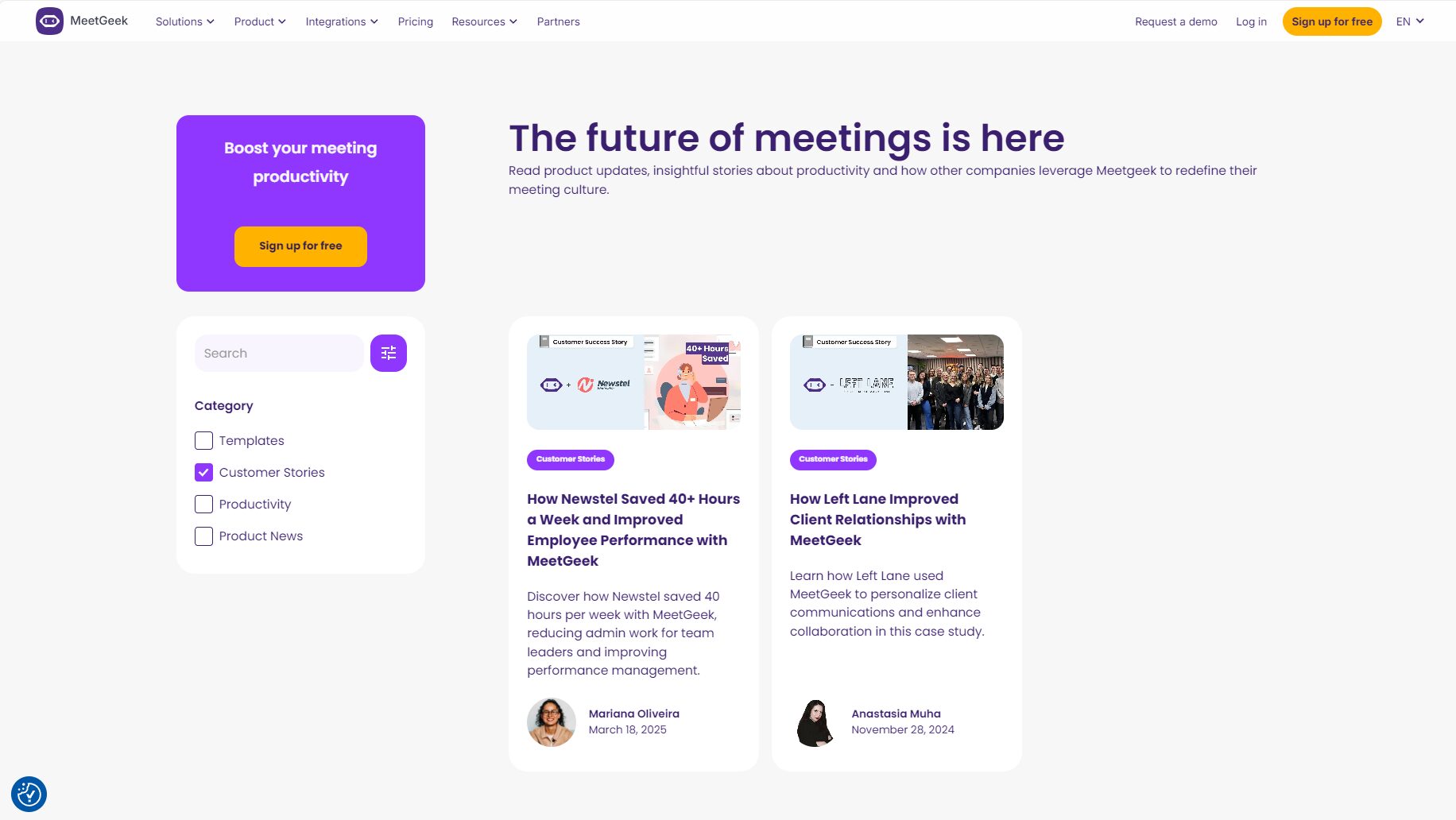
In the past two years, MeetGeek has been adopted by globally renowned teams from various industries, including Apple, Nike, Salesforce, and UNDP, achieving the following results:
Real-world case studies and user stories are available at [website address].Customer Case Library
MeetGeek supports multi-team, multi-domain, and hierarchical permission configurations, allowing administrators to centrally manage users, data, integrations, APIs, and security policies. Meeting data is centrally archived, analyzed by department, and automatically synchronized with core business systems. It fully supports compliance, project-based distribution, and independent departmental spaces.
Detailed answer:Safety and compliance details
Yes. MeetGeek supports native integration with mainstream systems such as Salesforce, HubSpot, Pipedrive, Slack, and Notion, and also supports synchronization to tens of thousands of applications via tools such as Zapier/Make. Meeting summaries, transcripts, key moments, tasks, etc., can all be automatically pushed and synchronized without manual handling.
For details on the integration entry point, please see:Integrated Catalog
MeetGeek employs enterprise-grade data encryption, independent data zone storage, and customizable retention policies. It complies with international compliance standards such as SOC2, GDPR, HIPAA, and CCPA, and features professional penetration testing and security incident monitoring. Users have complete autonomy over data access and sharing, and can choose whether their data resides in the EU or the US.
Security certification and protocol application portal:Security Center
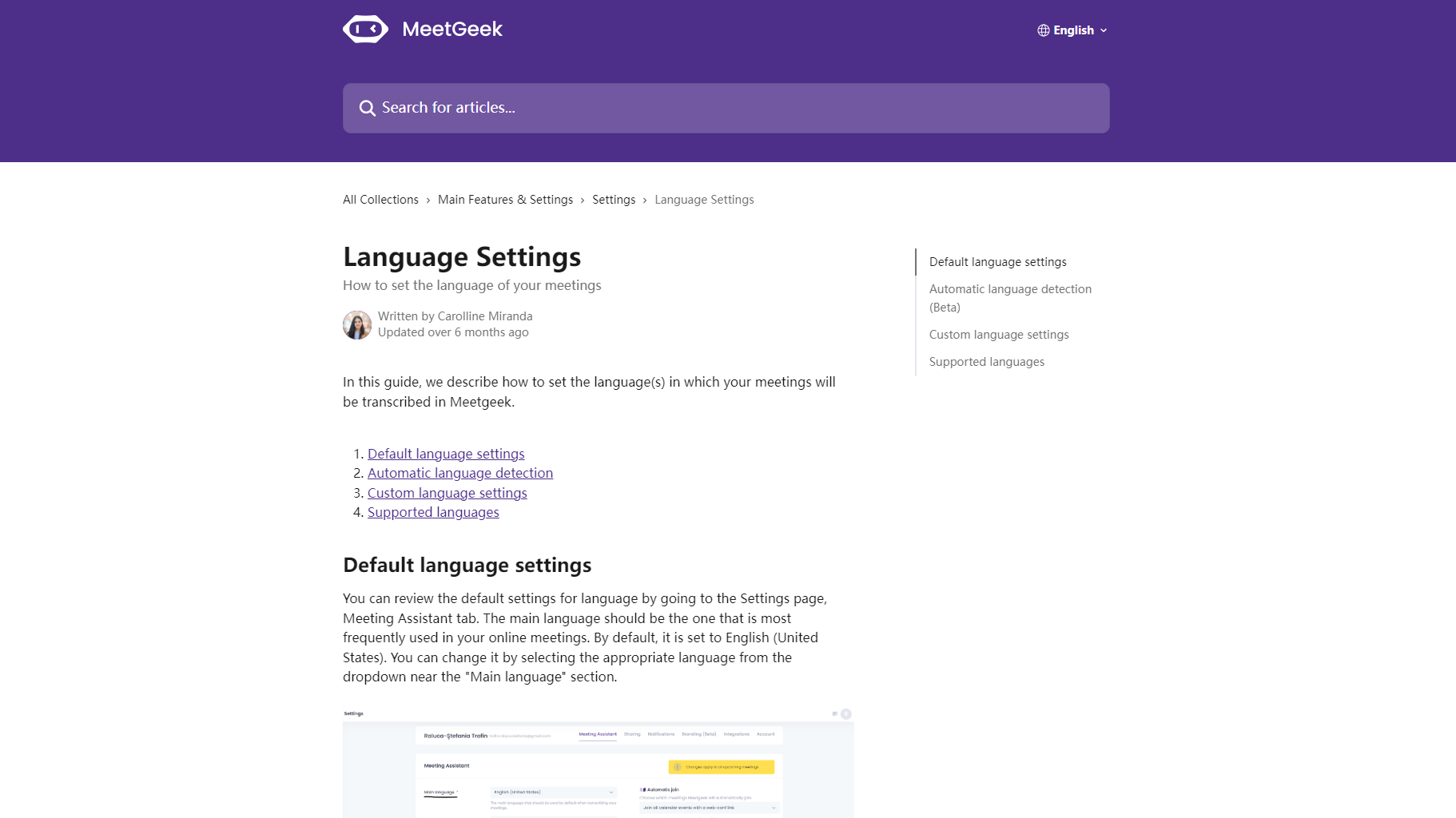
Supports 50+ languages (see details)Supported Languages ListIt automatically recognizes and archives the language during meetings and supports multiple regional dialects. It is ideal for cross-border teams and international conferences, eliminating language barriers.
MeetGeek's basic version is permanently free, while paid plans offer a 14-day free trial. Nonprofit organizations, educational institutions, and startups can enjoy long-term discounts of up to 30%.All features are free to try. See details.Pricing plans and trial policies。
In the AI-driven trend of smart offices, automated meeting assistants like MeetGeek are constantly redefining the boundaries of enterprise meeting collaboration. If you're looking to improve communication efficiency, standardize meeting knowledge archiving, and break down team "information silos," try MeetGeek now and turn AI into a productivity growth driver.
(For more information, please visit [website address]) MeetGeek Official Website、Register and experience, or readFeature details page和Client Cases)
Intelligent conferencing starts with MeetGeek!
This site's AI-powered navigation is provided by Miao.MeetGeekAll external links originate from the internet, and their accuracy and completeness are not guaranteed. Furthermore, AI Miao Navigation does not have actual control over the content of these external links. As of 5:25 PM on November 19, 2025, the content on this webpage was compliant and legal. If any content on the webpage becomes illegal in the future, please contact the website administrator directly for deletion. AI Miao Navigation assumes no responsibility.
